Every image model
One workspaceShots you can build from a photo
Add a photo to video in three steps
- 01
Open Morphic
Sign up and start creating on a free-flowing, infinite visual canvas.
- 02
Upload your photo
A product shot, a portrait, a piece of artwork, or a whole folder of stills.
- 03
Place it and generate
Say where the photo sits and how the shot moves, then assemble the cut on Compose.
Use cases
Put a product into a scene you never shot
One clean pack shot becomes the hero of a rain-slick street, a lit studio, or a kitchen counter. The photo fixes the label and the silhouette, the prompt supplies the location, and you skip the set build entirely.
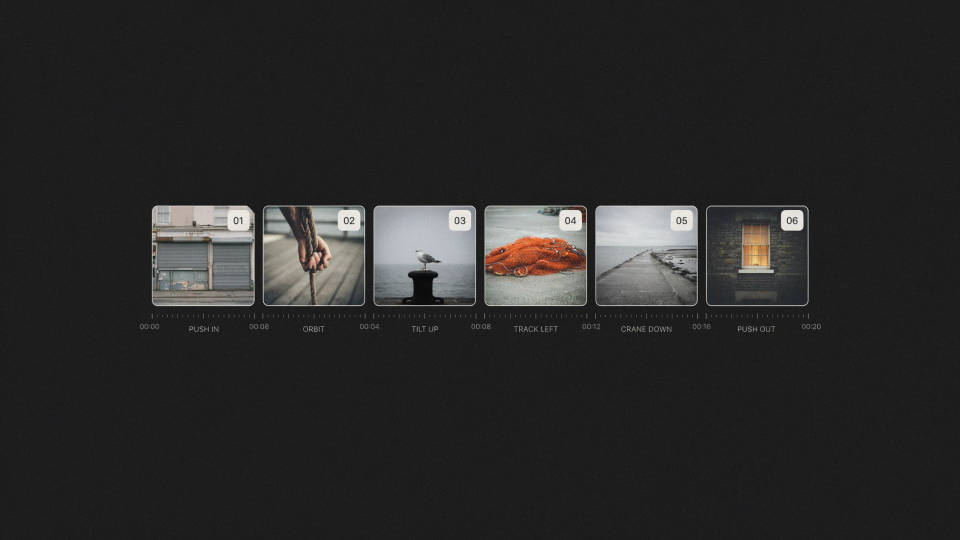
A folder of photos, cut as a sequence
Give each still its own move and lay the shots along a track. A shoot, a trip, or a launch archive plays as an edit with motion in every frame, not a slideshow that fades between static pictures.
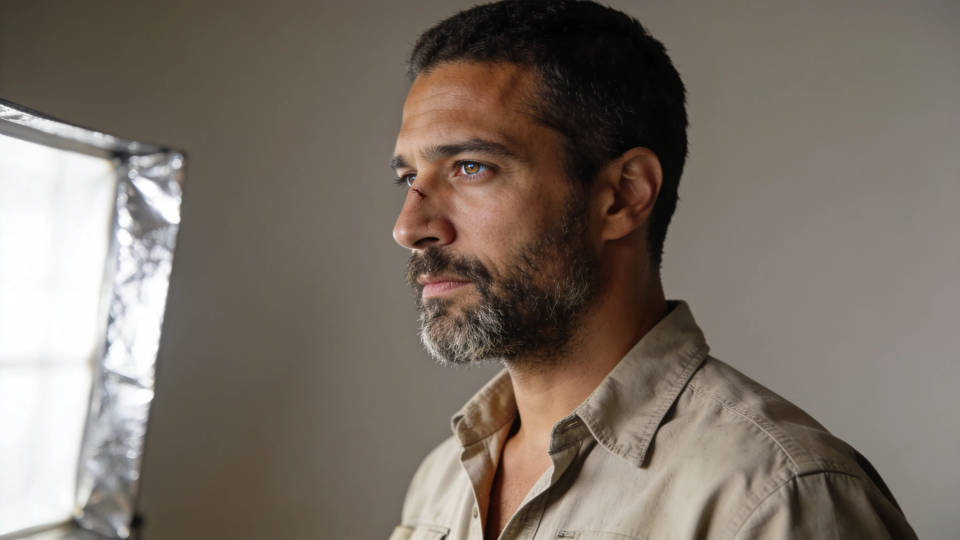
Keep one face across every shot
Start each shot from the same portrait and the person stays themselves from cut to cut. That consistency is what lets a founder, a model, or a mascot carry a whole sequence without a single call sheet.
Fill the shot your footage is missing
You have the clips but not the establishing frame, the insert, or the reaction. Generate it from a photo you already own so the new shot matches the material around it and drops straight into the timeline.
Cinematic scene
One image to a 9-scene cinematic video.
Put yourself in a movie
Drop in a photo of yourself. Get a 12-second cinematic movie with animation and a matched soundtrack.
Time-freeze effect
Cinematic time-freeze short film for any scene
Short film creator
Go from any idea to a finished short film with scenes, visuals, video, and music.
Renovation timelapse
Photo of any real-estate becomes a cinematic renovation timelapse video with construction SFX and music.
Motion transfer
Pair a character image with a reference video. Your character picks up that exact motion.
All on Morphic
From one still to a finished cutModels
Seedream 5 Pro, Nano Banana Pro, Flux 2 Pro, Ideogram 4.0, and more. Swap models mid-project any time.
Image to video
Animate a single still and direct the camera move with a prompt.
AI montage maker
Cut your photo shots to the beat and let the pacing land on the track.
Workflows
Save the setup as a Workflow and run the next batch of photos through it in one click.
