Every video model
One workspaceCaptions you can burn in
Add text to a video in three steps
- 01
Open Morphic
Sign up and start creating on a free-flowing, infinite visual canvas.
- 02
Upload your video
Drop in the clip. The speech is transcribed and timed for you.
- 03
Style and burn in
Set the font, colour, and position, then export with the text rendered in.
Use cases
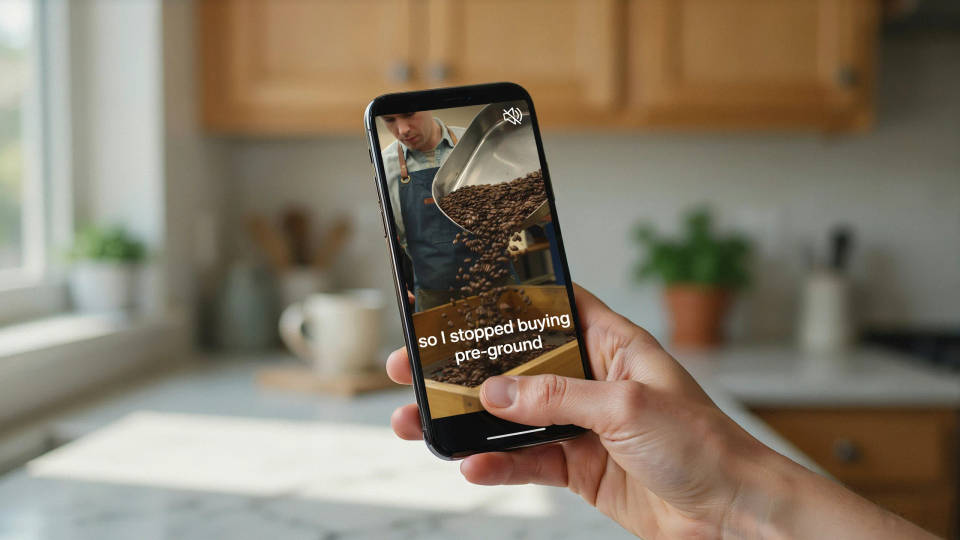
Captions for muted autoplay
Most social video is watched with the sound off. Burned-in captions carry the message anyway, so a viewer reads the hook before deciding whether to turn audio on. The text is part of the file, so it survives every repost and download.
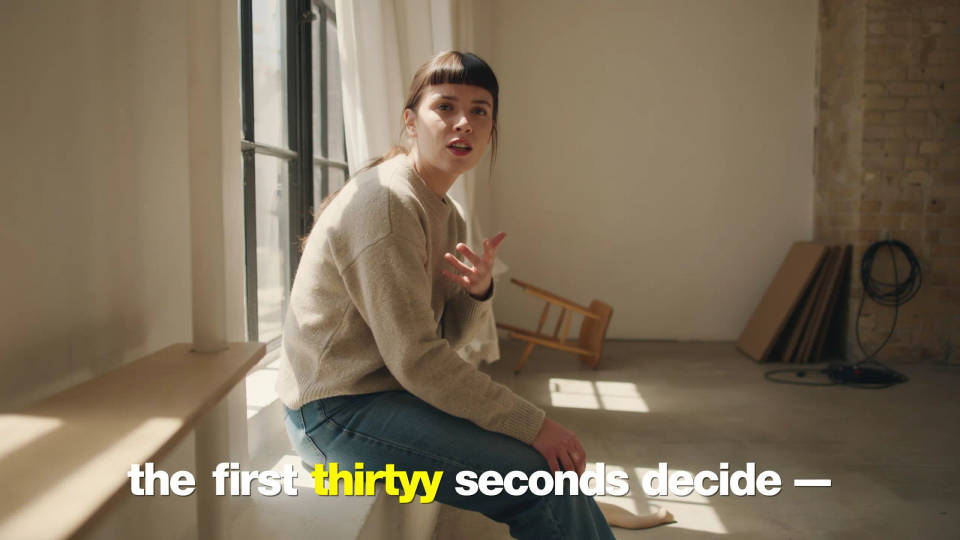
Word by word karaoke type
Word-level timing highlights one word as it is spoken. It holds attention through the first few seconds where most viewers leave, and it is the caption style short-form audiences already expect from a native post.
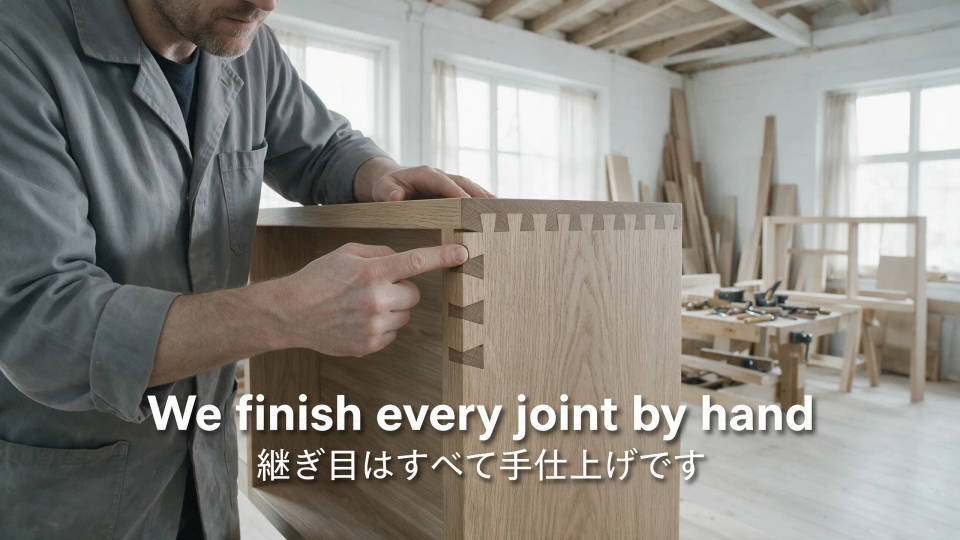
Subtitles for a second market
Translate the transcript and burn the result onto the same footage. One shoot reaches a new language without a reshoot or a subtitling vendor, and a bilingual cut can carry both languages at once.
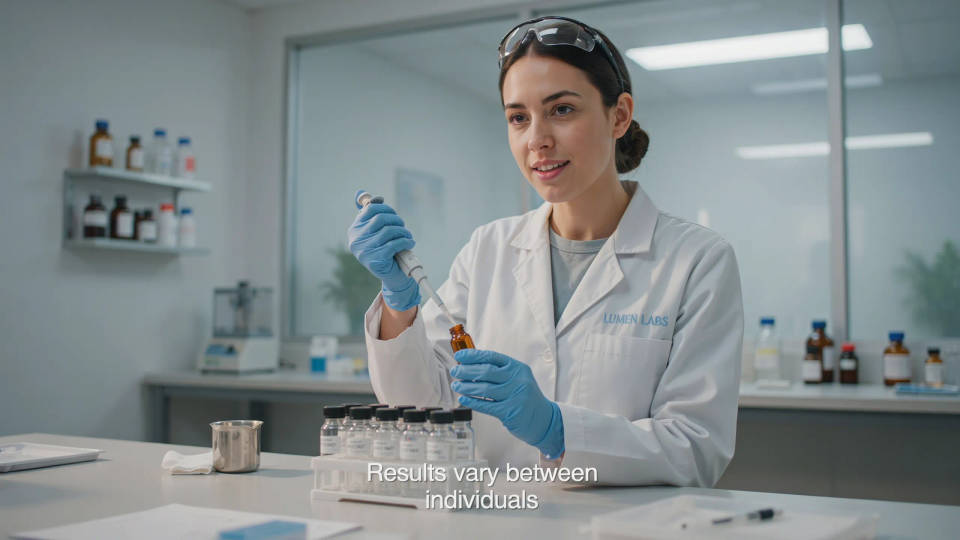
Approved copy, exactly as signed off
Bring your own SRT when the wording has already cleared legal or a client. Morphic styles and places the text without touching a word of it, so the on-screen copy matches the version that was approved.
Cinematic scene
One image to a 9-scene cinematic video.
Time-freeze effect
Cinematic time-freeze short film for any scene
Short film creator
Go from any idea to a finished short film with scenes, visuals, video, and music.
Renovation timelapse
Photo of any real-estate becomes a cinematic renovation timelapse video with construction SFX and music.
Motion transfer
Pair a character image with a reference video. Your character picks up that exact motion.
Video style transfer
Restyle any video in a completely new visual style. Every frame transforms, all motion stays intact.
All on Morphic
From raw clip to captioned cutModels
Kling 3.0, Seedance 2.0, Veo 3.1, and Ideogram for shots that need legible words inside the frame.
Styled captions
Font, weight, colour, position, and shadow, or a preset. Word-level timing when you want karaoke type.
Dubbing and lip sync
Replace the spoken track in a new language and match the mouth, instead of only captioning it.
Text to video
No footage yet? Generate the clip from a written prompt first, then caption the result here.
