AI animation generator

Turn text or a still image into animated motion. Any style, no rigging. Generate, edit, and voice animated scenes in one workspace.

Every video model

One workspace

Animation styles you can generate

Make an animation in three steps

  1. 01

    Open Morphic

    Sign up and start creating on an infinite canvas.

  2. 02

    Describe or drop in your art

    Describe the scene or drop in a still. Name the style.

  3. 03

    Generate and refine

    Render in minutes. Compare models side by side on the Canvas.

Use cases

Animate a still image

Drop in an illustration or photo and watch it move. Image-to-video animates art you already have, no redrawing.

Explainers and social motion graphics

Spin up animated explainers, product loops, and social graphics in minutes. No motion designer required.
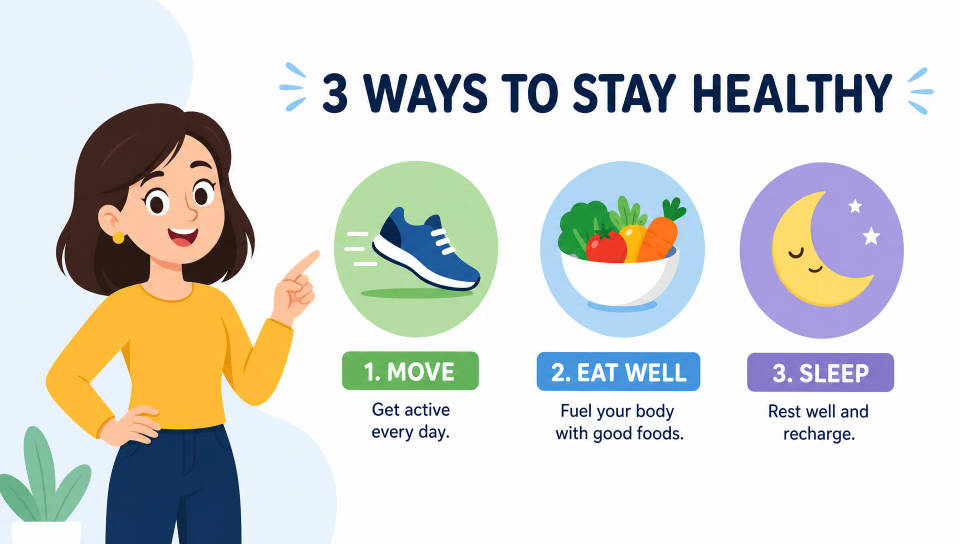
Explainers and social motion graphics

Character animation without rigging

Bring a character to life from a prompt or a design sheet. No rig, no keyframes. Describe the move and the model performs it.

A house style across a series

Lock one look and reuse it across every episode. Save it as a Workflow to keep the series on-style.
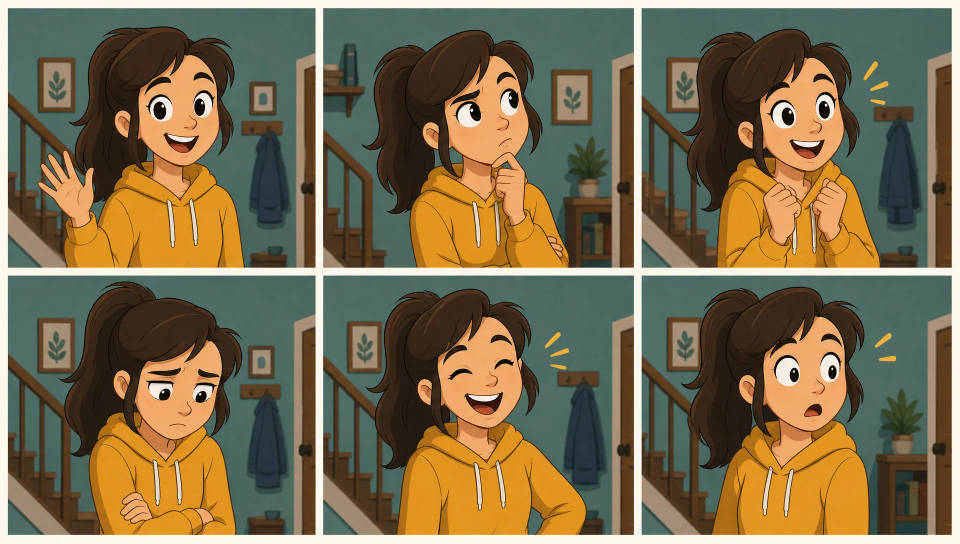
A house style across a series

All on Morphic

Your complete animation stack

Simple pricing

Get started for free today, with the option to upgrade or cancel anytime.

Basic

$9/ month
billed as $0 per year

900 monthly credits

1 user only

All models

Workflows

Standard

$24/ month
billed as $0 per year

3200 monthly credits

1 user only

All models

Workflows

Pro

$45/ month
billed as $0 per year

6200 shared monthly credits

1 user

+ up to 4 more at extra cost

All models

Workflows

Pro Max

$170/ month
billed as $0 per year

24000 shared monthly credits

1 user

+ up to 9 more at extra cost

All models

Workflows

Enterprise

For higher limits

Custom

pricing and billing terms

Unlimited credits
Custom seat limits
All models
Workflows
Pricing Gradient

Free

For playing around

$0

forever free

Up to 20 credits
1 user only
Limited models
Workflows

FAQs

How does an AI animation generator work?
You describe the animated scene you want, or drop in a still image, and an AI model turns it into moving frames. The model handles the in-between motion, so there are no rigs to build and no keyframes to set. The clearer the prompt, the closer the first render lands.
What animation styles can I generate?
2D cel and toon, 3D animation, claymation, stop-motion, papercraft, pixel art, line-art doodle, motion graphics, anime, and watercolor storybook. Name the look in the prompt or pick a model tuned for that style, then refine side by side on the Canvas.
Can I animate a still image or drawing?
Yes. Image-to-video starts from a still you supply. Drop in an illustration, character sheet, or photo, describe the motion, and the model animates it. Useful for bringing a static drawing to life without redrawing a single frame.
Do I need to rig or keyframe a character?
No. The model infers motion from your prompt or your source image, so there is no rig to build and no timeline to key. For precise motion between poses, frames-to-video lets you set a few keyframes and interpolates the movement in between.
Can I keep a character consistent across animated scenes?
Yes. Start each shot from the same character image so the design stays recognizable scene to scene. Generate each beat separately, then assemble the sequence on Compose to build a longer animated story.
Can I add a voice or music to my animation?
Yes. Generate the voiceover with the speech tool, drop it beside the matching shot on Compose, and use Lip Sync to align dialogue to a character mouth. The audio tool covers score and sound effects for the full soundtrack.
Can I publish AI animations to YouTube or social platforms?
Yes. Render at 9:16 for Reels, TikTok, and Shorts, or 16:9 for YouTube. Generate the hook, body, and outro as separate shots and assemble the cut on Compose before you export.

You might also like
