Every image model
One workspaceBanners you can create
Make a banner in three steps
- 01
Open Morphic
Sign up and start creating on a free-flowing, infinite visual canvas.
- 02
Describe the banner
Give the headline, the size, the colours, and the mood. Name the placement so the shape is right.
- 03
Generate and refine
Render options in seconds, then regenerate the same concept across every size on the Canvas.
Use cases
Every size from one concept
Generate a LinkedIn banner, a Twitter or X header, a web hero, and a display ad from the same idea. Keep the headline, colour, and layout aligned so the whole set reads as one campaign instead of a pile of separate files.
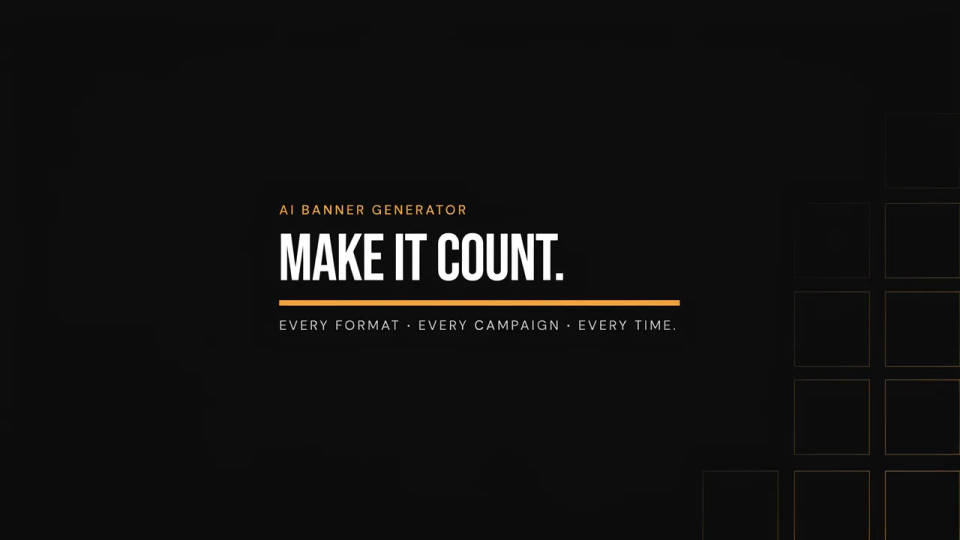
Readable type inside the image
Models built for legible text put a real headline and tagline into the banner, so it arrives ready to post. Set the words in the prompt and the model lays them out, no separate caption pass required.
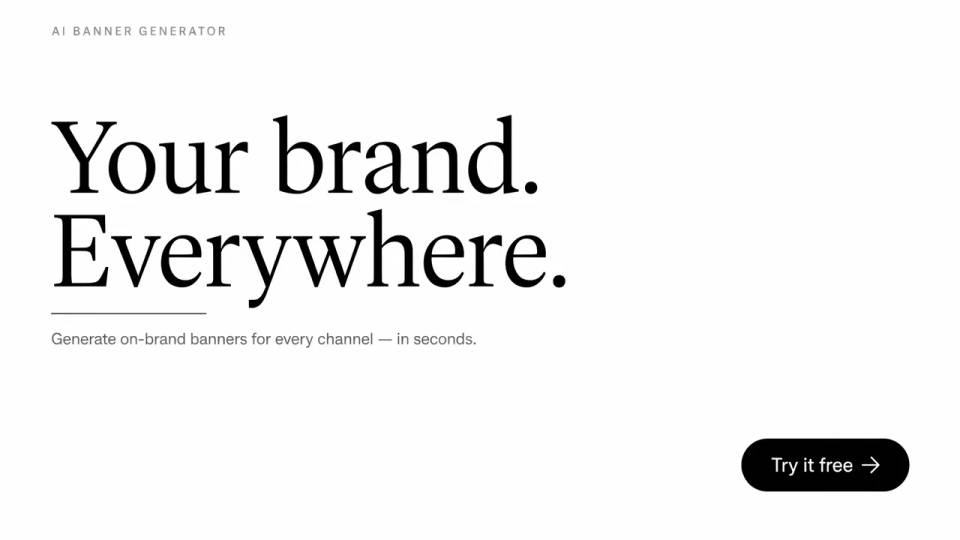
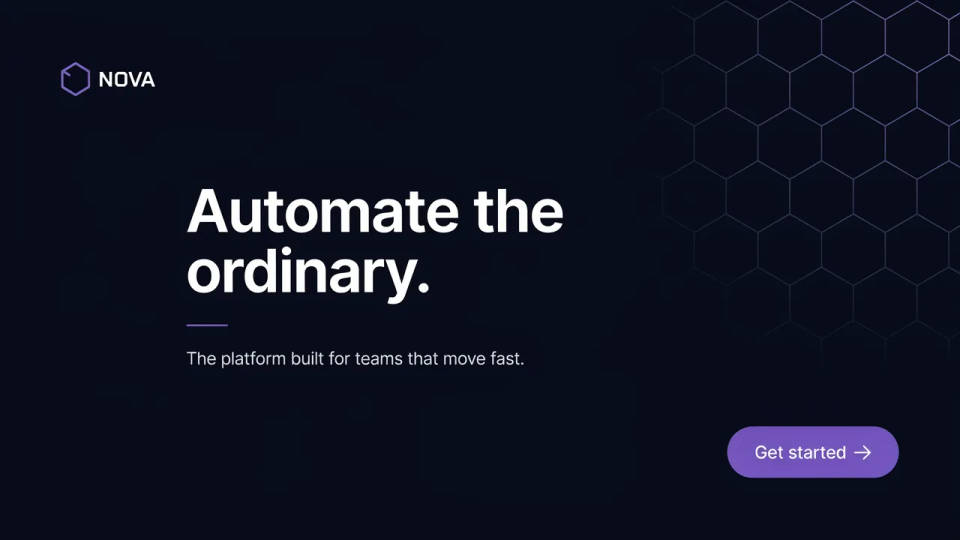
On-brand colour and logo
Name your palette or drop in a logo with image-to-image and the banner keeps your brand look across the set. Swap models to find the one that holds your colours cleanest, then reuse it for the whole campaign.
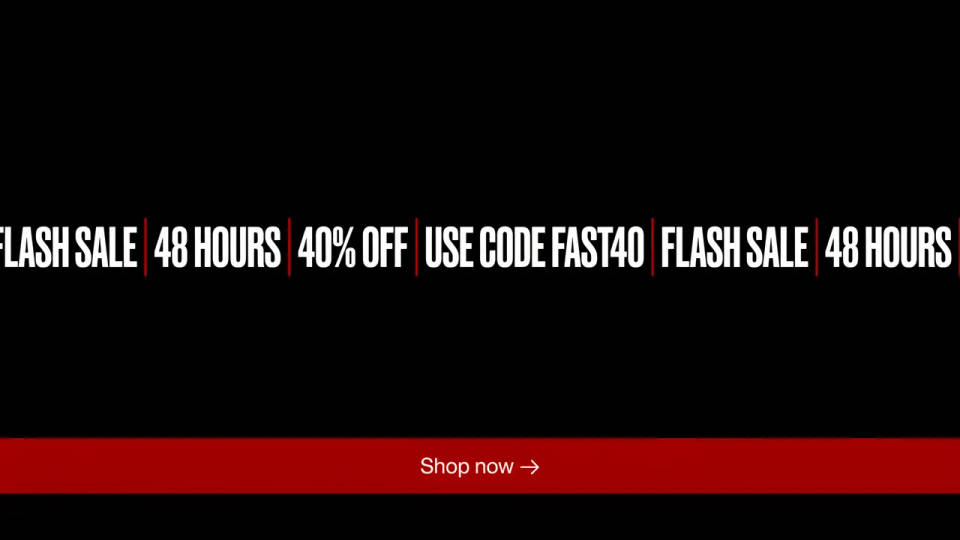
Ad sets and promos in minutes
Spin up sale strips, event teasers, and product-launch banners fast, then pick the strongest and regenerate variations. A marketing team can fill a placement calendar in an afternoon rather than a week.
Prompt examples
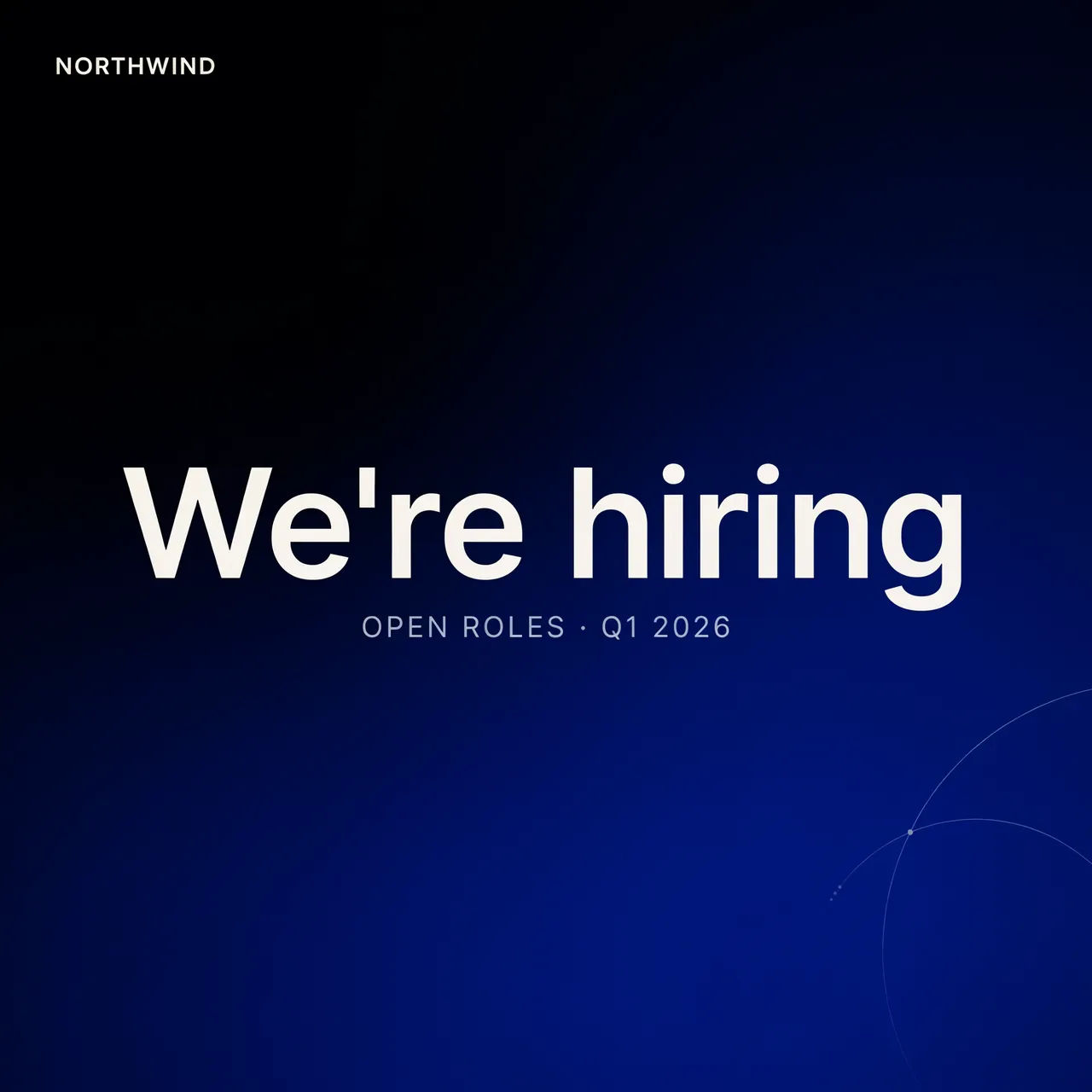
LinkedIn banner
LinkedIn banner, deep navy gradient, headline text 'We're hiring', clean modern sans-serif, minimal
Edit prompt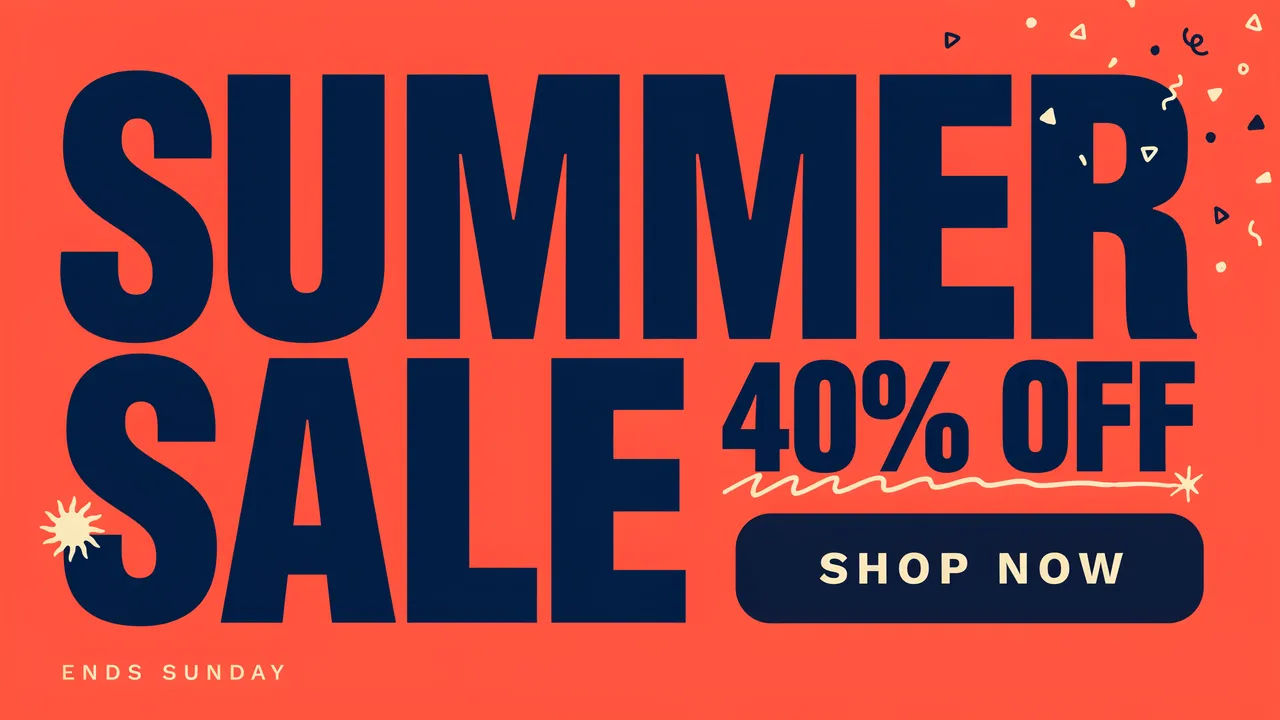
Sale promo
Web banner, bright coral background, big bold text 'Summer Sale 40% off', playful, high contrast
Edit prompt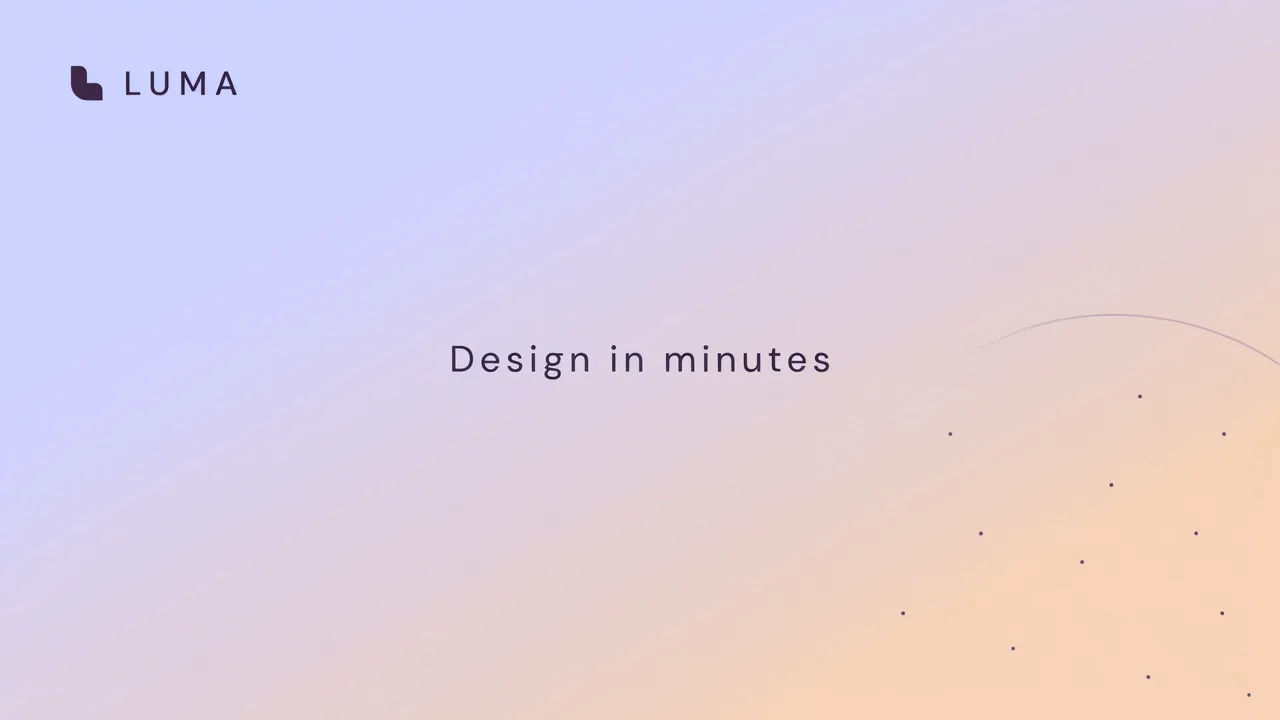
Twitter header
Twitter header, soft pastel gradient, small logo left, tagline 'Design in minutes', airy and clean
Edit prompt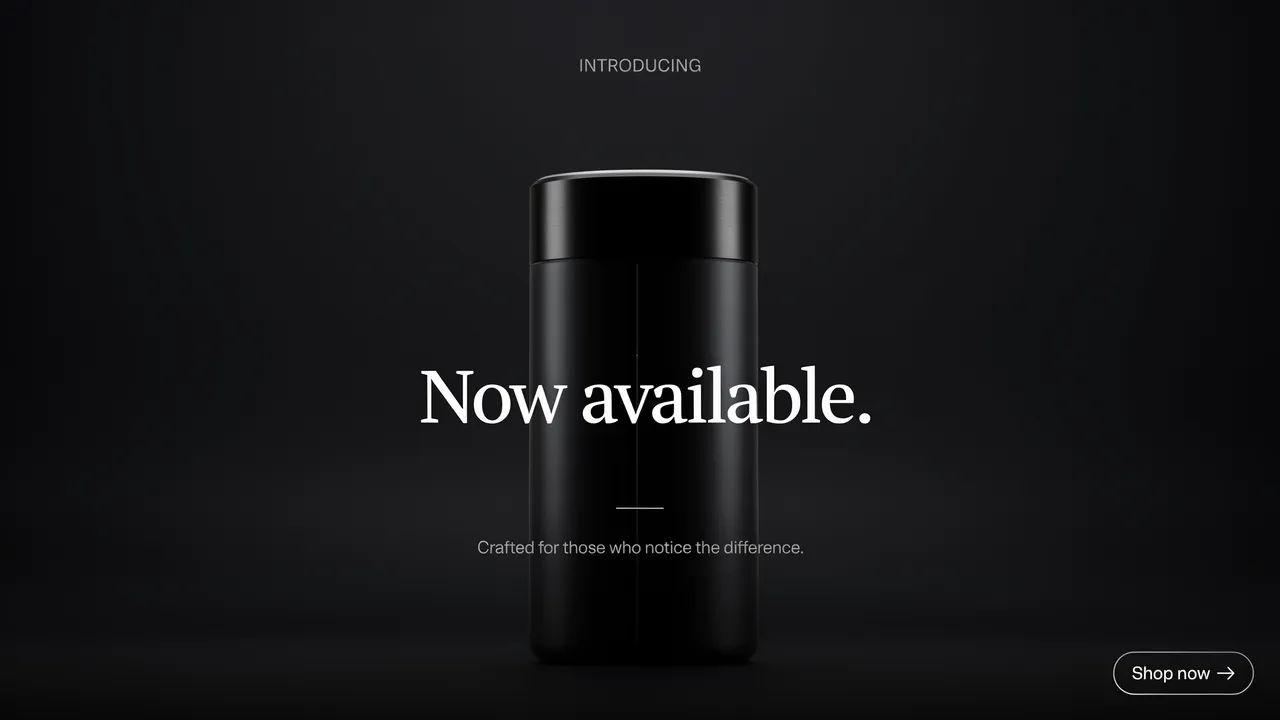
Product launch
Web hero banner, dark studio scene, product in centre, headline 'Now available', premium lighting
Edit prompt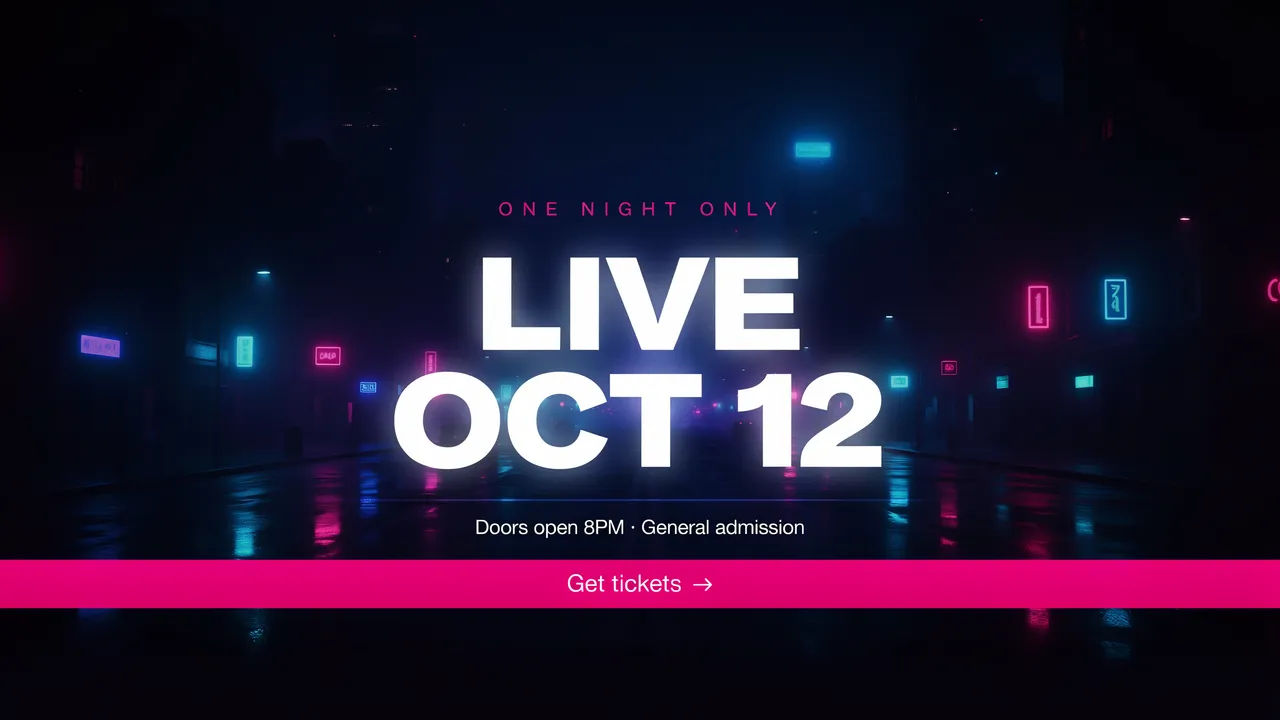
Event teaser
Event banner, neon night city, glowing text 'Live Oct 12', energetic, bold display type
Edit prompt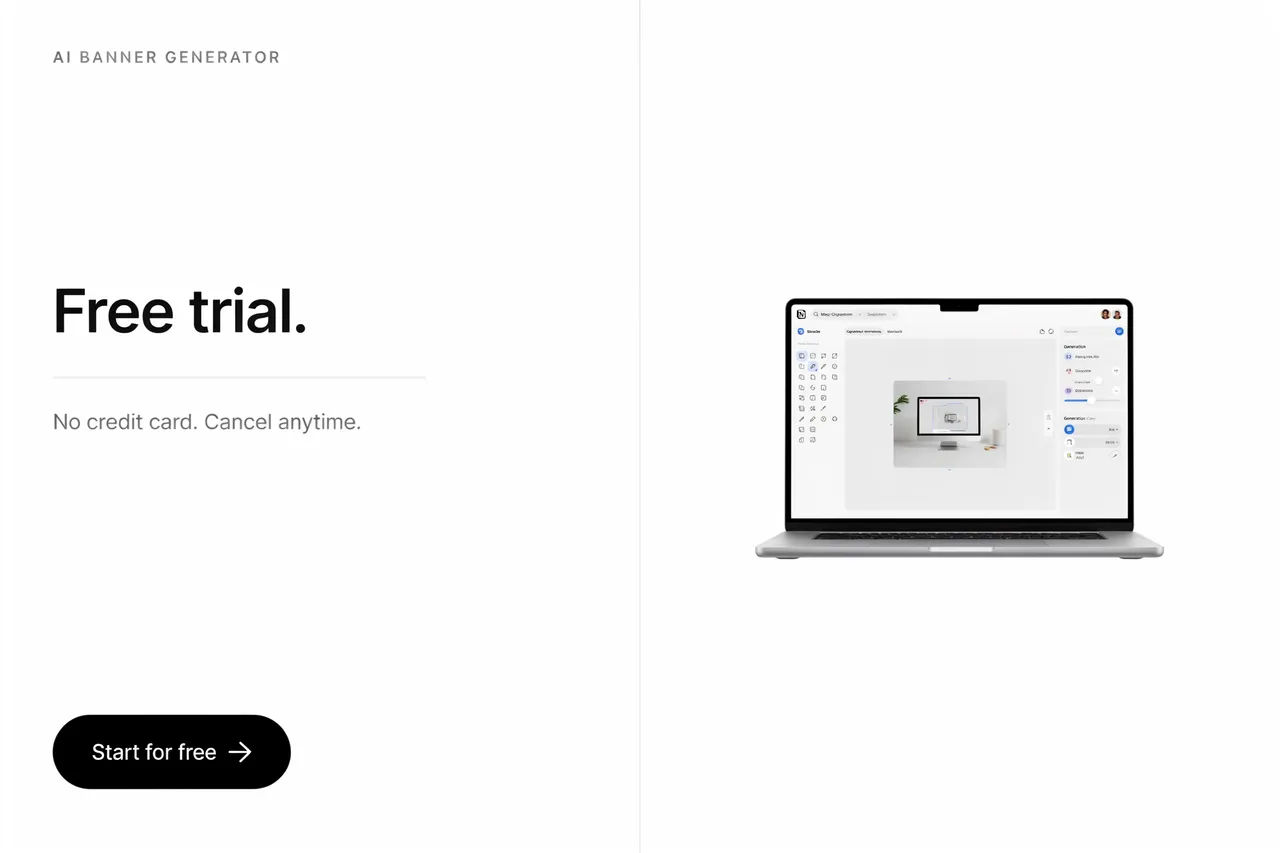
Display ad
Rectangular display ad, clean white, product shot right, headline 'Free trial', crisp call to action button
Edit prompt
Messages to cinematic scene
Dramatize any text conversation into a cinematic multi-shot video.

Title sequence
Generate a professional film title card from scratch, with optional cinematic animation.

Cinematic storyboard
Share a scene description with character references. Get a full storyboard with shot angles and mood.

3x3 storyboard
Feed in a single image. Get 9 cinematic beats laid out as a 3x3 storyboard grid.

Chibi sprite animation
Turn any photo or description into an animated chibi sprite. Dance, jump, wave, attack, and more.

Expressions
Take any character image and generate 6 distinct facial expressions on a single reference sheet.
All on Morphic
Your complete banner stackModels
Nano Banana 2, Flux 2 Pro, ChatGPT Images, Grok Imagine, Recraft, Seedream, and more. Pick the model that renders your headline cleanest and swap any time.
Poster generator
Bigger format, same idea. Generate posters and print pieces with legible type and on-brand colour.
Thumbnail generator
Need a click-through image instead of a header? Generate scroll-stopping thumbnails in the right size.
On-brand style
Drop in a logo or reference and carry your colours across the set with image-to-image.
