Every image model
One workspaceBadges you can design
Make a badge in three steps
- 01
Open Morphic
Sign up and start creating on a free-flowing, infinite visual canvas.
- 02
Describe the badge
Name the shape, the icon, the colors, and any short label you want set in.
- 03
Generate and export
Compare styles, reuse the look for a whole set, then download the badges you need.
Use cases
Achievement and level badges
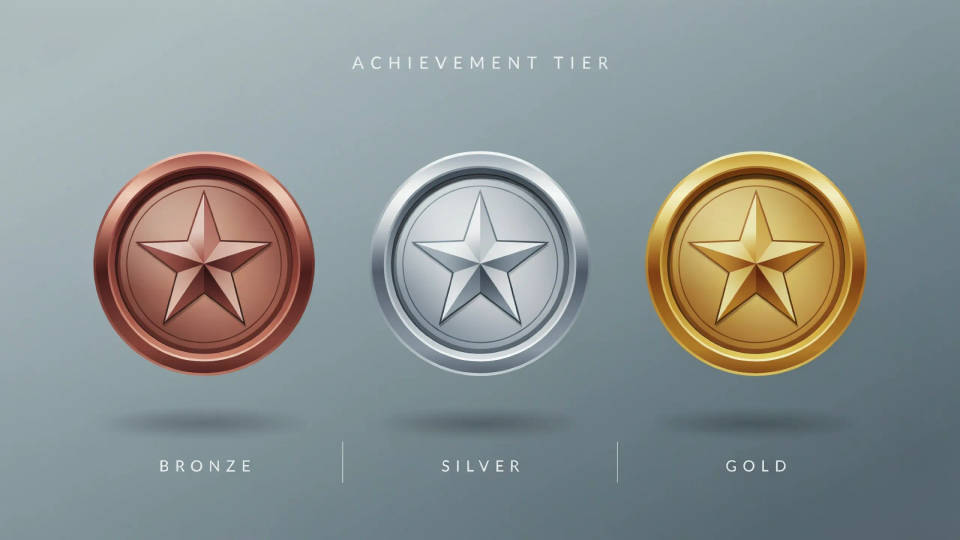
Reward progress with a set of badges that clearly steps up. Lock a shape and finish, then run bronze, silver, and gold from the same design so the tiers read as one system. Lay them side by side on the Canvas to check the jump between levels, and regenerate any that feel out of place.
Event and conference badges
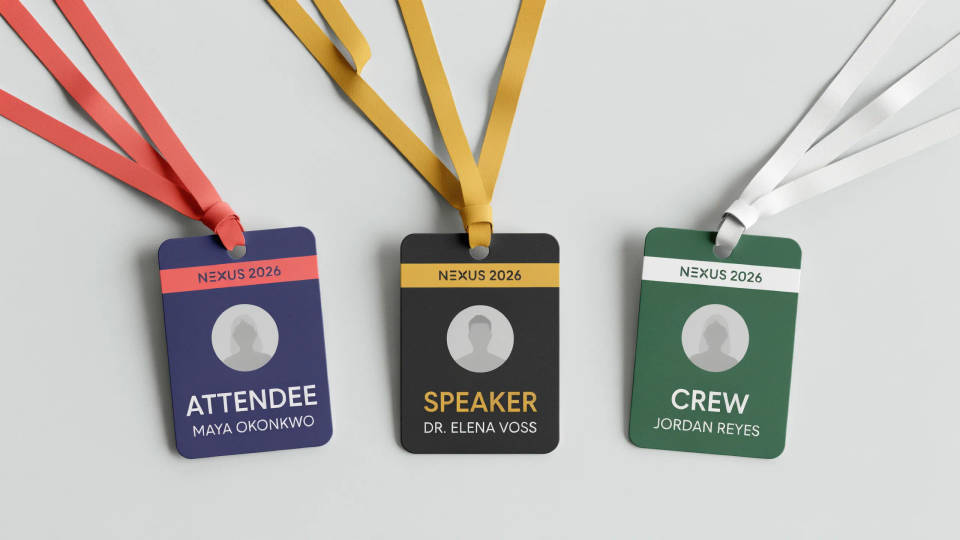
A conference needs role and access badges that match the brand. Describe the look and the model designs attendee, speaker, and crew variants on one style. Because they share a workspace, a whole set stays aligned, and you can swap a label without redesigning the badge from scratch.
Community and profile badges
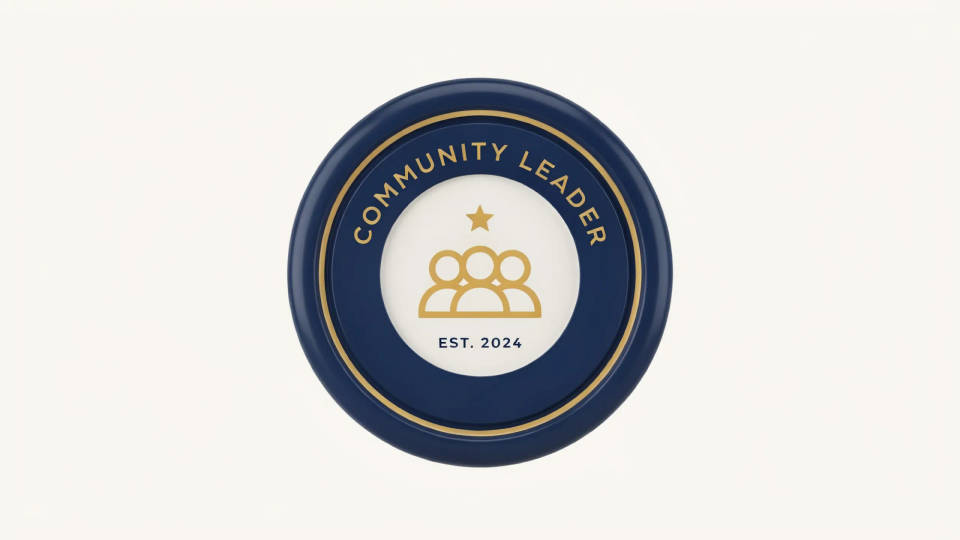
Communities run on recognition, and a clear badge marks a role or a milestone. Describe the icon and the tone and get a clean badge sized for a profile or a card. Build a family by swapping the icon on a fixed shape, so every badge in the set looks like it belongs to the same place.
Product seals and quality marks
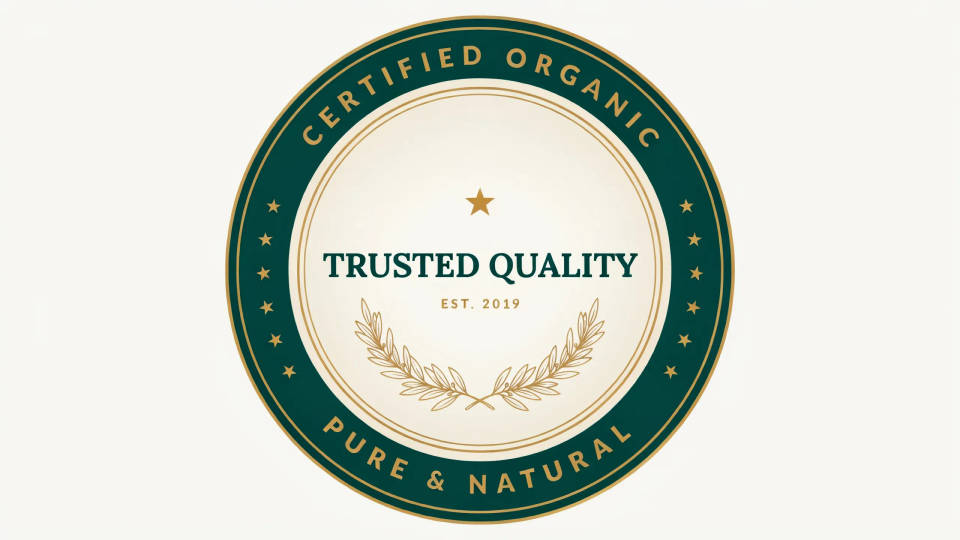
A trust seal or quality mark helps a product page or a package feel credible. Describe the message and the style, from official to premium, and the model designs a seal to suit. Try a couple of directions at no cost, then keep the one that sits best on your artwork.
Prompt examples
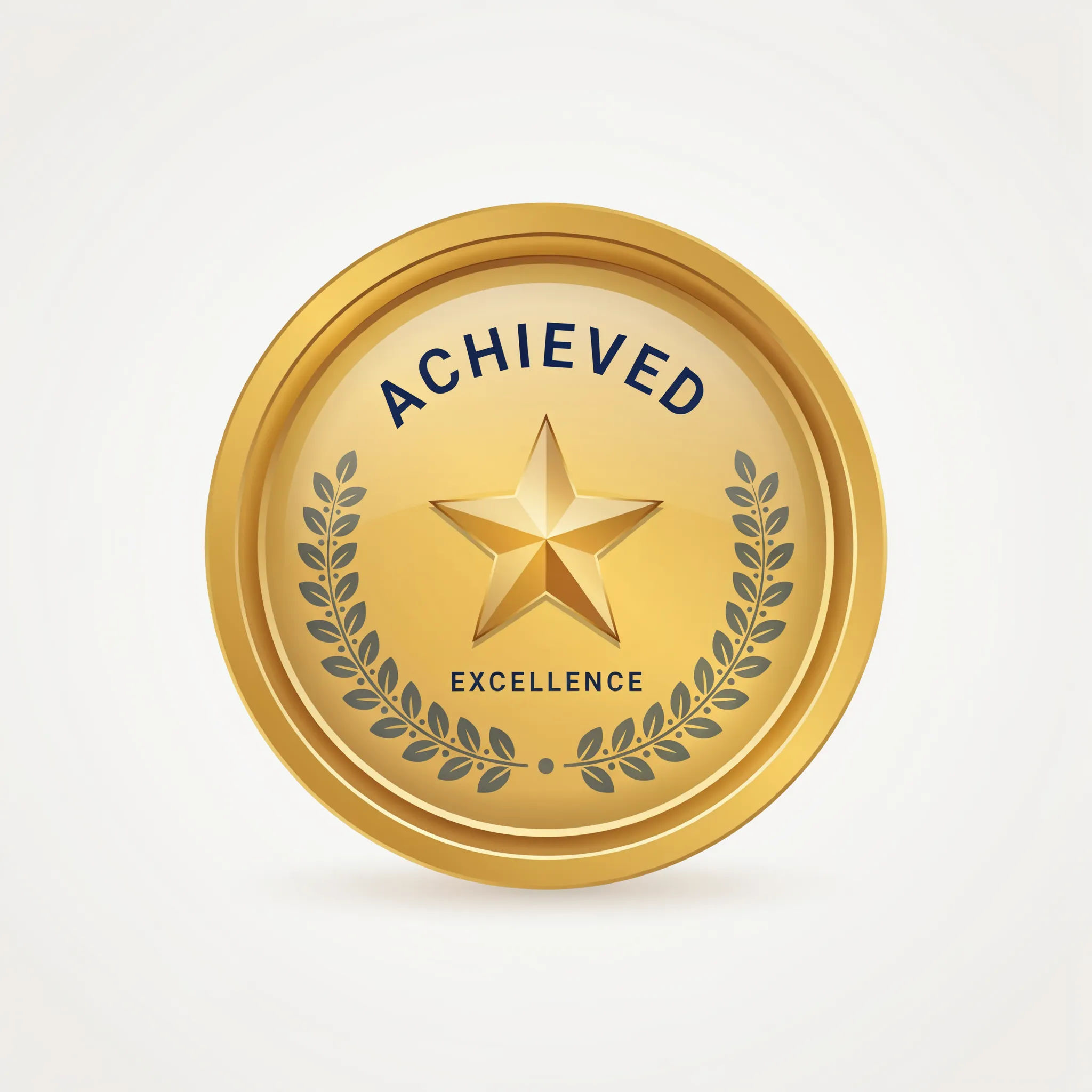
Gold star
A round gold achievement badge, laurel and star icon, short bold label, clean flat design, subtle sheen, plain background
Edit prompt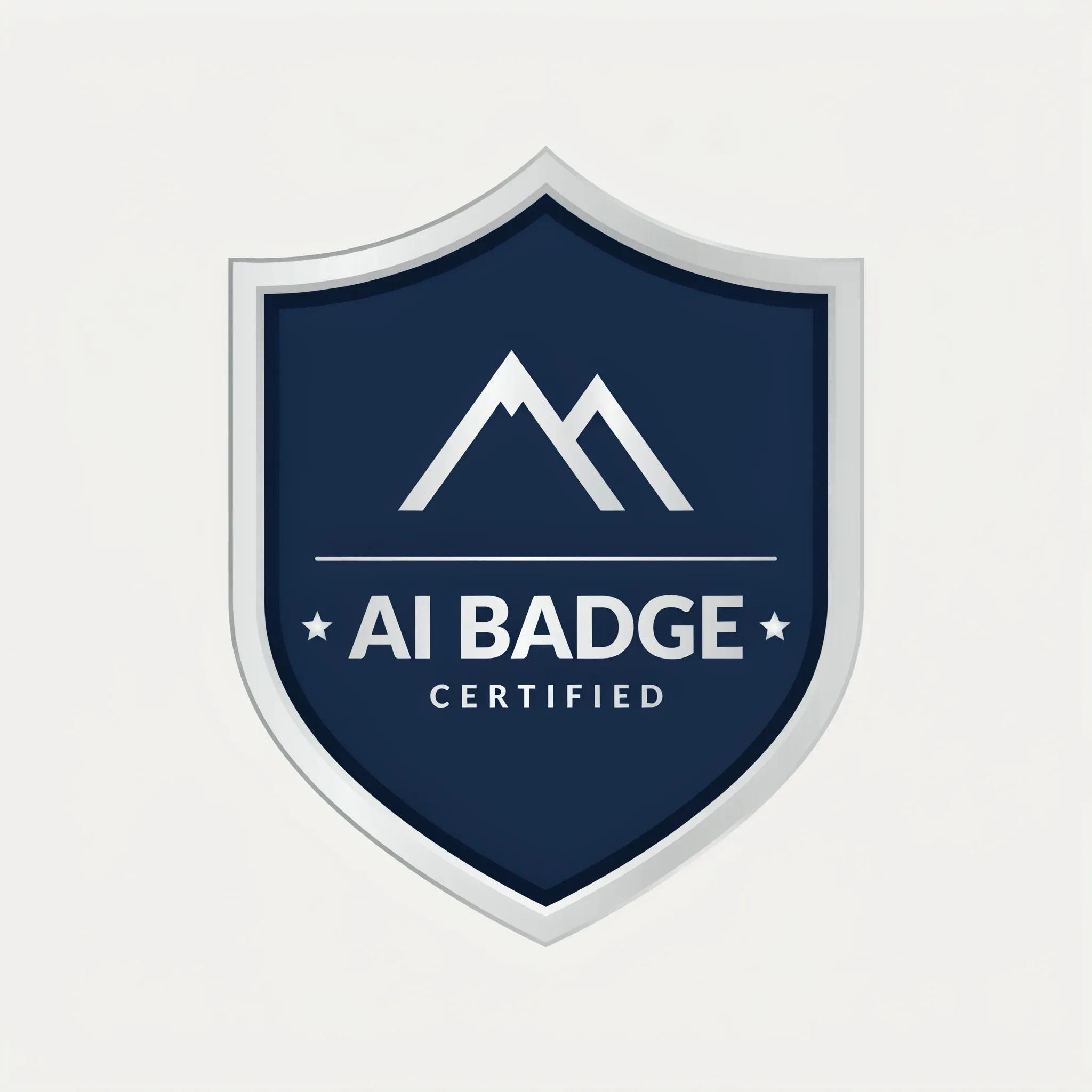
Shield crest
A shield-shaped badge in silver and navy, a mountain icon, short label, crisp flat vector-style design, plain background
Edit prompt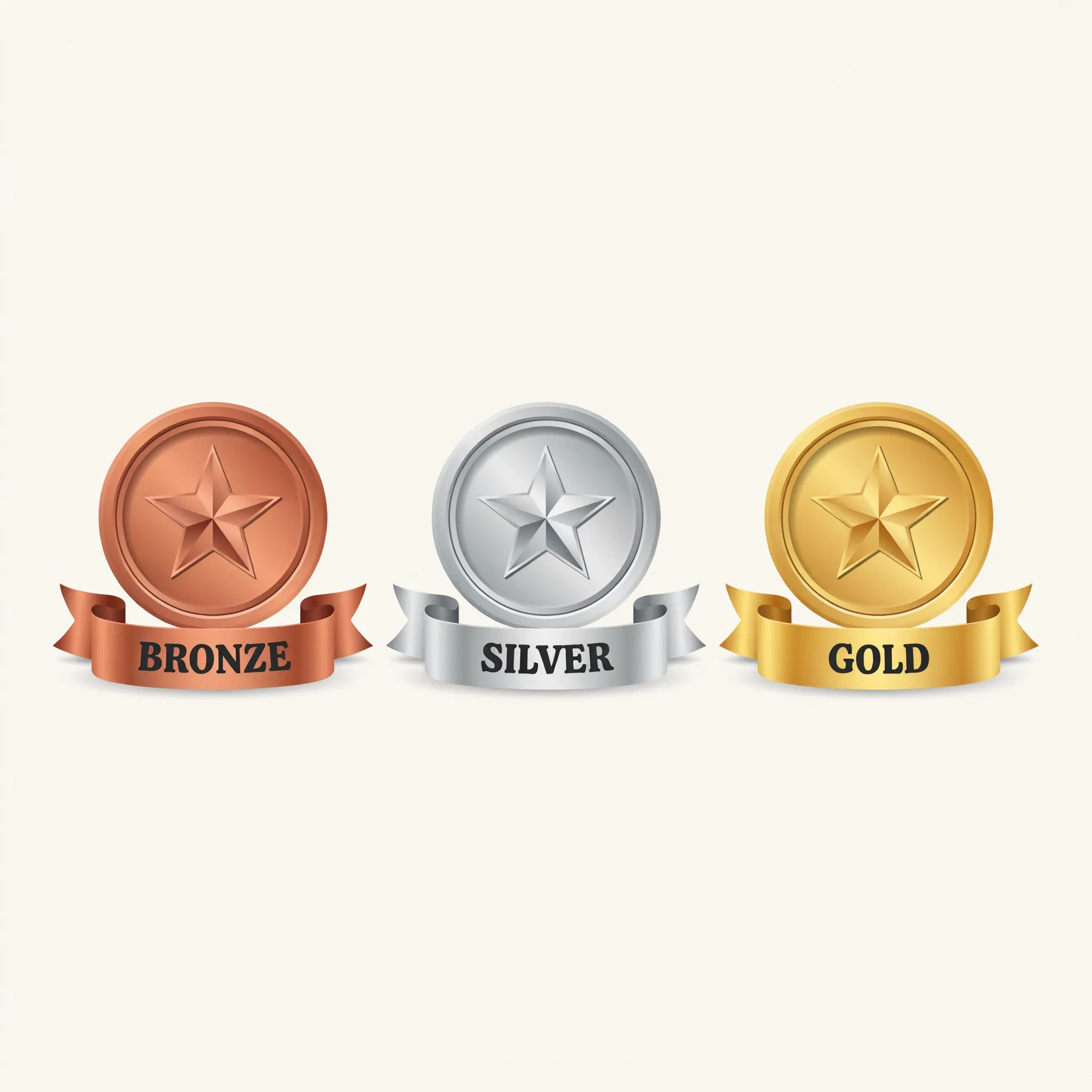
Level set
A set of three level badges, bronze, silver, and gold, matching round shape and star icon, rising ribbon, consistent style
Edit prompt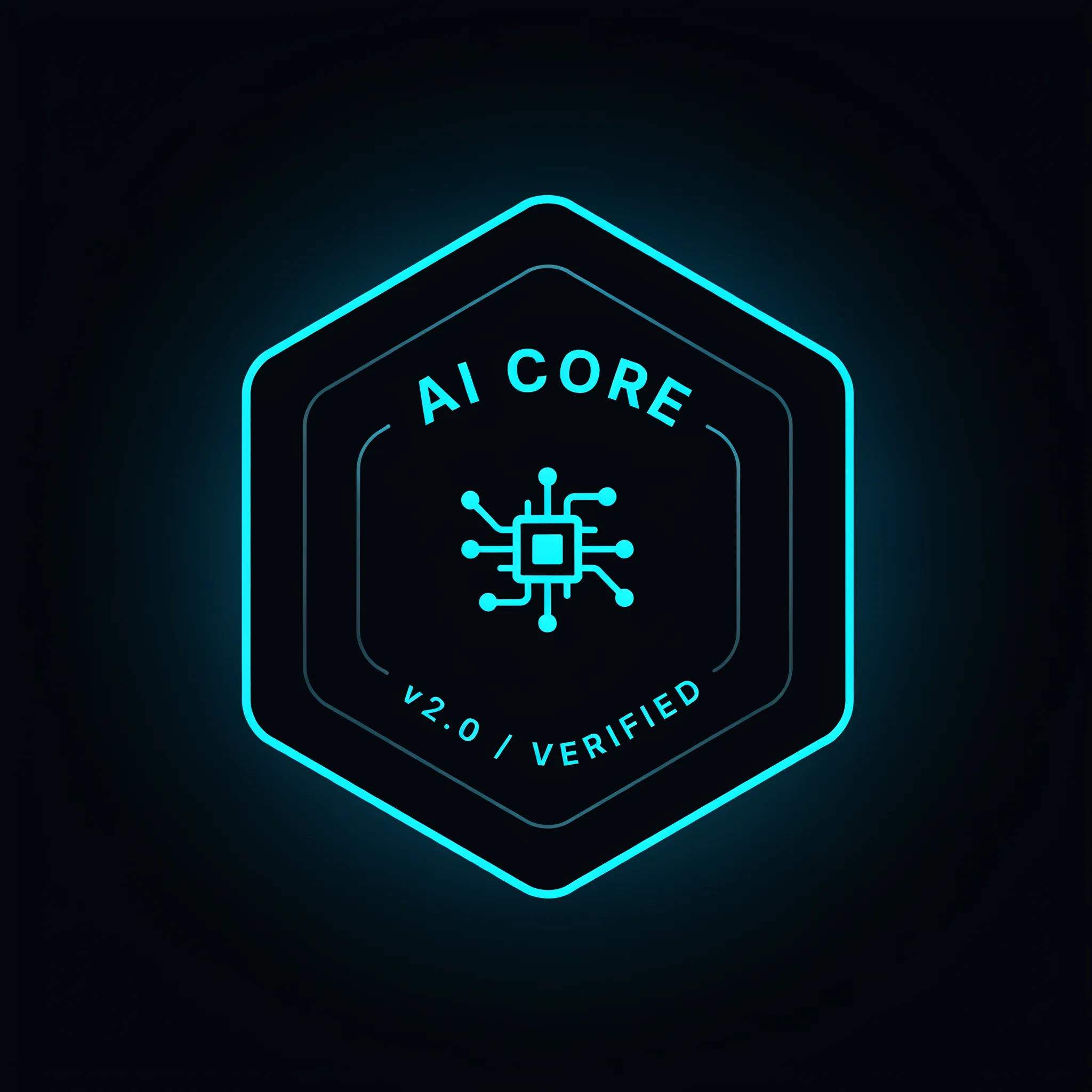
Hexagon tech
A hexagon tech badge, neon cyan and dark background, circuit-line icon, short label, modern flat design with a soft glow
Edit prompt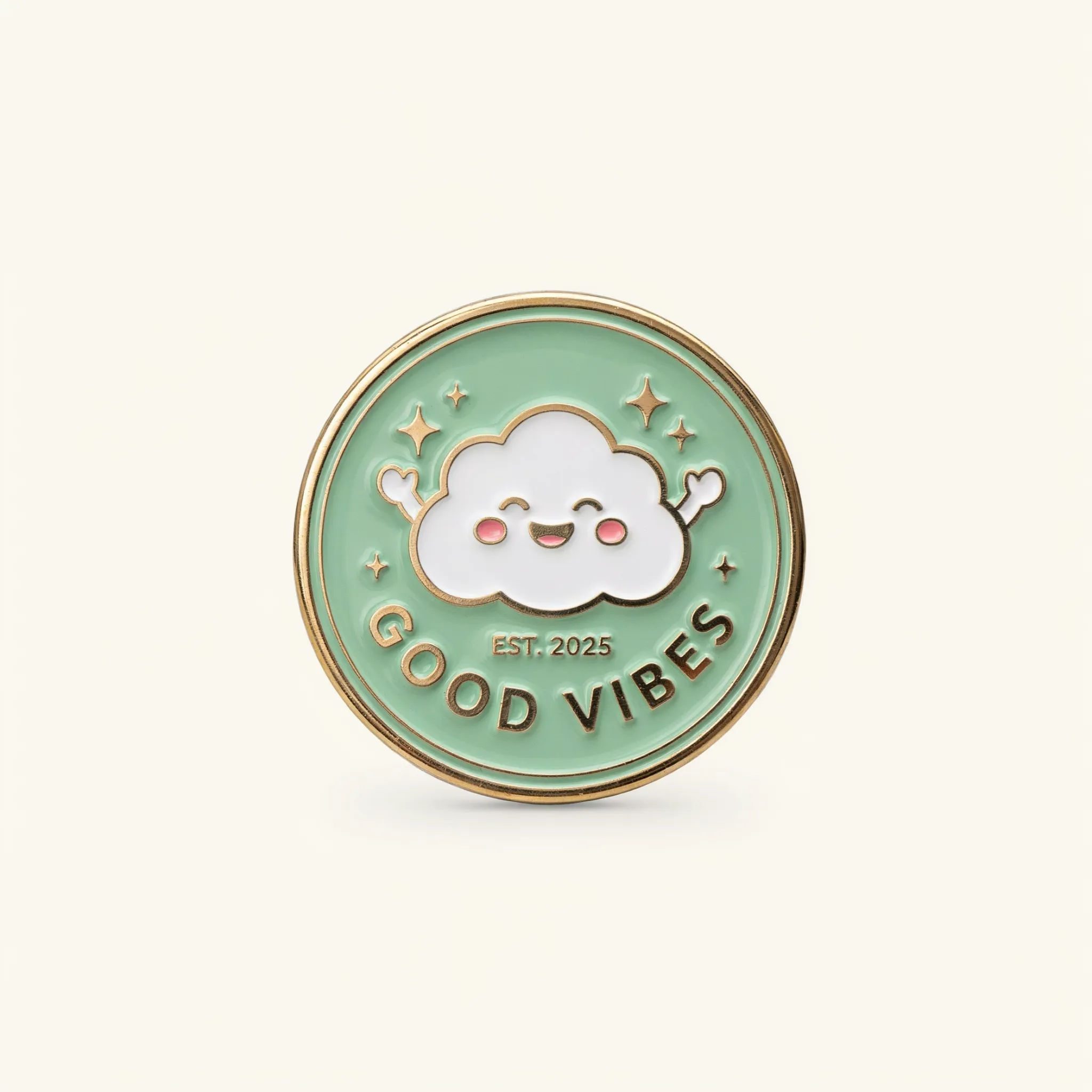
Enamel pin
An enamel-pin-style badge, glossy colored fill with a gold metal outline, cute mascot icon, short label, plain background
Edit prompt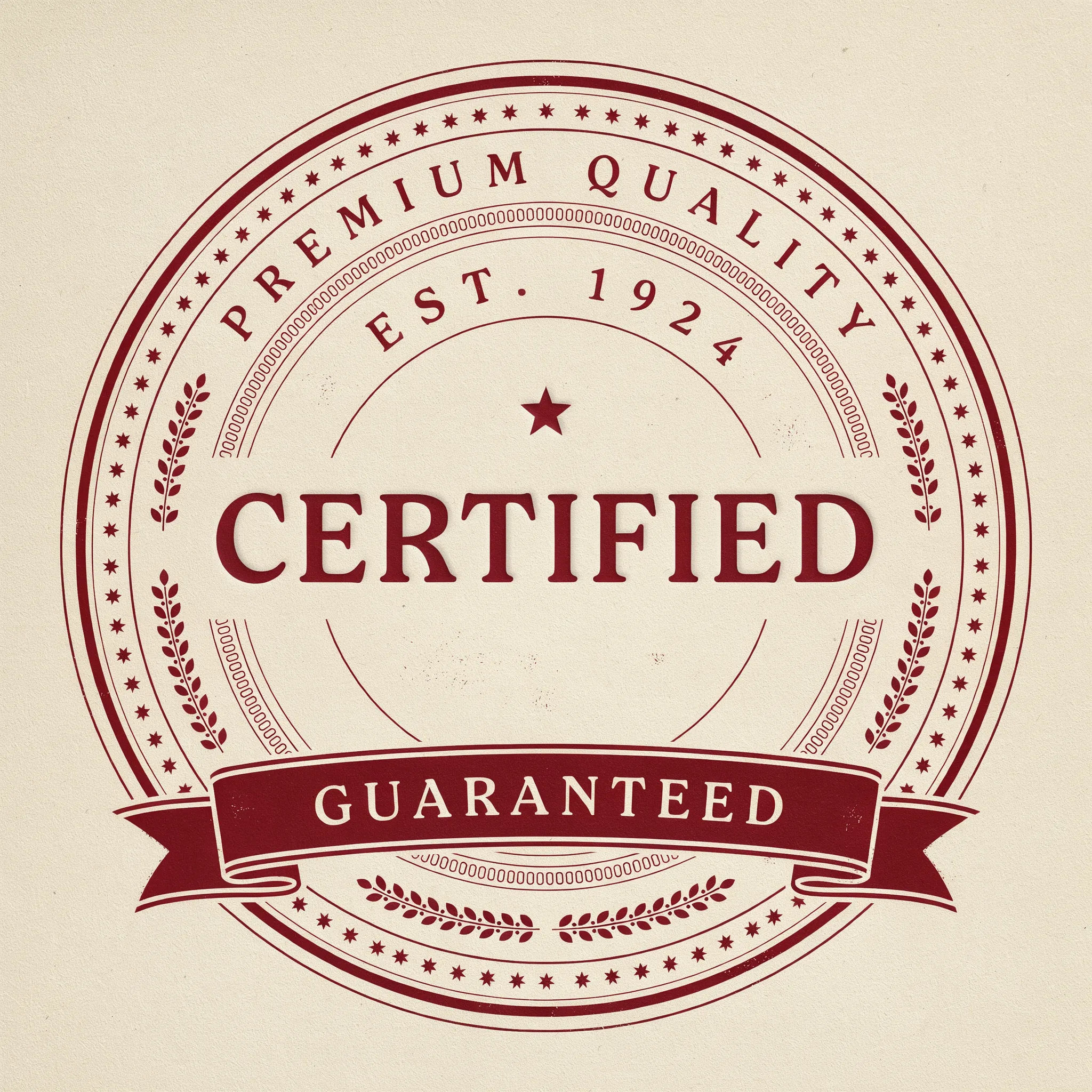
Vintage seal
A vintage circular quality seal, aged cream and deep red, ornate border, short banner label, letterpress texture
Edit prompt
Cinematic storyboard
Share a scene description with character references. Get a full storyboard with shot angles and mood.

Messages to cinematic scene
Dramatize any text conversation into a cinematic multi-shot video.

Title sequence
Generate a professional film title card from scratch, with optional cinematic animation.

Expressions
Take any character image and generate 6 distinct facial expressions on a single reference sheet.

3x3 storyboard
Feed in a single image. Get 9 cinematic beats laid out as a 3x3 storyboard grid.

Chibi sprite animation
Turn any photo or description into an animated chibi sprite. Dance, jump, wave, attack, and more.
All on Morphic
Your complete badge design kitModels
Nano Banana 2, Flux 2 Pro, ChatGPT Images, Grok Imagine, Recraft, Seedream, and more. Swap models when a badge needs cleaner shapes or a different finish.
Icon generator
Make the icon that sits inside a badge, then bring it here and build the badge around it.
Logo generator
Design a mark for the brand a badge belongs to so the whole identity stays aligned.
Text to image
Generate any badge design from a written description and compare directions side by side.
