Every image model
One workspaceCover styles you can create
Design a cover in three steps
- 01
Open Morphic
Sign up and start on an infinite canvas built for design.
- 02
Describe the book
Genre, mood, key imagery, plus your title and author name.
- 03
Generate and finish
Render the front, tune the typography, then extend to a full wrap.
Use cases
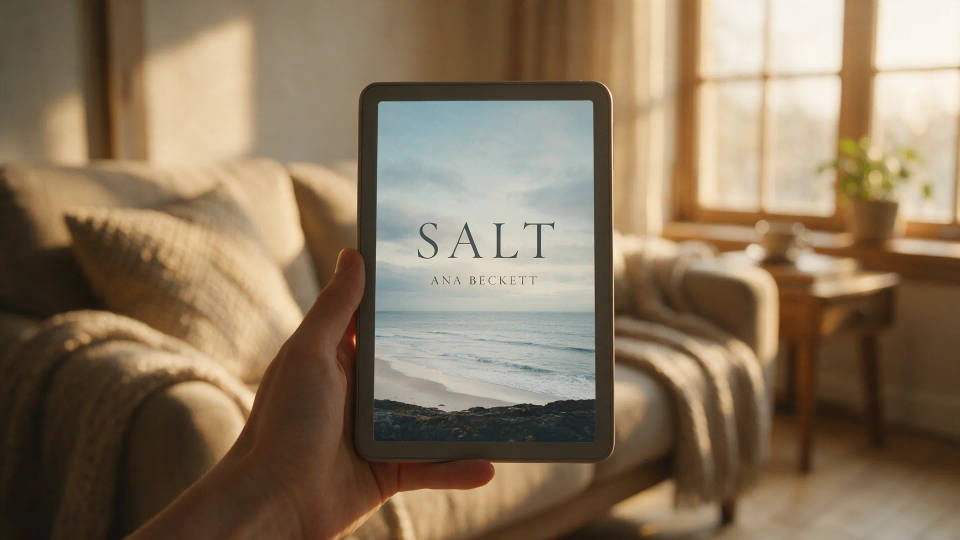
Ebook covers for self-publishing
A Kindle-ready cover that signals genre from the first thumbnail. Generate the art, set the title and author, and export a portrait file sized for KDP.
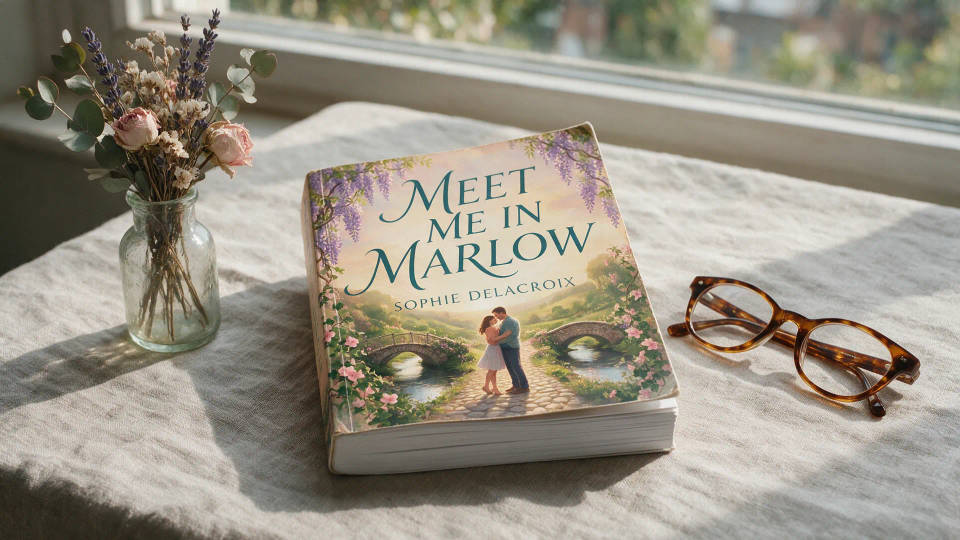
Full print wraps for paperback
Extend a front cover into a print-ready wrap with spine and back. Set the spine title and blurb so the paperback reads as one designed piece.
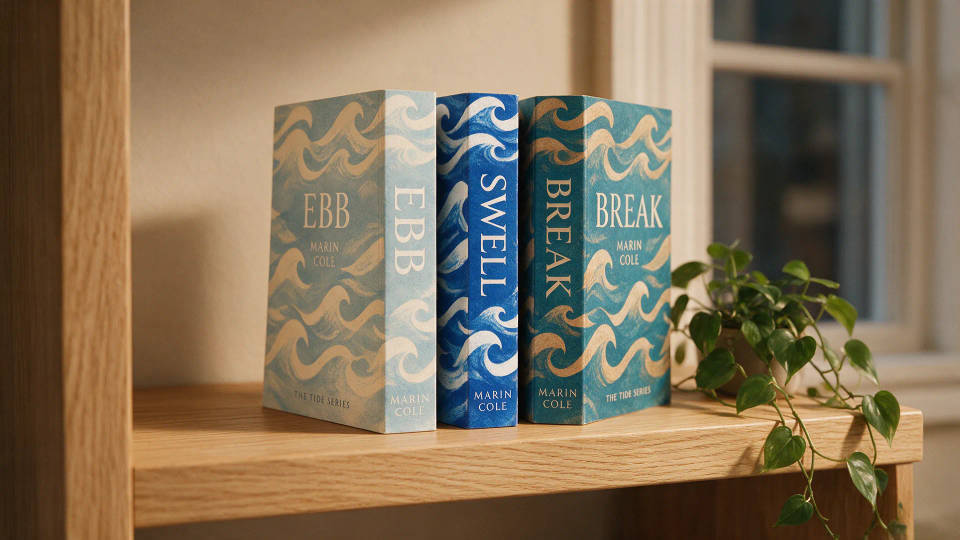
Covers for a series
One look across a series so readers spot the set on sight. Lock the style and type, then swap the imagery per title from book one to the finale.
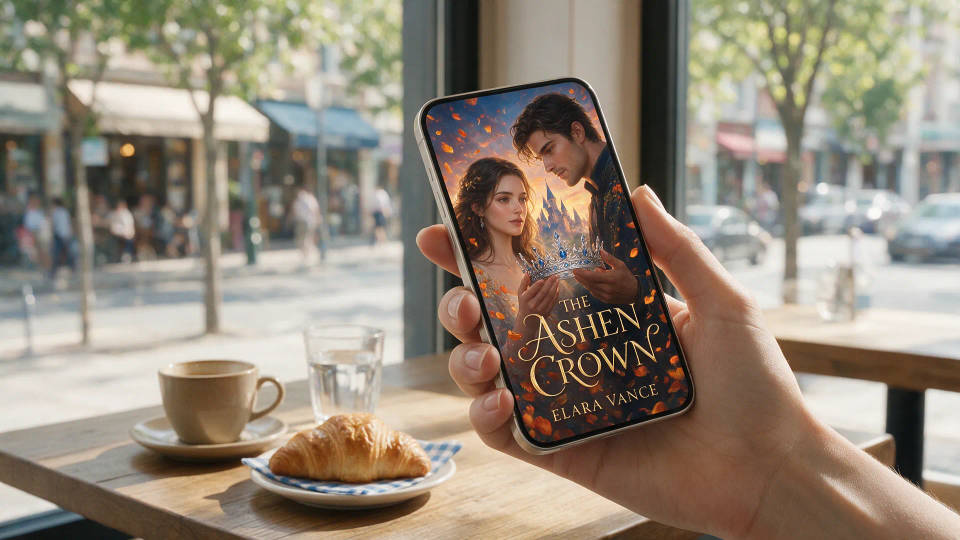
Wattpad and web-serial covers
Fresh cover art for every arc, no design budget. Generate on-trend portrait covers with readable titles and refresh the look whenever the story turns.
Prompt examples
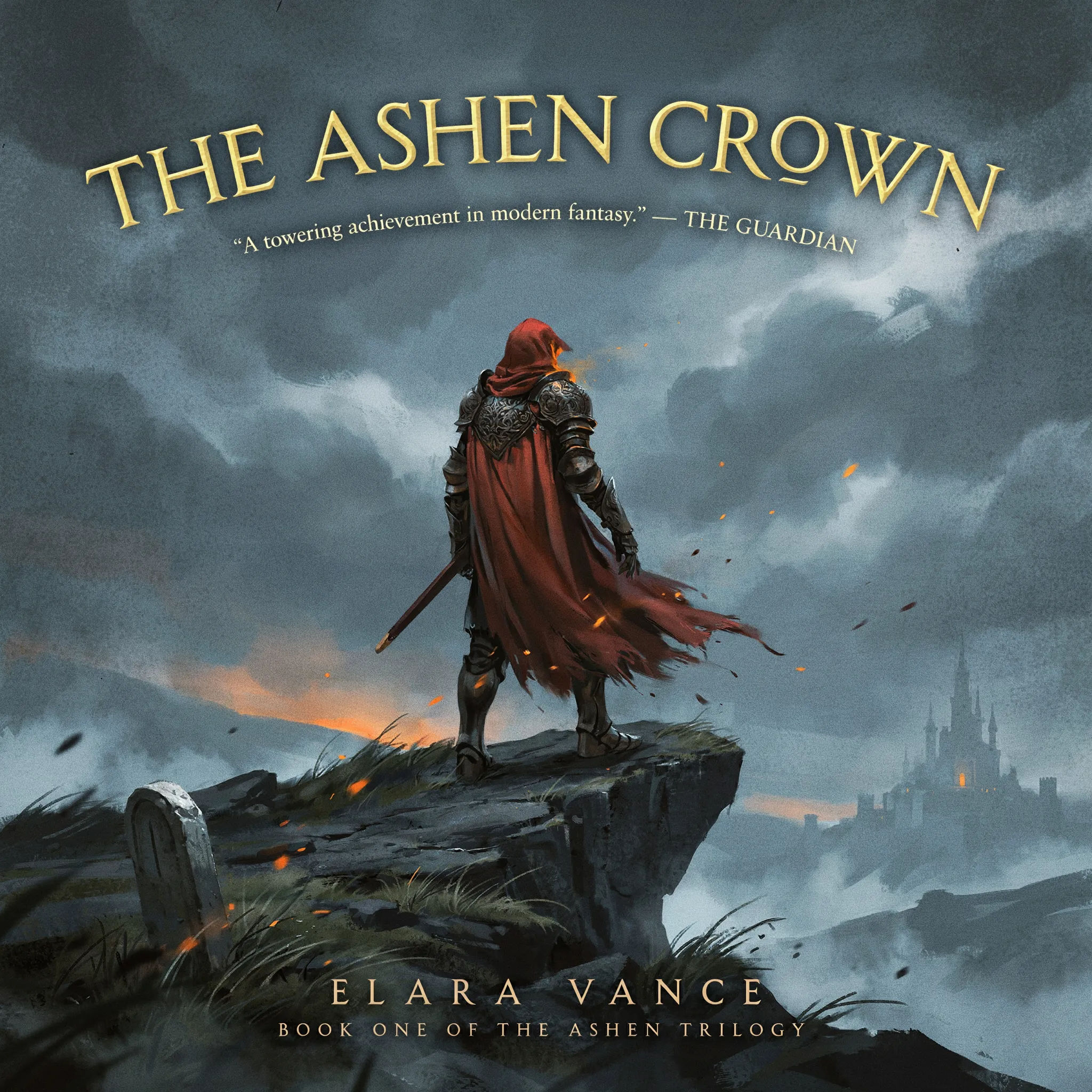
Epic fantasy
Epic fantasy book cover, lone armored figure on a windswept cliff, storm sky, distant citadel, ornate gold serif title, author name below
Edit prompt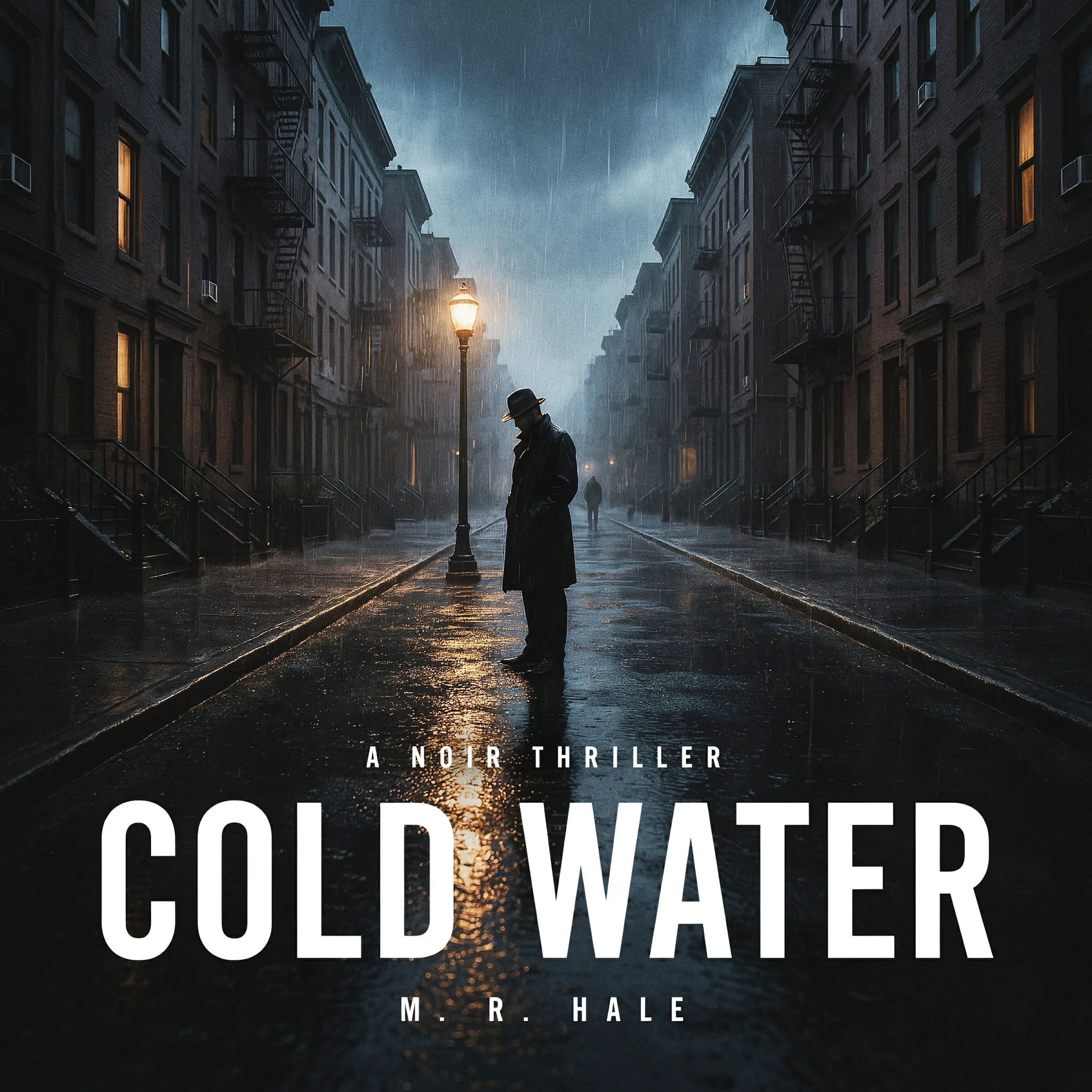
Dark thriller
Dark thriller cover, rain-soaked city street at night, silhouetted figure under a streetlight, high-contrast bold sans-serif title in white
Edit prompt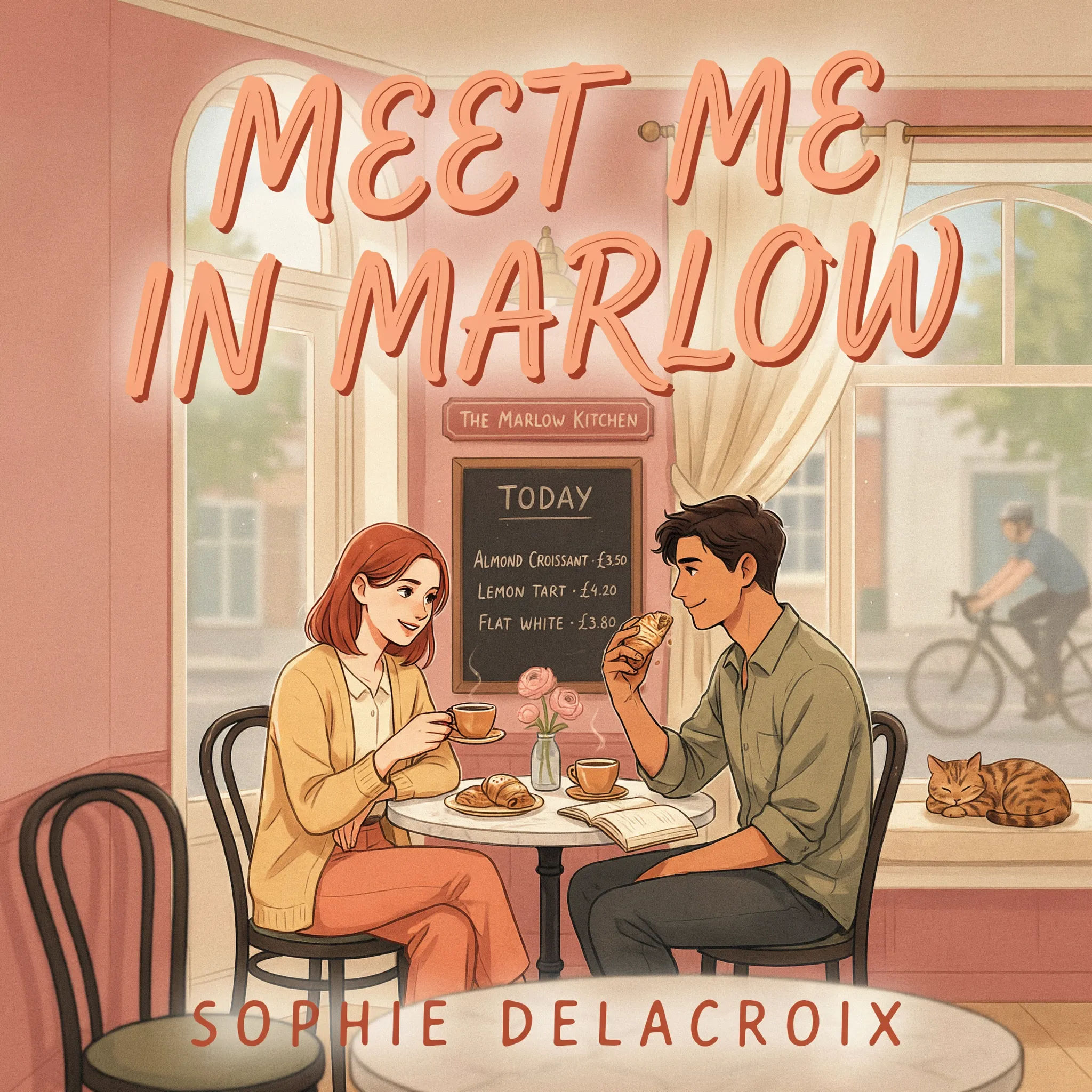
Contemporary romance
Contemporary romance cover, illustrated couple in a sunlit cafe, warm pastel palette, playful hand-lettered title, cozy inviting mood
Edit prompt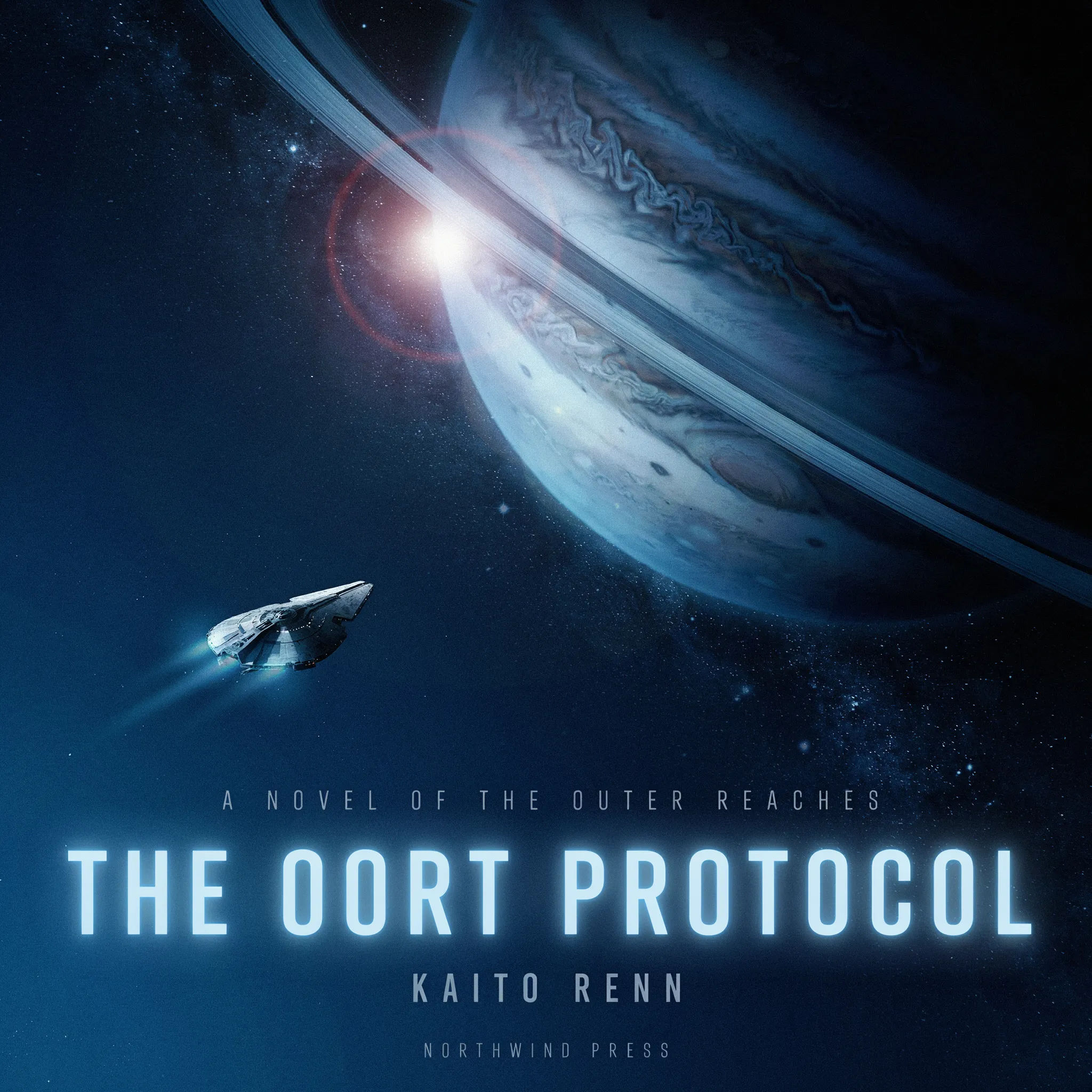
Sci-fi
Hard sci-fi cover, lone starship approaching a ringed planet, deep space, cool blue palette, sleek futuristic title type, cinematic scale
Edit prompt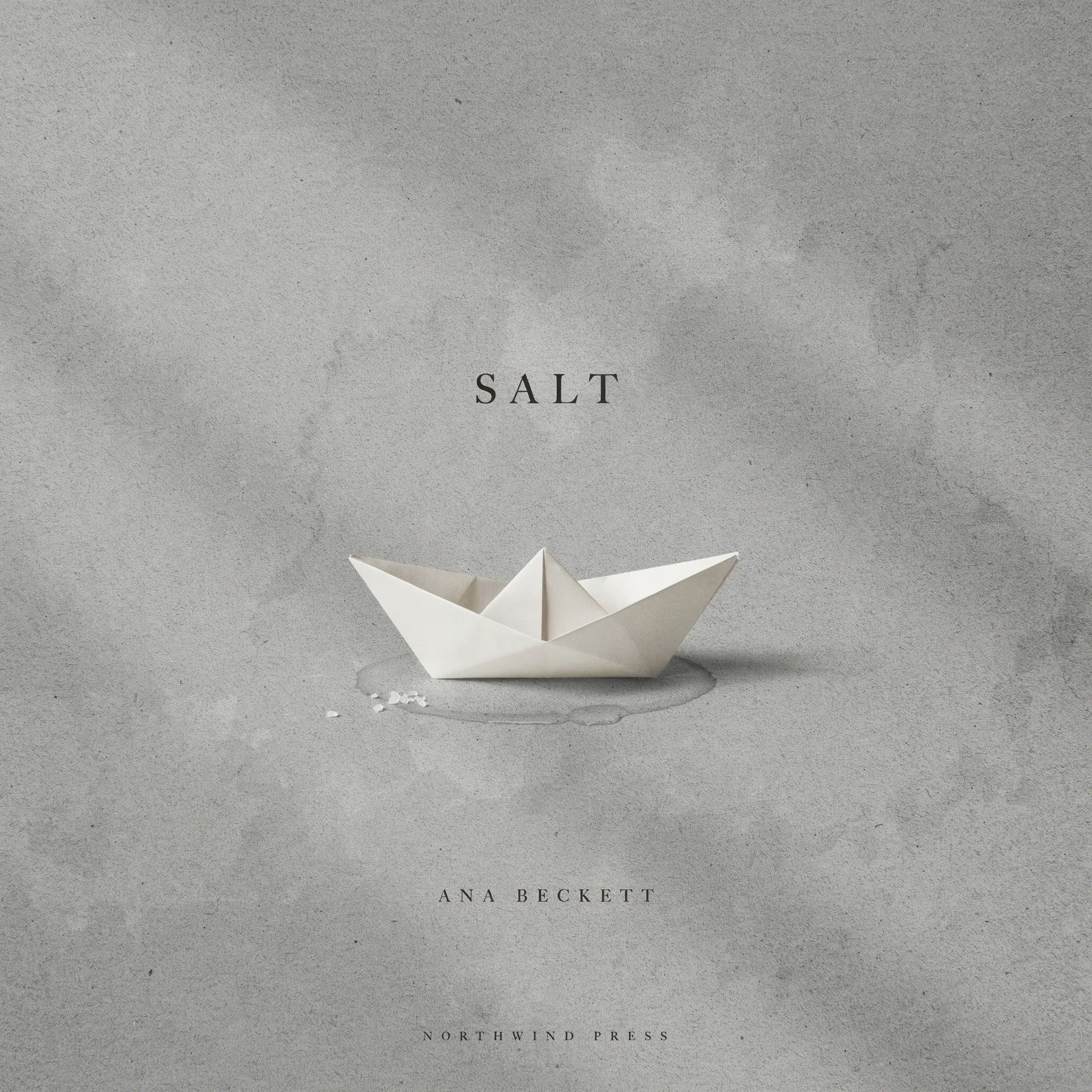
Literary minimal
Literary fiction cover, single symbolic object on a plain textured background, muted palette, elegant restrained serif title, lots of negative space
Edit prompt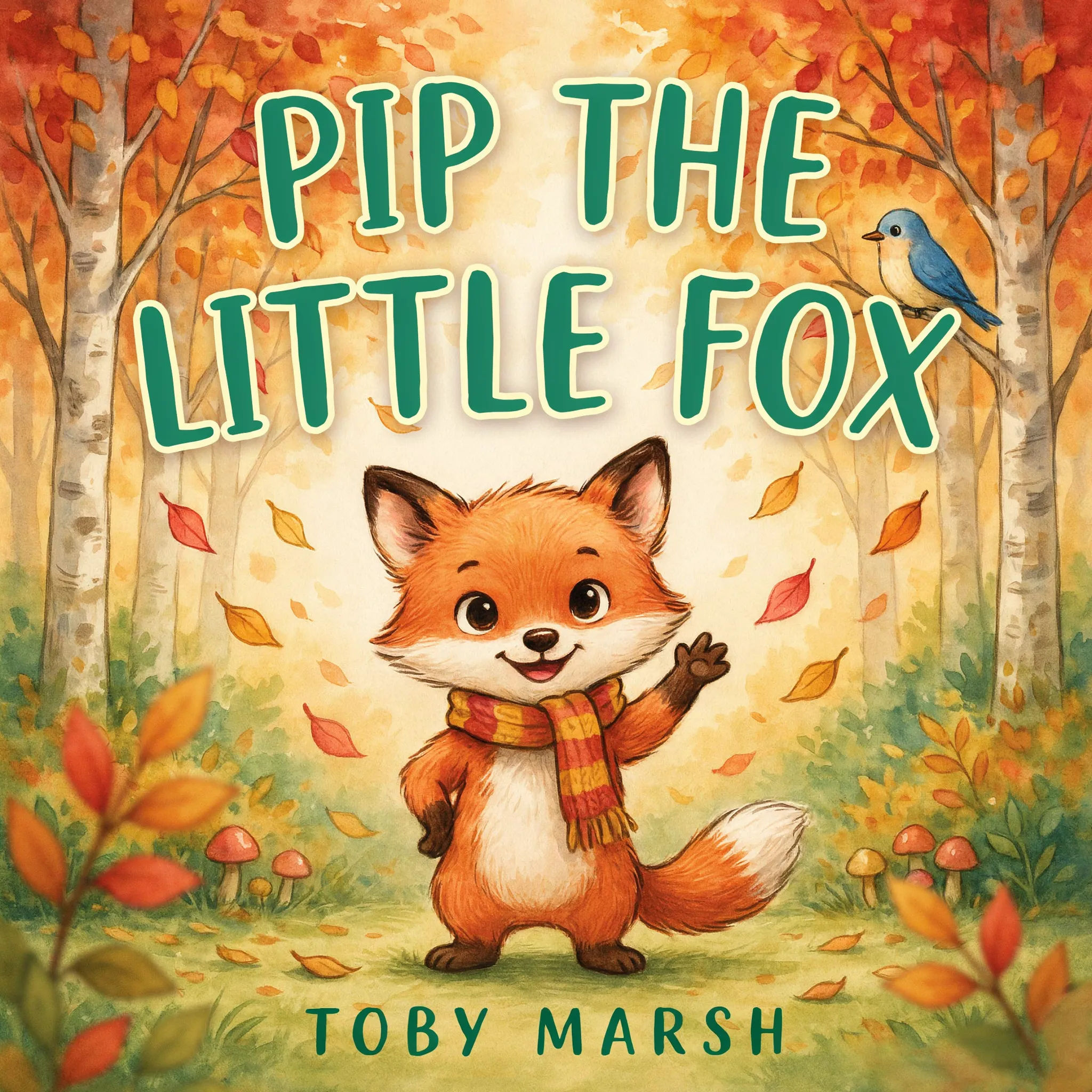
Children's storybook
Children's storybook cover, friendly cartoon fox in an autumn forest, soft watercolor, bright cheerful palette, rounded playful title lettering
Edit prompt
Sketch to render
Turn any sketch or drawing into a finished render.

Expressions
Take any character image and generate 6 distinct facial expressions on a single reference sheet.
Movie poster
Cinematic poster compositions from your key art, in any genre tone.

Image reverse engineer
Get a detailed prompt extracted from a reference image, and then a fresh recreation.

Cinematic storyboard
Share a scene description with character references. Get a full storyboard with shot angles and mood.

Music video
Pick a visual style, drop in your lyrics. Each verse gets its own scene visual, laid out as a full screenplay.
All on Morphic
Your complete cover stackModels
Nano Banana 2, Flux 2 Pro, ChatGPT Images, Grok Imagine, Recraft, Seedream, and more. Pick the one that nails your genre and switch mid-project.
Full wrap and layout
Extend a front cover into a full paperback wrap. Outpaint the spine and back, then place the title, blurb, and barcode.
Edit title and art
Change one element without rerolling the cover. Inpaint to swap the imagery, recolor the palette, or fix the title treatment.
Workflows
Save your cover recipe as a one-click Workflow. Rerun it for the next book in the series or share it with a co-author.
