Every image model
One workspaceBrochures you can design
Make a brochure in three steps
- 01
Open Morphic
Sign up and start creating on a free-flowing, infinite visual canvas.
- 02
Bring your copy
Paste the headlines and section text, then describe the fold, the palette, and the style.
- 03
Generate the pages
Render the cover and spreads, proof the wording, and export each page when it reads clean.
Use cases
Company and product overviews
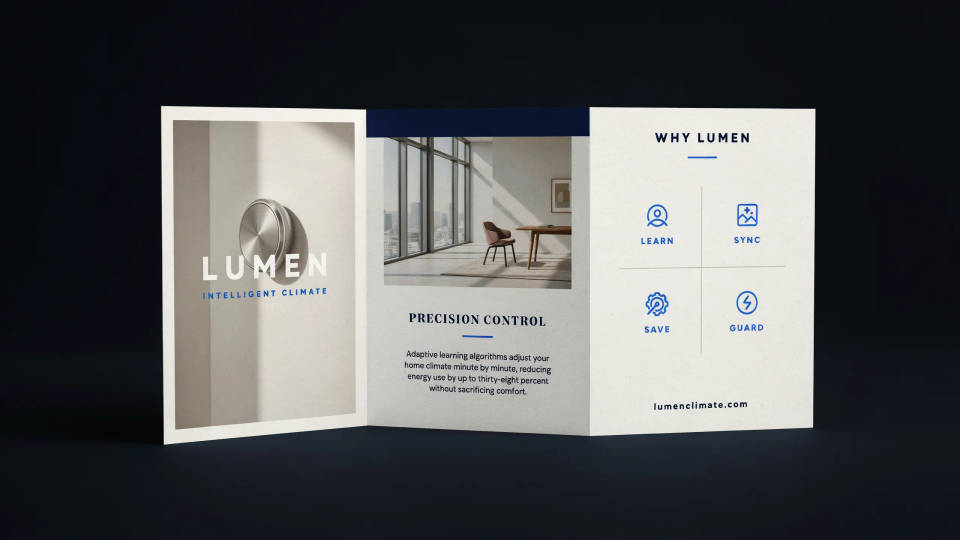
Turn a page of copy into a polished company brochure or product one-sheet. Lead with a strong cover, lay out the benefits across a spread, and close with a contact panel. It gives a small team a designed leave-behind without a studio budget, and you can restyle the whole thing by rerunning with a new brief.
Real estate listings
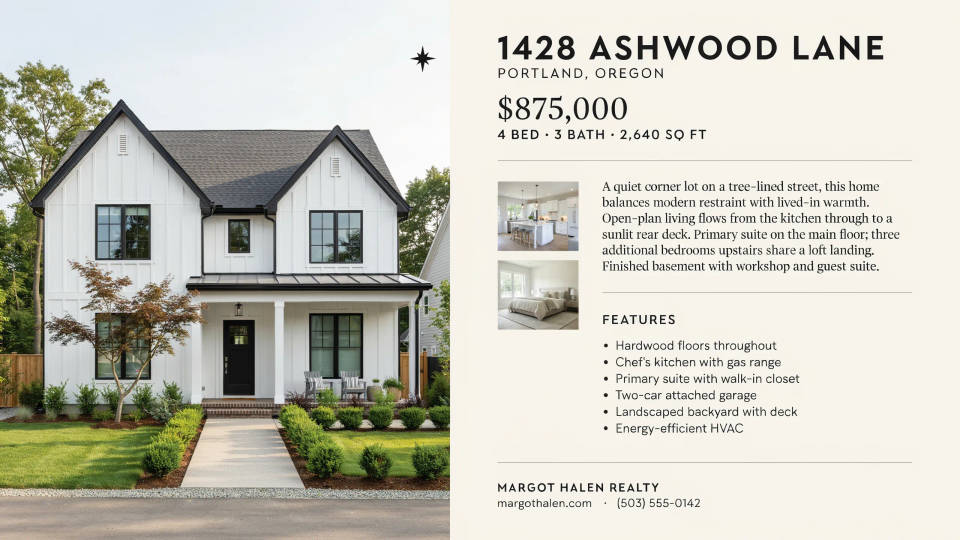
Build a listing brochure that makes a property look its best. Pair a hero shot of the exterior with a clean panel of features and a warm description. Generate a portrait sheet for print and a wide version for a portal, both from the same idea, and keep the agency palette consistent across every listing.
Travel and hospitality
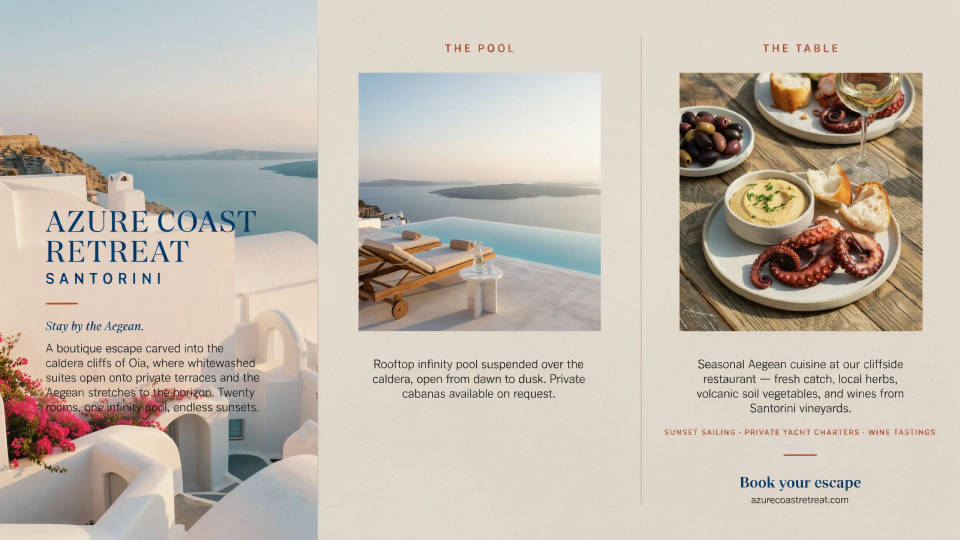
Design a brochure that sells a destination, a hotel, or a tour. Warm imagery, an inviting cover, and short blocks of copy do the work. Because you regenerate the imagery to match the mood you describe, you are not stuck hunting for stock photos that almost fit the brand.
Menus and event programs
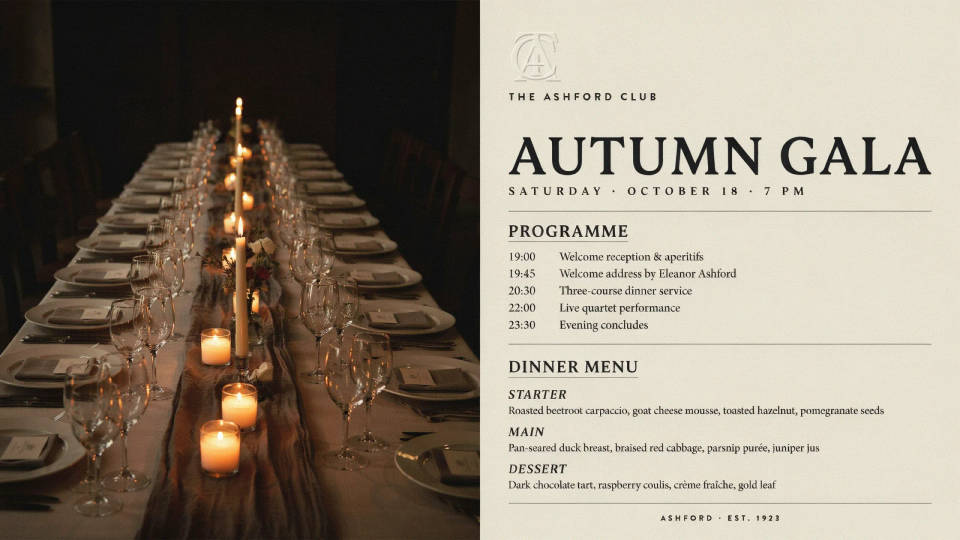
Lay out a service menu, a set menu, or an event program that matches the occasion. Keep the type readable and the sections clear so guests find what they need at a glance. Proof the details on the rendered page, then export a print size and a screen size from the same design.
Prompt examples
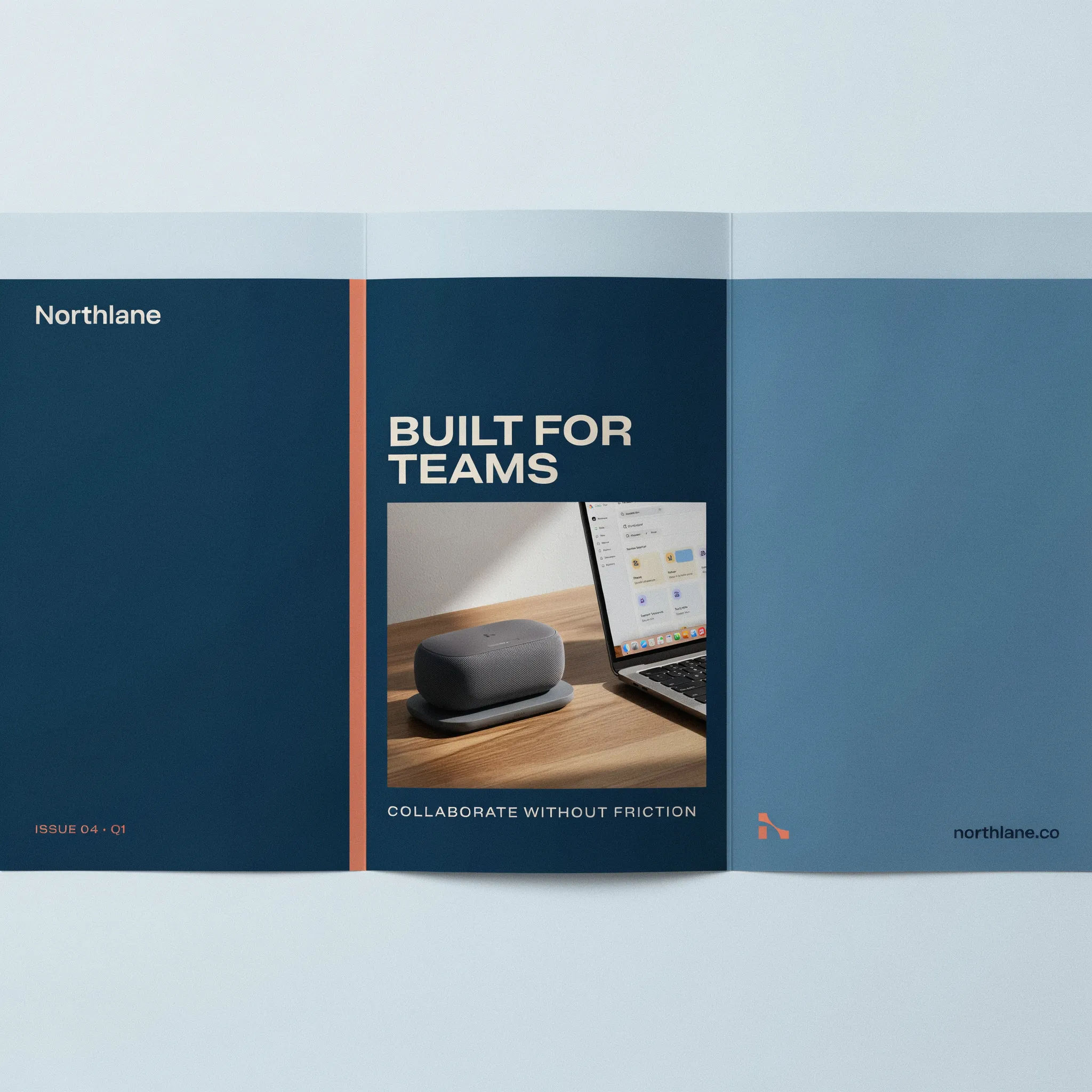
Company cover
Tri-fold company brochure cover, bold headline Built for teams, product hero photo, clean corporate blue palette
Edit prompt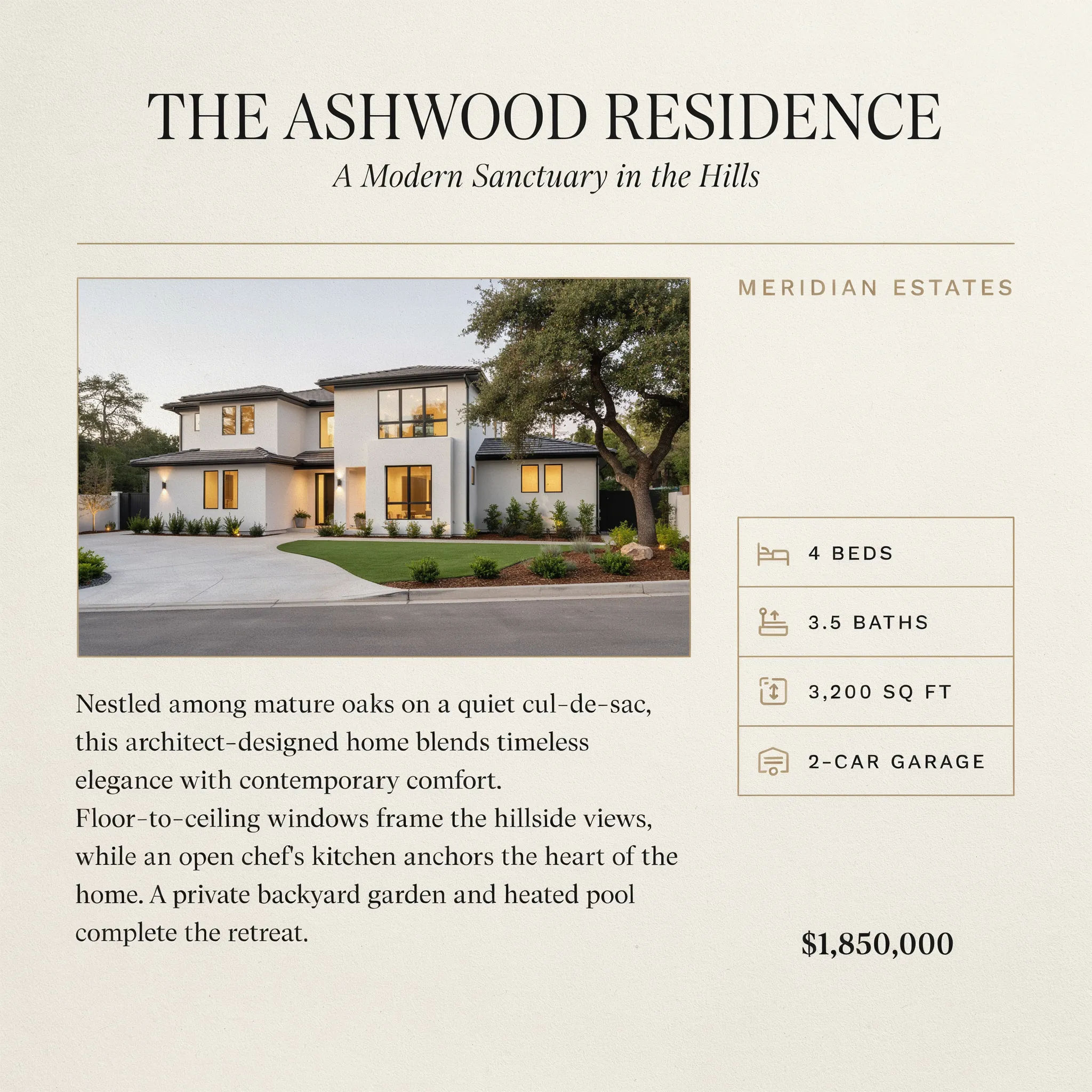
Real estate listing
Real estate brochure page, hero exterior photo, feature list panel, warm description, elegant serif headings
Edit prompt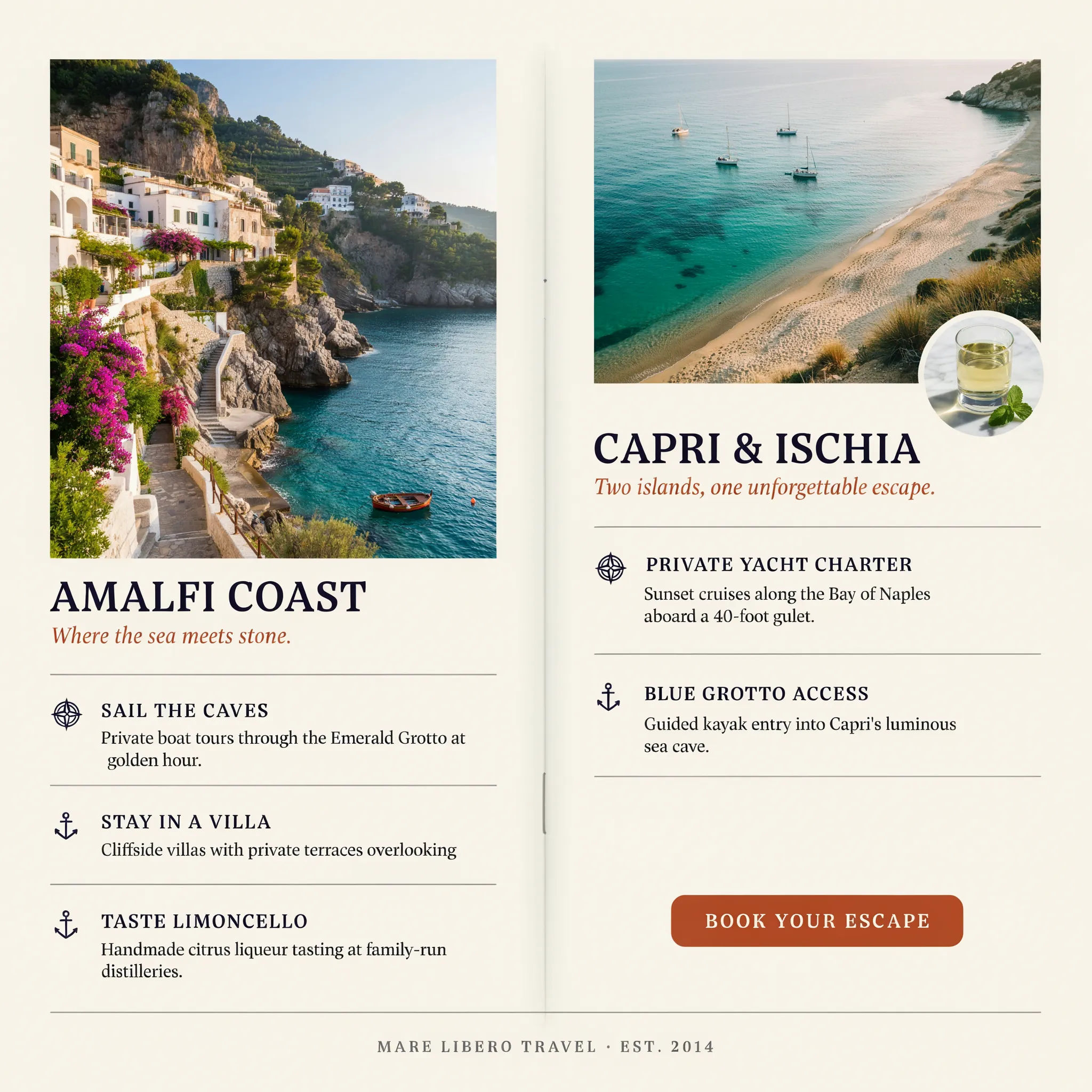
Travel spread
Travel brochure inside spread, sunlit coastal imagery, short highlight blocks, airy layout, soft warm palette
Edit prompt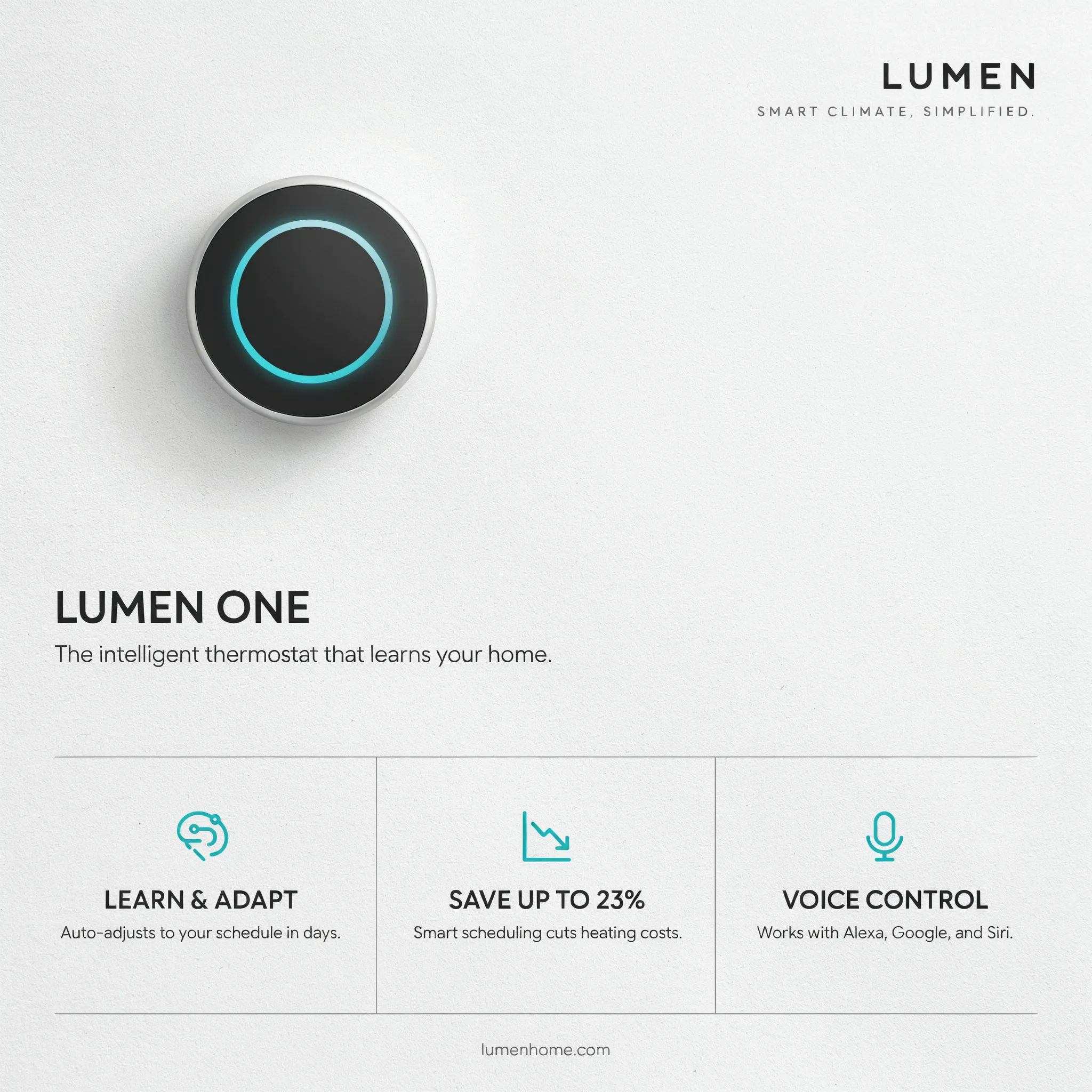
Product one-sheet
Product one-sheet brochure, single hero shot, three benefit callouts with icons, bold modern type
Edit prompt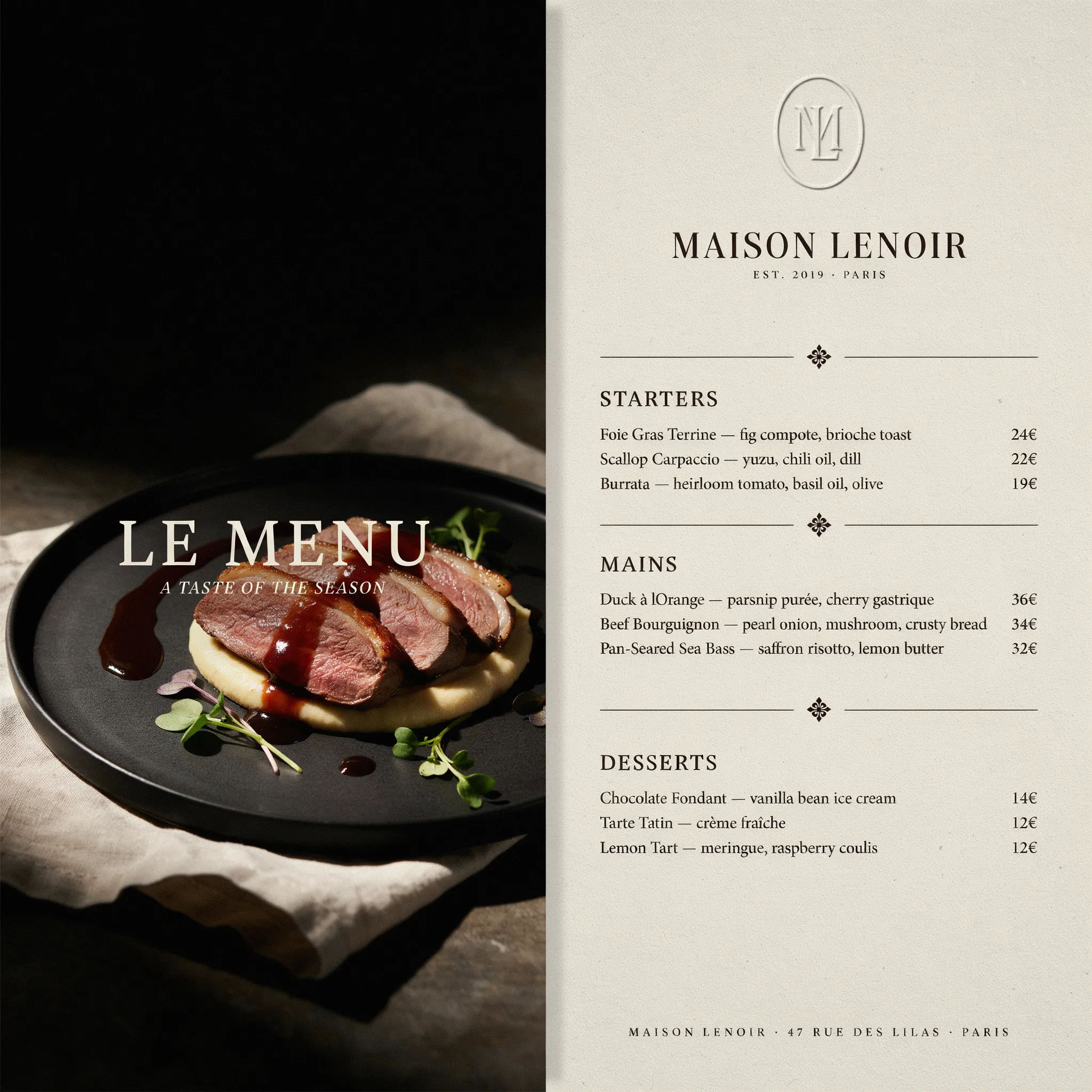
Restaurant menu
Bi-fold restaurant menu, warm editorial layout, sectioned dishes with prices, refined serif, cream paper look
Edit prompt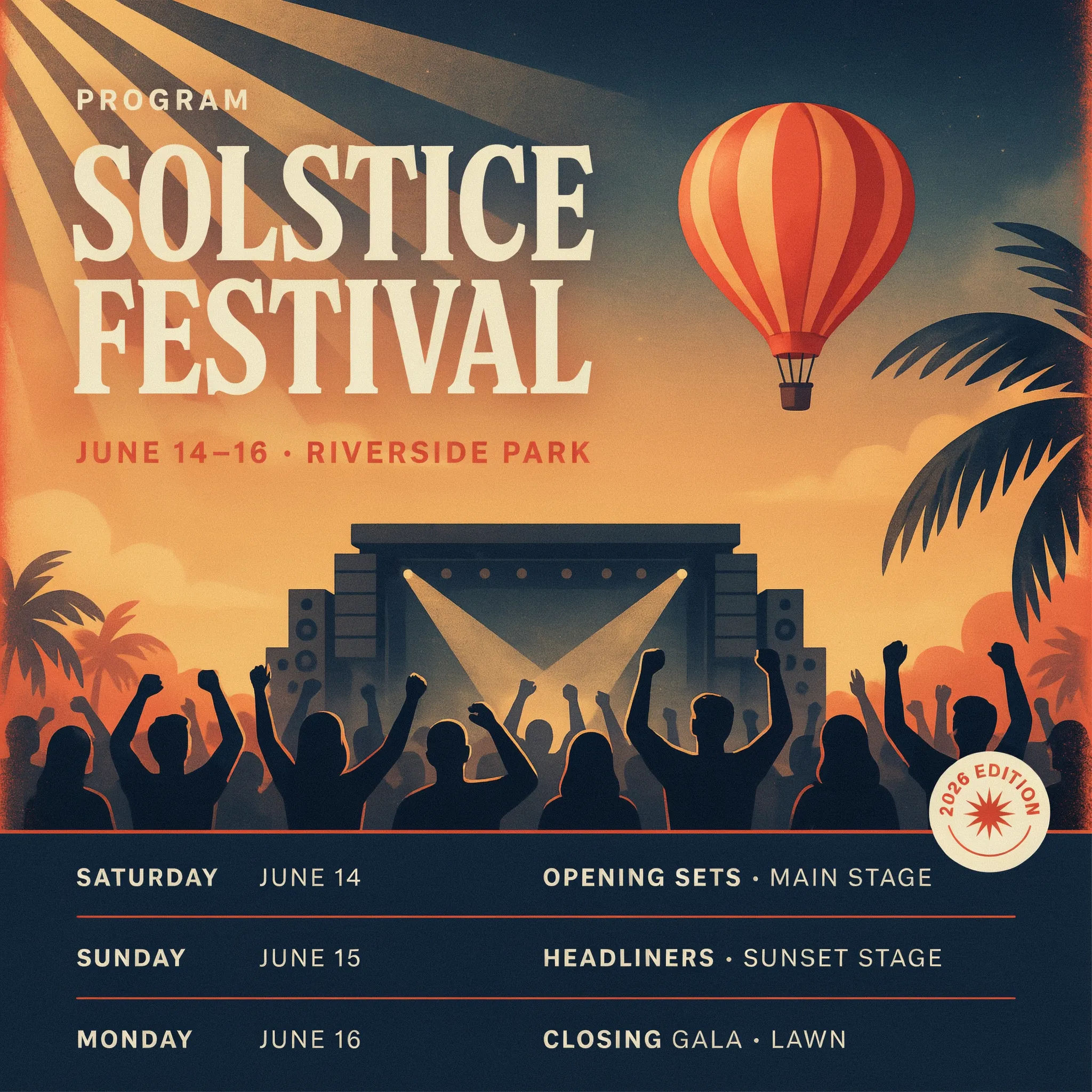
Event program
Event program cover, festival theme, bold illustrated artwork, schedule teaser, energetic color palette
Edit prompt
Cinematic storyboard
Share a scene description with character references. Get a full storyboard with shot angles and mood.

Messages to cinematic scene
Dramatize any text conversation into a cinematic multi-shot video.

Title sequence
Generate a professional film title card from scratch, with optional cinematic animation.

Expressions
Take any character image and generate 6 distinct facial expressions on a single reference sheet.

3x3 storyboard
Feed in a single image. Get 9 cinematic beats laid out as a 3x3 storyboard grid.

Chibi sprite animation
Turn any photo or description into an animated chibi sprite. Dance, jump, wave, attack, and more.
All on Morphic
Your full print design kitModels
Nano Banana 2, Flux 2 Pro, ChatGPT Images, Grok Imagine, Recraft, Seedream, and more. Swap models when a spread needs cleaner type or sharper imagery.
Flyer generator
Condense the brochure into a single-page flyer built to hand out or share.
Business card generator
Round out the set with a matching business card in the same palette and type.
Text to image
Generate any designed page from a description, the same way this brochure maker works.
