Morphic's AI Christmas photo generator turns family photos into festive cards and portraits, dressing the scene with snow, warm lights, and holiday wardrobe. Start from a photo and it works image-to-image, keeping your family's faces while building the holiday setting around them, or describe the scene from scratch. Direct the mood and refine on the canvas until the portrait feels like a card you want to send.
Festive portraits you can create
Make a Christmas portrait in three steps
- 01
Open Morphic
Sign up and start creating on a free-flowing, infinite visual canvas.
- 02
Upload your photo
Drop in a family photo so the model works from your real faces, or describe the festive scene from scratch.
- 03
Set the scene and generate
Choose the snow, lights, and wardrobe, then render a set and refine until the card feels right.
Use cases
Your family photo, festive
Start from a photo and the model works image-to-image, keeping real faces while dressing the scene for the holidays. It reads as your family, not a stock card.
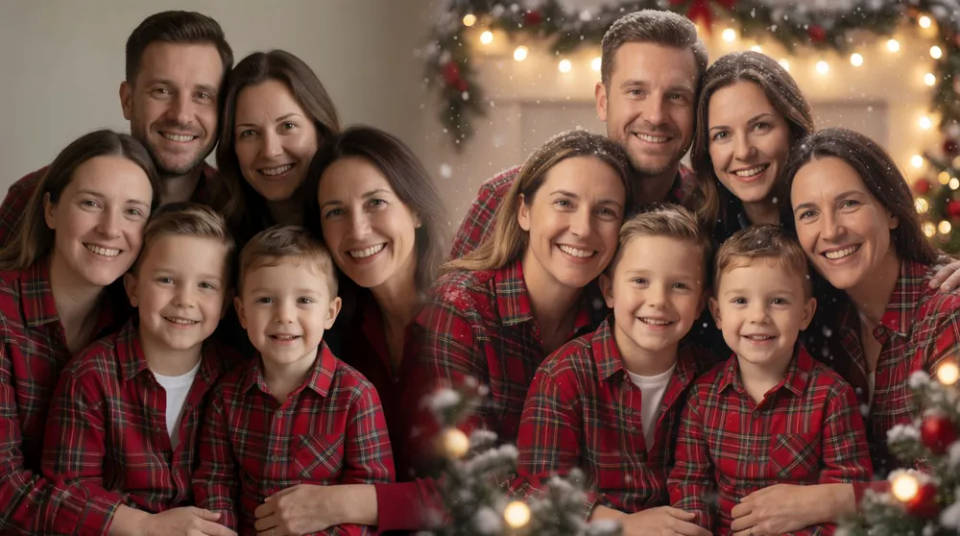
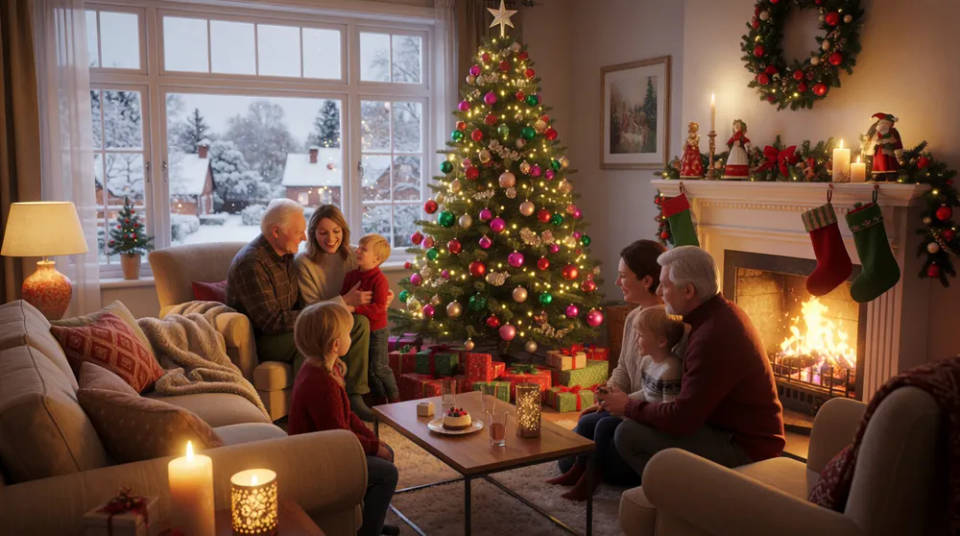
Snow, lights, and trees
Set a snowy porch, a cosy room by a decorated tree, or a fireplace with stockings. The festive setting goes on around your photo, warm and detailed.
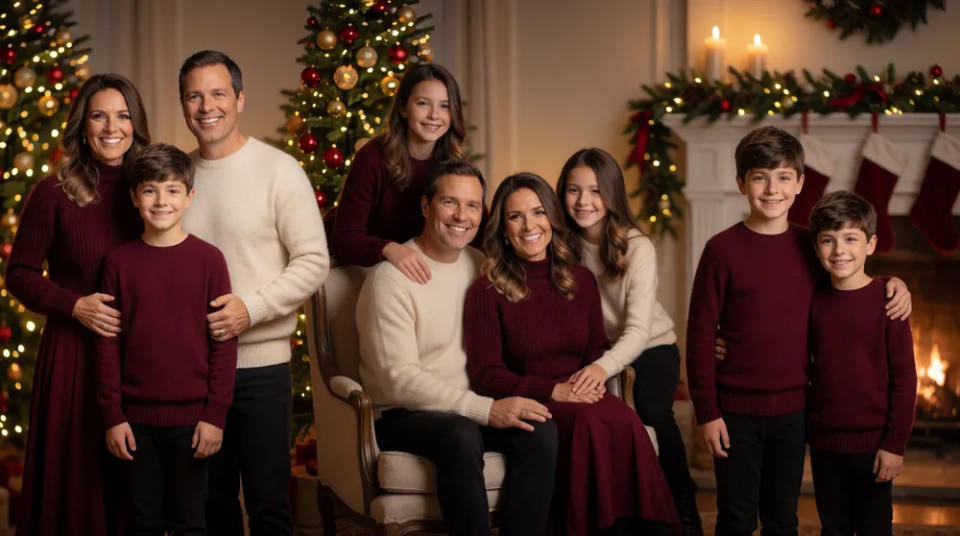
Card-ready matching set
Generate one festive look, then produce a matching set across poses and framings while the scene and style hold, so every image suits a card.
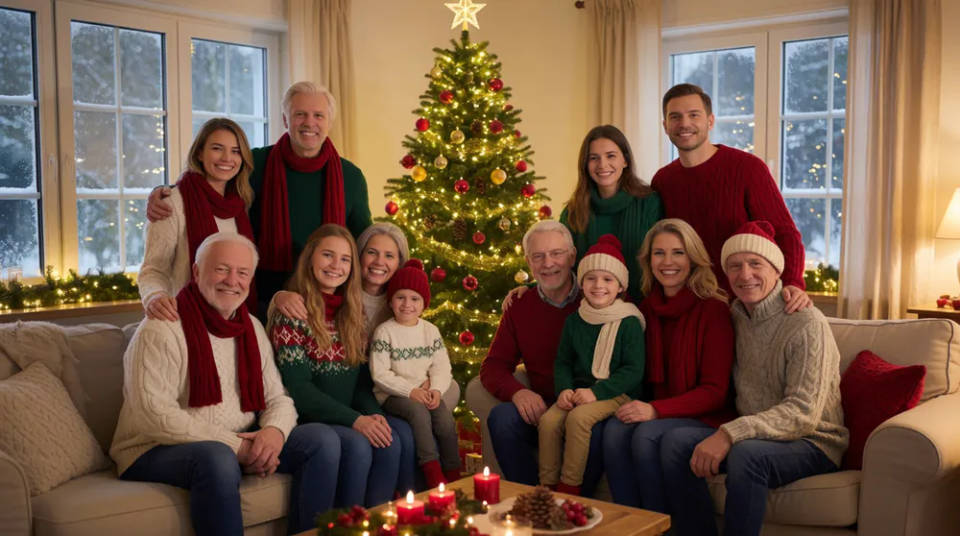
The whole family, one scene
Keep each person consistent with reference sheets, so the festive portrait holds everyone in one matched scene with shared lighting and scale.
Festive prompts to try
Different scenes, wardrobe, and warmth, all around your family. Open any prompt to tweak it and generate your own.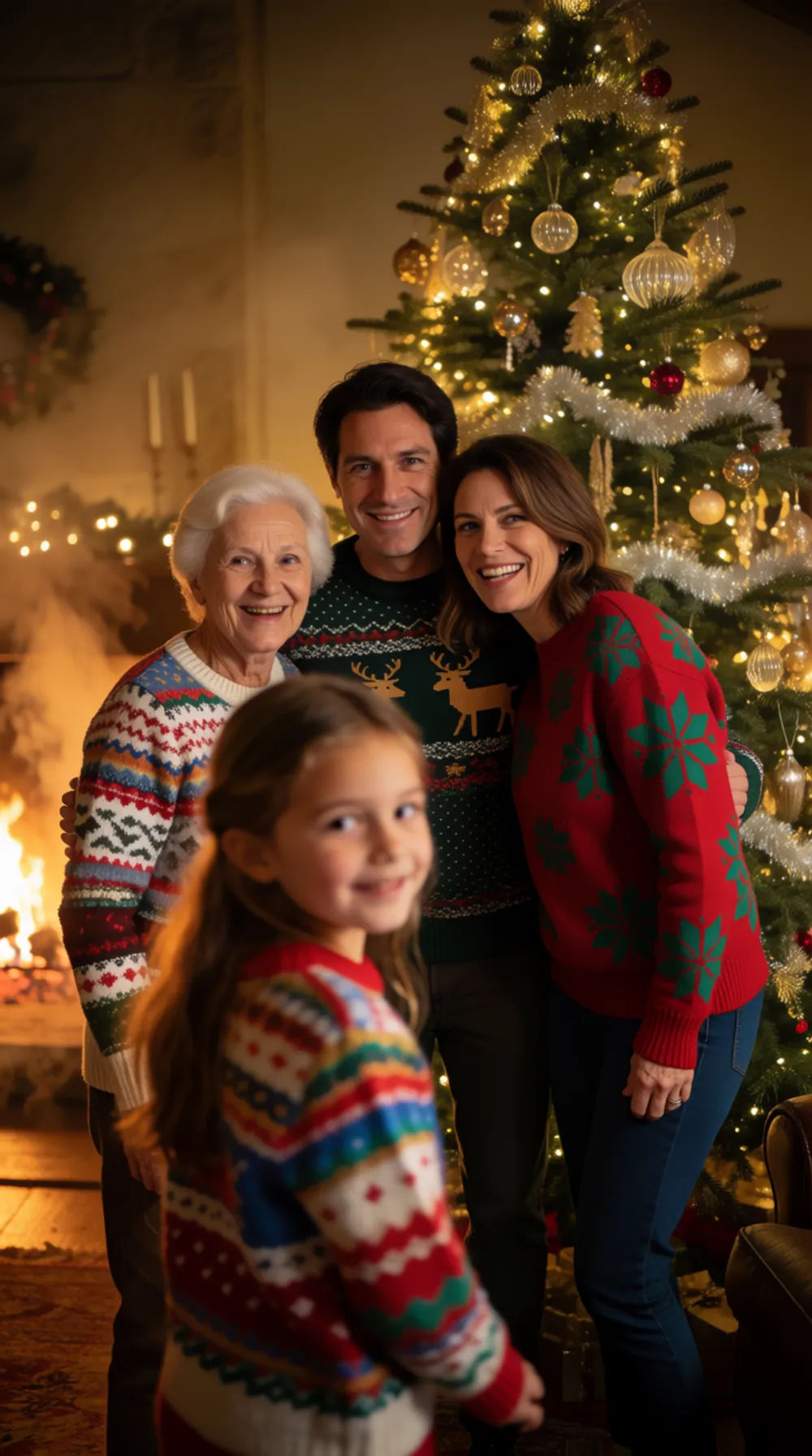
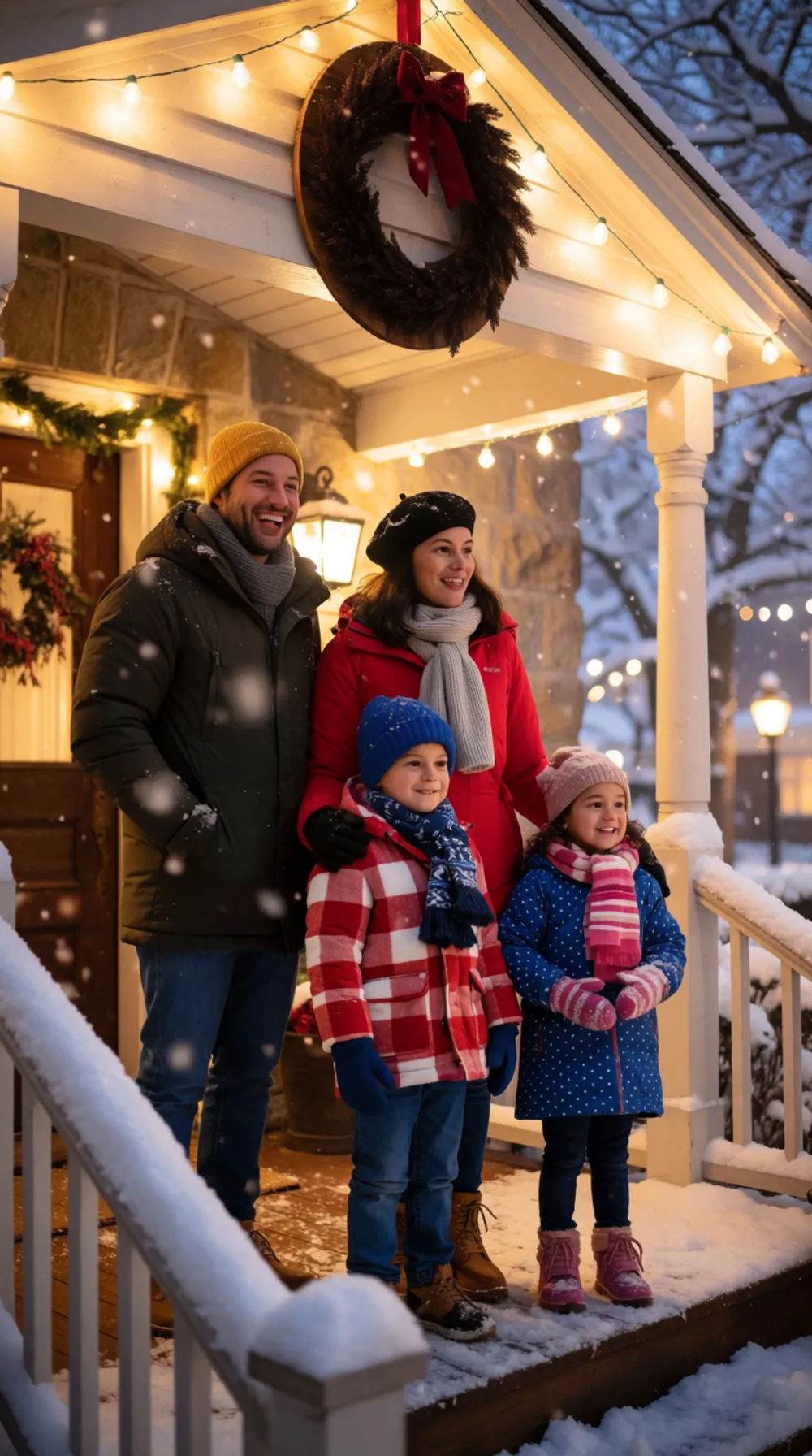
Snowy front porch
Family Christmas portrait on a snowy front porch, string lights, warm coats, gentle snowfall
Edit prompt
Fireplace with stockings
Cosy family portrait by a fireplace with stockings, warm glow, matching pyjamas
Edit prompt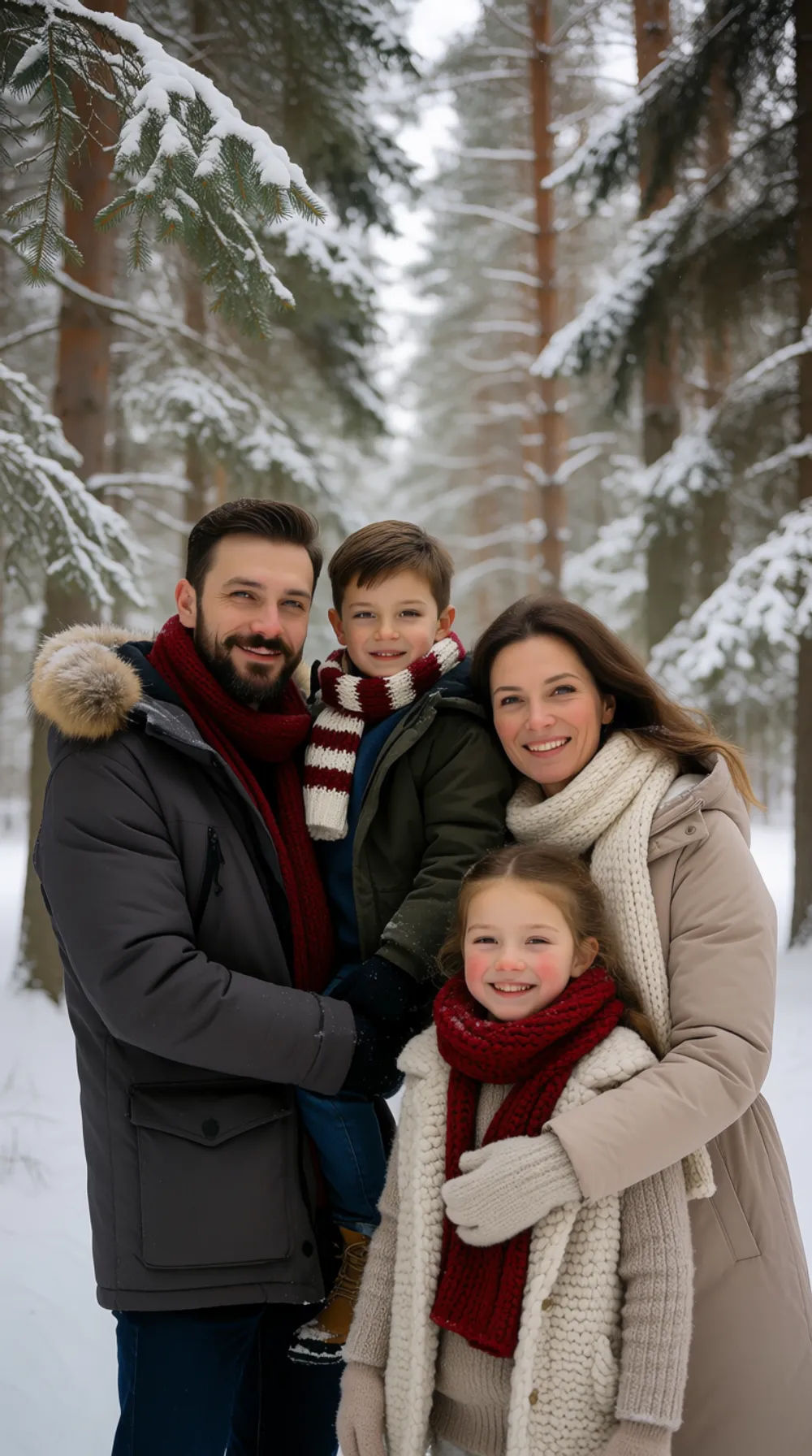
Winter forest
Family Christmas portrait in a snowy winter forest, soft daylight, scarves and coats
Edit prompt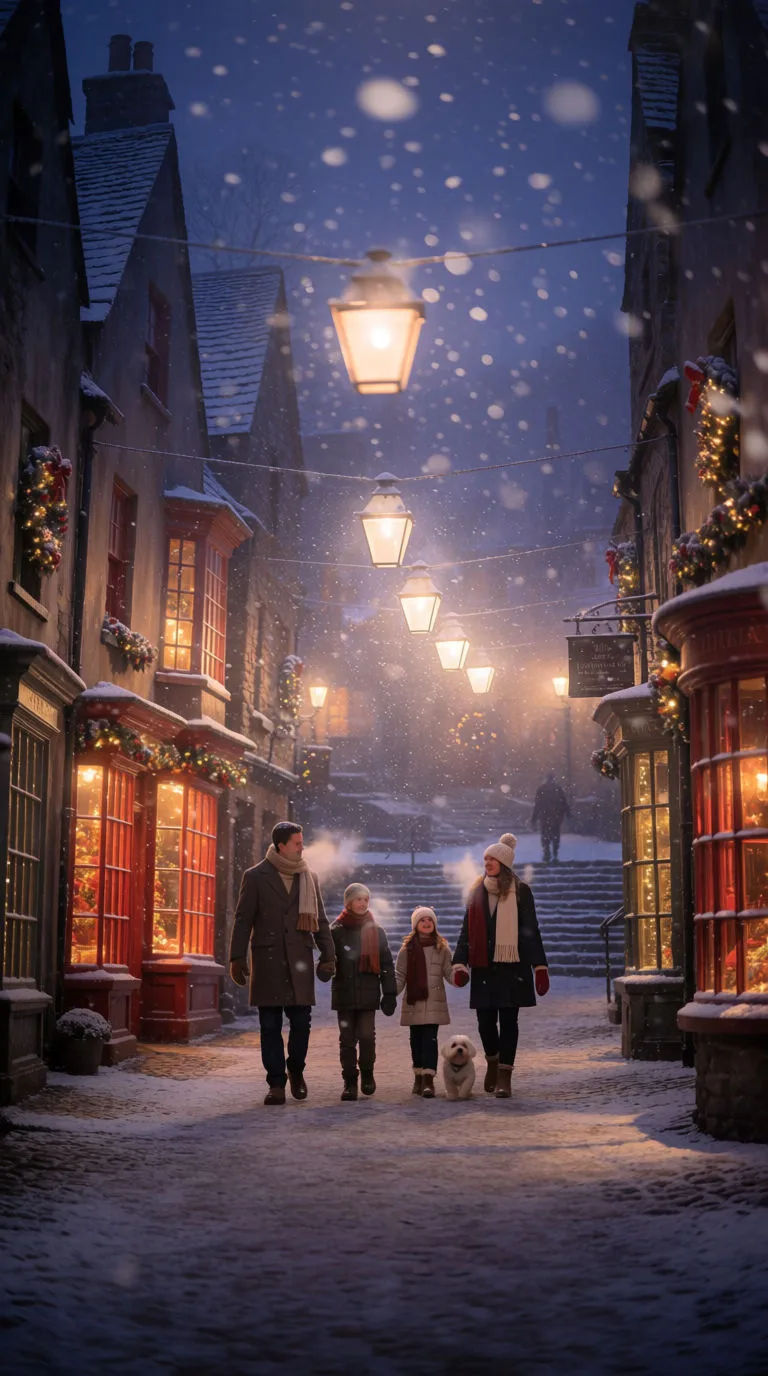
Snowy village stroll
Photoreal family Christmas portrait walking a snowy village lane at dusk, warm lantern light, wool coats, gentle snowfall, festive shop lights
Edit prompt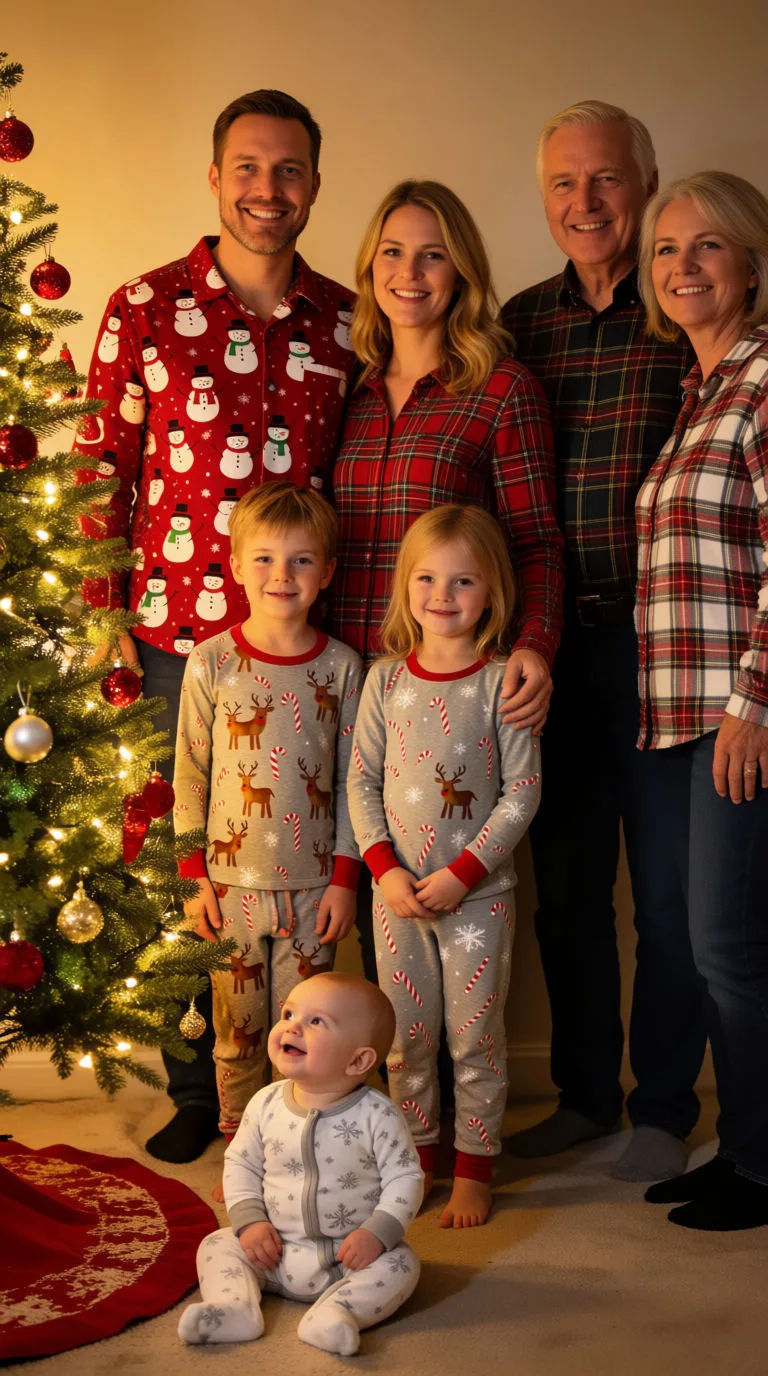
Christmas morning
Photoreal Christmas morning family portrait by the tree, warm golden light, festive pyjamas, glowing string lights, candid joy
Edit prompt
Title sequence
Generate a professional film title card from scratch, with optional cinematic animation.

Cinematic storyboard
Share a scene description with character references. Get a full storyboard with shot angles and mood.

Chibi sprite animation
Turn any photo or description into an animated chibi sprite. Dance, jump, wave, attack, and more.

Messages to cinematic scene
Dramatize any text conversation into a cinematic multi-shot video.
Paparazzi scene
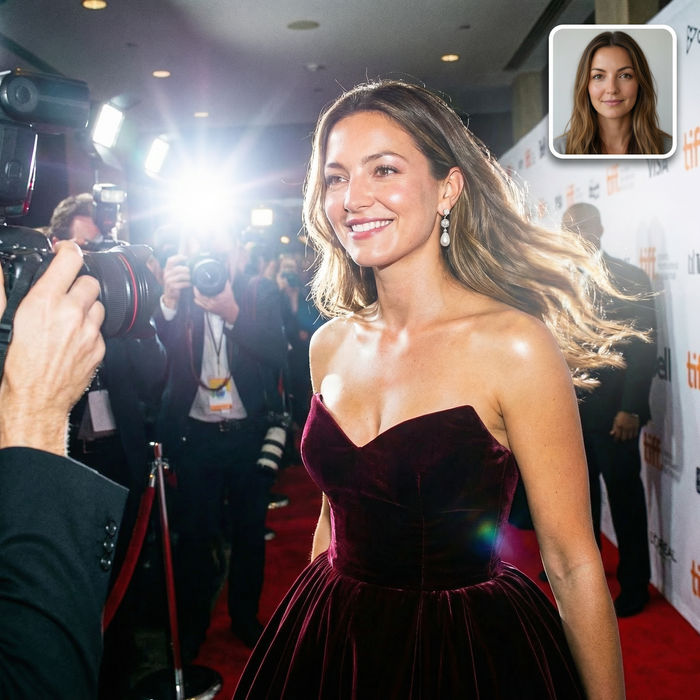
Put anyone on a red carpet with paparazzi flashes, animated into a celebrity entrance video.

Character age progression
Upload a photo of a person or character and get a single grid image showing them at different life stages, from baby to elderly.
All on Morphic
Your complete holiday portrait toolkitModels
Nano Banana 2, Flux 2 Pro, ChatGPT Images 2.0, Grok Imagine, Recraft V4 Pro, Seedream 5, and more. Pick the one that renders people, warm light, and festive detail best.
From your family photo
Start from a photo with image-to-image, keeping real faces while the snow, lights, and festive wardrobe go on around them, so it reads as your family.
Consistent characters
Keep each person consistent with reference sheets, so the whole family sits in one matched scene with shared lighting and scale.
Workflows
Lock your festive scene, lighting, and framing into a Workflow. Rerun it for each card variation, share the link, or favorite it.
