Every image model
Outfits changed from a reference
Change an outfit in three steps
- 01
Open Morphic
Sign up and start creating on a free-flowing, infinite visual canvas.
- 02
Add subject and reference
Upload the person, add a reference image of the garment, and mark the clothing region to change.
- 03
Generate and export
Morphic repaints the marked area to match the reference and holds the pose and face. Rerun, then export.
Use cases
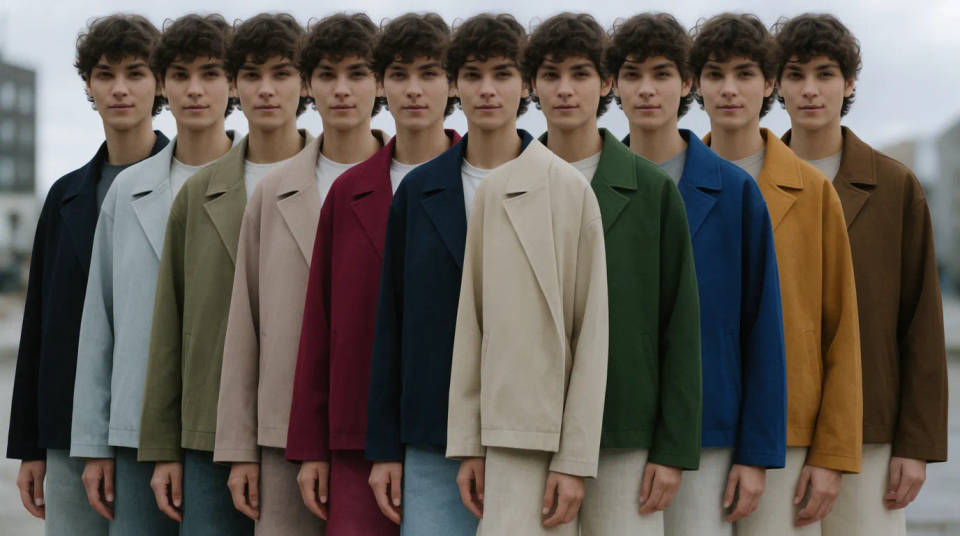
Show one garment in many colourways
Shoot a jacket once, then use a reference for each colour and repaint the marked region to produce the full range. The cut and the model stay identical across the set, so the variants read as the same product. It saves booking the studio again for every finish.
Try a look before the reshoot
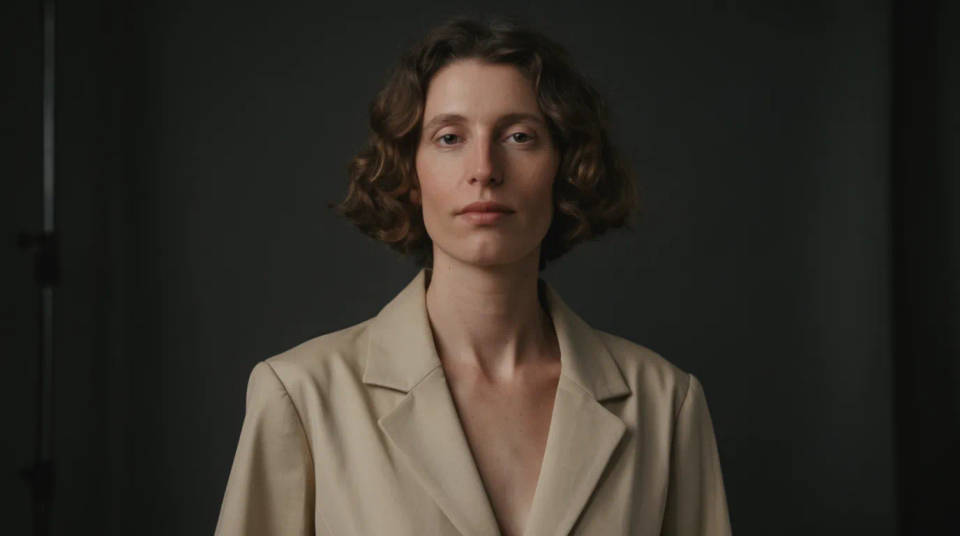
Preview how a different top, dress, or suit would sit on an existing photo before you commit to a full shoot. You supply the reference garment and mark the area, and the edit shows a realistic stand-in. Teams use it to align on direction with a client, then shoot the version everyone agreed on.
Refresh a portrait for the occasion
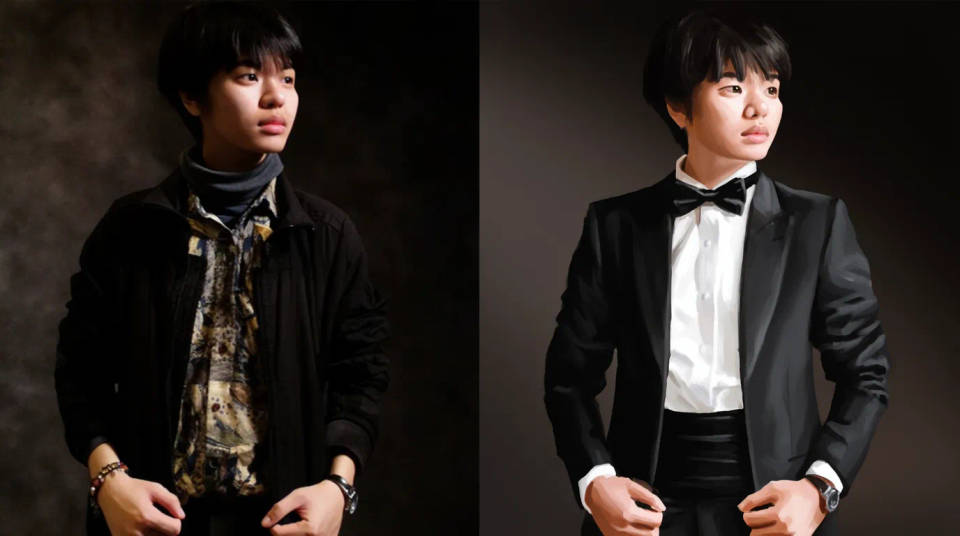
Move a casual portrait toward something smarter by repainting the clothing from a reference, while the face and pose stay exactly as shot. It is handy for a profile photo that needs a more formal outfit without a new sitting. Mark tightly so the change stops at the collar and cuffs.
Build lookbook and catalog variants
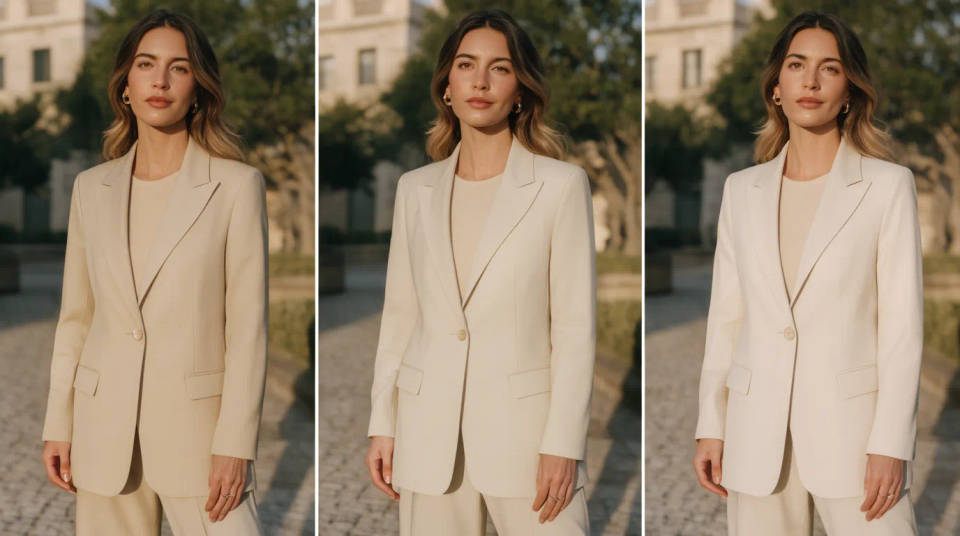
Take a hero shot and generate seasonal or styled variants by swapping the marked garment for each reference. Because the fabric comes from the reference rather than being invented, the detailing stays faithful to the real piece. Plan on a rerun or two per variant to settle the drape.
Prompt examples
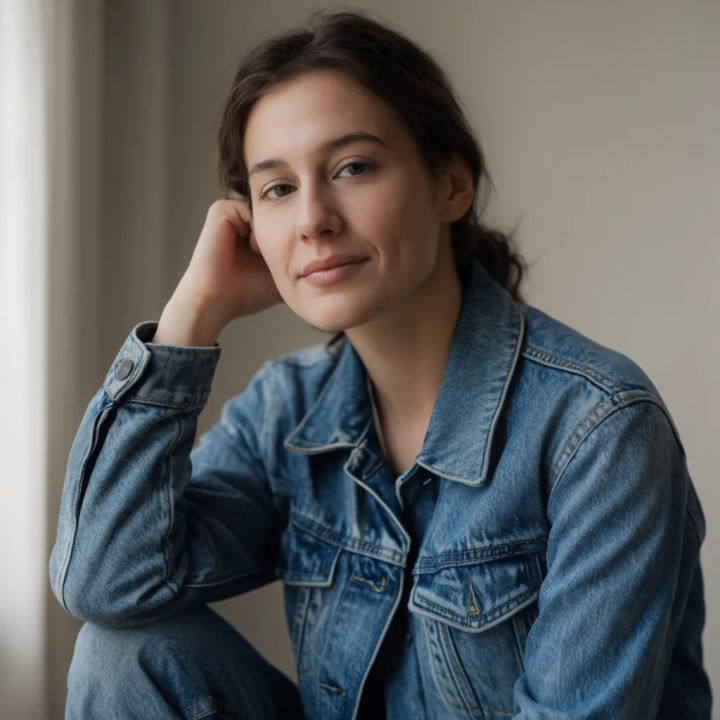
Swap in a jacket
Repaint the marked top to match the denim jacket in my reference image, keep the pose and face
Edit prompt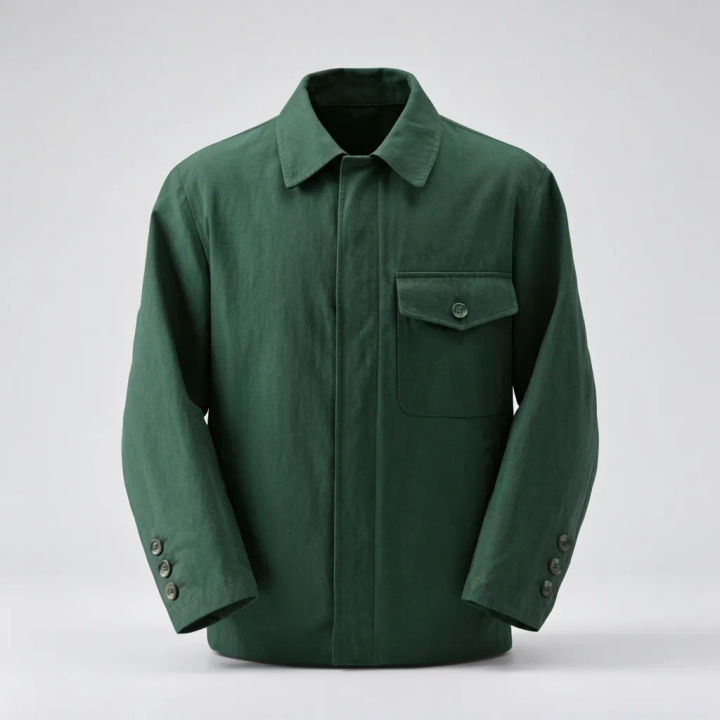
Change the colourway
Keep the same jacket shape but recolour it to the forest green in the reference, match the fabric
Edit prompt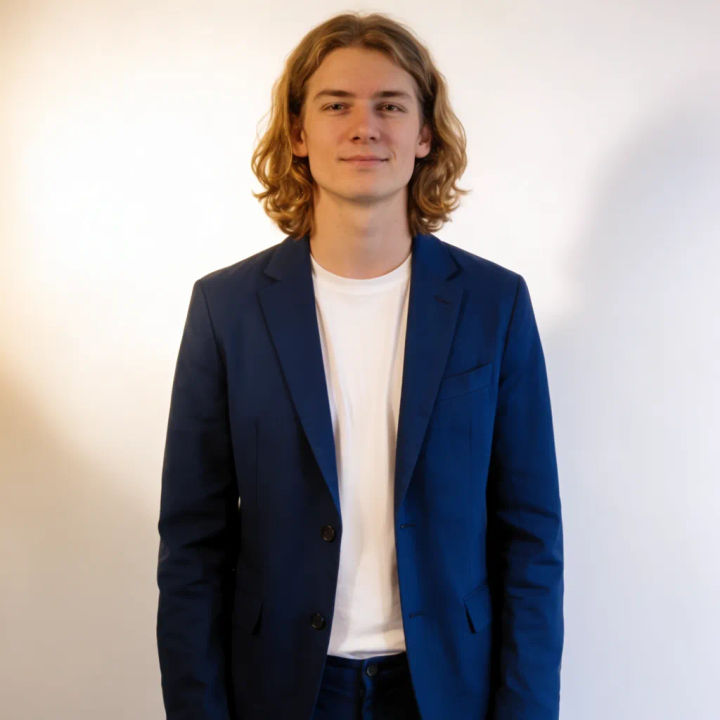
Formal restyle
Replace the marked t-shirt with a tailored navy blazer from the reference, leave the head unchanged
Edit prompt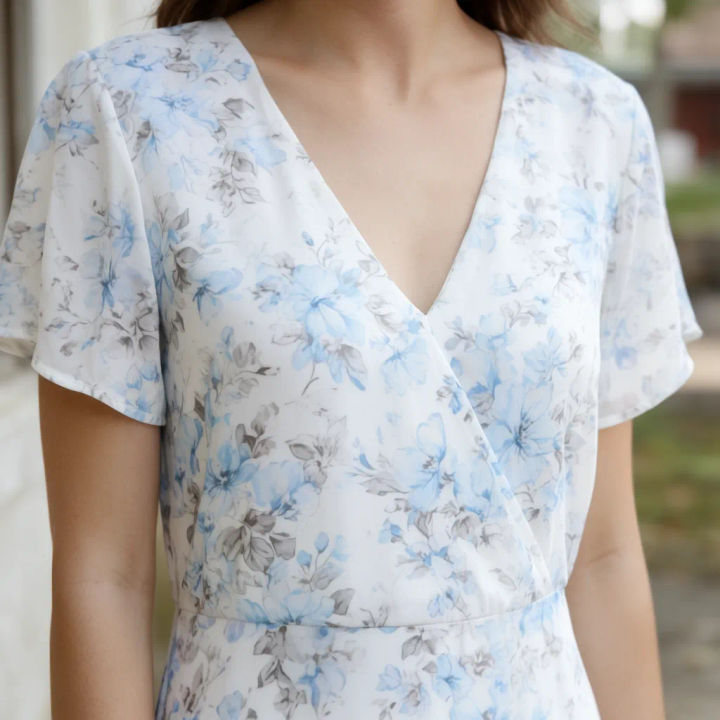
Match a pattern
Repaint the marked dress with the floral pattern from the reference, follow the folds and drape
Edit prompt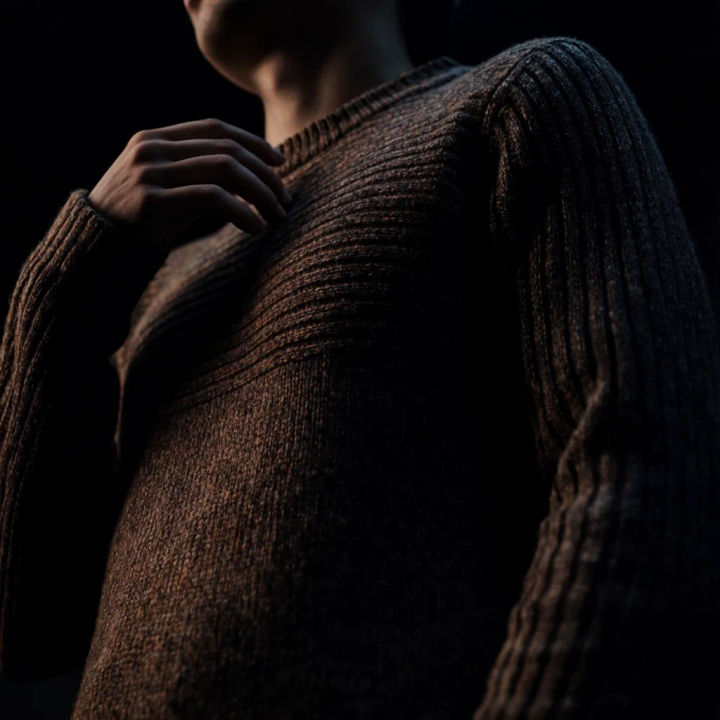
Seasonal layer
Add the knit sweater from the reference over the marked area, keep the arms and hands intact
Edit prompt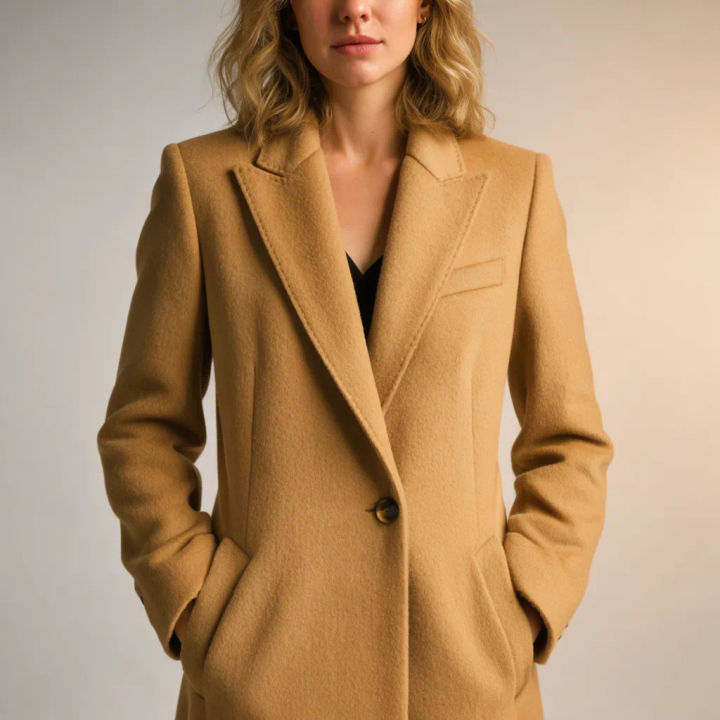
Catalog variant
Swap the marked coat for the camel wool coat in the reference, hold the studio lighting
Edit prompt
Cinematic storyboard
Share a scene description with character references. Get a full storyboard with shot angles and mood.

Messages to cinematic scene
Dramatize any text conversation into a cinematic multi-shot video.

Title sequence
Generate a professional film title card from scratch, with optional cinematic animation.

3x3 storyboard
Feed in a single image. Get 9 cinematic beats laid out as a 3x3 storyboard grid.

Chibi sprite animation
Turn any photo or description into an animated chibi sprite. Dance, jump, wave, attack, and more.

Expressions
Take any character image and generate 6 distinct facial expressions on a single reference sheet.
All on Morphic
Models
Nano Banana 2, Flux 2 Pro, ChatGPT Images, Grok Imagine, Recraft, Seedream, and more. Swap models when a garment needs cleaner seams or truer fabric.
Generative fill
The same marked-region inpainting, aimed at rebuilding or extending any part of an image rather than the clothing.
General AI photo editor
Make broader edits from a reference and a prompt, when the change goes past the outfit alone.
Image to image
The workflow behind the clothes changer: supply a reference, mark a region, and repaint it in place.
