Every video model
One workspaceAny background, no backdrop
Change a video background in three steps
- 01
Open Morphic
Sign up and start creating on a free-flowing, infinite visual canvas.
- 02
Upload your video
Drop in the clip you filmed anywhere. The AI finds the subject on its own.
- 03
Describe the new scene
Write where the subject should be, then export with the new background behind them.
Use cases
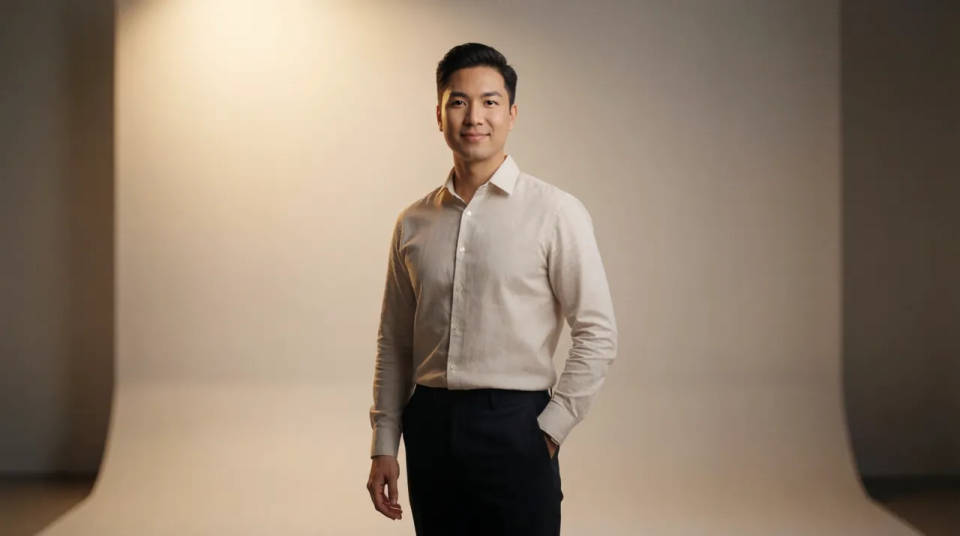
A studio set you never built
A creator films at home and wants the polish of a set. Describe a clean studio backdrop and the subject moves onto it, matched to the light in the original take. No cloth to hang, no lamps to balance, and no green spill to paint out later.
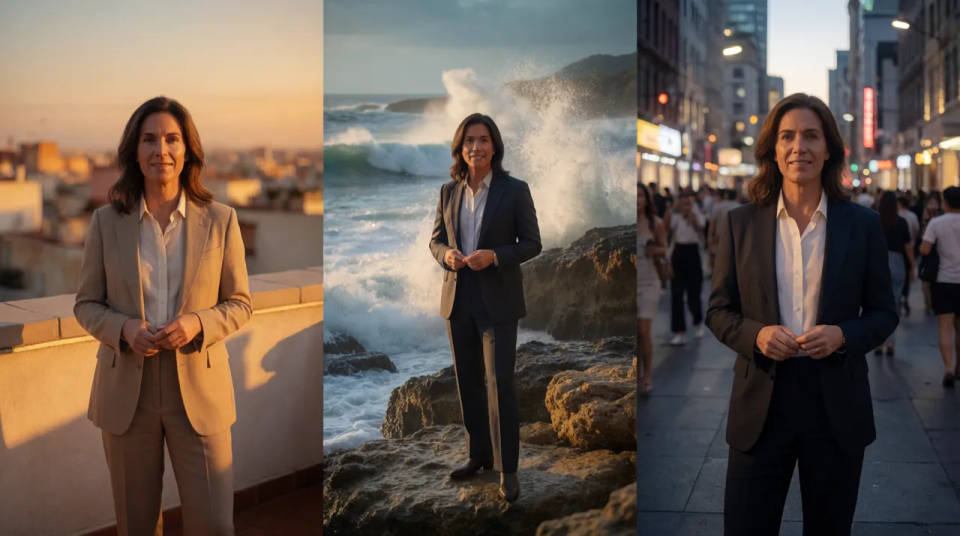
On location without the travel
A presenter shot indoors can appear on a rooftop, a shoreline, or a city street, chosen by prompt. One take reaches settings a shoot could never justify booking, and a script that calls for three locations becomes three background prompts on the same footage.
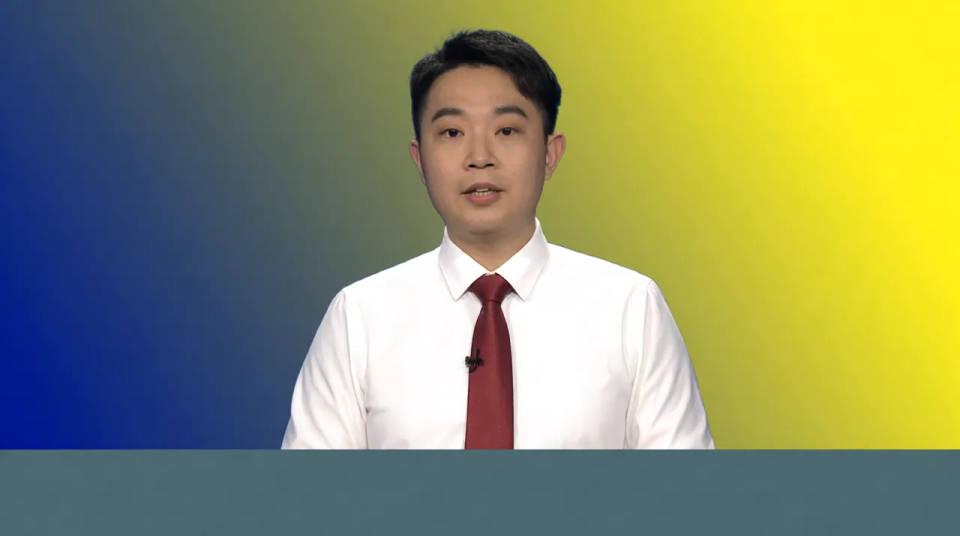
Branded backgrounds for every clip
A channel wants each video to sit on the same on-brand backdrop. Describe it once and drop every subject onto it, so footage filmed on different days in different rooms reads as one consistent series across a feed.
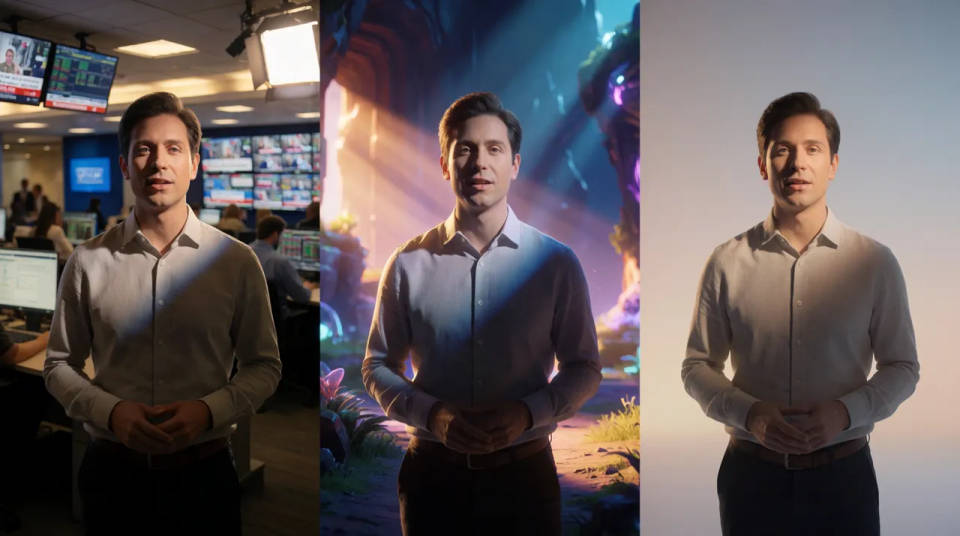
Reactions and explainers
A reaction clip or an explainer plays better with a scene behind the speaker than a beige wall. Put them in a set that fits the subject, a newsroom, a game world, a calm gradient, without owning any of it.
Dance your character
Upload a character image and make it dance in any style.
Time-freeze effect
Cinematic time-freeze short film for any scene
Cinematic scene
One image to a 9-scene cinematic video.
Motion transfer
Pair a character image with a reference video. Your character picks up that exact motion.
Video style transfer
Restyle any video in a completely new visual style. Every frame transforms, all motion stays intact.
Renovation timelapse
Photo of any real-estate becomes a cinematic renovation timelapse video with construction SFX and music.
All on Morphic
From your room to any sceneModels
Kling 3.0, Seedance 2.0, Veo 3.1, and more, generating the scene that goes behind your subject.
Video background remover
Only want the subject cut out clean? Remove the background and leave the space empty.
Video to video
Restyle or transform a whole clip with a prompt, beyond replacing what is behind the subject.
Text to video
No footage yet? Generate the clip from a written prompt, then refine the scene from there.
