Hairstyles you can try
Change your hairstyle in three steps
- 01
Open Morphic
Sign up and start creating on a free-flowing, infinite visual canvas.
- 02
Upload your selfie
Drop in a clear, front-facing photo so the model reads your real face.
- 03
Try new looks
Ask for a cut, color, or length. Compare a few and download the winner.
Use cases
Preview a big change
See a pixie, bangs, or a bold color on your own face before you book the chair. It sits on your real features, so the preview actually reflects you.

Test colors side by side
Blonde, copper, or jet black on the same photo, so the choice is obvious. Line up a few shades together and pick the one that suits you at a glance.

Brief your stylist
Hand your stylist an exact reference instead of a screenshot of someone else's hair. You both start from the same picture, so the result matches what you asked for.

Have fun with it
Try styles you would never risk in real life and share the results. It costs nothing to experiment, so go bold before you decide.

Hairstyles you can try
Each look starts from your own selfie. Open any prompt to tweak it and generate your own.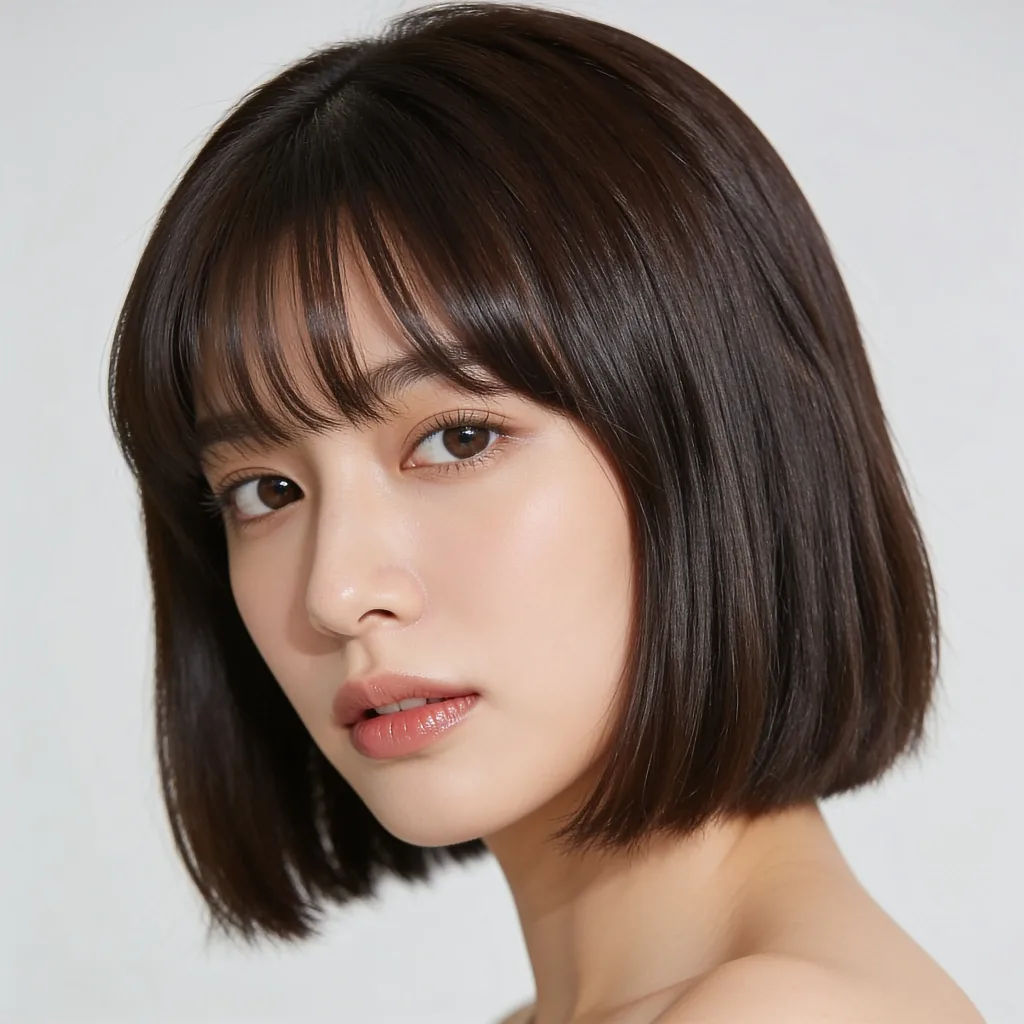
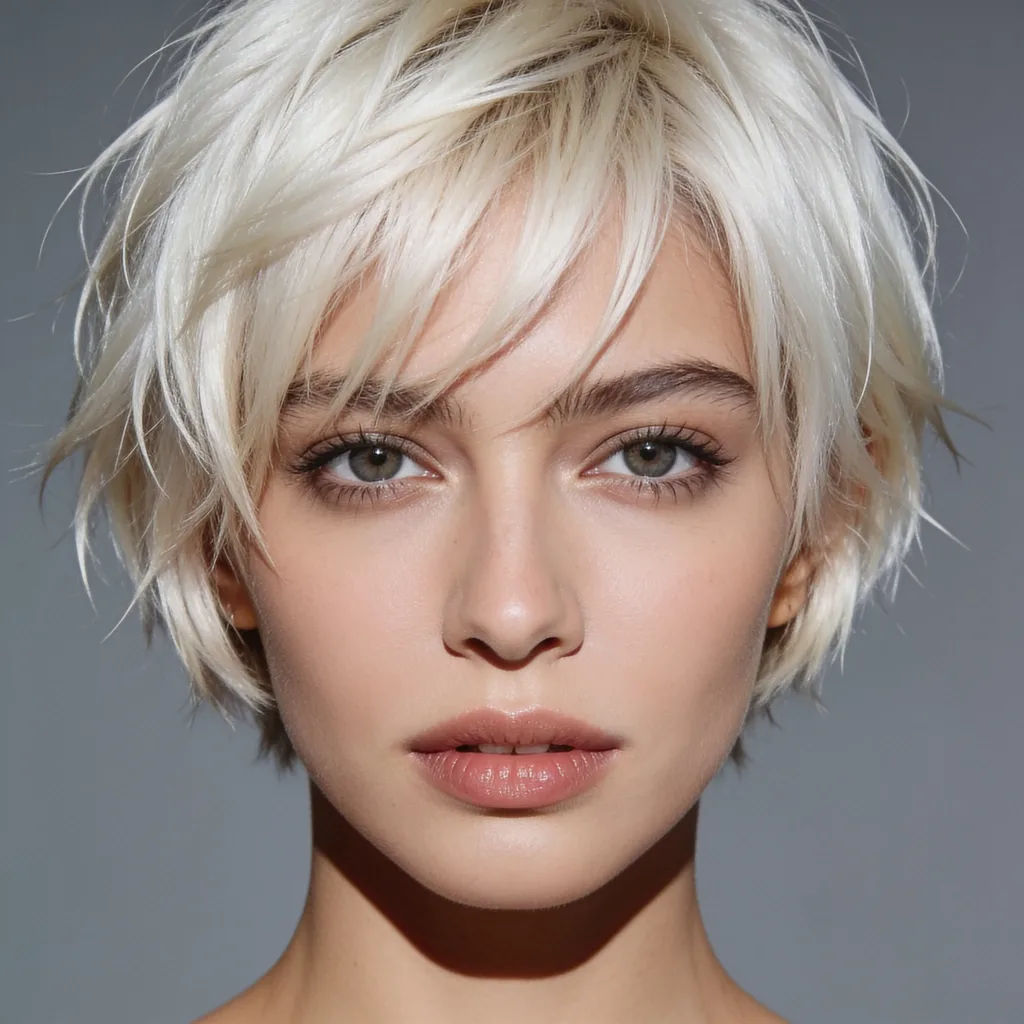
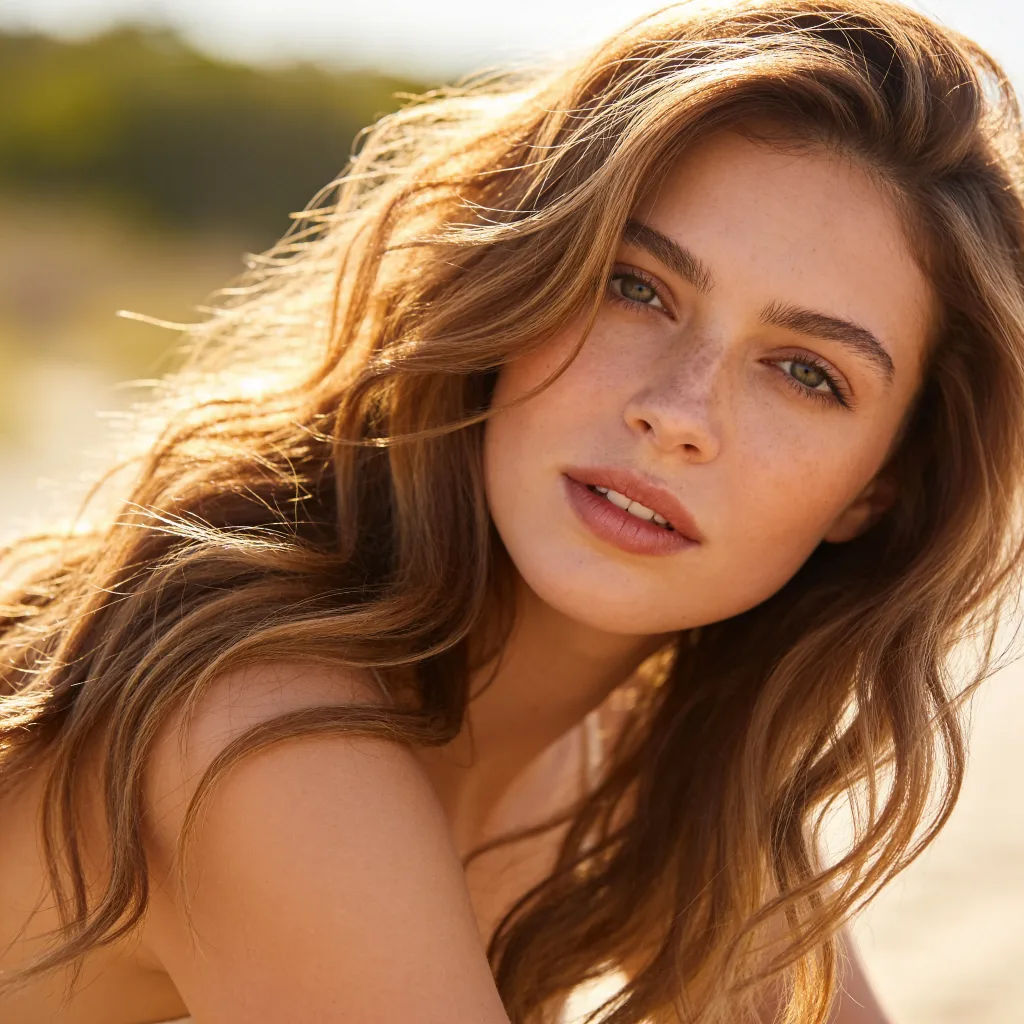
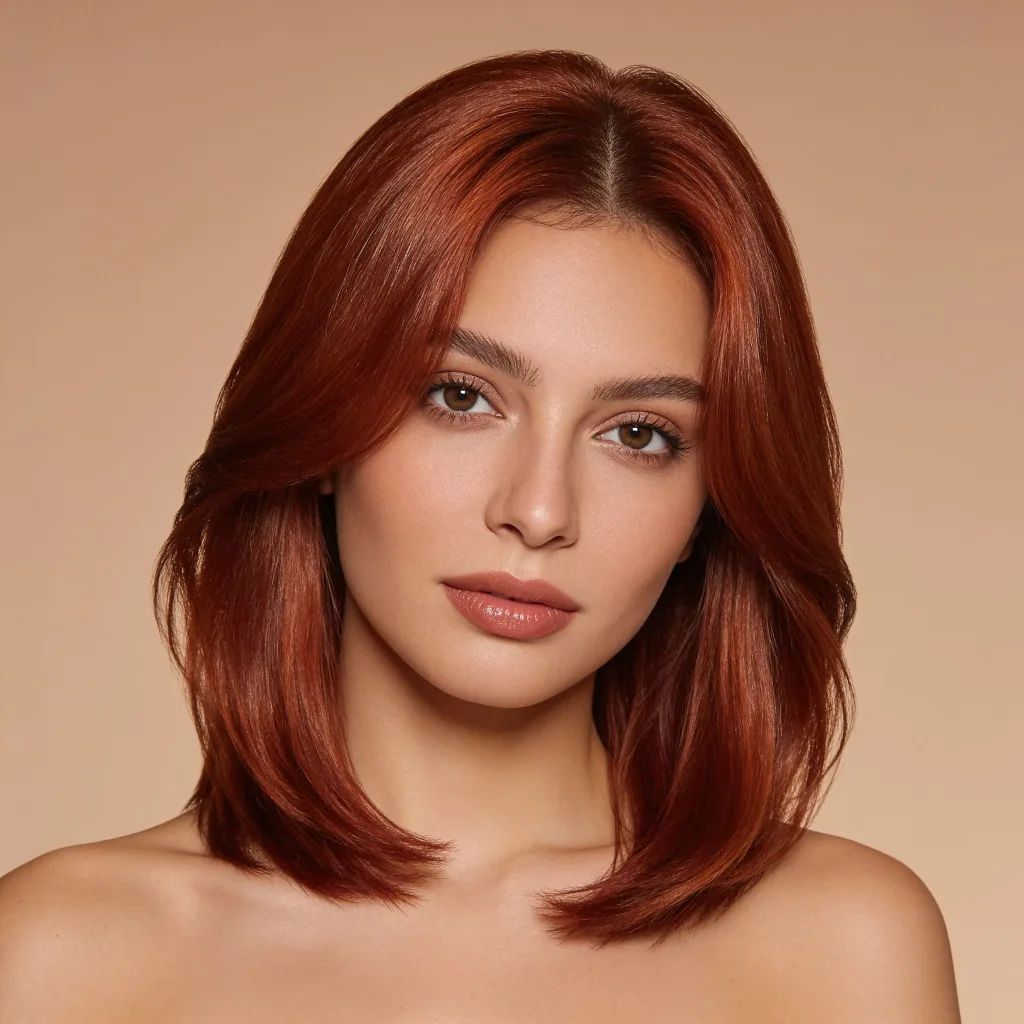
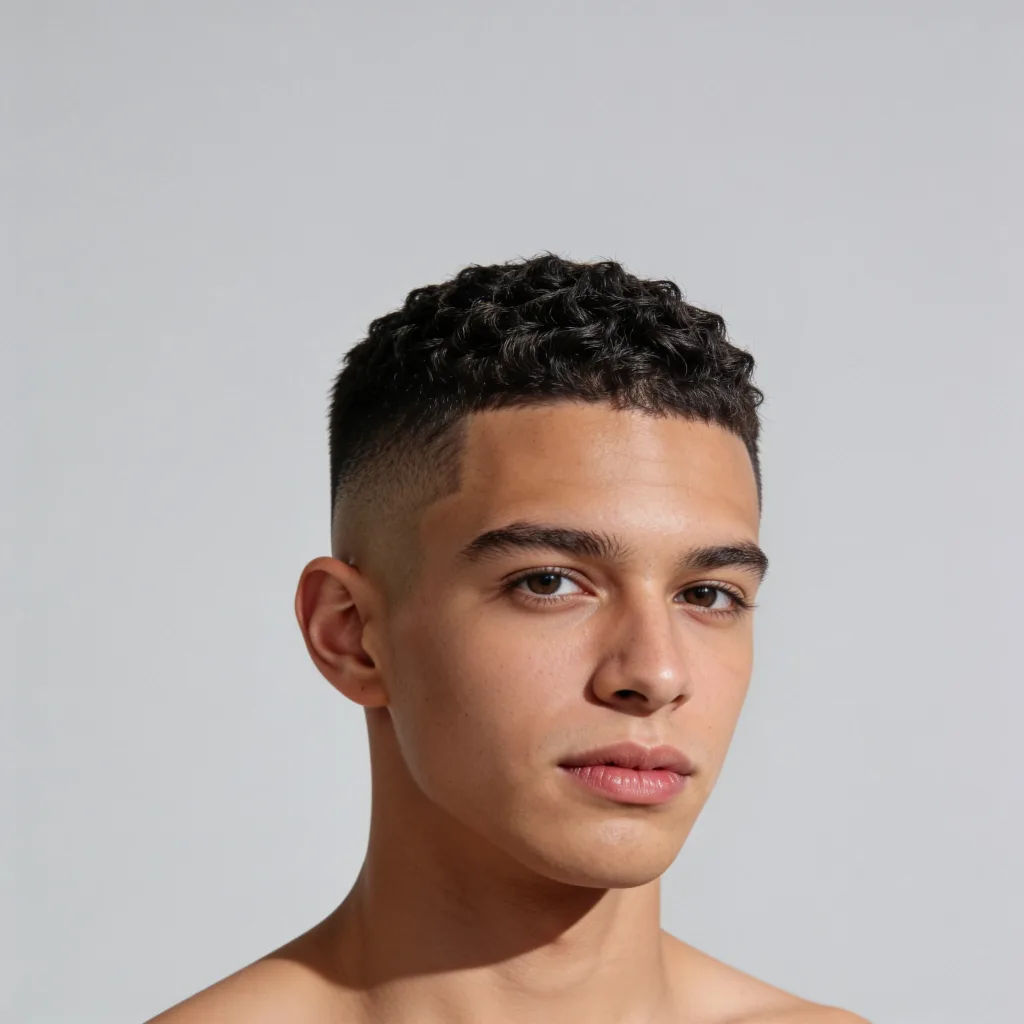
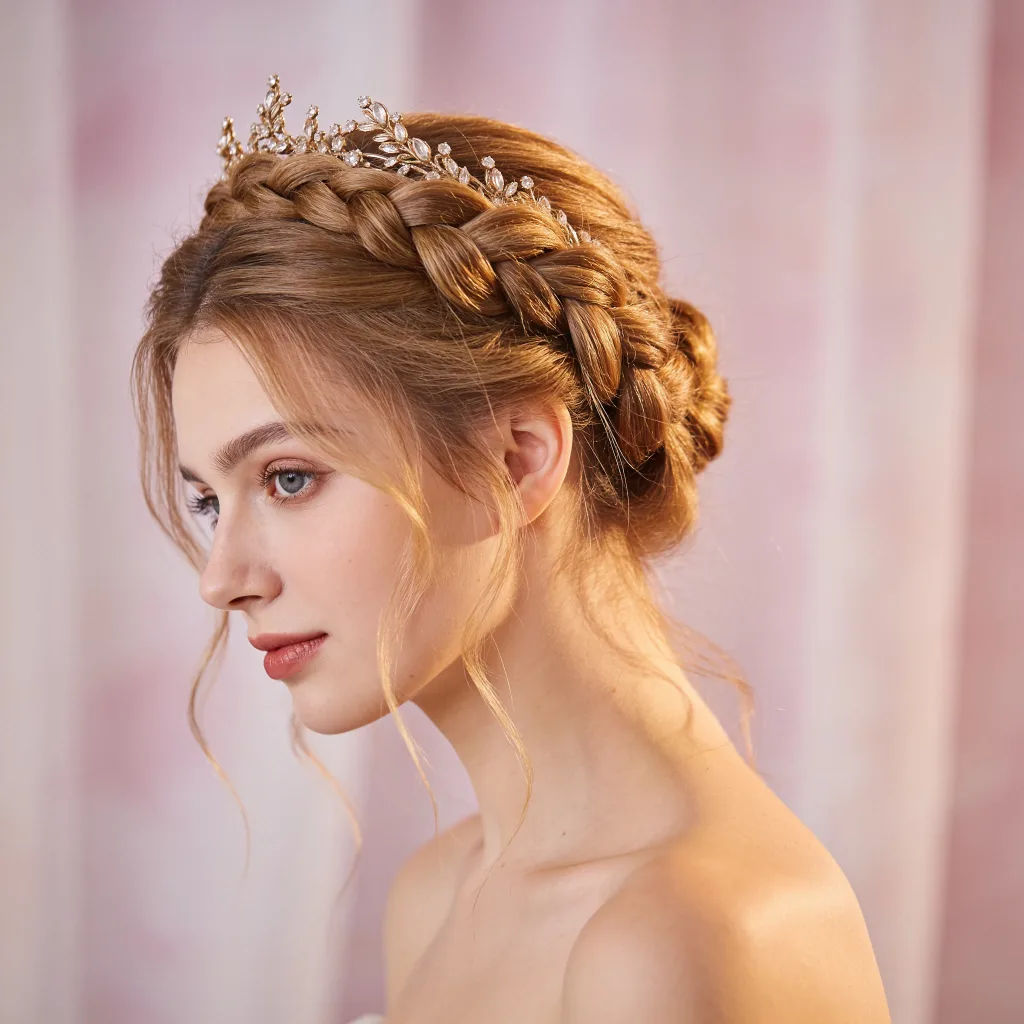

Image reverse engineer
Get a detailed prompt extracted from a reference image, and then a fresh recreation.

Character age progression
Upload a photo of a person or character and get a single grid image showing them at different life stages, from baby to elderly.
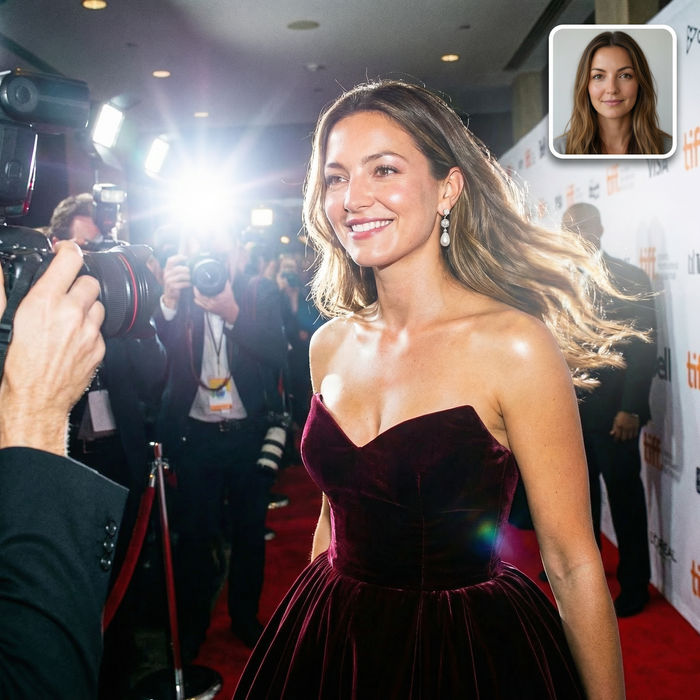
Paparazzi scene
Put anyone on a red carpet with paparazzi flashes, animated into a celebrity entrance video.
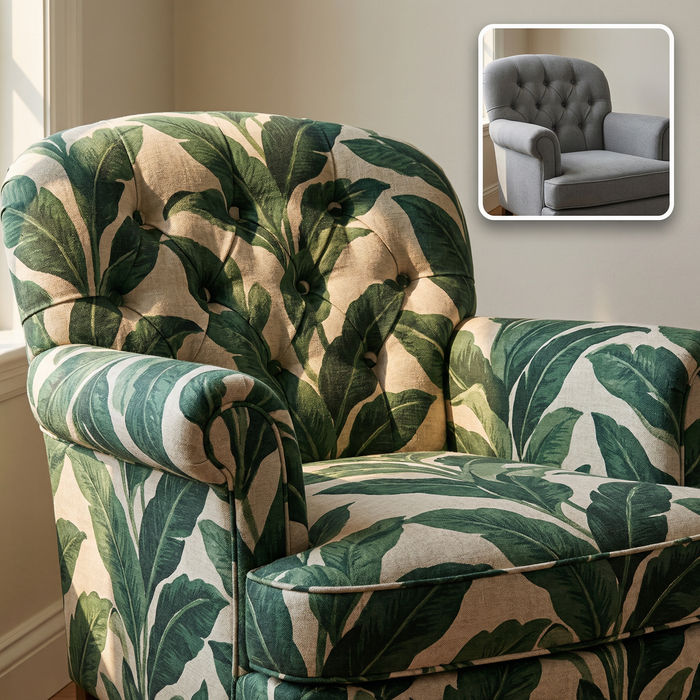
Fabric texture
Swap the fabric on any furniture, cushion, or curtain. New texture, same shape and lighting.

Female AI influencer
Generate a female AI influencer. Vertical output, ready for socials.

Anime style transfer
Pick any anime illustration as your style guide. Apply its look to any image.
All on Morphic
Every cut and color, tried on before the salonModels
Nano Banana 2, Flux 2 Pro, Grok Imagine, Seedream 5, and more. Pick the model that keeps skin and hair most natural, and swap anytime.
Keeps your face
Image-to-image edits only the hair, so your features and expression stay exactly as they are.
Cut and color
Change length, texture, bangs, or shade in a single edit, then compare options.
Workflows
Save a favorite look as a Workflow and reapply it to new photos in one click.
