Sizes you can create
Resize an image in three steps
- 01
Open Morphic
Sign up and start creating on a free-flowing, infinite visual canvas.
- 02
Choose a size
Pick the dimensions or aspect ratio you need.
- 03
Resize and download
Let AI fill the new space, then export the resized image.
Use cases
One image, every platform
Reshape a single photo for stories, posts, banners, and thumbnails. One source image becomes every size you need to post.
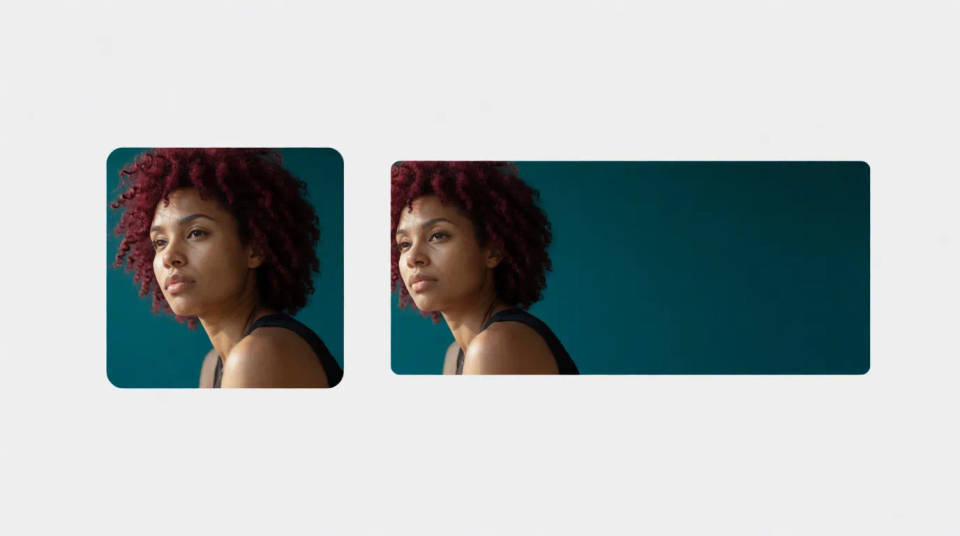
Resize without cropping
Fit a new ratio by extending the scene instead of cutting the subject. Change the shape without losing anything important.
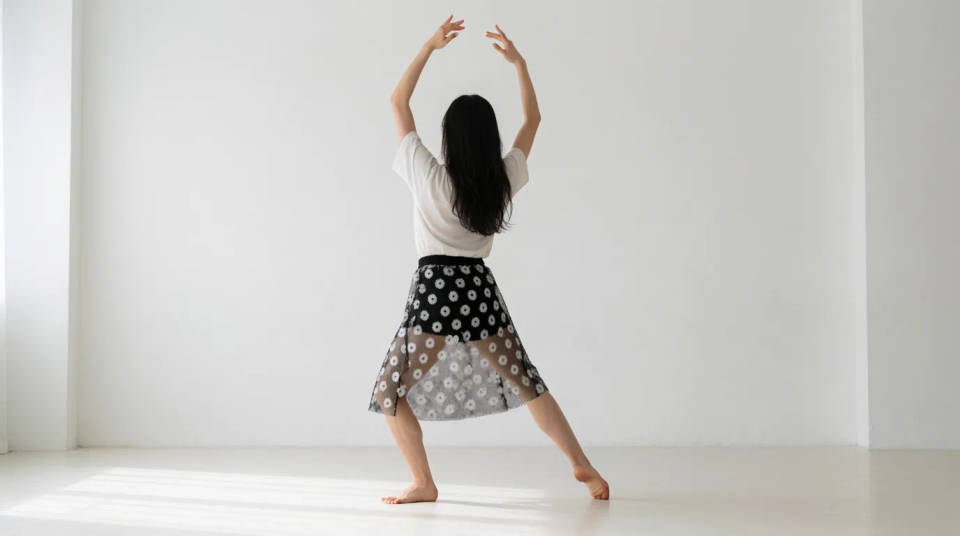
Prep ad creative
Produce every placement size from one source image, on brand. Export a full ad set that stays visually matched.
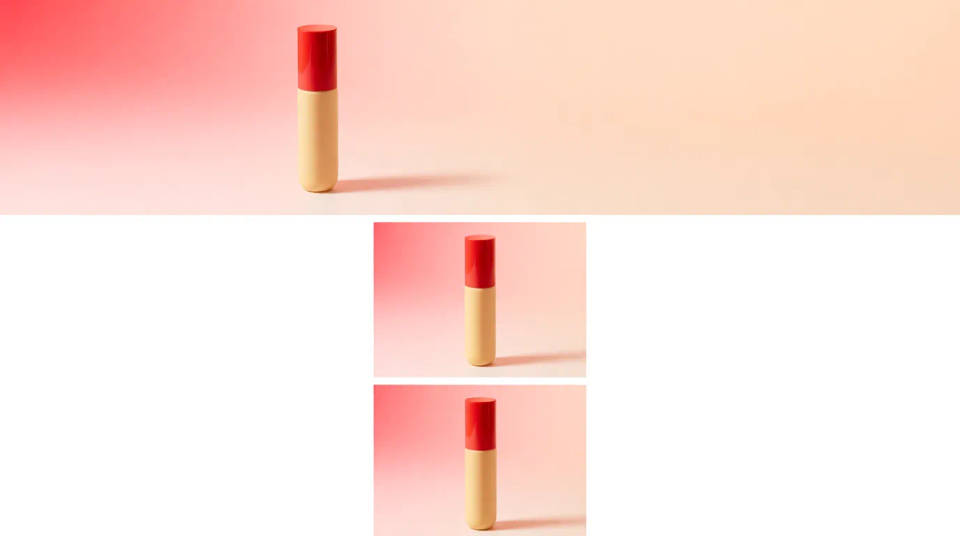
Fix awkward crops
Give a tightly cropped photo room again by extending the edges. Rebuild the margins so the framing finally breathes.
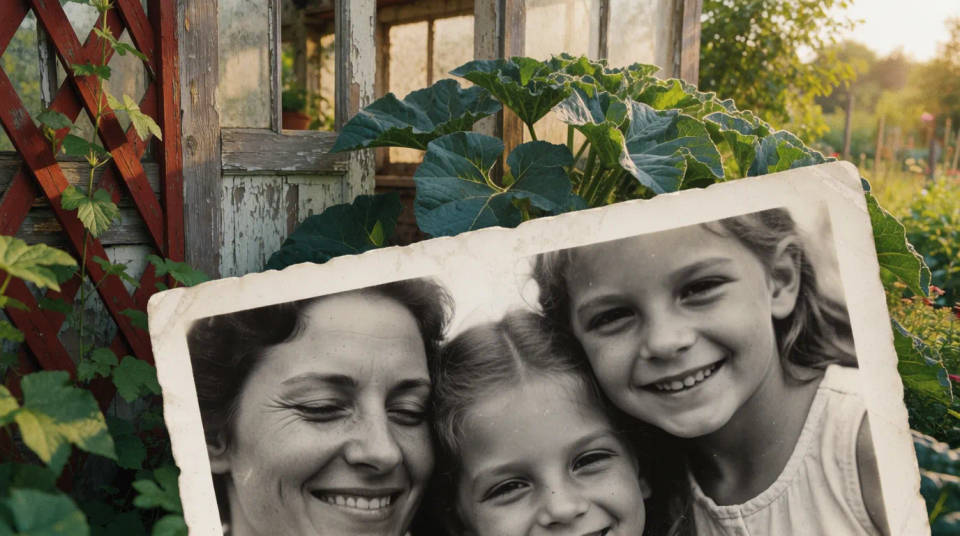
Sizes you can create
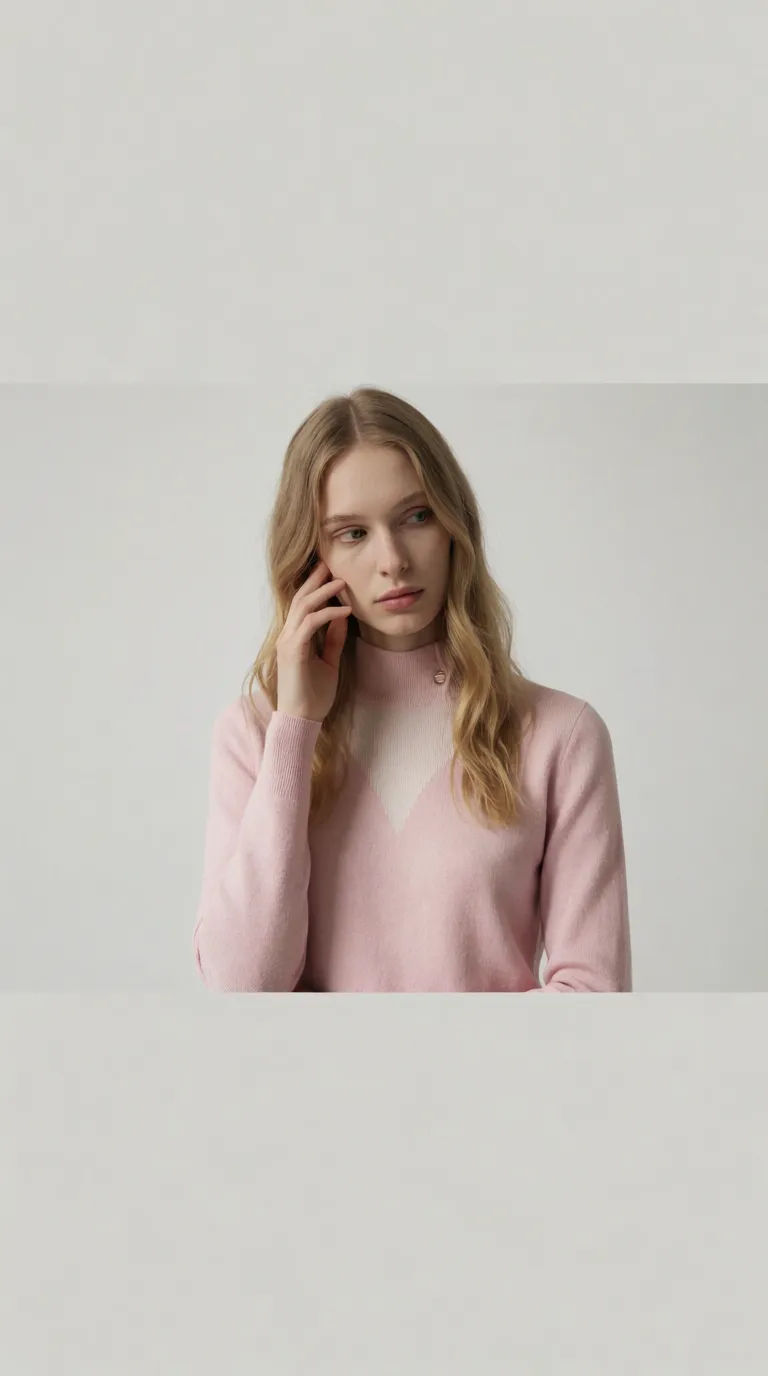
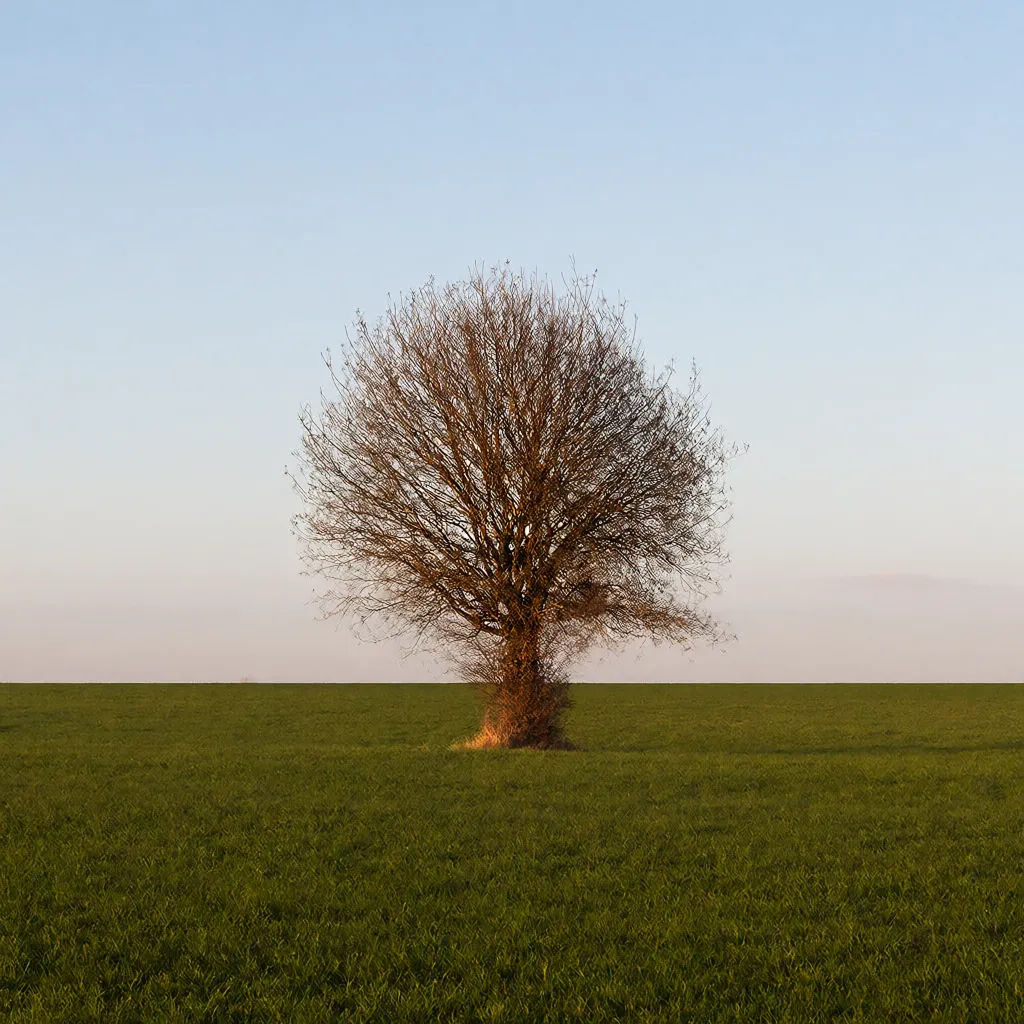
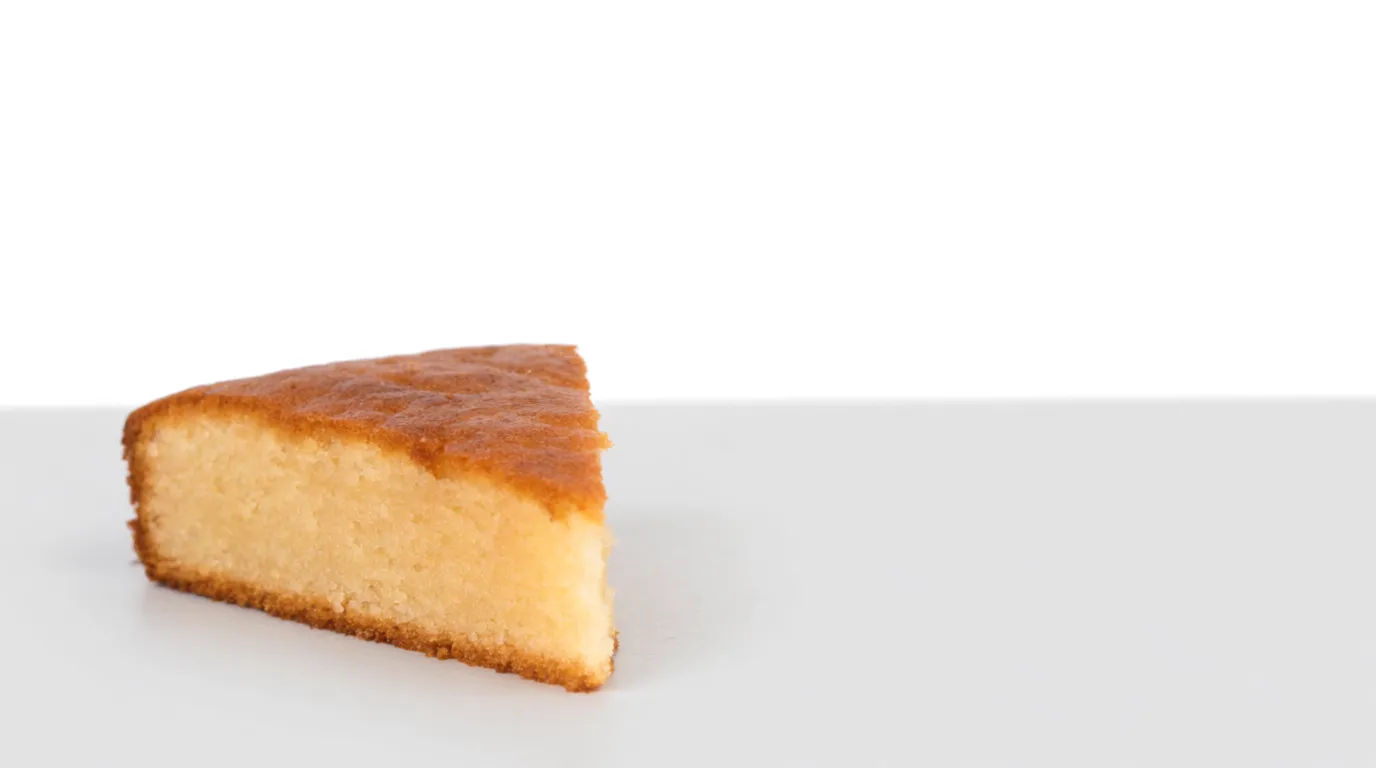
Each starts from your own image. Open any prompt to tweak it and generate your own.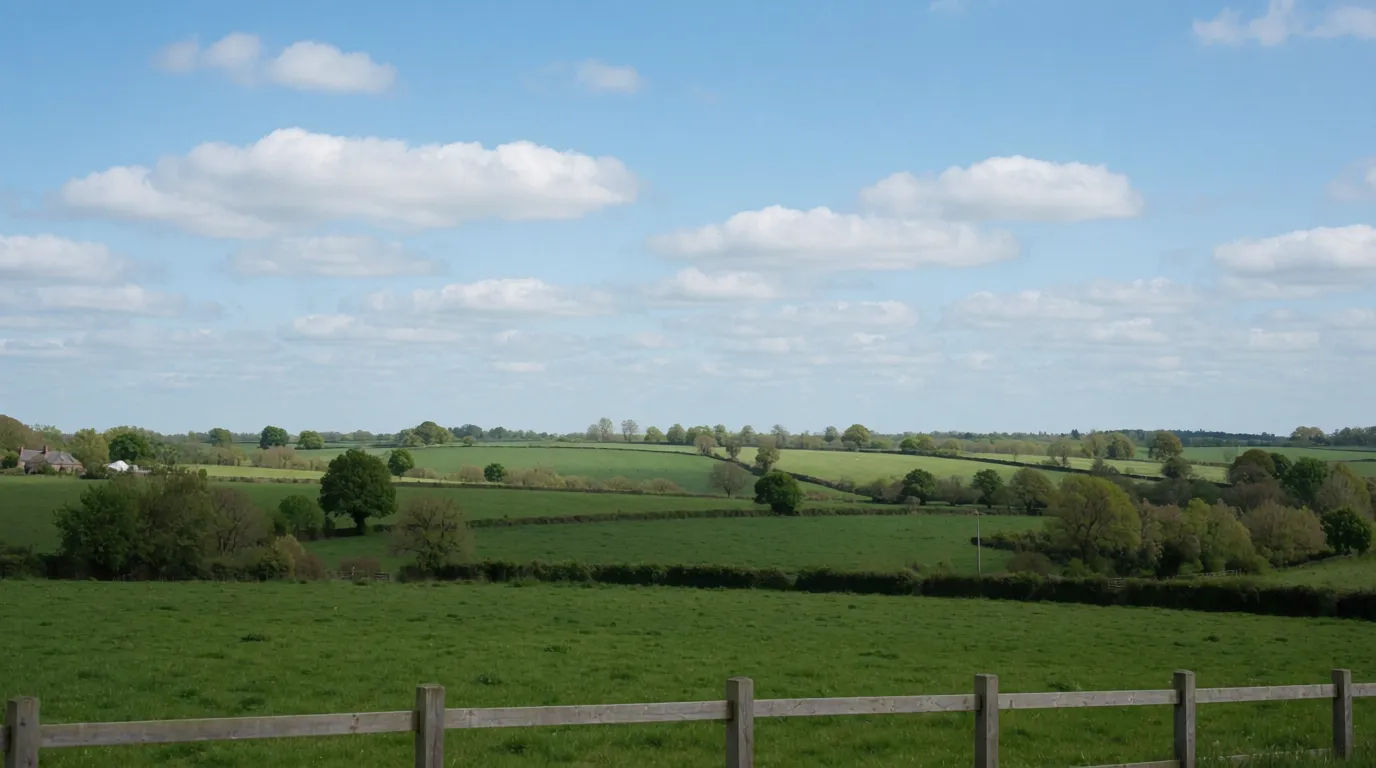
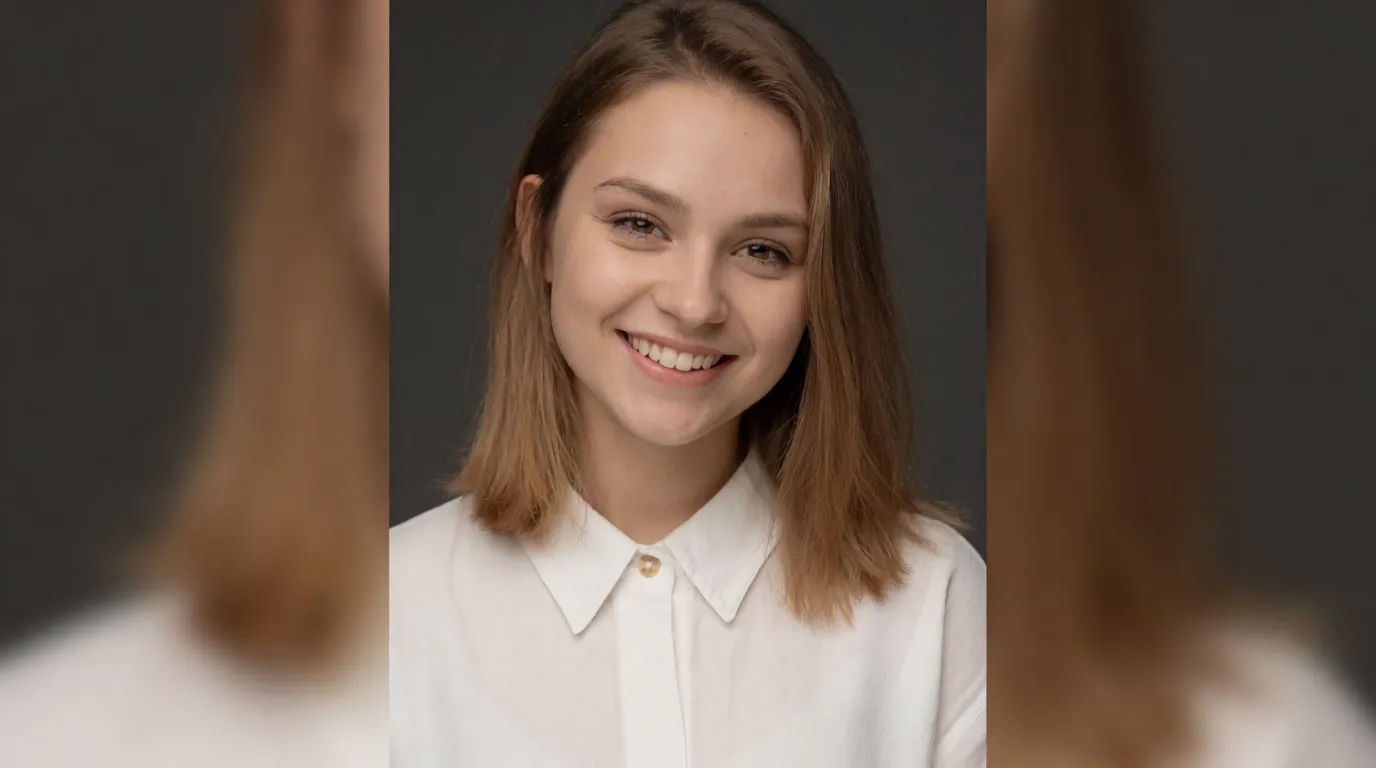
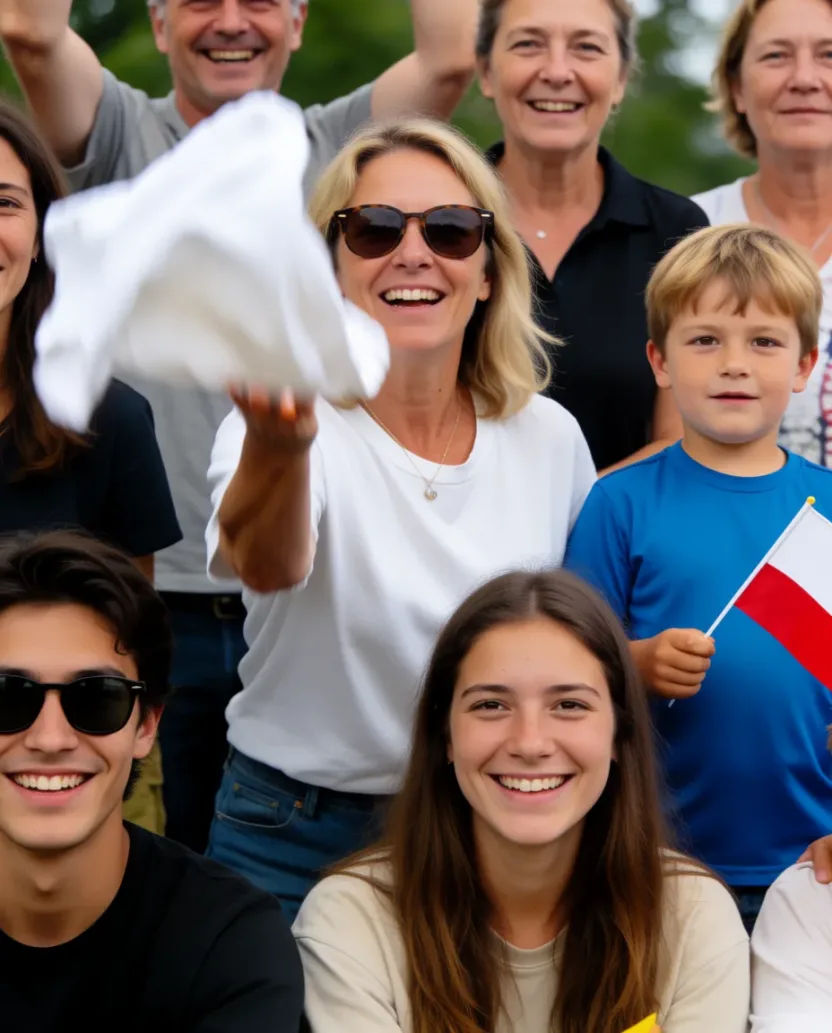
Aspect ratio
Convert any image to a new aspect ratio. Smart crop or extend the edges to fit.

Sketch to render
Turn any sketch or drawing into a finished render.

Expressions
Take any character image and generate 6 distinct facial expressions on a single reference sheet.

Anime style transfer
Pick any anime illustration as your style guide. Apply its look to any image.

Image reverse engineer
Get a detailed prompt extracted from a reference image, and then a fresh recreation.

Anime sticker pack
Turn any image into anime-style stickers in PNG. Ready for messaging apps or social media.
All on Morphic
Every size and ratio, without stretchingModels
Nano Banana 2, Flux 2 Pro, Seedream 5, and more. Pick the model that fills new space most cleanly, and swap anytime.
No stretching
It extends the scene instead of squashing pixels, so proportions stay right.
Every ratio
Story, square, banner, or thumbnail. Reshape one image for all of them.
Workflows
Save a resize set as a Workflow and export every platform size at once.
