Every image model
Invitations you can design
Make an invitation in three steps
- 01
Open Morphic
Sign up and start creating on a free-flowing, infinite visual canvas.
- 02
Describe the event
Give the occasion, the names and details, the palette, and the style you want.
- 03
Generate and size
Render the design, proof the wording, then regenerate the print and social sizes you need.
Use cases
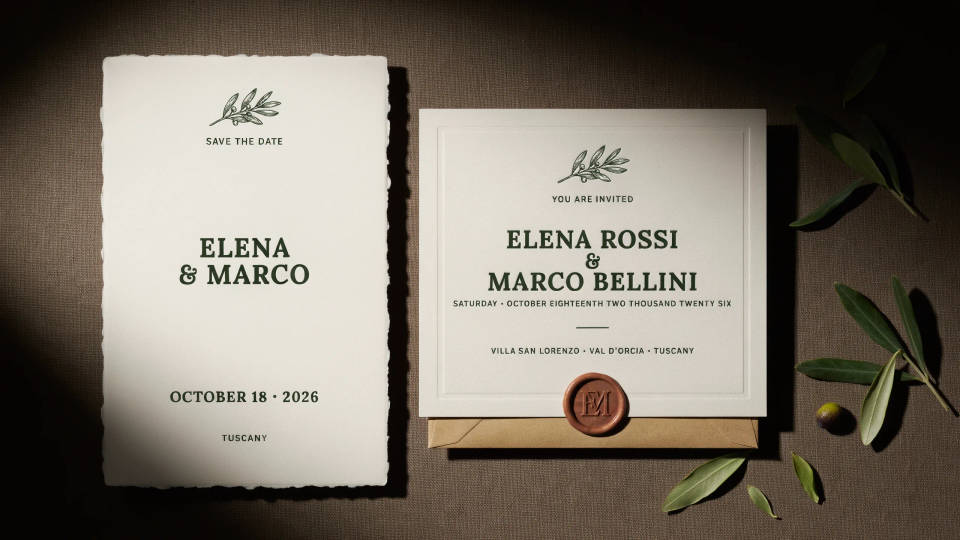
Weddings and save-the-dates
Design a suite that feels considered without hiring a stationer. Describe your palette and motif, add the names and date, and generate a matching card, save-the-date, and detail insert. Rerun with a new style if you are still deciding on a direction, and lock the look once it feels right.
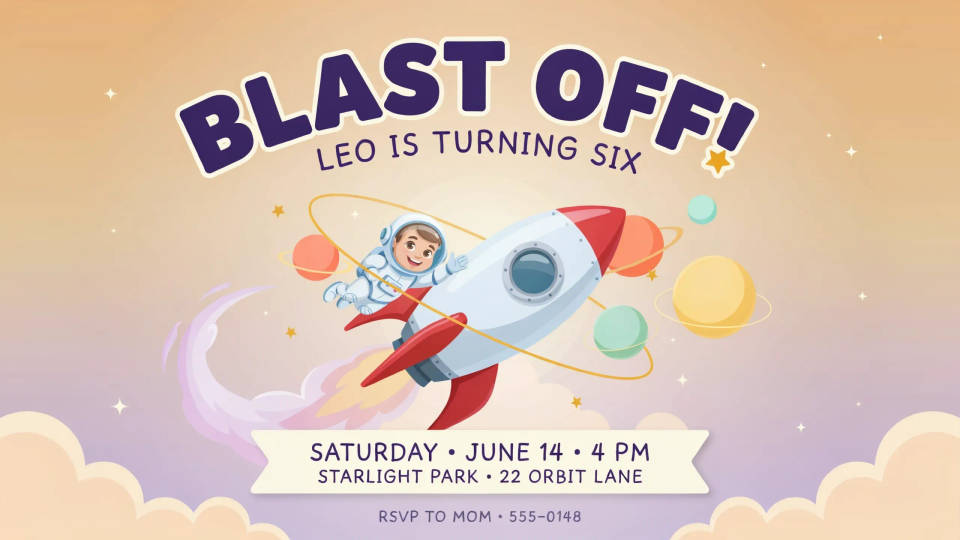
Birthdays and kids parties
Spin up a bright, playful invite for a birthday in the theme the guest of honor asked for, whether that is space, dinosaurs, or a favorite color. Add the time and place, generate a portrait card to print and a square to text to parents, and you are done in one sitting.
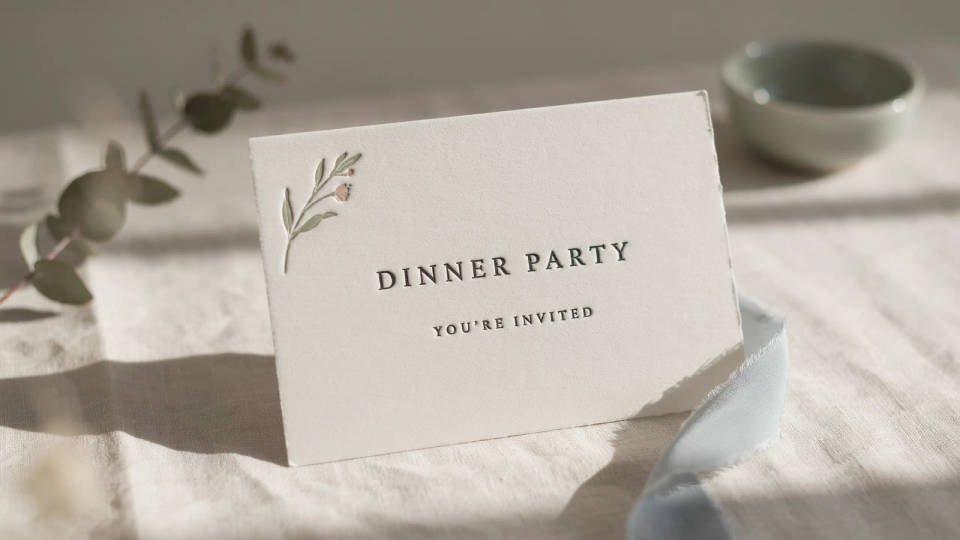
Dinner parties and showers
Set the tone for an intimate gathering with a card that matches the evening you are planning. An elegant menu-style invite for a dinner, a soft pastel design for a shower, all from a sentence. It reads as effort your guests will notice, without the cost of custom stationery.
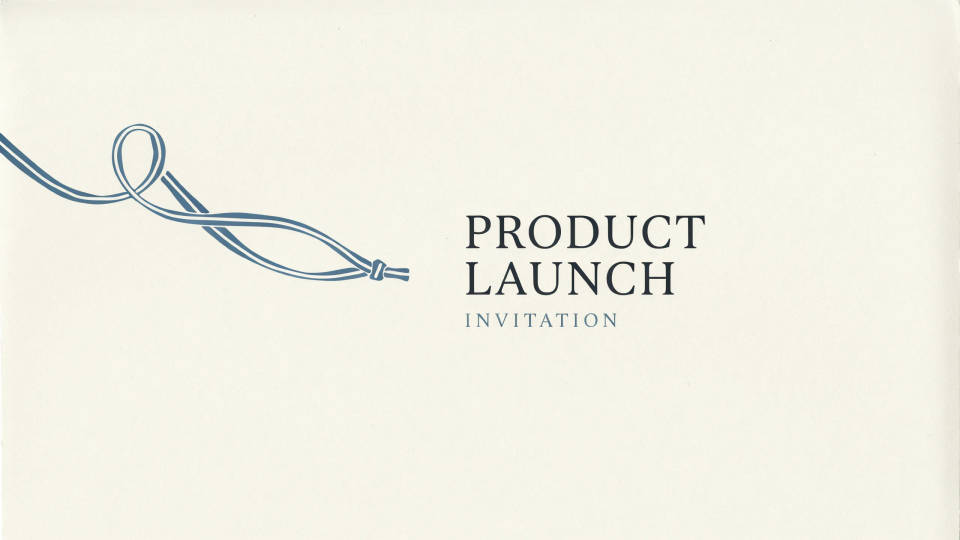
Launches and work events
Give a product launch, an office party, or a webinar a designed invite instead of plain calendar text. Generate a wide email header and a square social version from one idea so the event looks joined up across every channel. Proof the details and ship.
Prompt examples
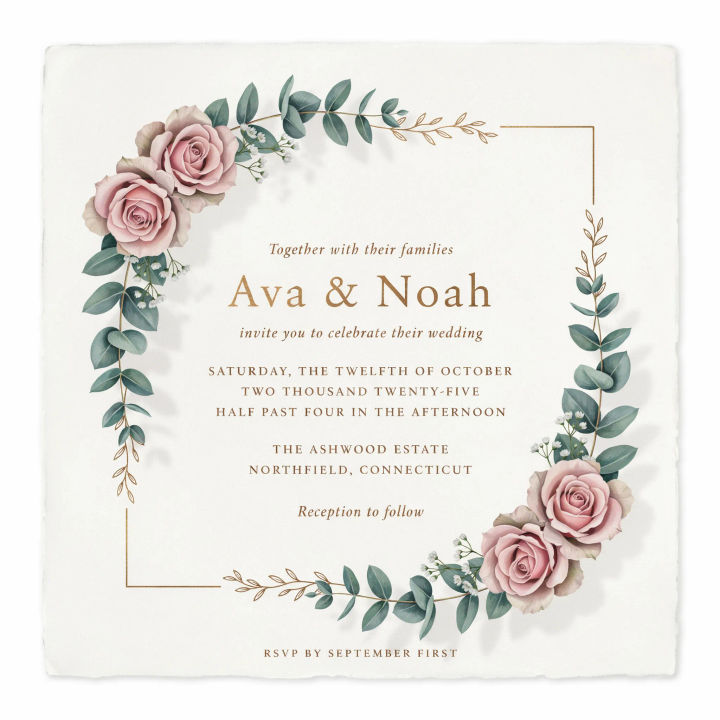
Elegant wedding
Wedding invitation, soft eucalyptus and blush florals, gold serif type, names Ava and Noah, portrait card
Edit prompt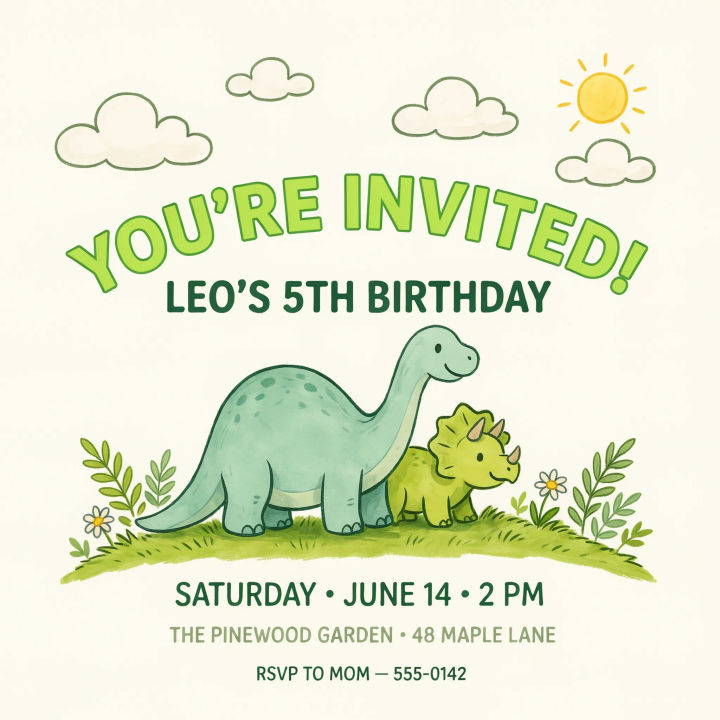
Kids birthday
Playful dinosaur birthday invitation for a 5th birthday, bright greens, hand-drawn style, fun rounded type
Edit prompt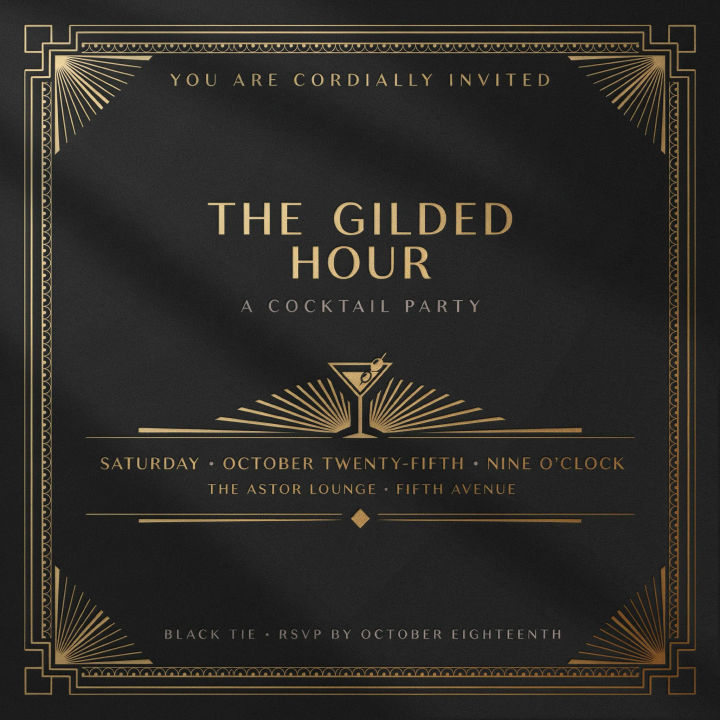
Art deco party
Art deco cocktail party invitation, black and gold geometric borders, elegant capitals, portrait format
Edit prompt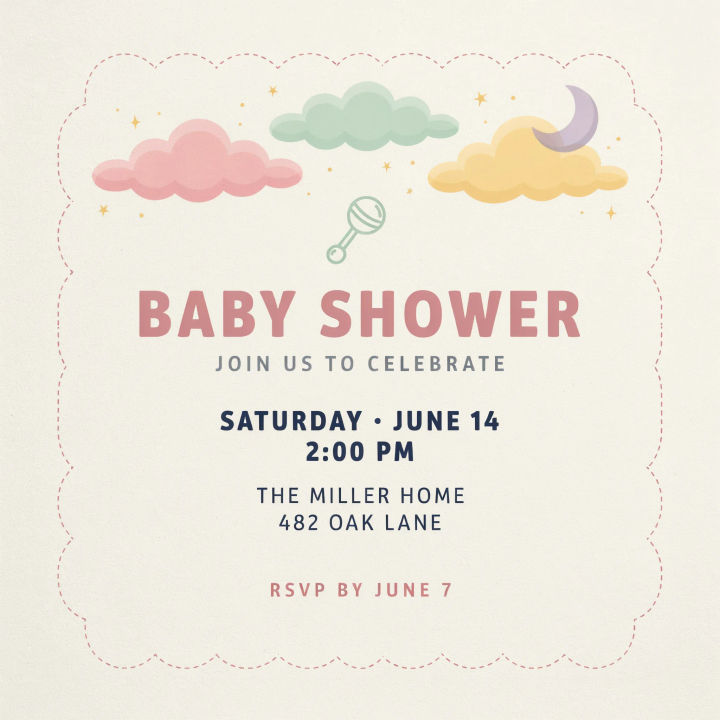
Baby shower
Baby shower invitation, soft pastel clouds and stars, gentle rounded type, gender-neutral palette
Edit prompt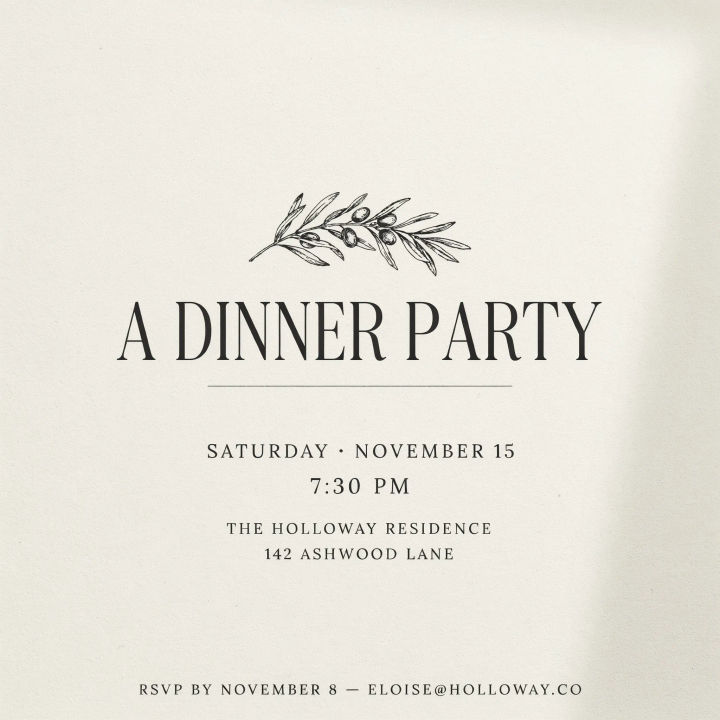
Minimal dinner
Minimal dinner party invitation, cream background, single line drawing of an olive branch, refined serif
Edit prompt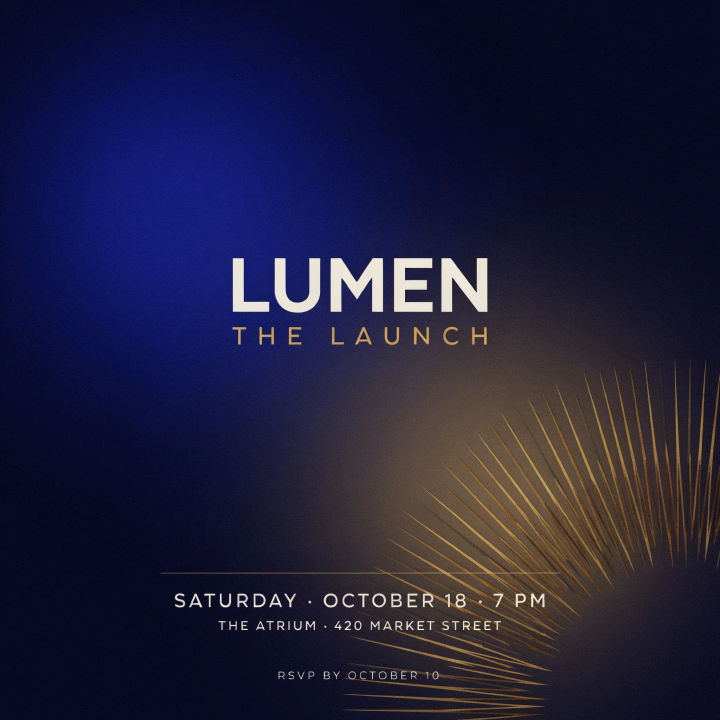
Launch header
Wide event invitation banner for a product launch, bold modern type, deep blue gradient, confident layout
Edit prompt
Cinematic storyboard
Share a scene description with character references. Get a full storyboard with shot angles and mood.

Messages to cinematic scene
Dramatize any text conversation into a cinematic multi-shot video.

Title sequence
Generate a professional film title card from scratch, with optional cinematic animation.

Expressions
Take any character image and generate 6 distinct facial expressions on a single reference sheet.

3x3 storyboard
Feed in a single image. Get 9 cinematic beats laid out as a 3x3 storyboard grid.

Chibi sprite animation
Turn any photo or description into an animated chibi sprite. Dance, jump, wave, attack, and more.
All on Morphic
Models
Nano Banana 2, Flux 2 Pro, ChatGPT Images, Grok Imagine, Recraft, Seedream, and more. Swap models when the type or the artwork needs to render cleaner.
Flyer generator
Scale the same look into a single-page flyer for the event, built to print or share.
Poster generator
Turn the invite into a full event poster with a headline and hero artwork.
Text to image
Generate any designed card from a description, the same way this invitation maker works.
