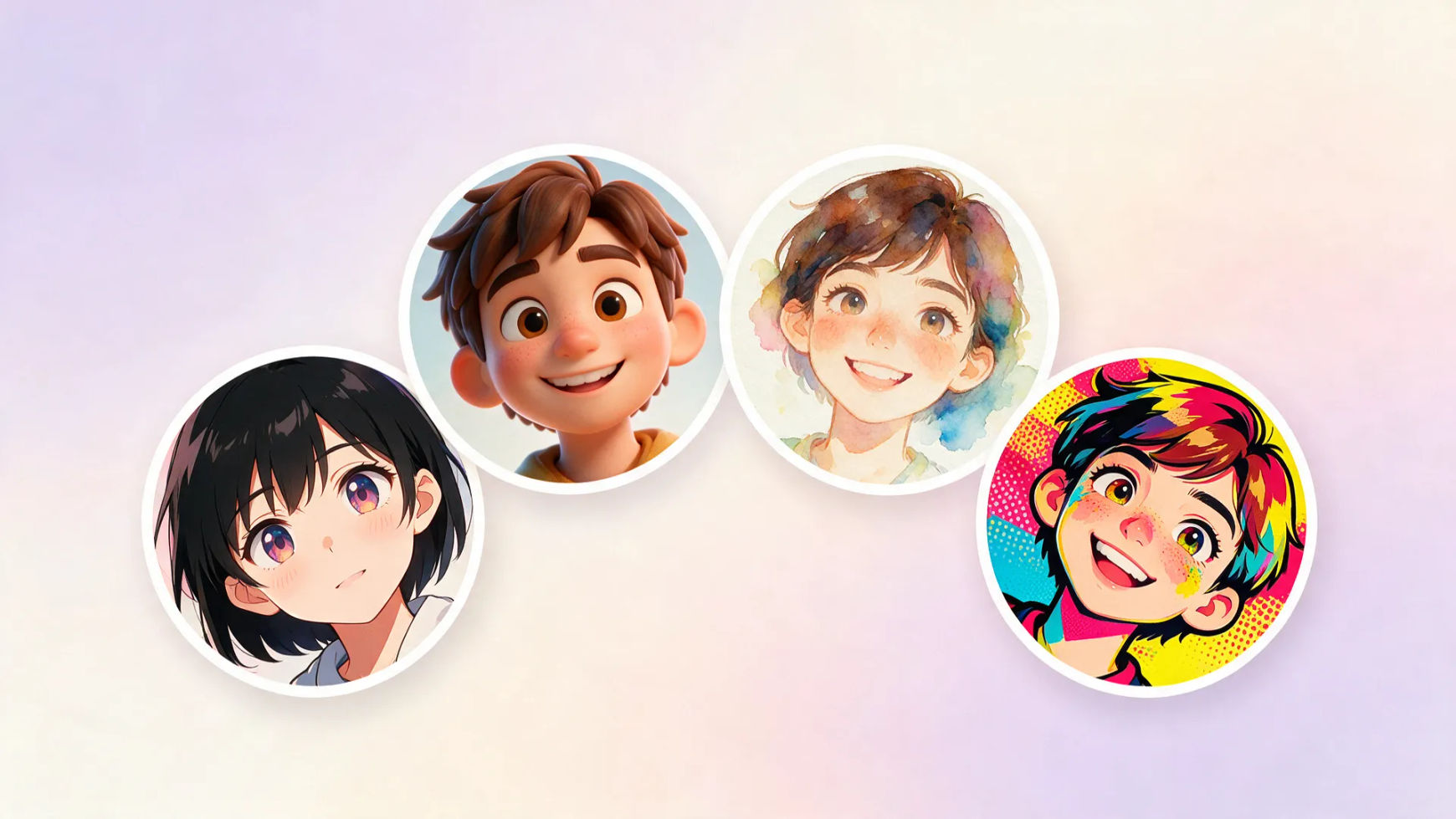
PFP styles you can create
Make your profile picture in three steps
- 01
Open Morphic
Sign up and start creating on a free-flowing, infinite visual canvas.
- 02
Drop in your photo
Upload a selfie and name the style you want. Anime, 3D toon, comic, pop-art.
- 03
Generate and size it
Keep the look you love, then reframe it round or square for every platform.
Use cases
Your face, any style
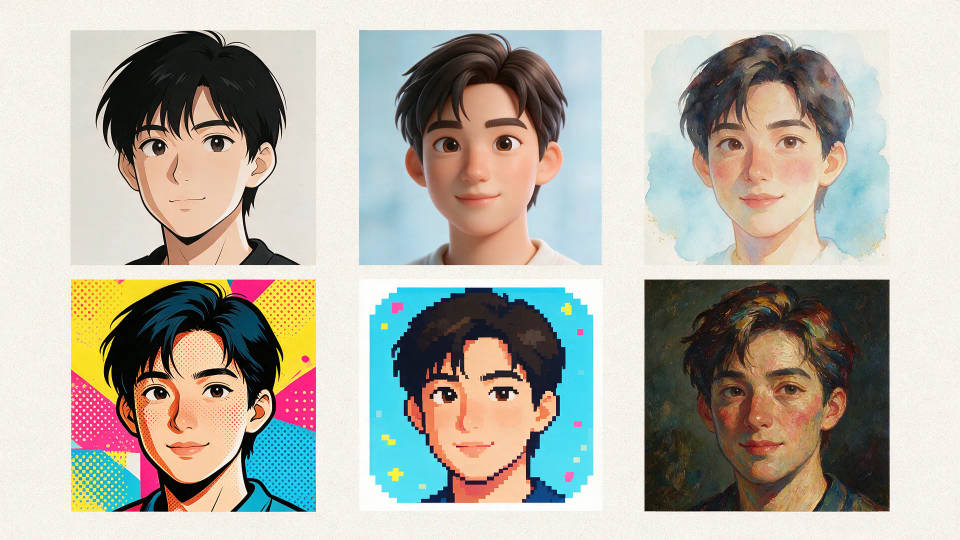
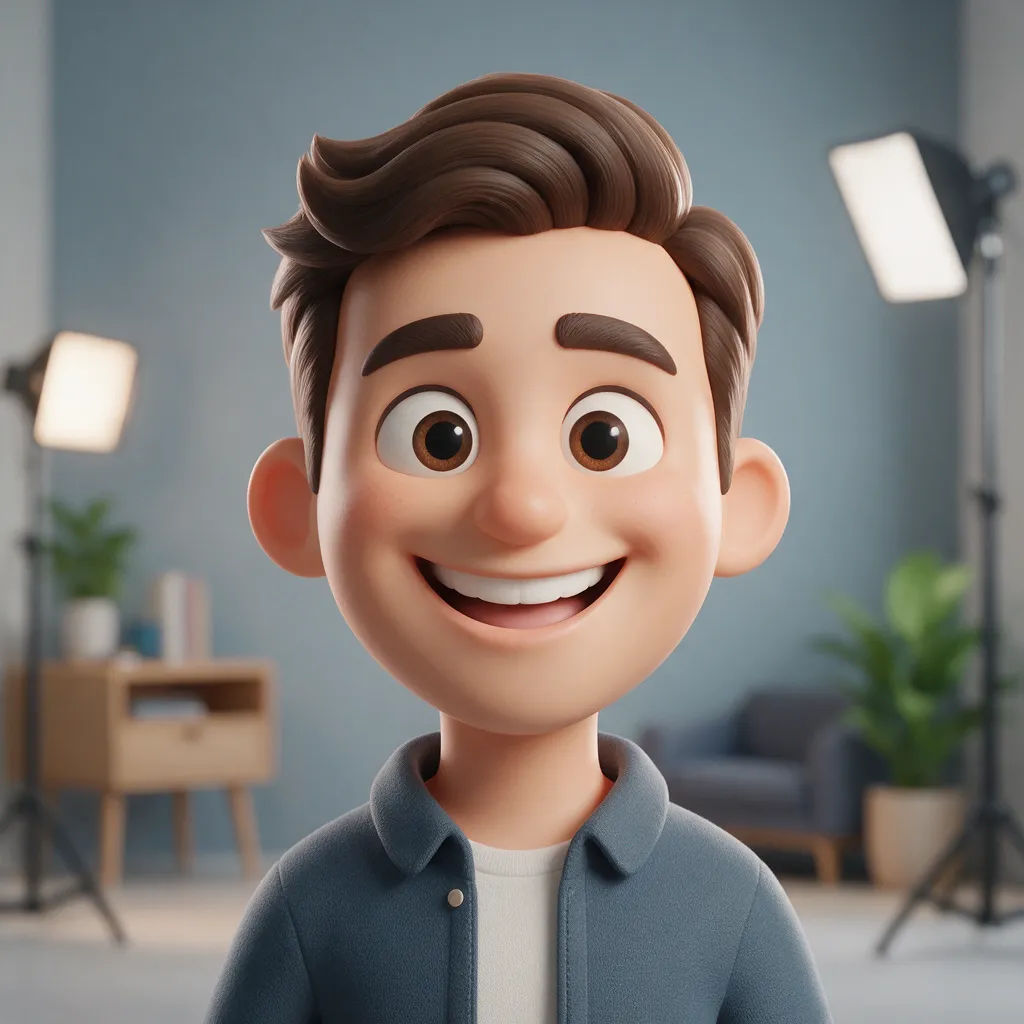
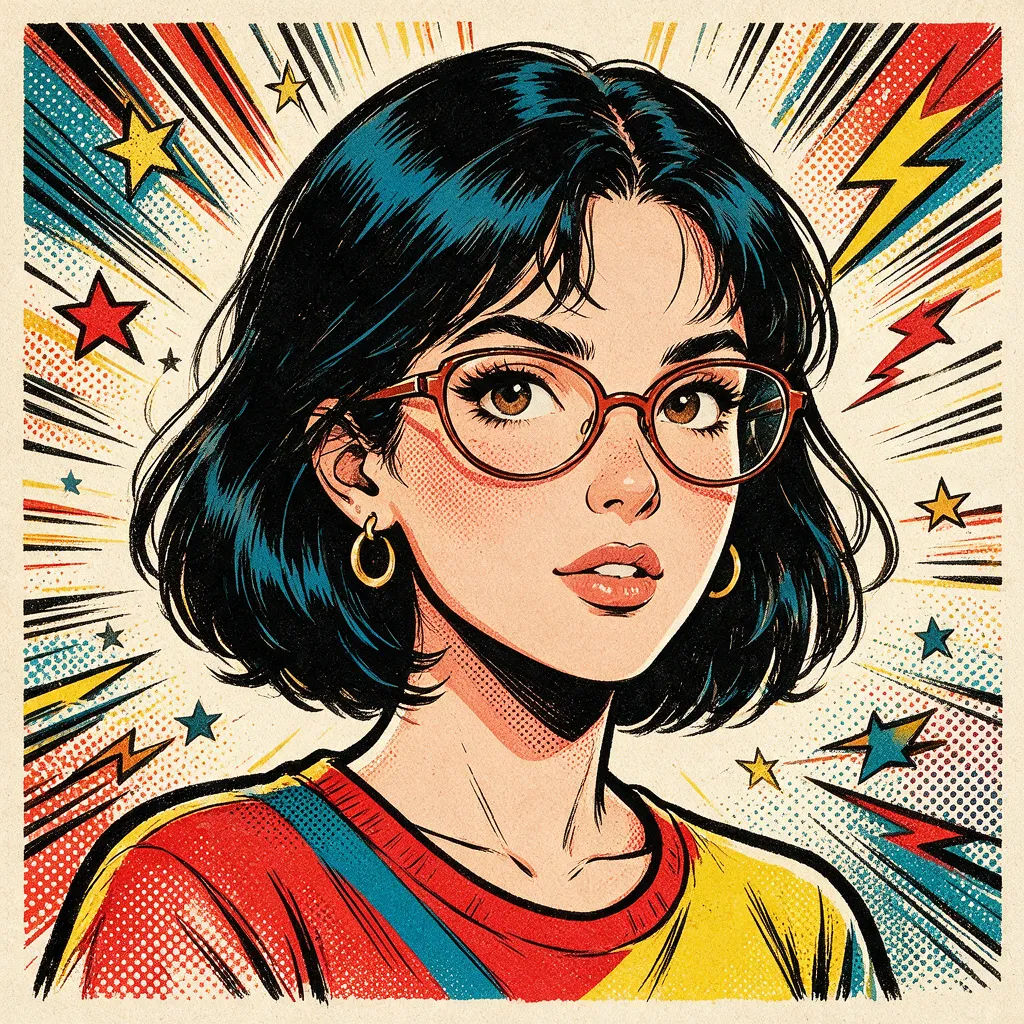
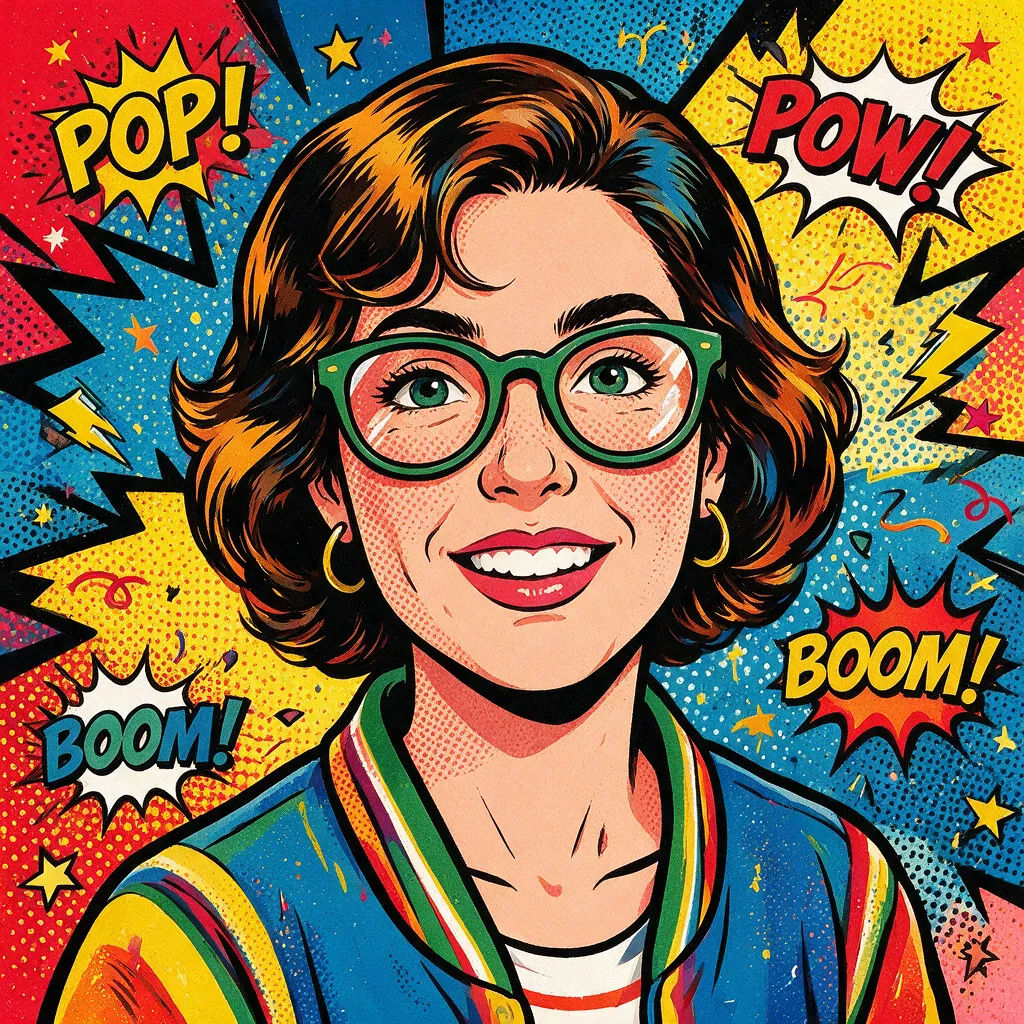
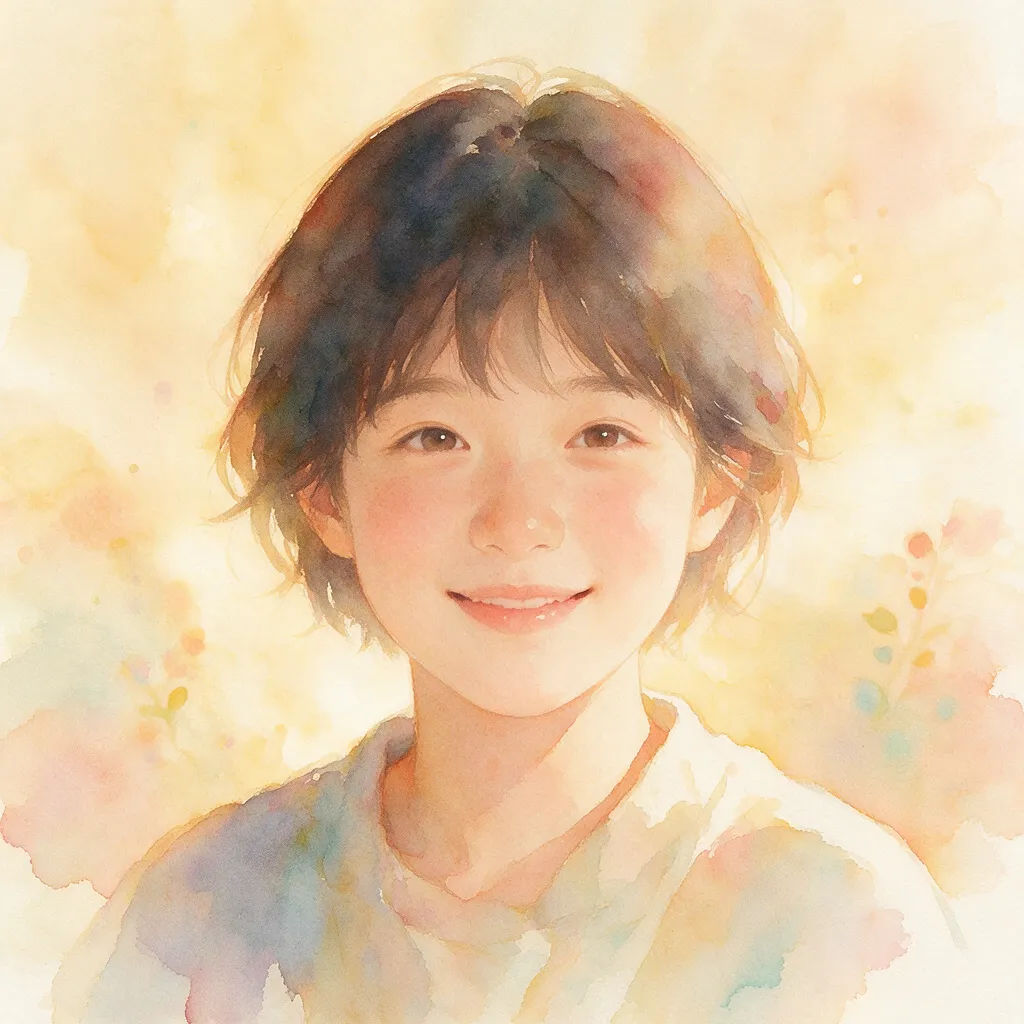
Restyle your own photo into anime, 3D toon, comic-book, pop-art, or watercolor. Your features carry through, so it still reads as you.
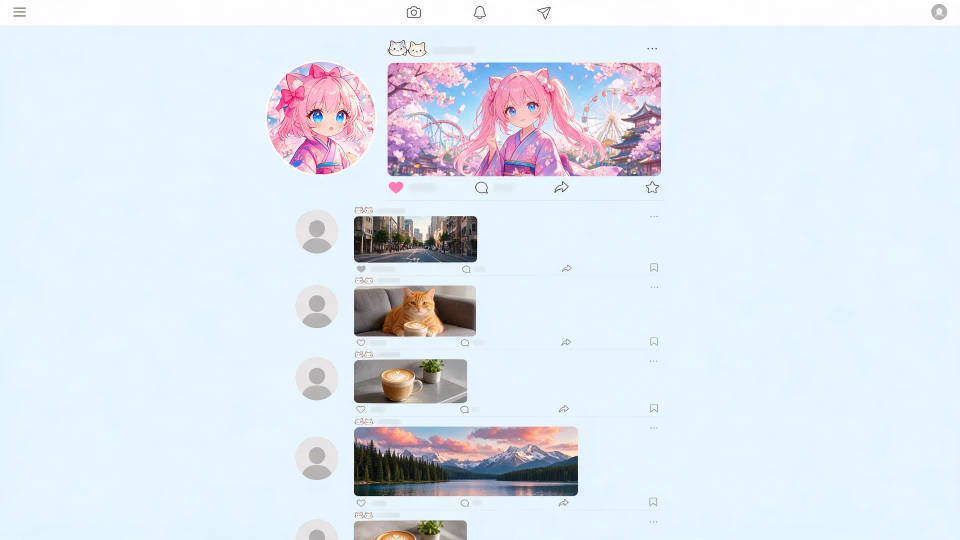
Stand out in the feed
A bold PFP that pops next to default avatars. Push a punchy palette, strong outline, and clear silhouette so people spot you at a glance.
Sized for every platform
Reframe the same picture for a round avatar or square tile, face centered. No clipped chins on Discord, Instagram, X, or LinkedIn.

A matching set across accounts
Build a Workflow once and run your photo through the same style for every account, so your avatar stays consistent everywhere.
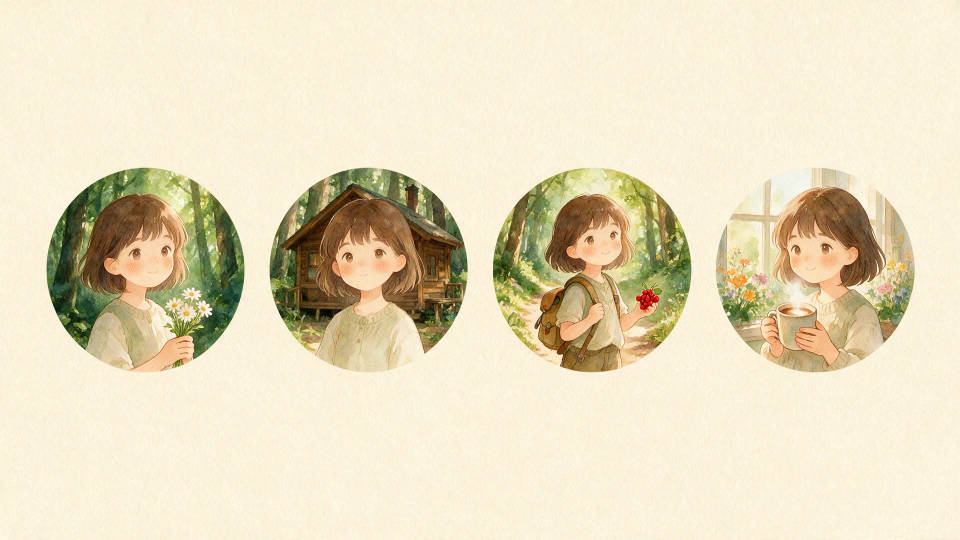
PFPs you can create
Your face, restyled. Open any prompt to tweak it and generate your own.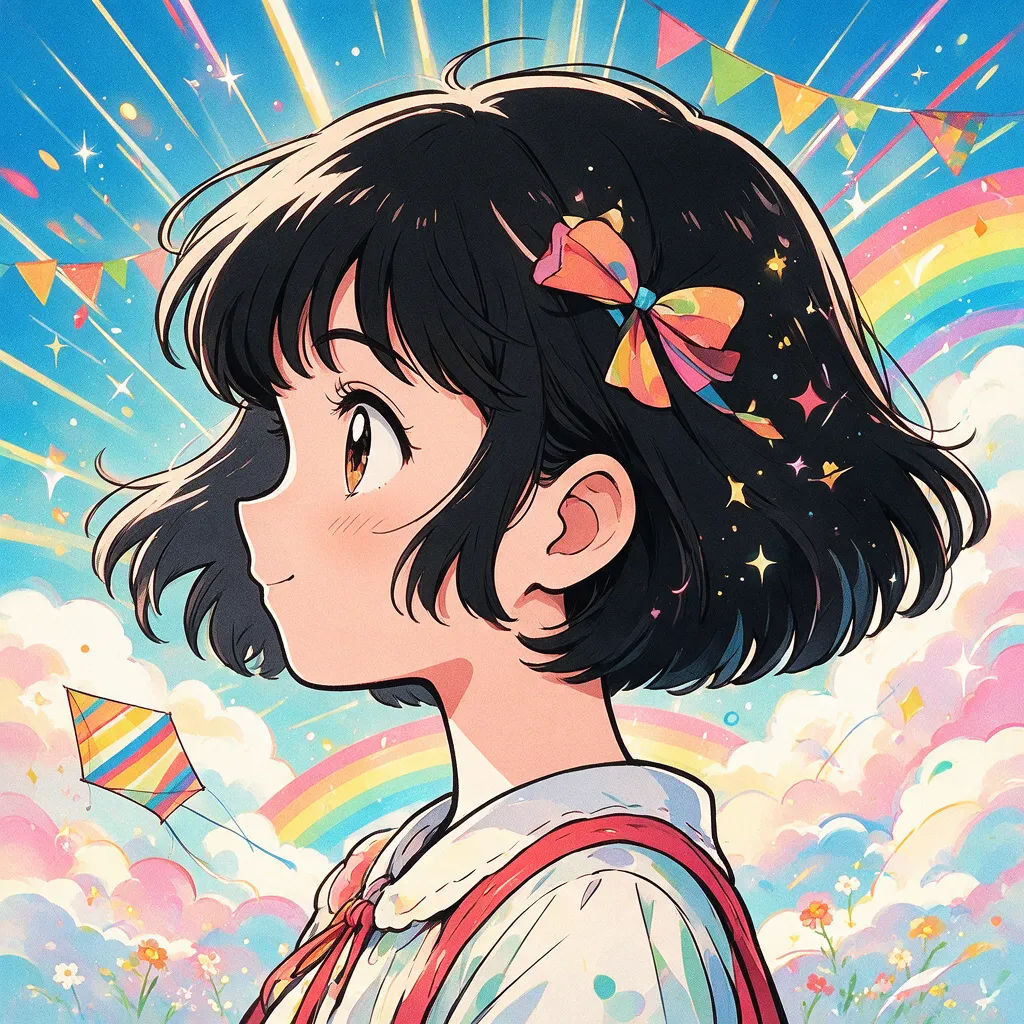

AI headshot studio
One selfie becomes a set of professional headshots. Studio-quality, multiple styles.

Anime sticker pack
Turn any image into anime-style stickers in PNG. Ready for messaging apps or social media.

Female AI influencer
Generate a female AI influencer. Vertical output, ready for socials.

Anime style transfer
Pick any anime illustration as your style guide. Apply its look to any image.

Image reverse engineer
Get a detailed prompt extracted from a reference image, and then a fresh recreation.

Character age progression
Upload a photo of a person or character and get a single grid image showing them at different life stages, from baby to elderly.
All on Morphic
Your complete profile-picture stackModels
GPT Images 2.0, Nano Banana Pro, Seedream 5.0, Flux 2 Pro, Recraft V4 Pro, Z-Image Turbo, and more. Pick the model that nails your style and swap anytime.
Any style
Restyle your photo with image-to-image into anime, 3D toon, comic, pop-art, watercolor, or pixel art. Your face stays, the look changes.
Sized for every platform
Reframe the same picture for a round avatar or square tile, centered in the crop. One PFP for Discord, Instagram, X, and LinkedIn.
Workflows
Save your restyle as a Workflow. Run a new photo through it, share the link, or favorite it. The same look, every time.
