Listing edits you can make
Edit a listing photo in three steps
- 01
Open Morphic
Sign up and start creating on a free-flowing, infinite visual canvas.
- 02
Upload your listing photo
Drop in the shot you already took, an interior, an exterior, or a yard.
- 03
Describe the fix
Ask for a blue sky, brighter light, or a decluttered room. The property stays real while the presentation improves.
Before and after the edit
 Edited
 Original
Use cases
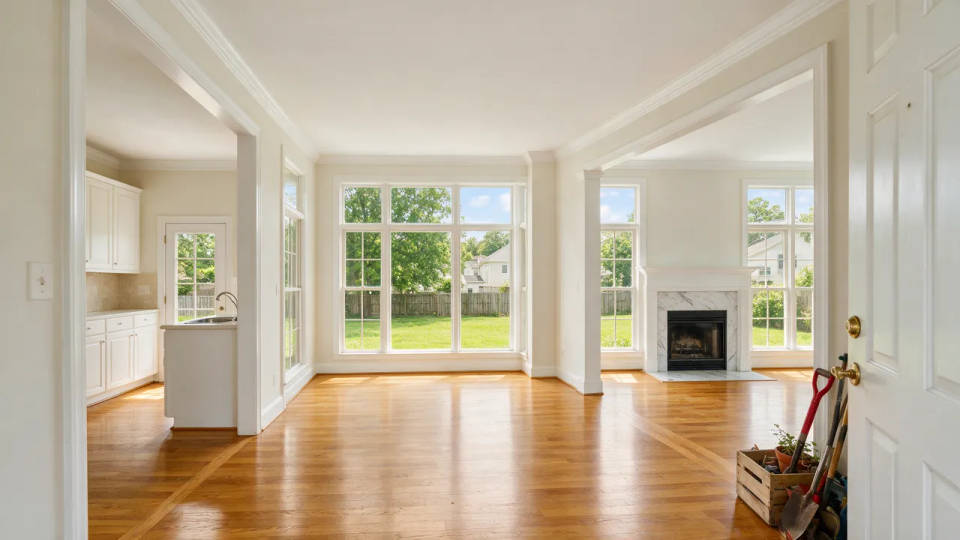
Brighten dull interior shots
A bright, airy interior with balanced windows and warm, even light. The editor lifts a dark, flat original into this clean, inviting version, so the true room looks its best with no reshoot.
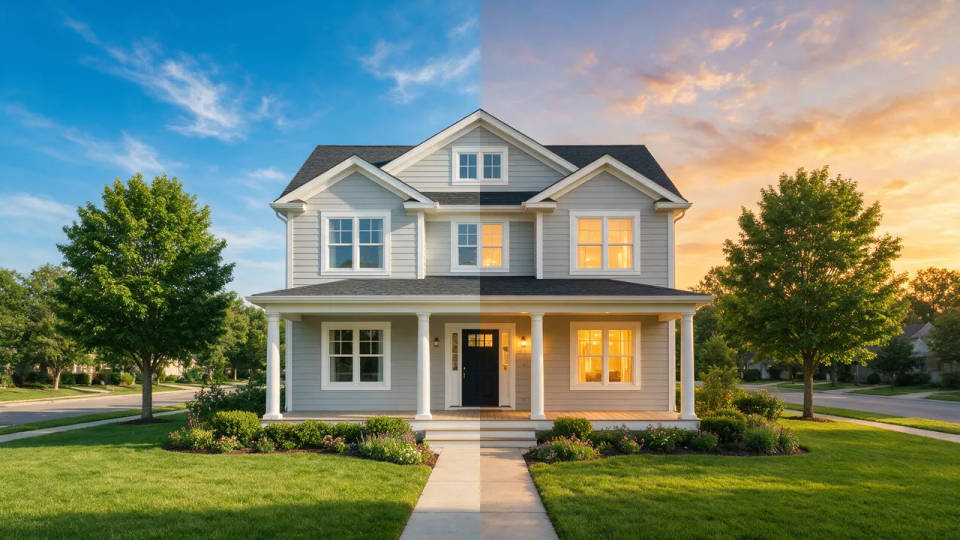
Swap a grey sky or go twilight
A warm twilight exterior with a glowing sky and lit windows, converted from a flat daytime shot. The house stays exactly as photographed while the new sky does the lifting.
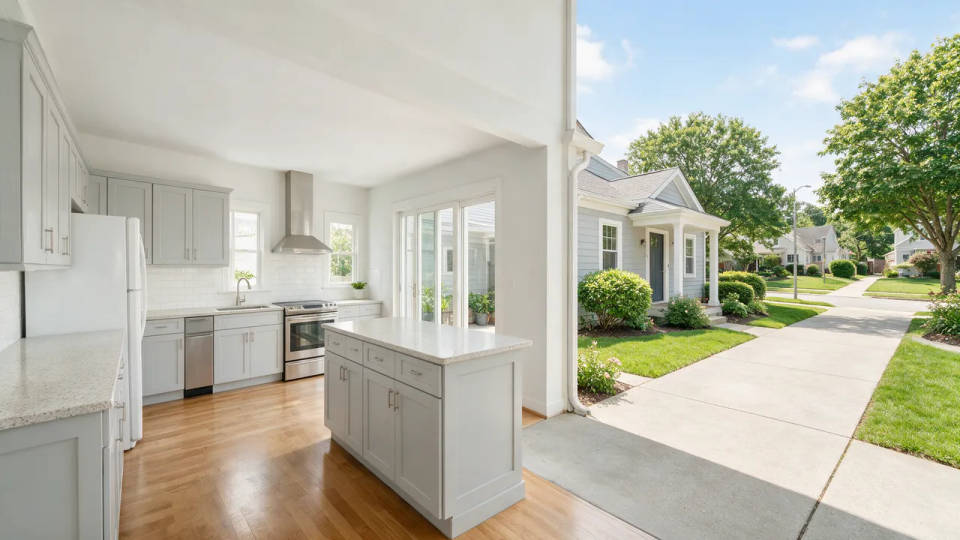
Declutter and tidy a room
A clean kitchen and a clear driveway, with the crowded counters, stray bins, and parked cars edited out. Minor distractions disappear so buyers see the space, not the mess.
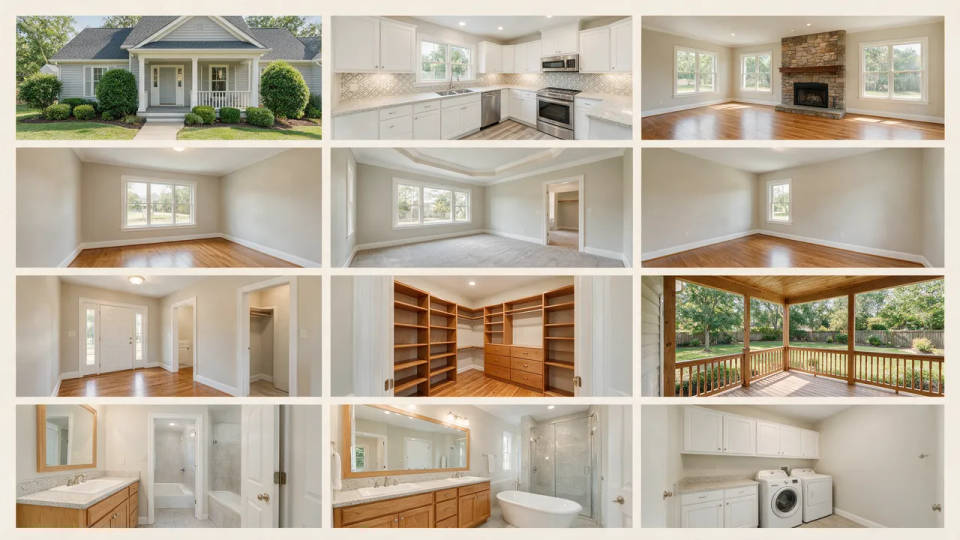
One polished set for the whole listing
A full set of rooms sharing one bright, corrected look, kitchen to bedrooms. Save the edit as a Workflow and run it across every photo so the whole listing matches instead of reading like phone snaps in different light.
Listing edits you can make
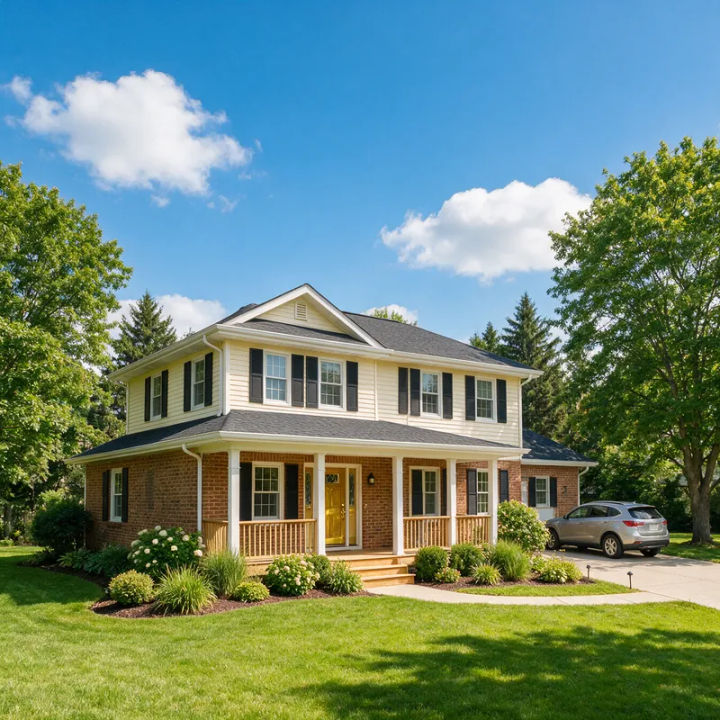
Blue-sky replacement
Replace the flat grey sky in this exterior with clear blue and a few soft clouds, keep the house and trees exactly the same
Edit prompt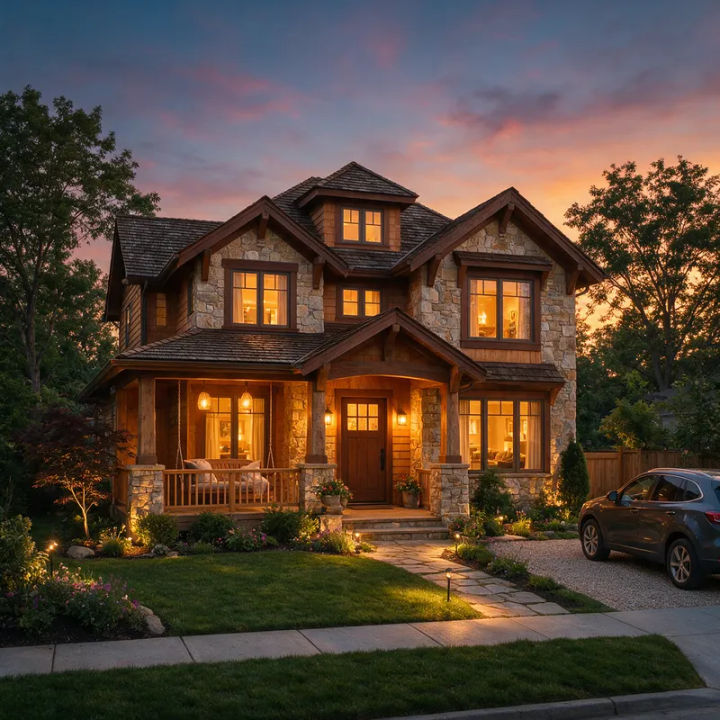
Twilight exterior
Convert this daytime exterior to a warm twilight shot, dusk sky, glowing lit windows, soft landscape lighting
Edit prompt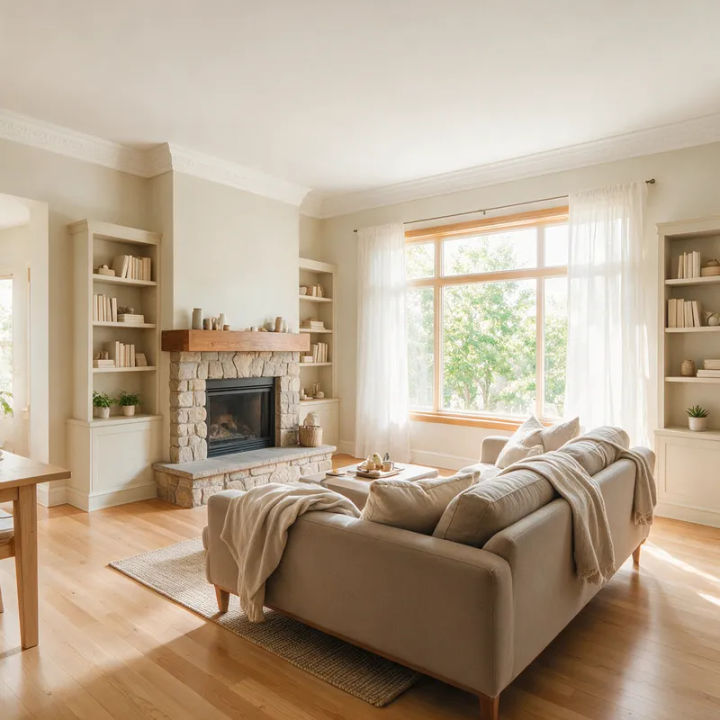
Bright, airy interior
Brighten this living room, lift the shadows, balance the window so the view is visible, clean warm white balance
Edit prompt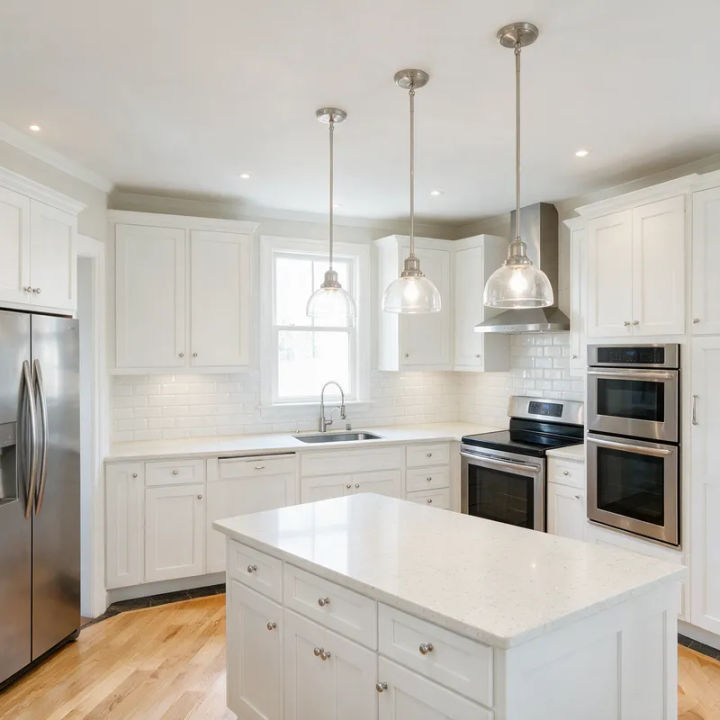
Declutter a countertop
Remove the clutter from this kitchen counter, clear away small appliances and dishes, keep the cabinets and layout
Edit prompt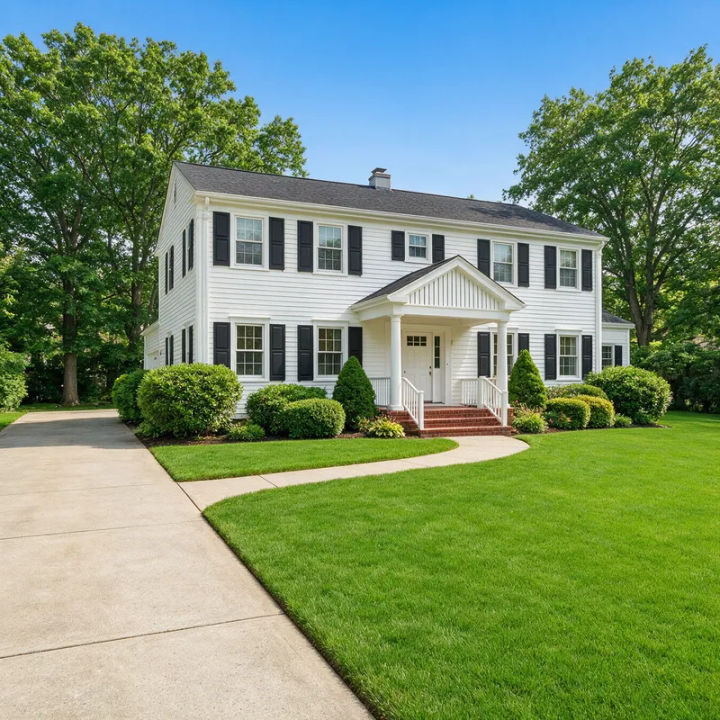
Green up the lawn
Make this patchy front lawn lush and green, tidy the edges, keep the house and driveway unchanged
Edit prompt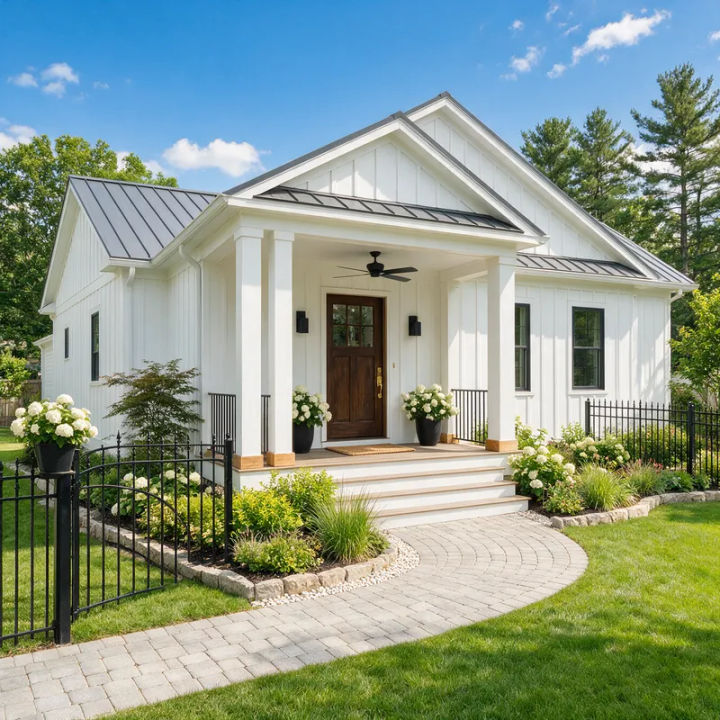
Straighten the verticals
Correct the leaning verticals in this exterior so the walls are straight, level the horizon, keep the framing
Edit prompt
Cinematic storyboard
Share a scene description with character references. Get a full storyboard with shot angles and mood.

Chibi sprite animation
Turn any photo or description into an animated chibi sprite. Dance, jump, wave, attack, and more.

Messages to cinematic scene
Dramatize any text conversation into a cinematic multi-shot video.

Title sequence
Generate a professional film title card from scratch, with optional cinematic animation.
Time-freeze effect
Cinematic time-freeze short film for any scene

3x3 storyboard
Feed in a single image. Get 9 cinematic beats laid out as a 3x3 storyboard grid.
All on Morphic
Models
Nano Banana 2, Flux 2 Pro, ChatGPT Images 2.0, Grok Imagine, Recraft V4 Pro, Seedream 5, and more. Pick the one that edits real photos best, and swap mid-project.
Edit from your own photo
Start from the shot you already took with image-to-image. Fix the sky, light, or clutter while the real room, layout, and windows stay exactly as they are.
Sky, light, and cleanup
Swap a grey sky for blue, go twilight, brighten a dark interior, or remove a stray car. Every edit corrects the photo without changing the property.
Workflows
Save your edit recipe as a one-click Workflow. Rerun it across the whole shoot so every listing photo shares one polished, consistent look.
Edit any photo with AI
The general editor behind the listing work. Describe a change to any photo and it is made in place, room or not.
