Every video model
Reels you can generate
Make a Reel in three steps
- 01
Open Morphic
Sign up and start creating on a free-flowing, infinite visual canvas.
- 02
Describe the Reel
Open on the hook. Name the subject, the camera move, and the mood, in 9:16.
- 03
Generate and refine
Render in minutes. Swap the opening shot, cut to the beat, and export in HD.
Use cases
Hooks worth testing
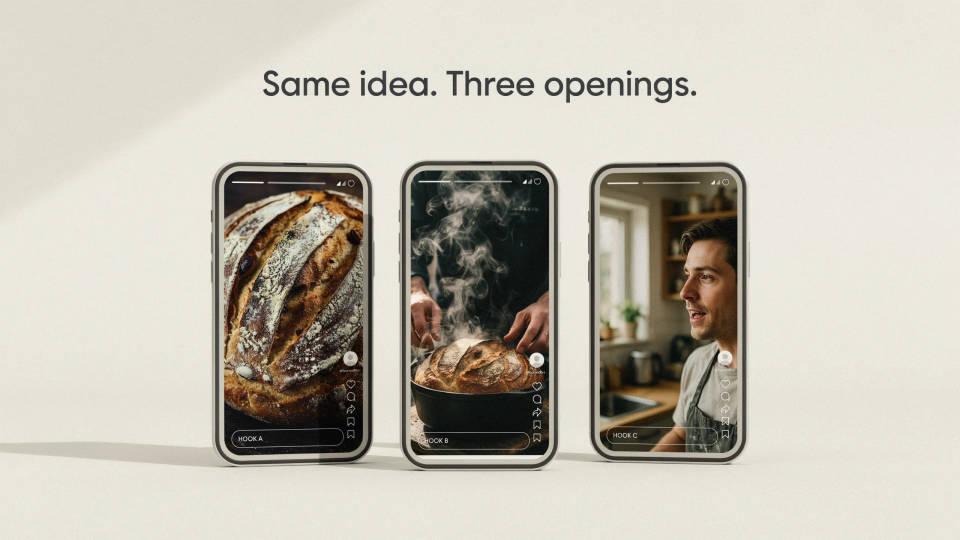
The first frame decides the Reel. Generate five different openings for one idea, a close-up, a mid-action reveal, a face already mid-sentence, and post the one that stops your own thumb.
Posting every day without filming
A daily Reel habit dies when it needs a camera, a location, and good light. Describe the shot instead and keep the account fed on days you never leave your desk.

Reels cut to the audio
Reels live on sound. Pick the track, then generate shots whose motion lands on the beat, so the cut hits where the audio does rather than drifting behind it.
A feed that looks like one account
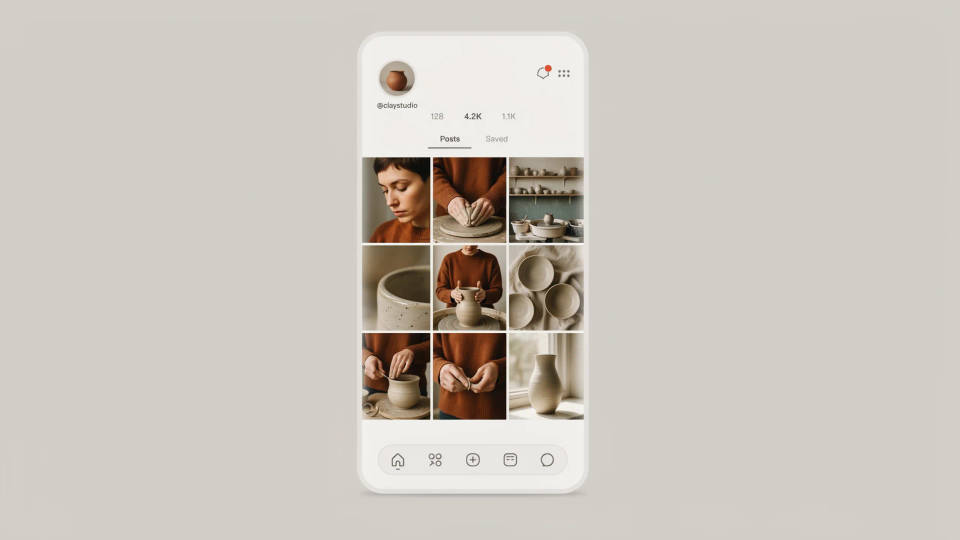
Start every Reel from the same photo or character reference and your face, product, or mascot carries across the grid. Visitors recognize the third Reel from the first.
Cinematic scene
One image to a 9-scene cinematic video.
UGC product pitch
Multi-shot product pitch video from a still, a person, and a script.
Renovation timelapse
Photo of any real-estate becomes a cinematic renovation timelapse video with construction SFX and music.
Fashion reel
Upload a garment, and get a 27-second fashion reel with 9 styled shots.
UGC ads
Product photo plus a format. Get a realistic UGC-style ad with someone naturally using your product.
Time-freeze effect
Cinematic time-freeze short film for any scene
All on Morphic
Models
Kling 3.0, Seedance 2.0, Veo 3.1, Hailuo 2.3, and more. Pick the one that moves your subject best, and swap any time.
Text to video
Go from a written beat to a rendered vertical shot, no camera and no footage library.
Voice and lip sync
Add a voiceover and a music bed, then match a talking-to-camera delivery to the mouth with Lip Sync.
Workflows
Save your Reel recipe as a Workflow, then rerun it for tomorrow's post with a new subject.
