Every image model
One workspaceText effects you can render
Make a text effect in three steps
- 01
Open Morphic
Sign up and start creating on a free-flowing, infinite visual canvas.
- 02
Type the word and the material
Enter a short, bold word and describe the finish, from chrome to neon to fire.
- 03
Generate and export
Render a few versions, pick the cleanest lettering, and export the image.
Use cases
Video thumbnails and titles
A punchy word in chrome or neon is the fastest way to make a thumbnail stop the scroll. Render the title as artwork, drop it over your frame, and you have a click-worthy cover without opening a design app. Keep the word to one or two beats so every letter reads at a glance.
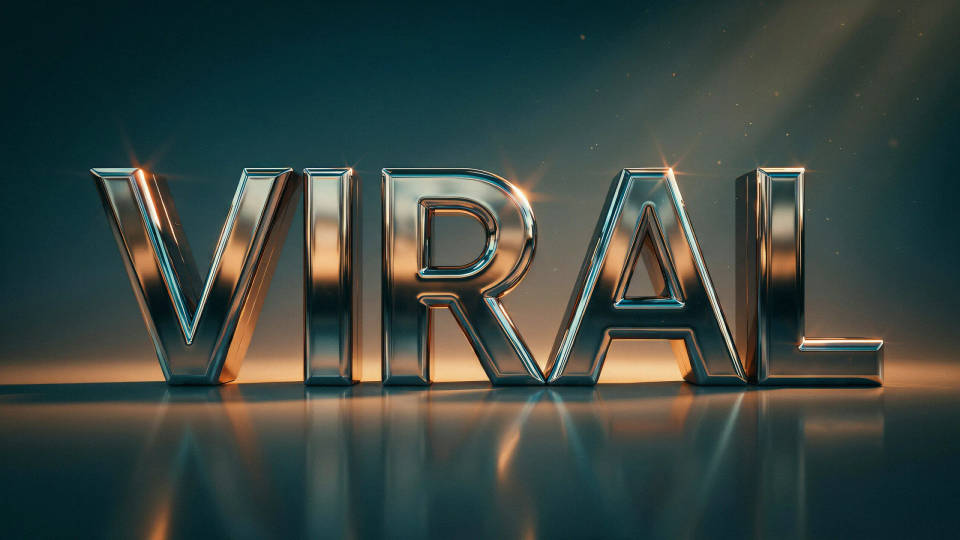
Posters and event headlines
Build a headline that is the poster, not just text sitting on top of one. A word cast in fire, ice, or gold carries a mood on its own, so the rest of the layout can stay simple. Great for gig posters, sale banners, and launch announcements.
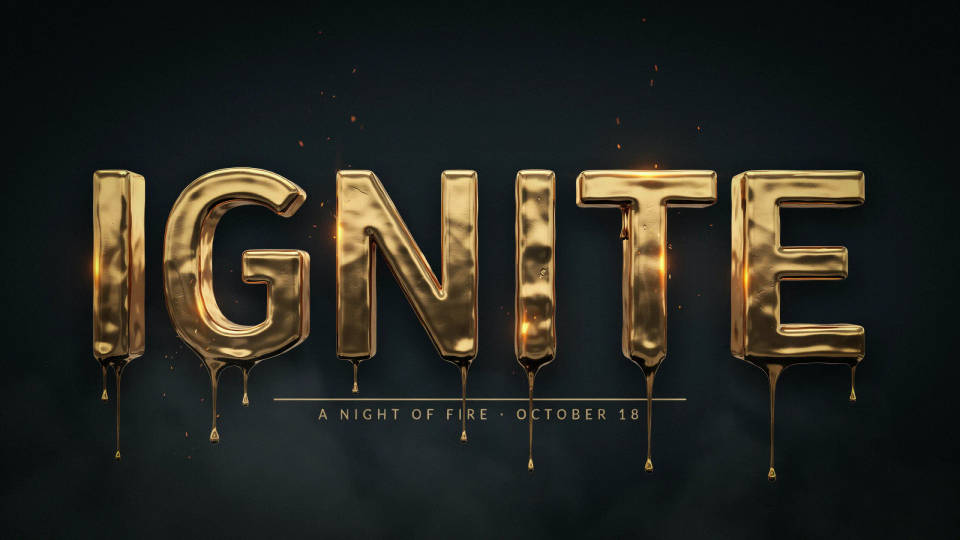
Logos and wordmarks
Try a bold wordmark in a material that suits the brand, whether that is polished metal for something premium or inflatable balloon type for something playful. Use it as a concept starting point, then refine the direction you like across models before committing.
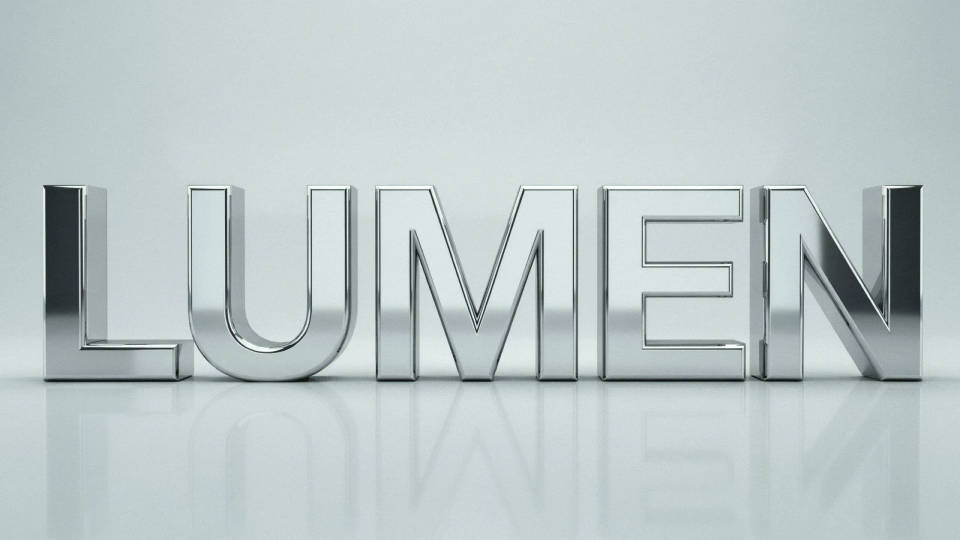
Social posts and stickers
Render a single reactive word, like WOW, SALE, or NEW, as a glossy sticker or a glowing sign. Because it comes back as an image with its own lighting, it drops straight into a story, a reel cover, or a chat sticker pack without extra masking.
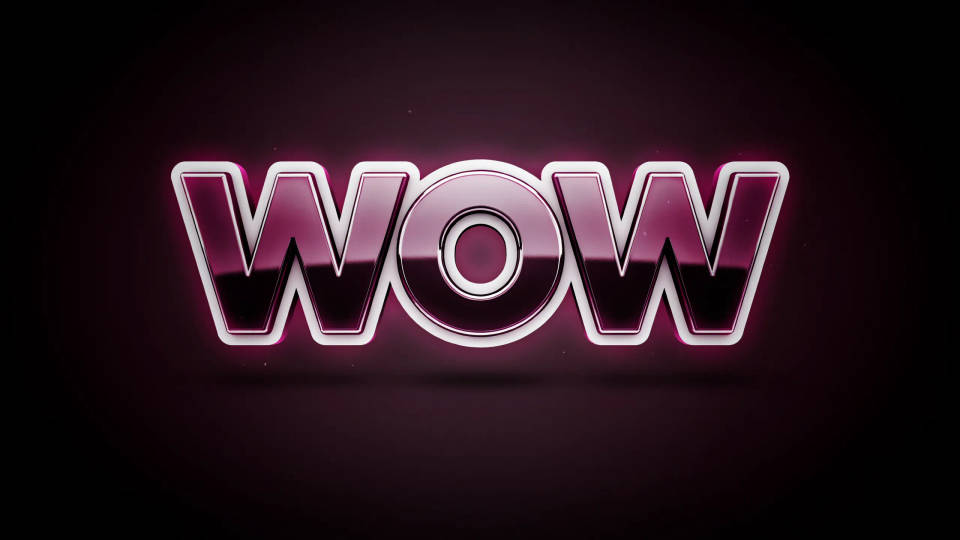
Prompt examples
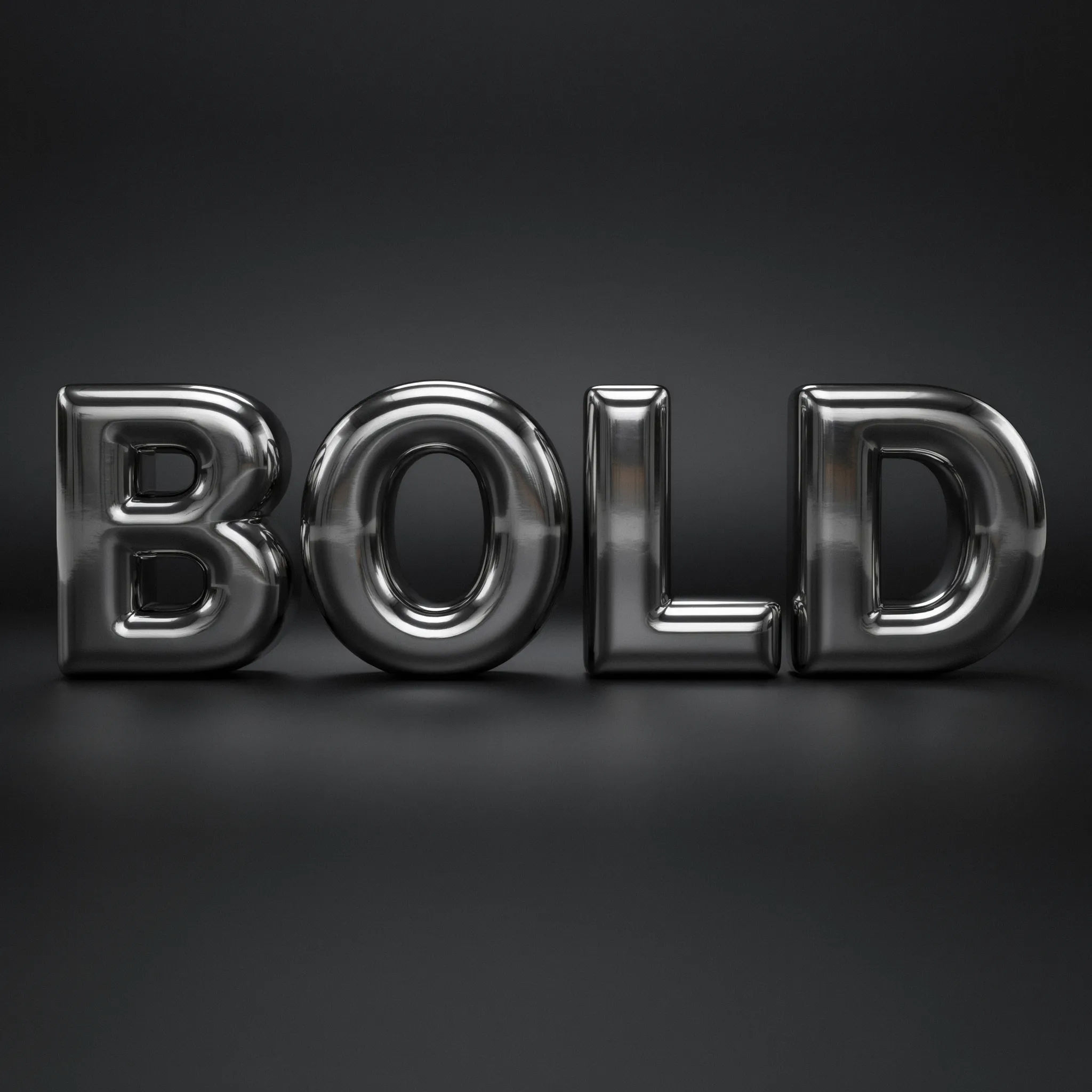
Chrome
The word BOLD in polished liquid chrome, thick rounded letters, studio reflections, dark grey background
Edit prompt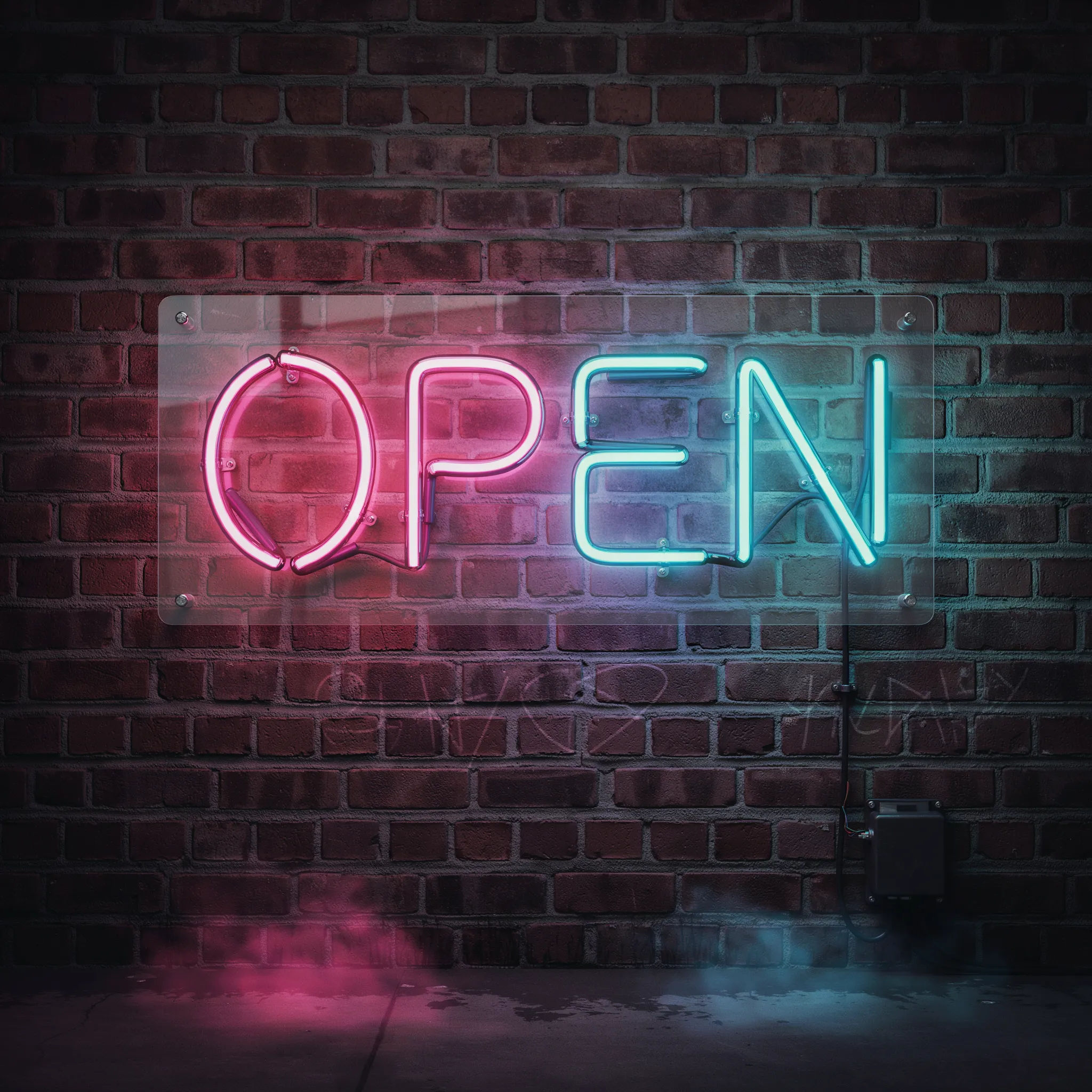
Neon
The word OPEN in glowing pink and cyan neon tubes, mounted on a dark brick wall at night
Edit prompt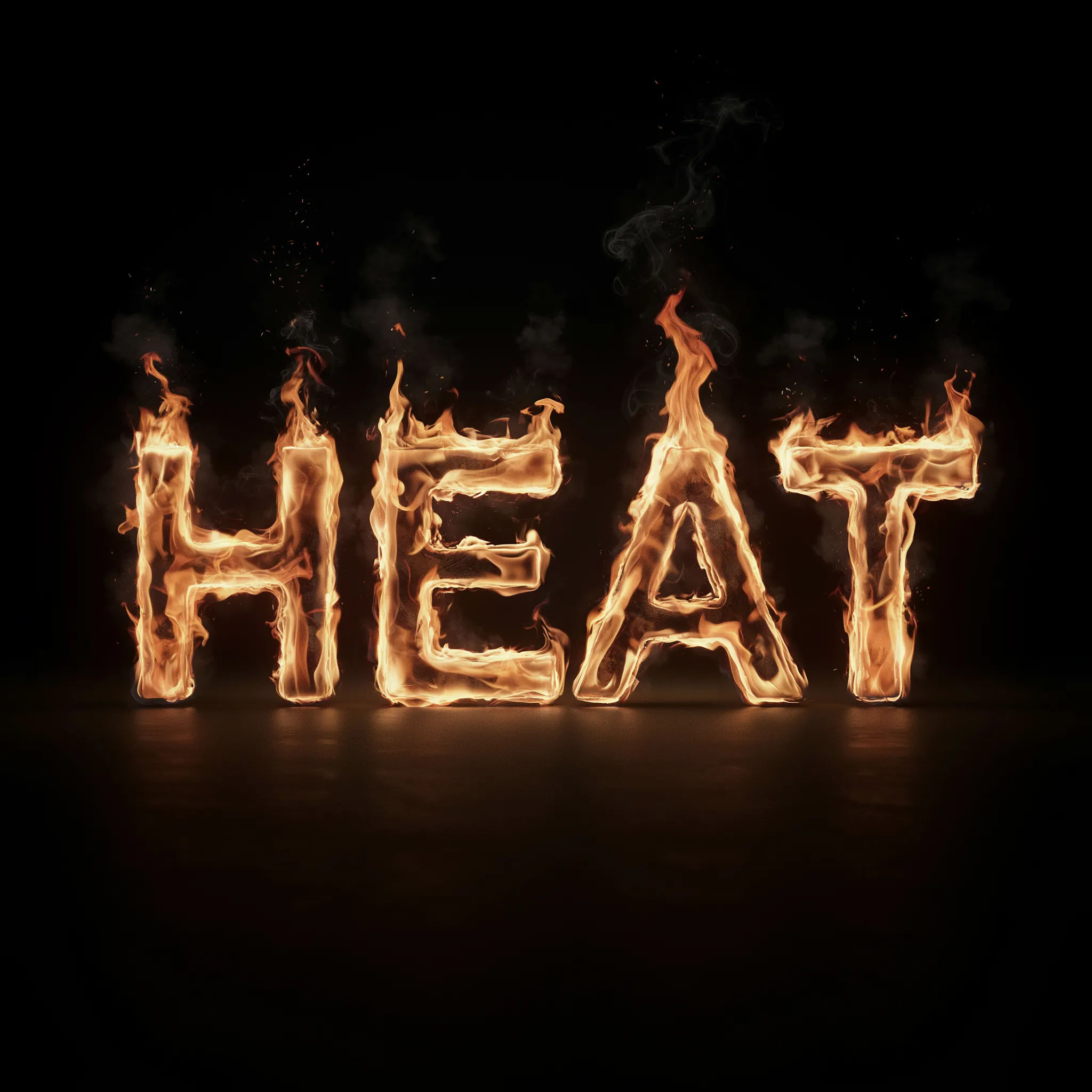
Fire
The word HEAT built from real flames and embers, glowing orange, black background, cinematic
Edit prompt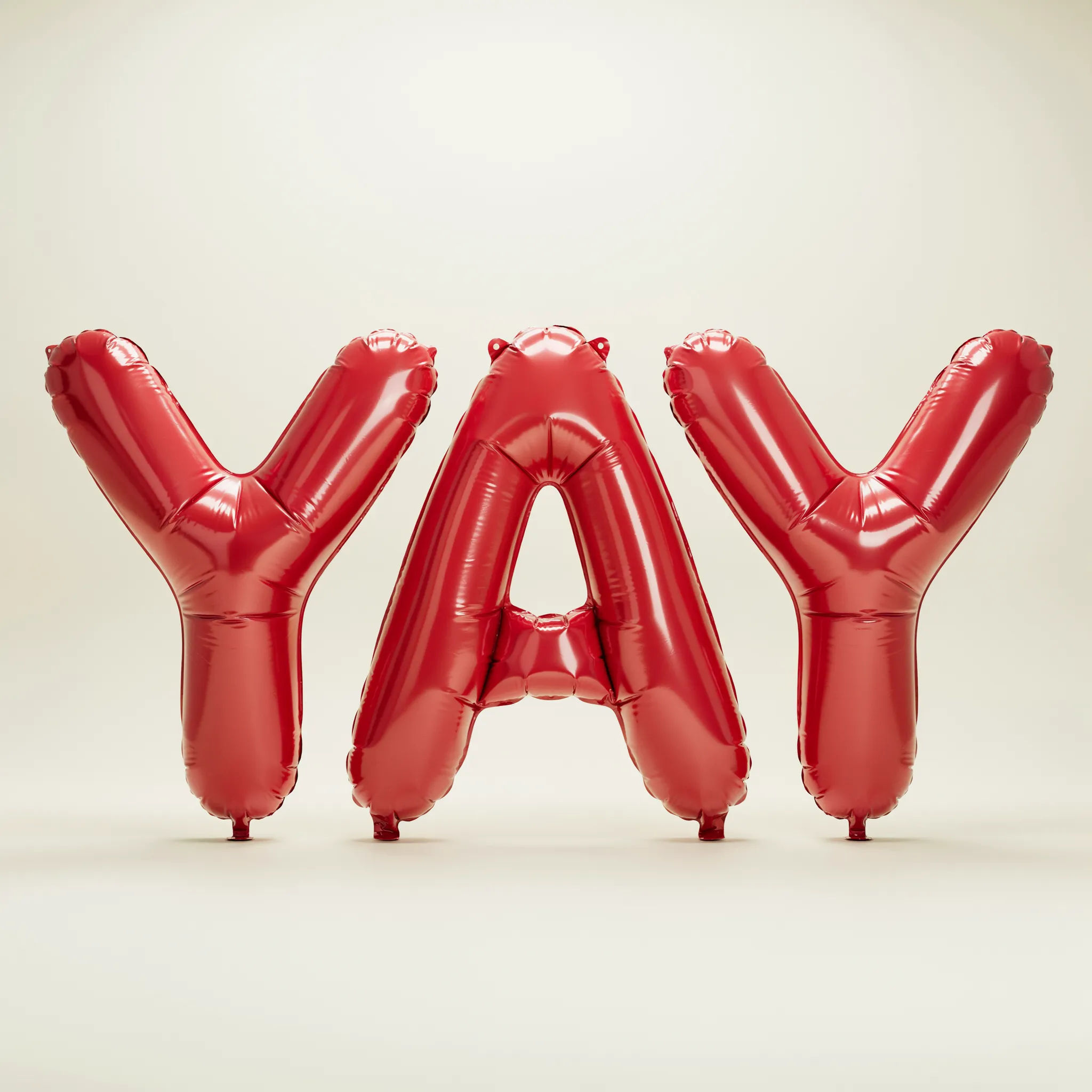
Balloon
The word YAY as glossy inflated balloon letters in bright red, soft studio light, pale backdrop
Edit prompt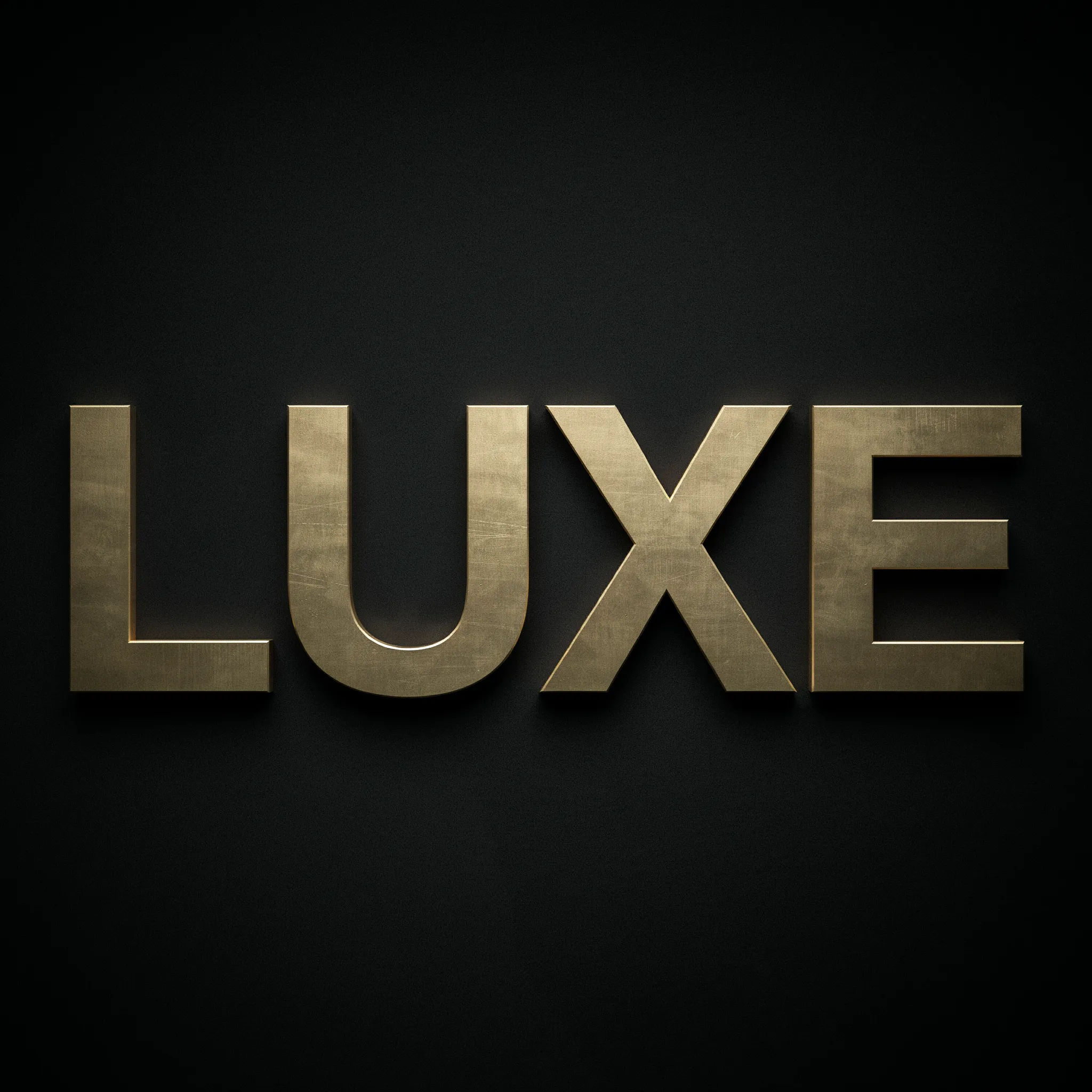
Gold
The word LUXE in brushed gold with fine engraving, dramatic side light on a deep black surface
Edit prompt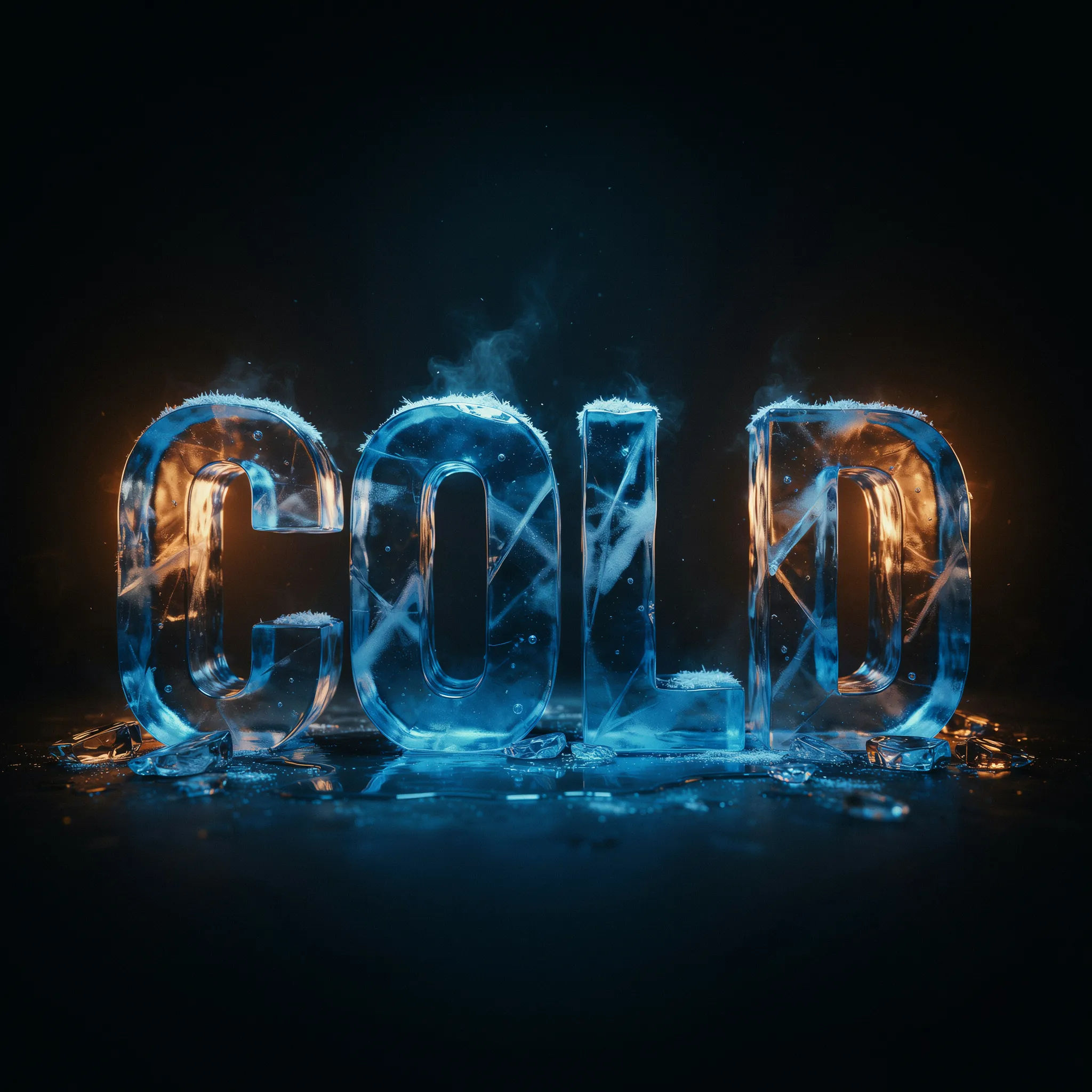
Ice
The word COLD carved from clear blue ice with frost and mist, backlit, dark background
Edit prompt
Messages to cinematic scene
Dramatize any text conversation into a cinematic multi-shot video.

Cinematic storyboard
Share a scene description with character references. Get a full storyboard with shot angles and mood.

Title sequence
Generate a professional film title card from scratch, with optional cinematic animation.
Time-freeze effect
Cinematic time-freeze short film for any scene

3x3 storyboard
Feed in a single image. Get 9 cinematic beats laid out as a 3x3 storyboard grid.

Chibi sprite animation
Turn any photo or description into an animated chibi sprite. Dance, jump, wave, attack, and more.
All on Morphic
Your complete type-art toolkitModels
Nano Banana 2, Flux 2 Pro, ChatGPT Images, Grok Imagine, Recraft, Seedream, and more. Swap models when one renders cleaner metal or a punchier glow.
Logo generator
Turn a styled wordmark into a full logo concept, with marks, color, and layout explored side by side.
Poster generator
Drop a text effect into a finished poster layout with a headline, imagery, and space for the details.
Text to image
Describe any scene or object and render it from a prompt, the same tool that builds your type as artwork.
