UGC-style videos you can create
Make a UGC-style product video in three steps
- 01
Open Morphic
Sign up and start creating on a free-flowing, infinite visual canvas.
- 02
Upload your product photo
Drop in a clean product shot so the clip animates from the real product.
- 03
Generate your clip
Describe the handheld feel, add captions and a voiceover, and export for every placement.
Who uses it
Small brands without a shoot
Turn one product photo into native-looking b-roll for reels and TikTok. Handheld framing and natural light, generated around your real product, no crew or camera kit.

Shopify stores that post weekly
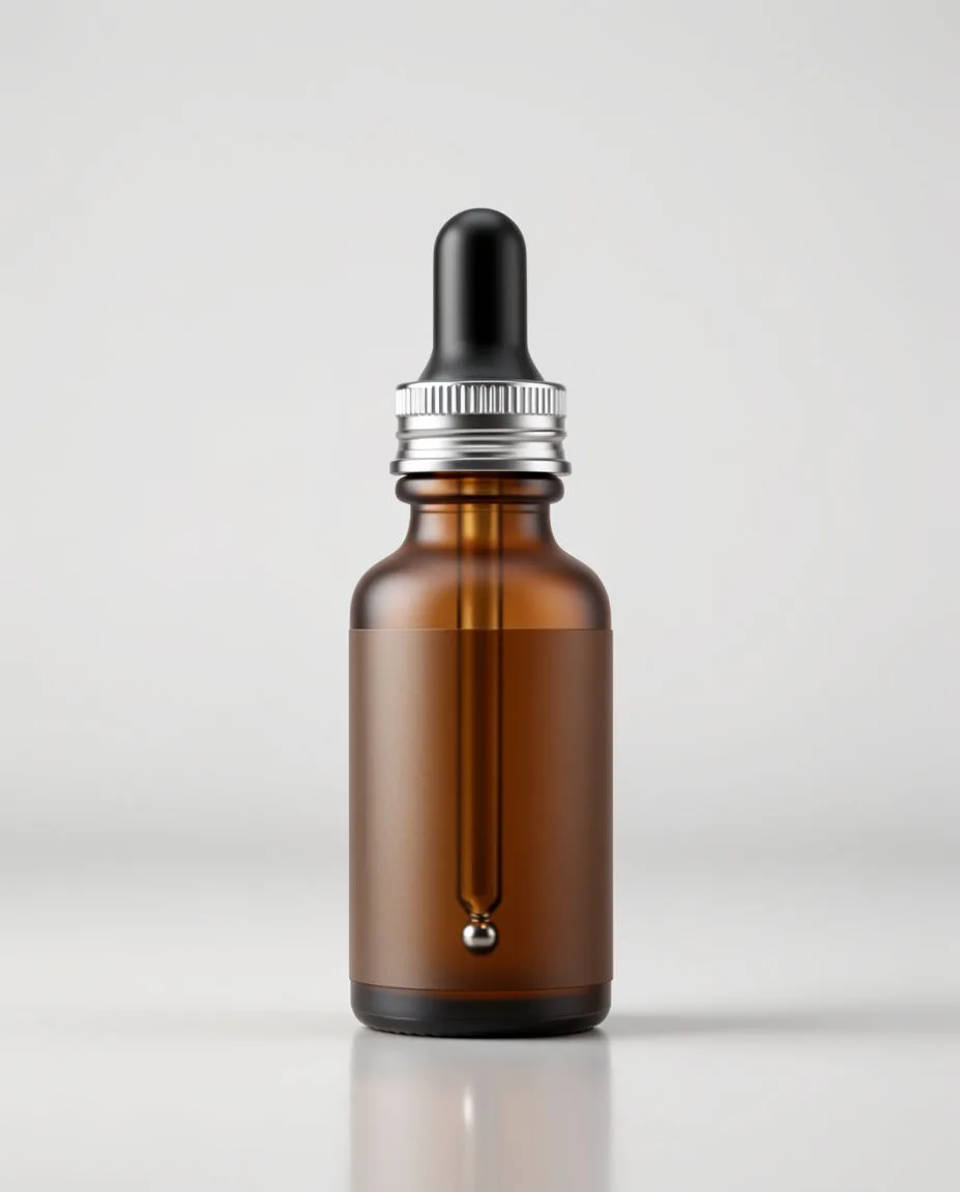
Keep a weekly feed of product video going from the shots you already have. Make the clip once, reframe it to feed, story and product page, and keep the product accurate throughout.
Agencies across clients
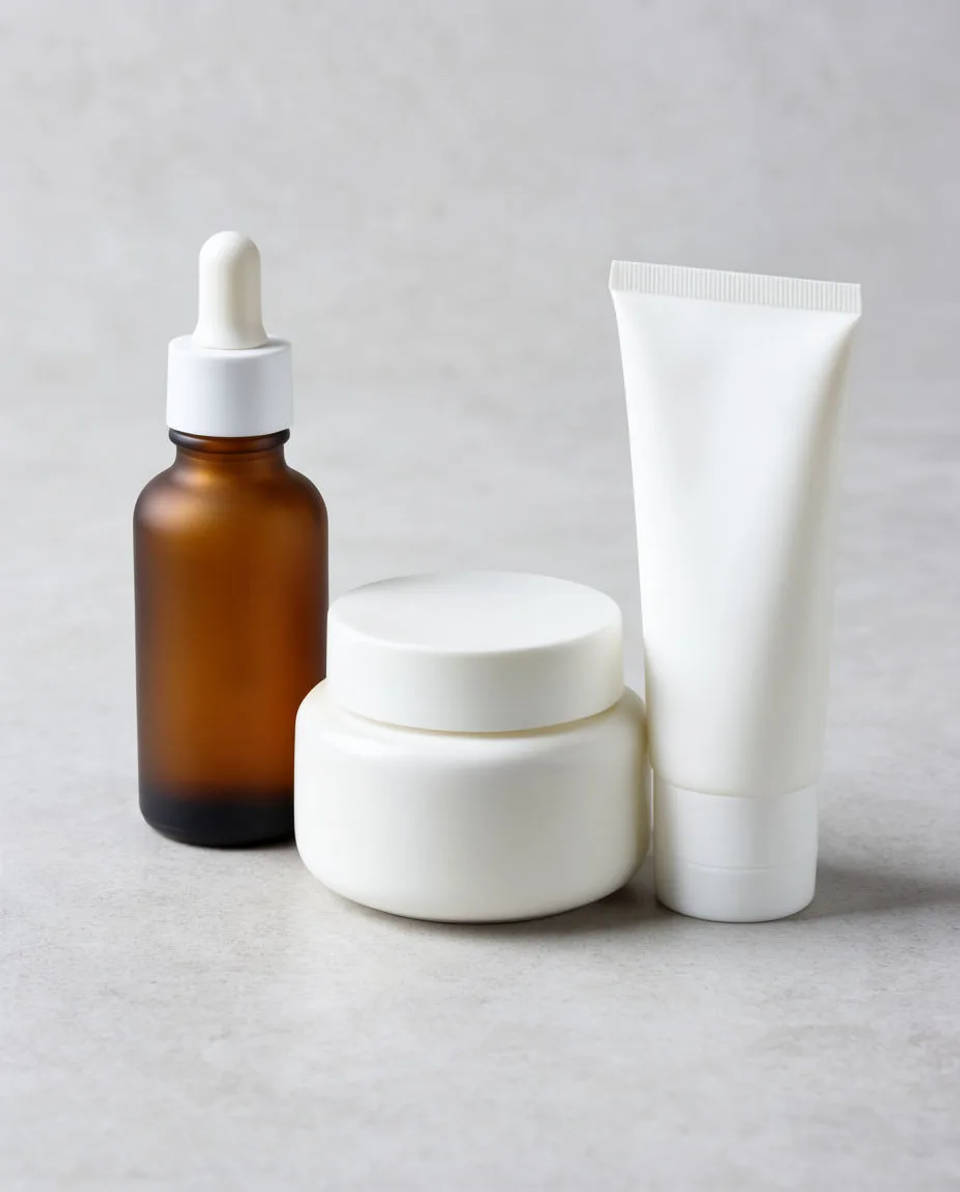
Produce UGC-style product b-roll for several clients from their product photos, with captions and localisation in the same workspace. Save each client's product as a reference so it holds.
UGC prompts you can run
Each starts from your own product photo. Open any prompt to tweak it and generate your own clip.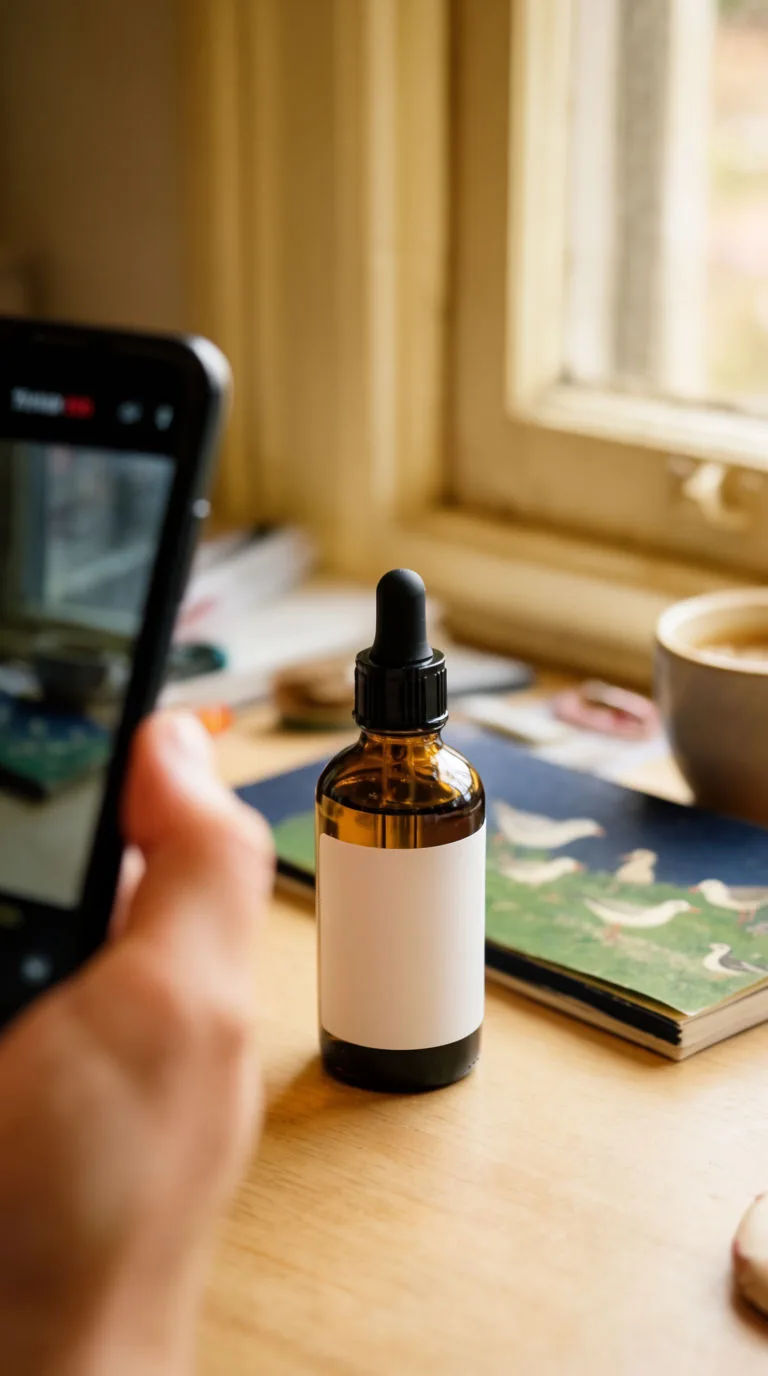
Handheld desk b-roll
Handheld UGC-style clip of the product on a natural-light desk, subtle camera movement, soft morning window light
Edit prompt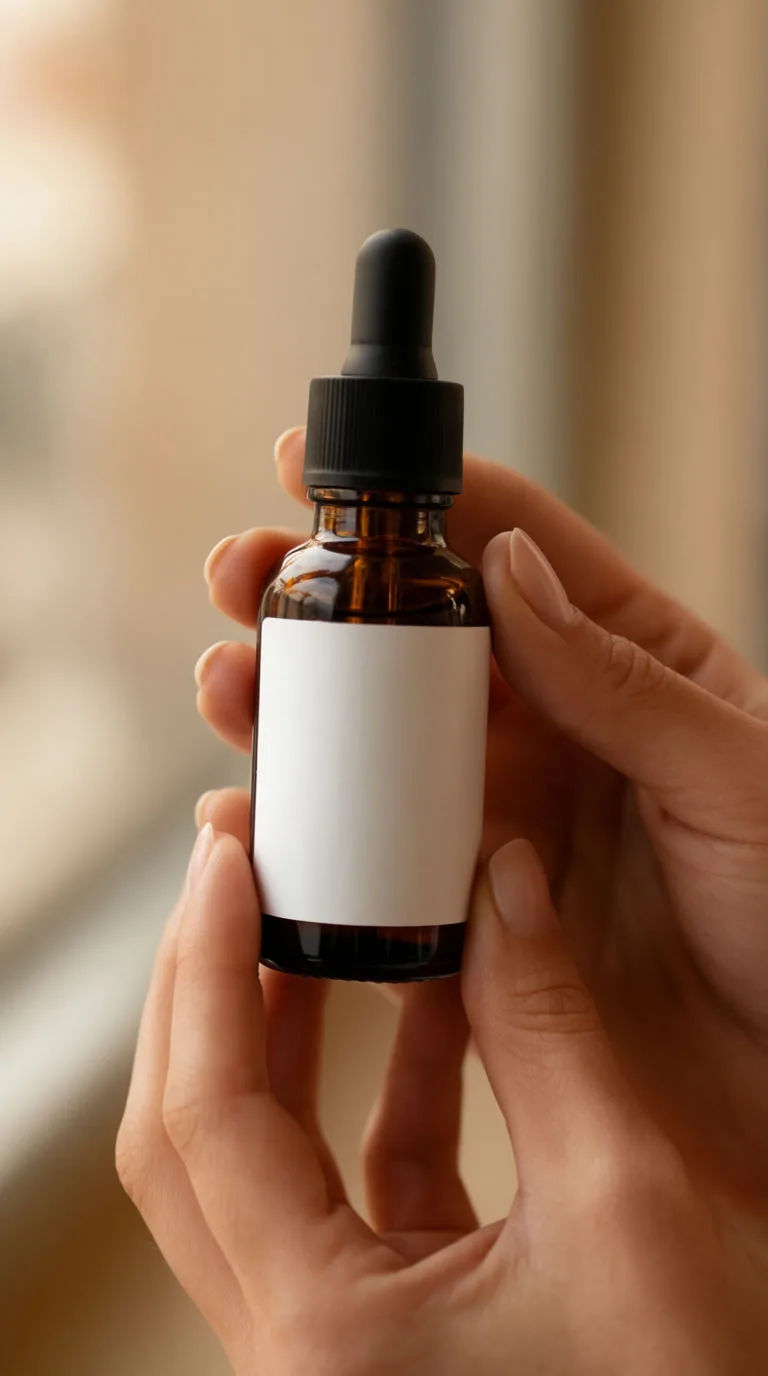
In-use close-up
Close-up UGC clip of hands using the product, shallow depth of field, warm natural light, gentle motion
Edit prompt
Flat-lay reveal
Overhead UGC flat-lay of the product among everyday objects, slow push-in, soft daylight, captions on
Edit promptUGC product pitch
Multi-shot product pitch video from a still, a person, and a script.

Product explosion ad
Dramatic 5-second product reveal video with audio.
Seamless video loop
Stitch 2-10 frames into a perfectly looping video with smooth cinematic transitions between each one.
UGC ads
Product photo plus a format. Get a realistic UGC-style ad with someone naturally using your product.
Time-freeze effect
Cinematic time-freeze short film for any scene
Dramatic reveal
Cinematic before/after reveal videos with smooth transitions. Perfect for makeovers and redesigns.
All on Morphic
Your complete UGC video toolkitAccurate product
Each clip animates from your real product still, and a saved reference keeps the label, shape and colour consistent across every shot. The product stays the product.
Captions and voiceover
Transcribe speech into styled captions and burn them on for Latin-script languages, or generate a voiceover from text. For other scripts, a subtitle file is returned to add on upload.
Image-to-video
Turn a flat product photo into motion: a slow push-in, a gentle rotation, a soft reveal. You direct the motion in plain words and keep it subtle so it reads as real.
Workflows
Lock your look, captions and framing into a Workflow, then rerun it for the next product or client. Share the link or favourite it.
