Every image model
One workspaceAlbum covers you can create
Make album art in three steps
- 01
Open Morphic
Sign up and start creating on a free-flowing, infinite visual canvas.
- 02
Describe the cover
Name the genre, the mood, and the title. Add a photo to build around.
- 03
Generate and refine
Render square art, then compare directions side by side on the Canvas.
Use cases
Singles and EPs
Release-ready square art for streaming, matched to the sound of the track.

Playlists and mixtapes
Cover art that gives a playlist a real identity instead of a stock thumbnail.

Merch and vinyl
Take the cover and mock it on vinyl, a cassette, or a shirt for the release.

Streaming banners
Generate a matching artist banner so the profile and the release feel like one drop.

Prompt examples
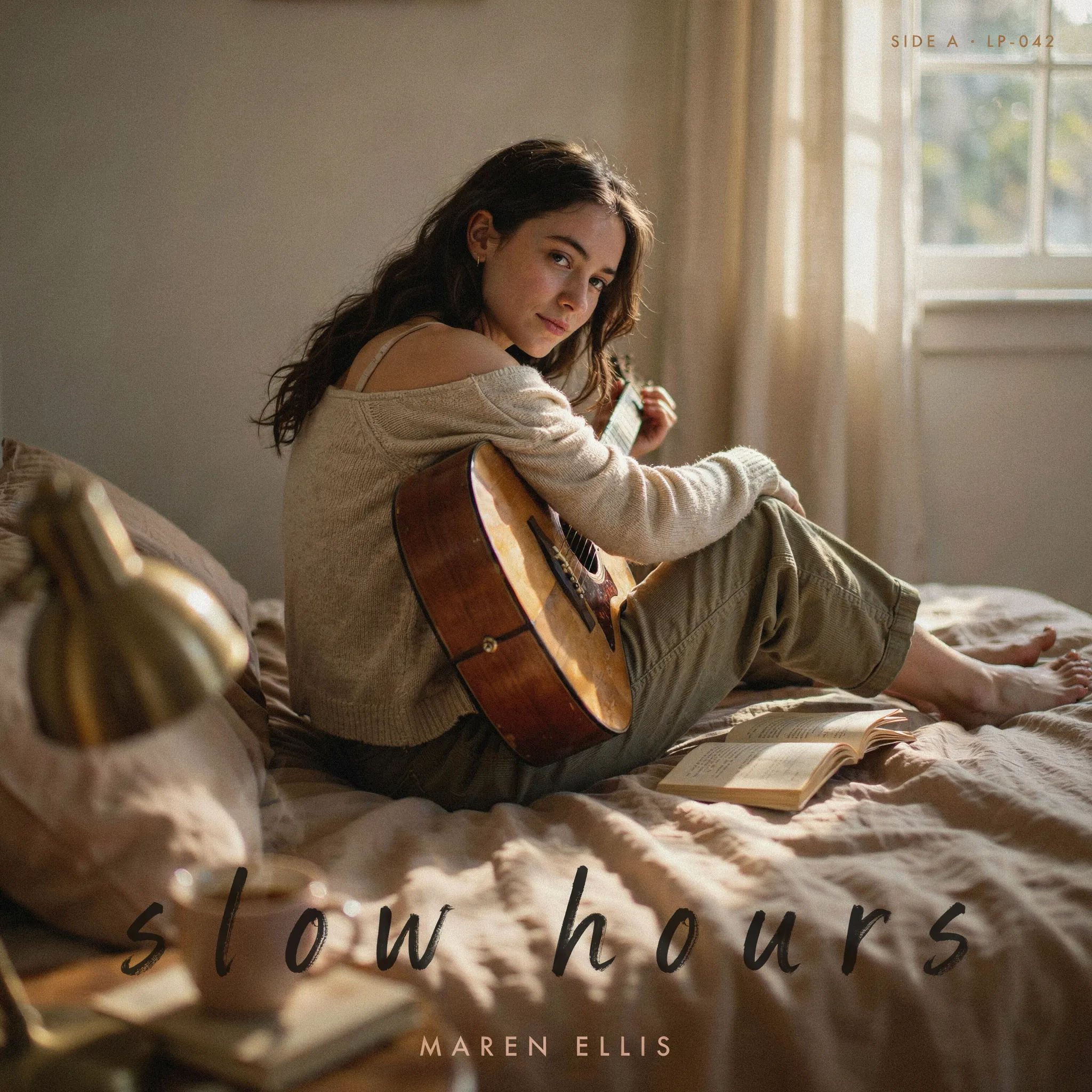
Indie cover
Indie album cover, film-grain portrait, hand-lettered title, muted warm palette, square format, intimate mood
Edit prompt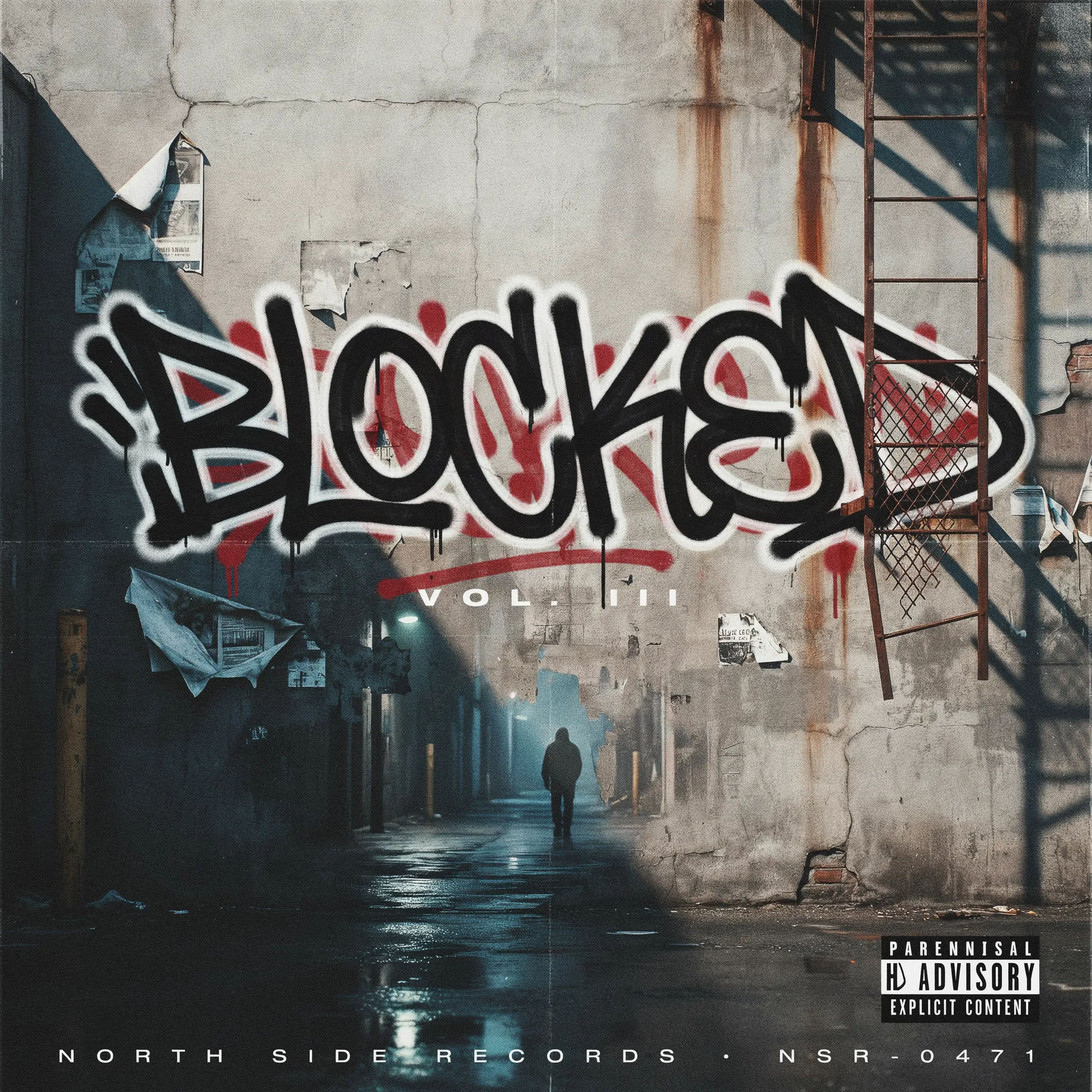
Hip-hop cover
Hip-hop album cover, bold graffiti title, gritty city backdrop, high contrast, striking square art
Edit prompt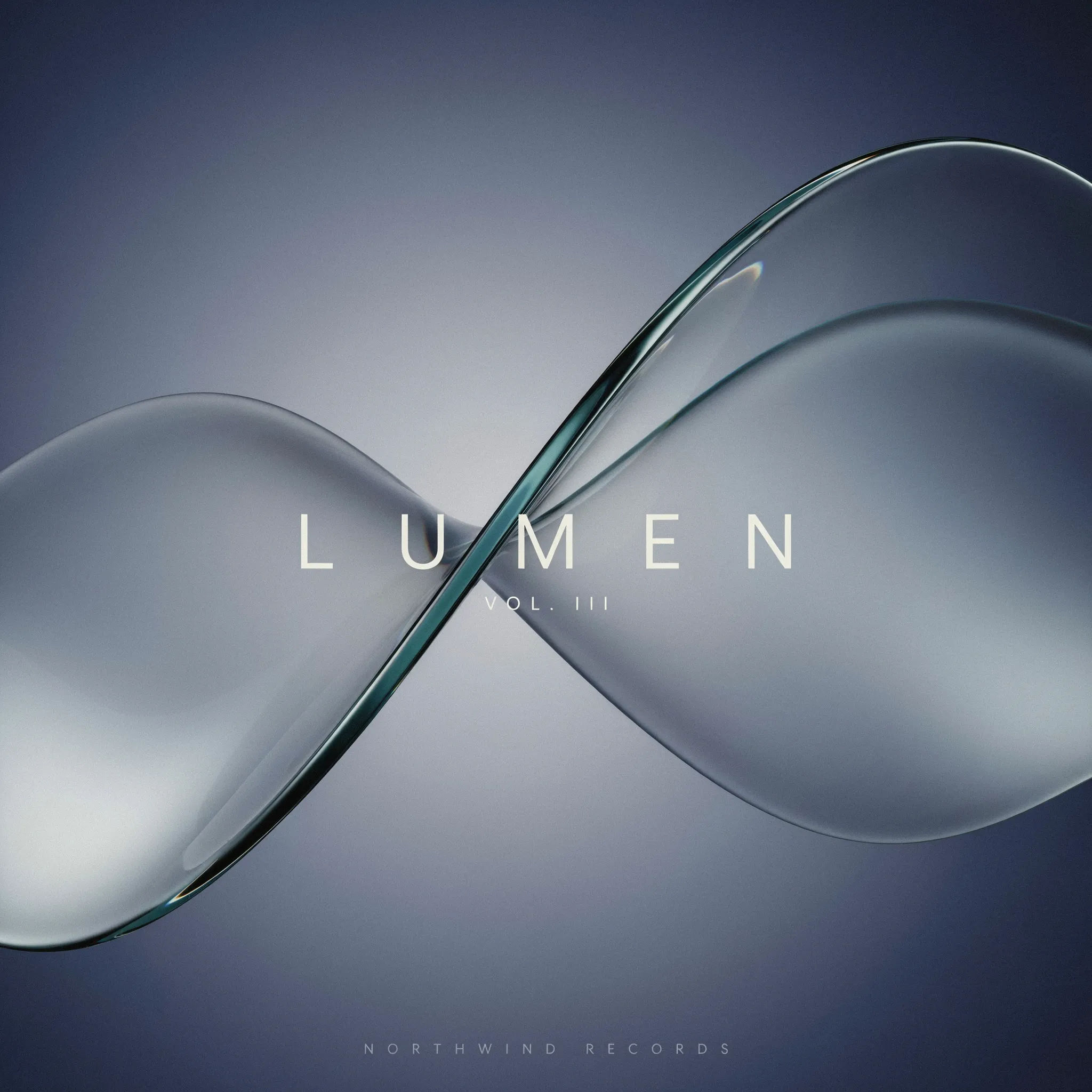
Electronic cover
Electronic album cover, abstract gradient waves, minimal title, glossy futuristic look, square format
Edit prompt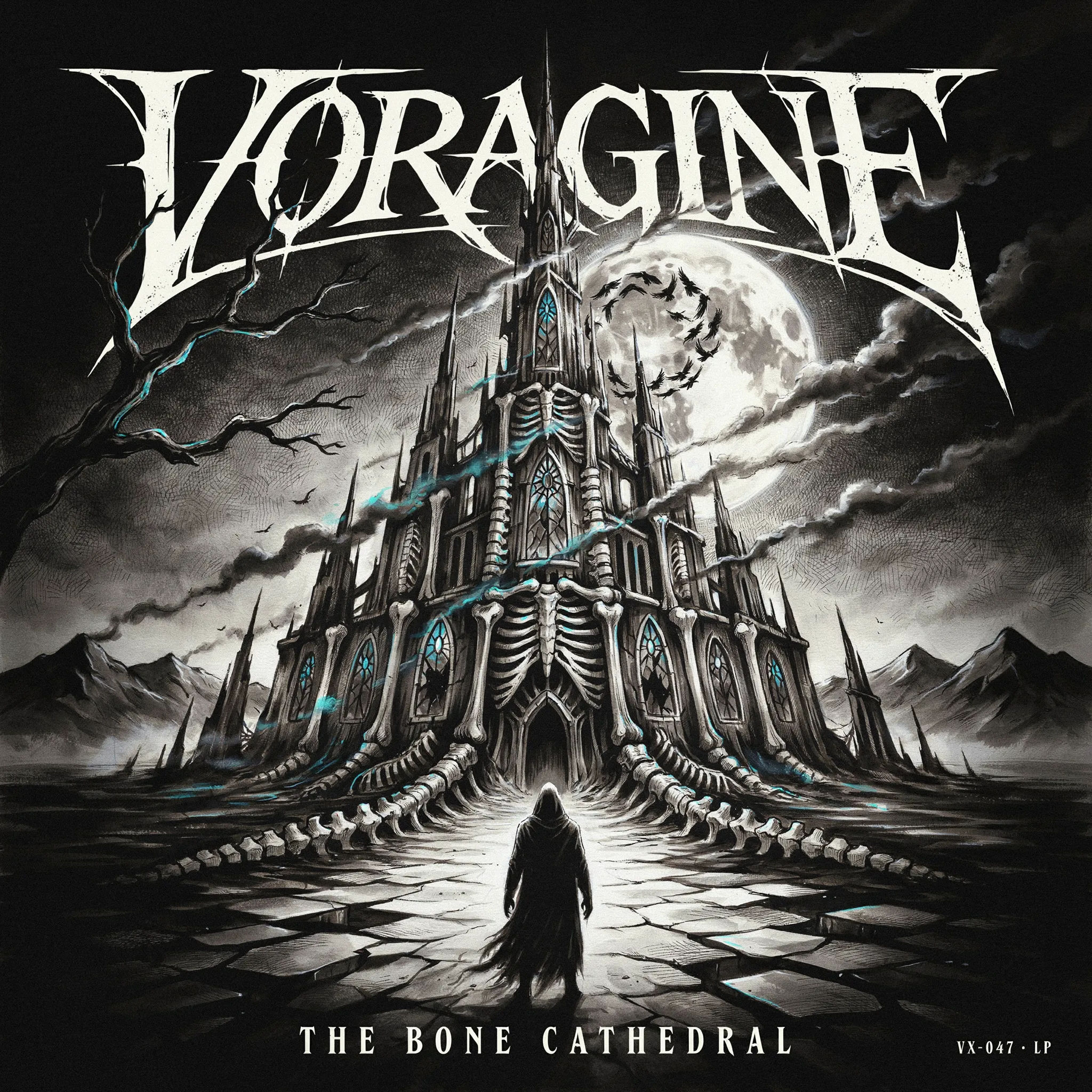
Metal cover
Metal album cover, dark detailed illustration, ornate sharp logo, dramatic lighting, square art
Edit prompt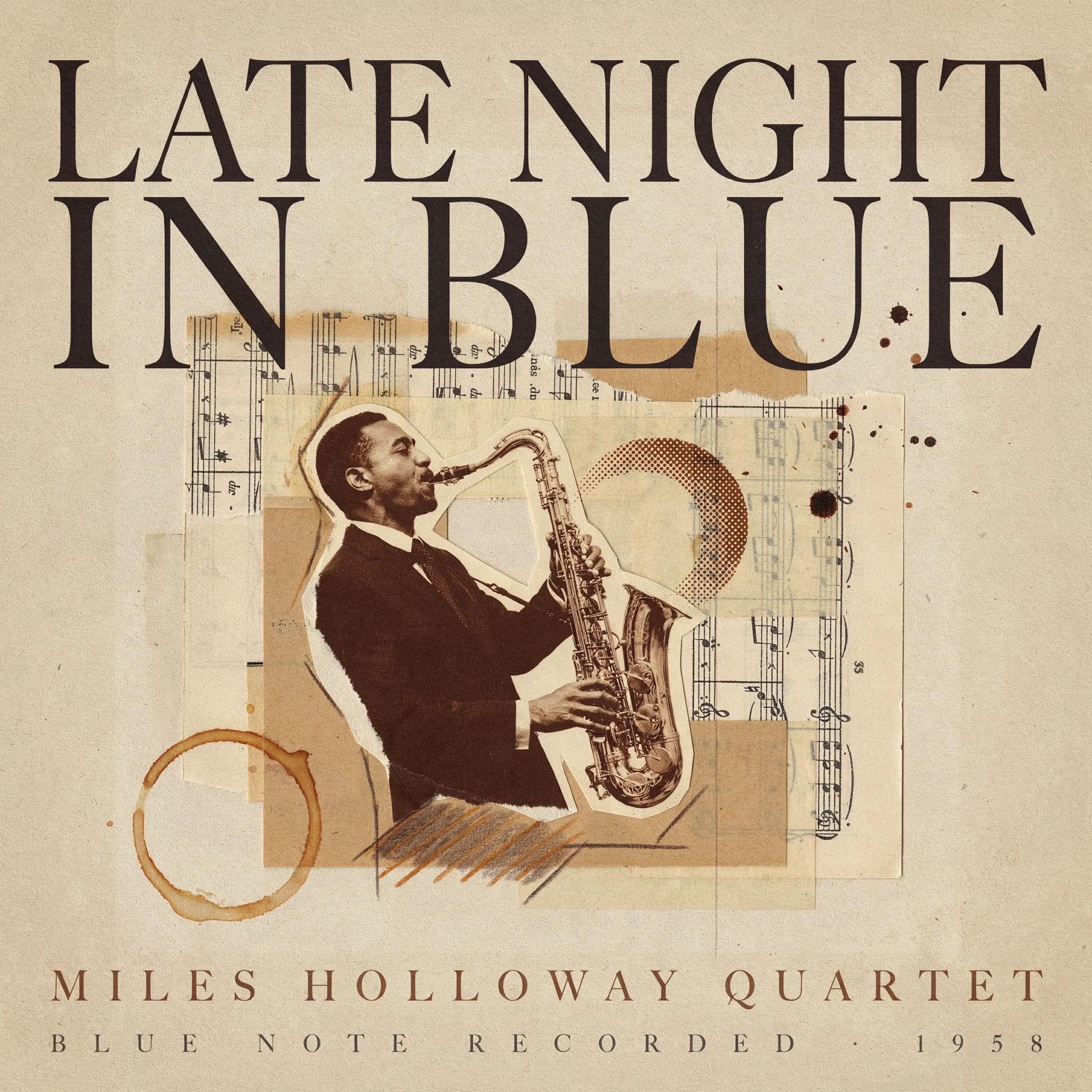
Jazz cover
Jazz album cover, mid-century collage, warm ink tones, classic serif title, textured square format
Edit prompt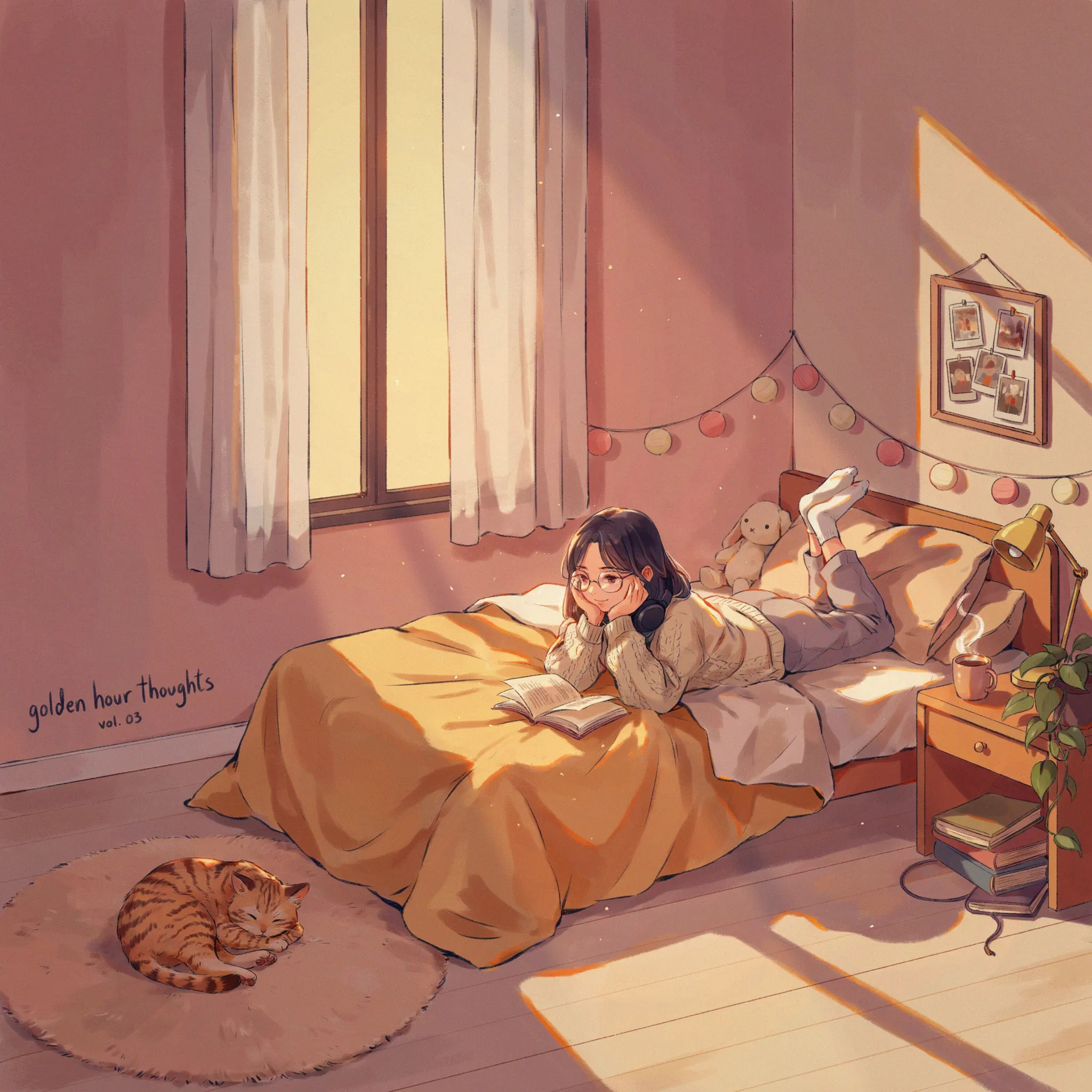
Lo-fi cover
Lo-fi album cover, cozy anime bedroom illustration, warm sunset palette, small handwritten title, square
Edit prompt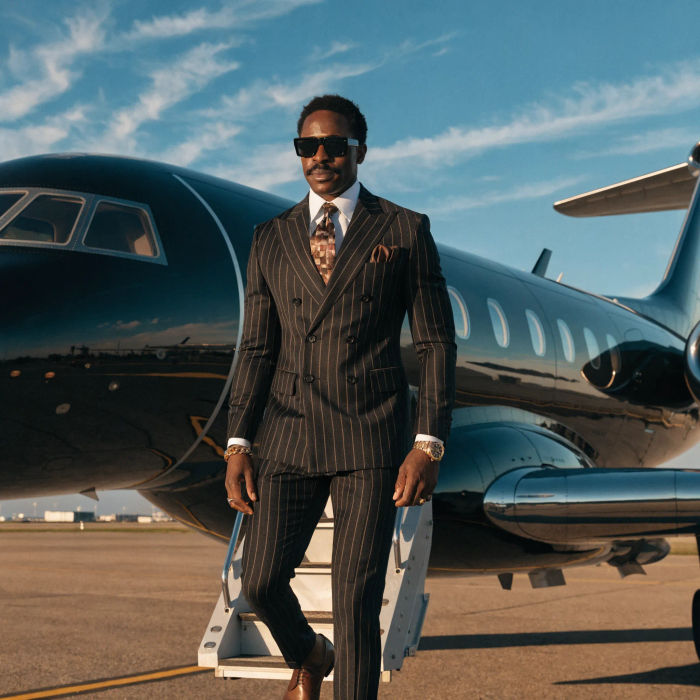
Music video
Pick a visual style, drop in your lyrics. Each verse gets its own scene visual, laid out as a full screenplay.

Title sequence
Generate a professional film title card from scratch, with optional cinematic animation.

Cinematic storyboard
Share a scene description with character references. Get a full storyboard with shot angles and mood.

Expressions
Take any character image and generate 6 distinct facial expressions on a single reference sheet.

Messages to cinematic scene
Dramatize any text conversation into a cinematic multi-shot video.

3x3 storyboard
Feed in a single image. Get 9 cinematic beats laid out as a 3x3 storyboard grid.
All on Morphic
Your complete album art stackModels
Nano Banana 2, Flux 2 Pro, ChatGPT Images, Grok Imagine, Recraft, and Seedream. Pick the model that nails your cover and switch mid-project.
Build around a photo
Upload an artist photo and use image-to-image to turn it into cover art, keeping the subject while the style transforms.
Change the vibe
Re-skin one cover with image-to-image. Indie to electronic to lo-fi, same title each time.
Workflows
Save your cover steps as a one-click Workflow. Rerun it for the next brief or share it with your team.
