Every image model
One workspaceListing modules you can build
Build A+ content in three steps
- 01
Open Morphic
Sign up and start creating on a free-flowing, infinite visual canvas.
- 02
Brief each module
Describe the banner, callouts, and comparison chart, with short bold labels and your palette.
- 03
Generate and export
Render each module, keep the look consistent, and export at your listing sizes.
Use cases
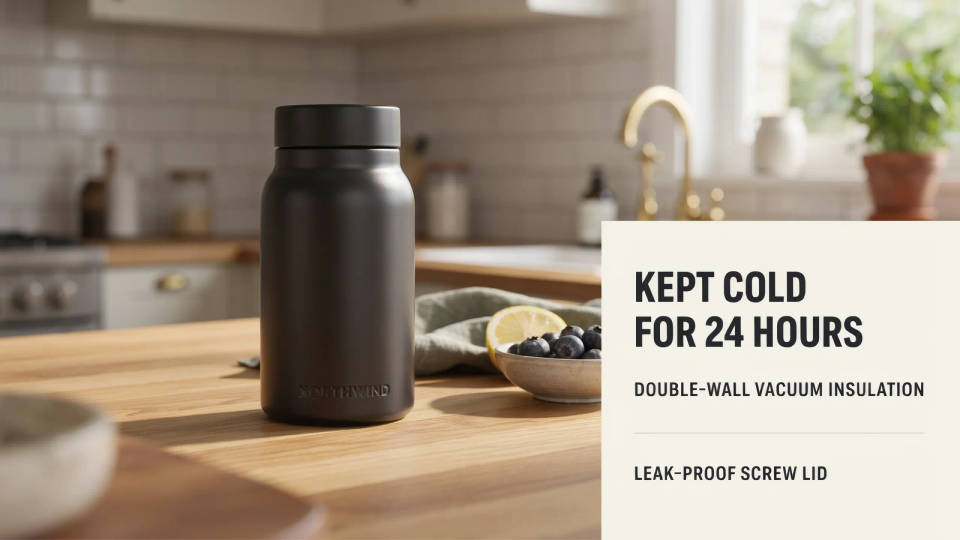
Lifestyle banners that set the scene
Show the product where it belongs, on a kitchen counter, a trail, or a desk, without booking a photo shoot. Describe the setting, the light, and the mood, and render a clean banner for the top of the listing. Test a few environments and keep the one that fits your buyer.
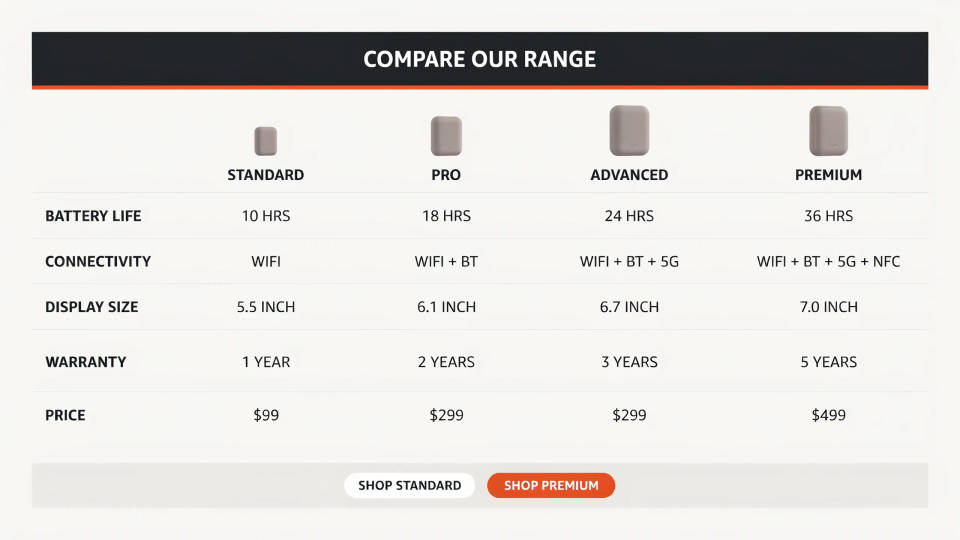
Comparison charts across your range
Lay out your good, better, best options side by side so a shopper can pick the right model quickly. Morphic renders the chart as a designed image with short labels, icons, and checkmarks. Keep the wording tight so the text stays crisp, and add the fine detail as listing text.
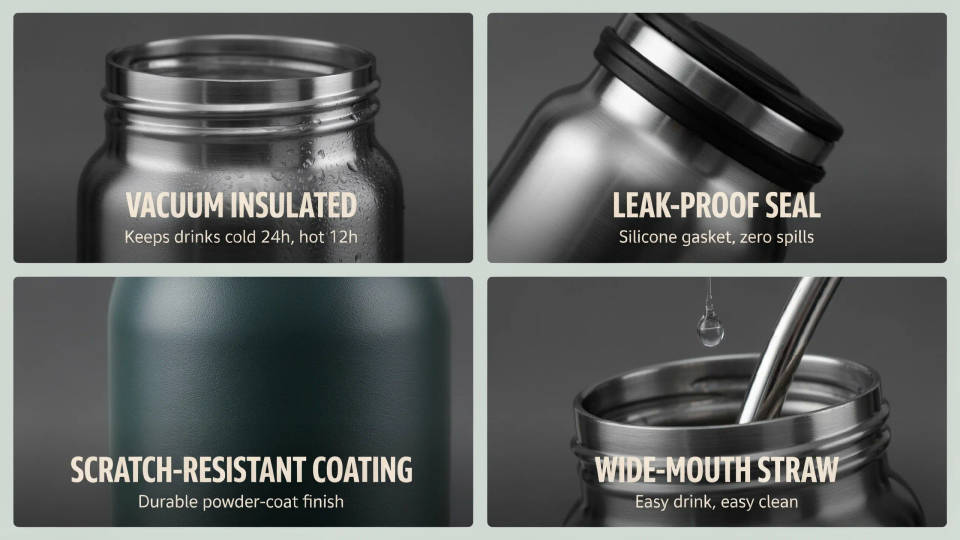
Feature callout tiles
Turn each selling point into its own tile, with a close-up of the feature and a short heading. A grid of clean callouts communicates the benefits faster than a wall of text and gives the listing a considered, premium feel across the whole module set.
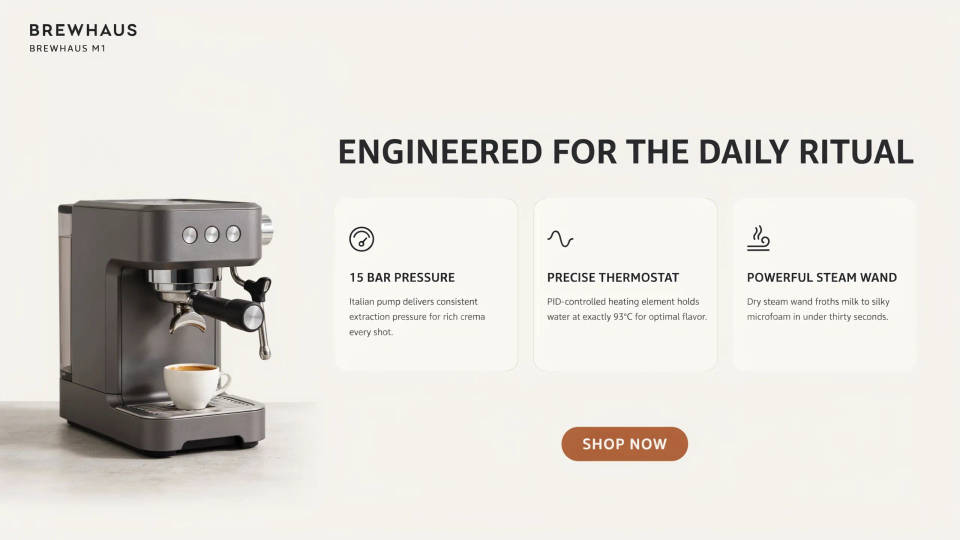
One consistent brand look
Run every module through the same palette, type direction, and background so the banner, the tiles, and the chart read as one designed system. Building them together makes it easy to compare, align, and refresh the whole set when you launch a new variant.
Prompt examples
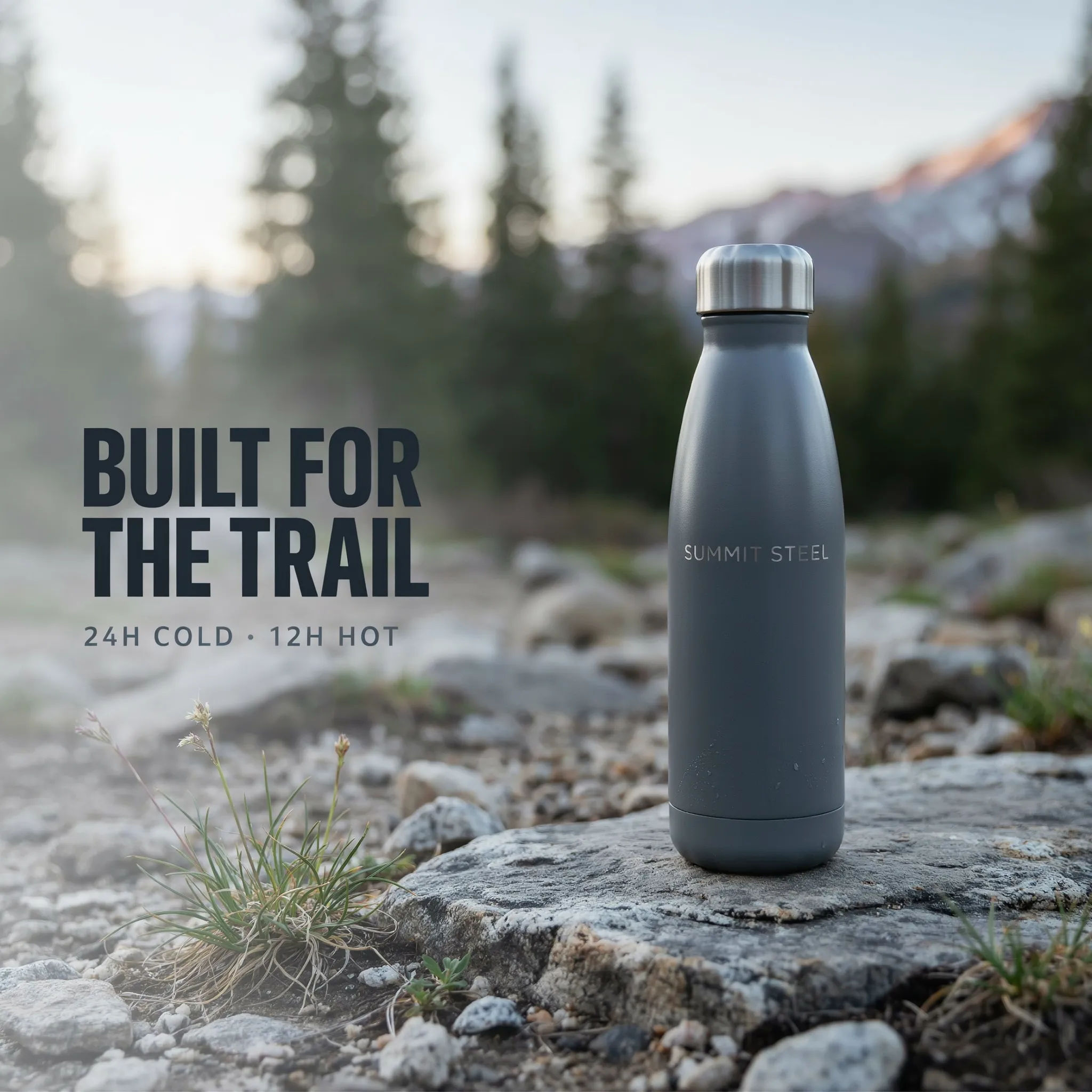
Lifestyle banner
Wide lifestyle banner of a stainless steel water bottle on a rocky trail, morning light, space on the left for a short headline
Edit prompt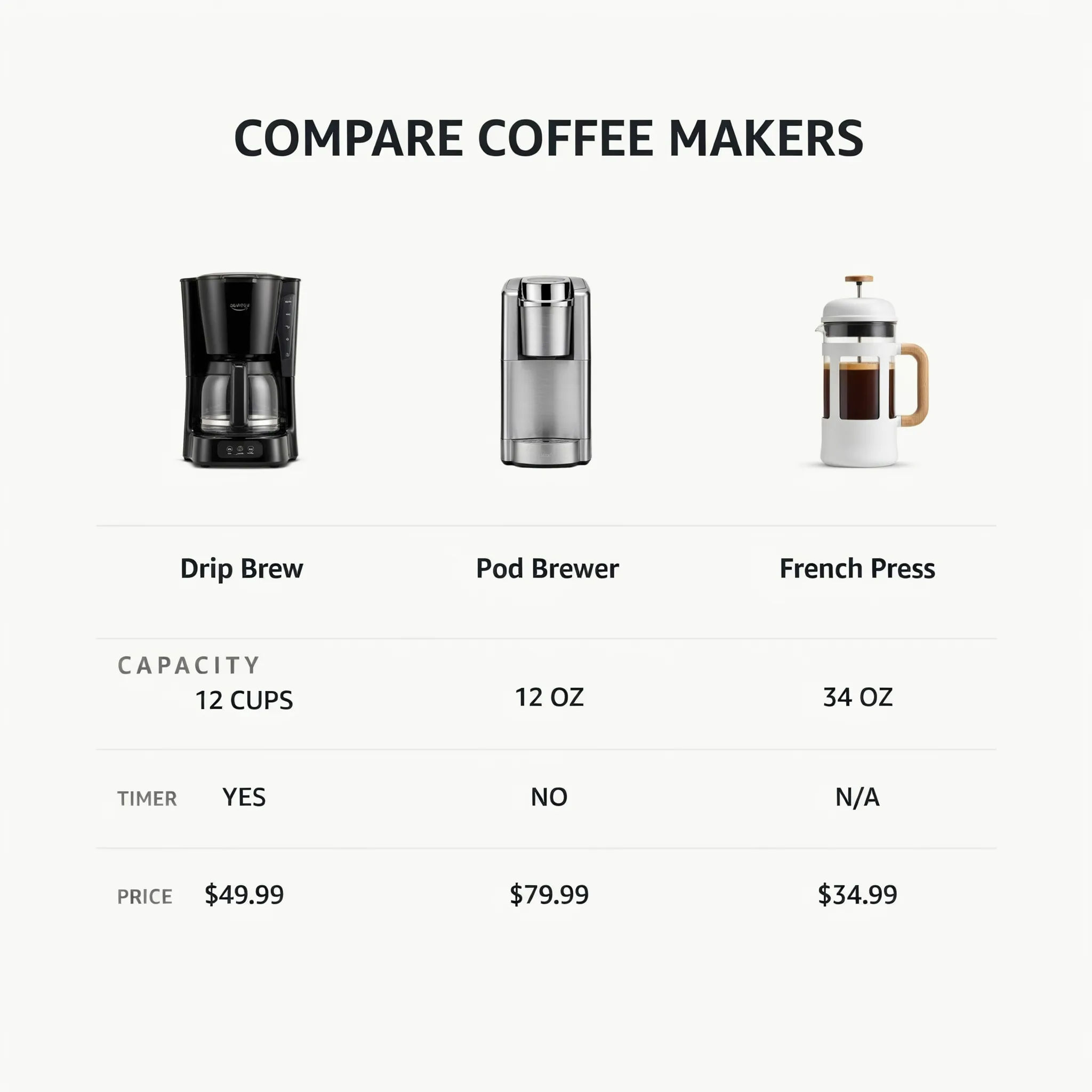
Comparison chart
Three-column comparison chart for coffee makers, product photos on top, short bold rows for capacity, timer, and price, clean white layout
Edit prompt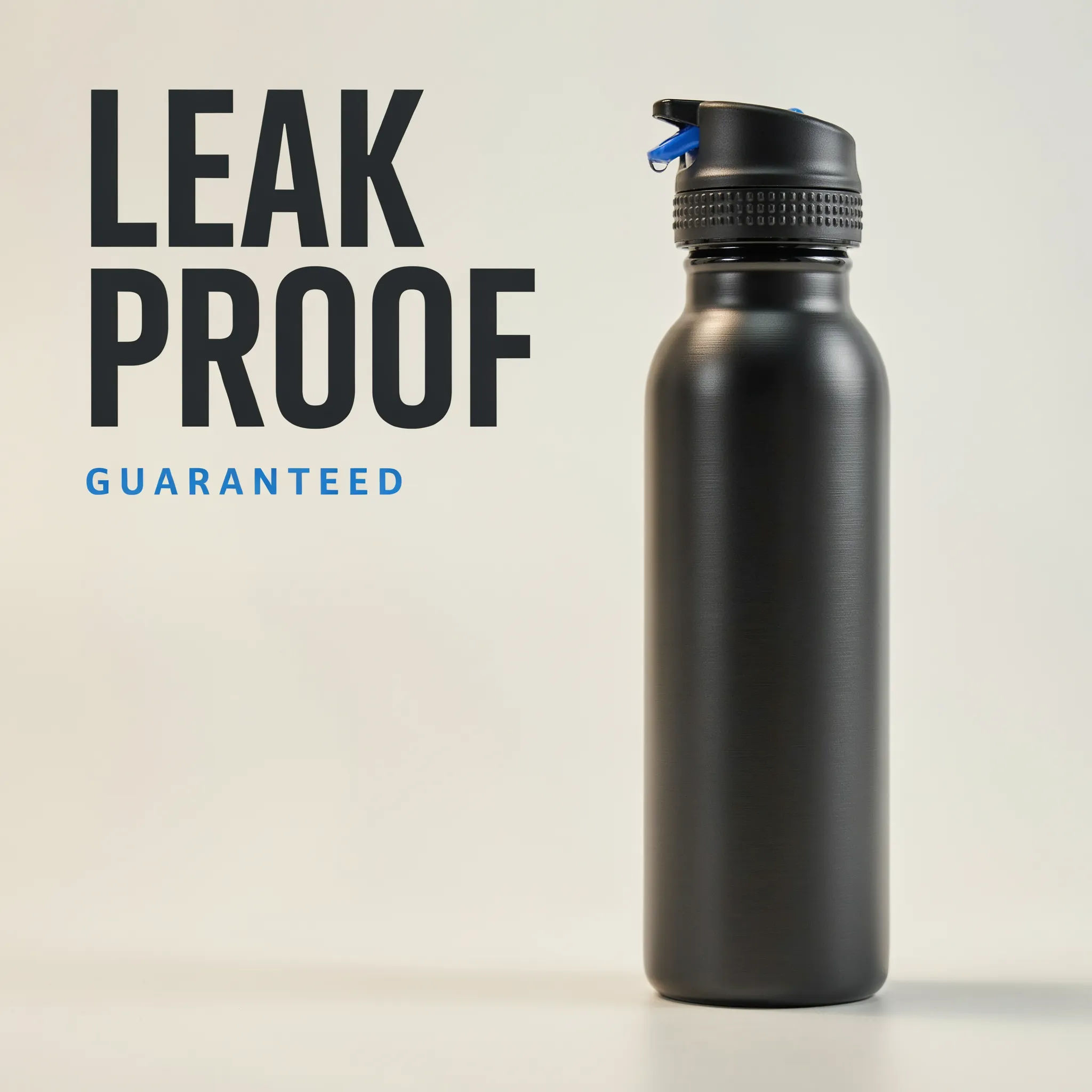
Feature callout
Feature callout tile, close-up of a leak-proof bottle lid, short heading LEAK PROOF, soft studio light, brand blue accents
Edit prompt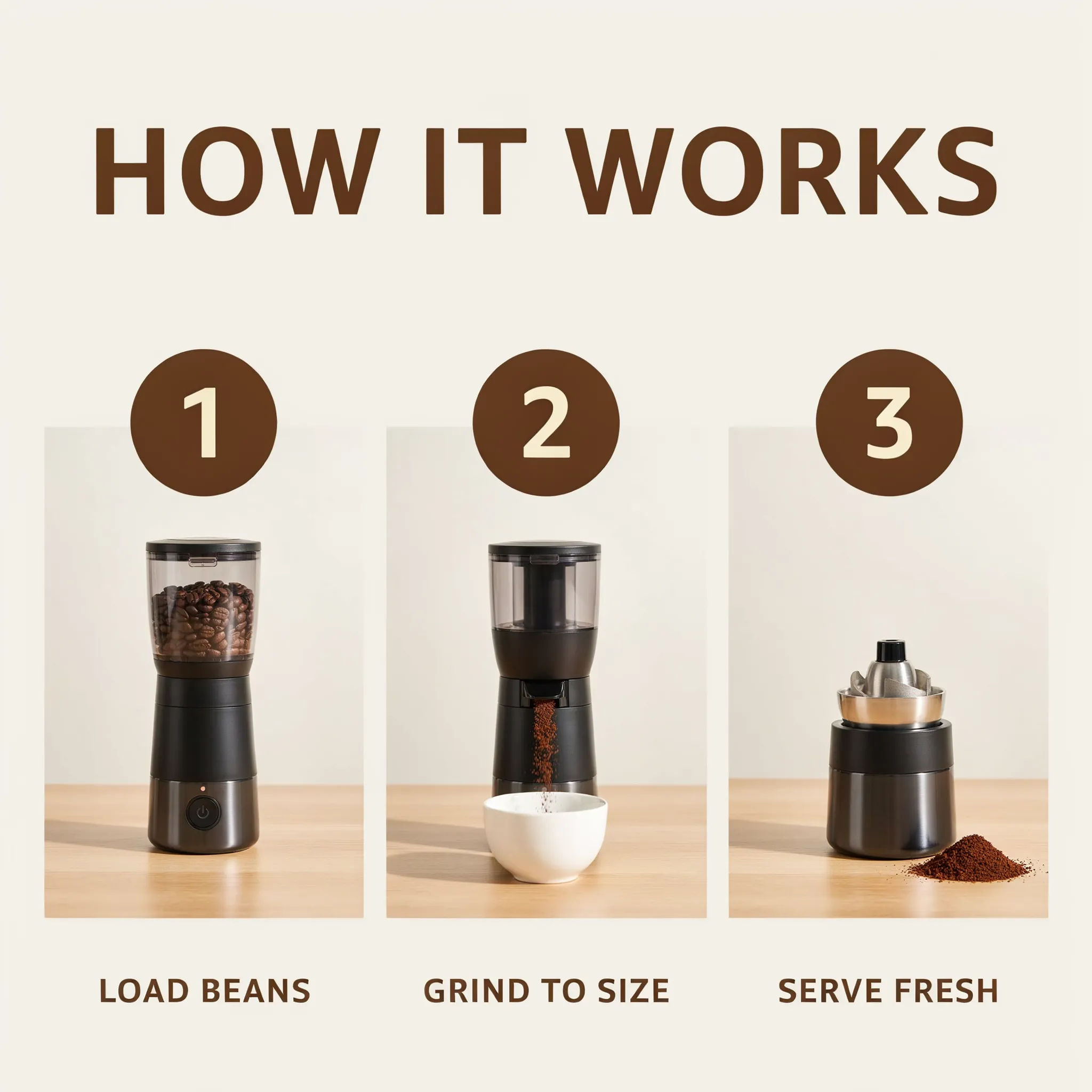
How it works
Three-step how it works strip for a coffee grinder, simple icons and short numbered labels, light grey background, tidy spacing
Edit prompt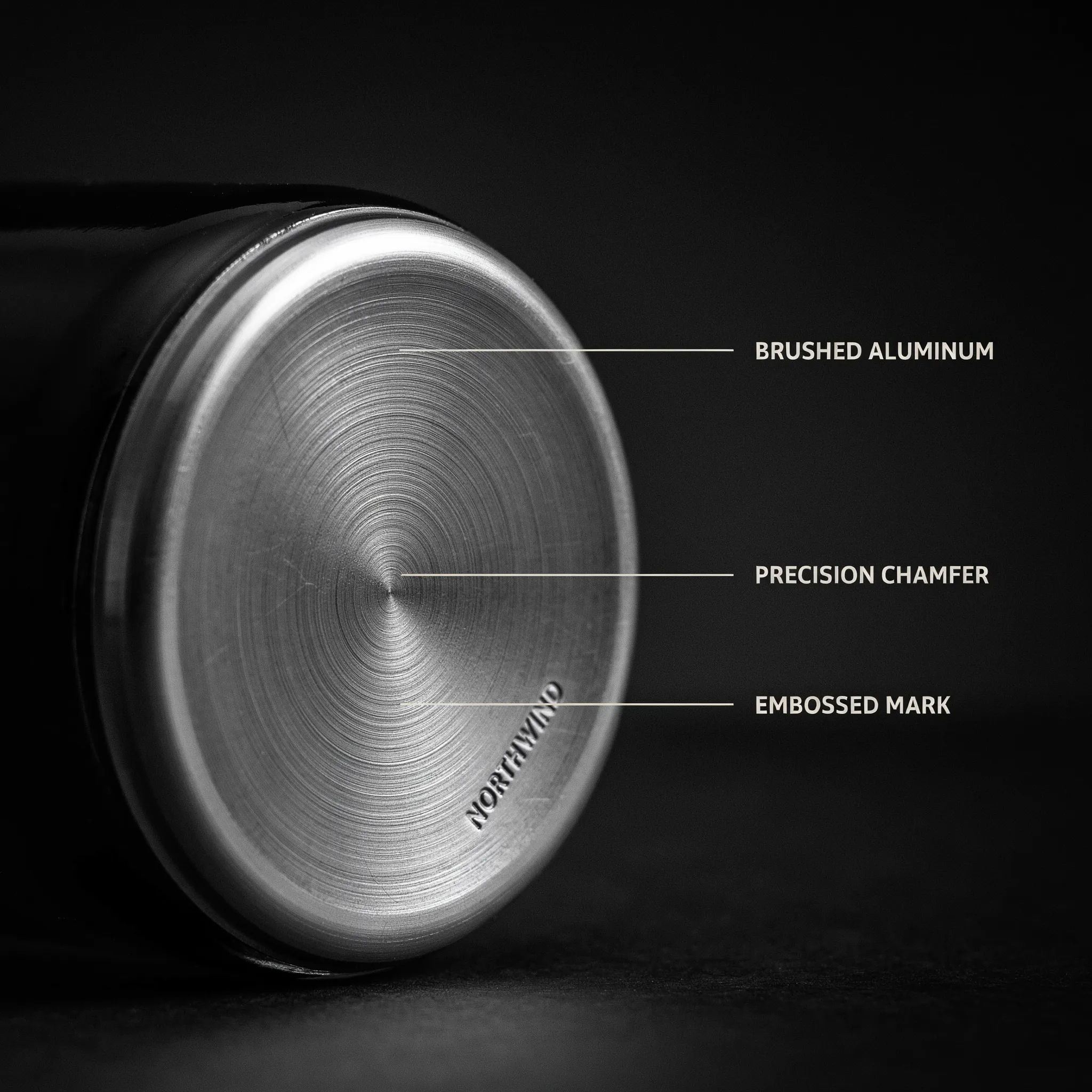
Detail close-up
Macro detail shot of brushed aluminum texture on a bottle base, dramatic side light, dark background, premium feel
Edit prompt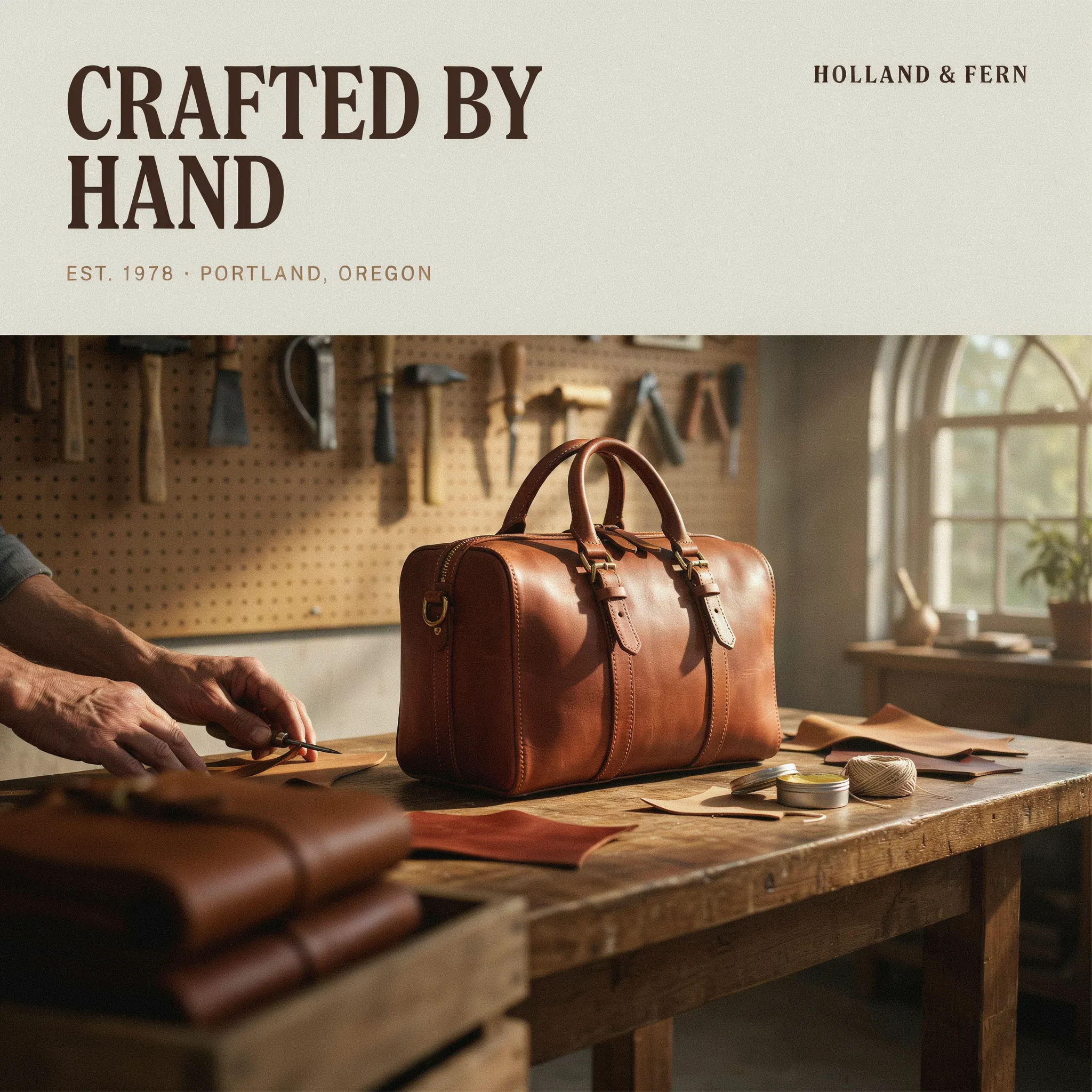
Brand story
Brand story banner, warm workshop scene with the product in focus, room for a short headline, muted earthy palette
Edit prompt
Cinematic storyboard
Share a scene description with character references. Get a full storyboard with shot angles and mood.

Messages to cinematic scene
Dramatize any text conversation into a cinematic multi-shot video.

Title sequence
Generate a professional film title card from scratch, with optional cinematic animation.

3x3 storyboard
Feed in a single image. Get 9 cinematic beats laid out as a 3x3 storyboard grid.

Chibi sprite animation
Turn any photo or description into an animated chibi sprite. Dance, jump, wave, attack, and more.

Female AI influencer
Generate a female AI influencer. Vertical output, ready for socials.
All on Morphic
Your complete listing image toolkitModels
Nano Banana 2, Flux 2 Pro, ChatGPT Images, Grok Imagine, Recraft, Seedream, and more. Pick the model that renders your product and labels most cleanly.
Poster generator
Turn a hero module into a full promo poster with a headline, imagery, and a call to action.
Background remover
Cut your product photo out of its background so it drops cleanly into any module or a plain white main image.
Text to image
Describe any scene, product shot, or module and render it from a prompt, the same tool that builds your A+ set.
