Every image model
One workspaceAnime you can upscale
Upscale anime in three steps
- 01
Open Morphic
Sign up and start creating on a free-flowing, infinite visual canvas.
- 02
Upload the anime image
Drop in a still, a screenshot, a scan, or your own art. Any resolution to start.
- 03
Upscale and export
The line work stays sharp and the flats stay smooth as the size goes up. Rerun if needed, then export.
Use cases
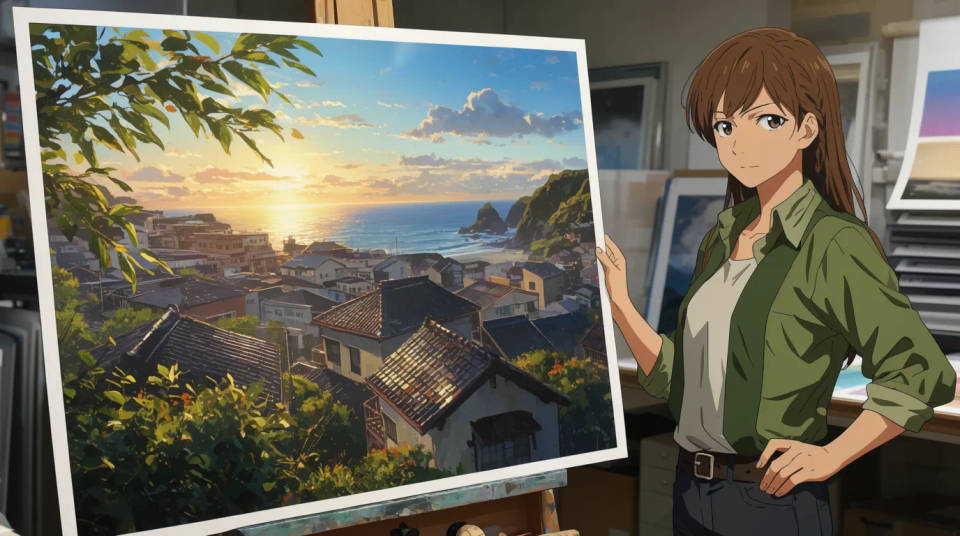
Print your anime art large
A piece drawn or commissioned at screen size falls apart when you send it to a poster or a print. Upscale it first and the outlines stay crisp and the flat colours stay even at the larger size, so a small illustration becomes something you can hang on a wall or sell as a print.
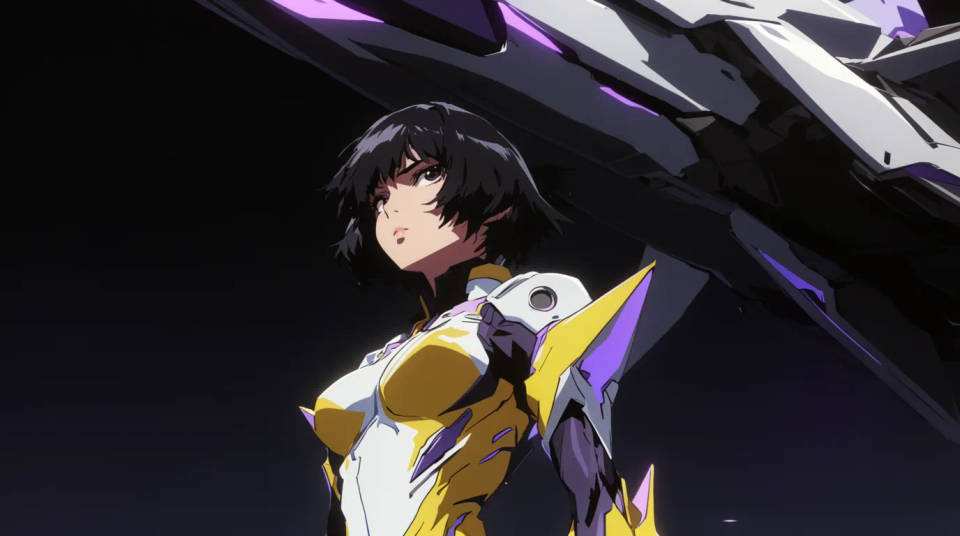
Rescue low-res screenshots and stills
Screenshots and old stills are often small and heavily compressed. Upscaling rebuilds a larger, cleaner version that reads as intended art rather than a pixelated grab. Handy for thumbnails, banners, or anywhere a tiny source needs to fill a bigger space.
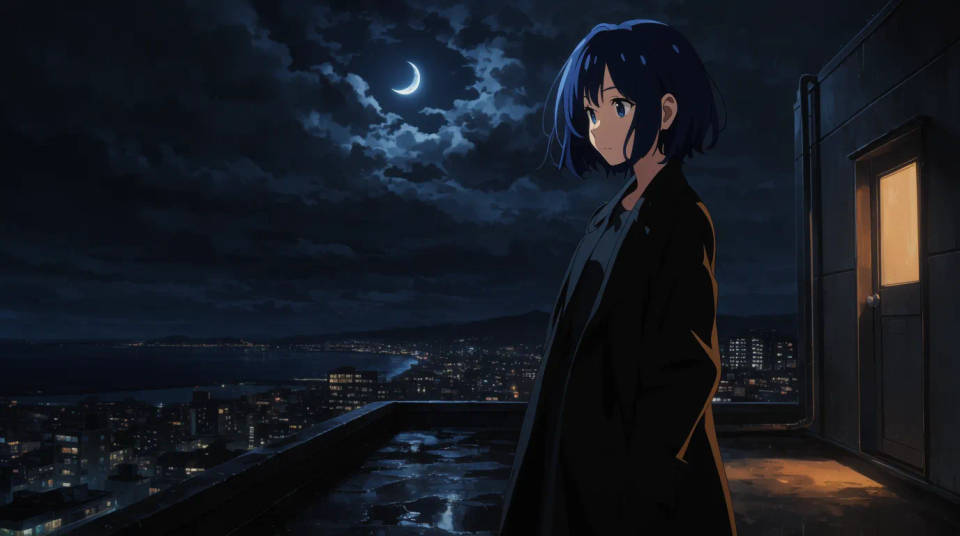
Make wallpapers and banners
Turn a favourite key visual or a piece of fan art into a desktop or phone wallpaper at full resolution. Because the flats stay clean, the enlarged image looks deliberate on a big screen instead of soft and noisy the way a plain resize would leave it.
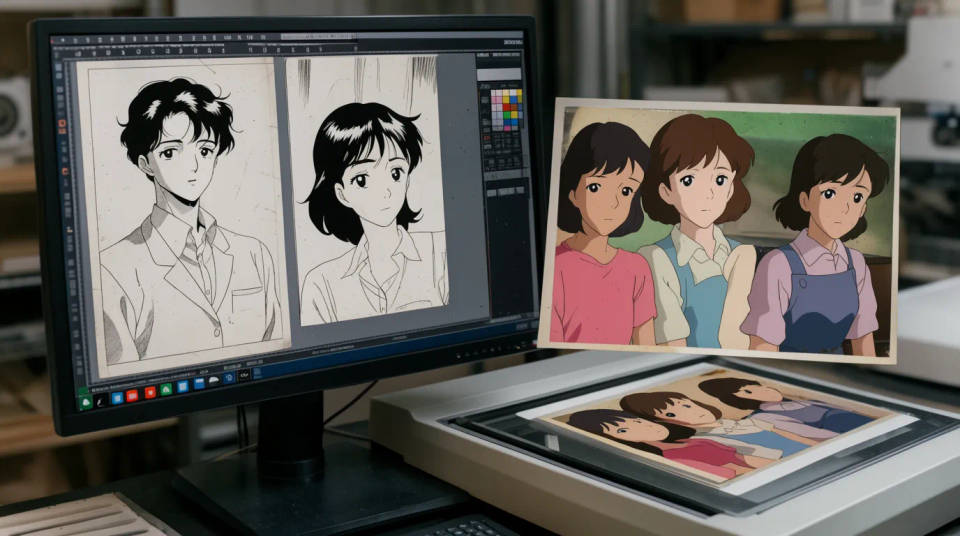
Clean up manga and cel scans
Old manga pages and cel scans arrive small and rough. Upscaling brings the line weight back and evens out the tones, so a scanned panel or a vintage cel reads clearly at a larger size for reading, archiving, or reprinting.
Prompt examples
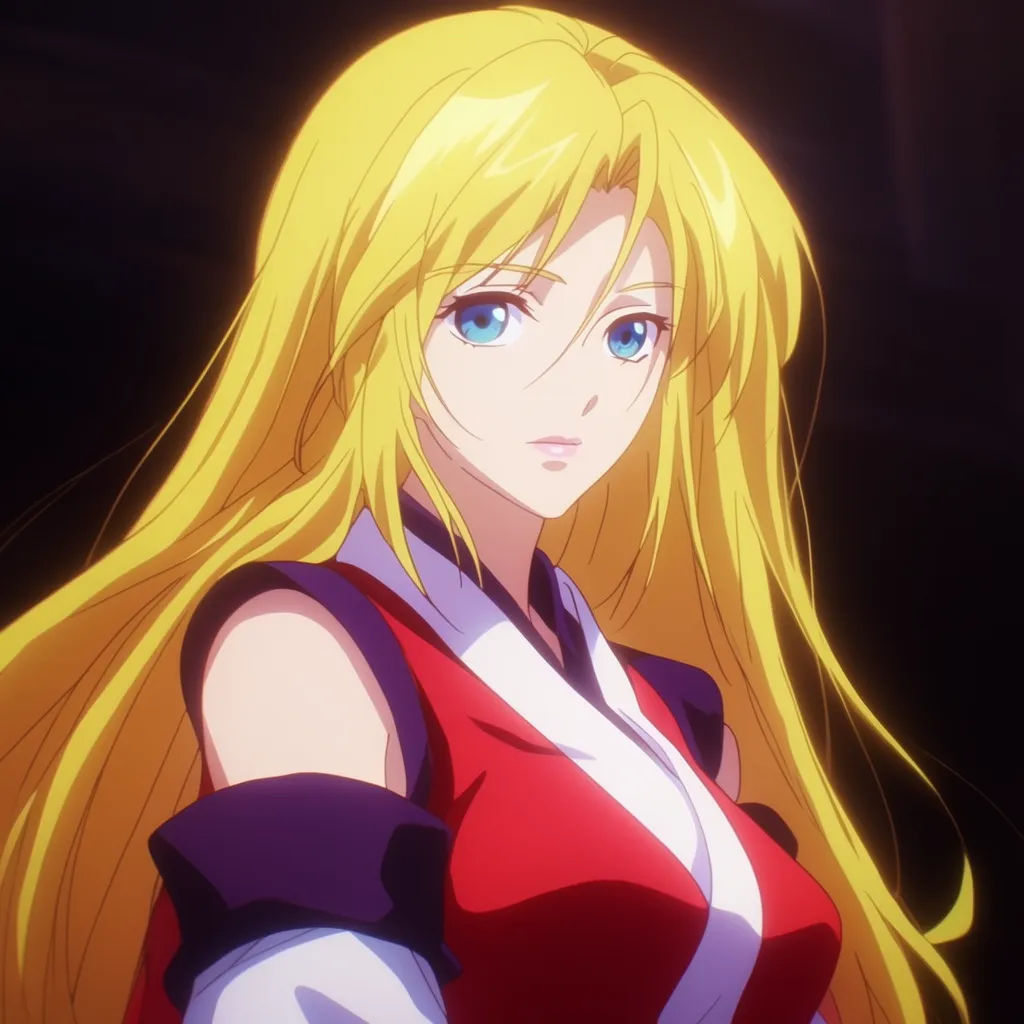
4x a character portrait
Upscale this anime character portrait to 4x, keep the outlines crisp, the eyes sharp, and the flat skin tones smooth
Edit prompt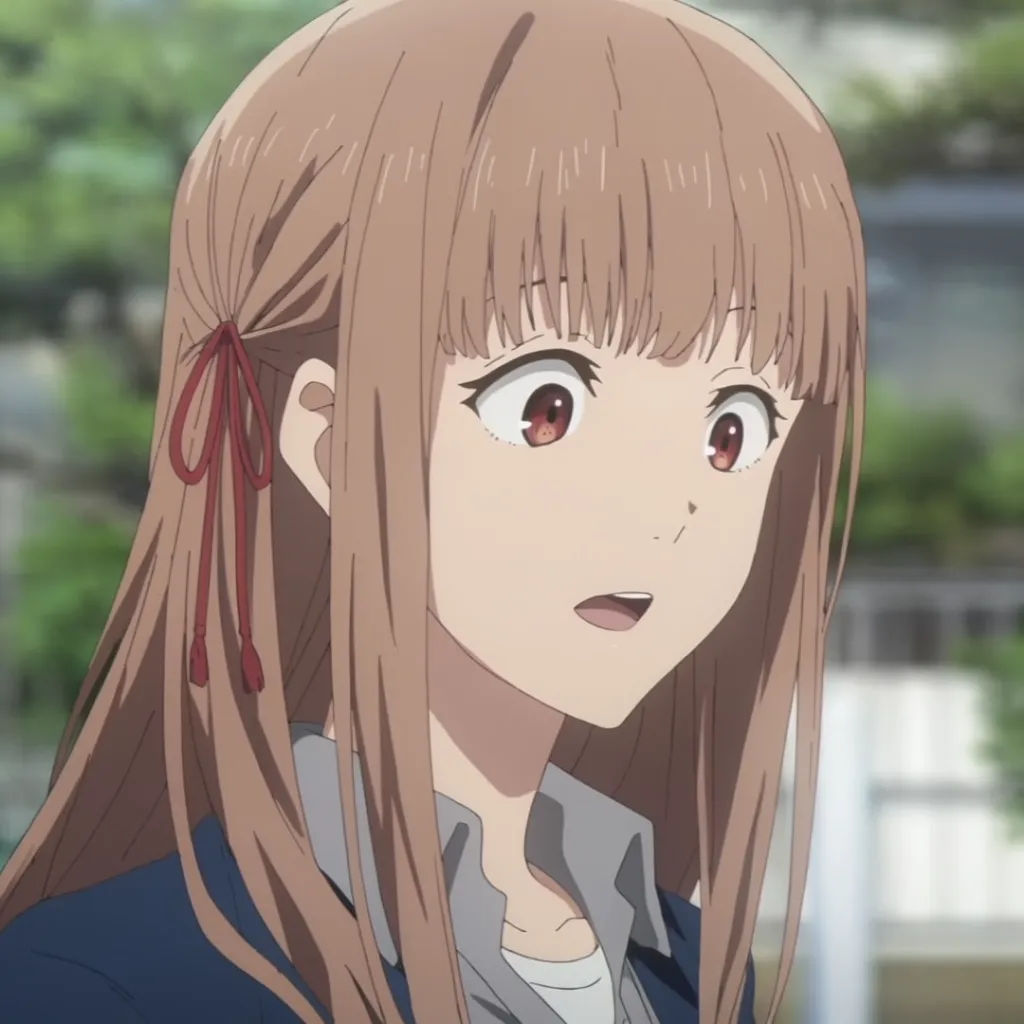
Enlarge a screenshot
Upscale this compressed anime screenshot to a clean high-resolution still, remove compression blocks, keep the line art hard
Edit prompt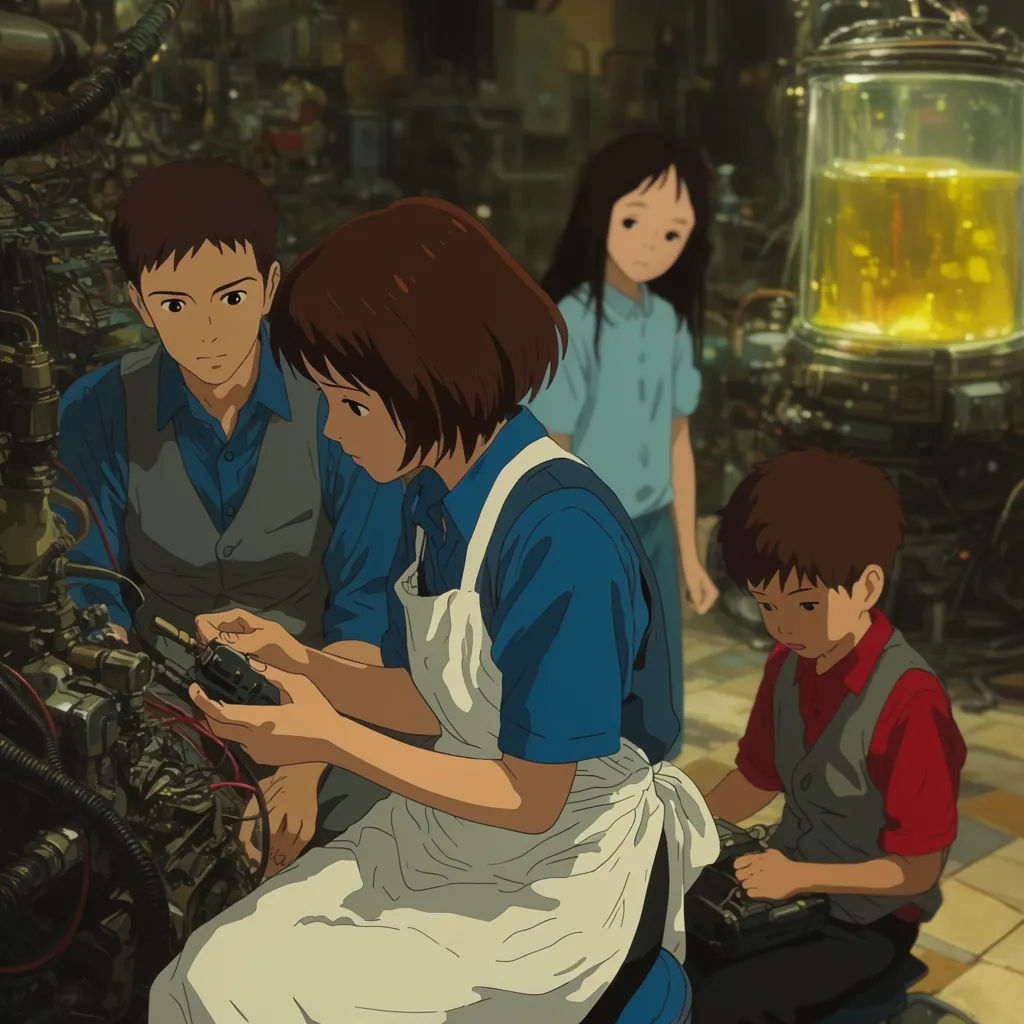
Restore an old scan
Upscale this old anime scan, sharpen the line weight, even out the flat colours, do not add photo texture
Edit prompt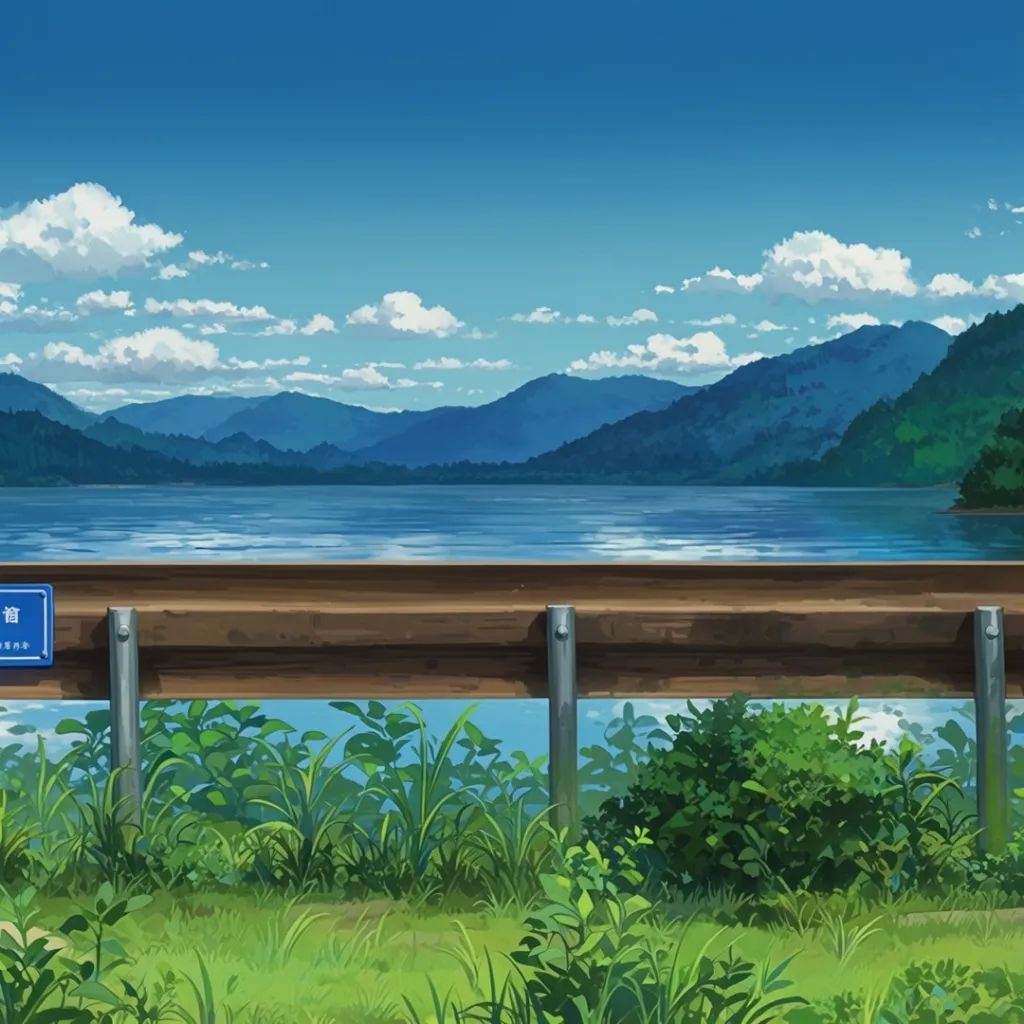
Scenery to wallpaper
Upscale this anime scenery still to wallpaper resolution, keep the clean sky gradient and crisp foreground edges
Edit prompt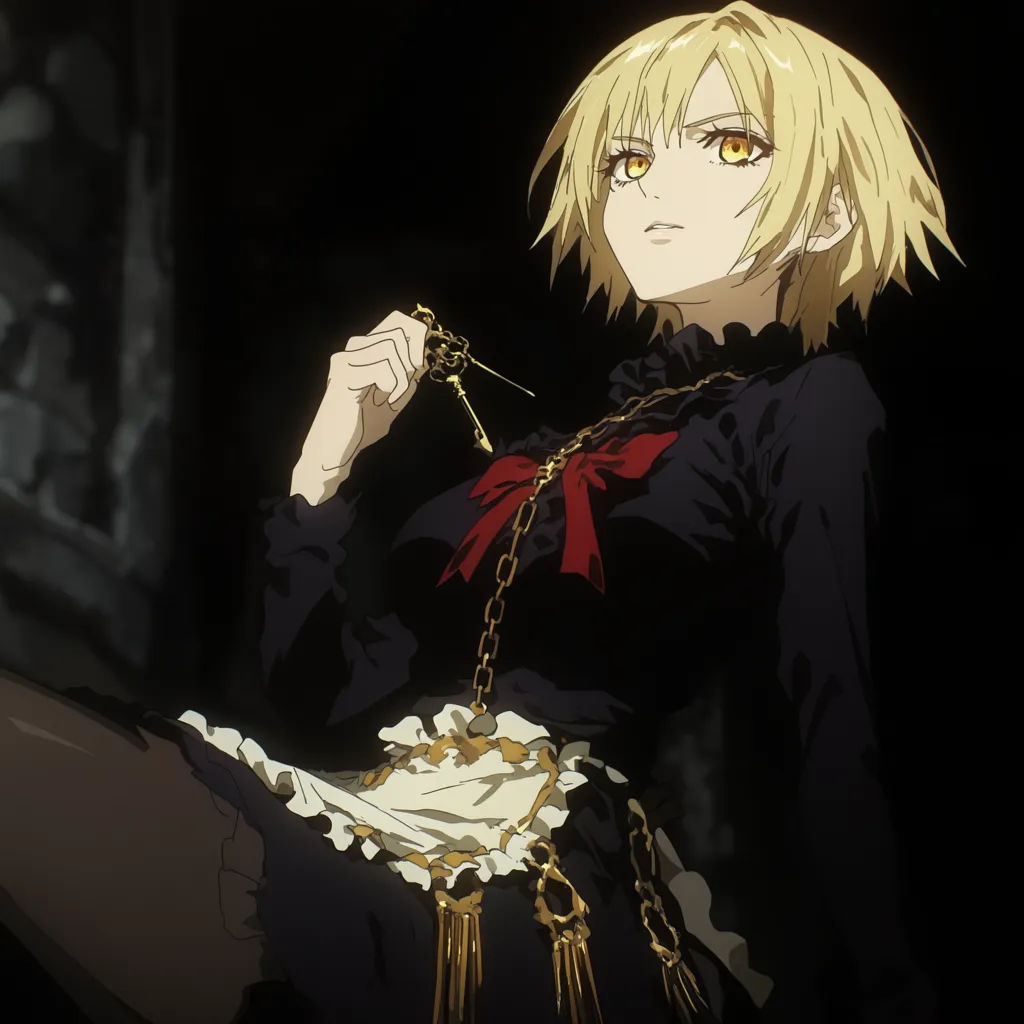
Sharpen a chibi sticker
Upscale this small chibi sticker, keep the thick outline solid and the flat fills smooth for a die-cut print
Edit prompt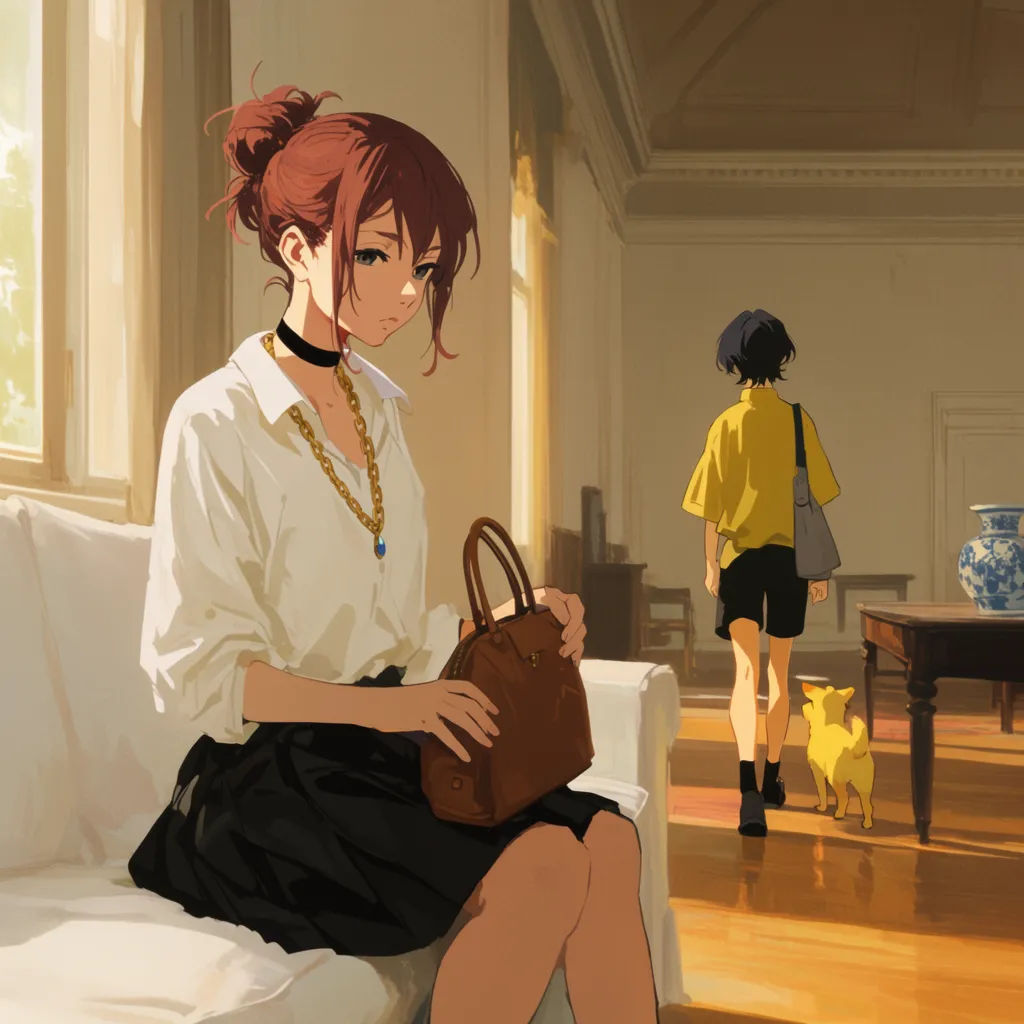
Manga panel for print
Upscale this manga panel to print resolution, keep the ink lines and screentone crisp, no softening of the edges
Edit prompt
Anime style transfer
Pick any anime illustration as your style guide. Apply its look to any image.

Sketch to render
Turn any sketch or drawing into a finished render.

Expressions
Take any character image and generate 6 distinct facial expressions on a single reference sheet.

Chibi sprite animation
Turn any photo or description into an animated chibi sprite. Dance, jump, wave, attack, and more.

Character lineup
All your characters on a single lineup image, side by side with height comparison.
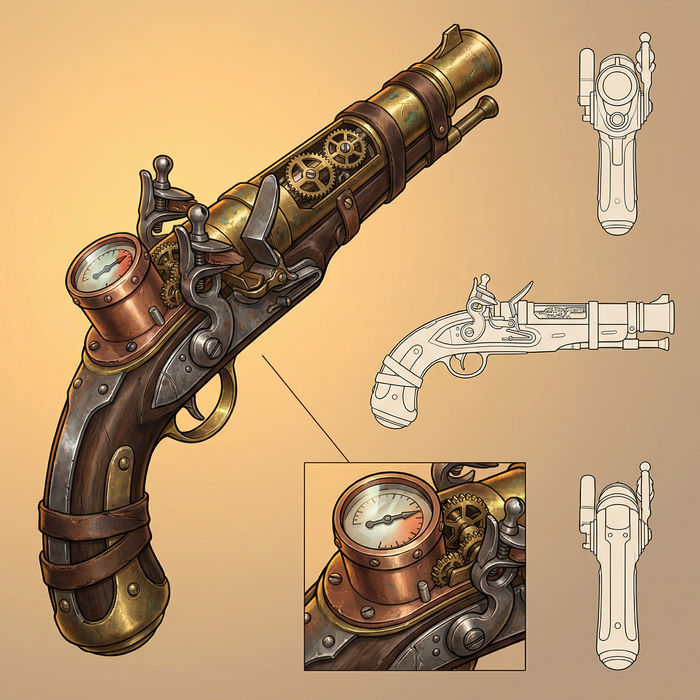
Prop sheet
Describe a prop. Get a professional design sheet with multiple angles and detail callouts.
All on Morphic
Your complete anime upscaling stackModels
Nano Banana 2, Flux 2 Pro, ChatGPT Images, Grok Imagine, Recraft, Seedream, and more. Swap models when a still needs a cleaner enlarge.
Upscale
Raise the resolution of any photo or render, the general-purpose companion to the anime-tuned upscale.
AI photo enhancer
Sharpen and clean up detail after upscaling, so an enlarged still reads crisp end to end.
Image to image
Upload a still and rebuild it at higher resolution, the method behind a clean anime upscale.
