Every image model
One workspaceFixes you can apply
Enhance a photo in three steps
- 01
Open Morphic
Sign up and start creating on a free-flowing, infinite visual canvas.
- 02
Upload your photo
Drop in the image and name what to fix: sharpness, lighting, noise, or size.
- 03
Enhance and export
The model lifts the image in seconds. Compare, rerun, and download when it lands.
Use cases
Rescue a soft or blurry shot
A photo you cannot retake is worth saving. The model rebuilds edges and texture that focus missed, so a slightly soft portrait or a gently blurred snapshot reads sharp again. It is the difference between deleting a frame and keeping the only shot you have of a moment.

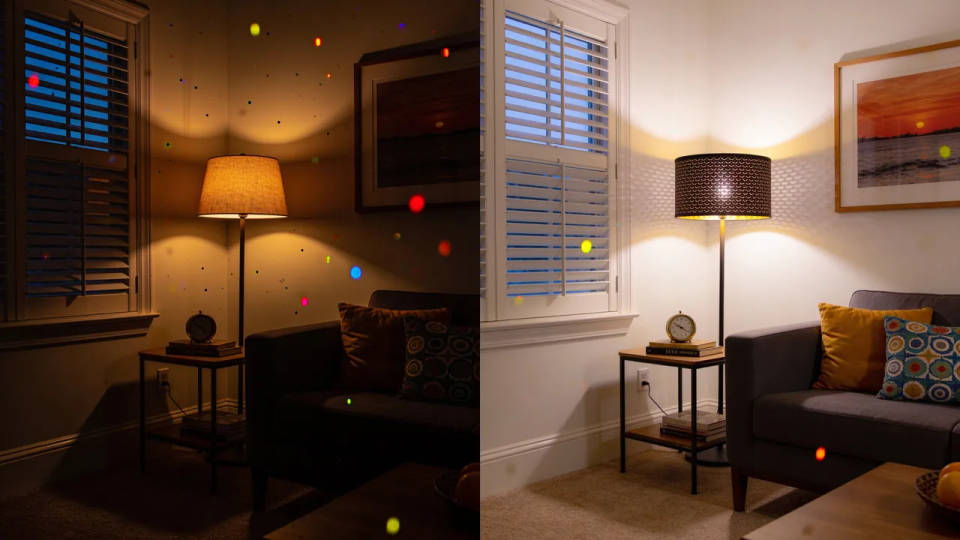
Clean up low-light and noisy photos
Indoor, evening, and phone shots pick up grain and colour speckle that muddy the image. Noise reduction smooths that while keeping real detail, and a lighting pass lifts the shadows. A dim, grainy frame becomes clean and readable without looking over-processed.
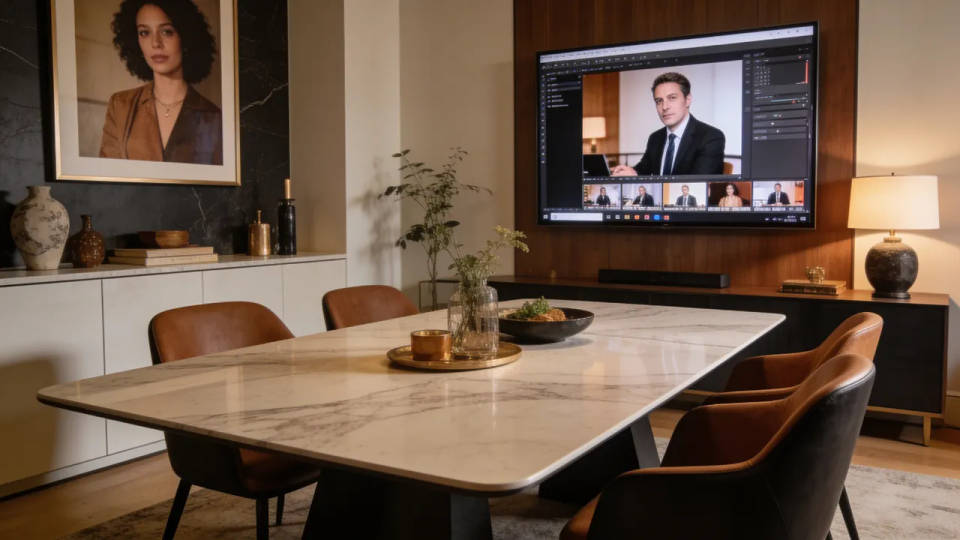
Upscale to 4K for print and big screens
Small exports, old files, and tight crops fall apart when you enlarge them the ordinary way. Upscaling adds detail as it scales, so an image holds up at 4K for a poster, a wall print, or a full-screen hero. Note that upscaling runs on a paid plan rather than the free tier.
Revive faded and old photos
Scanned prints lose colour and pick up scratches, dust, and creasing over the years. An enhance pass rebalances the colour, cleans the surface, and sharpens faces, bringing an old family photo back to life. For heavier damage, hand it to the dedicated restoration tool.

Prompt examples

Sharpen a portrait
Sharpen this soft portrait, recover detail in the eyes and hair, keep skin natural
Edit prompt
Fix the lighting
Balance the lighting in this backlit photo, lift the shadows, keep the highlights
Edit prompt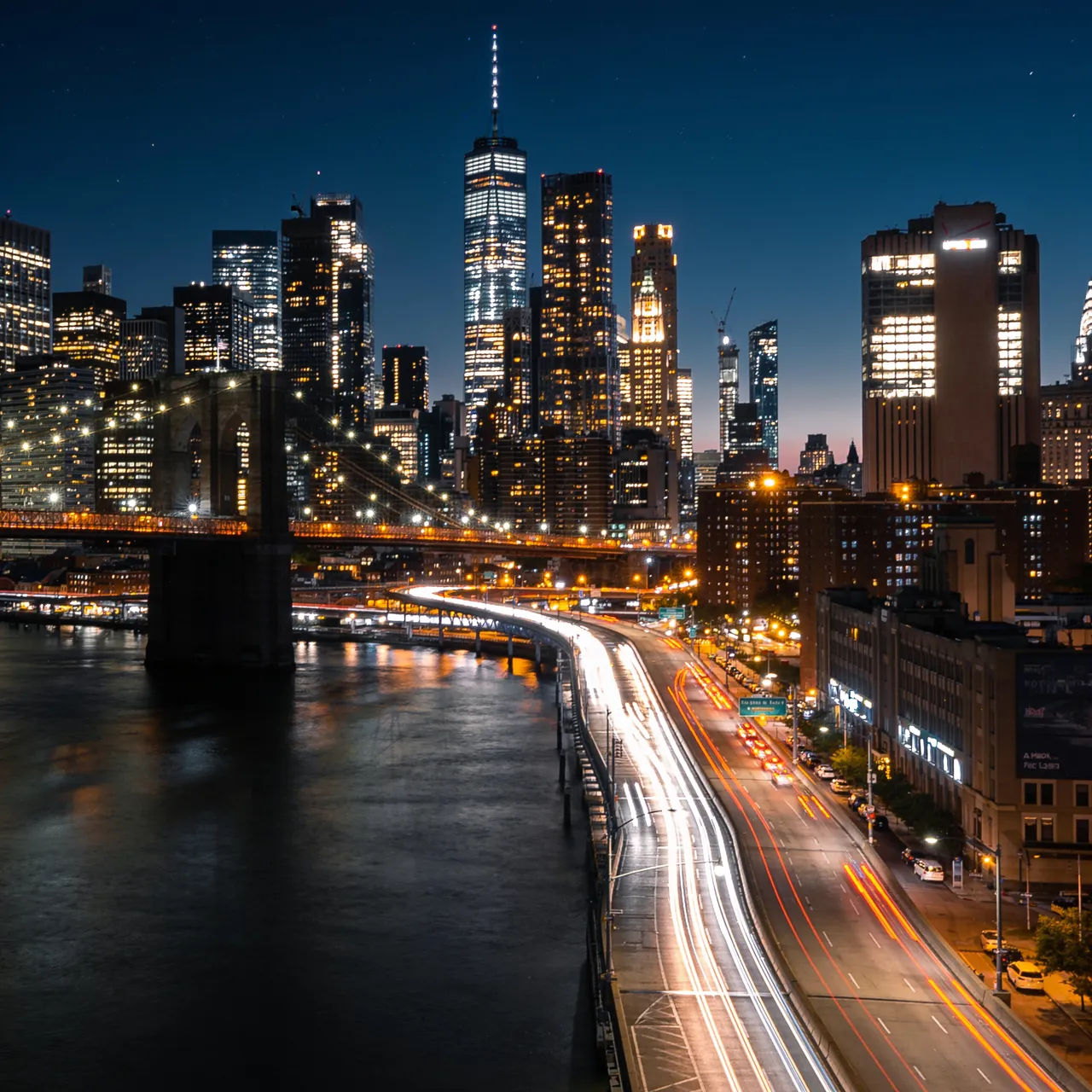
Reduce the noise
Reduce the grain and colour noise in this night shot, keep the detail crisp
Edit prompt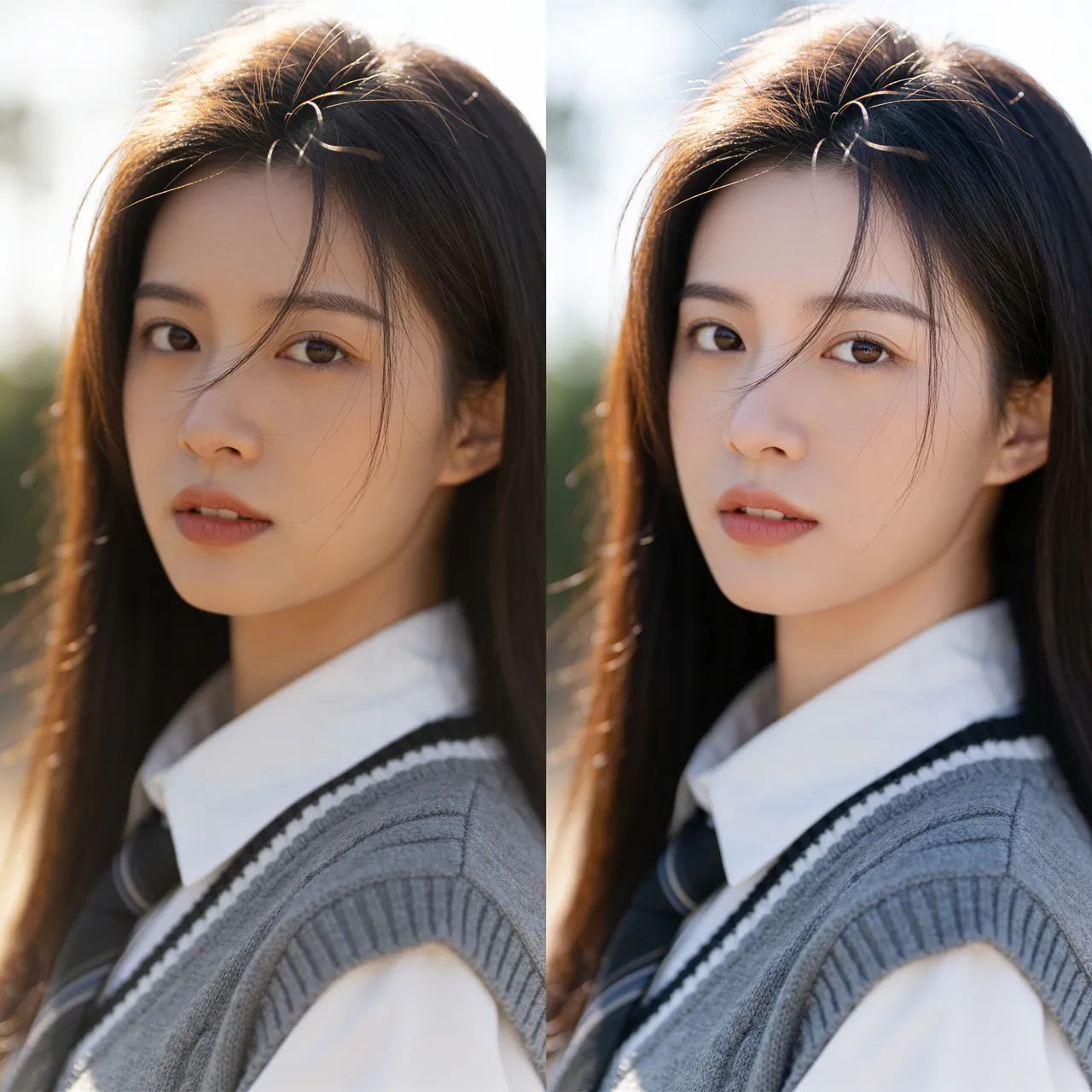
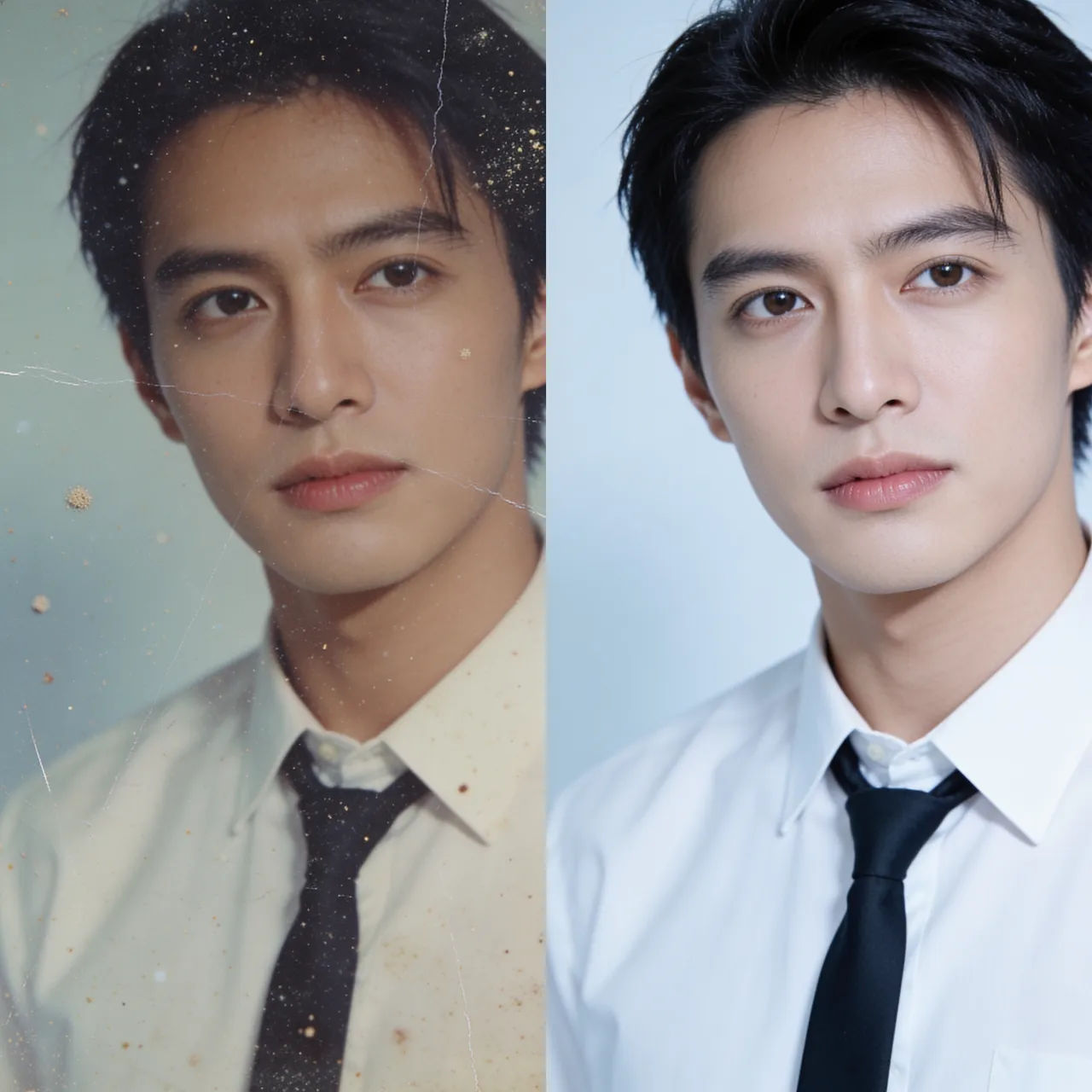
Restore an old print
Restore this faded scan, fix the colour, remove scratches and dust, sharpen the faces
Edit prompt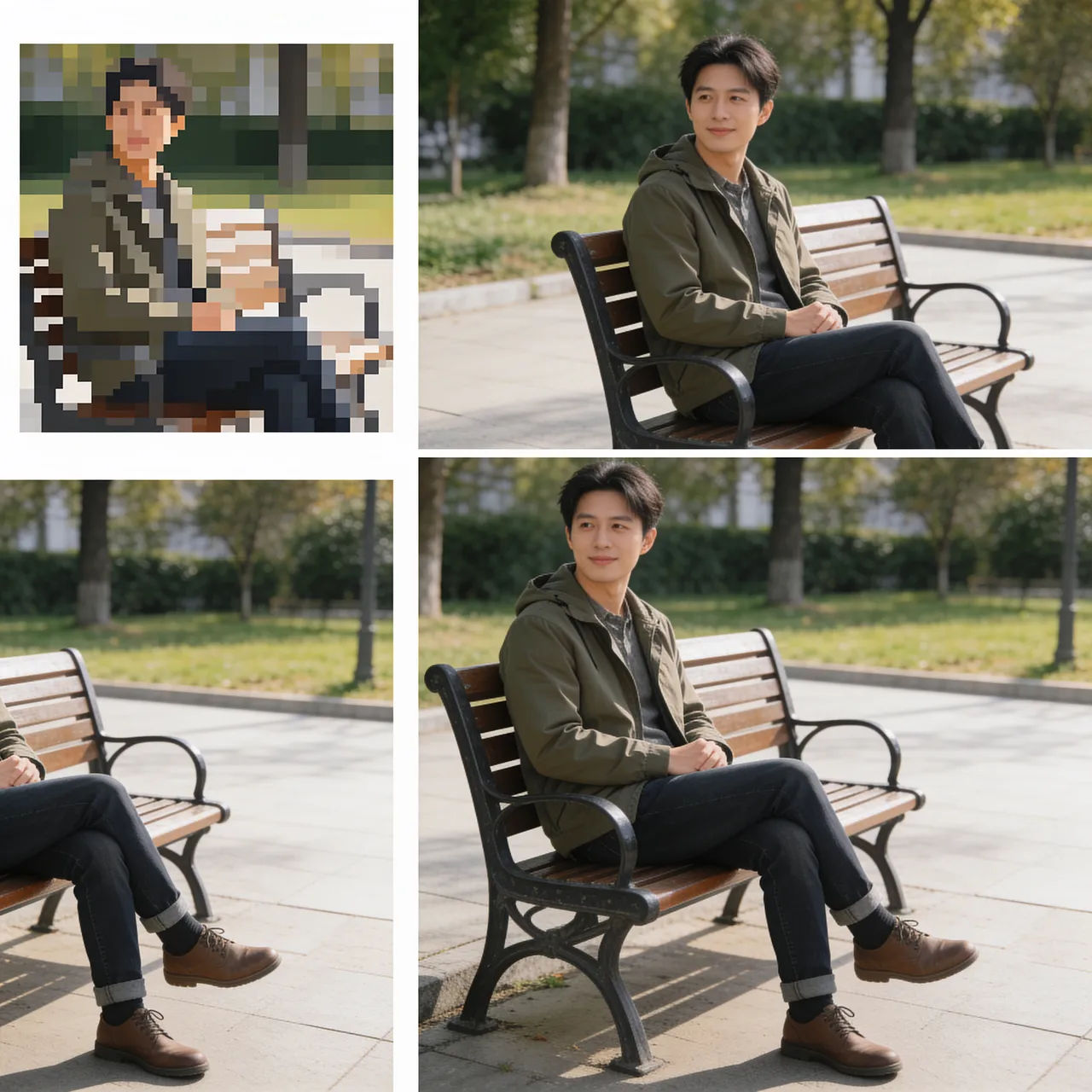
Upscale to 4K
Upscale this small image to 4K, add fine detail, keep it looking photographic
Edit prompt
Cinematic storyboard
Share a scene description with character references. Get a full storyboard with shot angles and mood.

Chibi sprite animation
Turn any photo or description into an animated chibi sprite. Dance, jump, wave, attack, and more.

Messages to cinematic scene
Dramatize any text conversation into a cinematic multi-shot video.

Title sequence
Generate a professional film title card from scratch, with optional cinematic animation.

3x3 storyboard
Feed in a single image. Get 9 cinematic beats laid out as a 3x3 storyboard grid.

Expressions
Take any character image and generate 6 distinct facial expressions on a single reference sheet.
All on Morphic
Your complete photo enhancement stackModels
Nano Banana 2, Flux 2 Pro, ChatGPT Images, Grok Imagine, Recraft, Seedream, and more. Swap models when one recovers detail better than another.
Photo restoration
Repair heavier damage on old prints, torn corners, deep creases, and lost faces, beyond a general enhance.
Upscale
Enlarge to 4K with detail rebuilt as it scales, for print and big-screen output. Runs on a paid plan.
Image to image
Sharpen, denoise, relight, and rebuild any photo by inpainting, all on the same canvas.
