Every image model
One workspaceBanners you can stage
Mock up a banner in three steps
- 01
Open Morphic
Sign up and start creating on a free-flowing, infinite visual canvas.
- 02
Upload your banner art
Add the artwork and say which format it is, roll up, hanging vinyl, or backdrop.
- 03
Generate and export
Describe the venue and light, then export the finished shot once the scale looks right.
Use cases
Approve event signage before the print run
Roll ups, stage backdrops, and step and repeat walls are expensive to reprint. Stage the artwork at the venue first so the client can see it at true scale, judge the type size from the back of the room, and sign off with confidence. A colorway change is a regenerate, not a rush order.
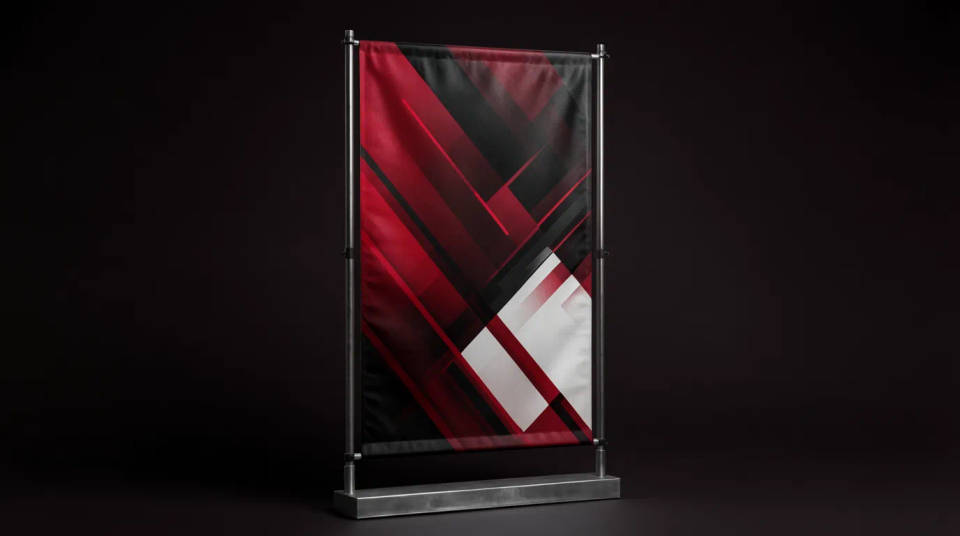
Pitch outdoor placements to a client
A banner across a storefront or a building facade lands better in a proposal than a flat file. Show the same design on a lamppost, a fence, and a hoarding, in daylight and lit at night, so a client can picture the campaign in their own street. It reads as a plan, not a draft.
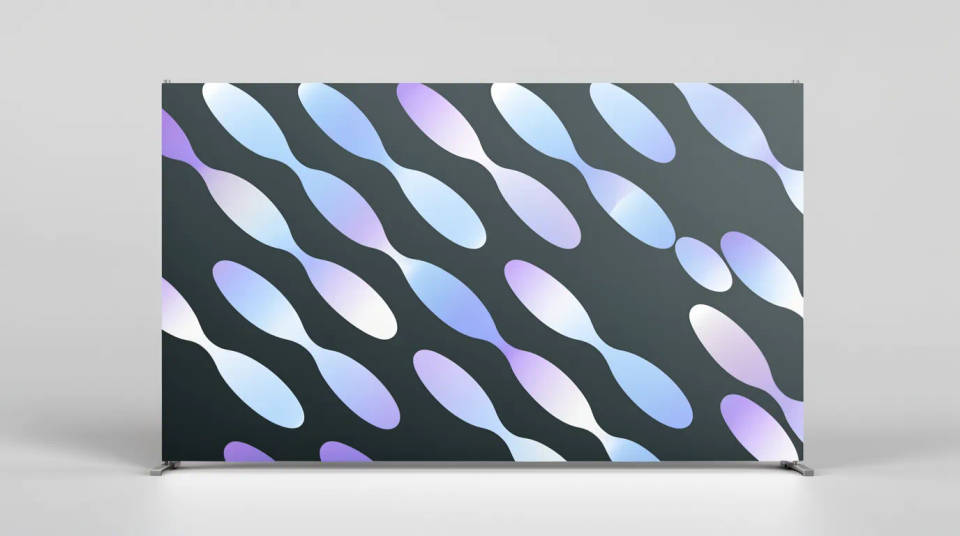
Build a trade show booth look
Booth graphics rarely live alone. Generate the tension fabric backdrop, the flanking pull up stands, and the counter wrap as one coordinated set, so the whole stand reads together before build day. Seeing it assembled catches a clash of scale or color while it is still cheap to fix.

Test type and contrast at distance
A banner is read from meters away, not on a screen. Stage it in the room and step back in the frame to check whether the headline holds and the logo survives the glare. It is the quickest way to catch a message that looks fine at 100 percent but disappears across a hall.

Prompt examples
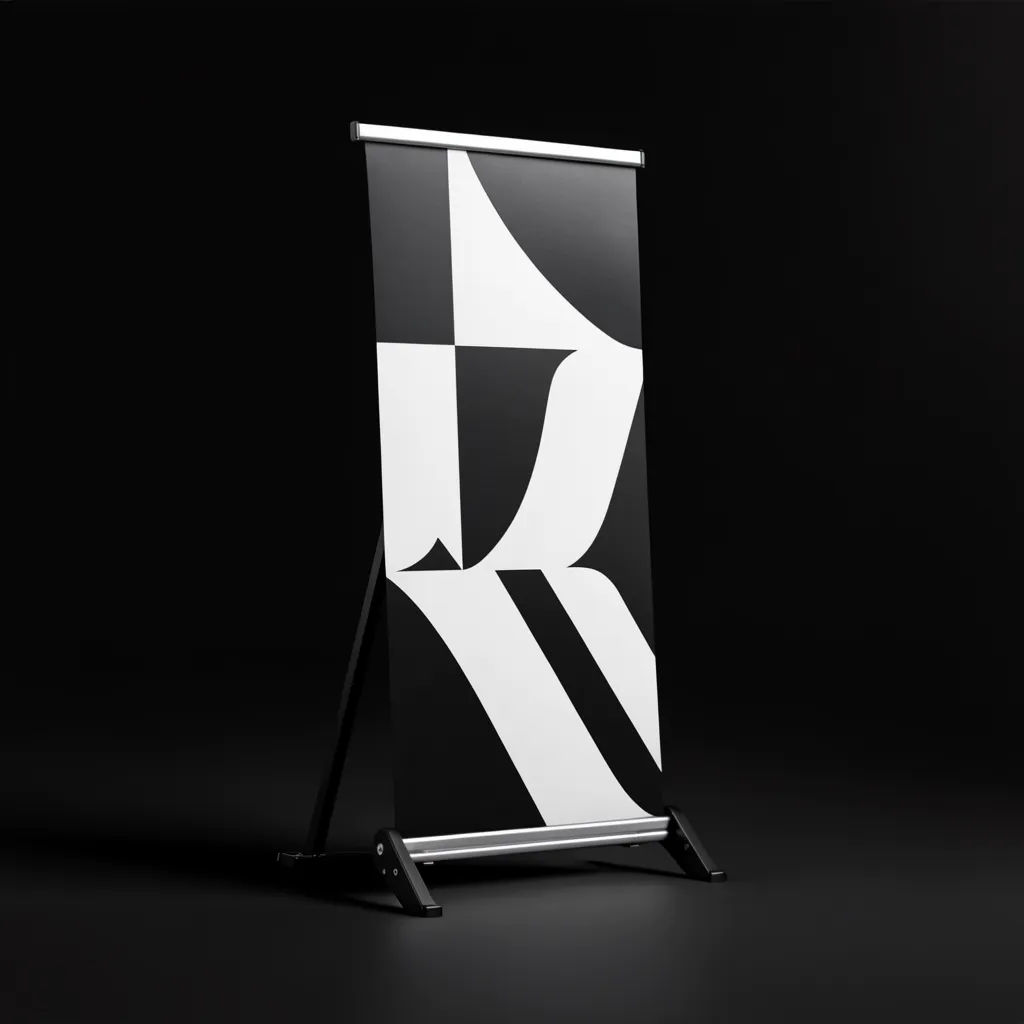
Roll up by the stage
Place my uploaded artwork on a roll up banner stand beside a conference stage, warm spotlights
Edit prompt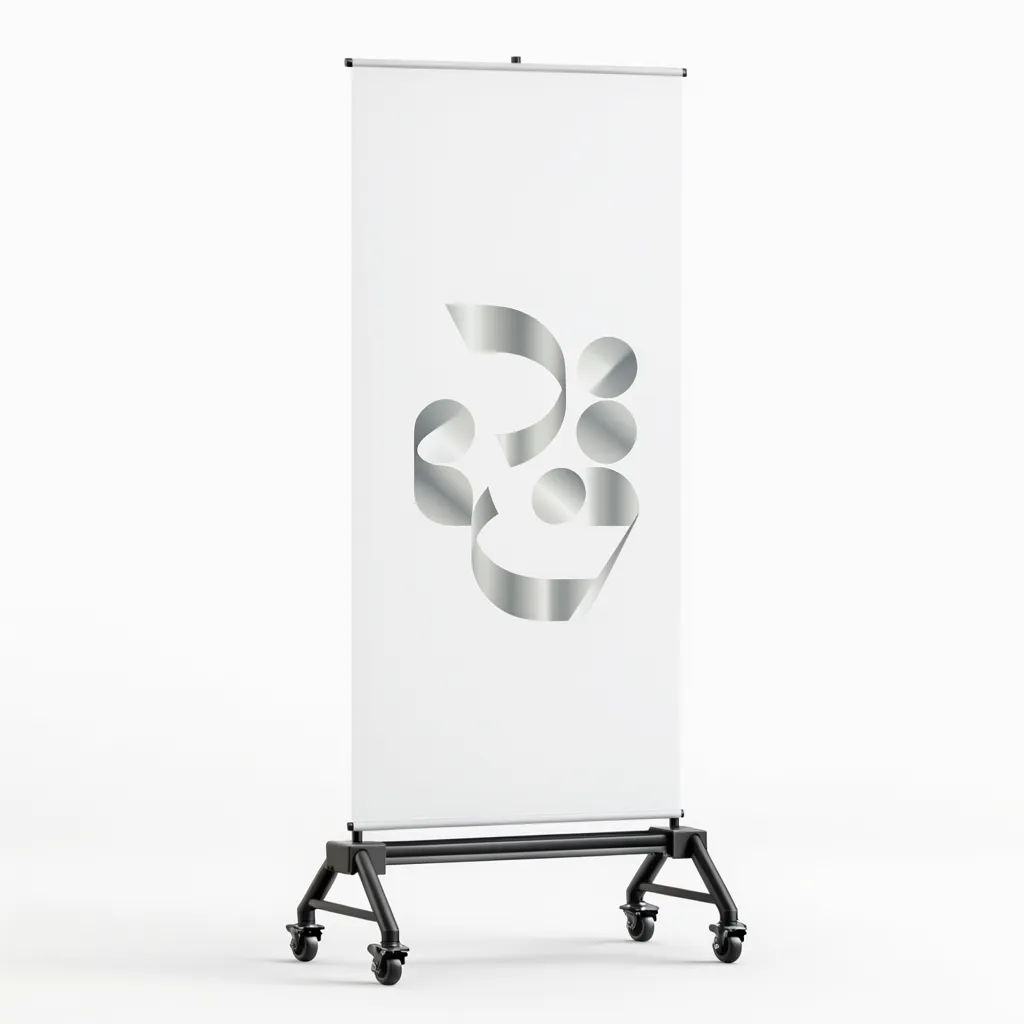
Storefront in daylight
Hang my banner across a shop front in bright daylight, people walking past for scale
Edit prompt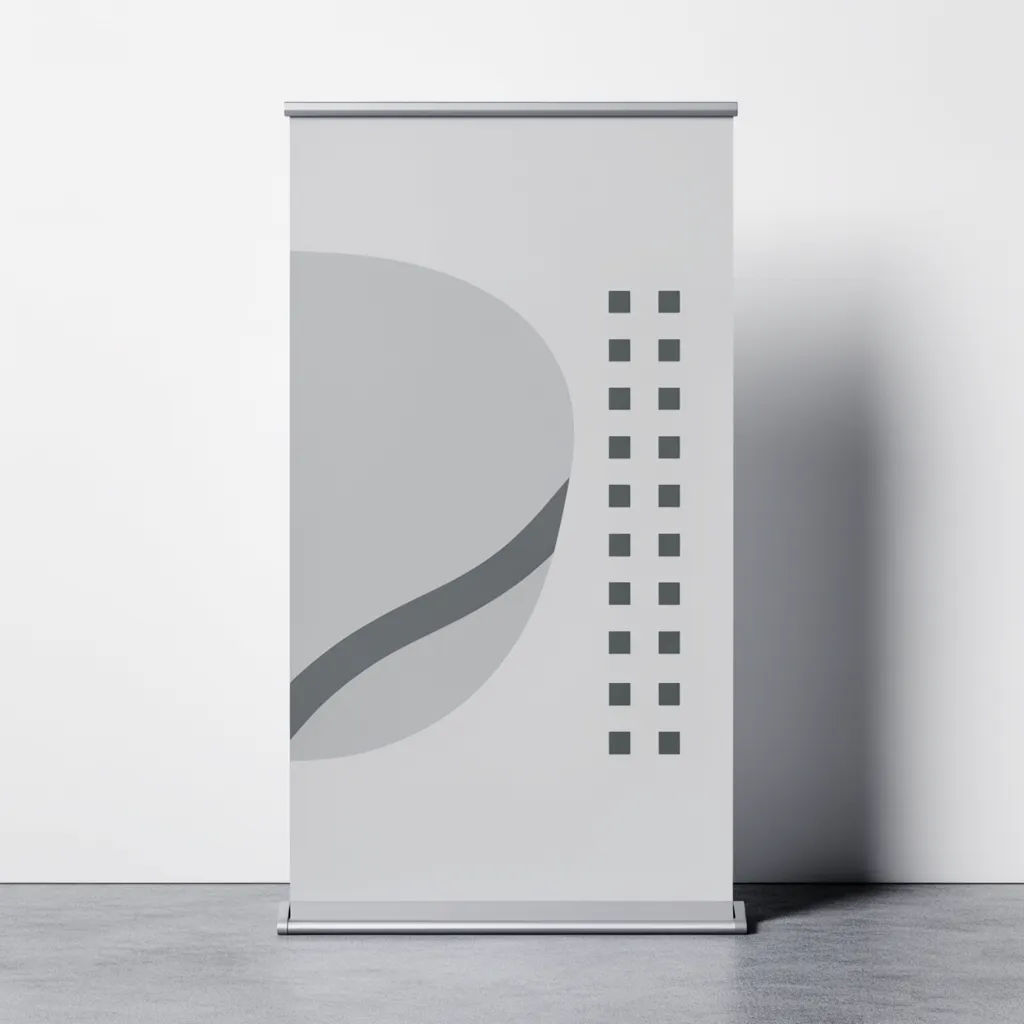
Step and repeat wall
Repeat my logo across a step and repeat media wall at a red carpet event, soft flash light
Edit prompt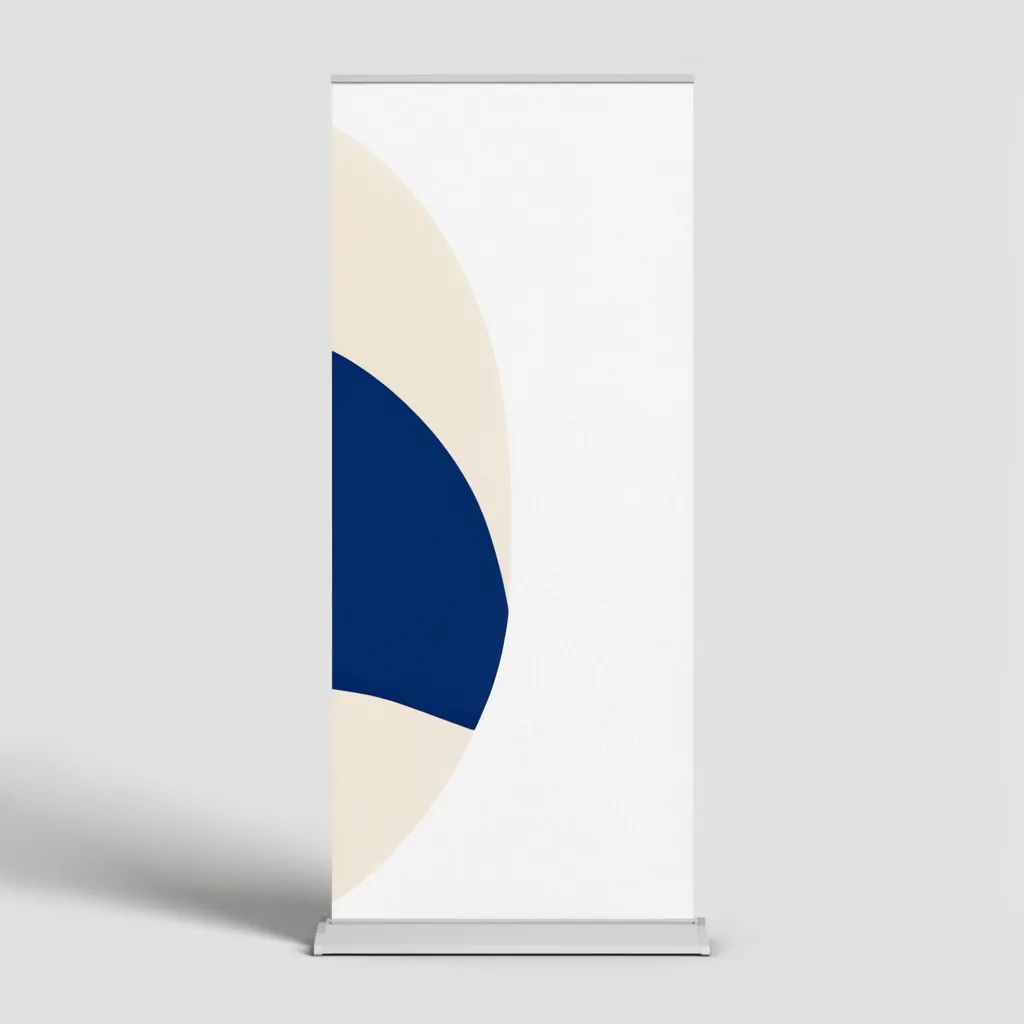
Lit at night
My banner on a building facade at night, lit from below, wet street reflecting the glow
Edit prompt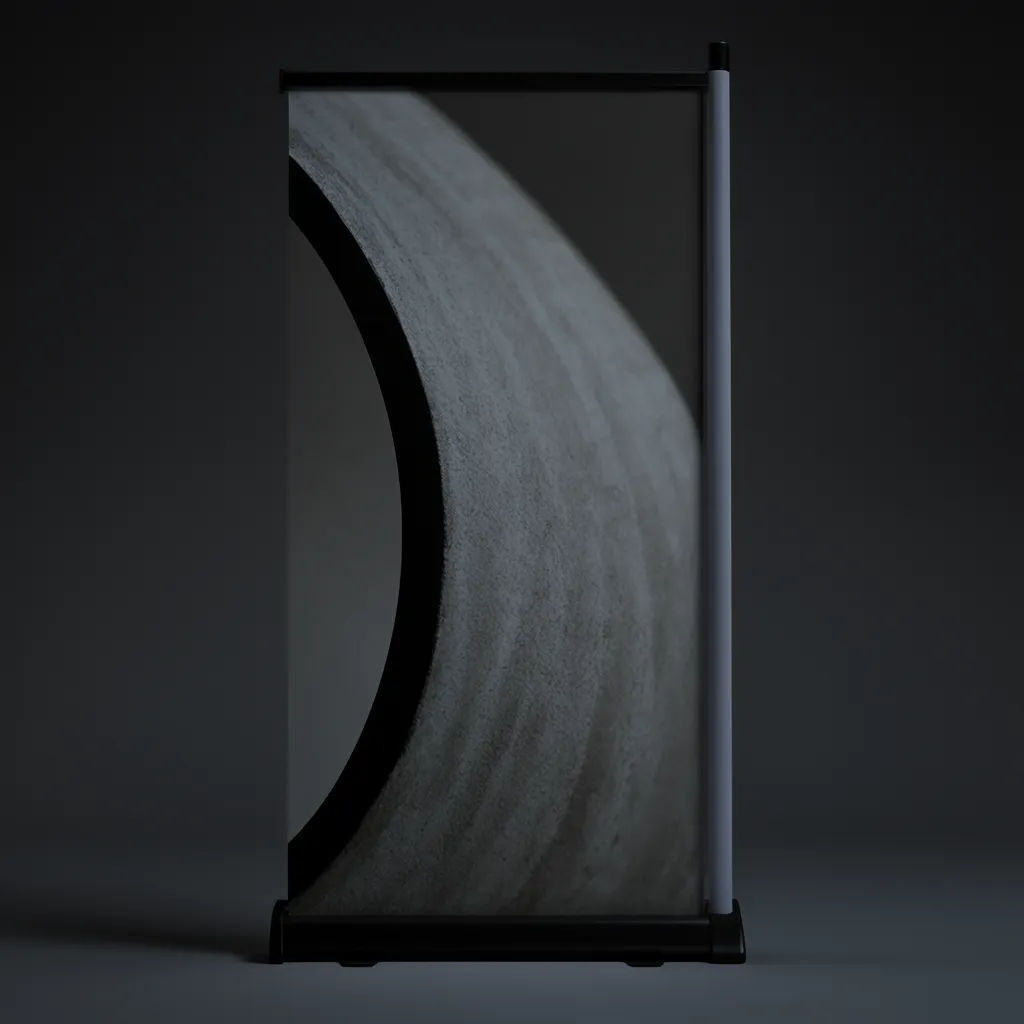
Trade show backdrop
Tension fabric backdrop with my artwork behind a booth counter, bright exhibition hall
Edit prompt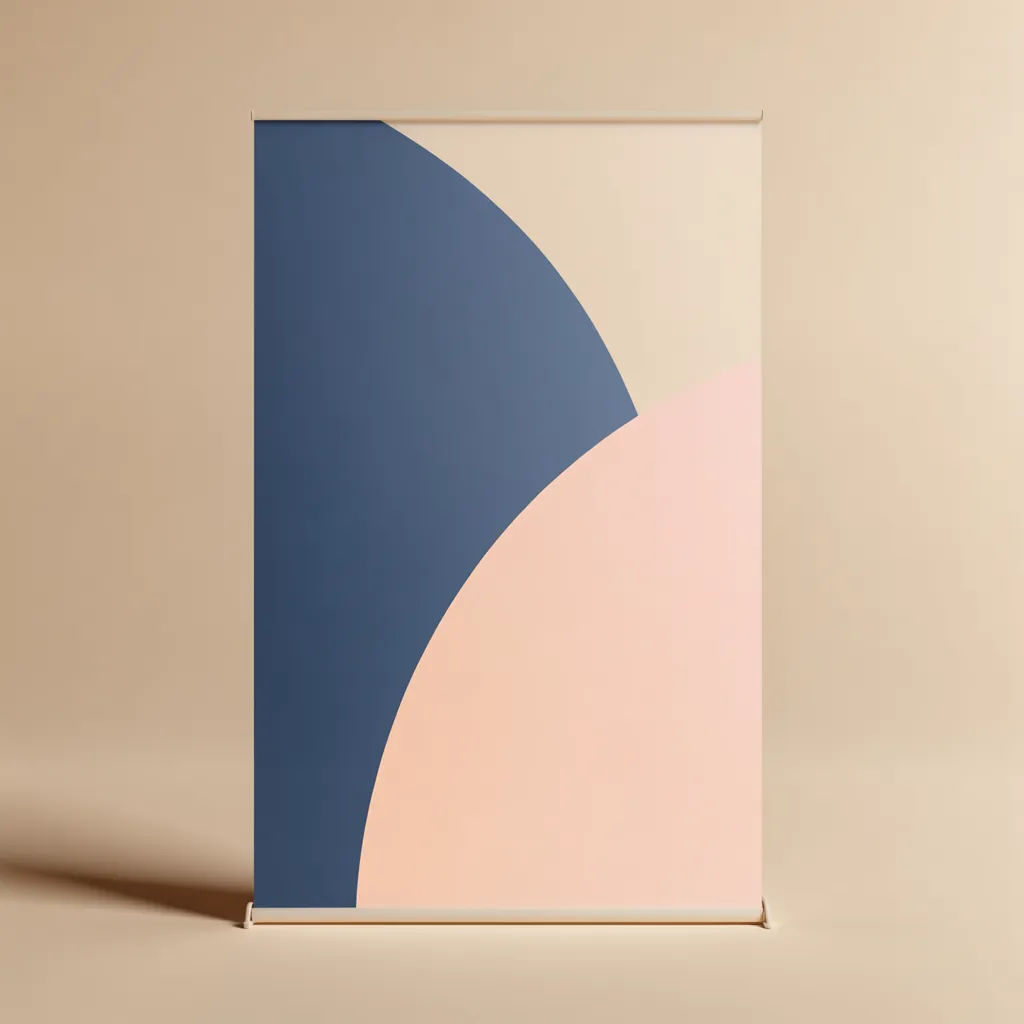
Outdoor railing
Hang my banner on a stadium railing in overcast light, slight wind lifting the corner
Edit prompt
Cinematic storyboard
Share a scene description with character references. Get a full storyboard with shot angles and mood.

Messages to cinematic scene
Dramatize any text conversation into a cinematic multi-shot video.

Title sequence
Generate a professional film title card from scratch, with optional cinematic animation.

3x3 storyboard
Feed in a single image. Get 9 cinematic beats laid out as a 3x3 storyboard grid.

Chibi sprite animation
Turn any photo or description into an animated chibi sprite. Dance, jump, wave, attack, and more.

Expressions
Take any character image and generate 6 distinct facial expressions on a single reference sheet.
All on Morphic
Your complete mockup studioModels
Nano Banana 2, Flux 2 Pro, ChatGPT Images, Grok Imagine, Recraft, Seedream, and more. Swap models when a venue or a fabric needs a cleaner render.
AI mockup generator
Put any design on any surface when you need more than a banner, from apparel to packaging.
Branding mockup generator
Present the banner as part of a whole identity, applied across every surface in the set at once.
Image to image
Place, restyle, and rebuild any photo from a reference, the same method that hangs your art in the venue.
