Every image model
One workspaceBillboard scenes you can build
Build a billboard mockup in three steps
- 01
Open Morphic
Sign up and start creating on a free-flowing, infinite visual canvas.
- 02
Upload your campaign
Drop in the ad and describe the board type, the street, and the time of day.
- 03
Generate and export
Your artwork skews onto the board with matching light and shadow. Try more locations, then export.
Use cases
Out-of-home campaign pitches
Win the account with the ad already up on the street. Show the campaign on a golden-hour highway board and a downtown digital screen so the client feels the scale before any media is booked. It turns a flat layout into a placement they can picture on the drive home.

Media plans and location scouting
Compare how a creative holds across placements before spending on print and space. Drop the same ad onto a motorway board, a transit shelter, and a building wall, then judge which format frames the message best. Rerun with a headline tweak to test legibility at distance.

Agency and brand presentations
Fill a deck with hero visuals that look like a live launch. Present the campaign at dusk with the board lit, then a wide skyline view that shows it in context. Consistent art across the set keeps the story cohesive from the title slide to the appendix.

Launch teasers and social proof
Announce a campaign with a shot that reads as real-world reach. A single billboard at a busy crossing signals a brand has arrived, and it drops straight into a launch post or a press kit. Swap the location and rerun to tailor the teaser to each market you enter.
Prompt examples
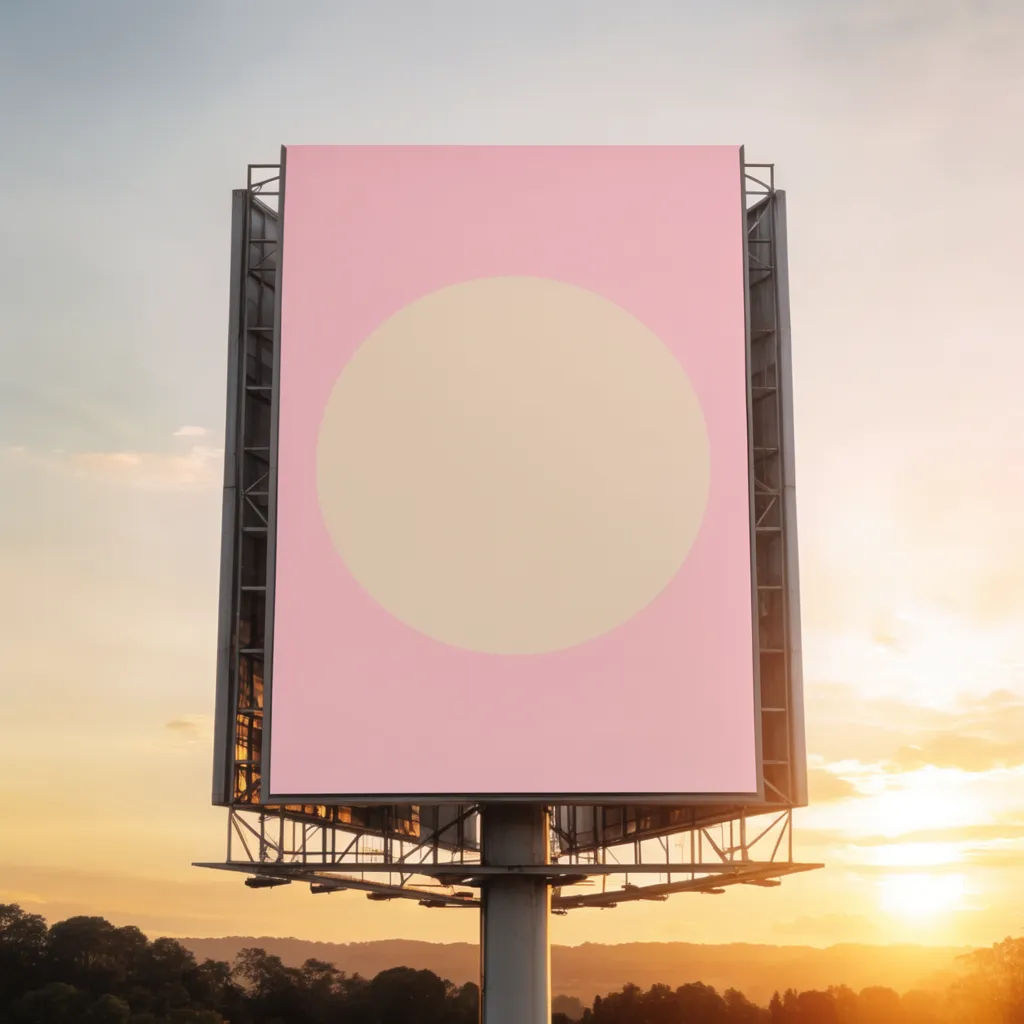
Highway at golden hour
Place my campaign on a roadside highway billboard at golden hour, matching perspective, warm low sun
Edit prompt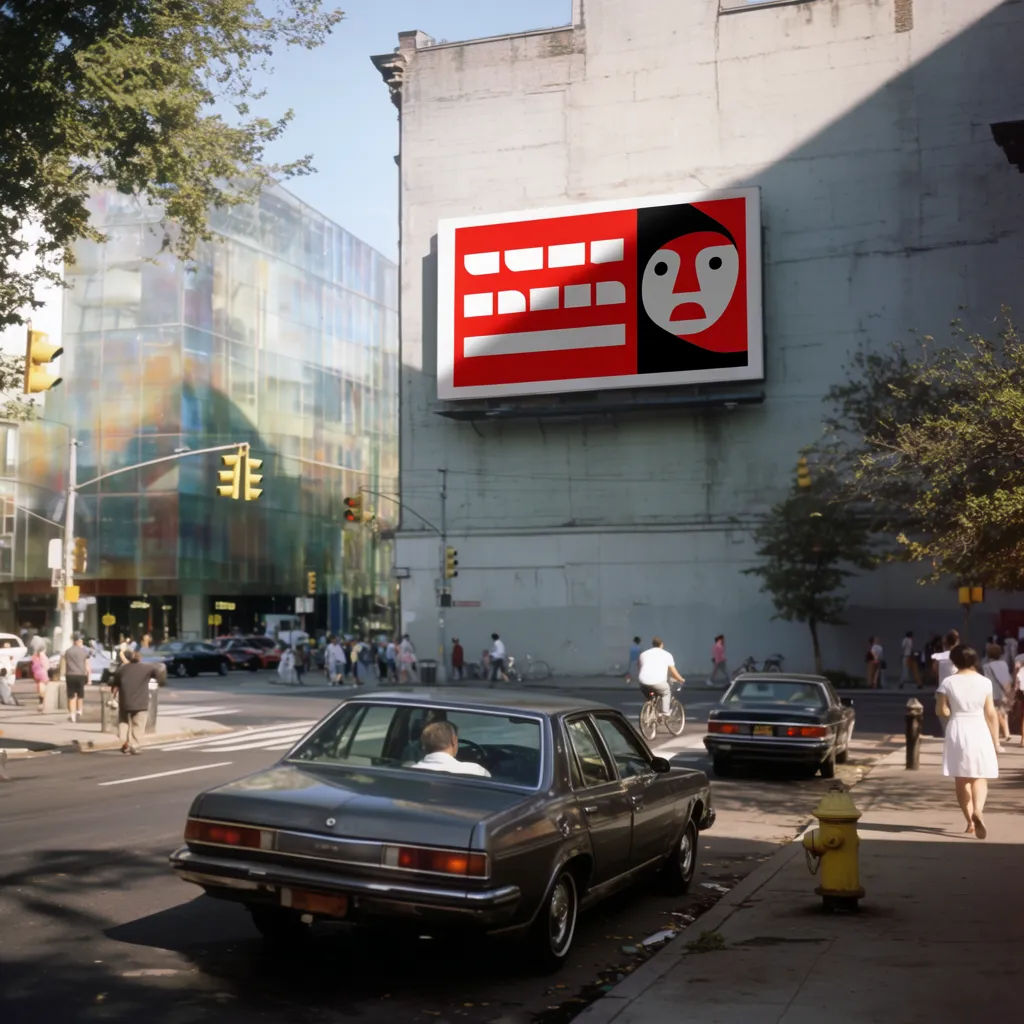
Building wall, midday
Put my ad on a large wall-mounted billboard on a city building at a busy crossing, bright midday light
Edit prompt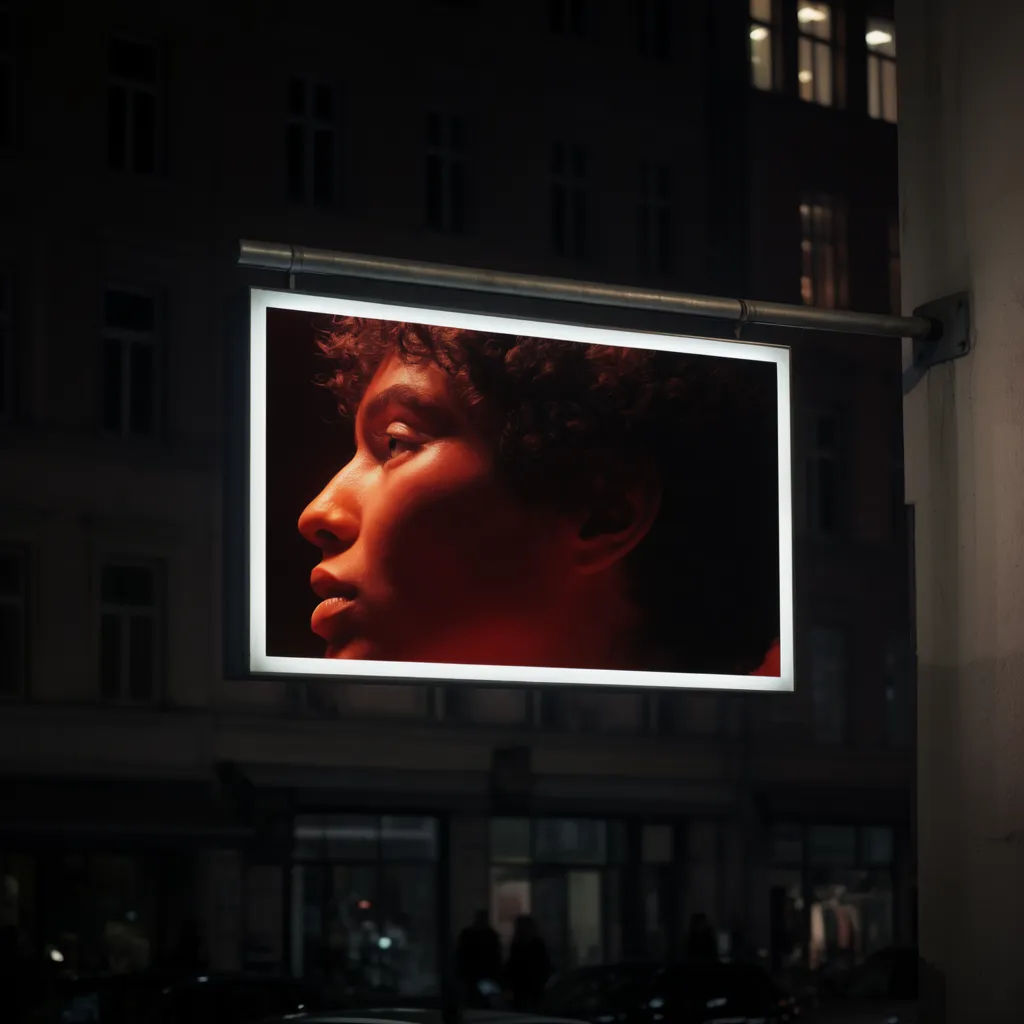
Digital screen at night
Show my campaign on a backlit digital billboard downtown at night, glowing against dark storefronts
Edit prompt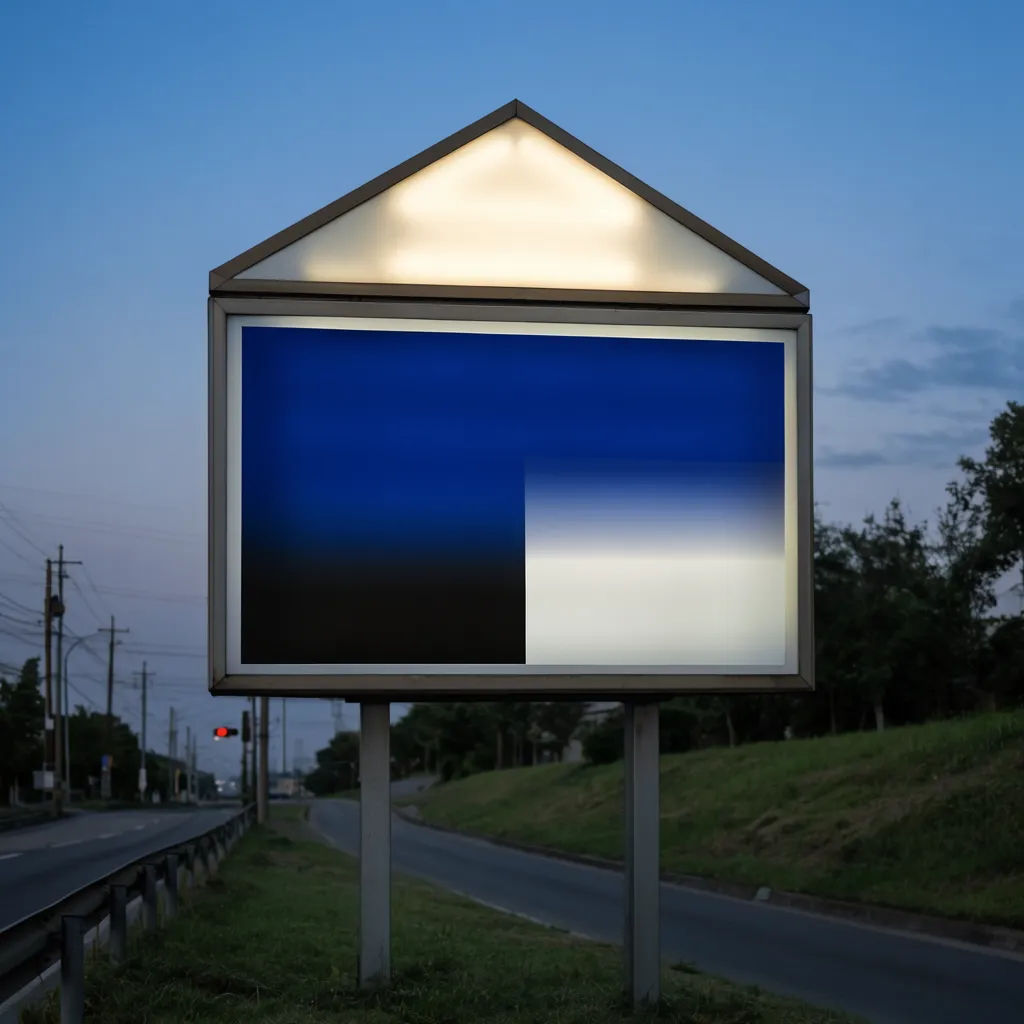
Suburban road at dusk
Place my ad on a roadside board along a quiet suburban road at dusk, soft blue light, board lit
Edit prompt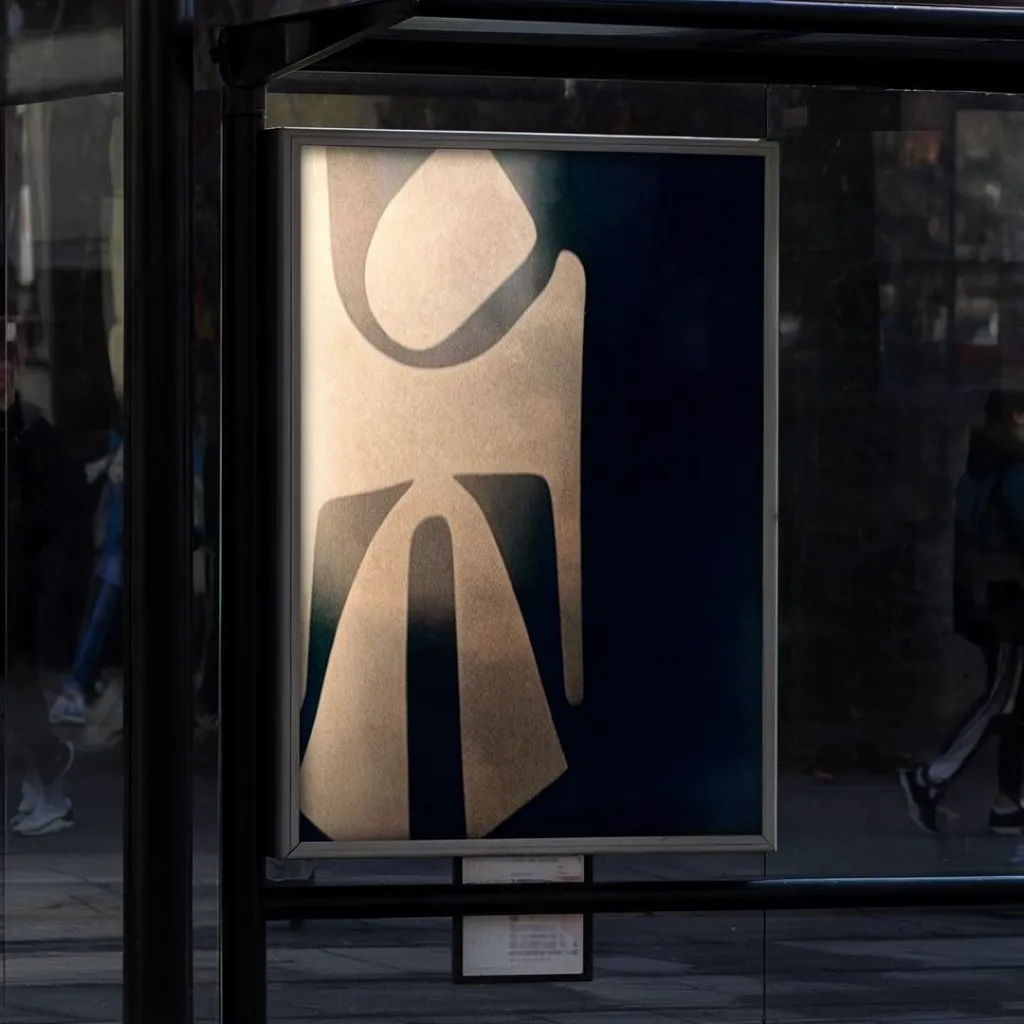
Transit shelter panel
Put my artwork on a lit transit shelter poster panel at a city sidewalk, people softly blurred behind
Edit prompt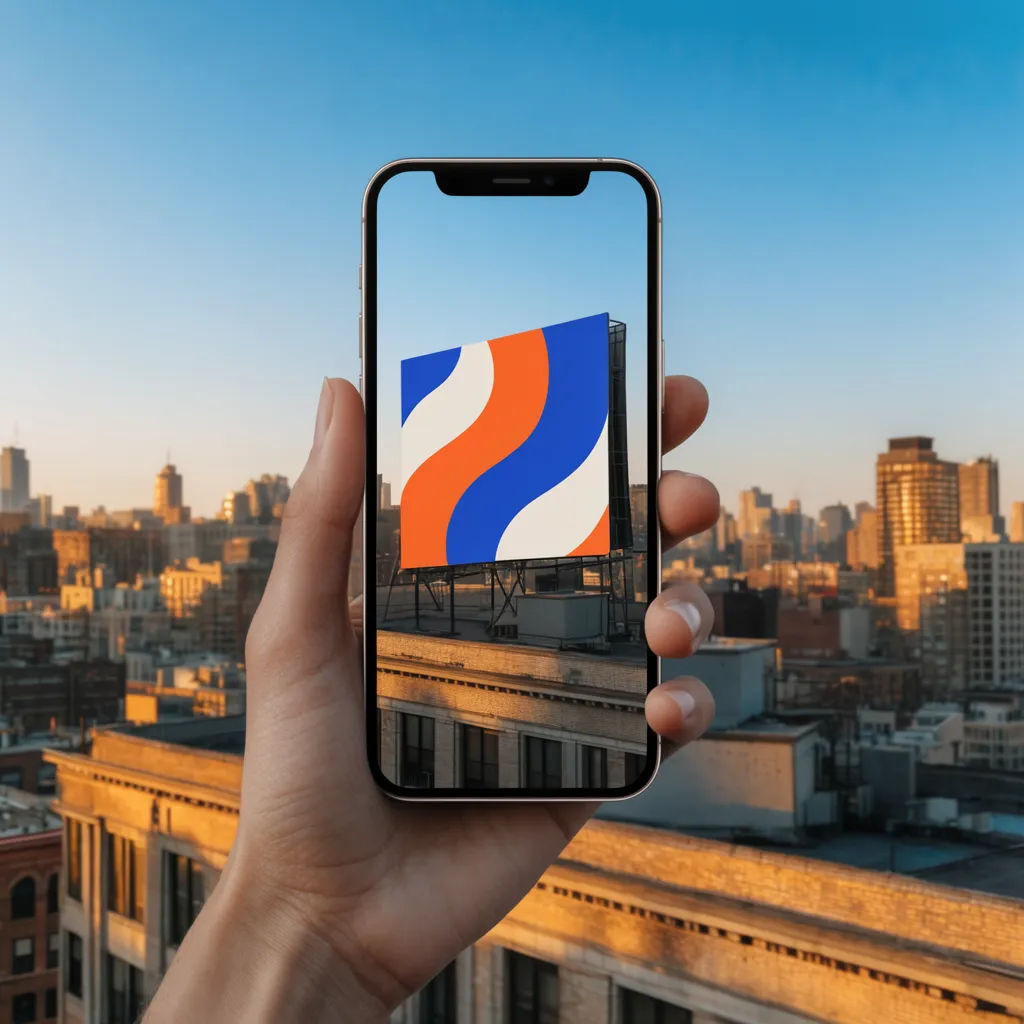
Wide skyline view
Show my campaign on a rooftop billboard in a wide skyline shot, clear afternoon sky, city below
Edit prompt
Cinematic storyboard
Share a scene description with character references. Get a full storyboard with shot angles and mood.

Messages to cinematic scene
Dramatize any text conversation into a cinematic multi-shot video.

Title sequence
Generate a professional film title card from scratch, with optional cinematic animation.

3x3 storyboard
Feed in a single image. Get 9 cinematic beats laid out as a 3x3 storyboard grid.

Chibi sprite animation
Turn any photo or description into an animated chibi sprite. Dance, jump, wave, attack, and more.

Expressions
Take any character image and generate 6 distinct facial expressions on a single reference sheet.
All on Morphic
Your complete campaign mockup stackModels
Nano Banana 2, Flux 2 Pro, ChatGPT Images, Grok Imagine, Recraft, Seedream, and more. Swap models when a placement needs sharper text or a cleaner skew.
AI mockup generator
Put your design on any surface beyond signage, from packaging to apparel, in the same workspace.
Website mockup generator
Present the campaign landing page across desktop, tablet, and phone to round out the pitch.
Image to image
Upload your ad and generate the board and street around it, the method behind every scene here.
