Every image model
Flyers you can design
Make a business flyer in three steps
- 01
Open Morphic
Sign up and start creating on a free-flowing, infinite visual canvas.
- 02
Describe the offer and the action
Say what you are promoting and the one line that must lead, like the discount or date.
- 03
Generate, proof, and export
Render a few versions, check every price and detail, and export for print or social.
Use cases
Sales and promotions
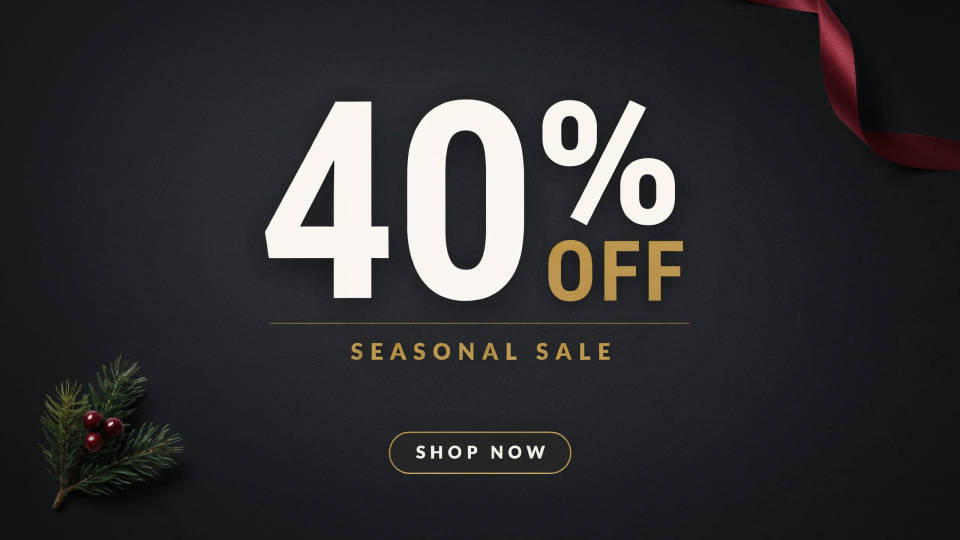
Push a discount, a seasonal offer, or a limited deal with a flyer built around the number. Ask for the offer to lead so it reads across a room, with the details and the call to action falling in below. Spin up a few versions, then run the one that lands hardest.
Grand openings and events
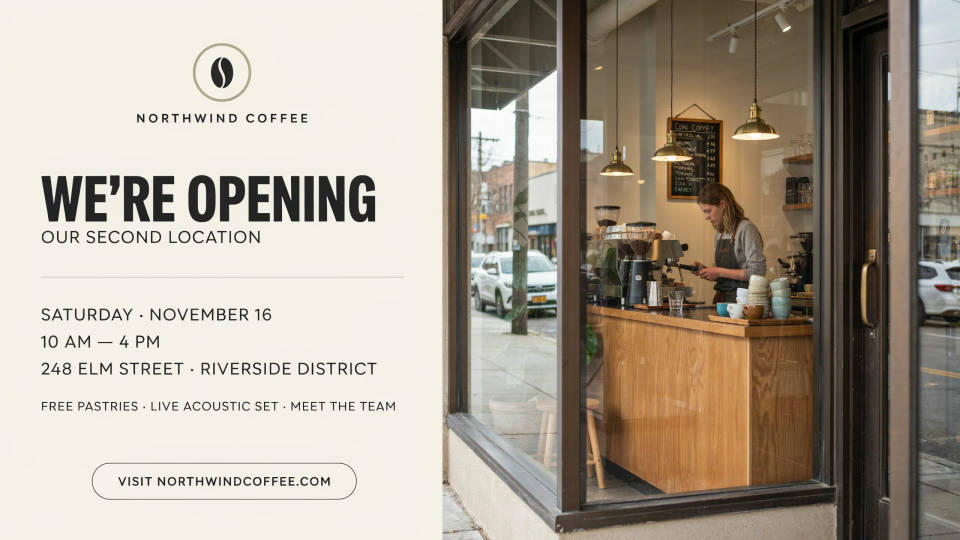
Announce a new location, a launch, or an in-store event with the date, time, and address set clearly. The layout leads with the news and keeps the practical details easy to scan, so people know where to be and when. Keep the key lines short so the text stays crisp.
Services and local business
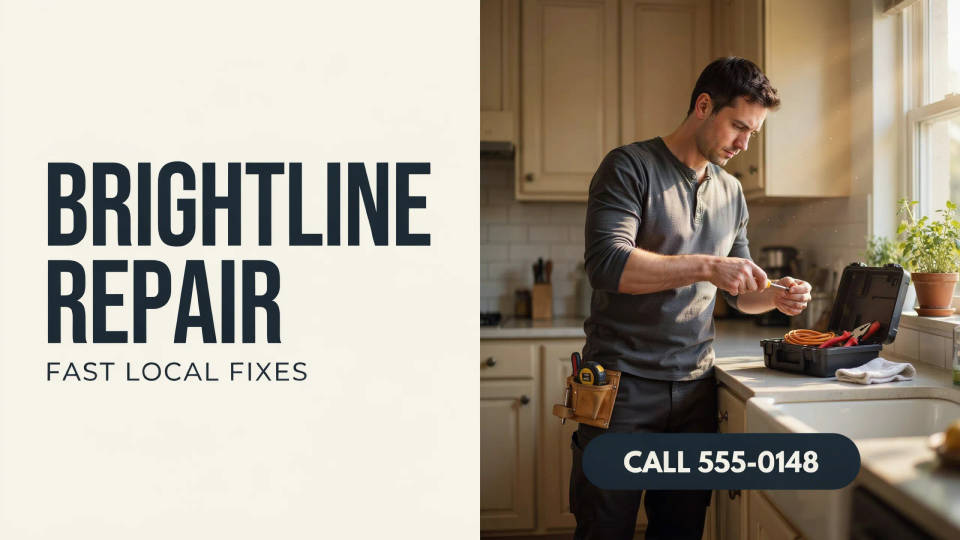
Whether you clean, cater, tutor, or repair, a clear flyer with your offer and a phone number does a lot of work. Describe the service and the action you want, and render a professional-looking handout without hiring a designer, ready to pin up or drop through doors.
Hiring and signups
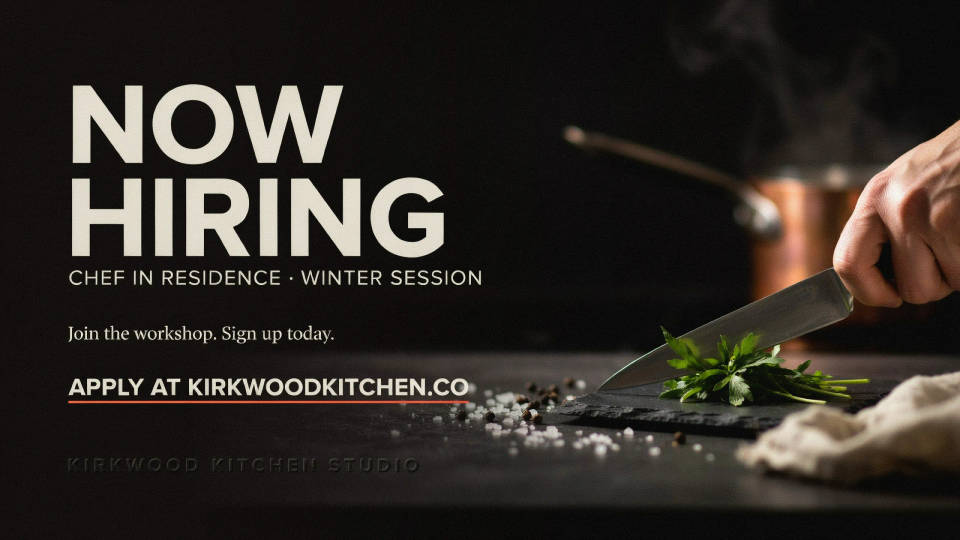
Fill a role or a class with a flyer that leads on the ask, now hiring, join the workshop, sign up today, and makes the next step obvious. Generate a version for the wall and a matching crop for social, so the same message works wherever people see it.
Prompt examples
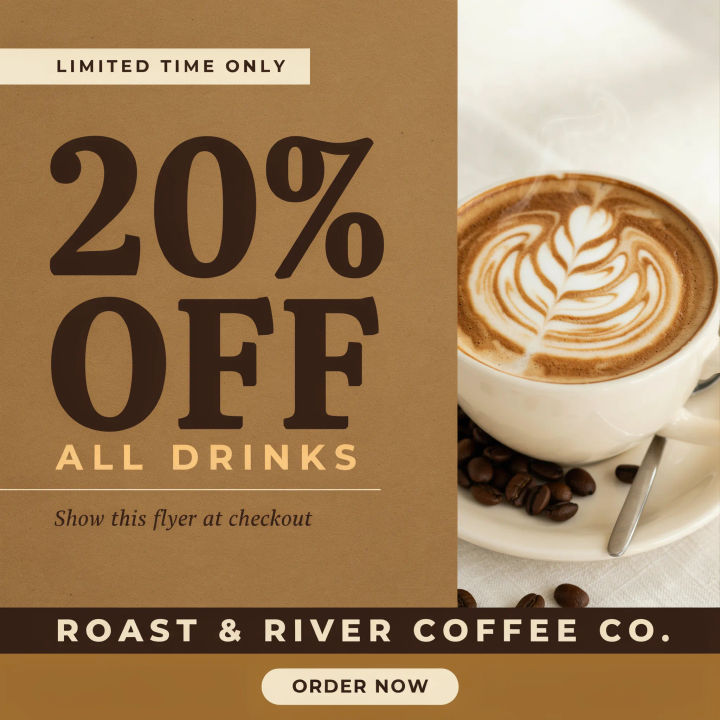
Sale flyer
Bold sale flyer for a coffee shop, huge headline 20% OFF, warm brown and cream palette, coffee photo, clear call to action at the bottom
Edit prompt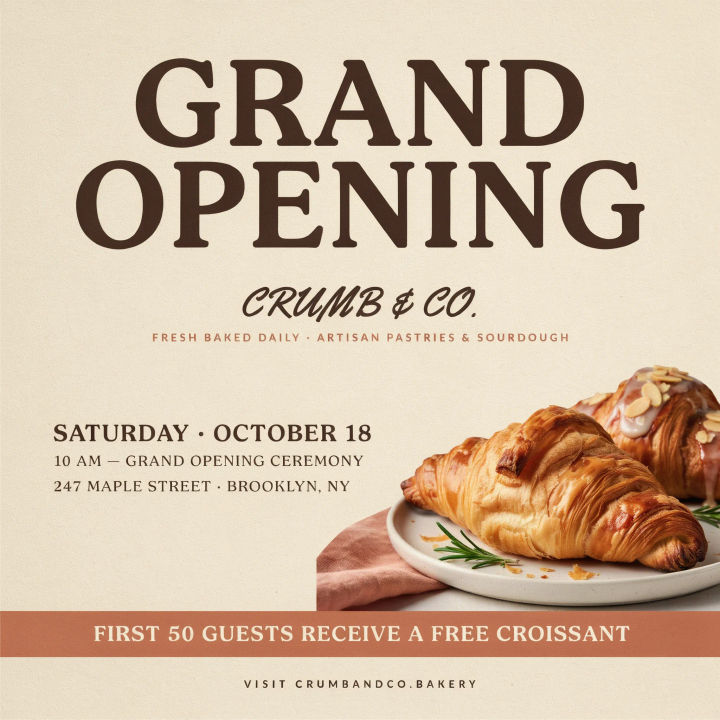
Grand opening
Grand opening flyer for a bakery, big GRAND OPENING headline, date and address clearly set, warm inviting colors, pastry photo
Edit prompt
Service promo
Clean flyer for a home cleaning service, short headline, three bullet benefits, bold phone number call to action, fresh blue and white
Edit prompt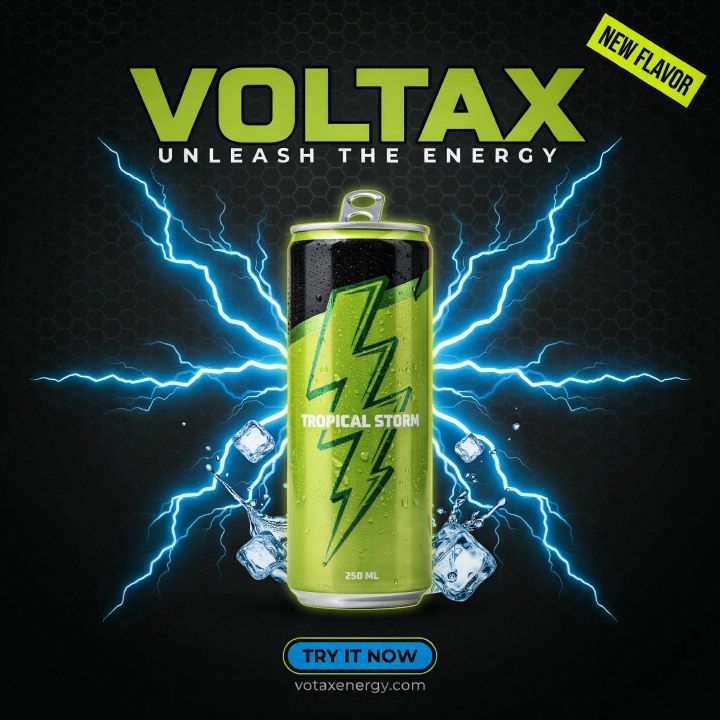
Product launch
Product launch flyer for a new energy drink, dynamic headline, hero can photo, punchy colors, call to action to try it now
Edit prompt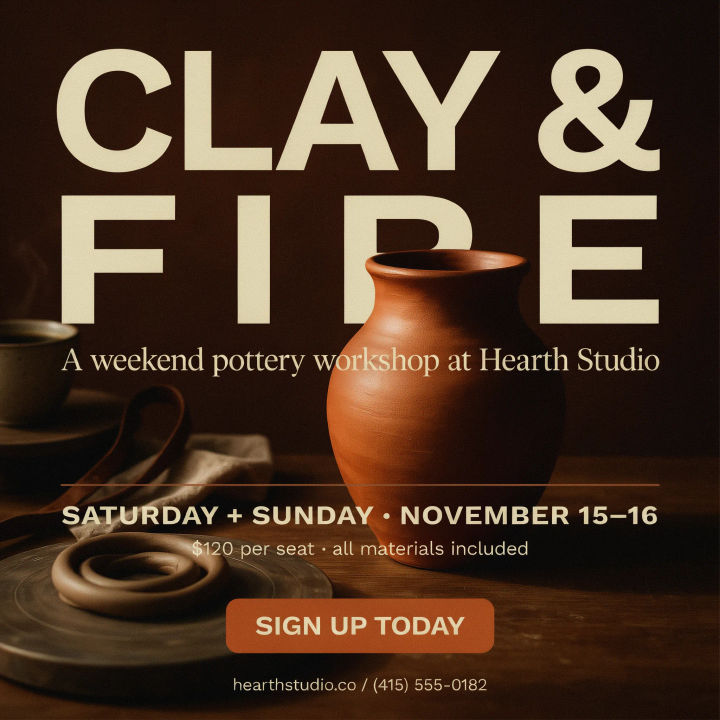
Workshop signup
Flyer for a weekend pottery workshop, warm earthy palette, short headline, date and price, clear sign up today call to action
Edit prompt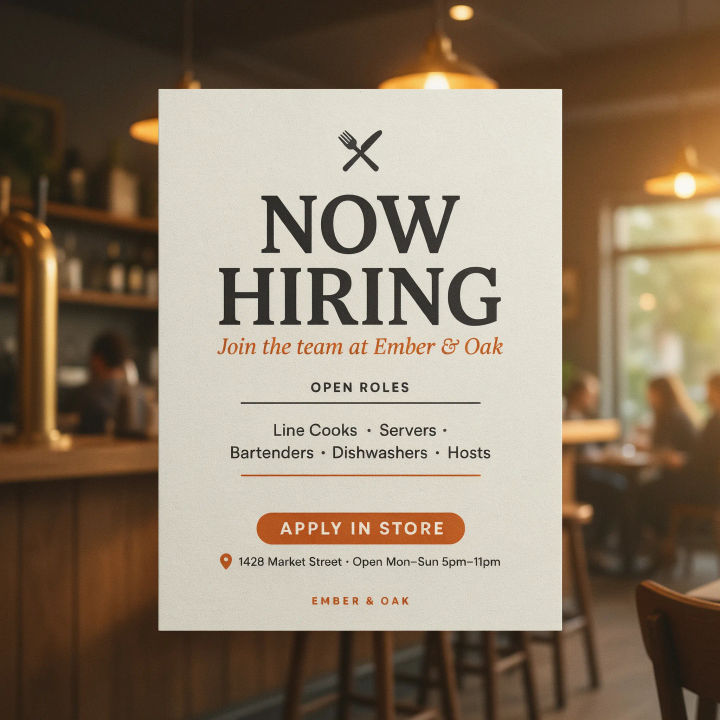
Now hiring
Now hiring flyer for a restaurant, big NOW HIRING headline, roles listed, apply in store call to action, friendly modern layout
Edit prompt
Sketch to render
Turn any sketch or drawing into a finished render.
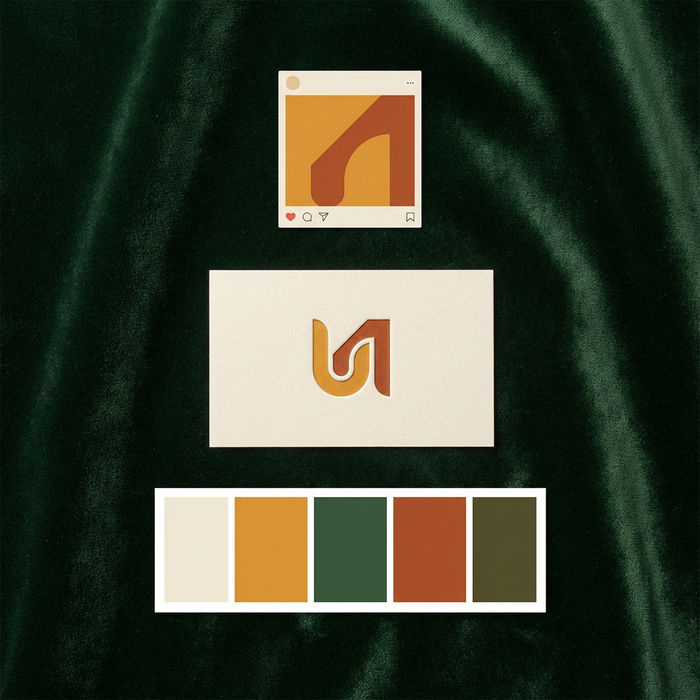
Brand launch kit
Get logo concepts, social media templates, color palettes, and marketing collateral in one go.

Expressions
Take any character image and generate 6 distinct facial expressions on a single reference sheet.

Anime style transfer
Pick any anime illustration as your style guide. Apply its look to any image.

Image reverse engineer
Get a detailed prompt extracted from a reference image, and then a fresh recreation.

Cinematic storyboard
Share a scene description with character references. Get a full storyboard with shot angles and mood.
All on Morphic
Models
Nano Banana 2, Flux 2 Pro, ChatGPT Images, Grok Imagine, Recraft, Seedream, and more. Swap models when one sets your headline and call to action more cleanly.
Flyer generator
The general-purpose flyer tool for events, parties, gigs, and any occasion beyond business promotion.
Poster generator
Scale your flyer up to a full poster for a window, a wall, or a large-format print.
Text to image
Describe any flyer, banner, or promo and render it from a prompt, the same tool that sets your headline and layout.
