Every image model
Avatar styles from a selfie
Make a cartoon avatar in three steps
- 01
Open Morphic
Sign up and start creating on a free-flowing, infinite visual canvas.
- 02
Upload a selfie and pick a style
Drop in a clear front-facing photo and name the cartoon look you want.
- 03
Generate variants and export
Get a set of avatars that keep your features. Compare them on the Canvas, then export your favourite.
Use cases
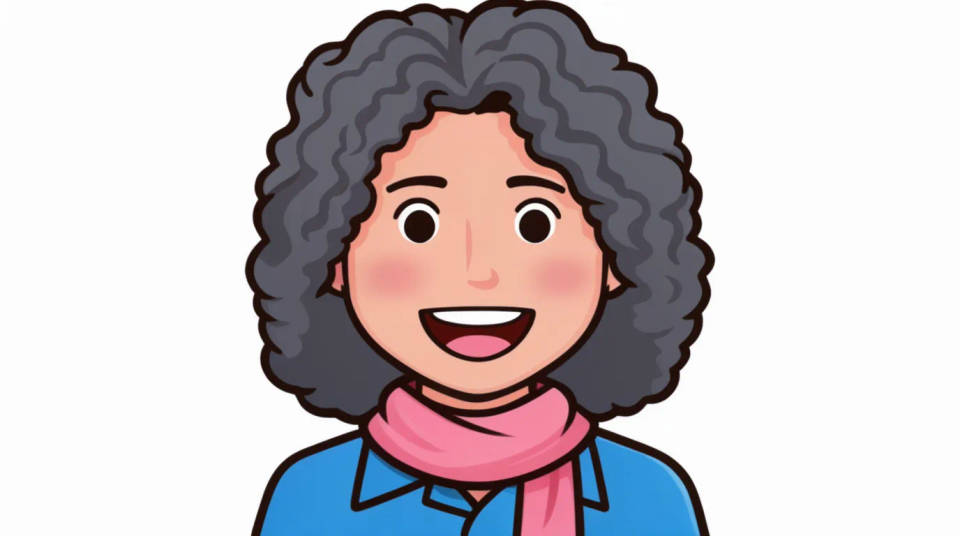
A profile picture that is still you
Turn a plain selfie into a distinctive cartoon profile picture for social, chat, or a work directory. It keeps your face shape, hair, and glasses, so people still recognise you, while the cartoon style gives you a friendlier and more memorable look than a cropped photo.
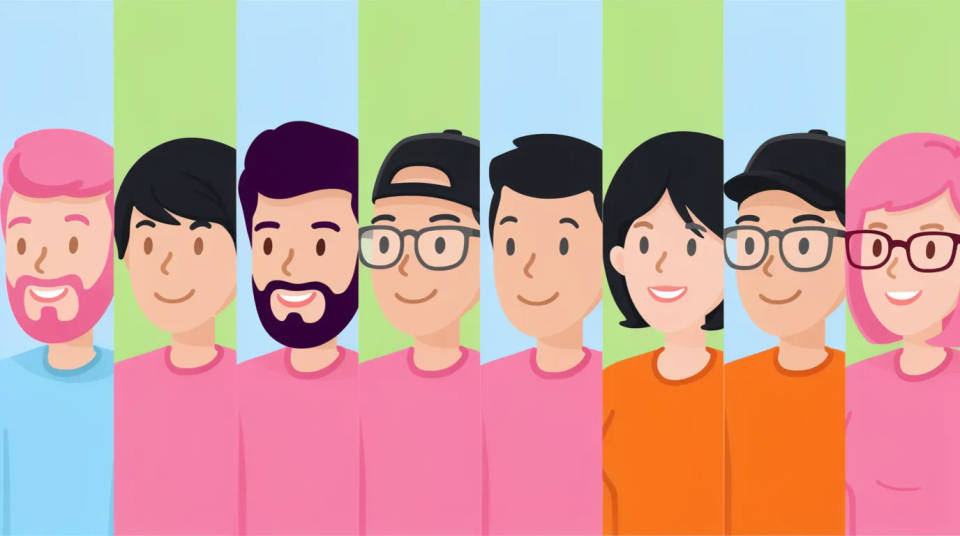
Matching avatars for a team
Give a whole team a consistent set of cartoon avatars from their own selfies, all in the same style. It is a quick way to make an about page, a Slack roster, or a slide of contributors feel unified, while each person still looks like themselves.
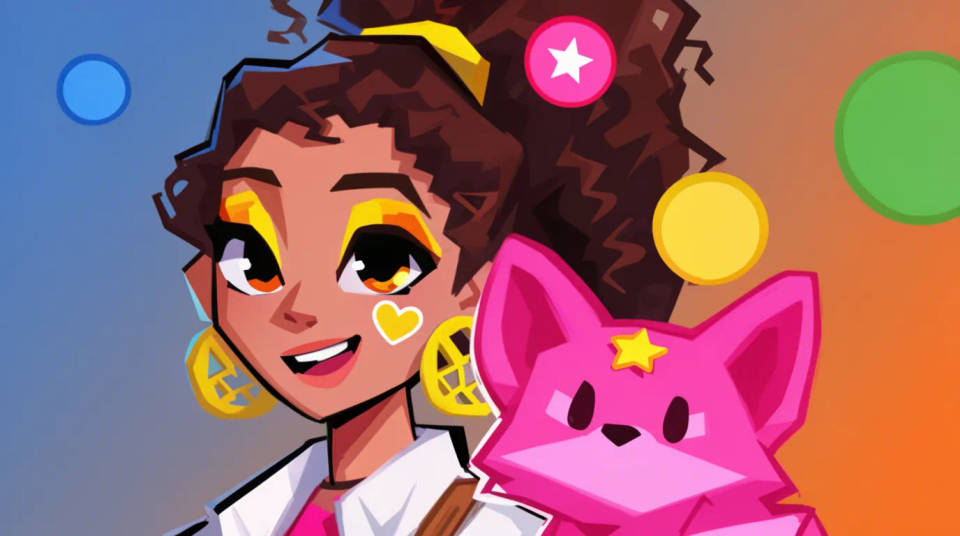
Gaming and streaming personas
Build a bold, stylised avatar for a gaming handle, a stream overlay, or a Discord. Push the colours and the outline for a look that reads at small sizes, while the likeness taken from your selfie keeps the persona tied to you.
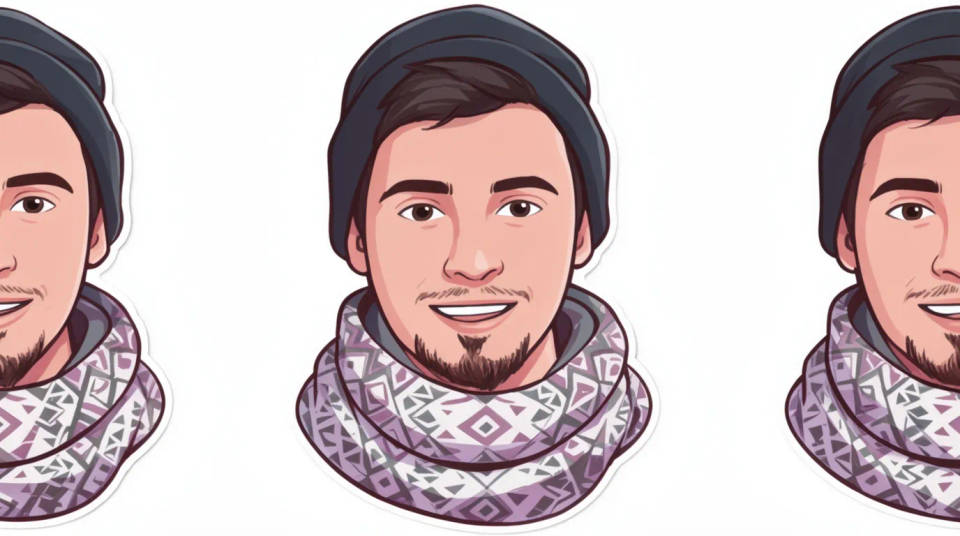
A set of chat stickers
Generate several variants from one selfie in a sticker style, with different expressions or crops, and use them as personal chat stickers or reactions. Because they all come from the same photo, the set stays on-model as a little cast of you.
Prompt examples
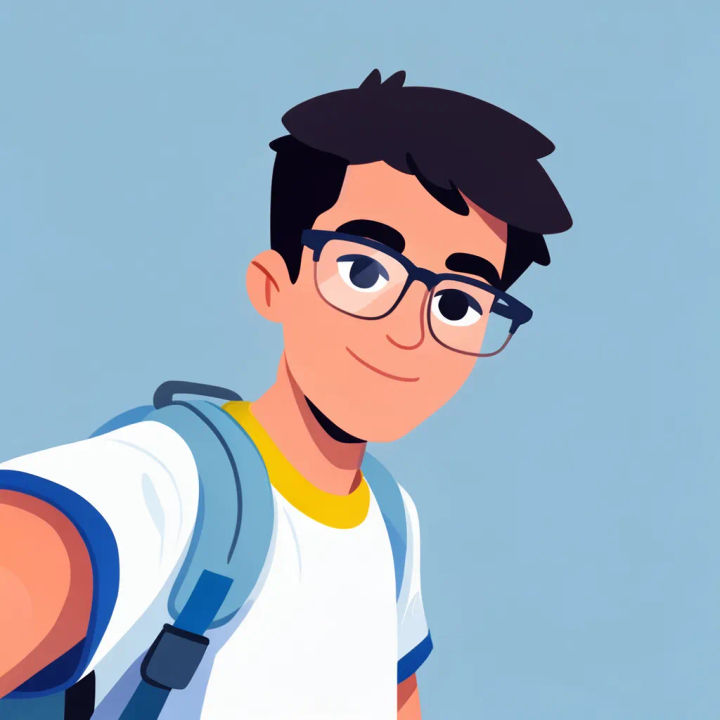
Clean flat vector
Turn this selfie into a clean flat vector cartoon avatar, keep the hairstyle and glasses, simple solid background
Edit prompt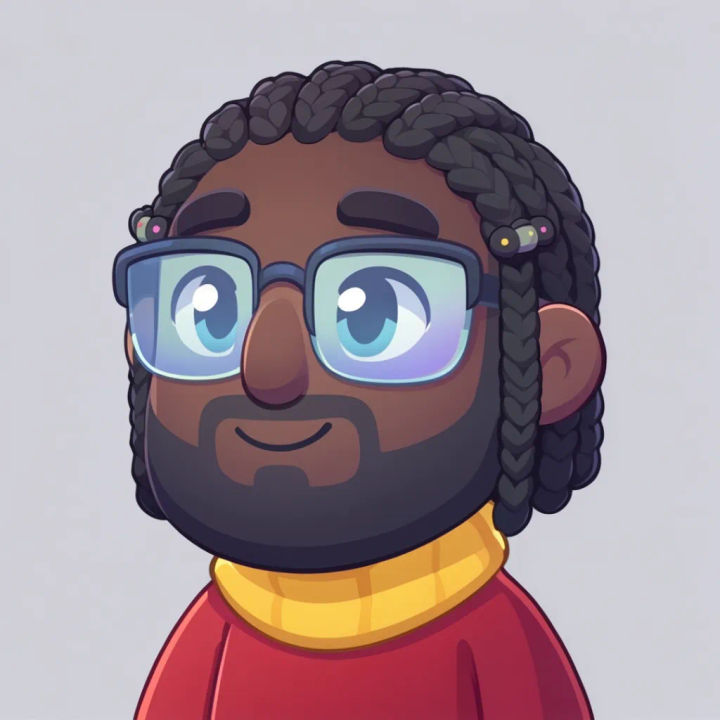
Soft 3D character
Turn this selfie into a soft 3D cartoon avatar with rounded features, keep the face shape and hair colour, gentle studio light
Edit prompt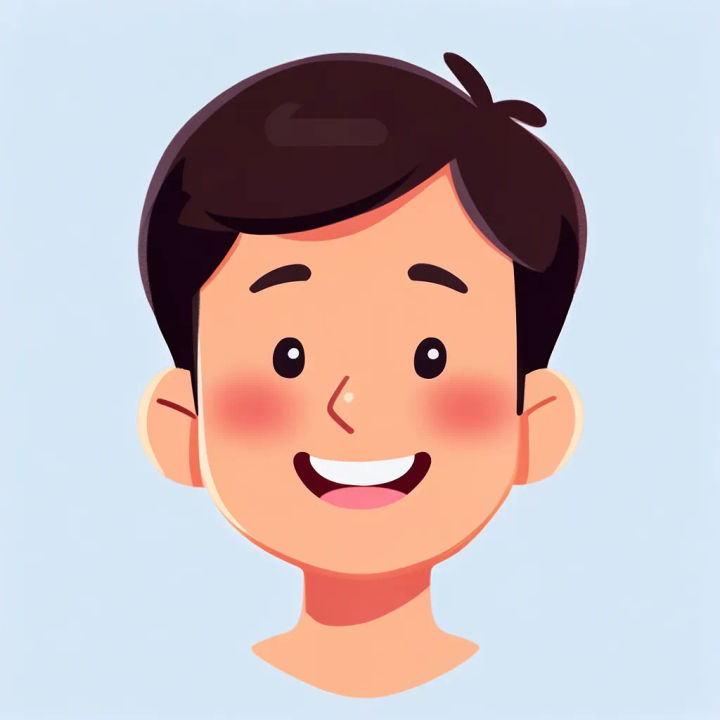
Comic ink style
Turn this selfie into a bold comic-ink cartoon avatar with heavy outlines and flat colour, keep my recognisable features
Edit prompt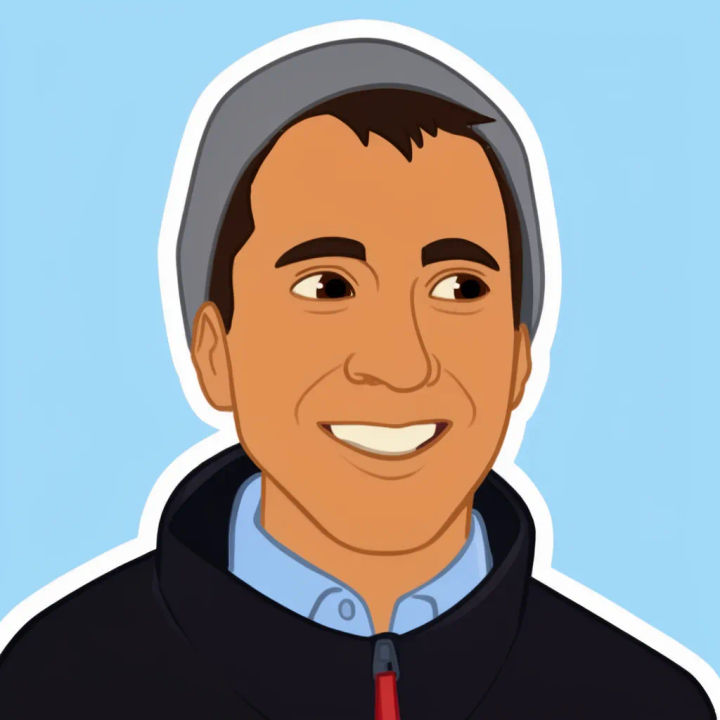
Sticker with expression
Turn this selfie into a sticker-style cartoon avatar with a big smile and a thick white die-cut border, keep my likeness
Edit prompt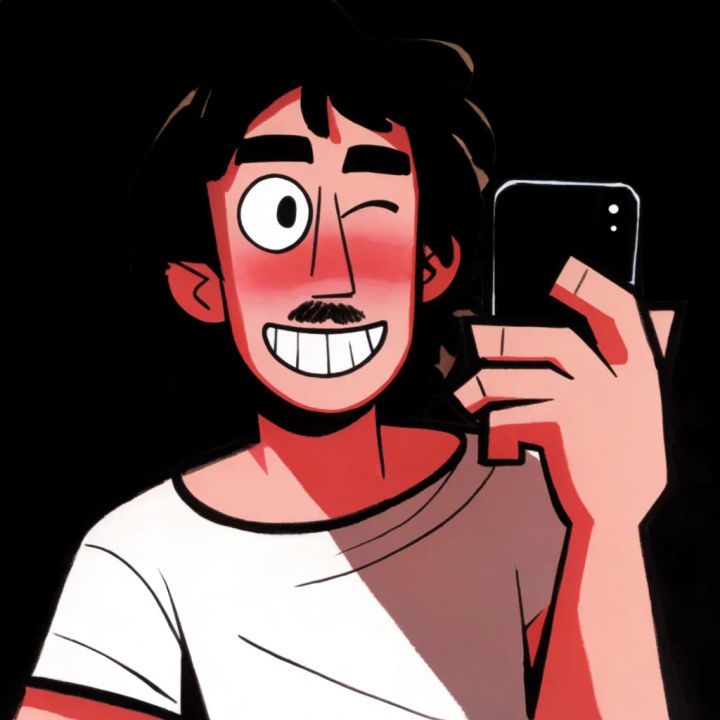
Retro cartoon
Turn this selfie into a 90s retro cartoon avatar with limited palette and clean linework, keep the hair and face shape
Edit prompt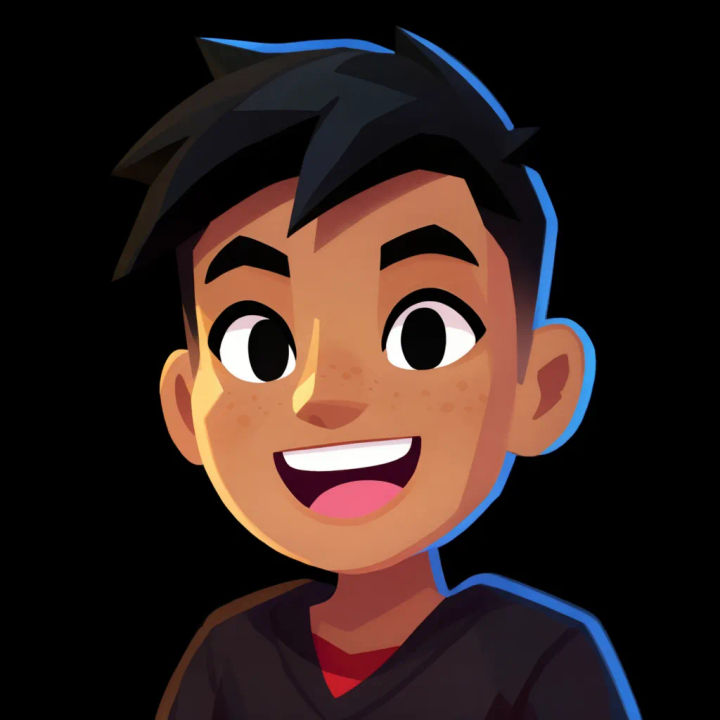
Gaming persona
Turn this selfie into a bold cartoon gaming avatar with neon rim light on a dark background, keep my features recognisable
Edit prompt
Anime style transfer
Pick any anime illustration as your style guide. Apply its look to any image.

Anime sticker pack
Turn any image into anime-style stickers in PNG. Ready for messaging apps or social media.

Sketch to render
Turn any sketch or drawing into a finished render.

Expressions
Take any character image and generate 6 distinct facial expressions on a single reference sheet.

Character lineup
All your characters on a single lineup image, side by side with height comparison.

Chibi sprite animation
Turn any photo or description into an animated chibi sprite. Dance, jump, wave, attack, and more.
All on Morphic
Models
Nano Banana 2, Flux 2 Pro, ChatGPT Images, Grok Imagine, Recraft, Seedream, and more. Swap models when an avatar needs a cleaner likeness.
Photo to cartoon
Cartoonify a whole photo, not just a headshot, when you want the full scene stylised rather than an avatar crop.
AI style transfer
Push a selfie into a specific art style by supplying a reference, for looks beyond the built-in cartoon presets.
Image to image
Upload a selfie and redraw it in a new style, the method behind a recognisable cartoon avatar.
