Every image model
Flat lays you can compose
Make a flat lay in three steps
- 01
Open Morphic
Sign up and start creating on a free-flowing, infinite visual canvas.
- 02
Upload your products
Drop in the items and describe the surface, the props, and how the layout should sit.
- 03
Generate and export
Morphic composes the overhead scene and lights it from above. Rerun until it balances, then export.
Use cases
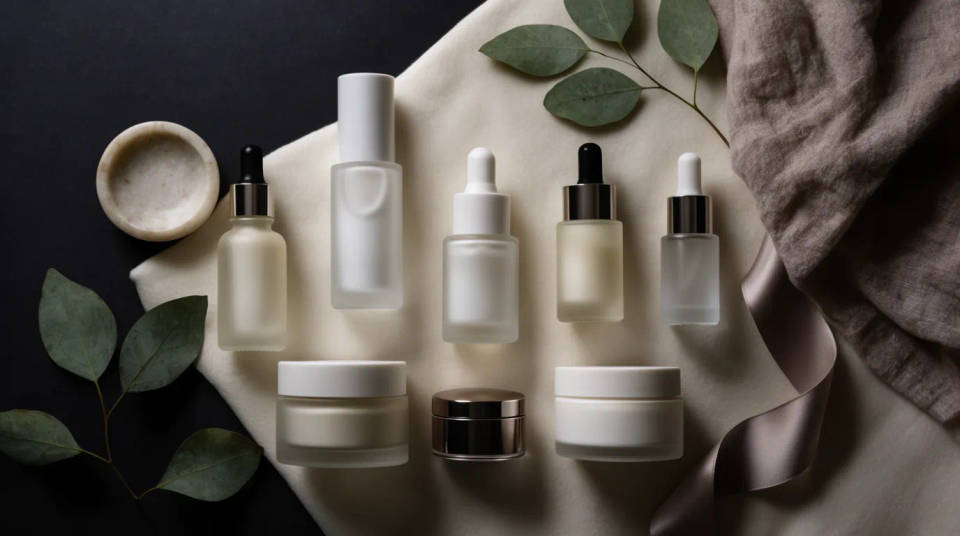
Beauty and skincare spreads
Lay out bottles, jars, and compacts on a soft surface with leaves or fabric as accents. The overhead light keeps every label readable while the arrangement feels styled and intentional. It is the look shoppers expect from a beauty feed, built without an overhead rig.
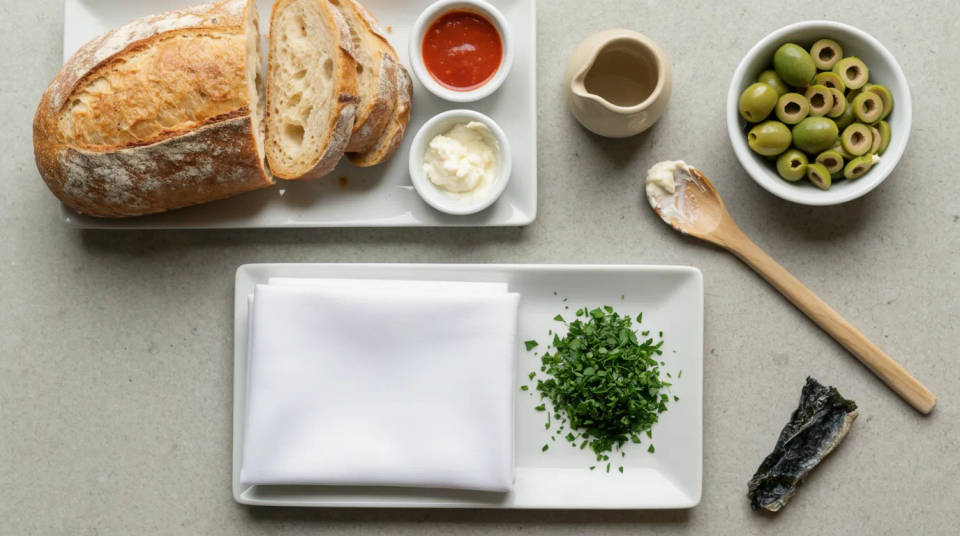
Food and recipe layouts
Arrange ingredients, utensils, and a finished dish into a top-down spread that tells the recipe at a glance. Scatter herbs, flour, or garnish for texture and let the light fall evenly across the board. Perfect for blogs, menus, and food brand social posts.
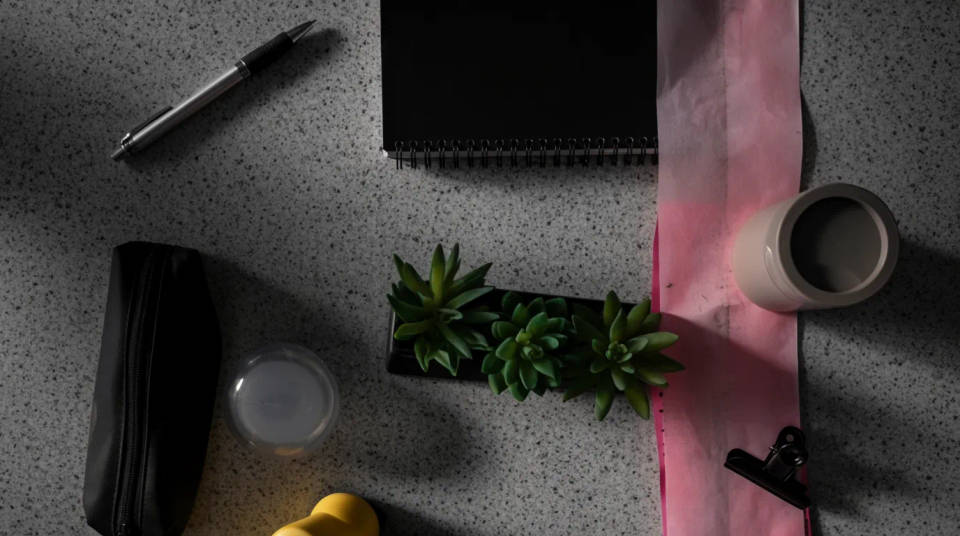
Stationery and desk knolling
Compose pens, notebooks, and small objects into a tidy grid for a clean knolling look, or loosen it into a lived-in desk scene. Even spacing and overhead light give the layout a crisp, orderly feel. Great for launches, kits, and product bundles.
Seasonal and gift-guide flat lays
Build a holiday or gift-guide spread by arranging several products with seasonal props and a matching palette. Restyle the surface and accents for each occasion while the products stay accurate. Turn a shelf of items into a shareable overhead frame in minutes.

Prompt examples
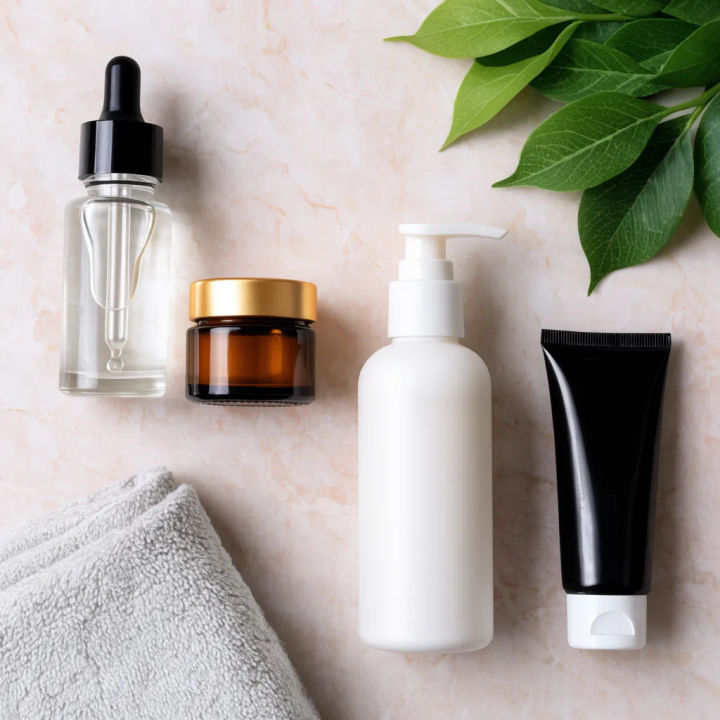
Skincare on marble
Overhead flat lay of these skincare bottles on pale marble, green leaves and a folded towel as props, soft even daylight
Edit prompt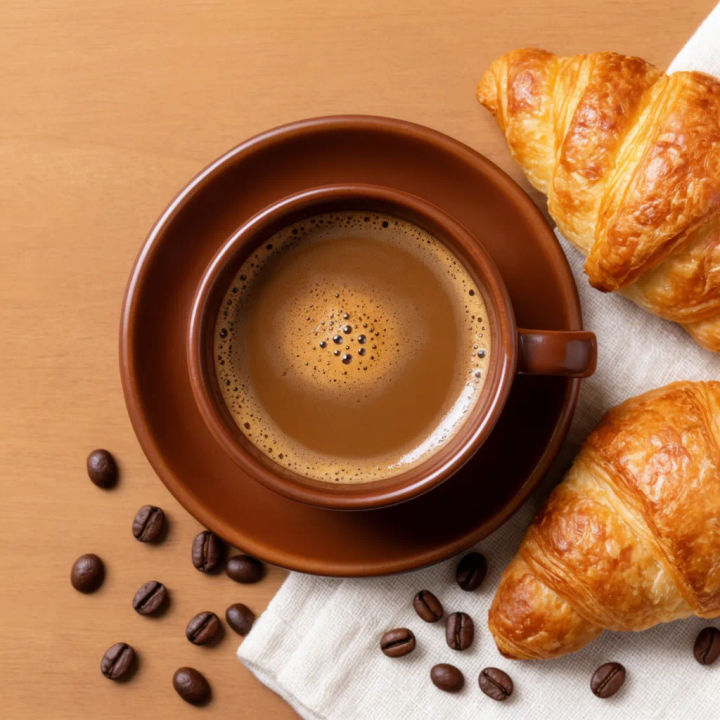
Breakfast spread
Top-down flat lay of these coffee and pastry products on a wood table, scattered beans and a linen napkin, warm morning light
Edit prompt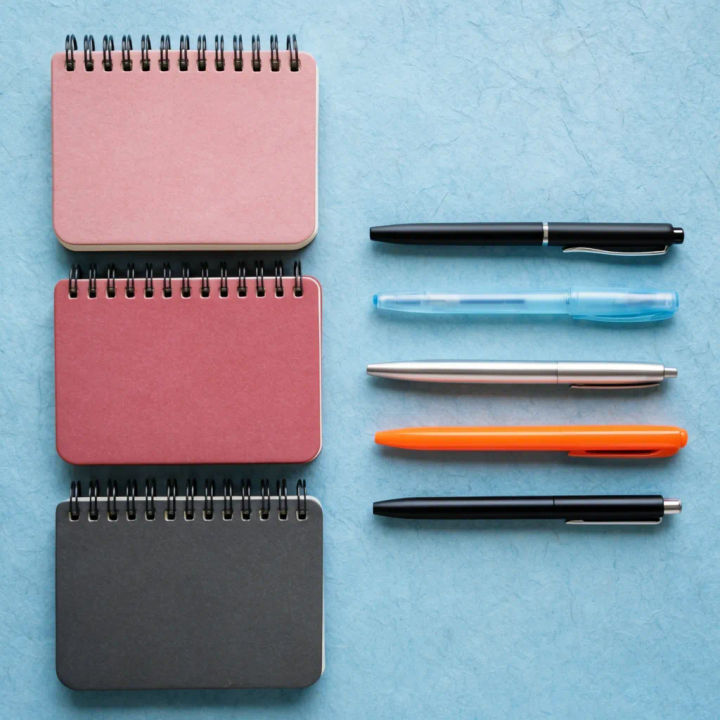
Stationery grid
Overhead knolling layout of these pens and notebooks on a pastel paper surface, tidy even grid, bright flat light
Edit prompt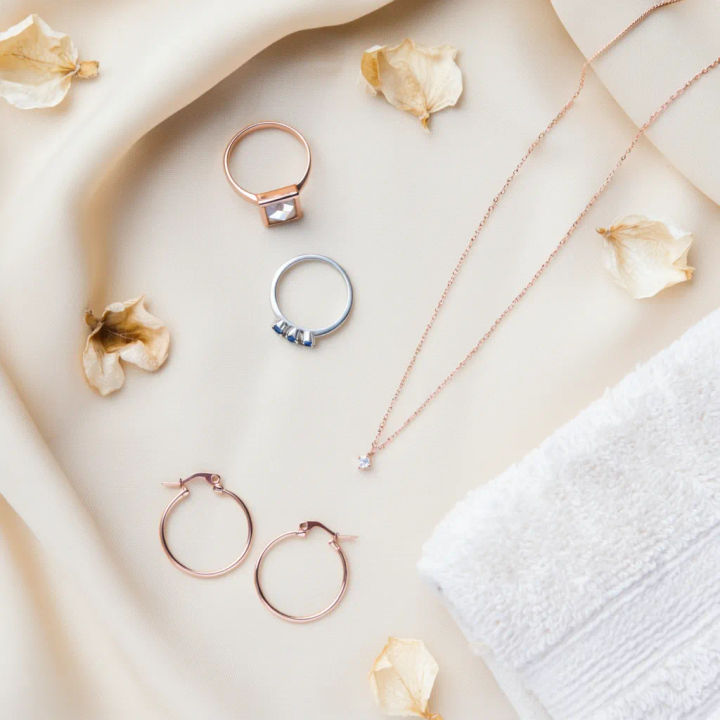
Jewellery on silk
Top-down flat lay of these rings and earrings on cream silk, a few dried petals as accents, soft directional light
Edit prompt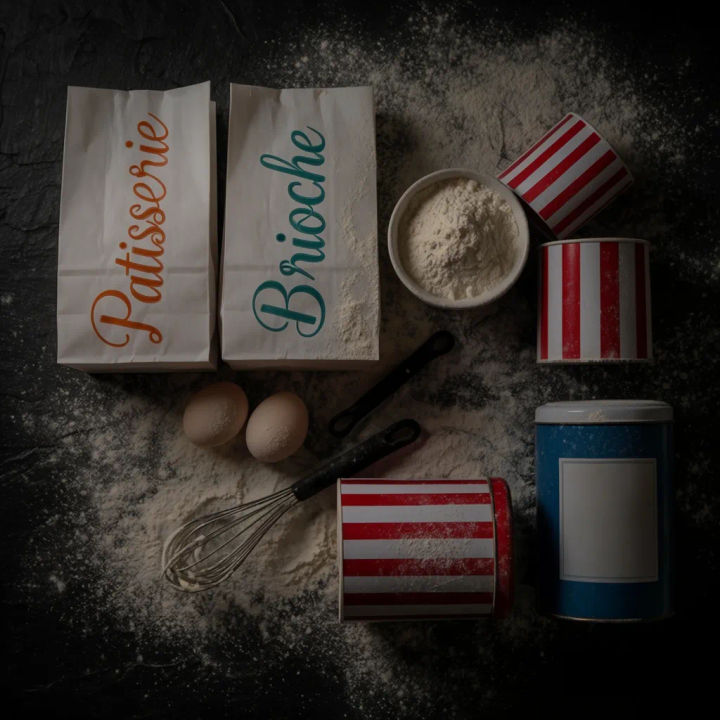
Baking ingredients
Overhead flat lay of these baking products with flour, eggs, and a whisk on a dark board, organic scatter, soft side light
Edit prompt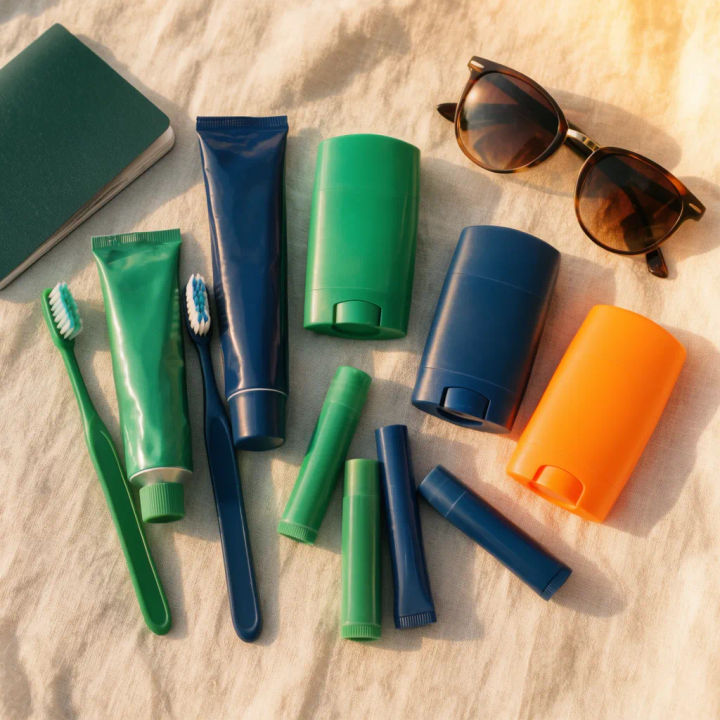
Travel essentials
Top-down flat lay of these travel items on light linen, passport and sunglasses as props, neat organic arrangement, bright daylight
Edit prompt
Cinematic storyboard
Share a scene description with character references. Get a full storyboard with shot angles and mood.

Chibi sprite animation
Turn any photo or description into an animated chibi sprite. Dance, jump, wave, attack, and more.

Messages to cinematic scene
Dramatize any text conversation into a cinematic multi-shot video.

Title sequence
Generate a professional film title card from scratch, with optional cinematic animation.

3x3 storyboard
Feed in a single image. Get 9 cinematic beats laid out as a 3x3 storyboard grid.

Character look book
Character photo plus costume descriptions. Multiple styled looks across angles and lighting.
All on Morphic
Models
Nano Banana 2, Flux 2 Pro, ChatGPT Images, Grok Imagine, Recraft, Seedream, and more. Swap models when a layout needs cleaner light or texture.
AI product photo generator
Generate single hero product shots when you want one item front and center rather than an overhead spread of several.
Generative fill
Extend a flat lay past its edges or paint extra props into empty space to balance a busy or lopsided layout.
Image to image
Restyle and rebuild any layout by editing from the image you upload, the same method that composes a flat lay.
