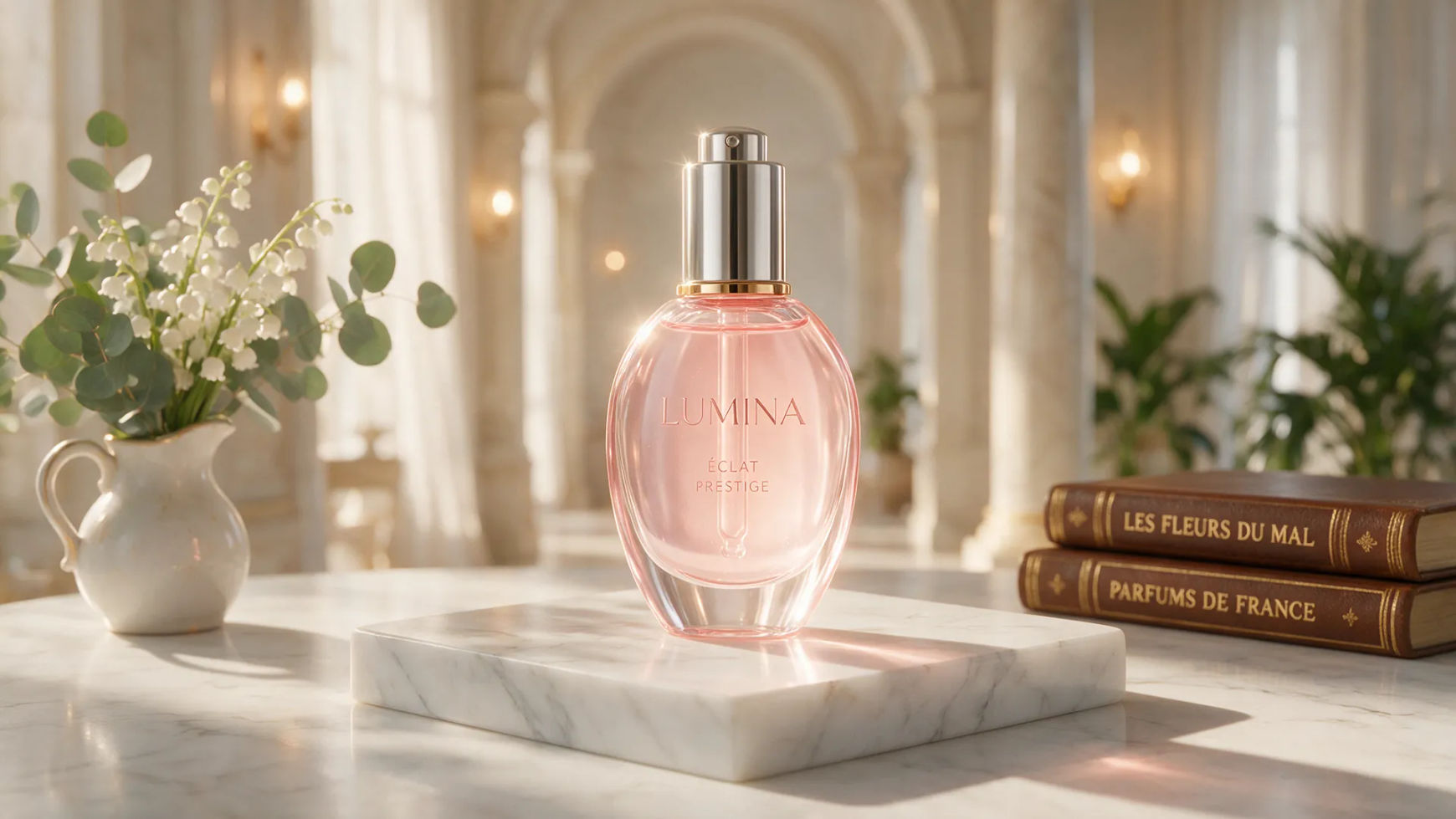
AI product photo generator

Morphic AI product photo generator hero

Turn a plain phone shot into studio-grade product photos. Generate lifestyle scenes and clean backgrounds for listings, ads, and catalogs.

Product shots you can create

Shoot product photos in three steps

  1. 01

    Open Morphic

    Sign up and start creating on a free-flowing, infinite visual canvas.

  2. 02

    Add your product photo

    Drop in a photo of your real product, even a plain phone shot.

  3. 03

    Generate the scene

    Describe the background and lighting. Your exact product stays consistent while the scene changes.

Use cases

Plain shot to studio-grade

Start from a cluttered phone photo and get a clean, studio-grade shot. Your exact product stays recognizable while the background drops to crisp white or a soft gradient.
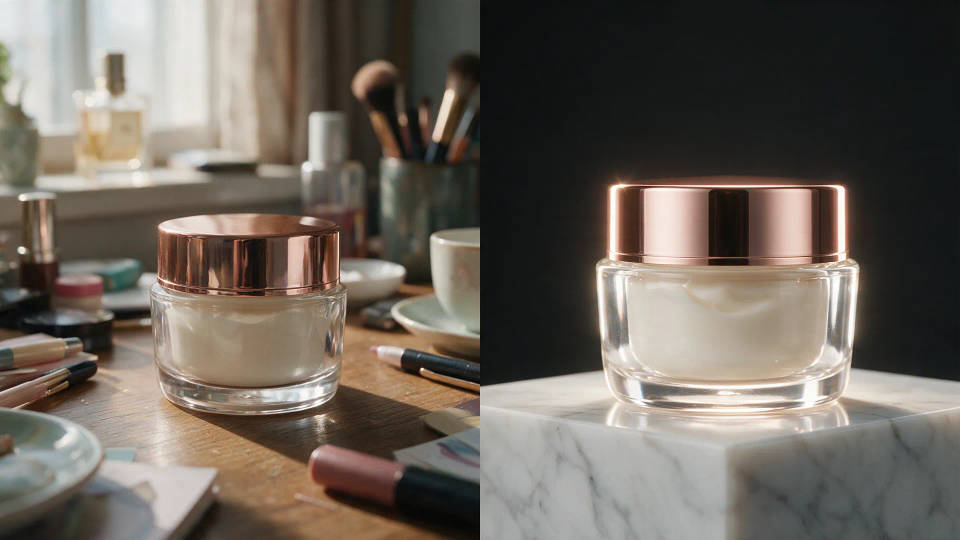
Plain shot to studio-grade

Your exact product, a dozen scenes

Place the same product on marble, rustic wood, a sunlit counter, or outdoors. Shape, label, and color hold, so one photo becomes a dozen contexts.
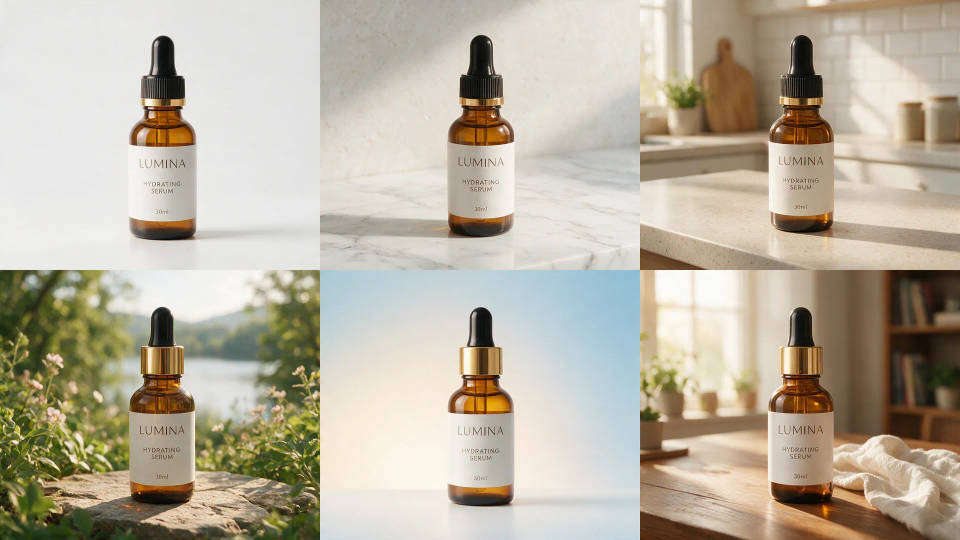
Your exact product, a dozen scenes

Lifestyle scenes without a shoot

Describe a setting and your product drops right in. Lifestyle photography for ads and social without a location, set, or photographer.
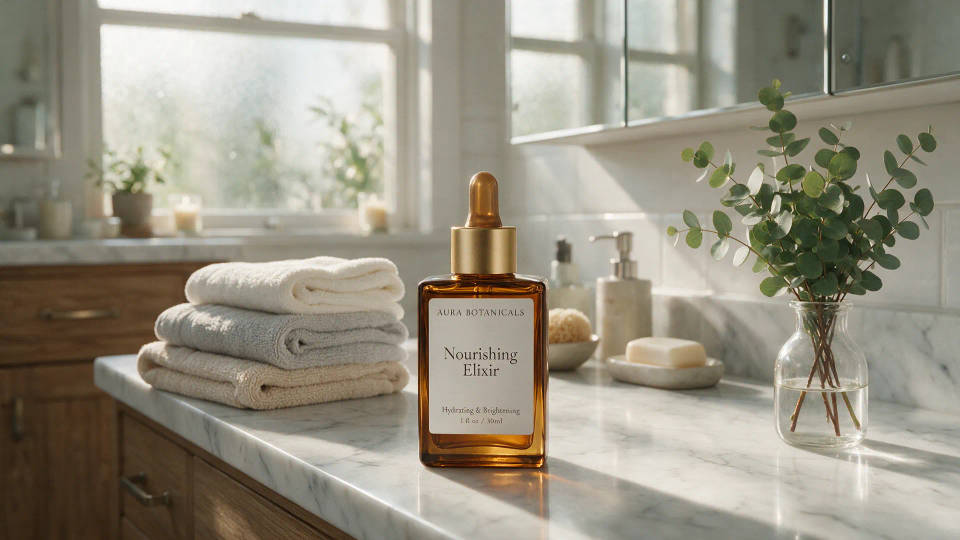
Lifestyle scenes without a shoot

A whole catalog, one style

Pick a look once and generate every item in it. Turn it into a Workflow so the whole catalog shares one visual identity, SKU to SKU.
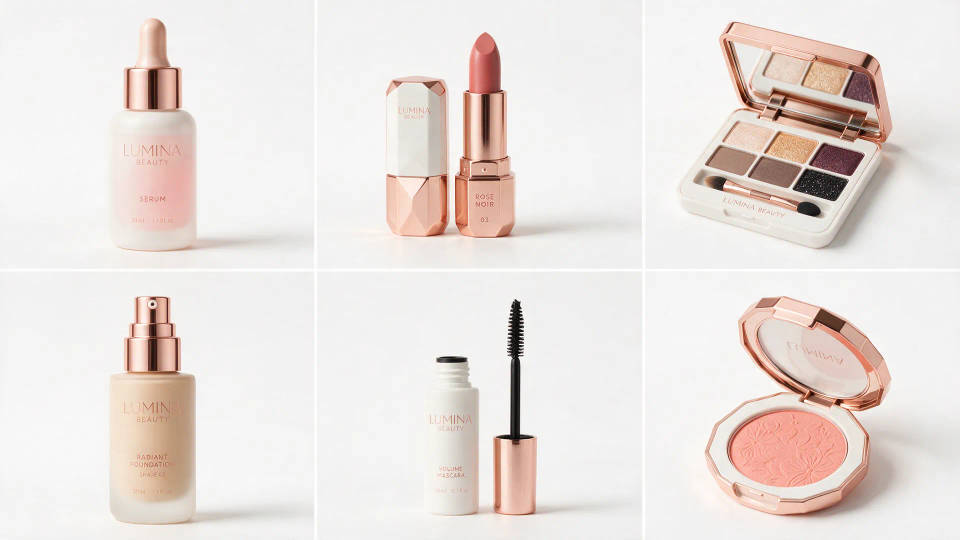
A whole catalog, one style

Product shots you can create

Different backgrounds, scenes, and lighting. Open any prompt to tweak it and generate your own.
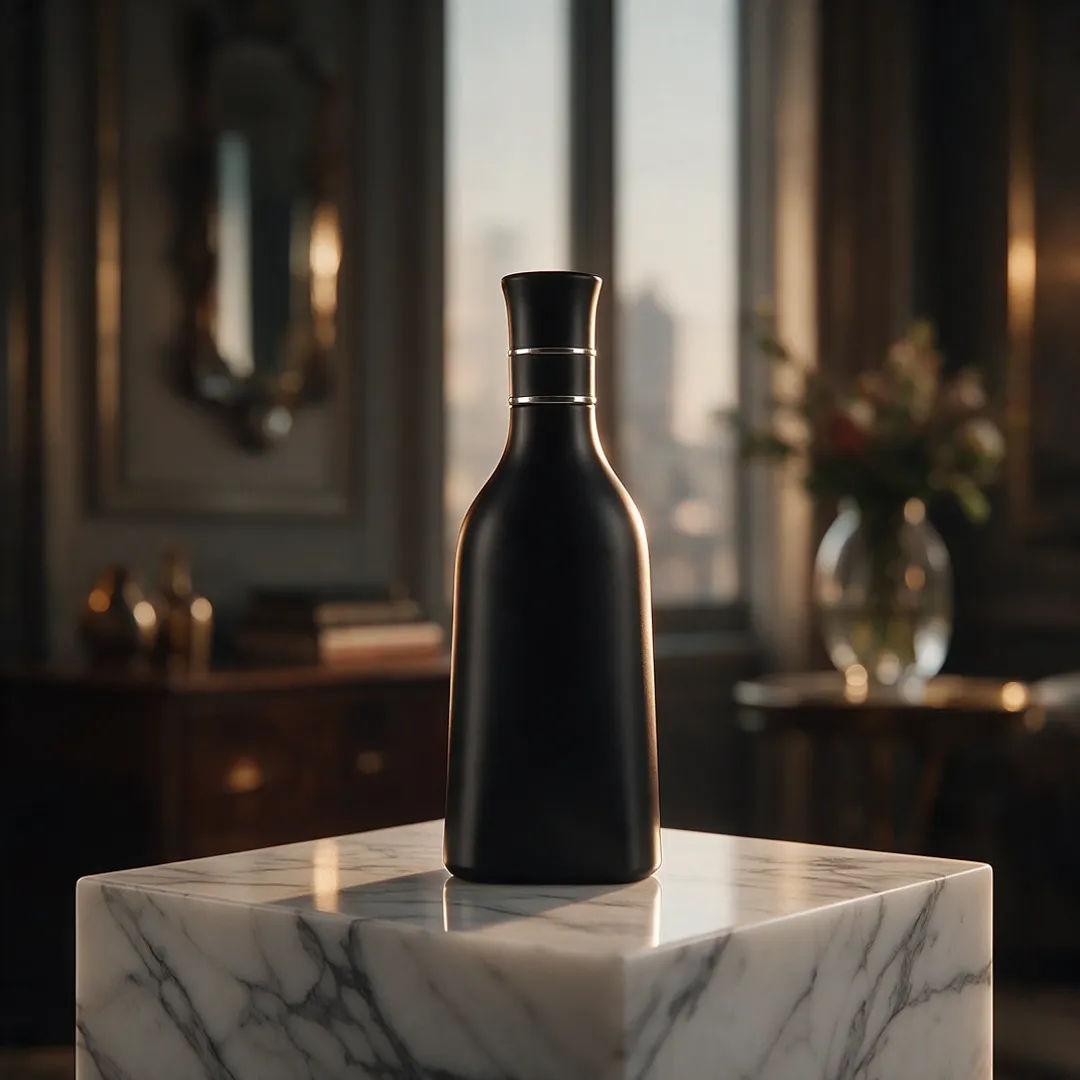
Matte-black bottle on a marble pedestal with soft rim light

Marble pedestal

Matte-black bottle on a marble pedestal, soft rim light, premium mood

Edit prompt
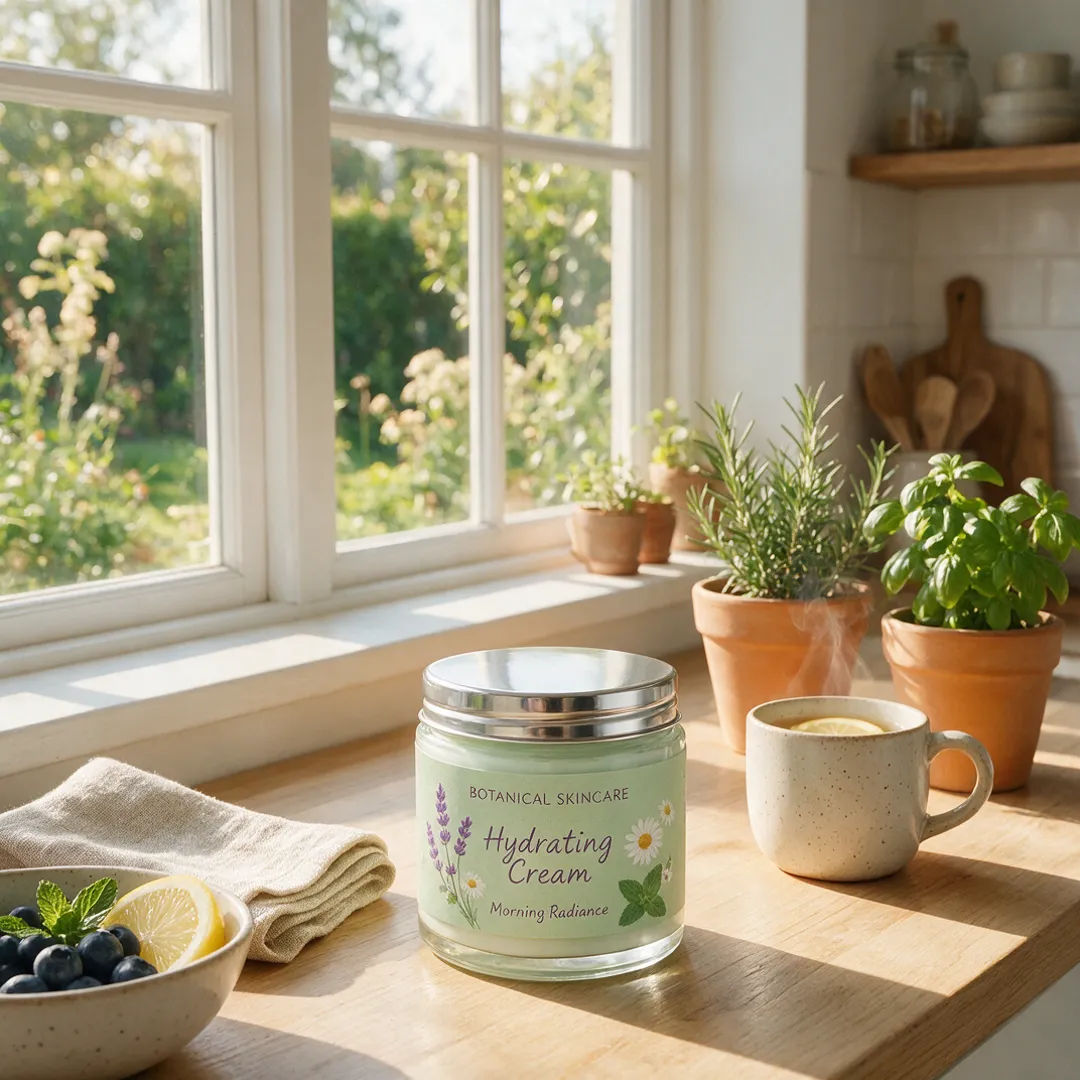
Skincare jar on a sunlit kitchen counter in soft morning light

Sunlit kitchen

Skincare jar on a sunlit kitchen counter, soft morning light, fresh mood

Edit prompt
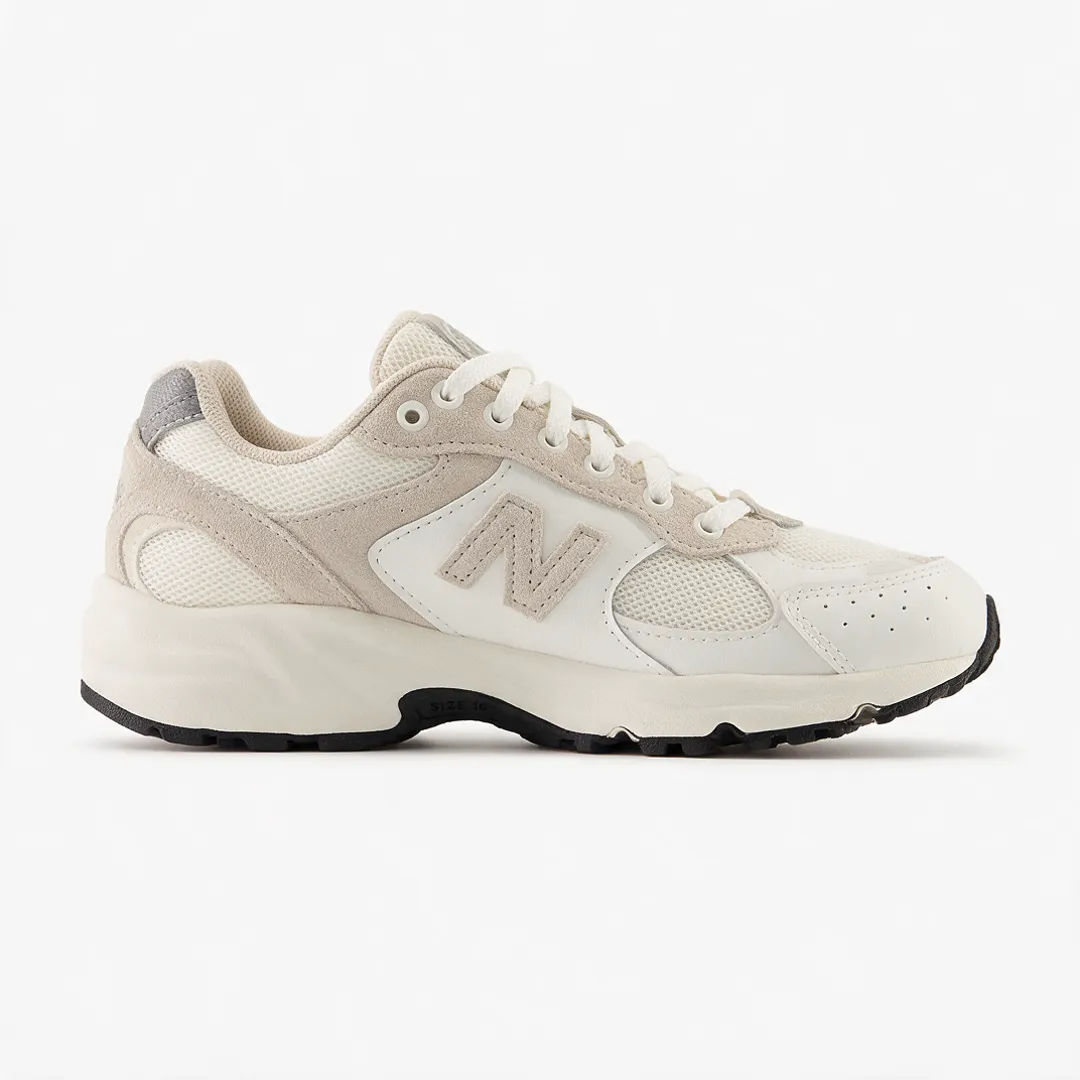
Sneaker on a clean white background with even studio light

Clean white listing

Sneaker on a clean white background, even studio light, sharp catalog shot

Edit prompt
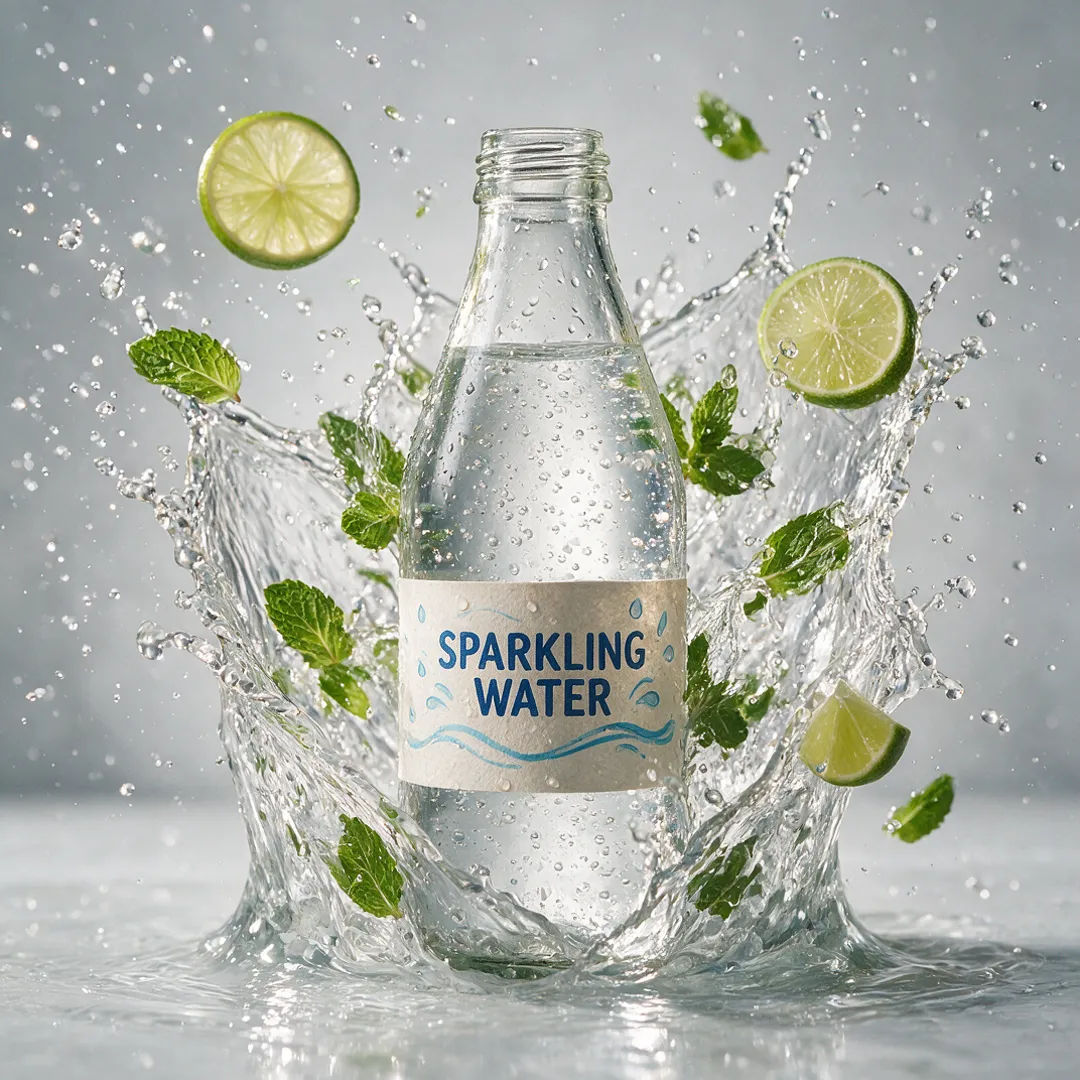
Glass drink bottle caught in a bright water splash under studio light

Water splash

Glass drink bottle in a bright water splash, high-speed studio light

Edit prompt
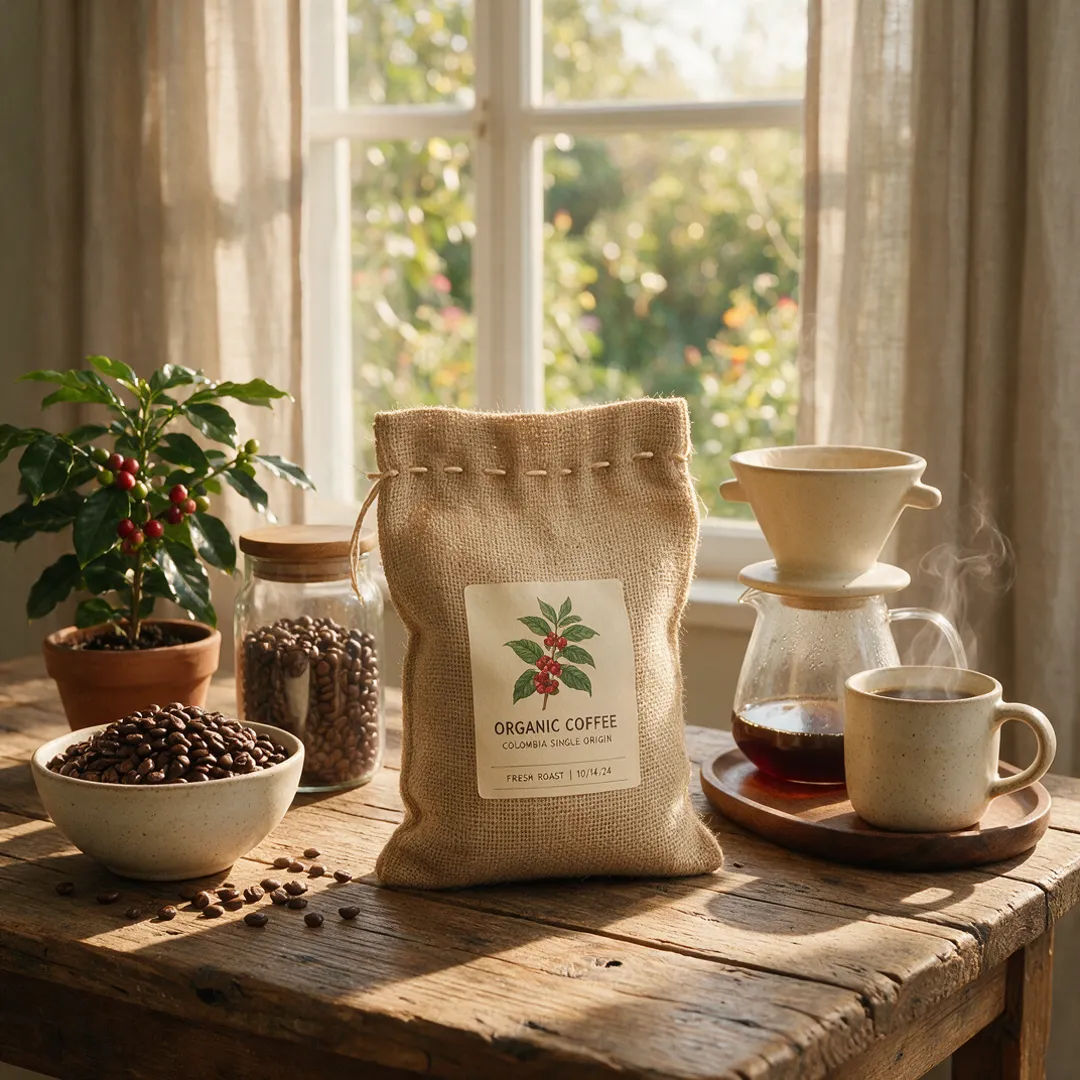
Coffee bag on a rustic wood table in warm daylight

Rustic wood table

Coffee bag on a rustic wood table, warm daylight, cozy lifestyle scene

Edit prompt
Perfume bottle on a bold coral backdrop with crisp studio light

Colored backdrop

Perfume bottle on a bold coral backdrop, crisp studio light, playful pop

Edit prompt

All on Morphic

Your complete product-photo stack

Simple pricing

Get started for free today, with the option to upgrade or cancel anytime.

Basic

$9/ month
billed as $0 per year

900 monthly credits

1 user only

All models

Workflows

Standard

$24/ month
billed as $0 per year

3200 monthly credits

1 user only

All models

Workflows

Pro

$45/ month
billed as $0 per year

6200 shared monthly credits

1 user

+ up to 4 more at extra cost

All models

Workflows

Pro Max

$170/ month
billed as $0 per year

24000 shared monthly credits

1 user

+ up to 9 more at extra cost

All models

Workflows

Enterprise

For higher limits

Custom

pricing and billing terms

Unlimited credits
Custom seat limits
All models
Workflows
Pricing Gradient

Free

For playing around

$0

forever free

Up to 20 credits
1 user only
Limited models
Workflows

FAQs

How does an AI product photo generator work?
You start from a photo of your real product, even a plain phone shot, and use image-to-image to place that exact product into a new background or scene. The generator keeps your product recognizable and changes the setting, lighting, and mood around it. That gives you studio-grade shots without a studio day.
Can I keep my exact product looking the same across every photo?
Yes. Because you generate from a photo of the real product, the shape, label, and color hold from shot to shot. You place the same product on a marble pedestal, in a kitchen, or on a white background, and it stays the same recognizable item across the whole set.
Do I need professional product photography to start?
No. One clear photo of the product is enough. A phone shot on a table works as the starting image. From there you generate clean-background listing shots and lifestyle scenes, so a single photo can seed a whole catalog.
Can I make lifestyle scenes without a photo shoot?
Yes. Describe the setting you want, a sunlit kitchen counter, a rustic wood table, an outdoor picnic, and the generator drops your exact product into that scene. You get lifestyle photography for ads and social without booking a location or a set.
Can I create clean white-background photos for marketplace listings?
Yes. Generate crisp white-background or soft-gradient shots that meet the clean-background look most marketplaces expect. Swap the setting behind your product while the product itself stays sharp and consistent.
Can I generate a whole catalog in one consistent style?
Yes. Pick a look once, a soft studio gradient or a flat-lay top-down, and generate every product in that same style. Turn the recipe into a Workflow and rerun it for each new item, so the full catalog shares one visual identity.
What kinds of product shots can I generate?
White-background catalog shots, marble pedestal hero shots, lifestyle kitchen and outdoor scenes, studio gradients, flat-lay top-downs, water-splash beauty shots, rustic wood tables, seasonal holiday setups, and macro detail crops. Name the scene in the prompt and generate as many contexts as you need.

You might also like