Every image model
Glitch looks you can add
Add a glitch effect in three steps
- 01
Open Morphic
Sign up and start creating on a free-flowing, infinite visual canvas.
- 02
Upload and describe the glitch
Drop in your image and name the effects and the intensity, such as scan lines with a light RGB split.
- 03
Generate and export
The glitch look renders onto your image and stays consistent. Rerun to tune the strength, then export.
Use cases
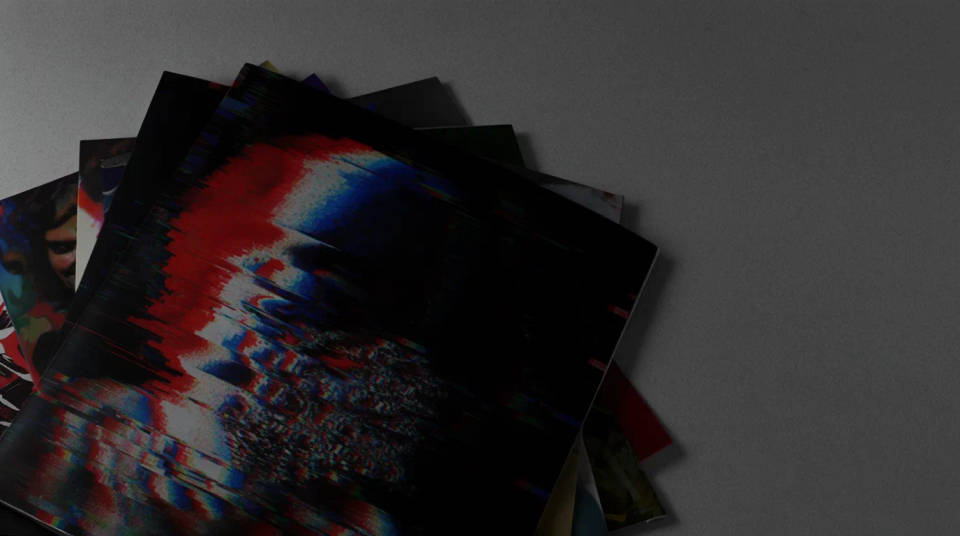
Music covers and posters
Give a single cover, an album art, or a gig poster a corrupted, high-energy edge. Push datamosh and RGB split for a heavy look, or keep it to scan lines for a subtler retro feel. It is a fast way to land a bold visual identity without hand-building the effect in a photo editor.
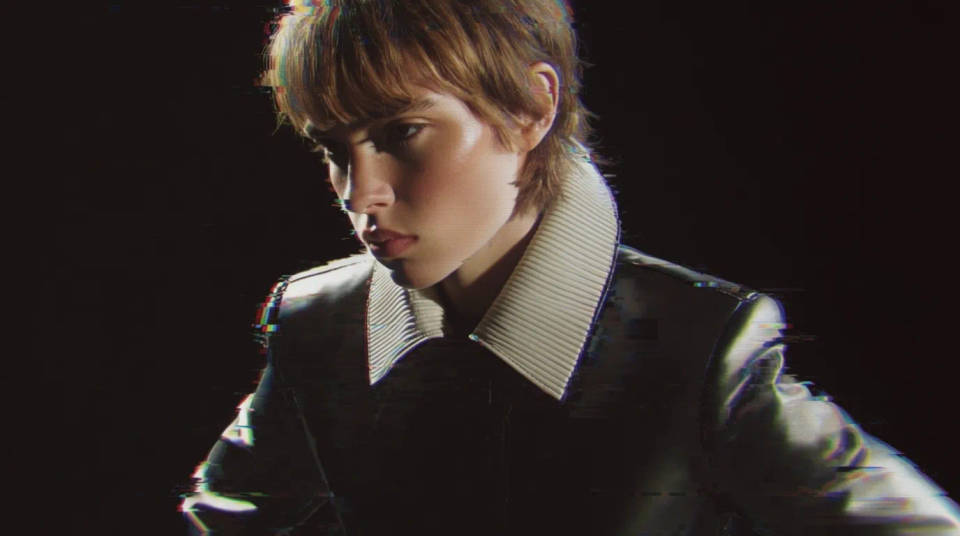
Thumbnails and social hooks
A glitch treatment grabs attention in a feed or on a video thumbnail. Add a chromatic split and a few corrupted blocks to a still to make it pop, and reuse the same recipe across a series so your thumbnails share one recognisable look.
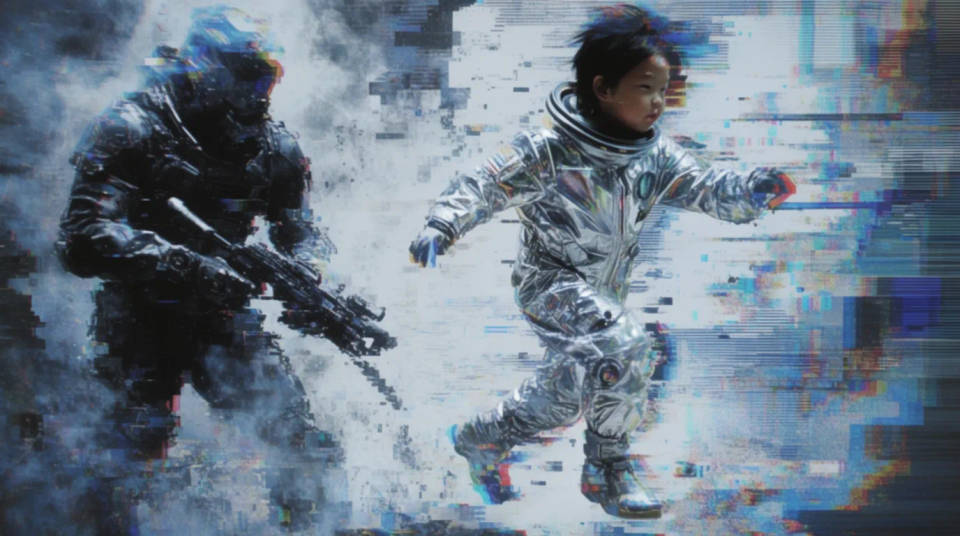
Cyberpunk and retro-tech scenes
Lean into a CRT, VHS, or cyberpunk aesthetic with scan lines, flicker, and tracking noise layered over your image. Great for game art, sci-fi mood pieces, and retro-tech branding where the glitch is the whole point of the style.
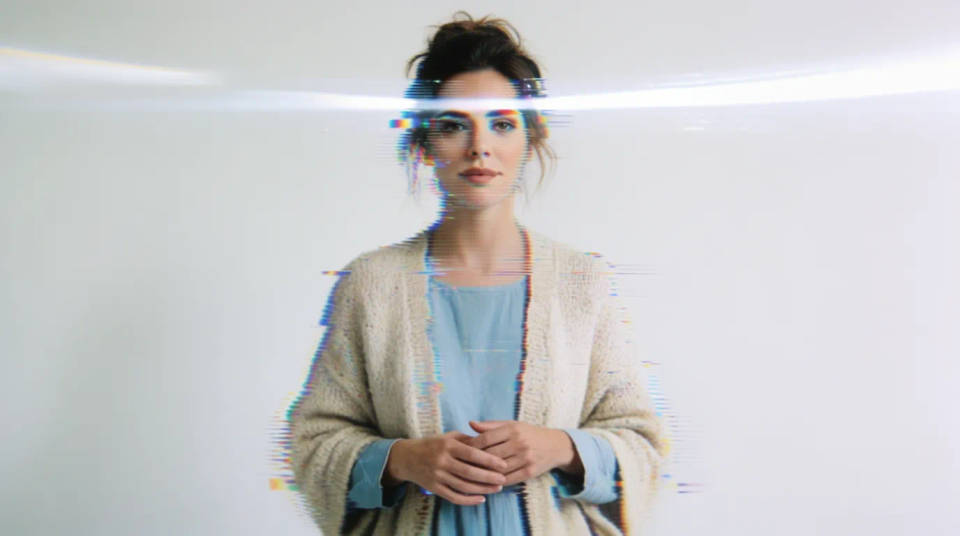
A consistent glitch set
When you need several images in one treatment, describe the same glitch recipe for each and the look carries across the set. Covers, chapter cards, or ad frames end up sharing a deliberate style, which reads far better than a mix of one-off effects.
Prompt examples
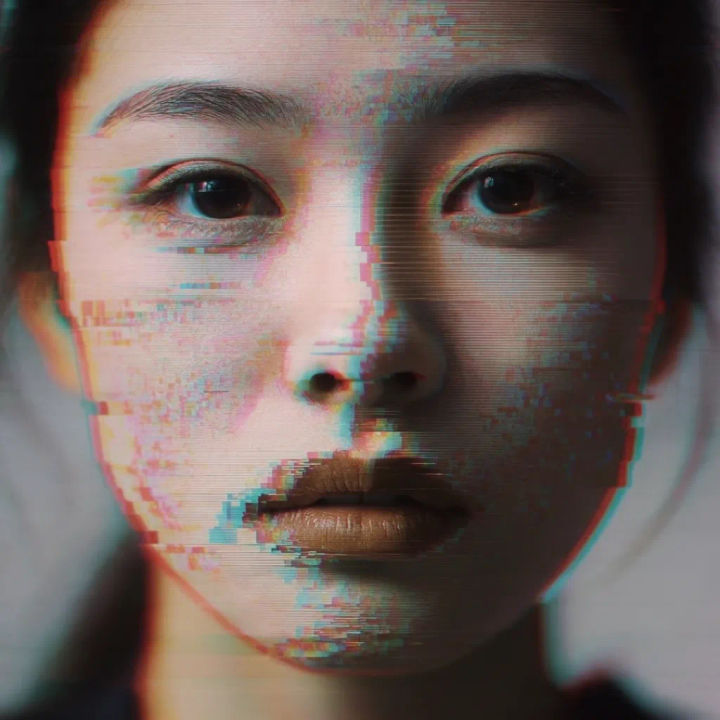
Scan lines and RGB split
Add horizontal scan lines and a subtle RGB channel split to this portrait, keep the face clearly readable underneath the effect
Edit prompt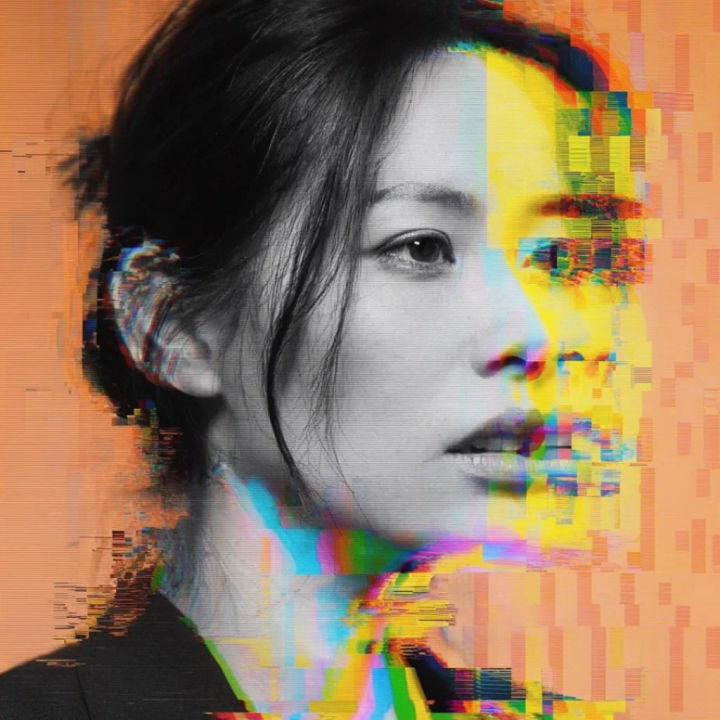
Heavy datamosh
Add heavy datamosh smearing and block corruption to this album cover, streaked colours pulling to the right, abstract but the title still visible
Edit prompt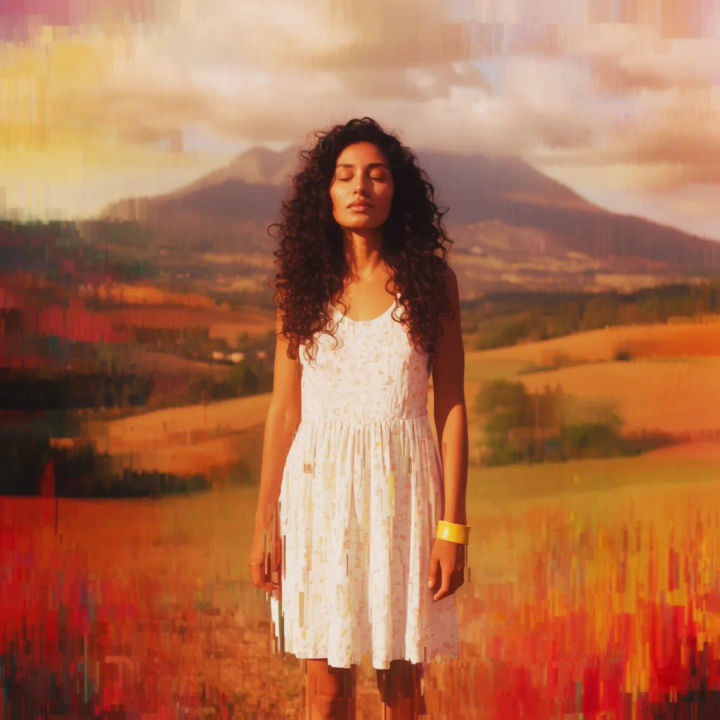
Pixel sort streaks
Add vertical pixel-sorting streaks to this landscape, colours bleeding downward from the bright areas, glitchy digital texture
Edit prompt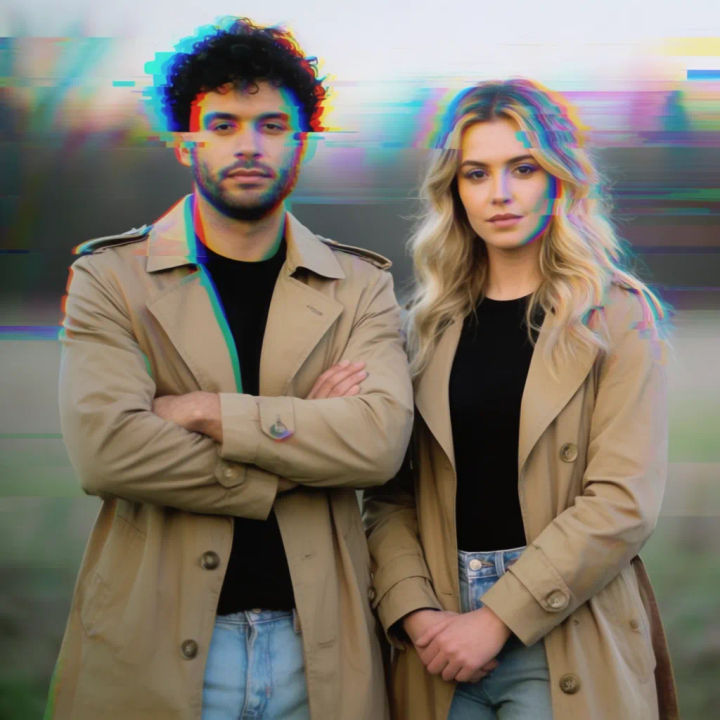
VHS tracking
Add VHS tracking noise and CRT flicker to this photo, warped horizontal bands and slight colour bleed, retro analog look
Edit prompt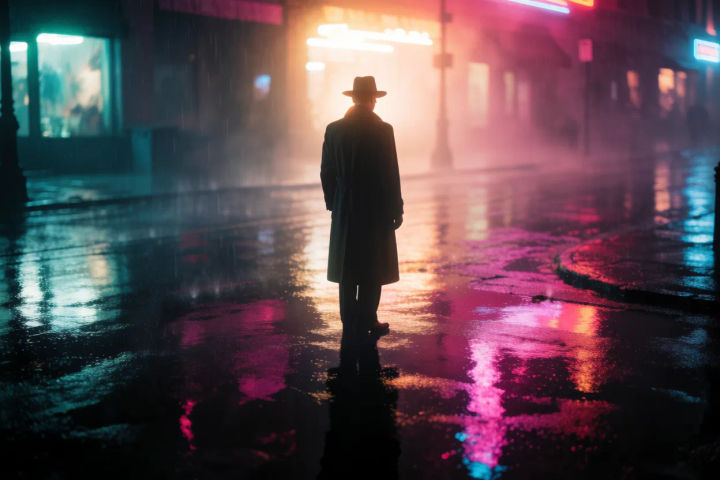
Cyberpunk banner
Add a cyberpunk glitch treatment to this city night shot, neon chromatic split, scan lines, corrupted blocks along the edges
Edit prompt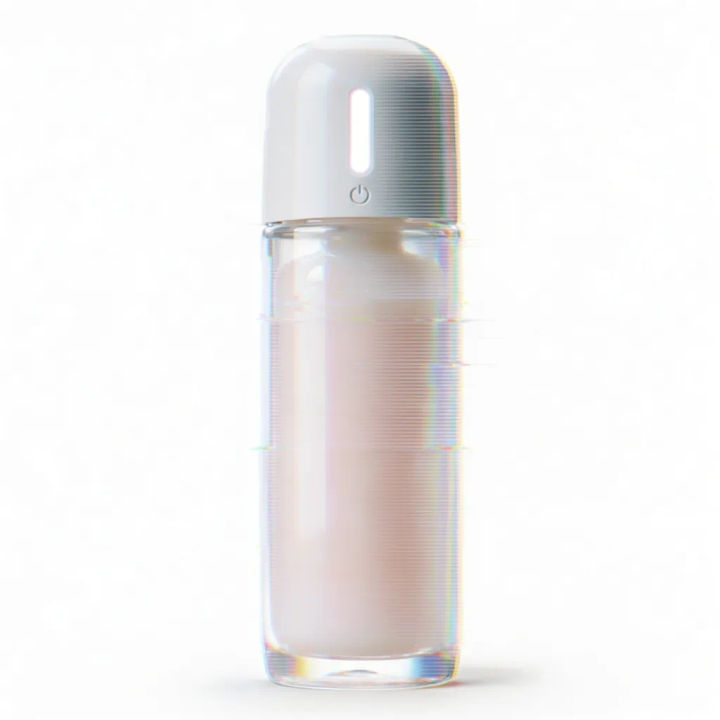
Subtle accent
Add a light glitch accent to this product photo, a thin RGB split on the edges and a faint scan line overlay, keep it clean and premium
Edit prompt
Cinematic storyboard
Share a scene description with character references. Get a full storyboard with shot angles and mood.

Messages to cinematic scene
Dramatize any text conversation into a cinematic multi-shot video.

Title sequence
Generate a professional film title card from scratch, with optional cinematic animation.
Time-freeze effect
Cinematic time-freeze short film for any scene

3x3 storyboard
Feed in a single image. Get 9 cinematic beats laid out as a 3x3 storyboard grid.

Chibi sprite animation
Turn any photo or description into an animated chibi sprite. Dance, jump, wave, attack, and more.
All on Morphic
Models
Nano Banana 2, Flux 2 Pro, ChatGPT Images, Grok Imagine, Recraft, Seedream, and more. Swap models when a glitch needs a cleaner texture.
AI filter
Apply a broader set of looks and colour grades to a photo, when you want a treatment beyond glitch effects.
AI style transfer
Push an image into a specific art style by supplying a reference, to pair with or go beyond a glitch look.
Image to image
Upload an image and render a new treatment onto it, the method behind a consistent glitch effect.
