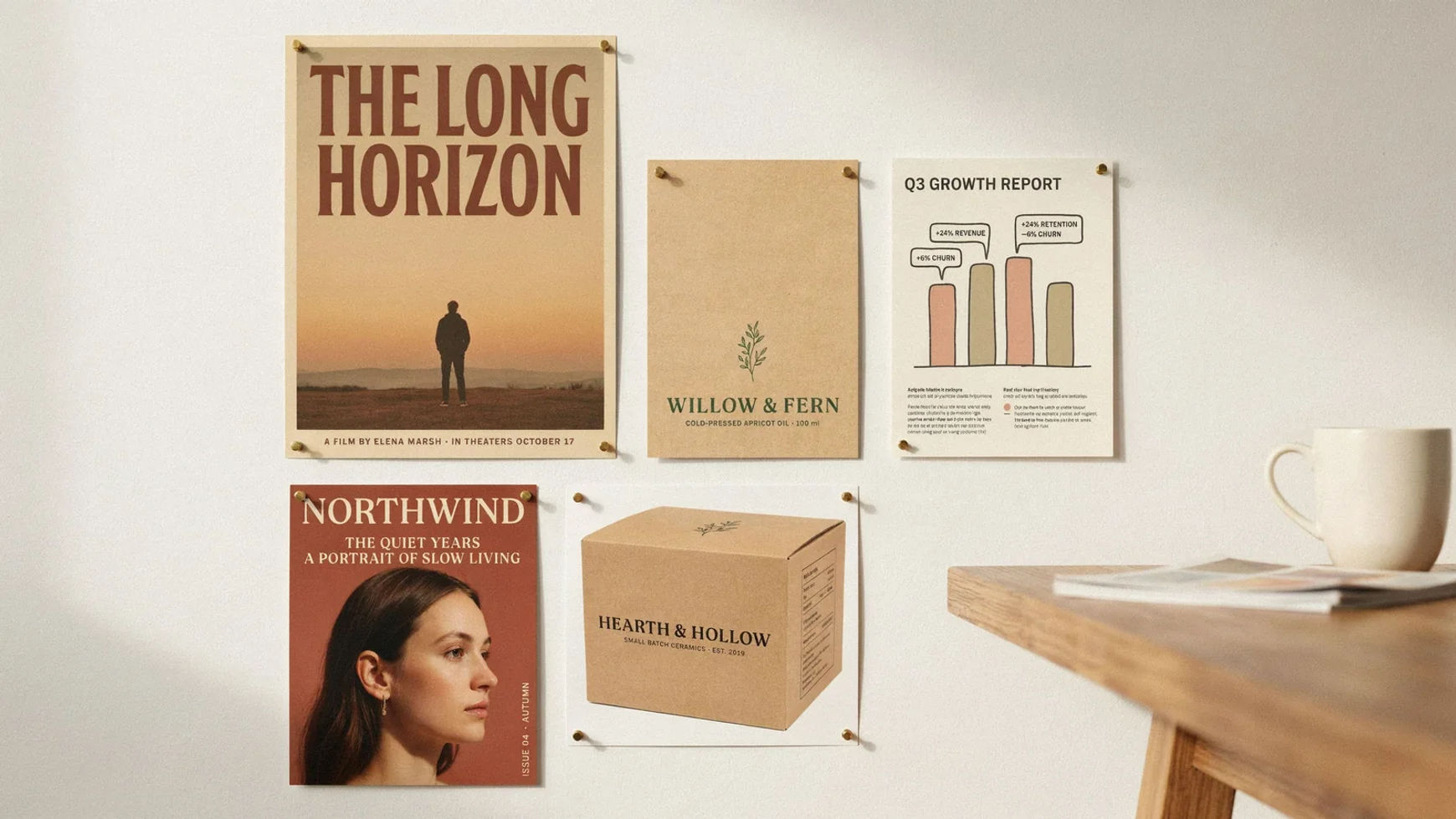
ChatGPT Images 2.5 AI image generator

A studio wall of finished design work: a film poster, a product label, a growth infographic, a magazine cover and a packaging carton, each with legible type

ChatGPT Images 2.5, in your browser. Flare for speed, Sunburst for precision.

Every image model

One workspace

Made with ChatGPT Images 2.5

How to use the ChatGPT Images 2.5 AI image generator

  1. 01

    Open Morphic

    Sign up and start creating on a free-flowing, infinite visual canvas.

  2. 02

    Describe the image

    Subject, layout, light, and the exact words. Quote any on-image text and say how many times it appears.

  3. 03

    Pick Flare or Sunburst

    GPT-Image-2.5 Flare renders fast for everyday work. Sunburst takes longer and holds detail across a chain of edits.

ChatGPT Images 2.5 use cases

Layouts where the small print matters

Posters, packaging panels and credit blocks. The headline is the easy part; the lines underneath are where most models give out. Quote the copy and compare high against xhigh.
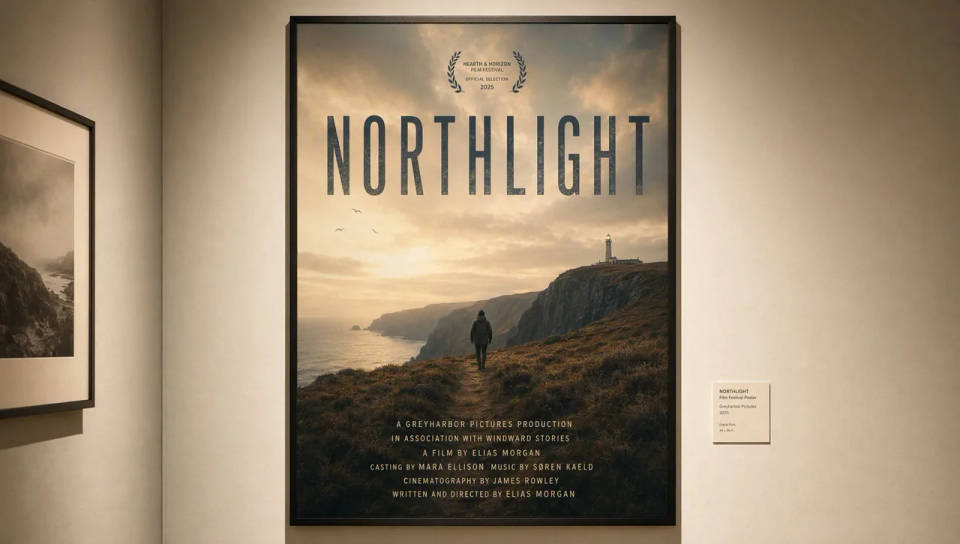
A film festival poster headlined NORTHLIGHT with a full credit block in small type beneath it

Infographics with many labels at once

Charts, cutaways and process sheets carry a dozen small captions at once. OpenAI names infographic accuracy and layout as a specific gain in 2.5. Check the labels, not just the look.
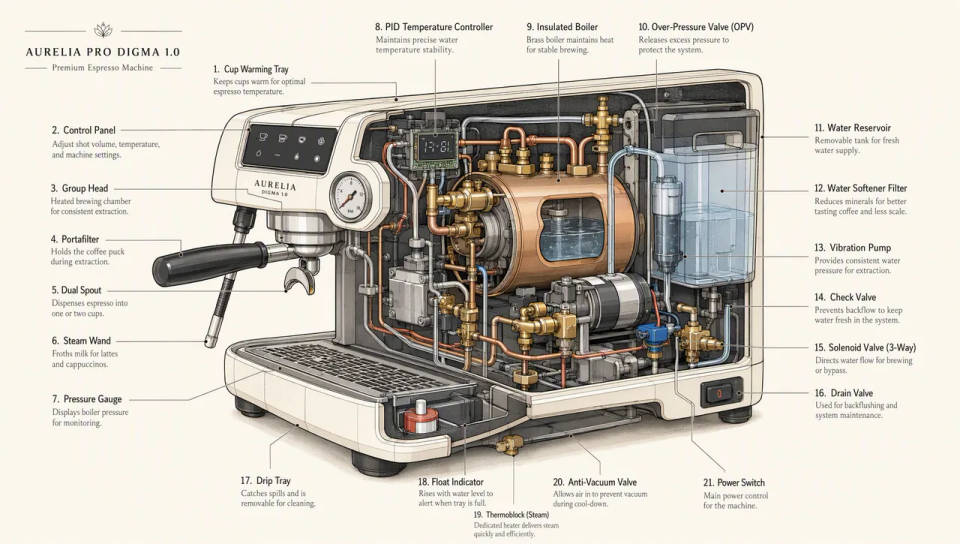
A labelled cutaway diagram of an espresso machine with a small caption on every part

Portraits from a reference photo

Carry a face into a new era, wardrobe or style. Subject fidelity is one of the four headline changes: identity, pose and expression hold while everything you named changes.
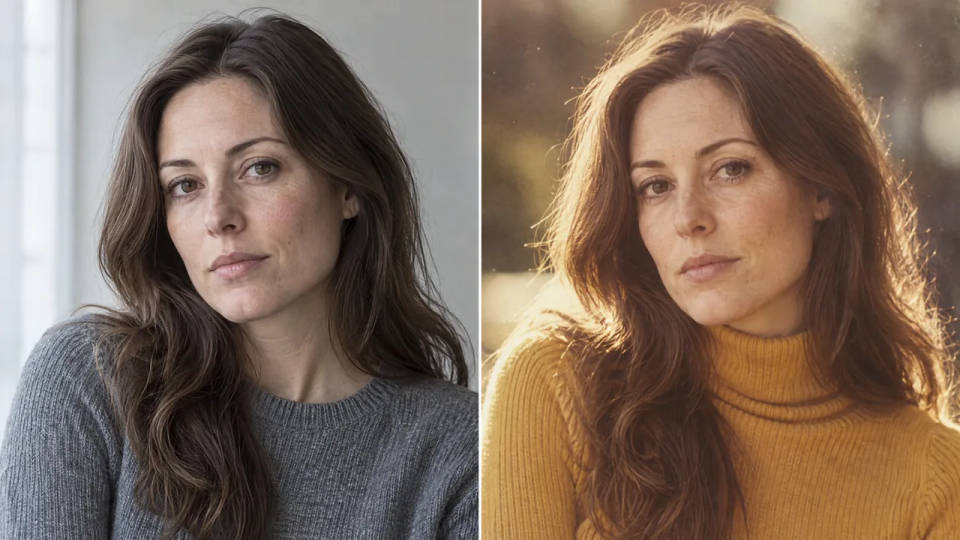
The same woman photographed twice, once as a plain modern studio portrait and once restyled as a 1970s magazine cover

Long edit chains on one image

Iterative work, where the third or fourth change is when a frame quietly drifts. Multi-turn stability is what 2.5 improved most, and GPT-Image-2.5 Sunburst is the tier built for it.
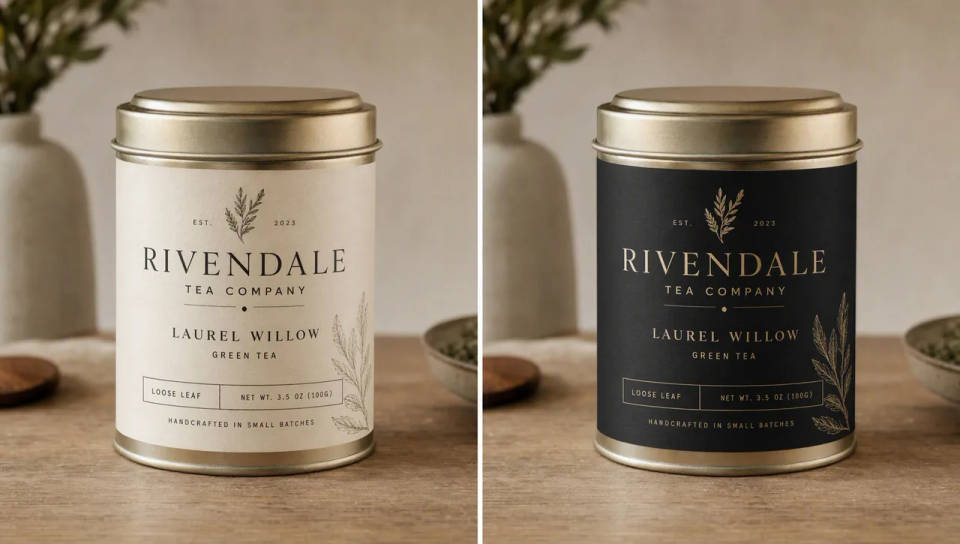

The same tea tin shown twice, cream paper label beside matte black, framing identical

All on Morphic

Your complete image stack

Simple pricing

Get started for free today, with the option to upgrade or cancel anytime.

Basic

$9/ month
billed as $0 per year

1100 monthly credits

1 user only

All models

Workflows

Standard

$24/ month
billed as $0 per year

3625 monthly credits

1 user only

All models

Workflows

Pro

$45/ month
billed as $0 per year

6350 shared monthly credits

1 user

+ up to 4 more at extra cost

All models

Workflows

Pro Max

$170/ month
billed as $0 per year

24650 shared monthly credits

1 user

+ up to 9 more at extra cost

All models

Workflows

Enterprise

For higher limits

Custom

pricing and billing terms

High-volume credits
Custom seat limits
All models
Workflows
Pricing Gradient

Free

For playing around

$0

forever free

Up to 20 credits
1 user only
Limited models
Workflows

FAQs

Can I use a ChatGPT Images 2.5 AI image generator online?
Yes. ChatGPT Images 2.5 was released on September 8, 2026, and both API models run on Morphic in the browser with no download or install. Generate from a written description, or bring in up to 10 reference images and edit. Asking for ChatGPT Images 2.5 gives you GPT-Image-2.5 Flare, the fast default; name GPT-Image-2.5 Sunburst when you want the precision tier. Results land on your Canvas from any laptop, including machines with no GPU.
Is the AI image generator on Morphic free?
Morphic has a free plan, so you can sign up and start generating right away with no payment. Two things to know: downloads on the free plan carry a watermark, and ChatGPT Images 2.5 itself sits on the paid plans, alongside the other frontier models. The free plan is the right way to try the workspace and the wider catalog before deciding.
Should I pick GPT-Image-2.5 Flare or GPT-Image-2.5 Sunburst?
Start with GPT-Image-2.5 Flare. It matches GPT Image 2 on quality at up to half the latency, which covers most everyday work: social content, product shots, quick concepting and anything you plan to run in volume. Move to GPT-Image-2.5 Sunburst when a job needs tighter control across a chain of edits, such as production campaign creative or polished product imagery, and you can afford the longer generation time. OpenAI suggests proving the quality on Sunburst first when quality is the constraint, then testing whether Flare clears the same bar.
What resolution and aspect ratios can I generate?
Output runs at 1080p, 1440p or 2160p, in nine aspect ratios from 21:9 through 9:16 plus auto, with custom dimensions supported. The model itself tops out at a 3840 pixel edge with ratios between 1:3 and 3:1. Five quality tiers are available, from low through the two new ones in this release, xhigh and max, which add fine detail for print and take longer to render.
How do I get text right in the image?
Quote the exact words, say how many times they should appear, and describe where they sit and how they are set. Adding a line such as no extra text, no watermarks stops invented copy from creeping in. For small or dense type, compare high against xhigh before settling. Spelling unusual brand names letter by letter helps the model render them as characters rather than guess at them.
Can I edit an image without changing the rest of it?
That is the improvement this release is built around. Name the single change, then list what has to stay: subject, pose, lighting, framing, background, labels. Editing precision and multi-turn stability both improved in 2.5, so a chain of revisions holds together better than it used to. If a region has to stay pixel-identical, OpenAI recommends compositing the approved edit back into the original rather than relying on the prompt alone.

You might also like





