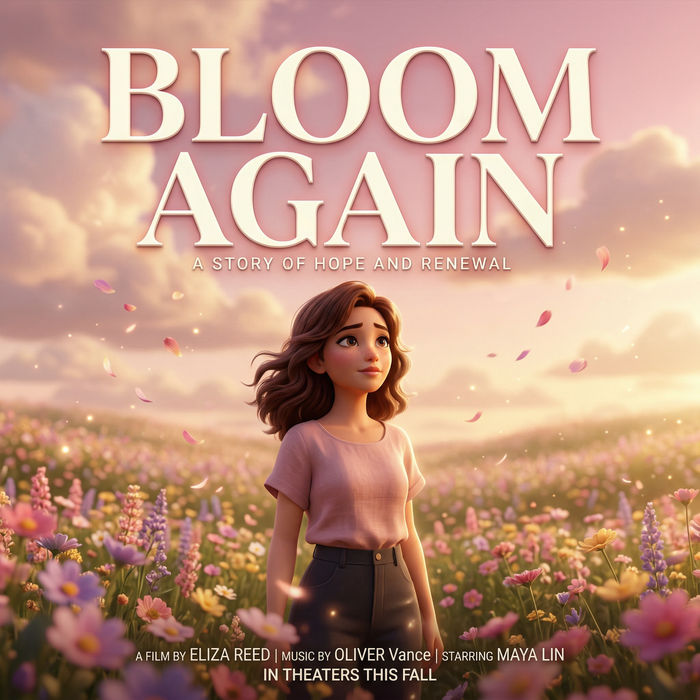
Kling Image 4.0 AI image generator

Cinematic stills from a detailed brief. Up to 4K, with 10 reference images.

Every image model

One workspace

Made with Kling Image 4.0

Use Kling Image 4.0 in three steps

  1. 01

    Open Morphic

    Sign up and pick Kling Image 4.0 in the image model list, in Copilot or on the Canvas.

  2. 02

    Write the brief

    Who is in the frame, where, the light and the lens. Add reference images and cite them as @Image1, @Image2.

  3. 03

    Render and compare

    Choose 2K or 4K and an aspect ratio, run a few versions, and keep the best, or animate it with Kling 4.0.

What Kling Image 4.0 makes

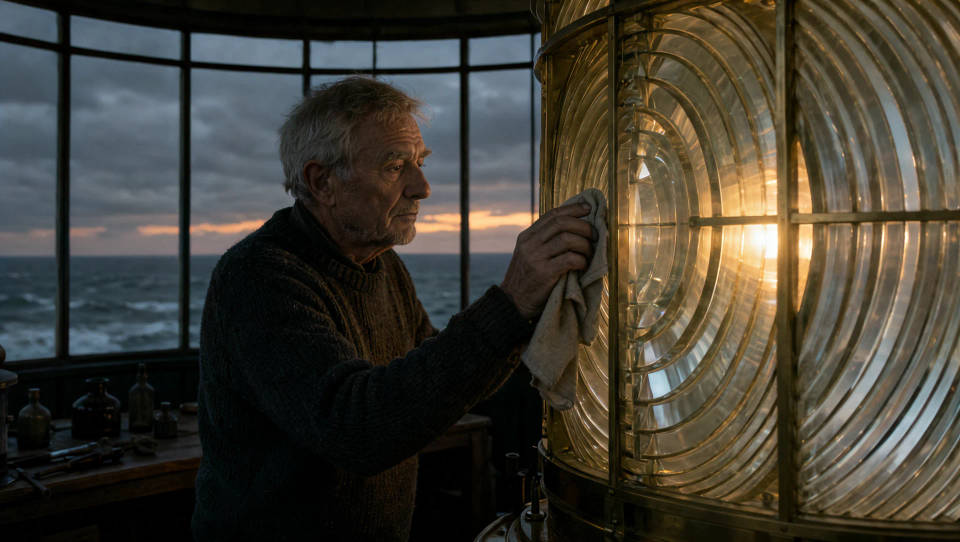
Cinematic stills

Frames that read like a film still: a lens, a camera height and natural light named in the prompt, and the image follows them.
Cinematic stills

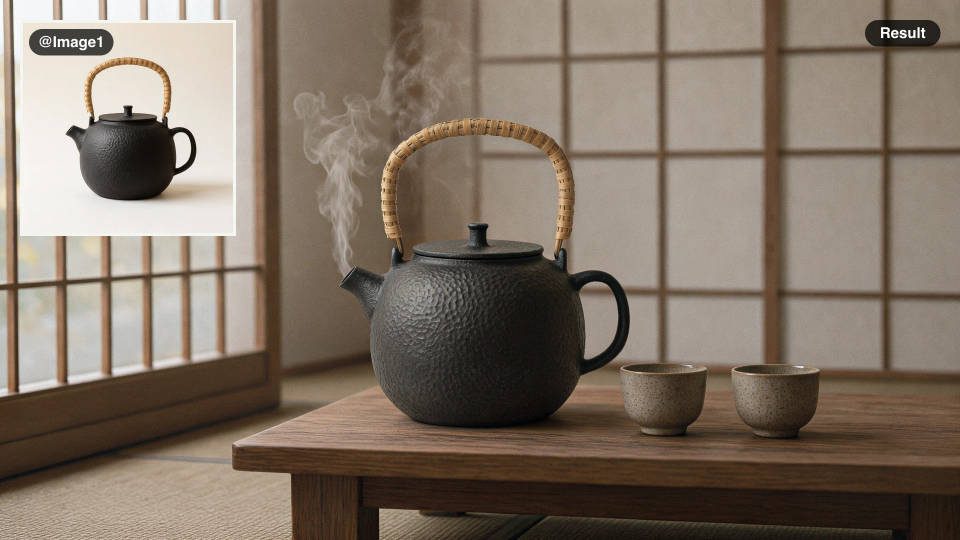
Products in context

One plain photo of your product becomes a styled scene, with its shape and finish carried over from the reference.
Products in context

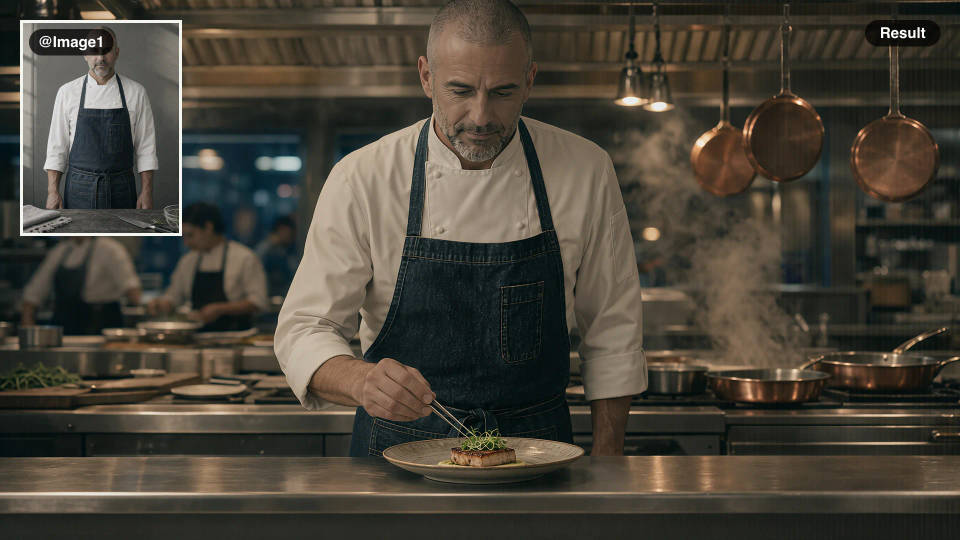
One cast, many scenes

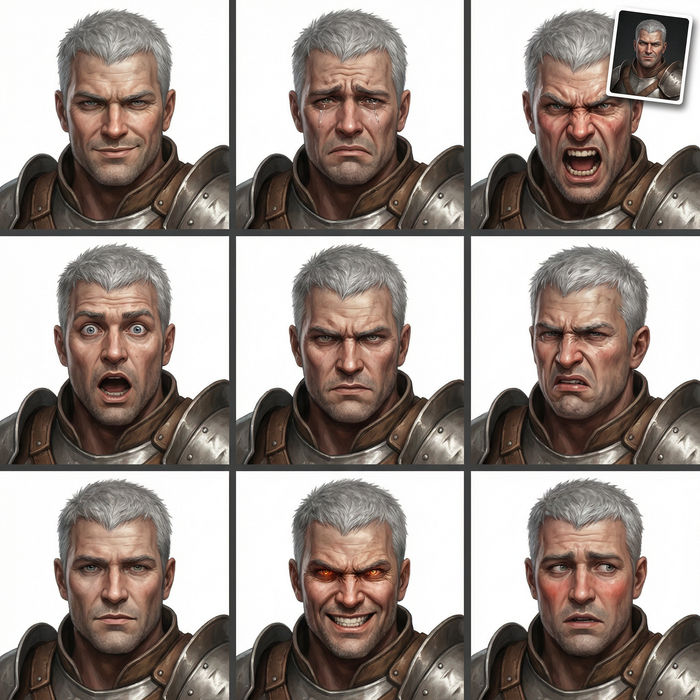
Use a portrait as @Image1 and keep the same face, hair and clothes across a campaign, a comic or a storyboard.
One cast, many scenes

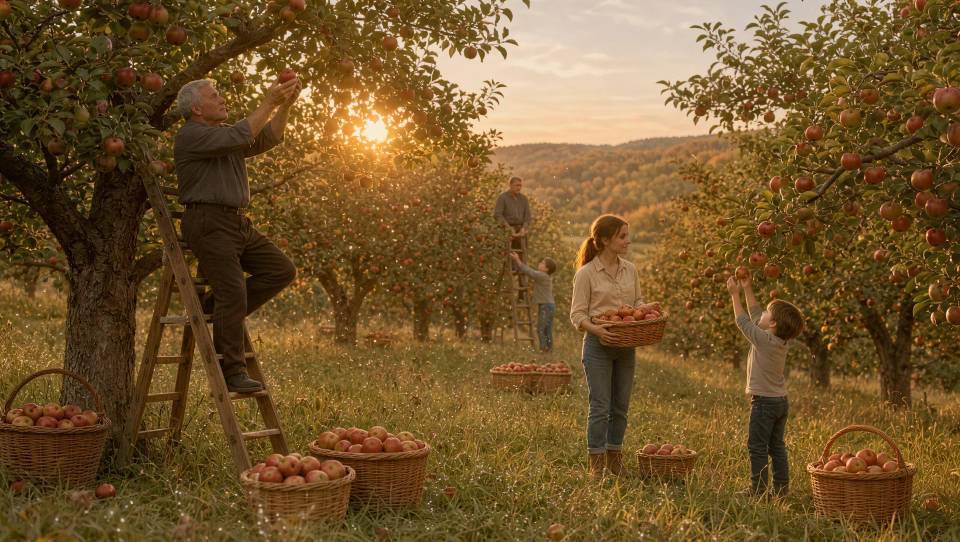
4K for print

Render at 4K for posters, packaging and large screens, with fine detail that holds up when you crop in.
4K for print

Kling Image 4.0 prompt examples

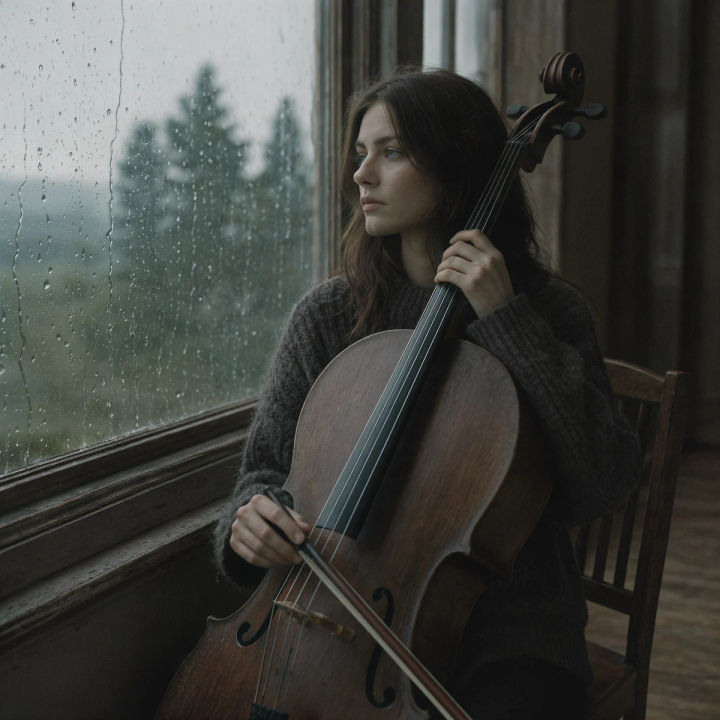
A cellist sitting by a rain-streaked window in soft north light

Window portrait

Portrait of a cellist by a rain-streaked window, soft north light, 85mm, muted film colour

Edit prompt
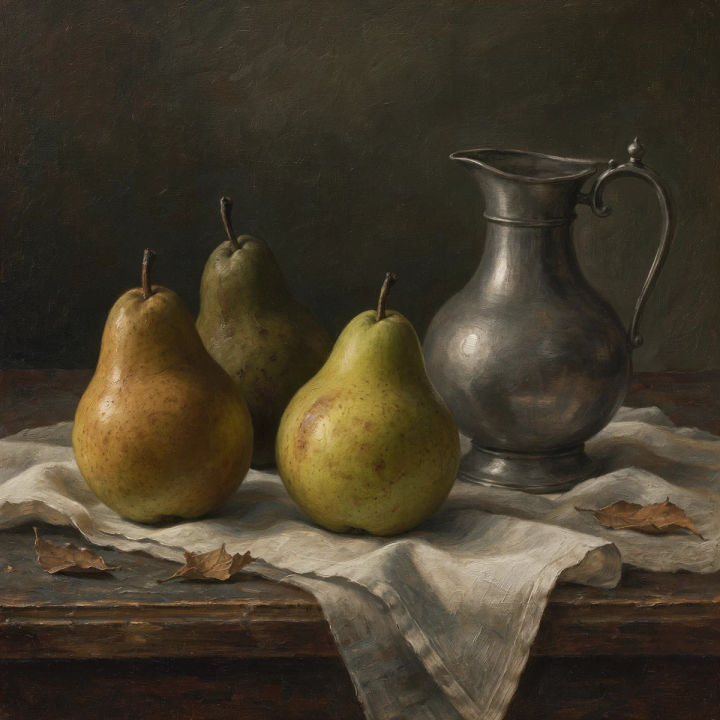
Pears, a pewter jug and a linen cloth on a dark table in side light

Still life

Still life of pears, a pewter jug and a linen cloth on a dark table, side light, oil-painting mood

Edit prompt
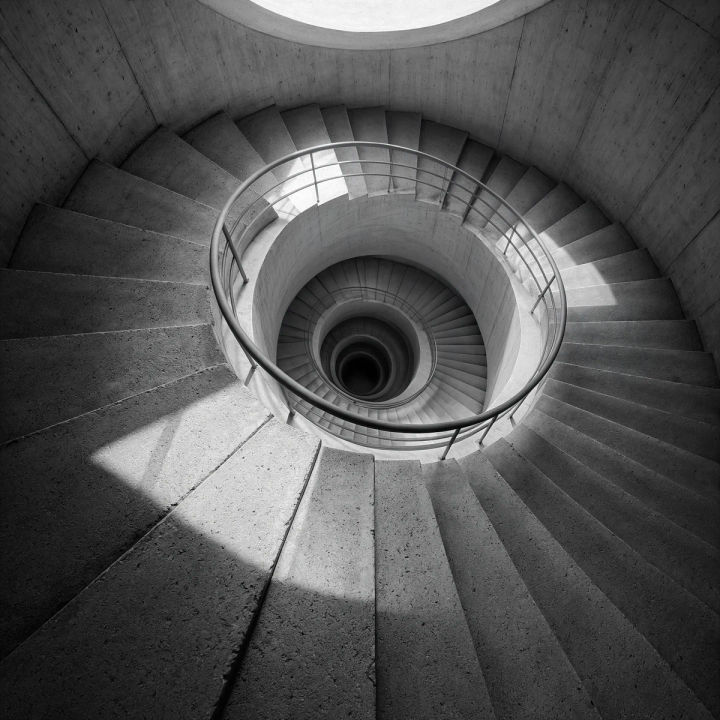
A black and white concrete stairwell spiralling down with one shaft of light

Architecture

Concrete stairwell spiralling down, one shaft of noon light, black and white, wide lens

Edit prompt
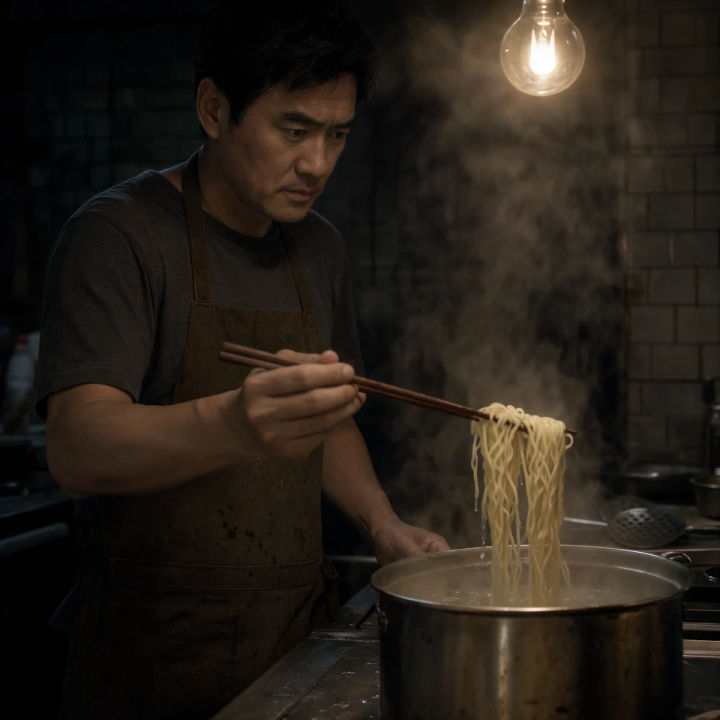
A cook lifting noodles from a steaming pot in a dim night kitchen under one bare bulb

Food

Film still of a cook lifting noodles from a steaming pot in a dim night kitchen, one bare bulb, grain

Edit prompt
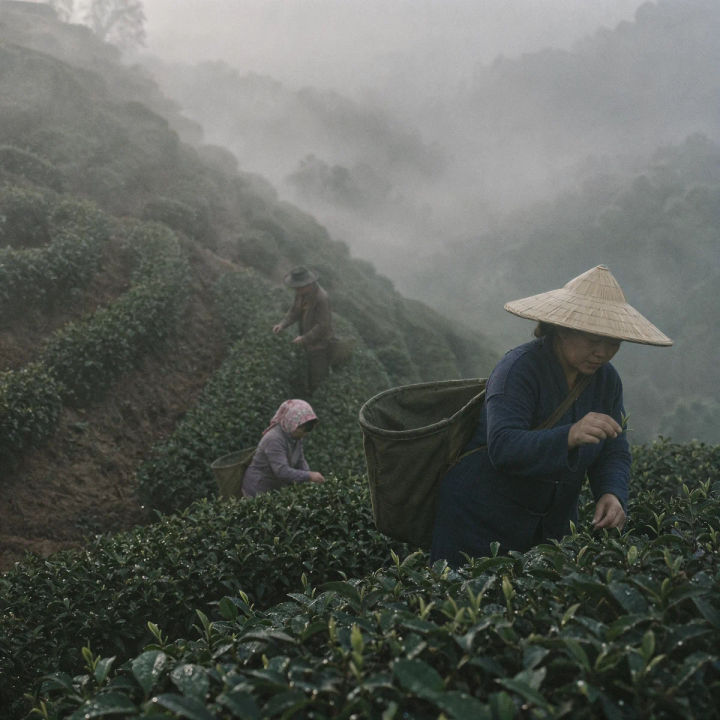
Tea pickers in morning fog on a steep plantation, the rows compressed by a long lens

Landscape

Tea pickers in morning fog on a steep plantation, 200mm compression, muted greens, film grain

Edit prompt

Gouache illustration of a fox reading a book under a large mushroom in the rain

Illustration

Gouache illustration of a fox reading under a mushroom in the rain, warm muted palette

Edit prompt

All on Morphic

Your complete image stack

Simple pricing

Get started for free today, with the option to upgrade or cancel anytime.

Basic

$19/ month
billed as $228 per year

2400 monthly credits

1 user only

All models

Workflows

Standard

$24/ month
billed as $288 per year

3625 monthly credits

1 user only

All models

Workflows

Pro

$45/ month
billed as $540 per year

6350 shared monthly credits

1 user

+ up to 4 more at extra cost

All models

Workflows

Max

$170/ month
billed as $2040 per year

24650 shared monthly credits

1 user

+ up to 9 more at extra cost

All models

Workflows

Enterprise

For higher limits

Custom

pricing and billing terms

High-volume credits
Custom seat limits
All models
Workflows
Pricing Gradient

Free

For playing around

$0

forever free

Up to 20 credits
1 user only
Limited models
Workflows

FAQs

What is the Kling Image 4.0 AI image generator?
Kling Image 4.0 is Kling's new image model. Describe an image, or add up to 10 reference images of your people, products and places, and it renders a still at 2K or 4K in the aspect ratio you choose.
Is the Kling Image 4.0 AI image generator free?
Kling Image 4.0 is coming soon to every Morphic plan, Free included, so you will be able to make images without paying. Each image uses Morphic credits like the other image models.
What can I make with Kling Image 4.0?
Key art, portraits, product shots, posters, interiors and storyboard frames. It is at its best with specific briefs: who is in the frame, where, in what light and through which lens.
Can Kling Image 4.0 keep a character or product the same?
Yes. Add a clear image of the person or product and refer to it as @Image1 in the prompt. List what must stay the same, such as the face and clothes or the shape and finish, and it carries over into the new scene.
What resolution and aspect ratios does Kling Image 4.0 support?
It renders at 2K or 4K, which is 1440p or 2160p on Morphic, in nine aspect ratios: 16:9, 9:16, 1:1, 4:3, 3:4, 3:2, 2:3, 21:9 and auto.
How do I write a good Kling Image 4.0 prompt?
Write it like a film still: who is in the frame, where, the light, the lens and the look. One-line prompts drift toward glossy stock photos; a full paragraph comes back quiet and specific. The Kling Image 4.0 guide walks through it.
Can I make posters and title cards with Kling Image 4.0?
Yes. Put the title in capitals inside the prompt and it sets the type cleanly. Say the title is the only text on a poster, or it may add credits and dates of its own.
Which aspect ratio should I use for social media?
Use 9:16 for Stories, Reels and TikTok, 1:1 or 3:4 for feed posts, and 16:9 for YouTube thumbnails and presentations. Auto matches the shape of a photo you add as a reference.
Do Kling Image 4.0 images have a watermark?
No. Images you make with Kling Image 4.0 on Morphic come back clean, with no watermark from Kling or from Morphic.
Can I animate Kling Image 4.0 images?
Yes. Use a Kling Image 4.0 still as the first frame, or make a first and a last frame, then animate them with Kling 4.0 video on the same Morphic Canvas.
Were the images on this page made with Kling Image 4.0?
Yes. Every image on this page was generated on Morphic with Kling Image 4.0, from the prompt shown with it.

You might also like