Every image model
One workspaceMade with Krea 2
Make an image in three steps
- 01
Open Morphic
Sign up and start creating on a free-flowing, infinite visual canvas.
- 02
Describe the image
Add references or a moodboard, then set the creativity dial for how far Krea 2 pushes it.
- 03
Generate and refine
Render in seconds, tune the look, and swap models side by side on the Canvas.
What Krea 2 generates
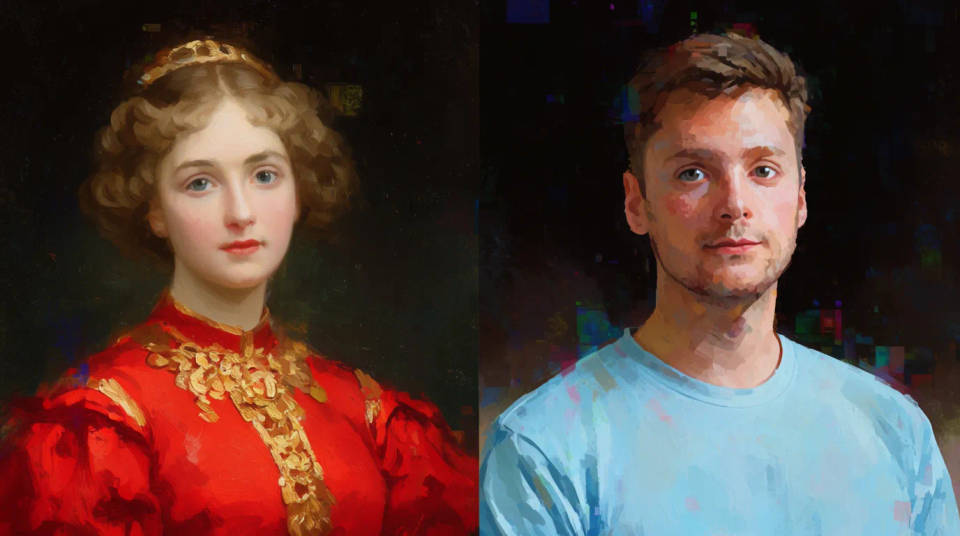
Style transfer from references
Pass reference images and Krea 2 reads their style, then applies it. Set the strength or combine several to carry a specific look across new images.
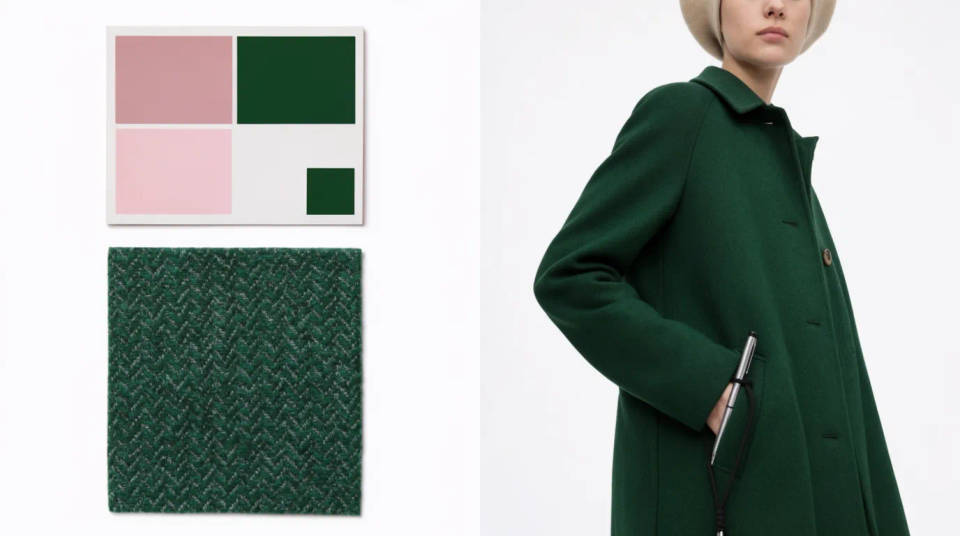
Moodboard-driven direction
Group images into a moodboard and Krea 2 works from the palettes, themes, and motifs across the set. Lock a visual direction fast for a campaign.
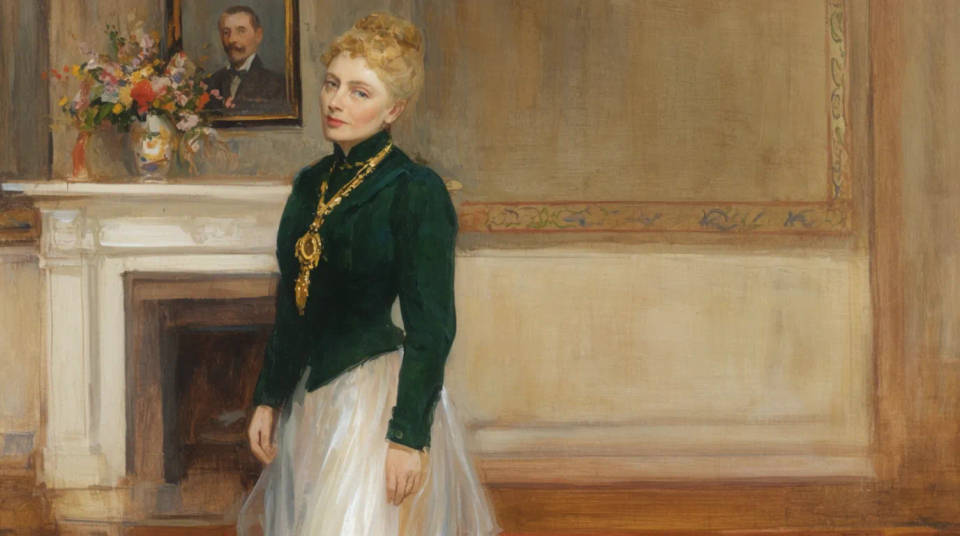
Creativity dial
A raw-to-high control sets how literally Krea 2 follows the prompt versus how much depth it adds. Faithful at one end, expressive at the other.
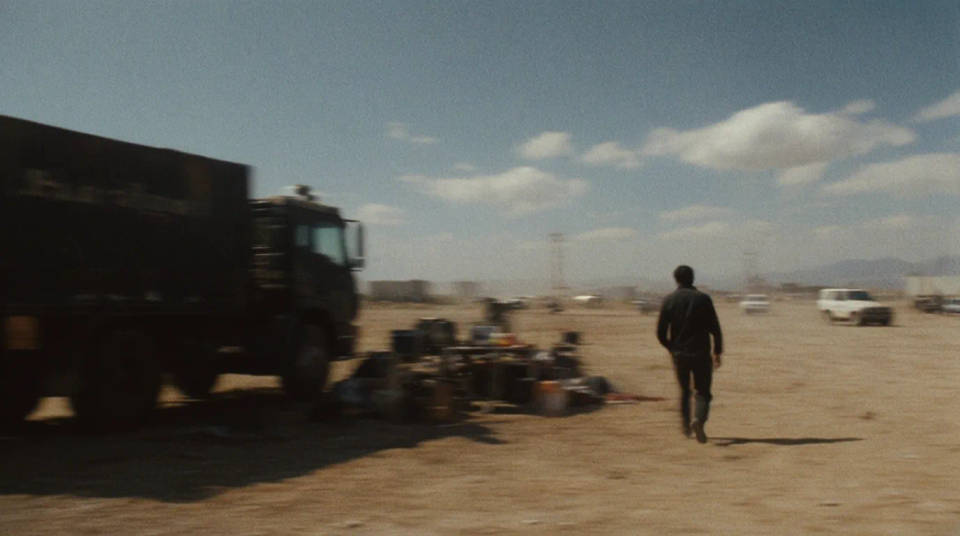
Captured-photo realism
The larger model leans into photorealism. Motion blur, film grain, and low dynamic range read as shot, not rendered.
Prompt examples
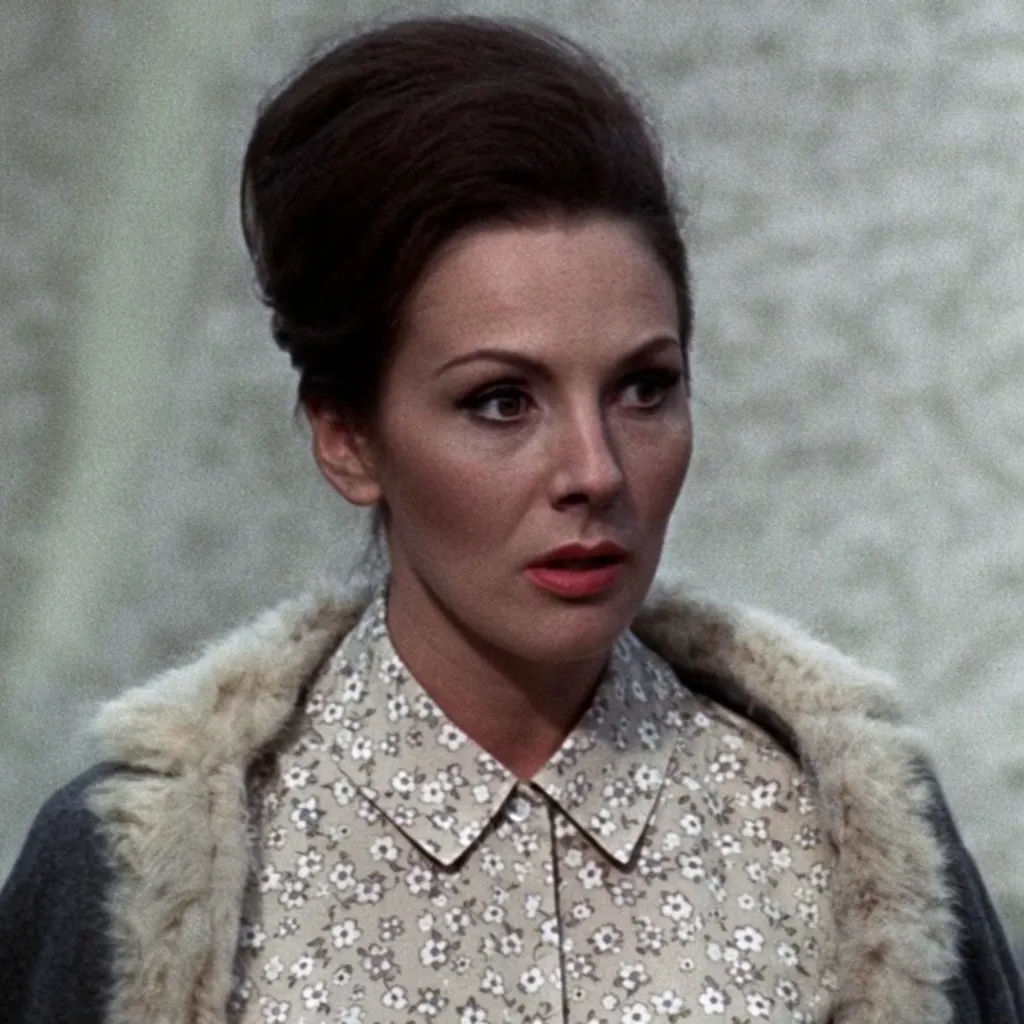
Reference style transfer
Portrait in the style of three film references, warm grain, soft low-contrast light
Edit prompt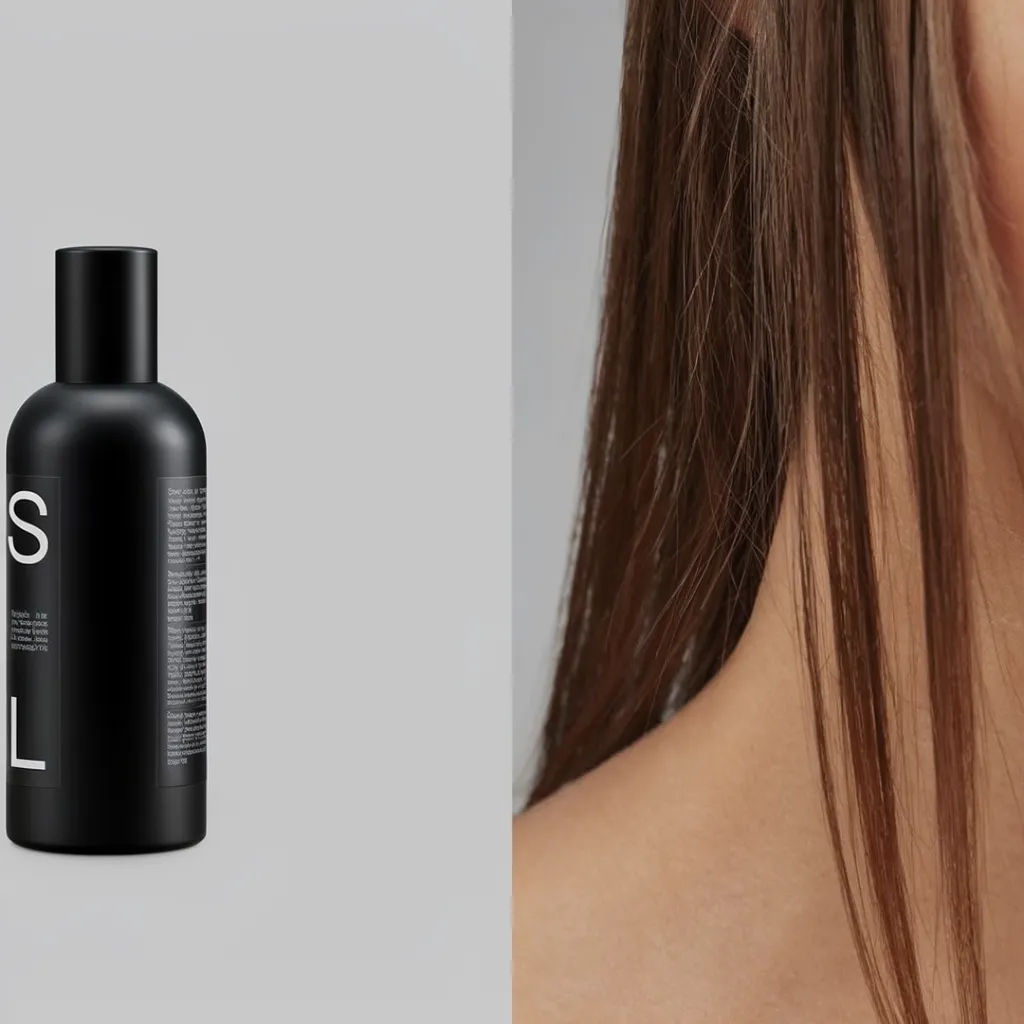
Editorial moodboard
Editorial moodboard diptych, matte product paired with a model, muted grey palette
Edit prompt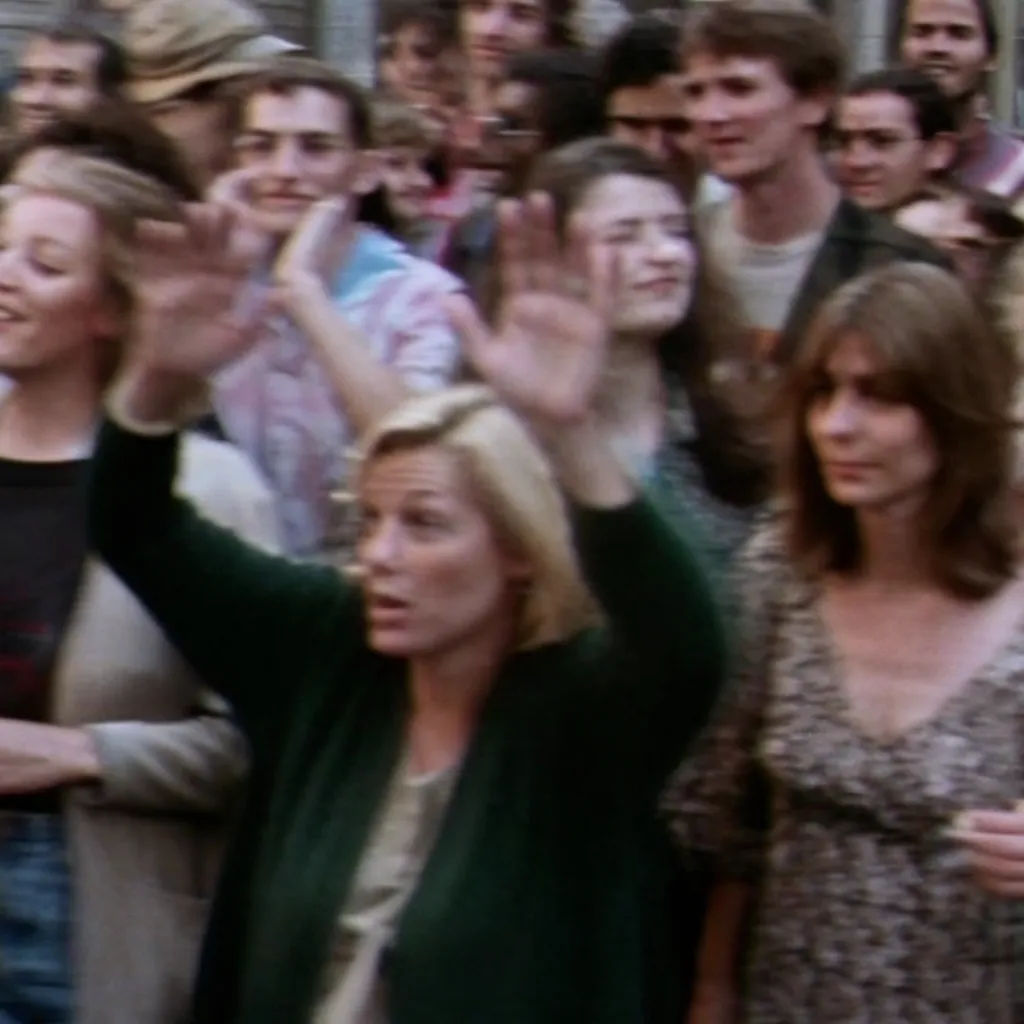
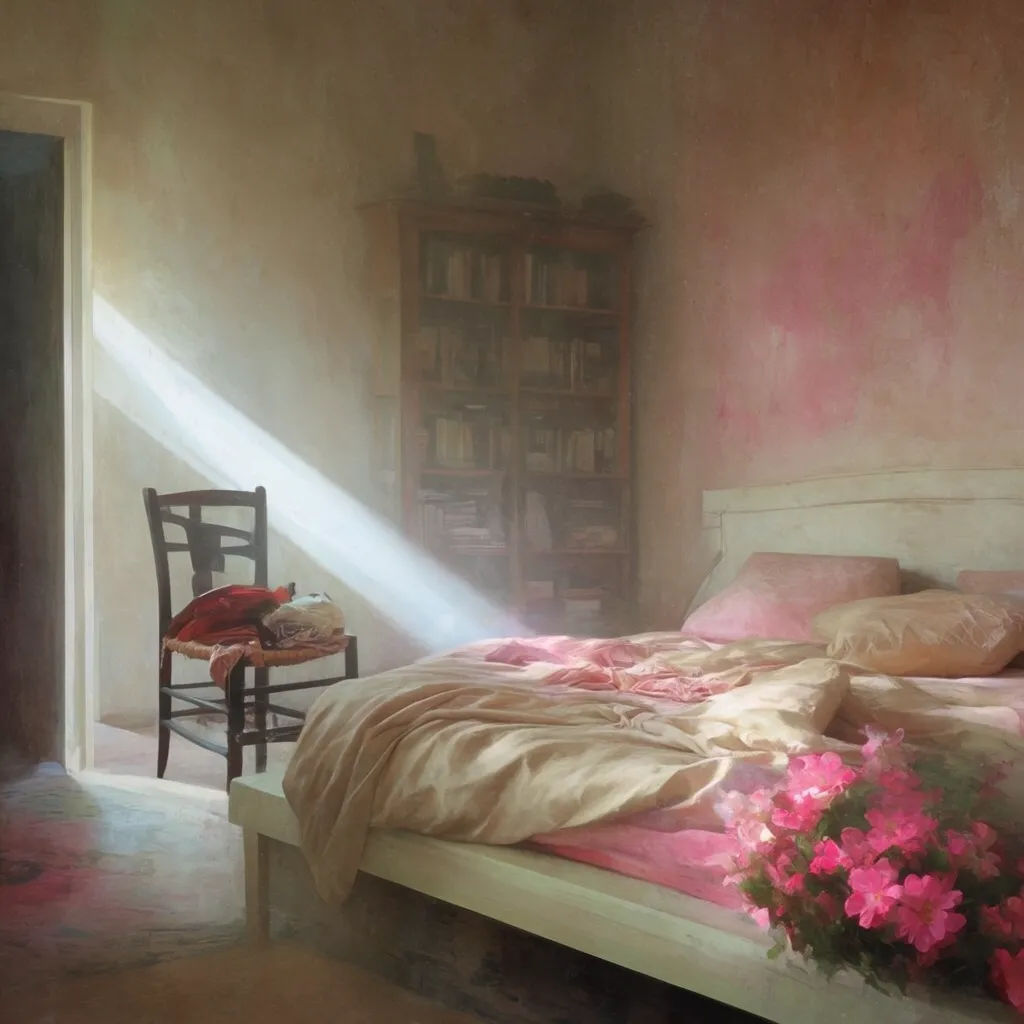
Creativity turned up
Dreamlike interior, high creativity, unexpected light and depth, painterly mood
Edit prompt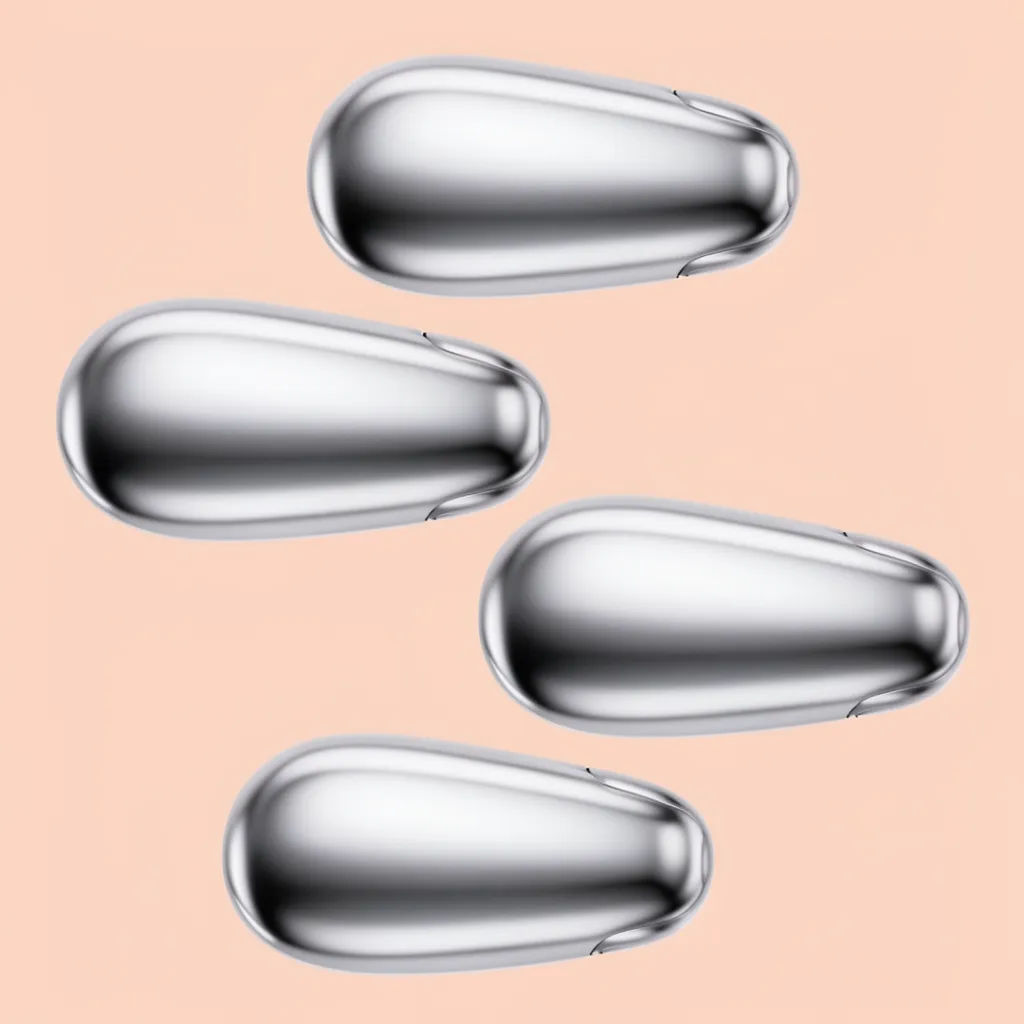
Consistent series
Four product shots, same look and palette, tight variation across the set
Edit prompt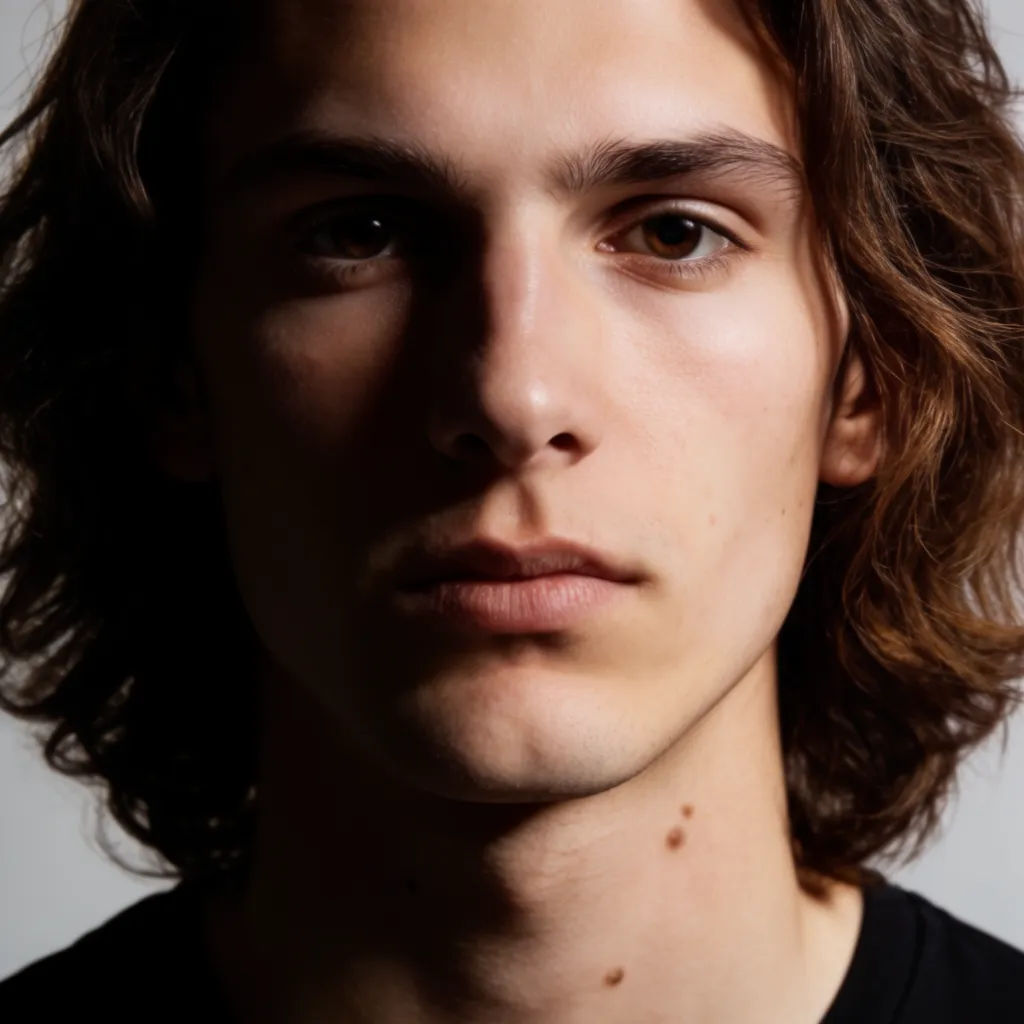
Clean studio photoreal
Studio portrait, crisp key light, accurate skin, shallow depth of field
Edit prompt
Cinematic storyboard
Share a scene description with character references. Get a full storyboard with shot angles and mood.

3x3 storyboard
Feed in a single image. Get 9 cinematic beats laid out as a 3x3 storyboard grid.

Messages to cinematic scene
Dramatize any text conversation into a cinematic multi-shot video.

Anime style transfer
Pick any anime illustration as your style guide. Apply its look to any image.

Expressions
Take any character image and generate 6 distinct facial expressions on a single reference sheet.

Title sequence
Generate a professional film title card from scratch, with optional cinematic animation.
All on Morphic
Your complete image stackModels
Krea 2, Seedream 5.0, Flux 2 Pro, Nano Banana Pro, and more. Pick the look and swap mid-project.
Style references
Feed references or a moodboard and Krea 2 carries the palette and style across every image.
Localized editing
Select a region and change only that. Relight, recolor, or reframe while the rest of the frame holds.
Workflows
Turn a finished image into a one-click Workflow. Rerun, share, or favorite it for fast reuse.
