Every image model
Lift the logo
Free your logo in three steps
- 01
Open Morphic
Sign up and start creating on a free-flowing, infinite visual canvas.
- 02
Upload the logo
Drop in the logo file, whether it sits on white, a photo, or a colour.
- 03
Generate and export
The model segments the mark and drops the background out. Export the transparent PNG.
Use cases
Get a transparent logo for your website
Pull the logo off its background so it sits on any header colour without a white box behind it. The edges stay clean at the small size a nav bar uses, and the transparent PNG drops straight into your site template. No more chasing down the original artwork from a designer.
Rescue a logo trapped in an image
When all you have is the logo baked into a screenshot, a photo, or an old flyer, segmentation lifts it out. The mark comes away from the busy background it was stuck on, thin lines and lettering intact, so you can reuse it instead of rebuilding it from scratch.
Place your mark on merch and mockups
A transparent logo drops cleanly onto a t-shirt, a mug, a packaging render, or a presentation slide. Because the background is gone rather than matched to one surface, the same file works over dark fabric, light card, or a product photo without a visible edge.
Prep a logo for print and signage
Isolate the mark so it can be dropped over a printed layout, a banner, or a storefront sign without the paper showing a white rectangle. Crisp edges matter more at large sizes, and segmentation keeps corners and counters sharp where a colour key would leave a halo.
Prompt examples
Off flat white
Remove the plain white background behind this logo and export it as a transparent PNG
Edit prompt
Keep the thin lines
Cut out this line-art wordmark and preserve the hairline strokes and letter gaps
Edit prompt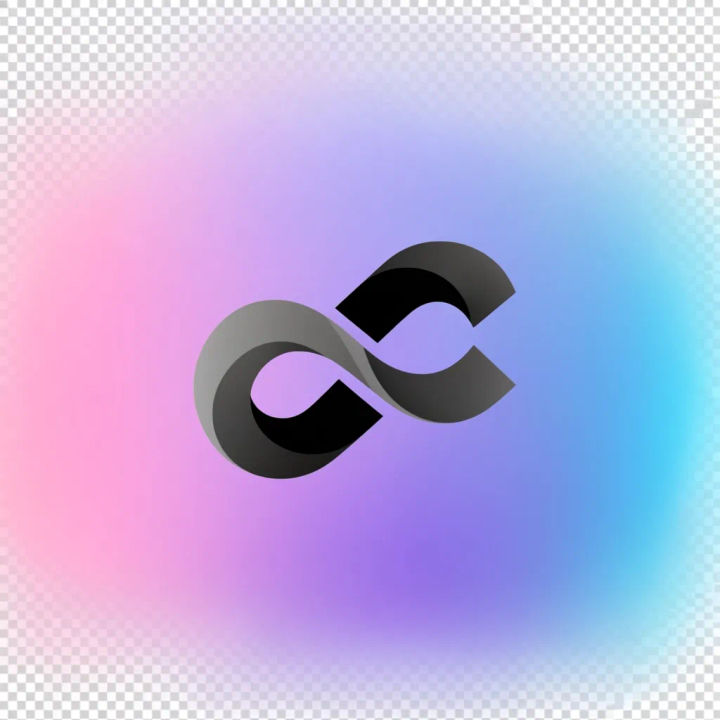
Off a gradient
Remove the coloured gradient behind this emblem and leave it on transparency
Edit prompt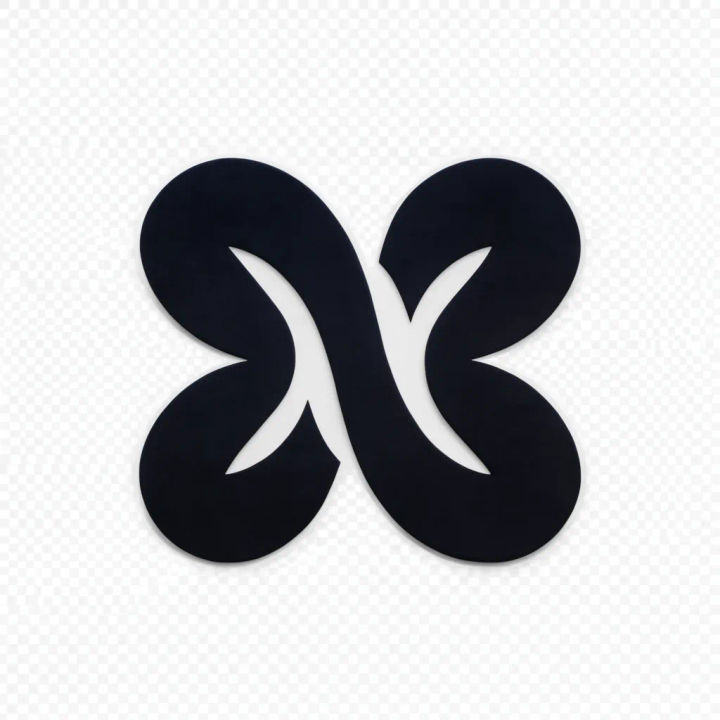

Sketch to render
Turn any sketch or drawing into a finished render.
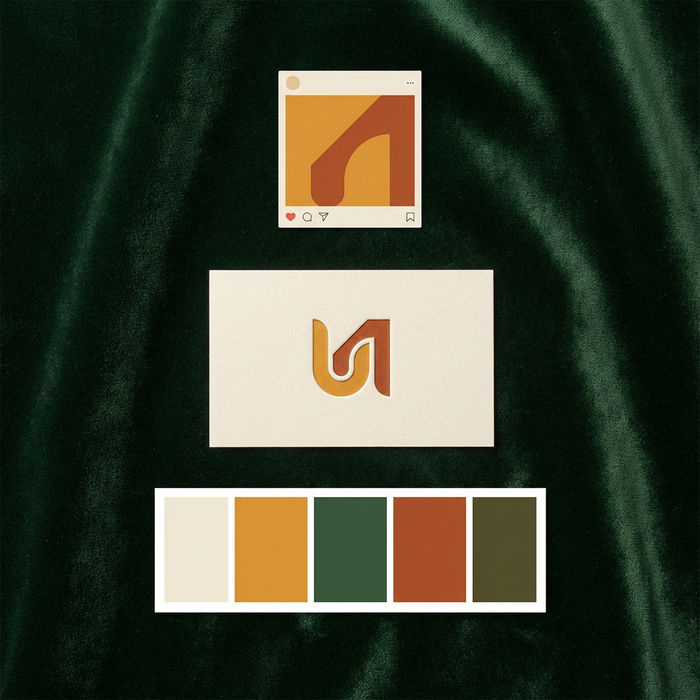
Brand launch kit
Get logo concepts, social media templates, color palettes, and marketing collateral in one go.

Expressions
Take any character image and generate 6 distinct facial expressions on a single reference sheet.

Anime sticker pack
Turn any image into anime-style stickers in PNG. Ready for messaging apps or social media.

Anime style transfer
Pick any anime illustration as your style guide. Apply its look to any image.

Image reverse engineer
Get a detailed prompt extracted from a reference image, and then a fresh recreation.
All on Morphic
Models
Nano Banana 2, Flux 2 Pro, ChatGPT Images, Grok Imagine, Recraft, Seedream, and more. Switch models when an edge needs a cleaner cut.
Background remover
The same segmentation for any subject, not just logos, when you need a photo or product cut out cleanly.
Logo generator
Need the mark itself, not just a clean cutout? Generate a fresh logo concept from a short brief.
Image to image
Recolour, restyle, or rebuild the logo through the same canvas that powers the cutout.
