Every image model
Mugs you can stage
Mock up a mug in three steps
- 01
Open Morphic
Sign up and start creating on a free-flowing, infinite visual canvas.
- 02
Upload your design
Add the artwork and say where it wraps, one side, both sides, or all the way around.
- 03
Generate and export
Describe the mug, the glaze, and the scene, then export once the wrap looks right.
Use cases
Show a print on demand mug listing
Print on demand shops sell mugs off a single flat design, but a shopper wants to see it on the object. Wrap your artwork around a white ceramic mug, add a lifestyle shot and a clean studio angle, and the listing fills out without a sample order. Regenerating a new design onto the same mug takes seconds.
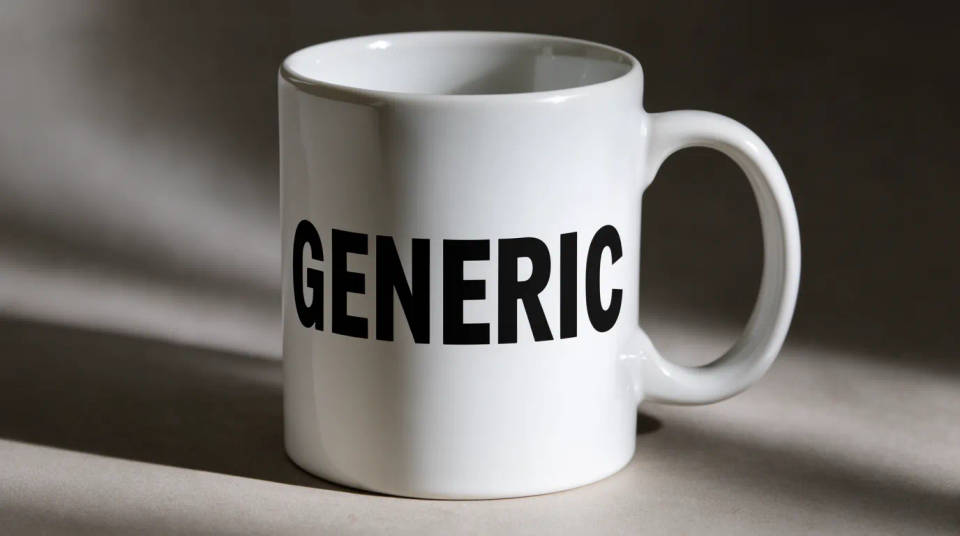
Design a branded team or event mug
Company mugs, conference gifts, and cafe merch are easier to sign off when the logo is shown curved on real ceramic. Put it on the blank you plan to order, in the color and glaze you will actually use, and share the shot for approval. A colorway or logo swap is a regenerate, not a reorder.
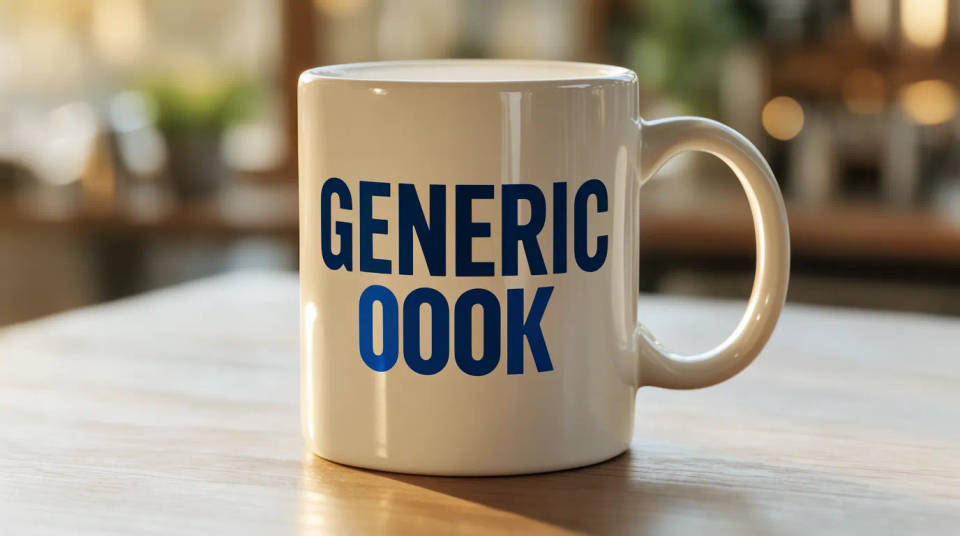
Compare glazes and mug styles
The same print reads differently on glossy white, matte black, and an enamel camp mug, and the highlight changes with each. Stage your design across a few styles at once, compare the wrap and the shine, and pick the blank that flatters it. It beats guessing from a flat proof.
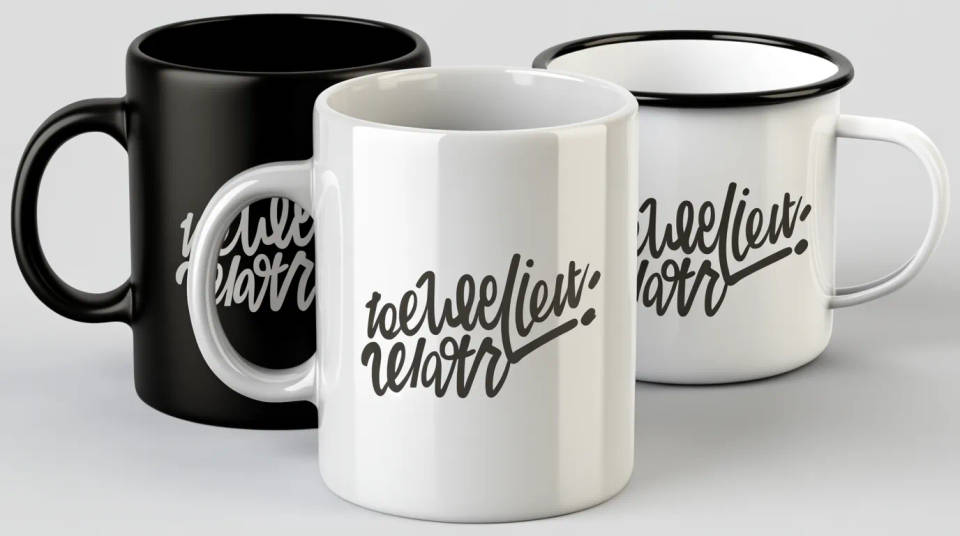
Style a gift or seasonal shot
A mug sells hard around holidays, and the setting does a lot of the work. Place it beside a gift box, on a cozy windowsill, or paired on a breakfast tray with steam rising, so the shot carries a mood. Swap the season without booking a new set, straight from the same uploaded design.

Prompt examples
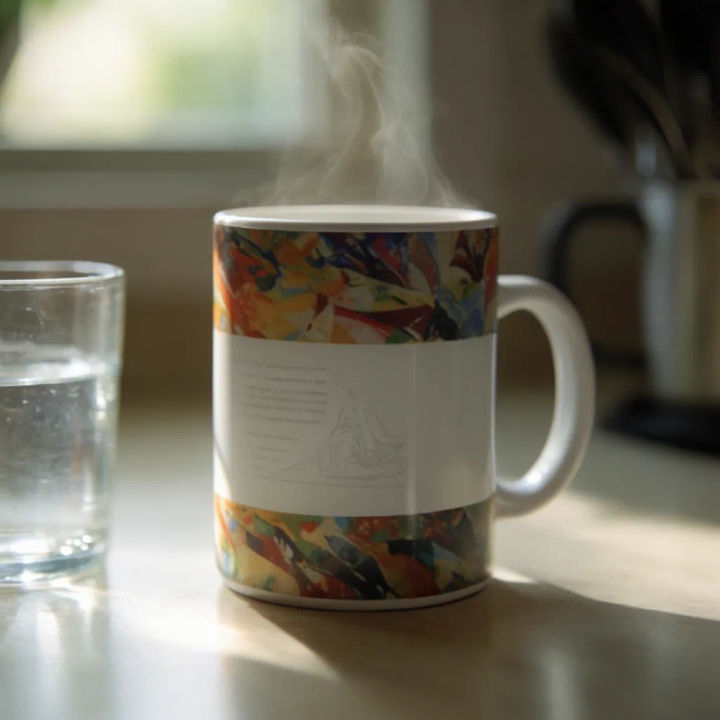
Morning kitchen
Wrap my uploaded design around a white ceramic mug on a kitchen table, soft morning light and steam
Edit prompt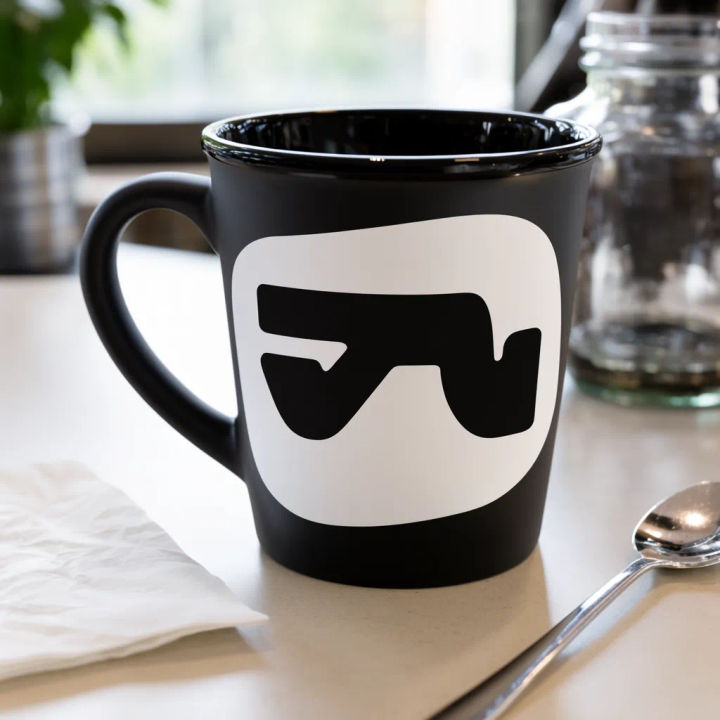
Matte black on a counter
My logo on a matte black mug on a cafe counter, soft window light, sharp highlight on the rim
Edit prompt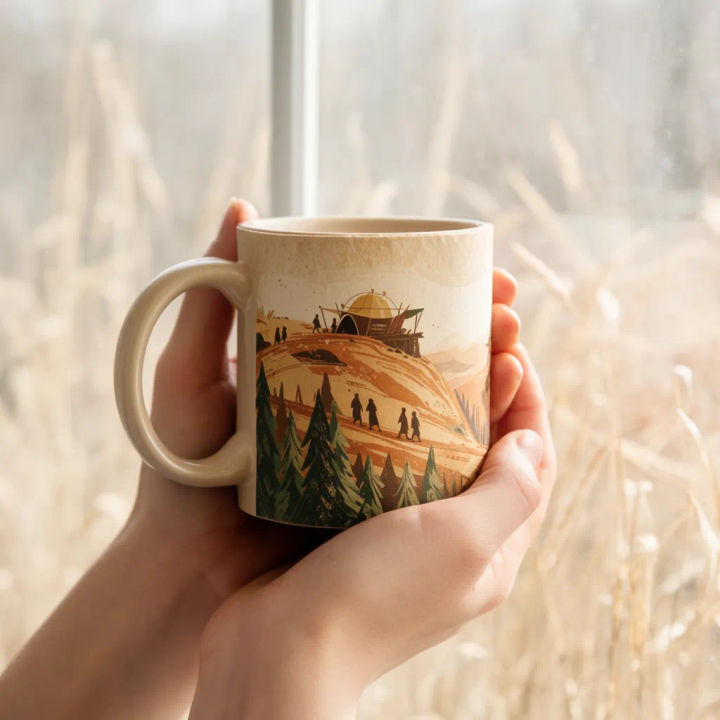
Held in two hands
My design on a mug held in two hands by a window, warm light, background softly blurred
Edit prompt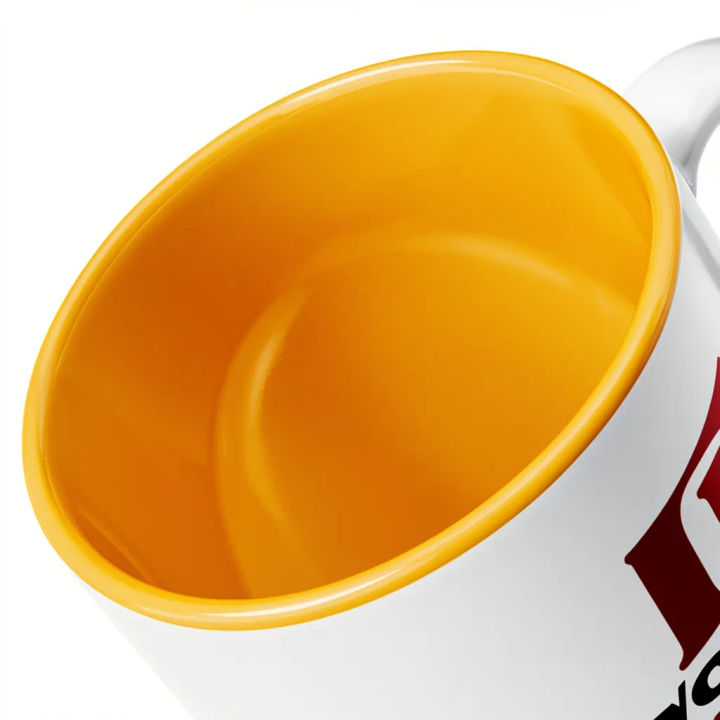
Colored inner glaze
Wrap my art around a mug with a white outside and a bright inner glaze, clean studio still
Edit prompt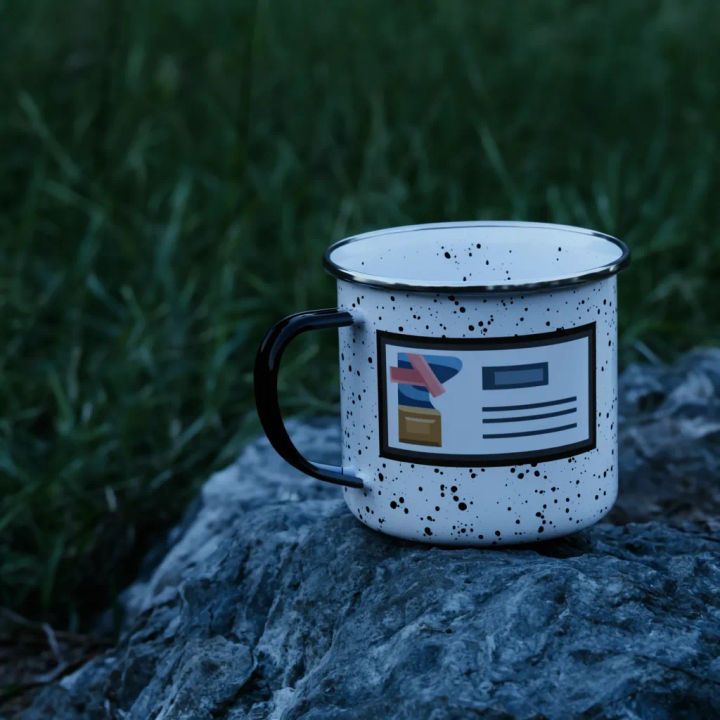
Enamel camp mug
My design on a speckled enamel camp mug on a rock outdoors, cool daylight, shallow depth
Edit prompt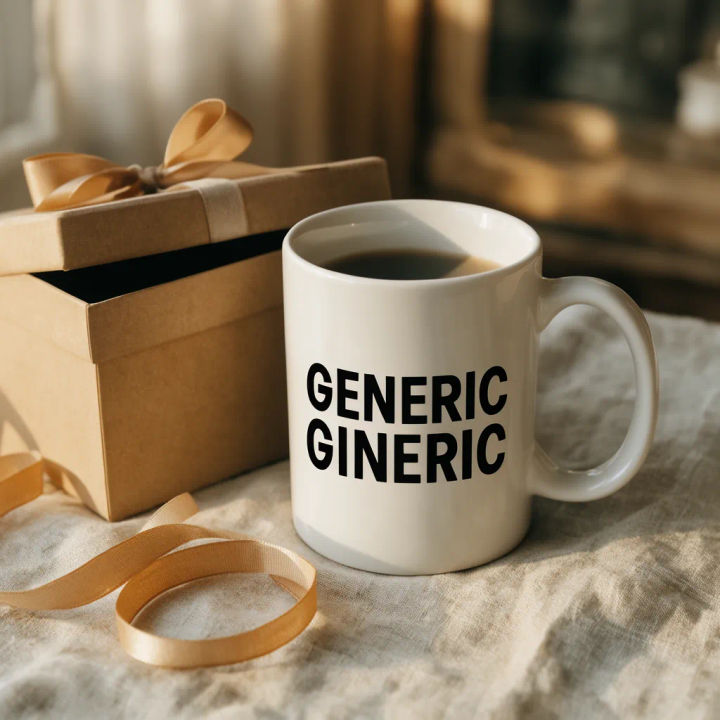

Cinematic storyboard
Share a scene description with character references. Get a full storyboard with shot angles and mood.

Messages to cinematic scene
Dramatize any text conversation into a cinematic multi-shot video.

Title sequence
Generate a professional film title card from scratch, with optional cinematic animation.

3x3 storyboard
Feed in a single image. Get 9 cinematic beats laid out as a 3x3 storyboard grid.

Chibi sprite animation
Turn any photo or description into an animated chibi sprite. Dance, jump, wave, attack, and more.

Expressions
Take any character image and generate 6 distinct facial expressions on a single reference sheet.
All on Morphic
Models
Nano Banana 2, Flux 2 Pro, ChatGPT Images, Grok Imagine, Recraft, Seedream, and more. Swap models when a glaze or a wrap needs a cleaner render.
AI mockup generator
Put any design on any product when you need more than a mug, from apparel to packaging.
AI product photo generator
Build a clean, lit product shot of the mug from scratch when you need a catalog angle.
Image to image
Place, restyle, and rebuild any photo from a reference, the same method that wraps your art onto the ceramic.
