Every image model
Packs you can stage
Mock up packaging in three steps
- 01
Open Morphic
Sign up and start creating on a free-flowing, infinite visual canvas.
- 02
Upload your artwork
Add the label, dieline, or pouch layout and say the pack format and material.
- 03
Generate and export
Describe the shot, single unit or lineup, then export once the folds and wrap read right.
Use cases
Take a label design to a pack shot
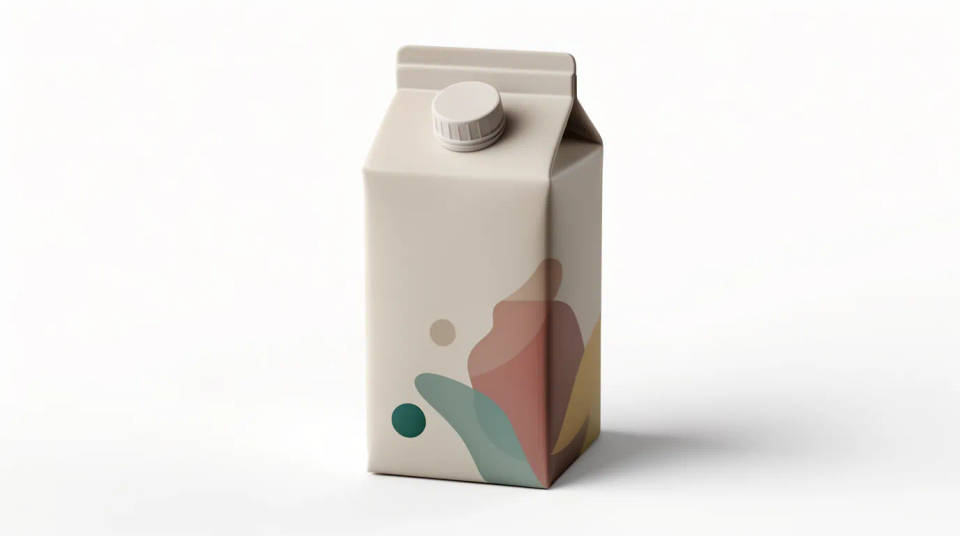
A flat label or dieline is hard to judge and harder to sell in. Wrap it onto the real form, a bottle, a carton, a pouch, and light it as a finished product, so a client sees the pack instead of the artwork. It turns a print file into a hero image without a product sample or a studio booking.
Show a product range as a family
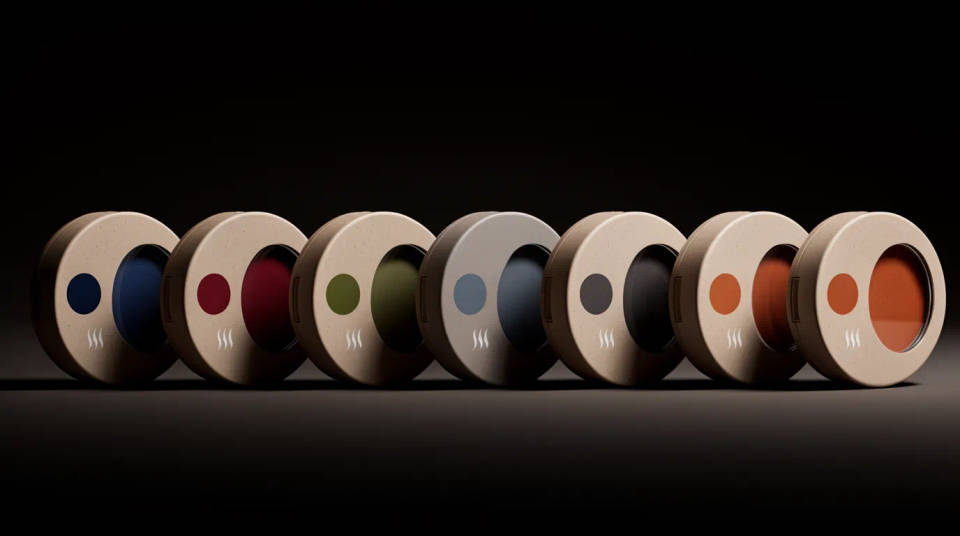
A line of flavors or variants needs to read as one family. Generate the whole range in a lineup so the color coding, the naming, and the layout can be checked together, before anything goes to plate. Spotting a variant that breaks the system is far cheaper on screen than on a pallet.
Preview shelf presence
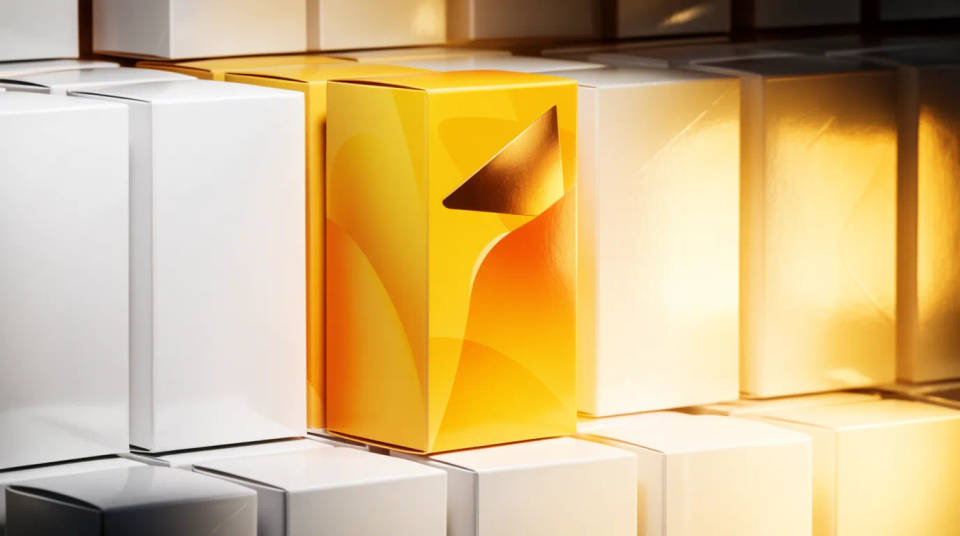
Packaging competes on a crowded shelf, not in isolation. Stage your pack facing out among neighbors and step back in the frame to see whether the brand block and the logo hold from a meter away. It is the quickest way to test standout before you commit to a run.
Compare materials and finishes
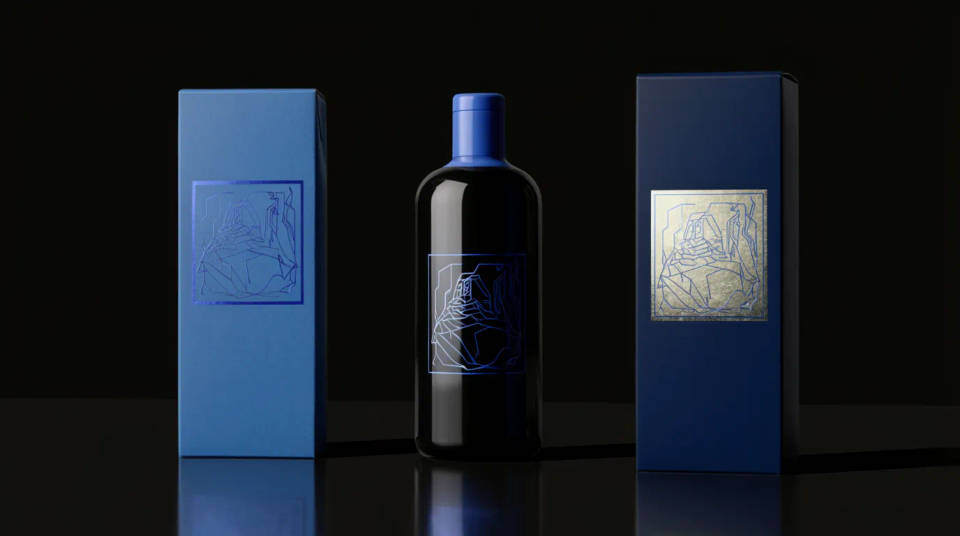
A matte carton, a gloss bottle, and a foil stamped box each carry a design differently, and the finish signals price and category. Stage your artwork across a few materials and judge the sheen and the shadow, so the pack matches the positioning before you order tooling.
Prompt examples
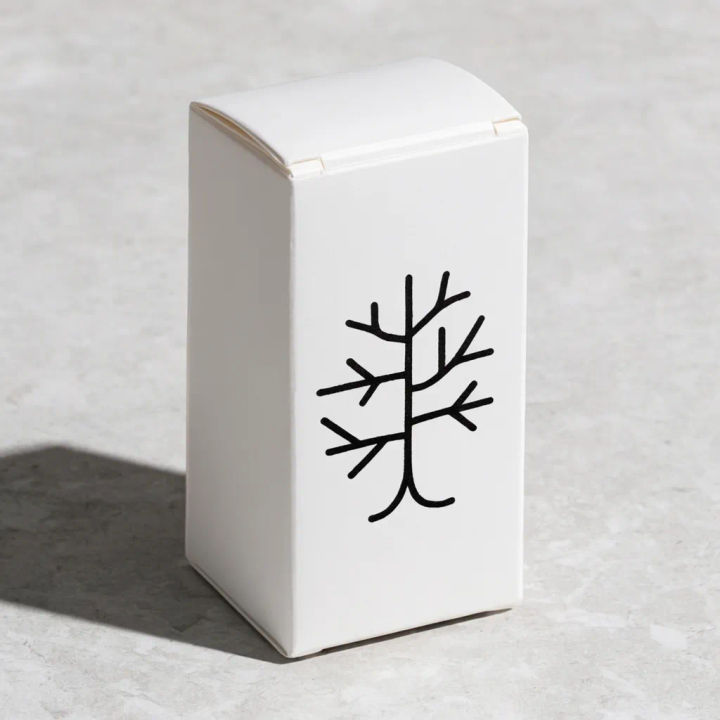
Carton hero shot
Fold my uploaded dieline into a matte carton, hero pack shot on a stone surface, soft studio light
Edit prompt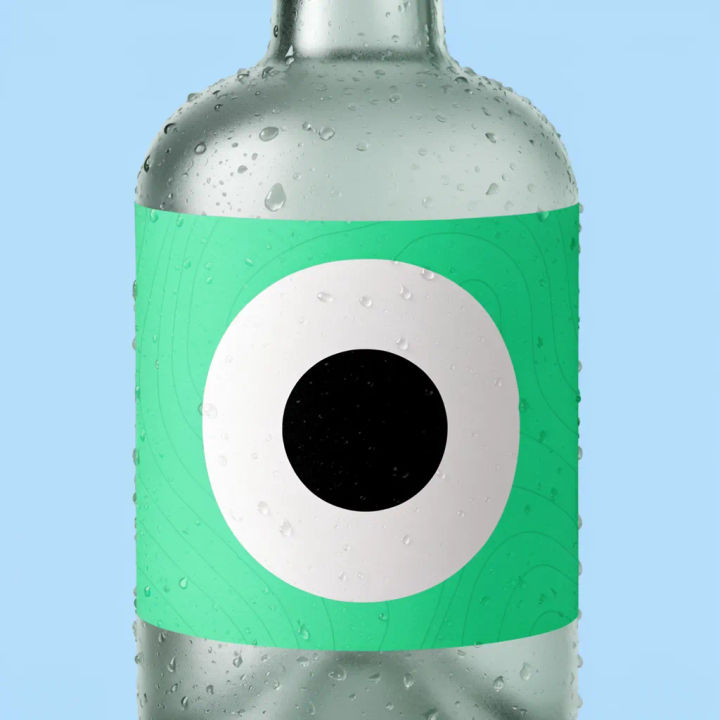
Bottle wrap label
Wrap my label around a frosted glass bottle, condensation on the surface, cool side light
Edit prompt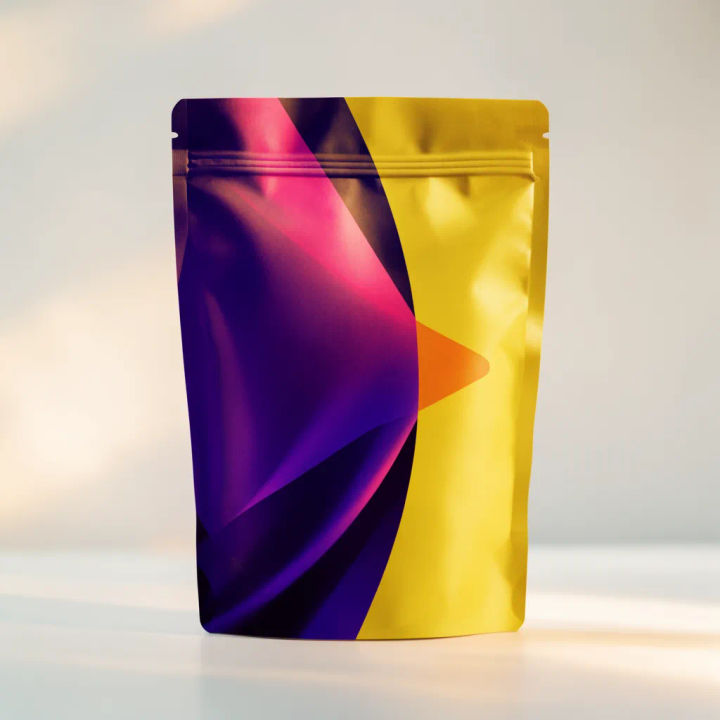
Stand up pouch
Apply my artwork to a stand up pouch with a resealable top, clean white studio, subtle shadow
Edit prompt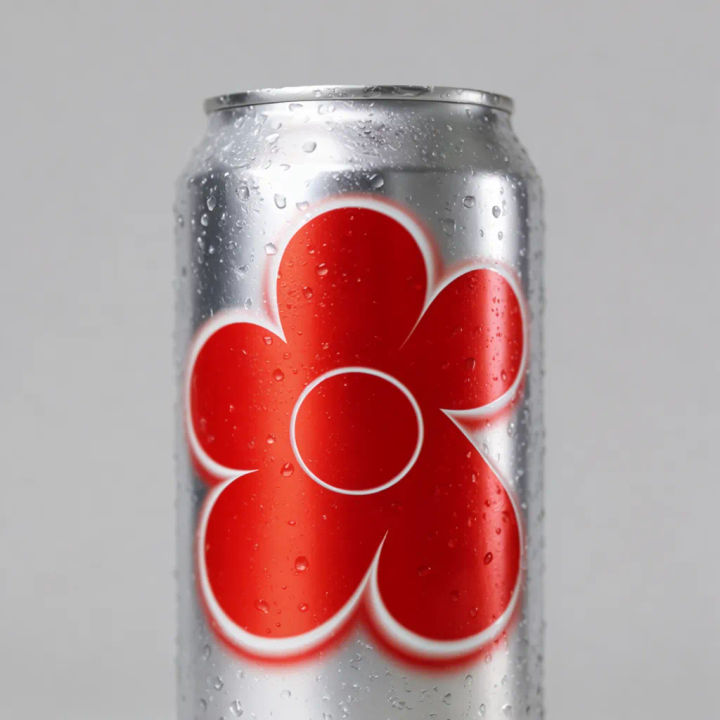
Metallic can
My design on a metallic drink can, chilled with beads of water, bright reflective highlight
Edit prompt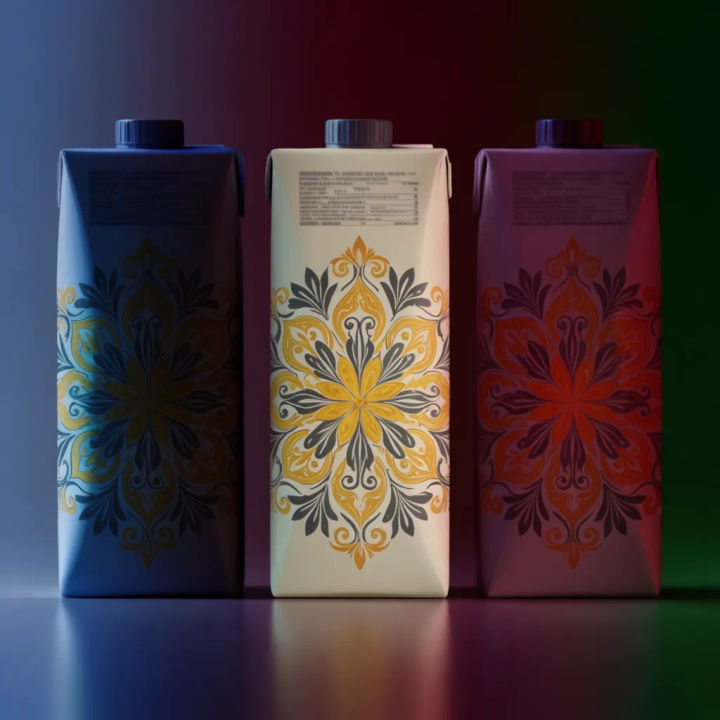
Range lineup
Line up three flavor variants of my carton left to right, matching light, soft gradient backdrop
Edit prompt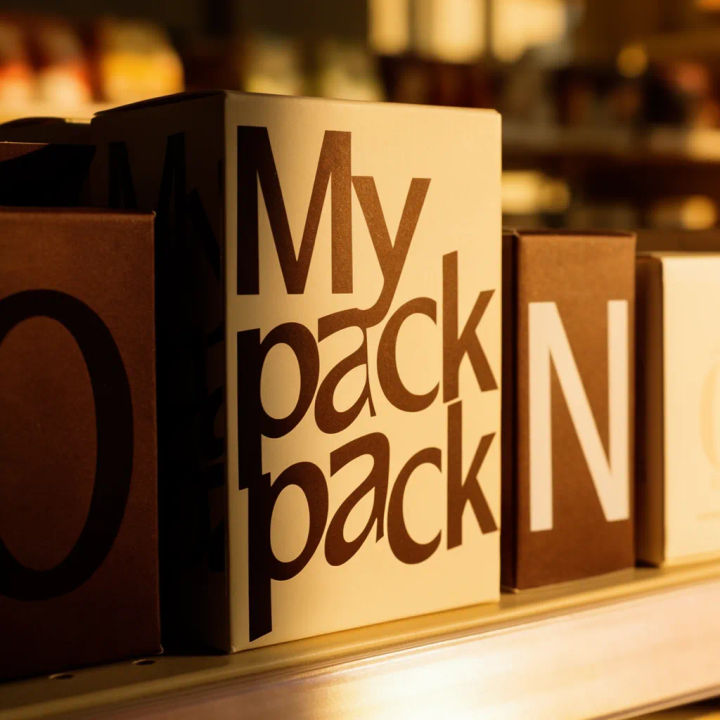
On the shelf
My pack facing out on a retail shelf between neighbors, slightly shallow depth of field
Edit prompt
Cinematic storyboard
Share a scene description with character references. Get a full storyboard with shot angles and mood.

Product explosion ad
Dramatic 5-second product reveal video with audio.

Messages to cinematic scene
Dramatize any text conversation into a cinematic multi-shot video.

Title sequence
Generate a professional film title card from scratch, with optional cinematic animation.

Product mockup generator
Upload a product photo and get studio-quality shots on any surface with configurable lighting, angles, and aspect ratios.

3x3 storyboard
Feed in a single image. Get 9 cinematic beats laid out as a 3x3 storyboard grid.
All on Morphic
Models
Nano Banana 2, Flux 2 Pro, ChatGPT Images, Grok Imagine, Recraft, Seedream, and more. Swap models when a material or a fold needs a cleaner render.
AI product photo generator
Build a clean, lit catalog shot of the finished pack from scratch when you need a hero angle.
Paper bag mockup generator
Carry the same brand onto retail carrier bags, with creases, handles, and a real shadow.
Image to image
Place, restyle, and rebuild any photo from a reference, the same method that folds your label onto the pack.
