Every image model
Phone shots you can build
Build a phone mockup in three steps
- 01
Open Morphic
Sign up and start creating on a free-flowing, infinite visual canvas.
- 02
Upload your screen
Drop in a screen from your app and describe the phone, the grip, and the setting.
- 03
Generate and export
The device and scene build around your screen with a soft reflection. Try more grips, then export.
Use cases
Cross-platform app store listings
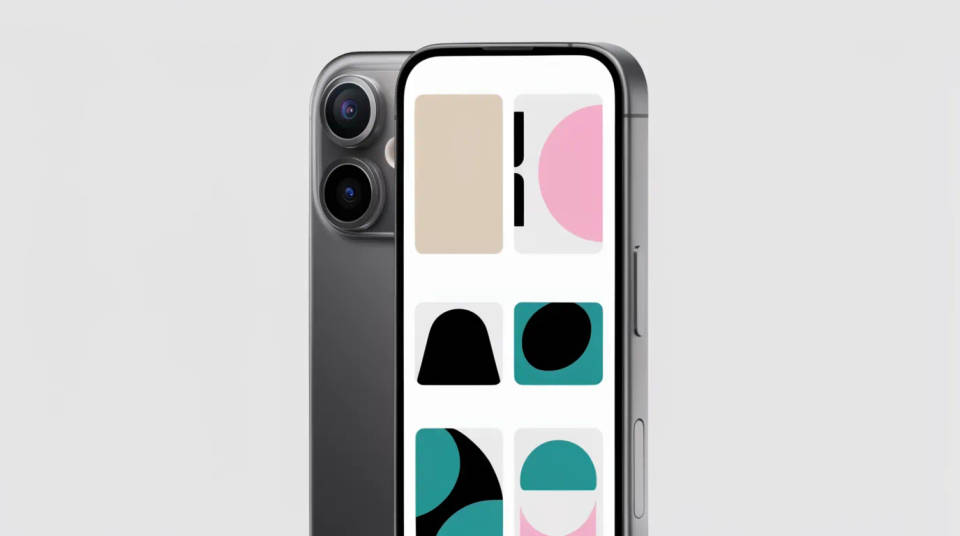
Present an app without tying it to one ecosystem. A brand-neutral handset works for both the Play Store and a general marketing page, so the same screen serves every channel. Generate a hero, two feature callouts, and a lifestyle grip, all in one lighting setup for a consistent gallery.
UI and UX portfolios
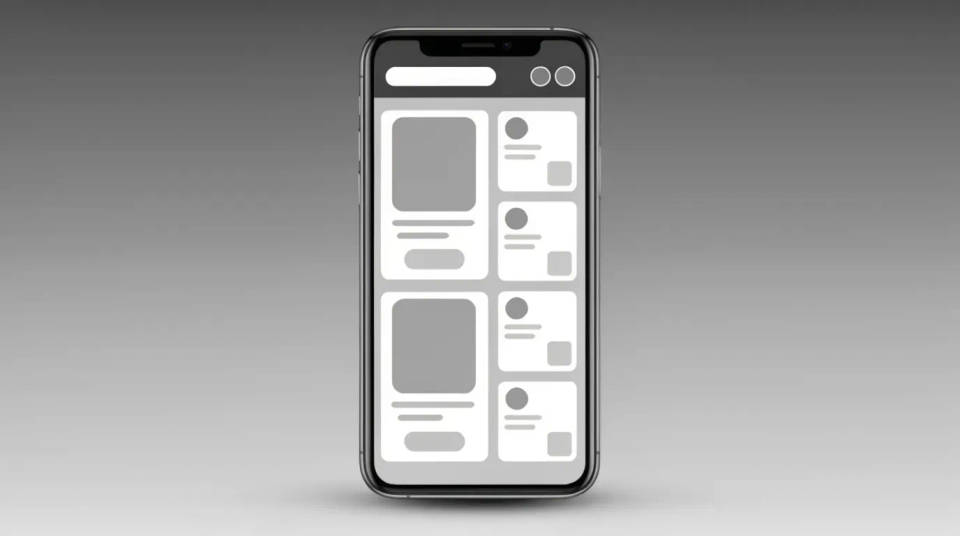
Show mobile work as a photographed product rather than a flat frame. Put a flow into a phone held at a window for the case study cover, then a two-phone pair to show a before and after screen. The device stays consistent, so the portfolio reads as one coherent body of work.
Investor and product decks
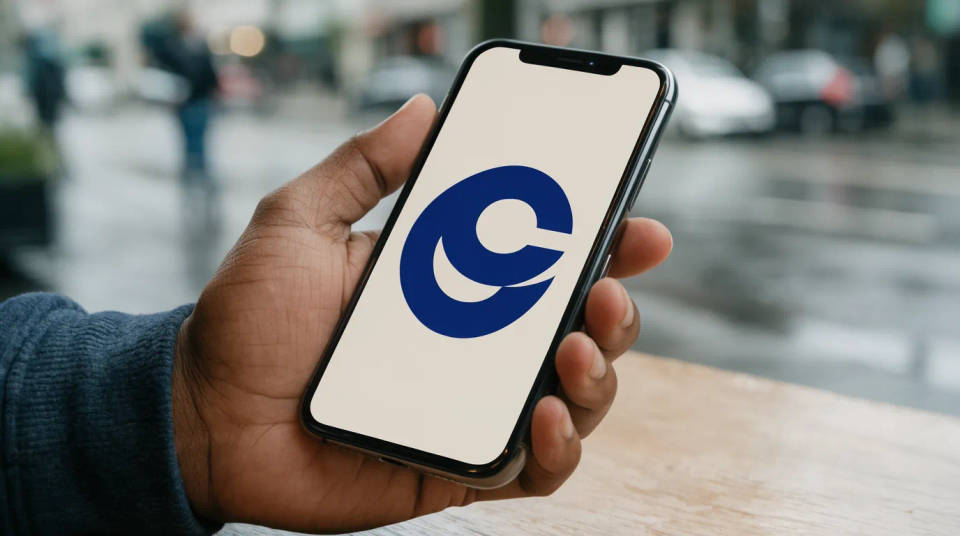
Drop the app into a slide as a real moment of use. A phone held on a street or flat on a desk signals traction better than a floating screenshot. Pair two devices to walk through a key flow on one slide, and swap the screens when the demo updates before a raise.
Social and paid ad creative
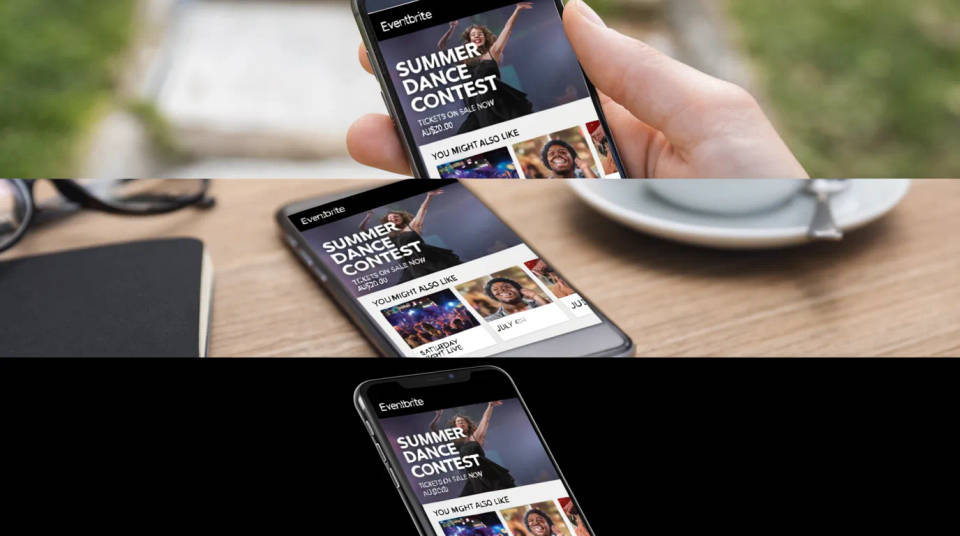
Test which context sells the download. Put the same screen into an outdoor grip, a café flat-lay, and a clean studio angle, then run them against each other in the feed. Every variant carries the exact UI, so nothing about the app is misrepresented in the ad.
Prompt examples
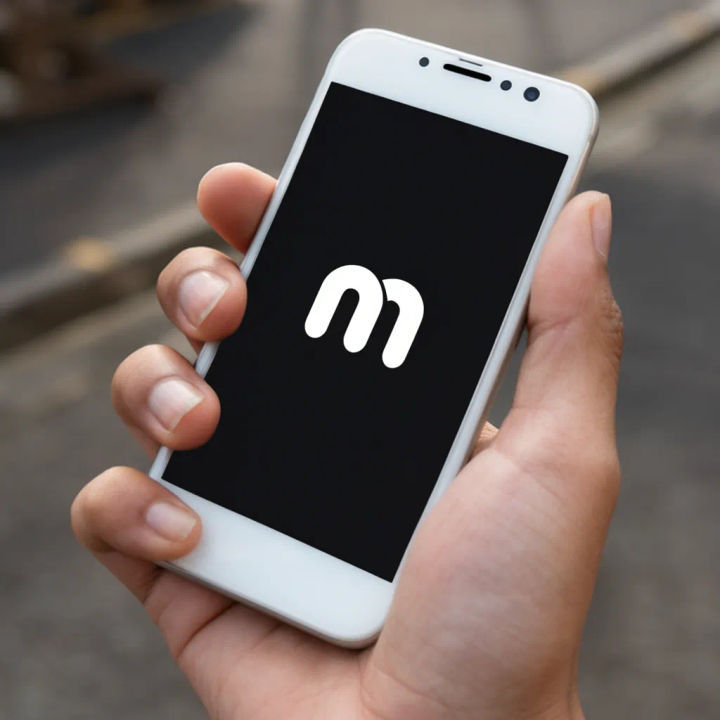
Held outdoors
Put my app screen in a modern phone held in one hand outdoors, natural daylight, blurred street behind
Edit prompt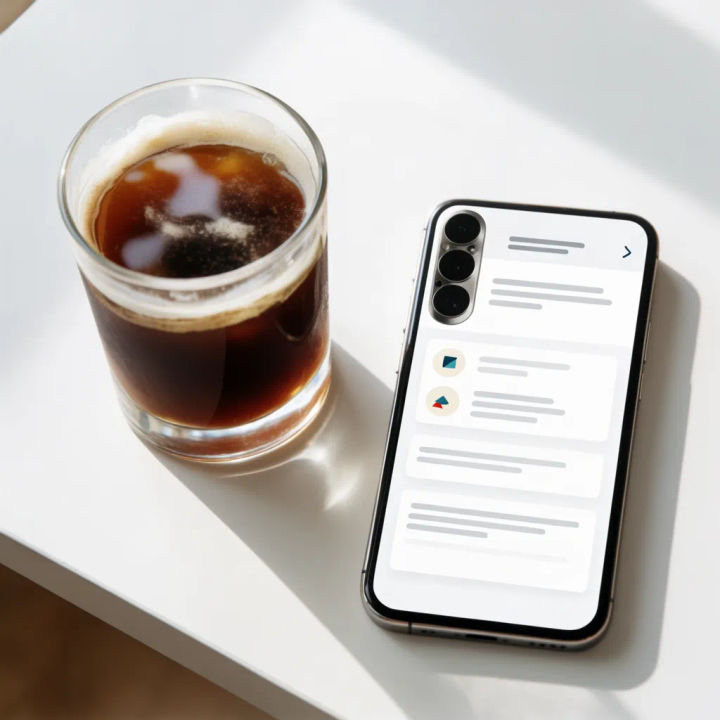
Café table flat
Show my screen on a phone lying flat on a café table beside a coffee, warm light, top-down
Edit prompt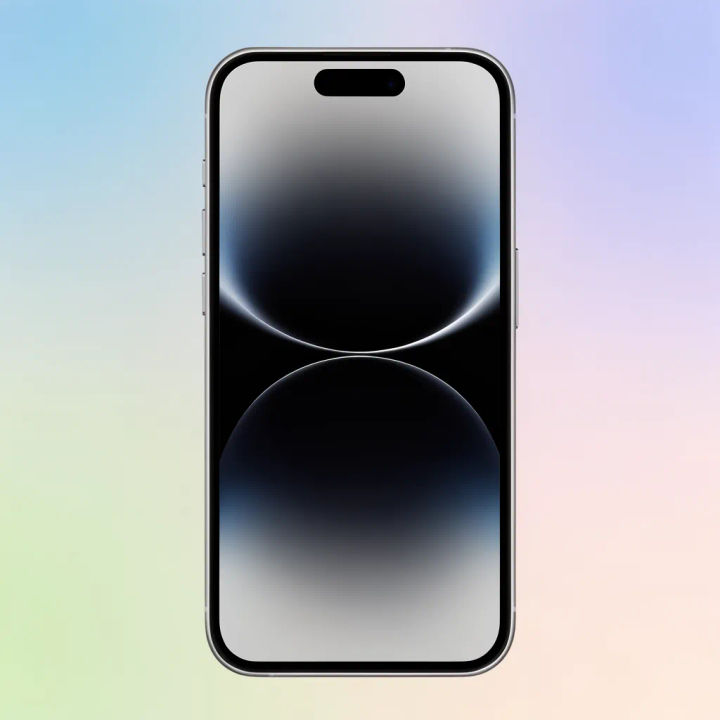
Store listing hero
Frame my screen in a straight-on phone on a soft gradient backdrop for an app store listing hero
Edit prompt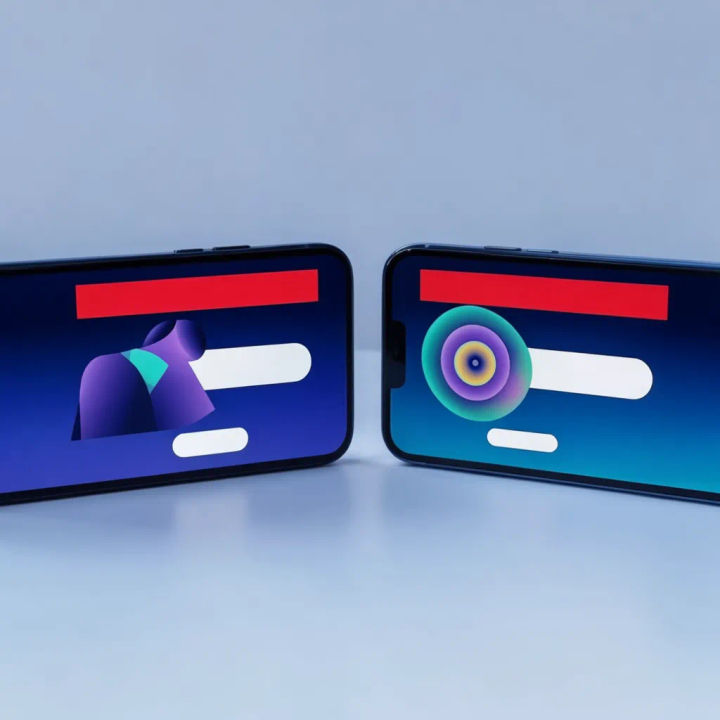
Two screens paired
Show two phones side by side, each with one of my uploaded screens, on a pale studio surface
Edit prompt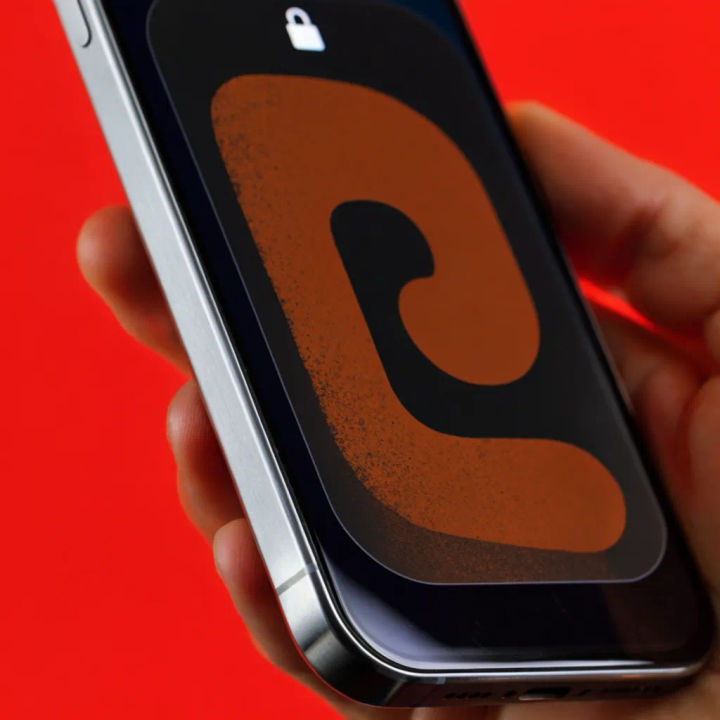
Notification close-up
Close crop of my phone in a hand showing a notification on the screen, soft indoor light
Edit prompt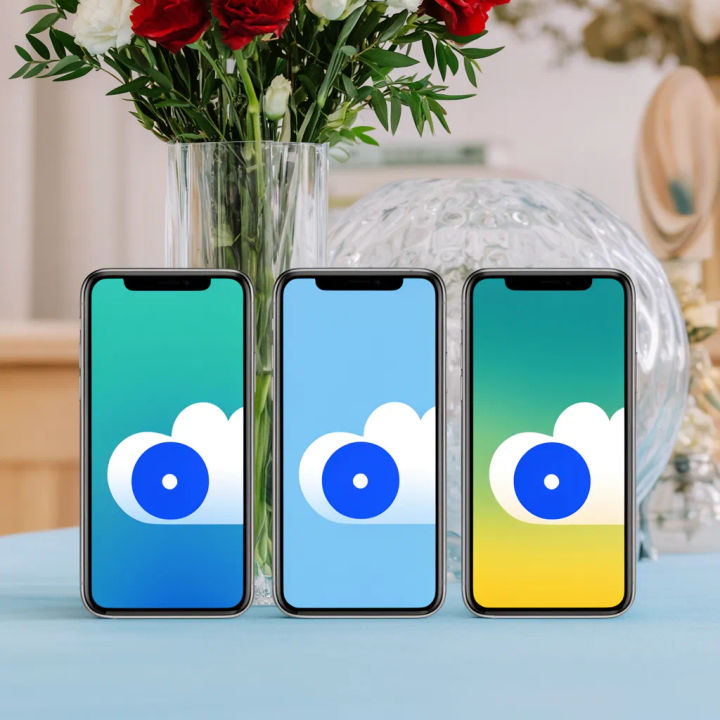
Three-device lineup
Line up three phones in a row showing three of my screens on a clean surface, even studio light
Edit prompt
Cinematic storyboard
Share a scene description with character references. Get a full storyboard with shot angles and mood.
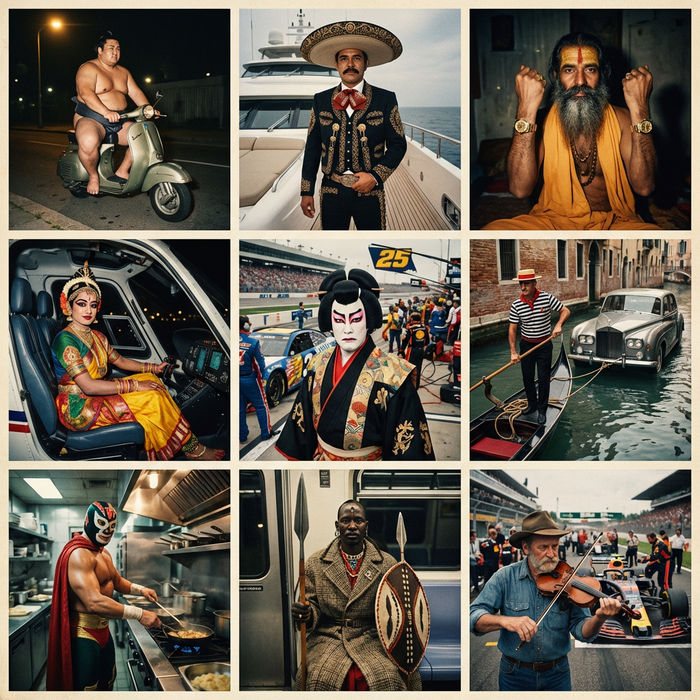
Paradox frames
Flash paradox photographs — any collision, any country

Messages to cinematic scene
Dramatize any text conversation into a cinematic multi-shot video.

Title sequence
Generate a professional film title card from scratch, with optional cinematic animation.

3x3 storyboard
Feed in a single image. Get 9 cinematic beats laid out as a 3x3 storyboard grid.

Chibi sprite animation
Turn any photo or description into an animated chibi sprite. Dance, jump, wave, attack, and more.
All on Morphic
Models
Nano Banana 2, Flux 2 Pro, ChatGPT Images, Grok Imagine, Recraft, Seedream, and more. Swap models when screen text or a reflection needs to render cleaner.
iPhone mockup generator
Show your app on a specific Apple device with the current iPhone body and finish.
AI mockup generator
Put your design on any object beyond phones, from packaging to apparel, in the same workspace.
Image to image
Upload your screen and generate the phone and scene around it, the method behind every shot here.
