Every image model
Listing frames from one photo
Build a listing set in three steps
- 01
Open Morphic
Sign up and start creating on a free-flowing, infinite visual canvas.
- 02
Upload one product photo
Drop in a clear source photo and describe the first frame you want, from a clean hero to a lifestyle scene. To choose a model for this, compare reference image support across the top image models.
- 03
Generate the full set
Build each listing frame from the same photo, keeping the product consistent. Rerun any frame, then export the gallery.
Use cases
A clean marketplace hero
Turn a source photo into a crisp hero shot on a plain background, the kind of main image most marketplaces ask for. The product stays accurate while the backdrop is rebuilt clean and even. It is the single most important frame in a listing, generated in minutes.
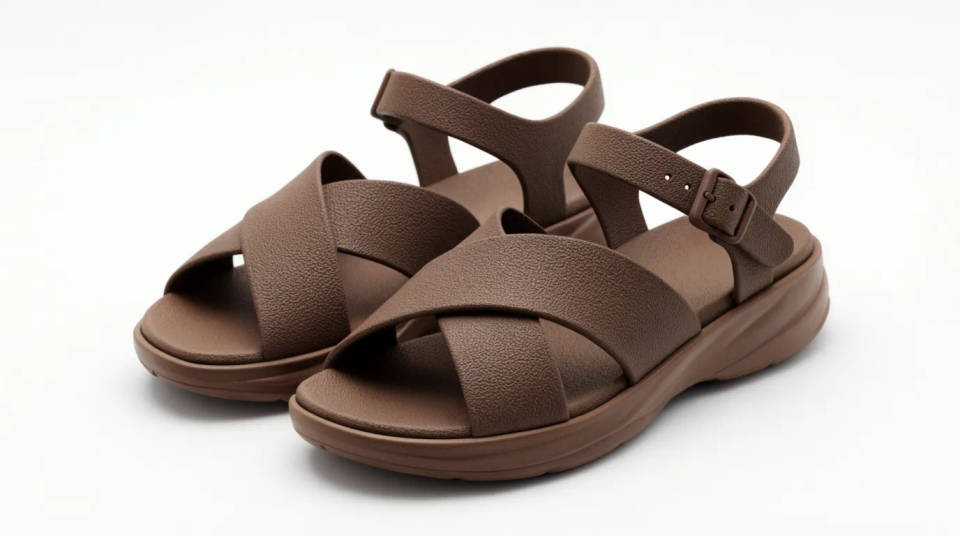
Detail and feature crops
Generate tight crops that show material, stitching, texture, or a key feature buyers zoom in on. Each crop keeps the same product true so the gallery reads as one item shot several ways. Detail frames answer the questions that stop a shopper from buying.
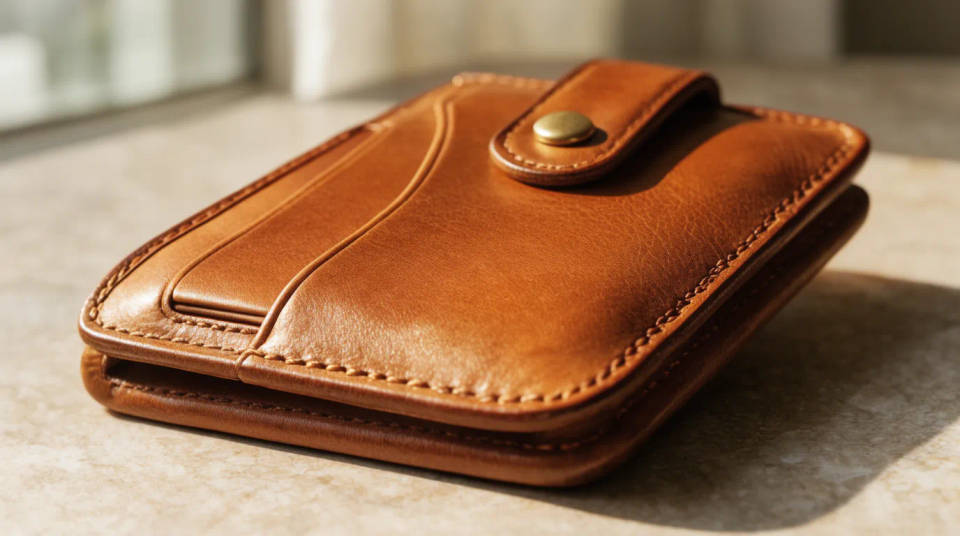
Lifestyle and in-use frames
Place the product into a real setting, whether that is a kitchen counter, a desk, or an outdoor scene, so buyers picture it in their own life. The item stays consistent while the context changes around it. Lifestyle frames are what lift a listing above a bare catalog shot.
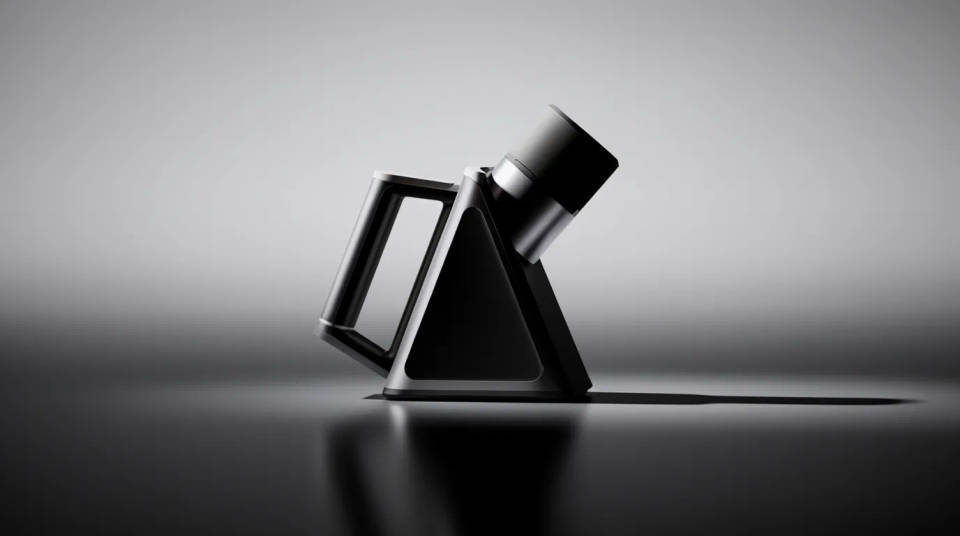
A consistent set across a catalog
Generate the same frame types for every product so your whole catalog shares one visual language. Reuse the descriptions across items to keep heroes, details, and lifestyle shots aligned. A consistent gallery reads as a considered brand and builds buyer trust.
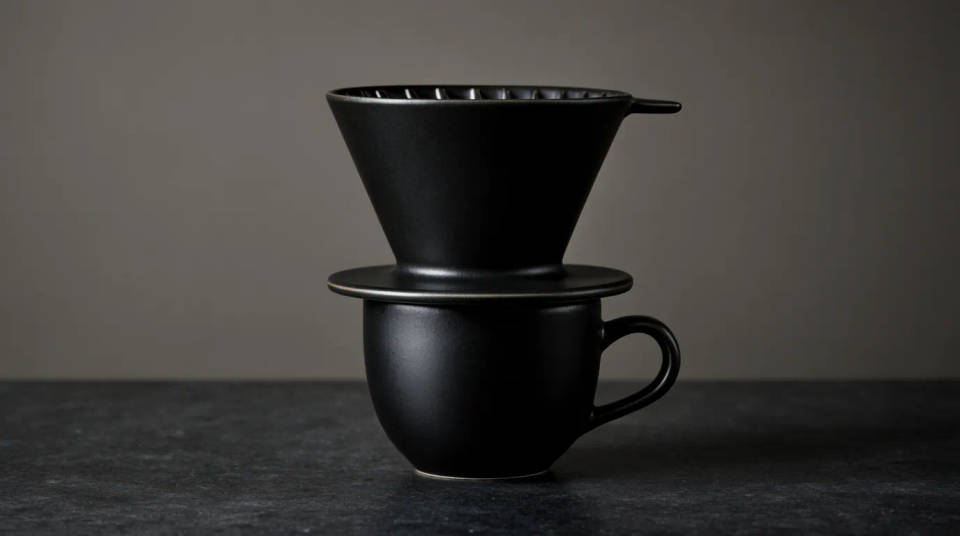
Prompt examples
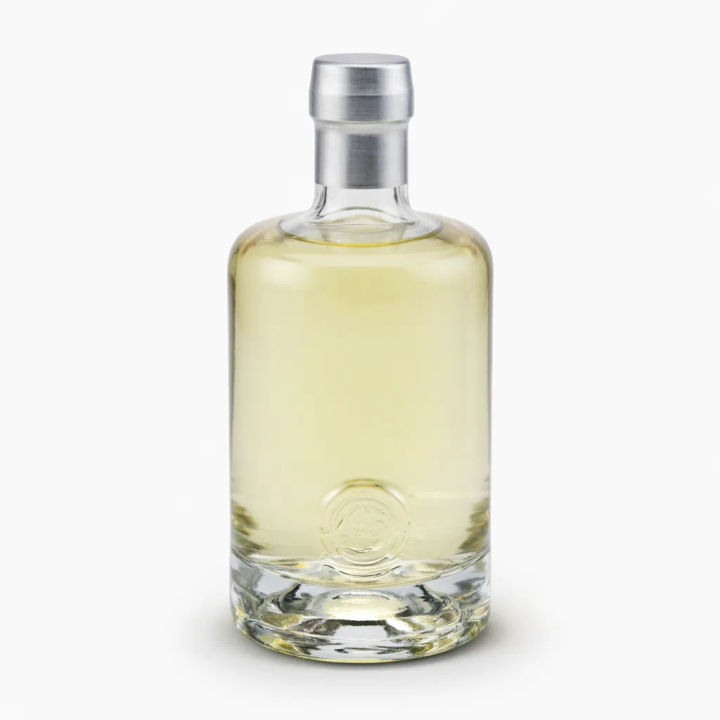
Clean white hero
From this bottle photo, make a centered hero shot on a pure white background, soft even studio light, subtle shadow under the base
Edit prompt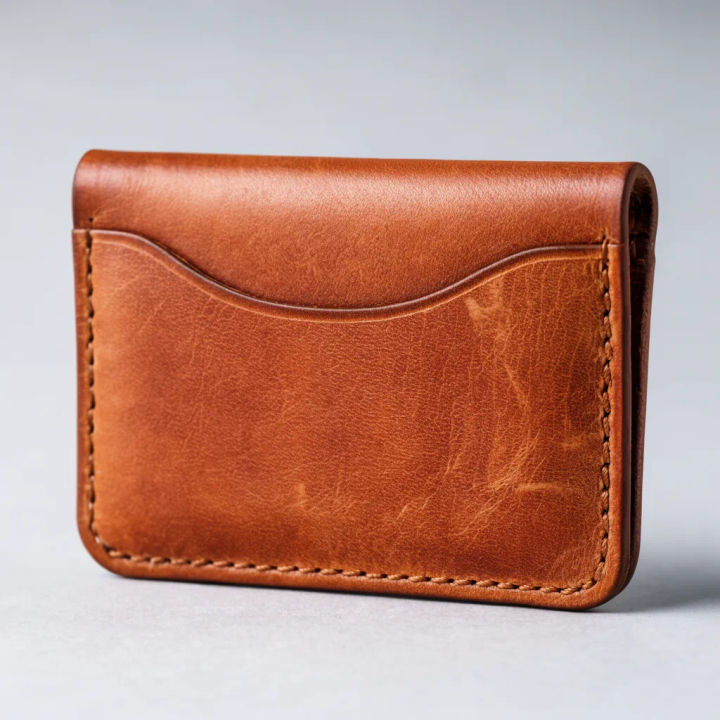
Detail crop
Tight crop of this product showing the material and texture, sharp focus, neutral backdrop, soft directional light
Edit prompt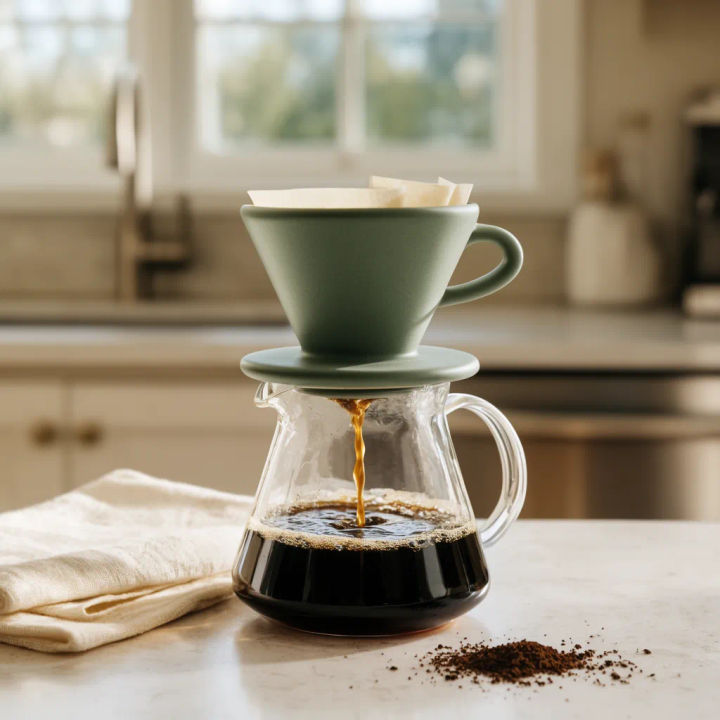
Lifestyle scene
Place this product on a bright kitchen counter in a real home, natural window light, shallow depth of field, in-use context
Edit prompt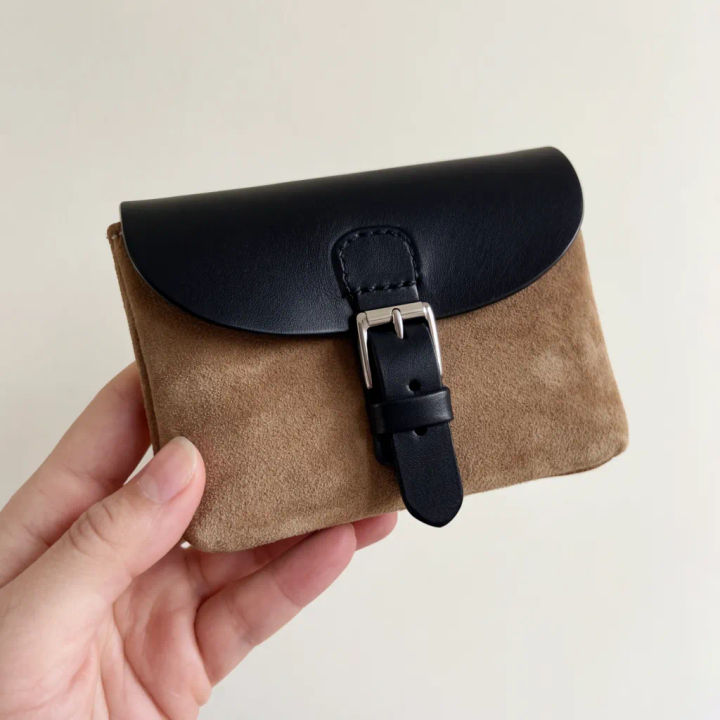
Scale and in-hand
Show this product held in a hand against a plain background, natural light, so its real size is clear
Edit prompt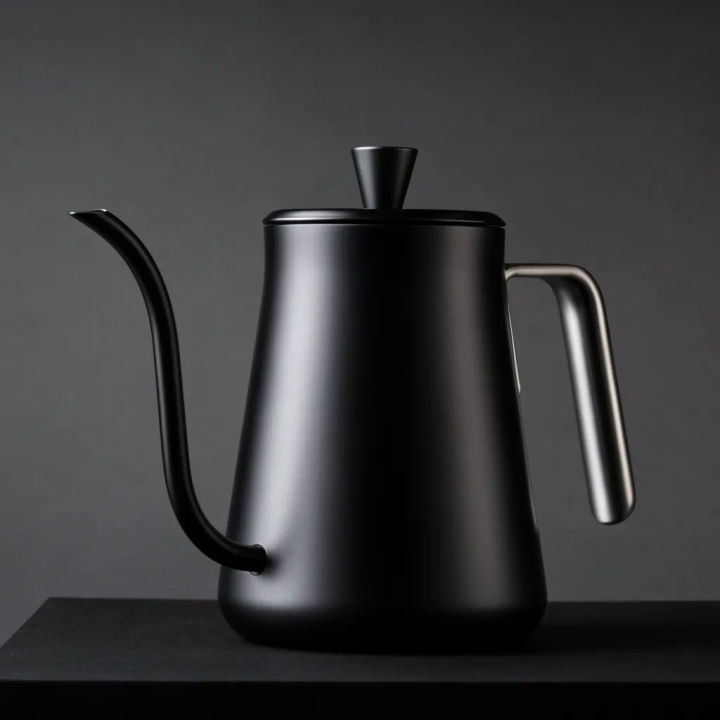
Feature callout
Angle this product to highlight its main feature, clean grey backdrop, crisp light, room around it for a label
Edit prompt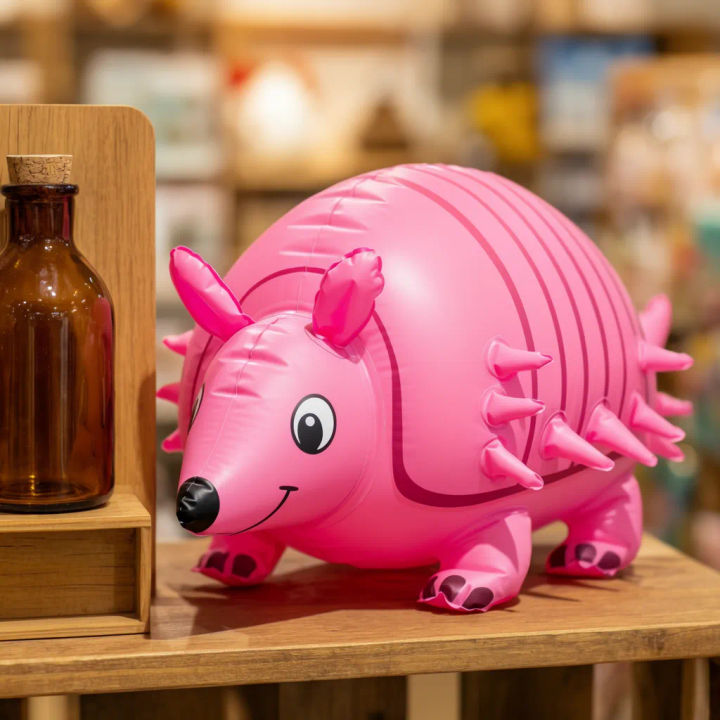
On-shelf context
Set this product on a styled retail shelf with soft background blur, warm store light, realistic surroundings
Edit prompt
Product explosion ad
Dramatic 5-second product reveal video with audio.

Jewelry campaign
One product shot becomes a full campaign pack with hero shots, angles, and format variations.
UGC product pitch
Multi-shot product pitch video from a still, a person, and a script.

Product mockup generator
Upload a product photo and get studio-quality shots on any surface with configurable lighting, angles, and aspect ratios.
UGC ads
Product photo plus a format. Get a realistic UGC-style ad with someone naturally using your product.

Anime sticker pack
Turn any image into anime-style stickers in PNG. Ready for messaging apps or social media.
All on Morphic
Models
Nano Banana 2, Flux 2 Pro, ChatGPT Images, Grok Imagine, Recraft, Seedream, and more. Swap models when a frame needs cleaner light or texture.
AI product photo generator
Generate fresh product shots from a brief when you want a new hero built rather than frames from an existing photo.
Background remover
Cut your product away from its backdrop first, so every listing frame can build on a clean, isolated subject.
Image to image
Restyle, recrop, and rebuild any listing frame by editing from the photo you upload, the same method behind the set.
