Every image model
One workspacePhotoreal looks you can create
Make photoreal images in three steps
- 01
Open Morphic
Sign up and start creating on an infinite visual canvas.
- 02
Describe the shot
Name the subject, light, lens, and texture the way a photographer would.
- 03
Generate and compare
Render in seconds, then compare models side by side and keep the most believable frame.
Use cases
Product shots without a studio
Clean catalog and lifestyle photos for any SKU, with real set lighting and believable texture. Place one product into a dozen backdrops without a studio day.

Photoreal people for campaigns
Portraits and lifestyle models with natural skin, soft light, and real lens falloff. On-brand faces on demand, no casting call or photographer.
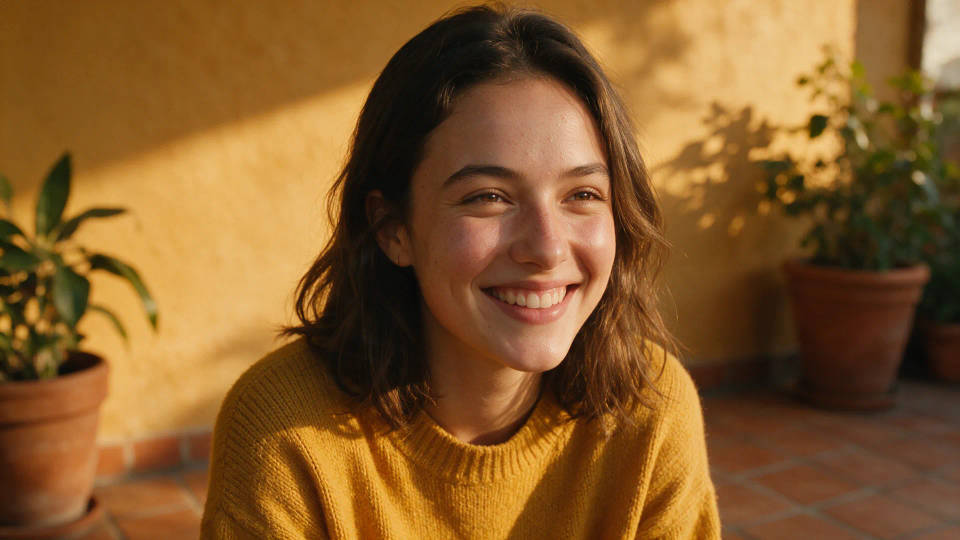
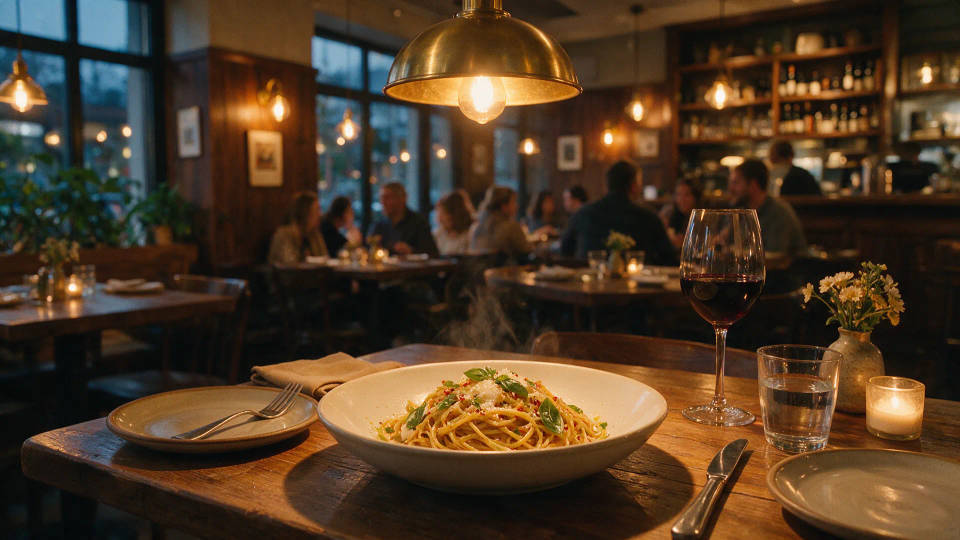
Food and interiors for menus and listings
Appetizing food heroes and warm interiors with motivated light and shallow depth. Refresh menus and listings with images that look shot on location.
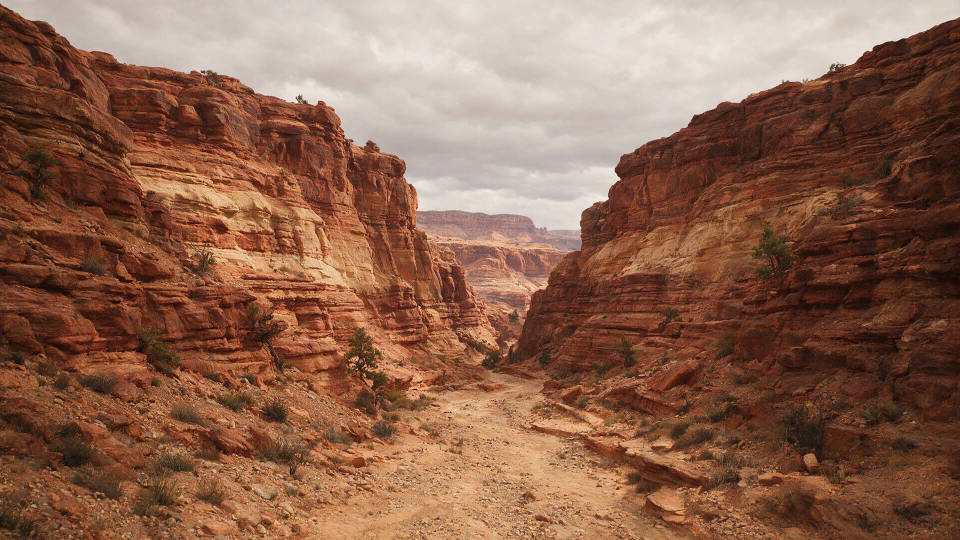
Location and landscape plates
Wide vistas and location backdrops at any time of day, from blue hour to overcast. A believable plate for composites without traveling to the spot.
Prompt examples
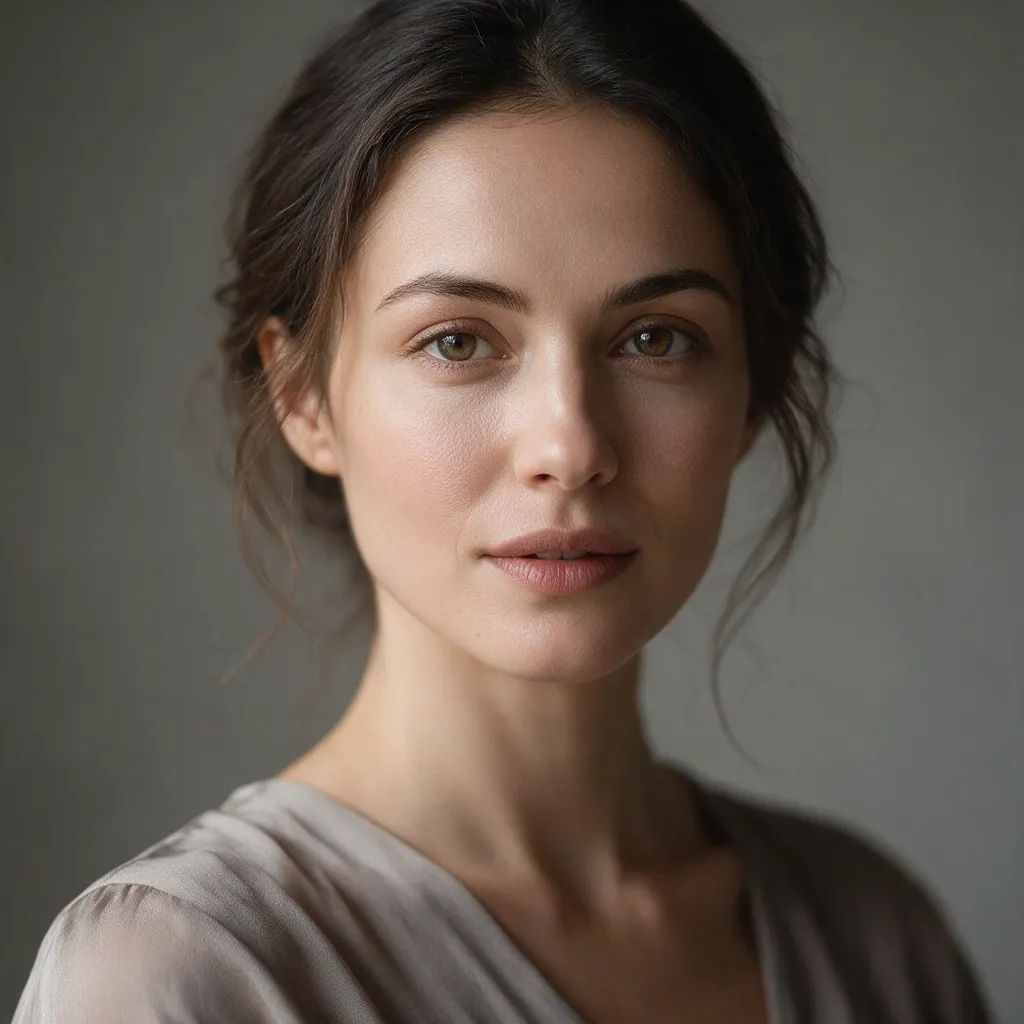
Studio portrait
Studio portrait of a woman, soft window light from the left, 85mm lens, shallow depth of field, natural skin texture, neutral gray backdrop
Edit prompt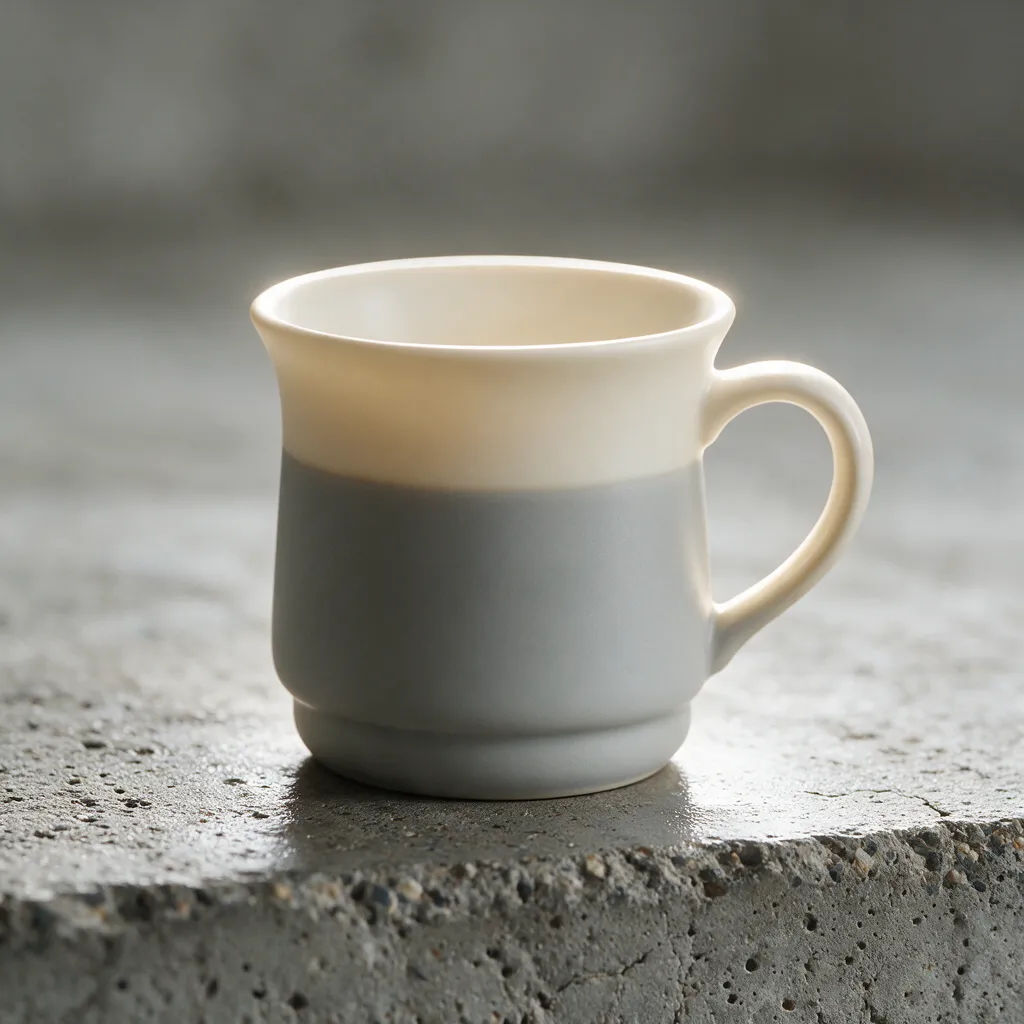
Product on set
Matte ceramic mug on a concrete surface, soft rim light, subtle reflection, shallow depth of field, premium commercial product photo
Edit prompt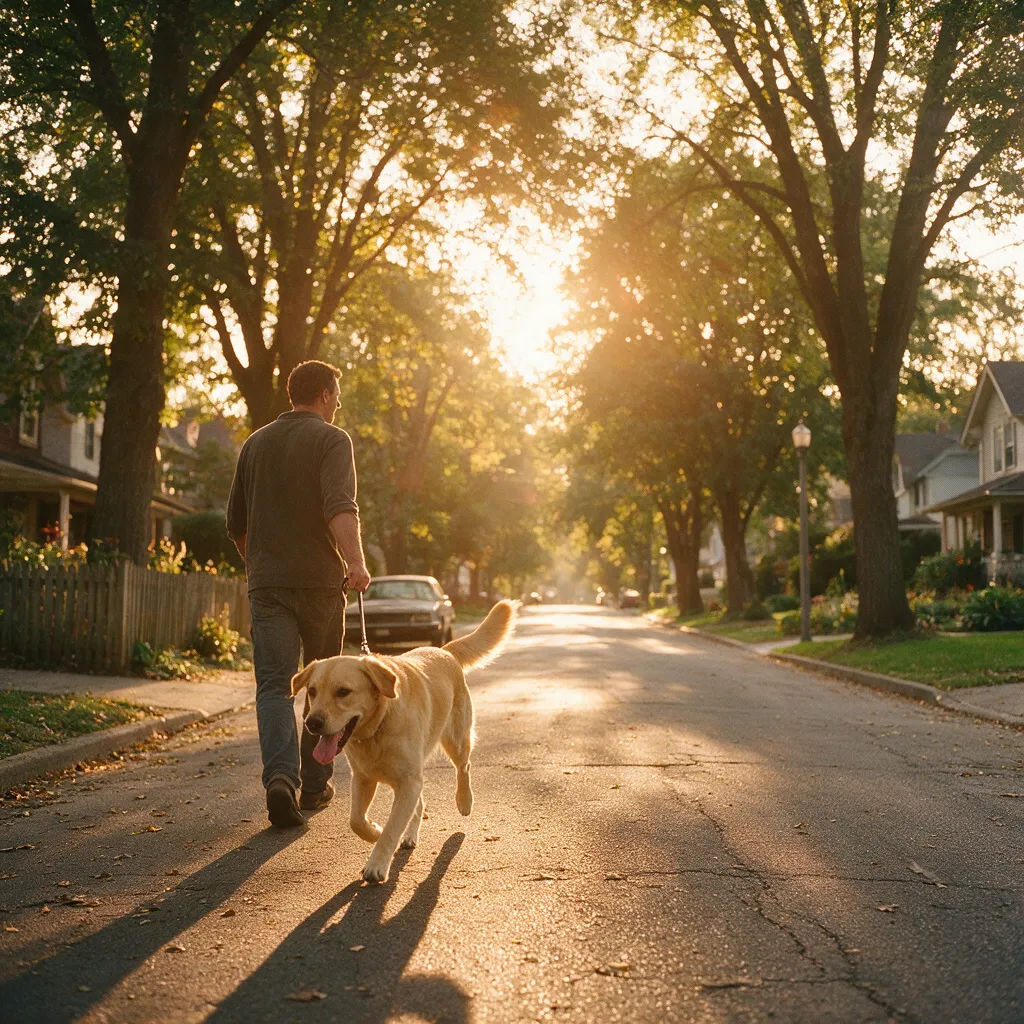
Golden-hour lifestyle
Man walking a dog on a quiet street at golden hour, warm backlight, lens flare, 35mm, candid documentary feel, natural colors
Edit prompt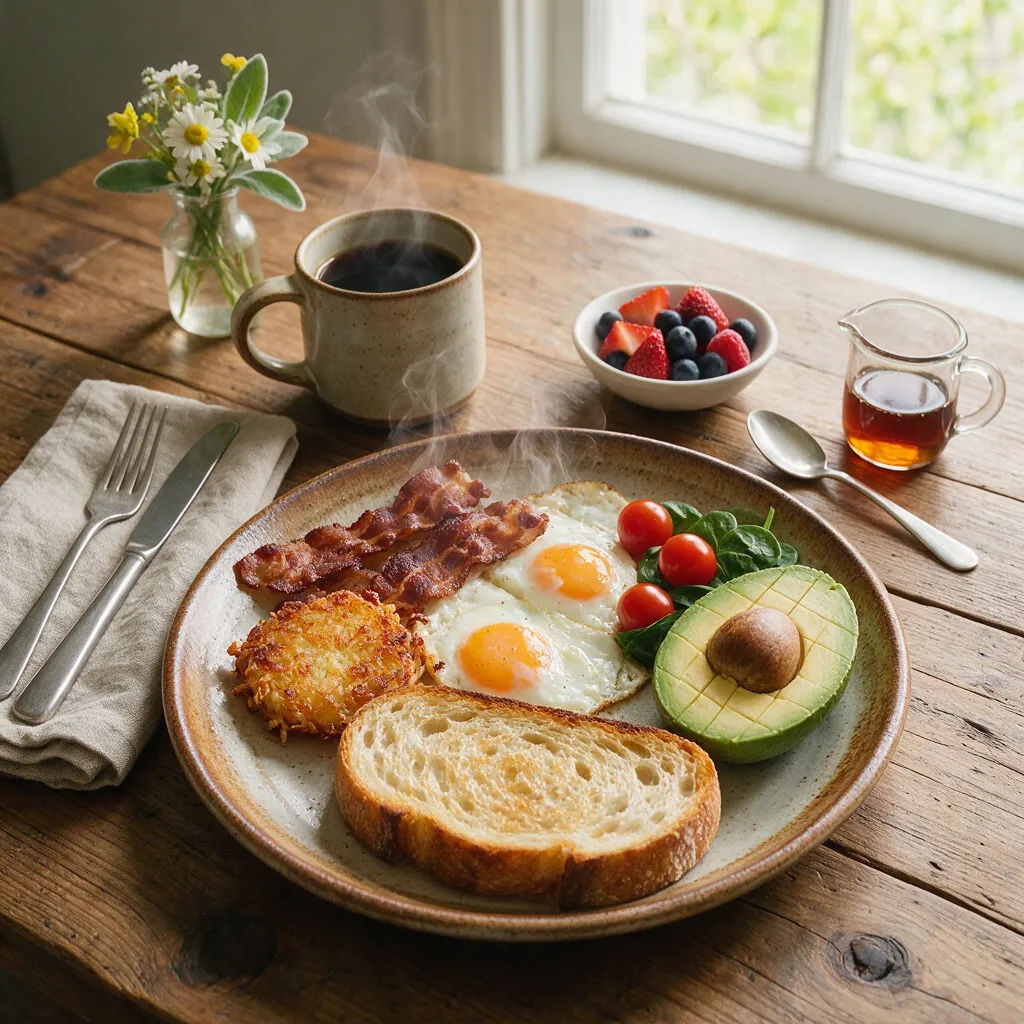
Food hero
Overhead shot of a rustic breakfast plate, soft diffused daylight, steam rising, shallow depth of field, appetizing food photography
Edit prompt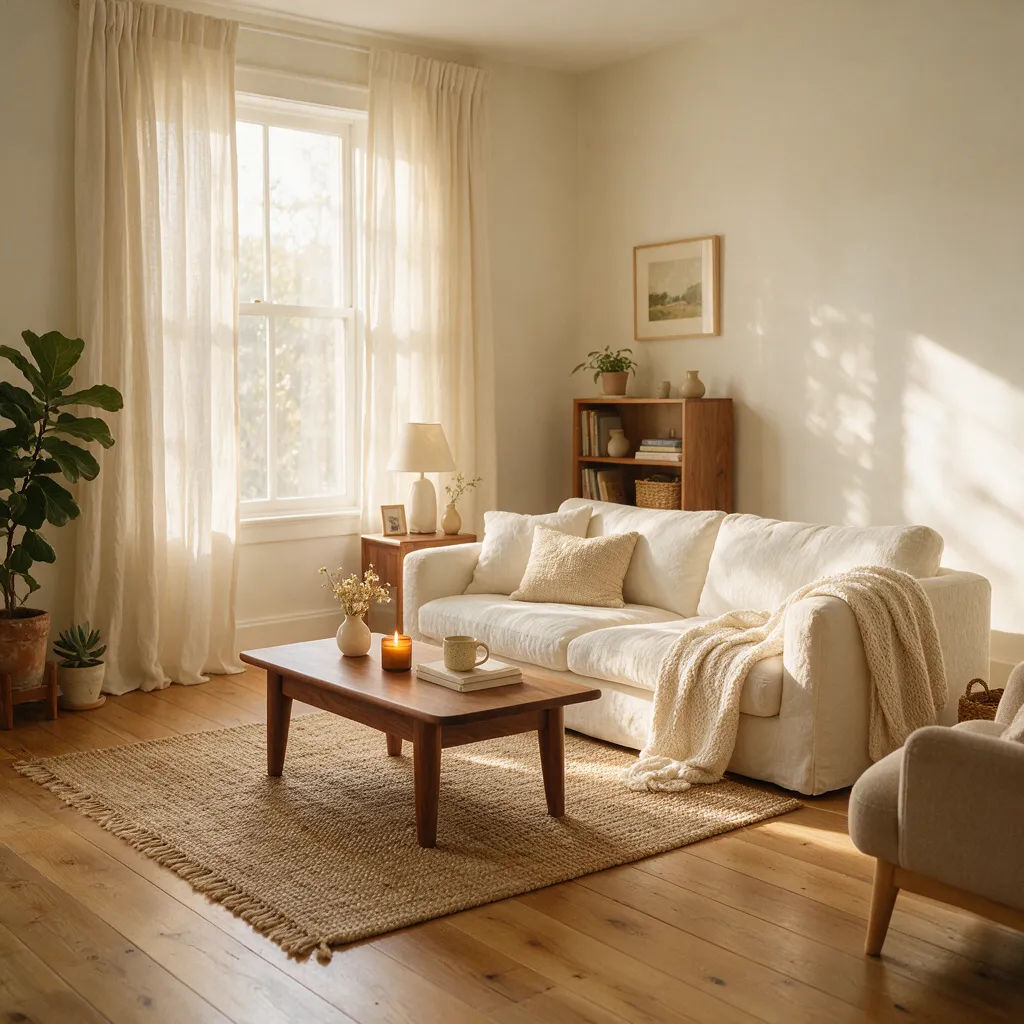
Interior scene
Sunlit living room with linen sofa and oak floor, soft morning light through sheer curtains, wide 24mm lens, realistic textures
Edit prompt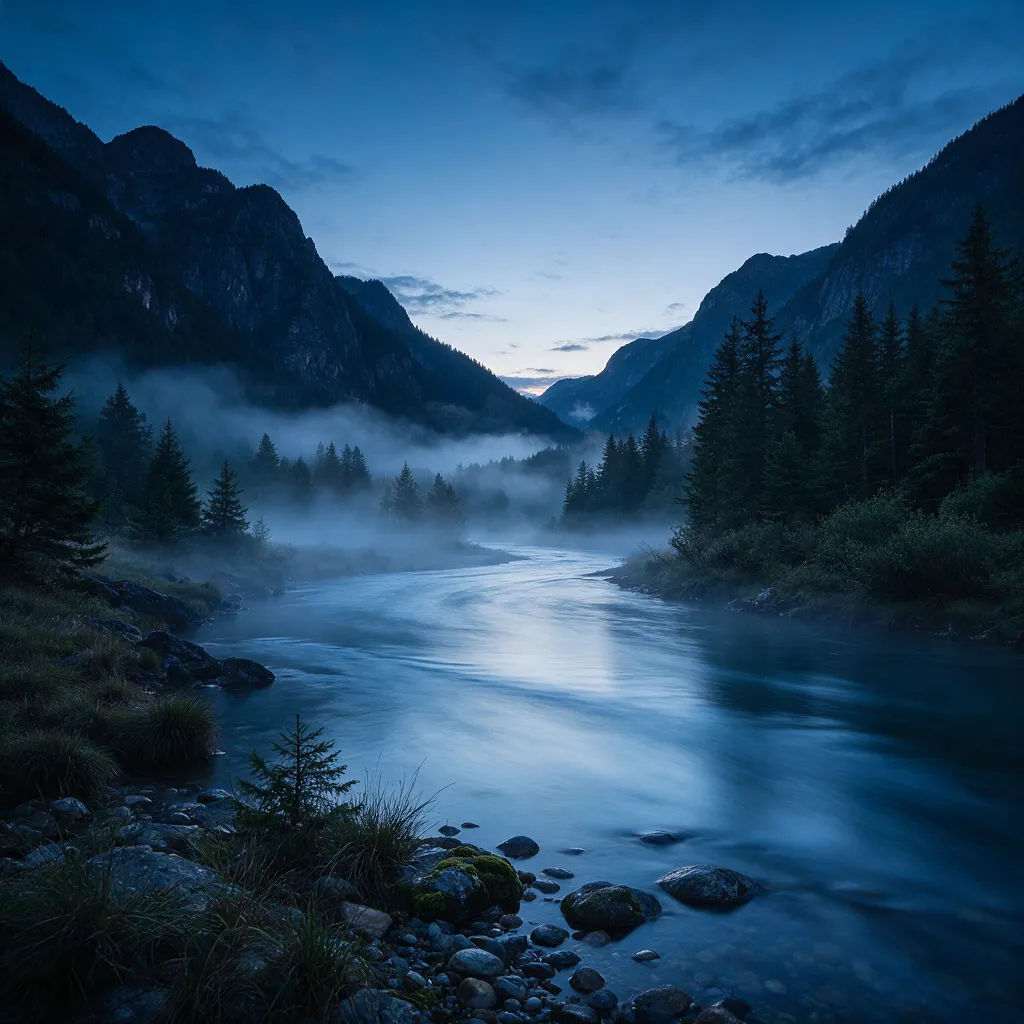
Nature landscape
Mountain valley at blue hour, low mist over the river, long exposure water, soft cool light, 24mm, high-detail landscape photograph
Edit prompt
Character age progression
Upload a photo of a person or character and get a single grid image showing them at different life stages, from baby to elderly.
Time-freeze effect
Cinematic time-freeze short film for any scene

Cinematic storyboard
Share a scene description with character references. Get a full storyboard with shot angles and mood.

3x3 storyboard
Feed in a single image. Get 9 cinematic beats laid out as a 3x3 storyboard grid.

Messages to cinematic scene
Dramatize any text conversation into a cinematic multi-shot video.

Expressions
Take any character image and generate 6 distinct facial expressions on a single reference sheet.
All on Morphic
Your complete photoreal stackModels
Nano Banana 2, Flux 2 Pro, ChatGPT Images, Grok Imagine, Recraft, Seedream, and more. Compare one prompt across models and keep the most photoreal frame.
Image to image
Start from a reference photo and relight it, change the lens look, or swap the backdrop while keeping the subject. Push a rough shot toward a believable one.
Inpainting and outpainting
Fix one detail without rerolling the photo. Inpaint to clean a reflection or object, or outpaint to widen the frame and open the set.
Workflows
Save a finished shot setup as a one-click Workflow. Rerun it for the next SKU or model and share it with your team.
