Every image model
Made with Recraft V4 Pro
Make an image in three steps
- 01
Open Morphic
Sign up and start creating on a free-flowing, infinite visual canvas.
- 02
Describe the image
Subject, style, composition, palette. The more specific, the closer the first render lands.
- 03
Generate and refine
Render in seconds. Compare takes and swap models side by side on the Canvas.
What Recraft V4 Pro generates
Design-taste output
Trained around composition, type sense, and brand feel. Results look intentionally art-directed, not like generic stock imagery.
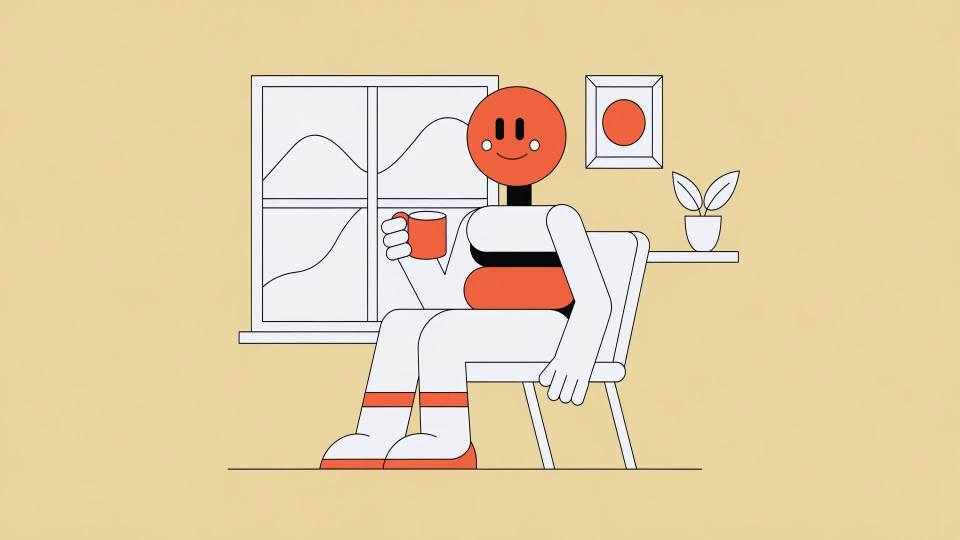
2K native raster
Generates at 2048x2048 natively, so detail holds at full size for print, marketing, and editorial layouts.

Refined anatomy
The V4 rebuild fixes long-standing anatomy issues. Hands, faces, and proportions stay coherent on complex human and animal scenes.
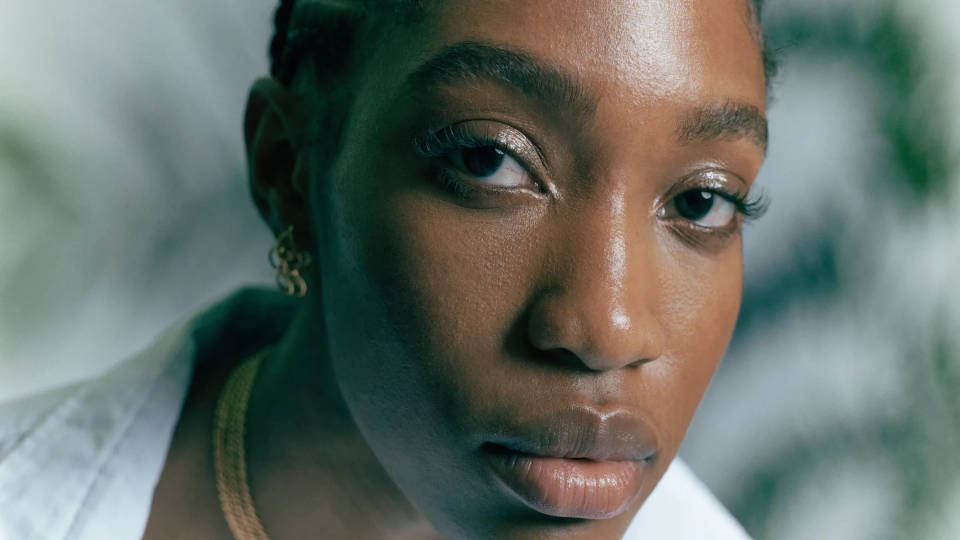
Editorial composition
Balanced framing, considered negative space, and natural focal hierarchy. Output reads as professional photography or illustration.

Prompt examples
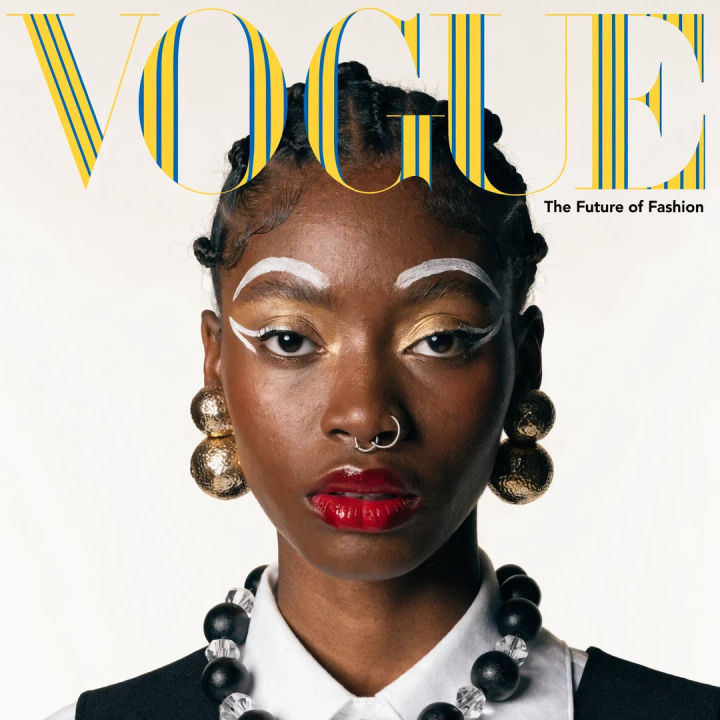
Magazine cover
Editorial magazine cover, striking portrait, balanced composition, bold masthead
Edit prompt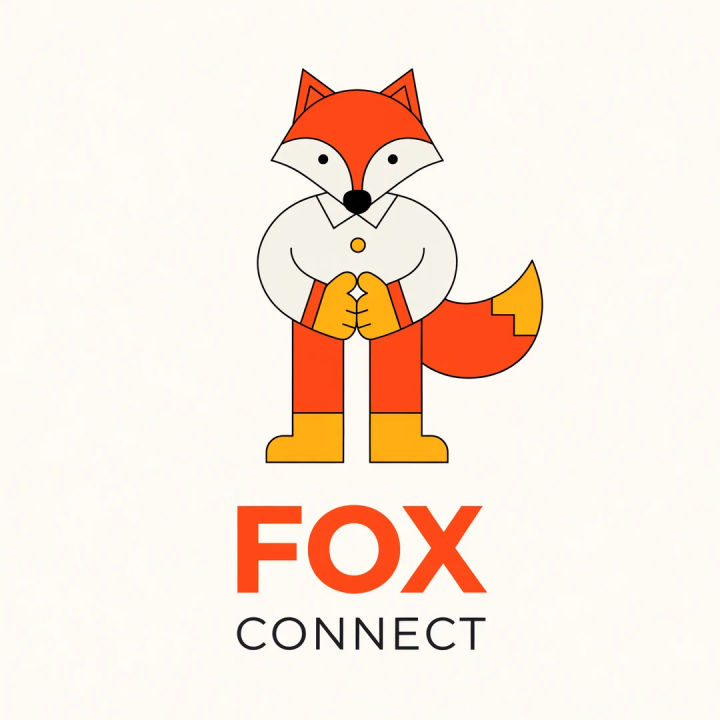
Brand mascot
Friendly fox brand mascot, clean flat style, warm palette, balanced composition
Edit prompt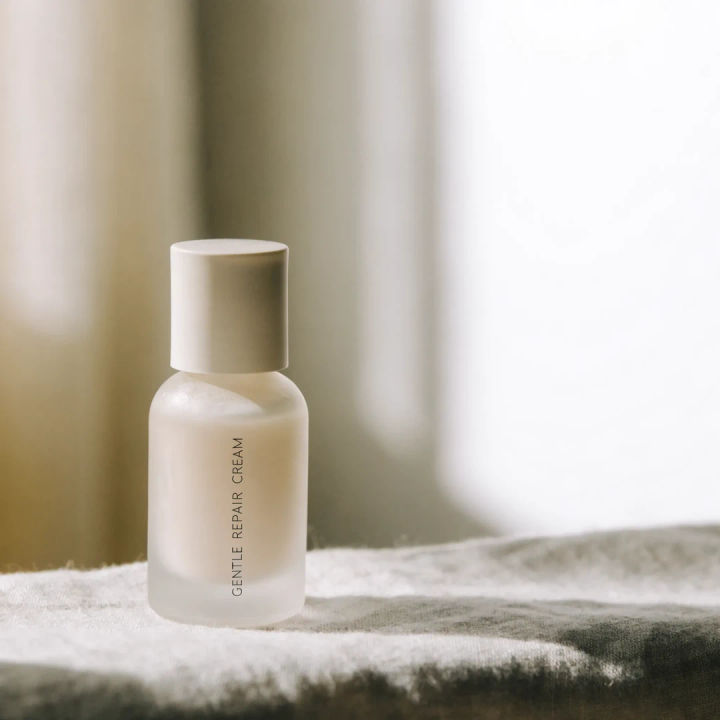
Product lifestyle
Skincare product on a linen surface, soft daylight, considered negative space
Edit prompt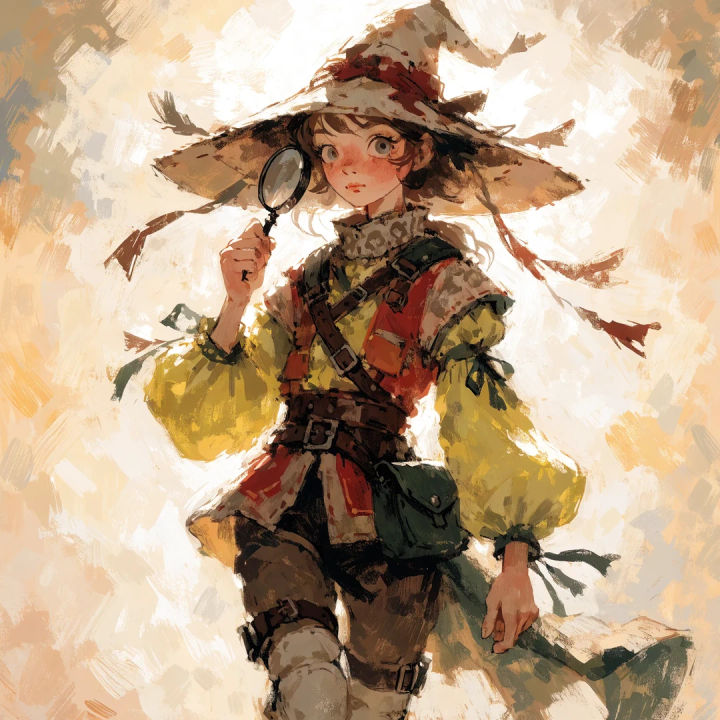
Character illustration
Storybook explorer character, painterly illustration, refined anatomy, warm light
Edit prompt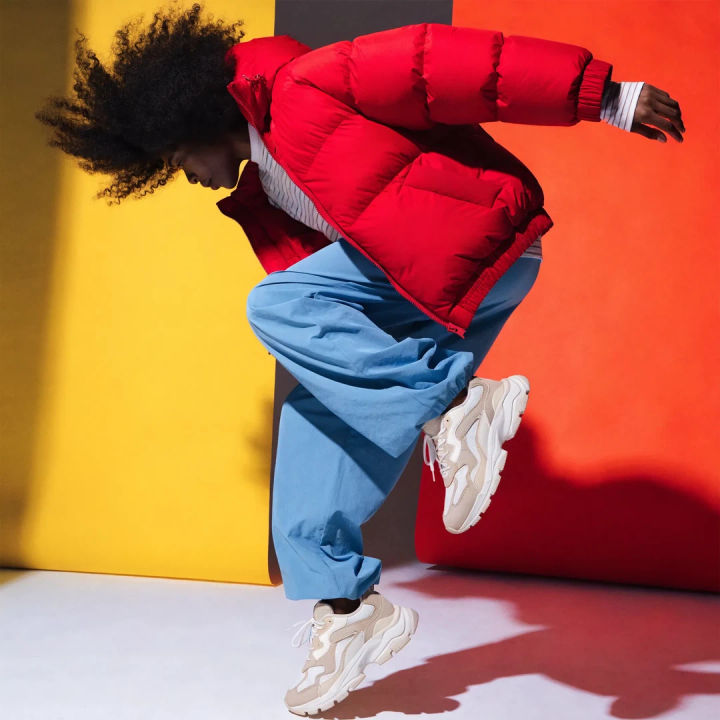
Campaign hero
Athletic wear campaign hero, dynamic pose, editorial light, bold color blocks
Edit prompt

Cinematic storyboard
Share a scene description with character references. Get a full storyboard with shot angles and mood.

Expressions
Take any character image and generate 6 distinct facial expressions on a single reference sheet.

Title sequence
Generate a professional film title card from scratch, with optional cinematic animation.

Anime sticker pack
Turn any image into anime-style stickers in PNG. Ready for messaging apps or social media.

3x3 storyboard
Feed in a single image. Get 9 cinematic beats laid out as a 3x3 storyboard grid.

Messages to cinematic scene
Dramatize any text conversation into a cinematic multi-shot video.
All on Morphic
Models
Recraft V4 Pro, Nano Banana Pro, Flux 2 Pro, Ideogram 4.0, and more. Pick the look and swap mid-project.
Brand assets
Generate art-directed hero imagery, then pair with a vector model for editable SVGs in one workflow.
Edit and refine
Take a render into image-to-image to adjust a region, restyle, or clean up without a full re-roll.
Workflows
Turn a finished image into a one-click Workflow. Rerun, share, or favorite it for fast reuse.
