 Safe areaReels interfaceOne cut, three placements
Caption, audio line and buttons take the lower band. Toggle the safe area and the captions to see what it costs.
A Reel is rarely the only thing the footage has to become. The same material usually owes a feed post and a Story as well, in different shapes, and building it on a timeline is what stops that being three separate edits. It runs in your browser, and every version comes out of one project.
How to edit an Instagram Reel in three steps
- 01
Set the Reel frame
Nine by sixteen on the project, before any clip lands and gets framed wrong.
- 02
Cut and place the titles
Tighten the pacing, then keep the words above the interface at the bottom.
- 03
Export every version
Render the Reel, change the frame, render the feed cut from the same timeline.
What the Reels editor gives you
This is Compose V2, switched on per workspace.
One project, several shapes
The frame is a project setting, so the same cut renders vertical for a Reel and four by five for the feed. Nothing is duplicated and no version drifts from the others when a note comes back.
Titles that survive a reframe
Text sits on the timeline and never in the picture, so changing the frame moves a title instead of destroying it. A line that ran off the edge is dragged back into the safe area in a second.
Framing per clip
Position, scale and crop belong to each clip, so the two shots that do not survive a narrower frame are the only two you touch. The rest of the cut carries over untouched.
A mix, not a track
Voice, music and effects hold separate layers and separate levels, which means the version you export without music is the same edit and not a rebuild of it.
Two people, one timeline
Several editors can be in the same project at once, changes to different clips both surviving, with access set to edit or view. Available on the Pro plan and above.
Export each placement
MP4 up to 4K on your own machine, whole timeline or a marked span, so a shorter cut for one placement does not need its own project.
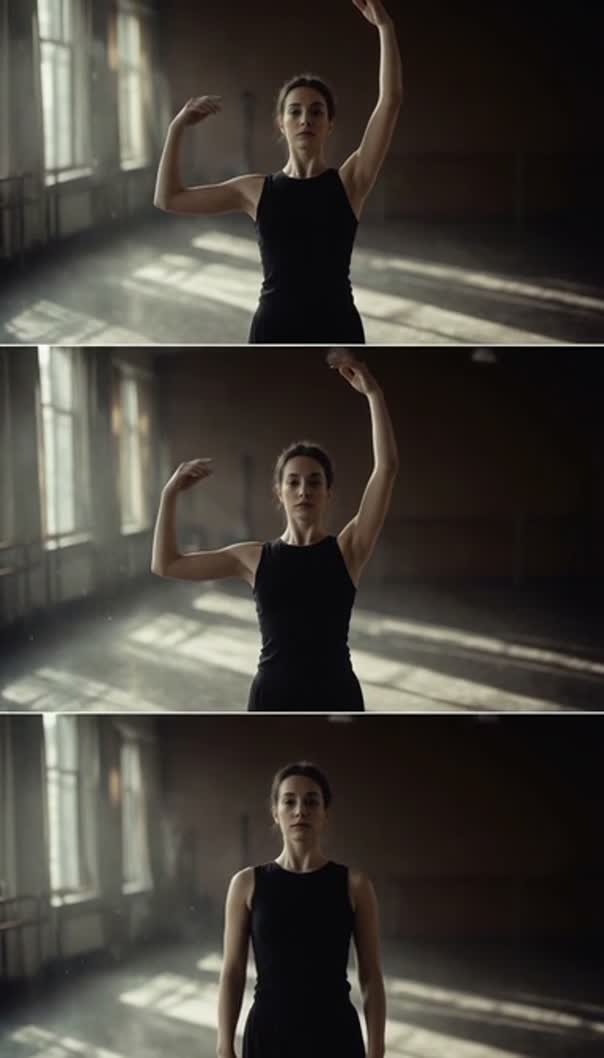
Vertical framing leaves headroom that widescreen footage never filled. Instead of scaling until a face crops, generate a shot built for the tall frame in the same project, from the whole model roster and against the reference sheets that keep a month of posts looking like one account. Seedance 2.5 is one of the video models on that roster.
Edit Reels in the frame they publish in
The Reel frame is taller than almost anything gets filmed in, and the consequences are specific:
- A two-person shot that reads comfortably wide has both subjects near the edges.
- A product on a table has the table.
- A piece to camera framed at the chest has a lot of ceiling.
Editing in the real frame surfaces that while there is still time to choose a different take. It also makes the interface obvious: the lower part of the frame carries the caption and the buttons and the right edge carries the rest, so a title placed dead centre bottom is in the one place it will be covered. None of this is hard to work around, only hard to notice after the fact.
Reels maker for a cut that is also a feed post
Most Reels are made alongside something else. The same shoot owes a feed post, often a Story too, and the usual route is one edit finished, exported, re-opened and crudely re-cropped, with titles re-done and music re-synced because they were flattened into the picture.
Keeping everything as timeline items removes that. Change the frame from nine by sixteen to four by five and the cut, the mix and the text all survive; what needs attention is the handful of clips where the subject sat close to an edge. A set of placements you ship weekly is worth saving as a workflow, with the model and its settings pinned at each step, at which point Friday's three versions are something you run. The value is that the second version is genuinely the same edit rather than an approximation made in a hurry. When reframing is the bulk of the work, the resizer covers that ground in detail.
Reels, Stories and the rest of the cut
Stories share the Reel frame and almost nothing else. They are shorter, watched with less patience, and they tolerate rougher material because nobody expects a Story to be finished. A Reel cut to Story length usually needs its opening moved rather than its ending trimmed, because the context a Reel spends two seconds establishing is two seconds a Story does not have.
Marking that span on the same timeline keeps it honest: mark the section, export it alone, and the Reel is untouched. Over a few weeks that is what keeps a set of placements looking like they came from the same place. The TikTok editor covers the same frame for a feed with different manners, and the shorts editor covers the version cut out of something longer.
Related video tools
Online video editor
The timeline underneath all of this, without a platform assumption.
TikTok video editor
The same vertical frame for a feed with different habits.
YouTube Shorts editor
Vertical again, usually cut down out of something much longer.
Resize video online
Move one cut between the Reel frame and the feed frame.
Add text to video
Titles that stay editable when the frame around them changes.
Add music to video
Your own bed for the version that has to live off the platform too.
Video trimmer
Cut a Story-length version out of a Reel that is already working.
AI reel generator
When the Reel should be generated, not cut from a shoot.
