Every image model
One workspacePeople you can clear
Remove people in three steps
- 01
Open Morphic
Sign up and start creating on a free-flowing, infinite visual canvas.
- 02
Mark who to remove
Upload a photo and mark the photobomber, the passer-by, or the crowd you want gone.
- 03
Generate and export
The space they filled rebuilds by inpainting. Rerun until it is clean, then export.
Use cases
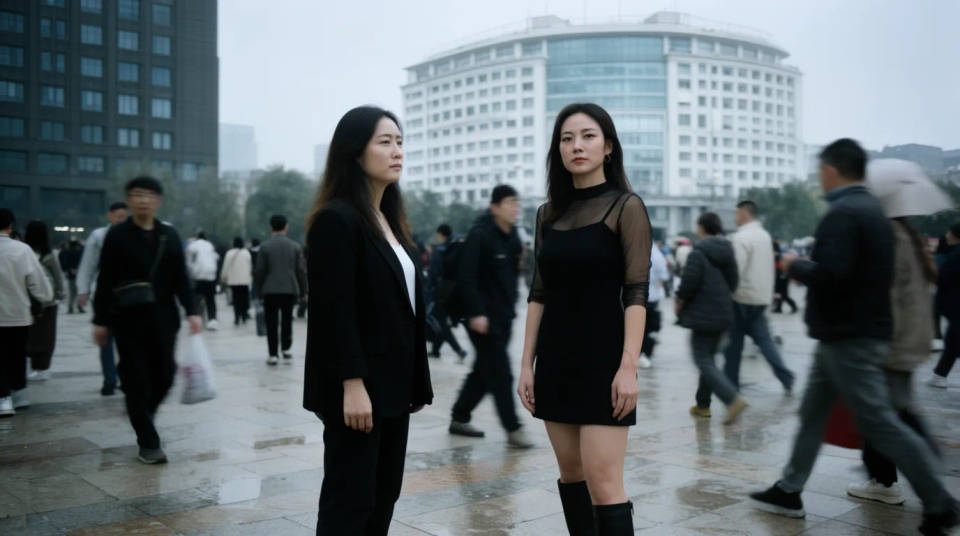
Get the landmark to yourself
A monument, a beach, or a famous view is rarely empty when you visit. Mark the tourists and passers-by and the model rebuilds the paving, sand, and architecture behind them. You end up with the calm, uncrowded shot you pictured, from the photo you actually managed to take.
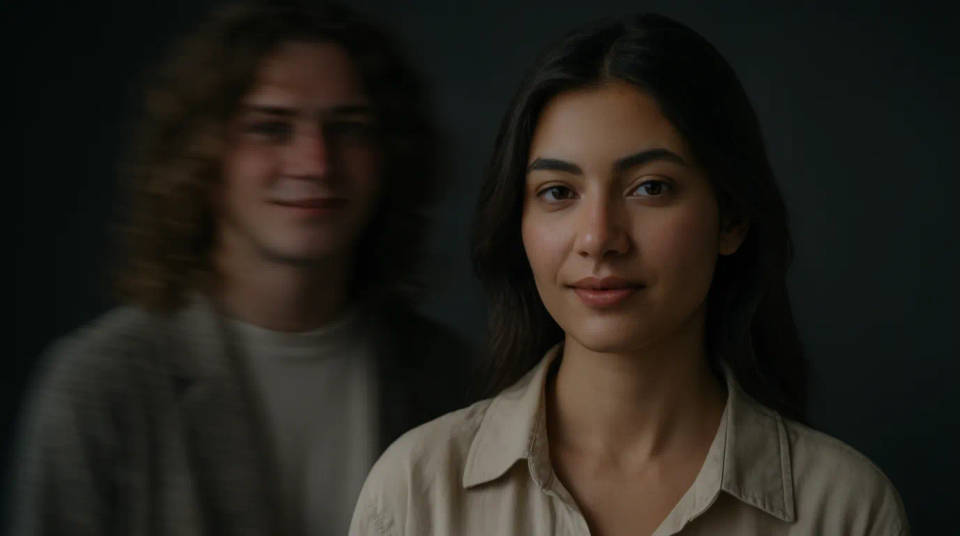
Take a photobomber out of a portrait
Someone walked through the frame just as the shutter went, and it is the only shot you got. Mark the stray person and the model continues the wall, path, or sky where they were. Your subject stays exactly as photographed, and the interruption disappears from the background.
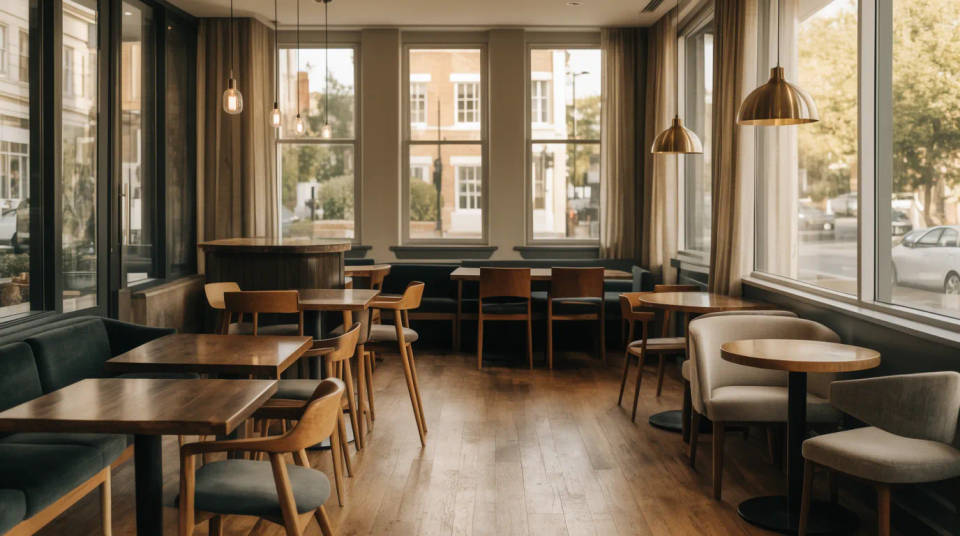
Empty a space for a listing or venue shot
A shop, a restaurant, or a venue photographs best without customers in the way. Mark the people and the model rebuilds the floor, seating, and fittings behind them, so the space reads clean for a listing, a website, or a booking page without waiting for a quiet moment to reshoot.
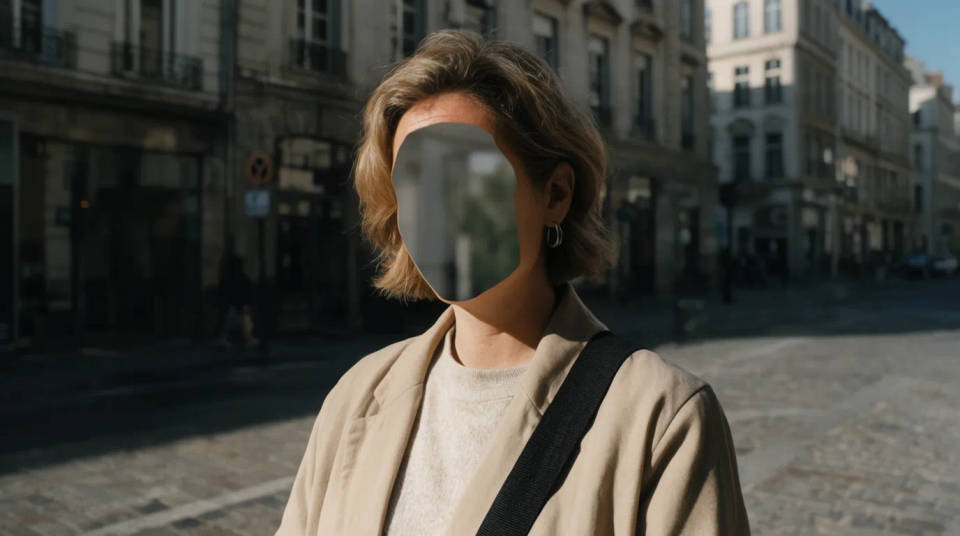
Protect a stranger's privacy
A bystander who did not agree to be in your photo can be cleared before you post it. Mark the person and the background fills in where they stood, so you can share a street scene or an event shot without putting someone who was just passing through into public view.
Prompt examples
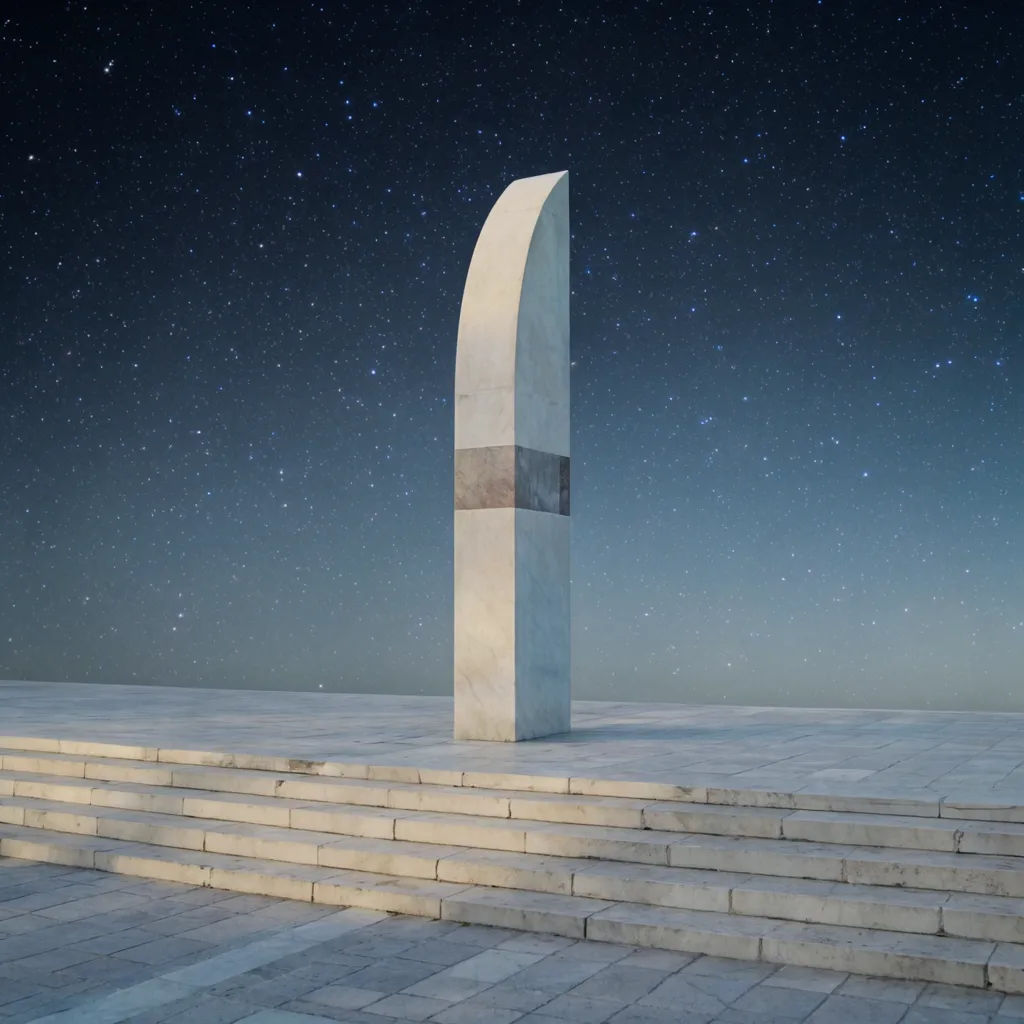
Empty the landmark
Remove the tourists in front of the monument and rebuild the steps and plaza
Edit prompt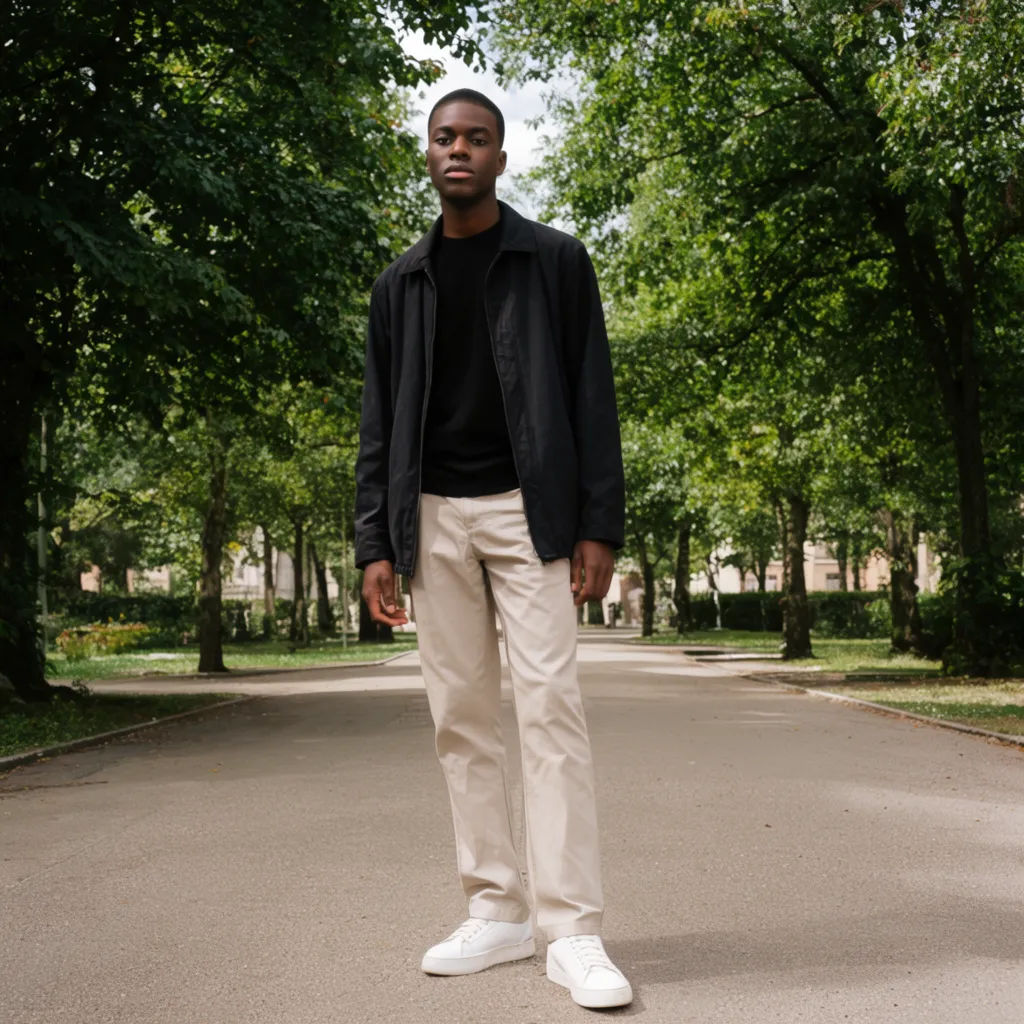
Clear the photobomber
Remove the person walking behind my subject and continue the park path
Edit prompt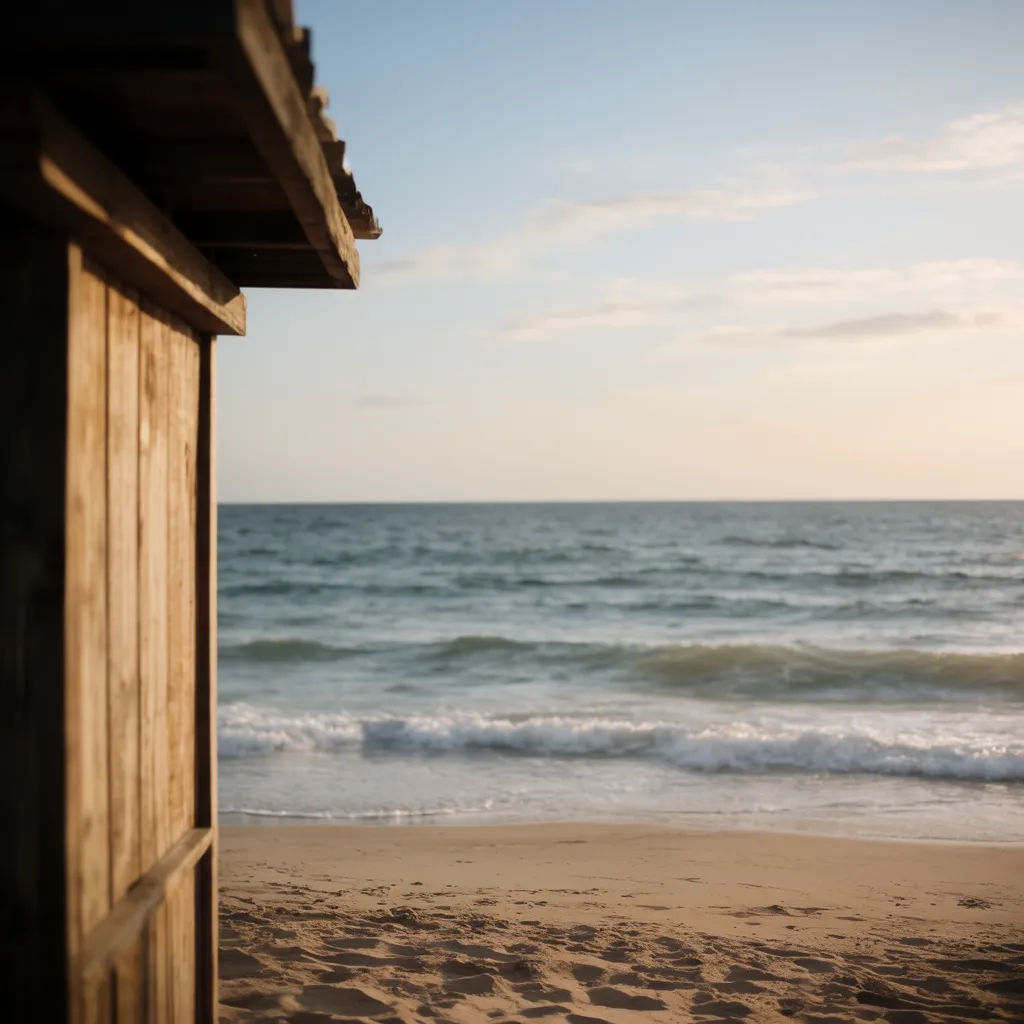
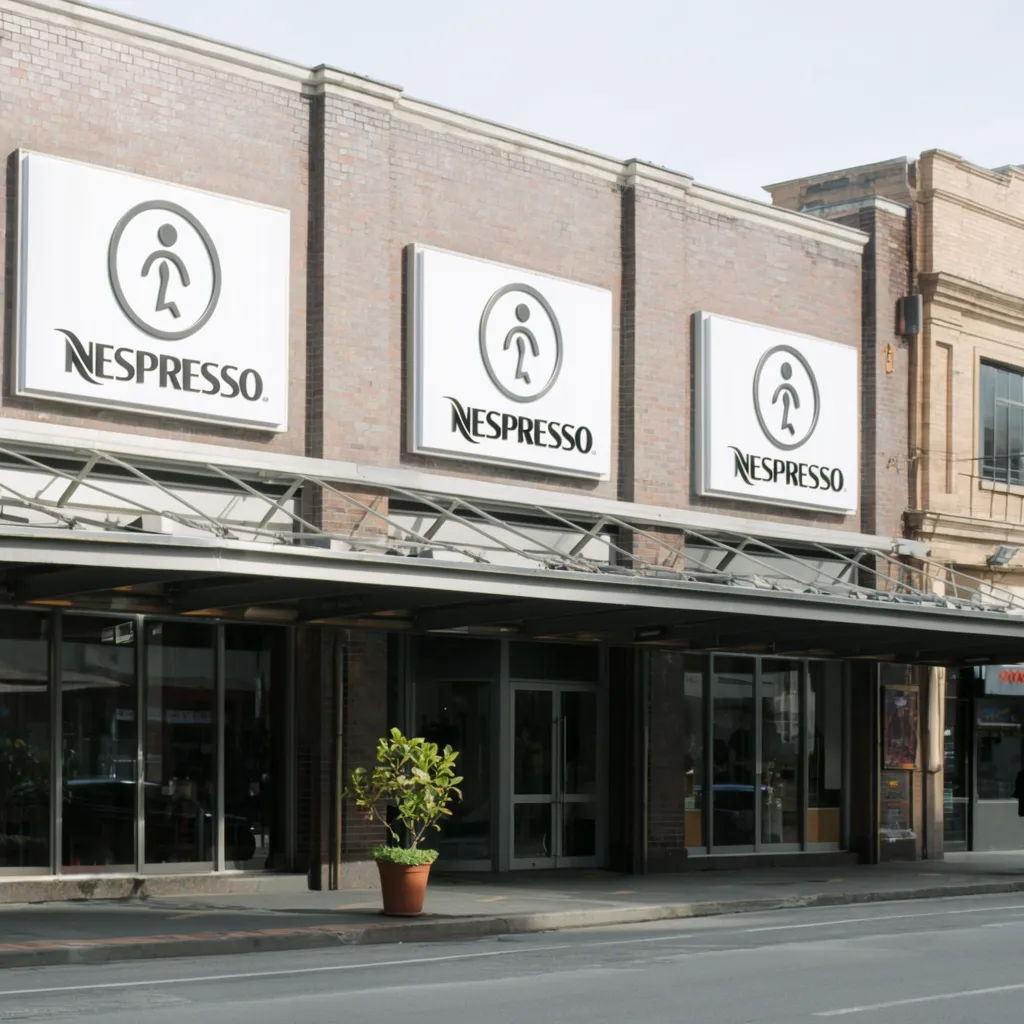
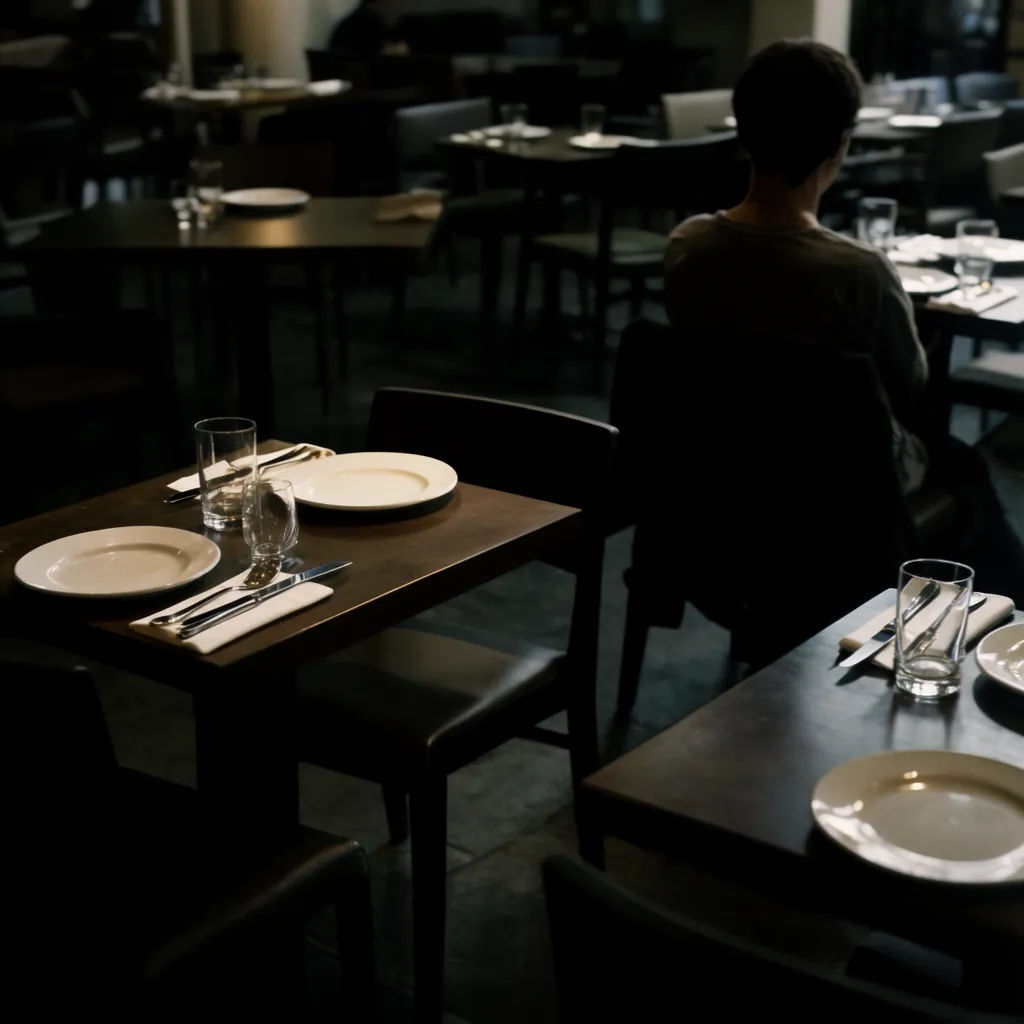
Clear the venue
Remove the diners in the restaurant and rebuild the empty tables and floor
Edit prompt
Keep one, lose the rest
Keep the child in the foreground and remove everyone else in the frame
Edit prompt
Title sequence
Generate a professional film title card from scratch, with optional cinematic animation.

Cinematic storyboard
Share a scene description with character references. Get a full storyboard with shot angles and mood.

Chibi sprite animation
Turn any photo or description into an animated chibi sprite. Dance, jump, wave, attack, and more.

Messages to cinematic scene
Dramatize any text conversation into a cinematic multi-shot video.

3x3 storyboard
Feed in a single image. Get 9 cinematic beats laid out as a 3x3 storyboard grid.

Expressions
Take any character image and generate 6 distinct facial expressions on a single reference sheet.
All on Morphic
Your photo cleanup toolkitModels
Nano Banana 2, Flux 2 Pro, ChatGPT Images, Grok Imagine, Recraft, Seedream, and more. Switch models when a crowded background needs a cleaner fill.
Object remover
Clear objects, cars, wires, and clutter as well as people, all with the same mark-and-rebuild approach.
Background remover
Cut your subject away from the scene entirely, when you want a clean cutout rather than a de-peopled shot.
Image to image
Rework any photo through inpainting, the same method that rebuilds the space where people stood.
AI image editor
The broader editor behind the removal. Clean up what is left, change the light, or restyle the scene from a sentence.
