Every image model
One workspaceBanners you can design
Design a SoundCloud banner in three steps
- 01
Open Morphic
Sign up and start creating on a free-flowing, infinite visual canvas.
- 02
Describe the banner
Give your genre, the mood, and your artist name. Keep the key art away from the lower-left.
- 03
Generate and export
Get a header sized for the crop. Rerun until the safe zone is clear, then export.
Use cases
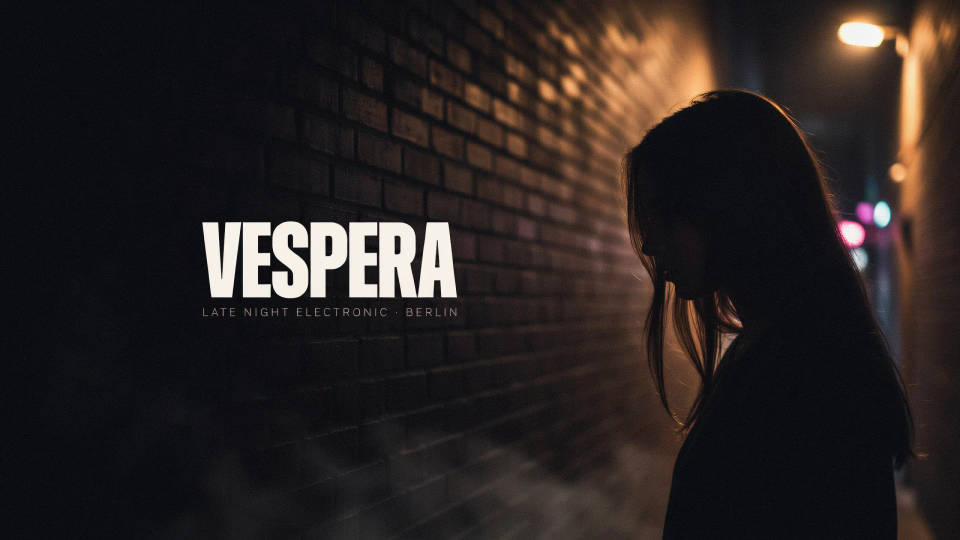
Artist profile header
Set the tone of your page the moment someone lands on it. Describe your sound and the model builds a wide header that matches, with your name placed where the profile overlay will not clip it. A banner that fits the crop makes a page look properly set up.
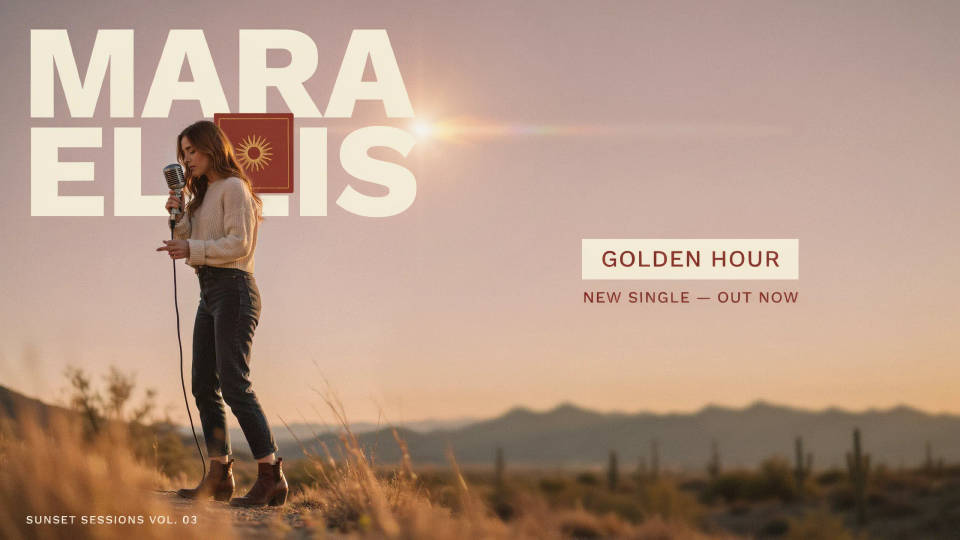
New release and single art
Promoting a drop? Generate a banner that carries the release theme, a title tag off to the right, and the mood of the track. Swap it in for launch week and keep the focal art clear of the avatar. A quick way to make the profile feel current.
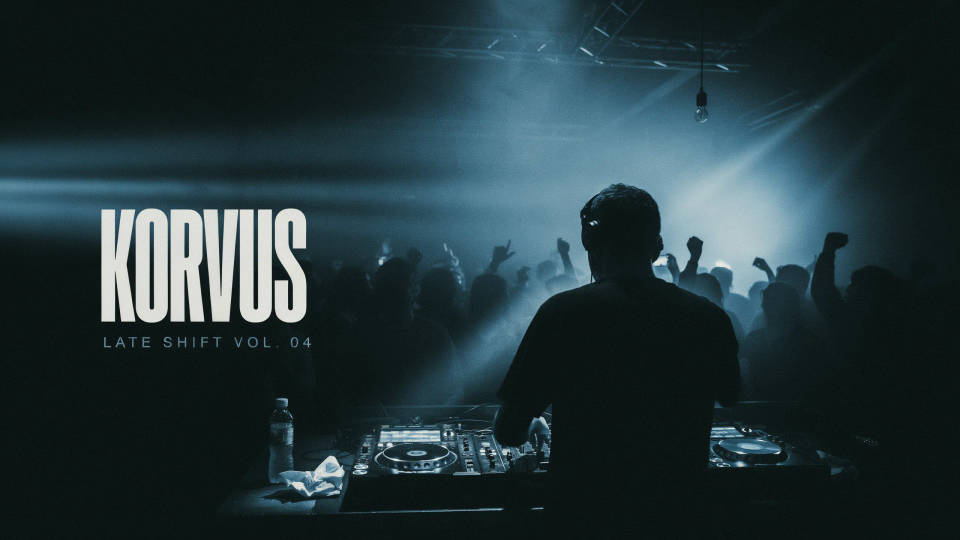
DJs and producers
Match a header to a mix series, a label, or a genre, moody techno, bright house, deep ambient. Describe the vibe and the model builds a wide banner that reads at a glance. Generate a few looks side by side and keep the one that fits your catalogue.
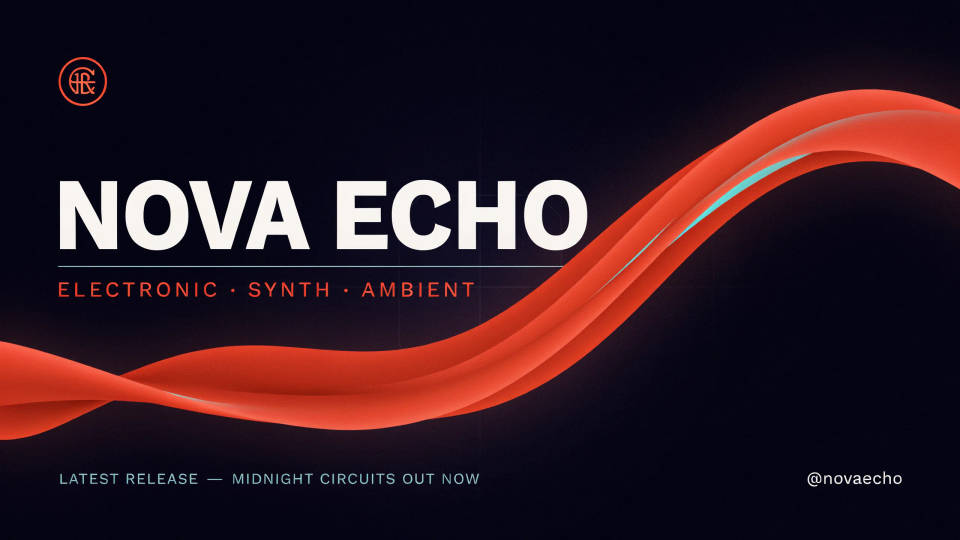
Consistent artwork across platforms
Keep your SoundCloud header in step with your other channels. Generate the banner in the same palette and type as your covers and social art, so a listener recognises you everywhere. One look, sized correctly for each place it lands.
Prompt examples
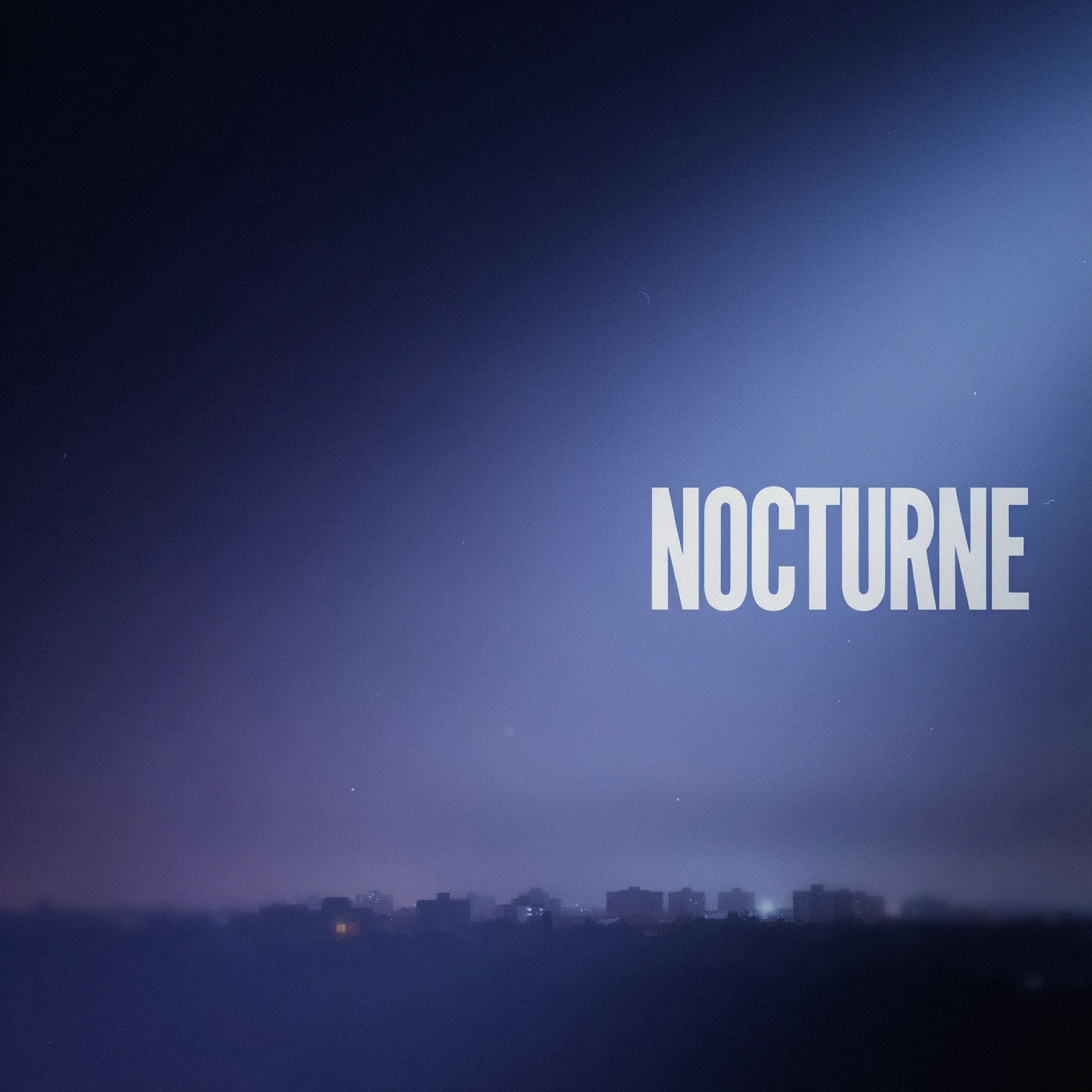
Lo-fi purple
A wide SoundCloud banner, moody lo-fi purple and blue gradient, soft grain, a bold artist name NOCTURNE placed to the right, lower-left kept clear
Edit prompt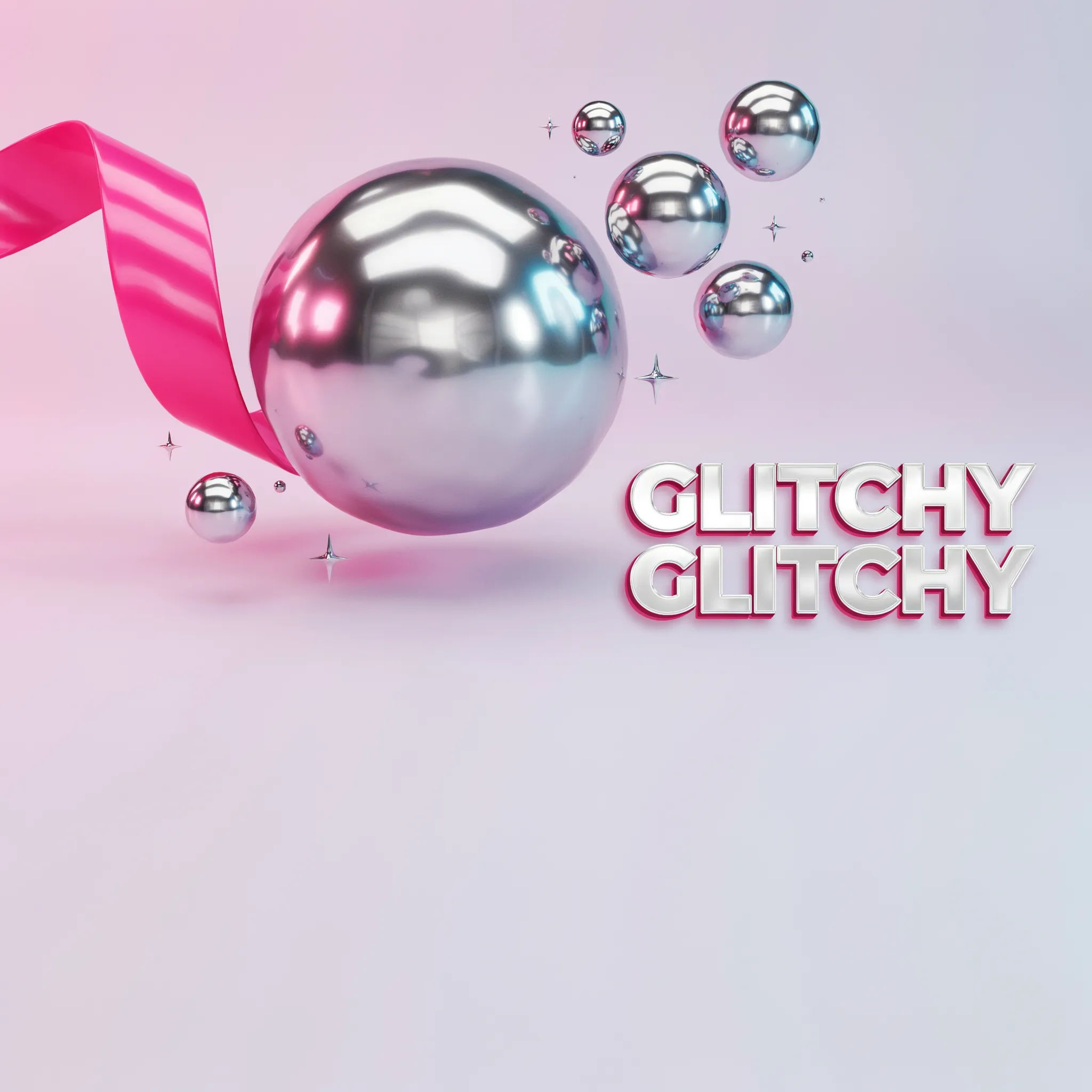
Hyperpop bright
A hyperpop SoundCloud banner, glossy pink and chrome, playful bold artist name to the right, energetic shapes, lower-left corner kept empty
Edit prompt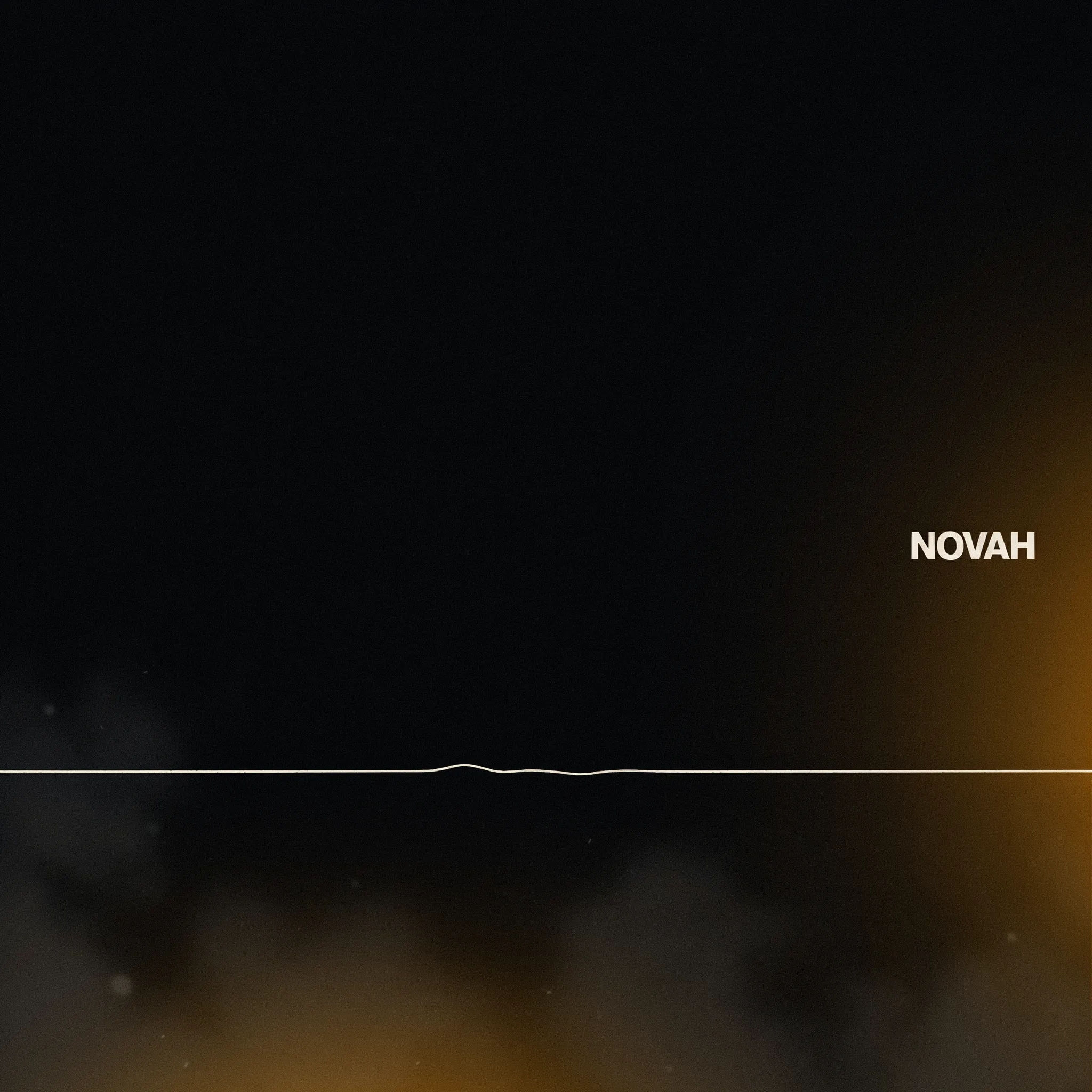
Minimal techno
A minimal techno SoundCloud banner, near-black, a single thin white line, a small bold artist name to the right, lots of negative space
Edit prompt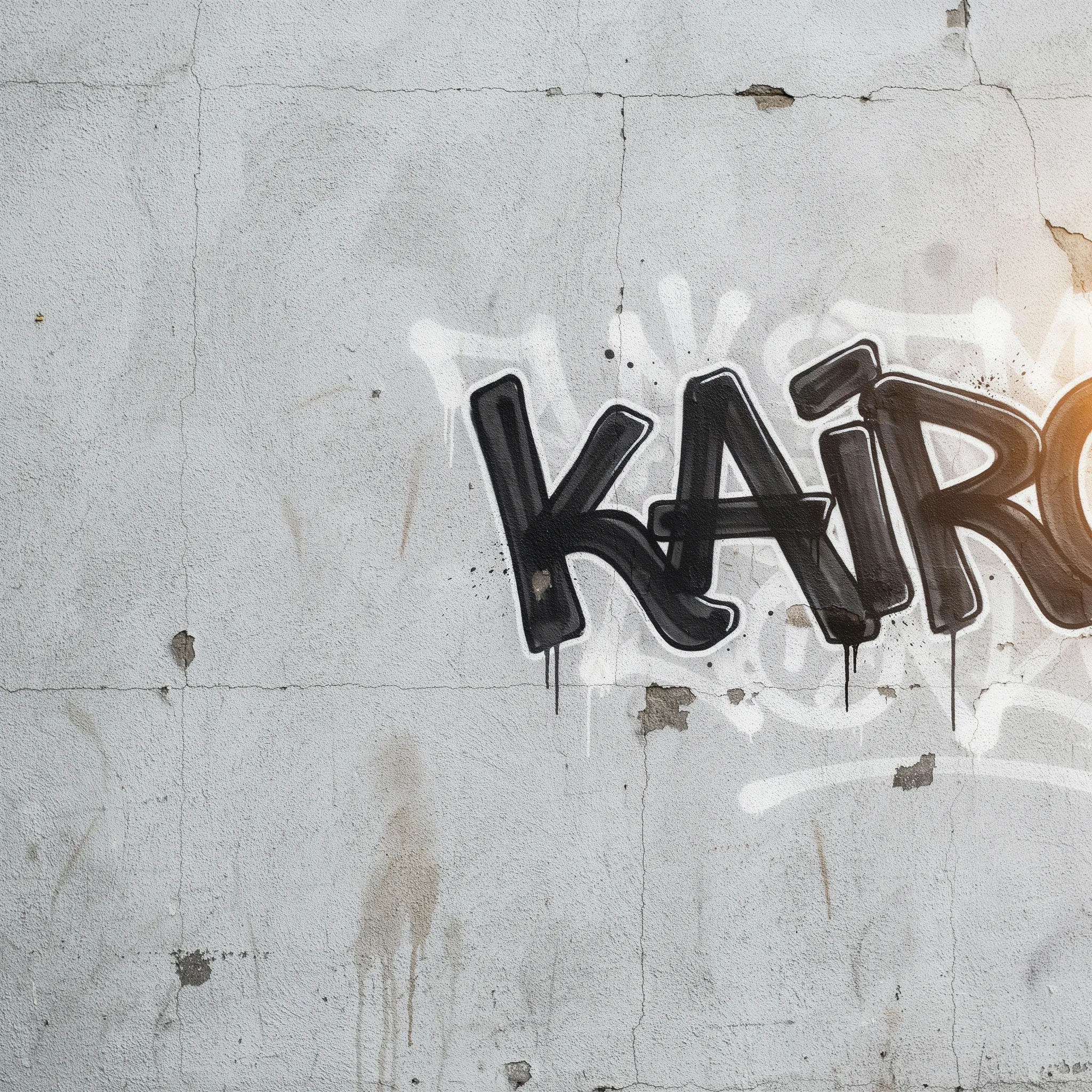
Hip hop grit
A gritty hip hop SoundCloud banner, concrete texture, warm amber light, a bold graffiti-style name to the right, lower-left kept clear
Edit prompt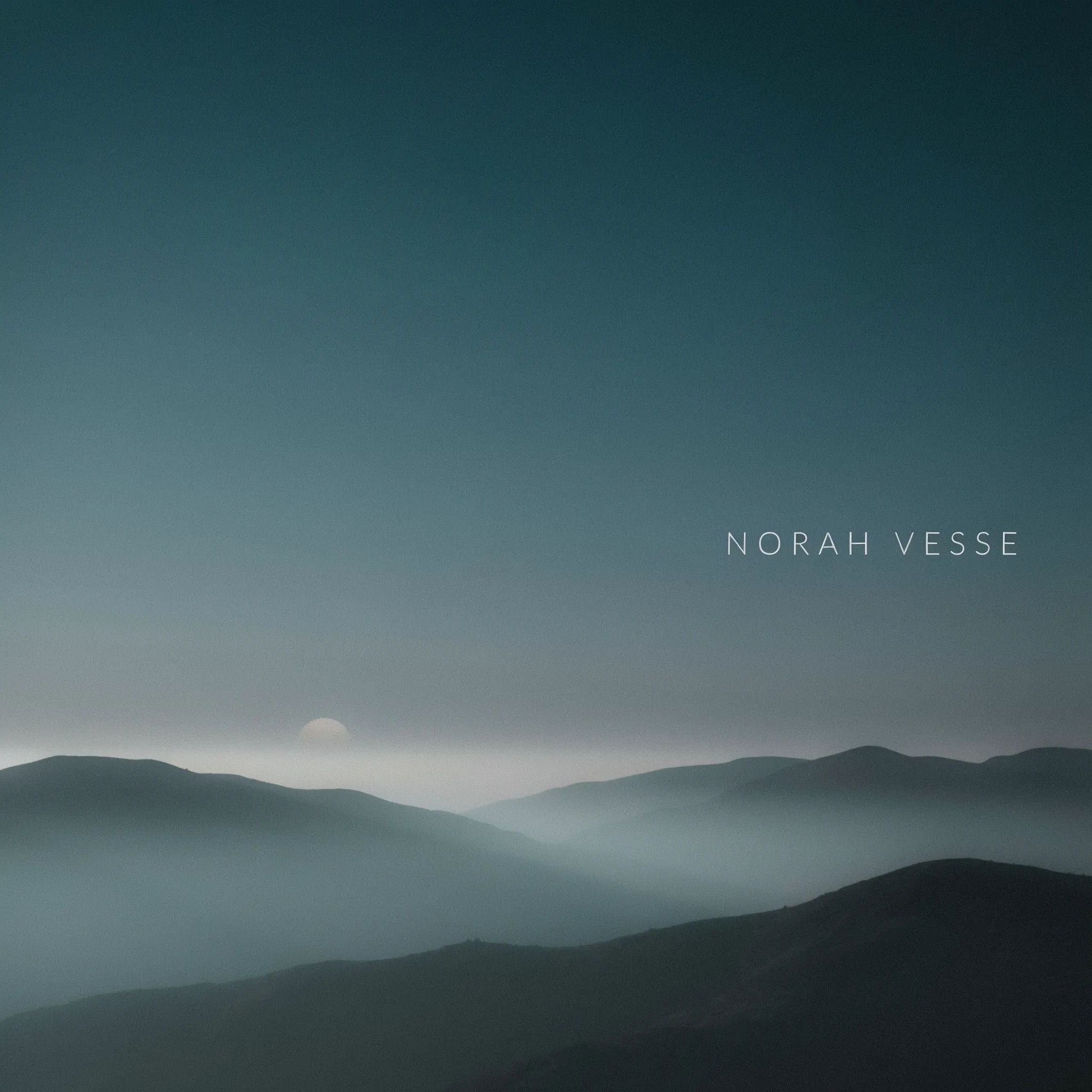
Ambient wash
An ambient SoundCloud banner, soft misty teal and grey gradient, a faint mountain silhouette, a light thin artist name to the right, calm mood
Edit prompt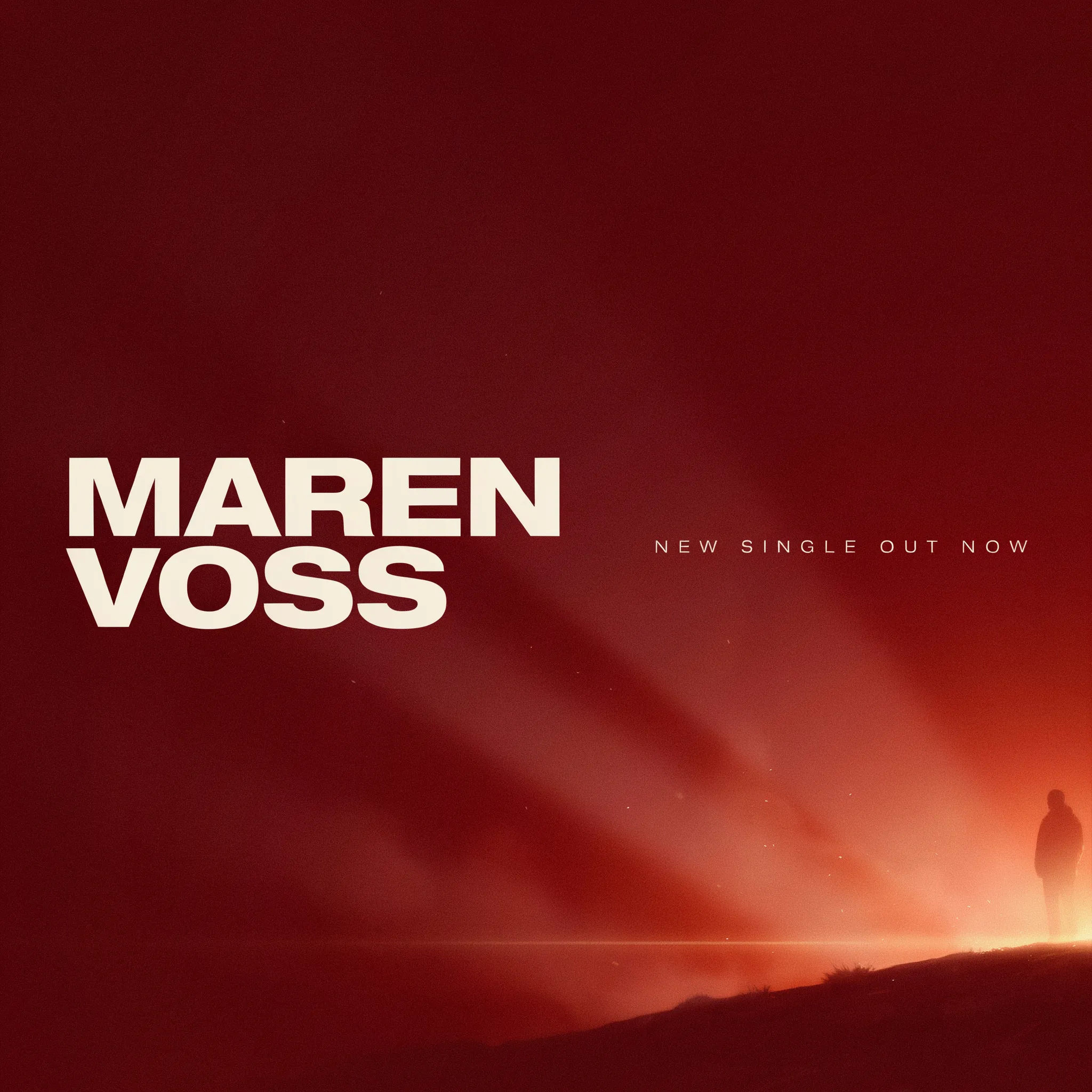
New release tag
A SoundCloud banner for a new single, deep red gradient, a bold artist name and a small NEW SINGLE OUT NOW tag to the right, focal art clear of the lower-left
Edit prompt
Cinematic storyboard
Share a scene description with character references. Get a full storyboard with shot angles and mood.

Messages to cinematic scene
Dramatize any text conversation into a cinematic multi-shot video.

Title sequence
Generate a professional film title card from scratch, with optional cinematic animation.

3x3 storyboard
Feed in a single image. Get 9 cinematic beats laid out as a 3x3 storyboard grid.

Chibi sprite animation
Turn any photo or description into an animated chibi sprite. Dance, jump, wave, attack, and more.

Expressions
Take any character image and generate 6 distinct facial expressions on a single reference sheet.
All on Morphic
Your complete artist branding kitModels
Nano Banana 2, Flux 2 Pro, ChatGPT Images, Grok Imagine, Recraft, Seedream, and more. Swap models when a banner needs a cleaner gradient or sharper type.
YouTube banner maker
Carry the same artist look onto your YouTube header, sized for that crop too.
Social media post generator
Turn the same artwork into release posts and stories that promote your drop.
Text to image
Generate any banner, cover, or artist graphic straight from a written description.
