Every image model
Channel art you can create
Make channel art in three steps
- 01
Open Morphic
Sign up and start creating on a free-flowing, infinite visual canvas.
- 02
Describe your banner
Give your channel name, topic, colours, and mood. Ask for the name to sit in the centre safe area.
- 03
Generate and refine
Render options at 2560 by 1440 in seconds, then restyle side by side on the Canvas.
Use cases
Sized right for every device
Generate at the full 2560 by 1440 and keep your channel name and logo inside the 1546 by 423 safe area. The centre stays sharp on a phone while desktop and TV show the whole scene, so nothing important gets cropped.
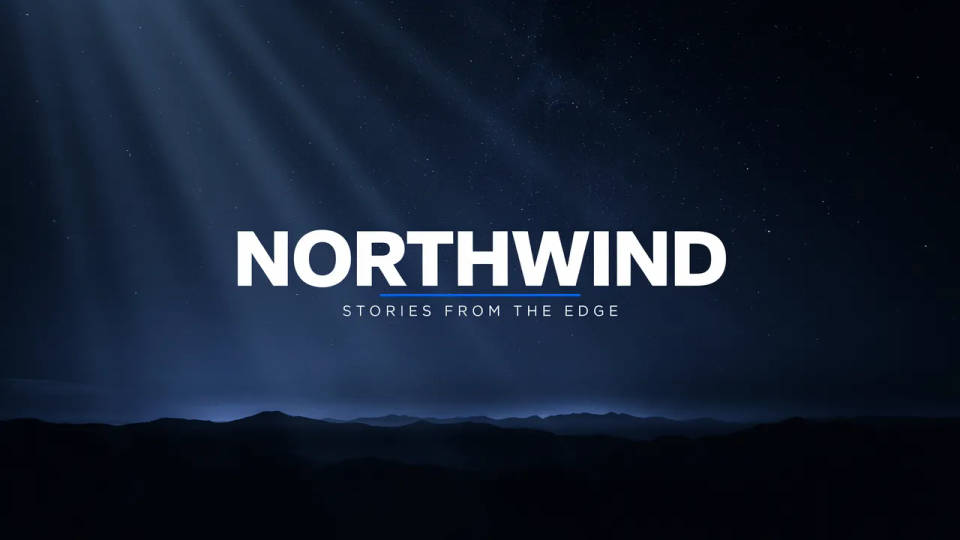
Bold, readable channel name
Put your channel name and tagline straight into the art with models built for legible text. The header arrives with its own type set instead of a blank background you have to caption in another tool.
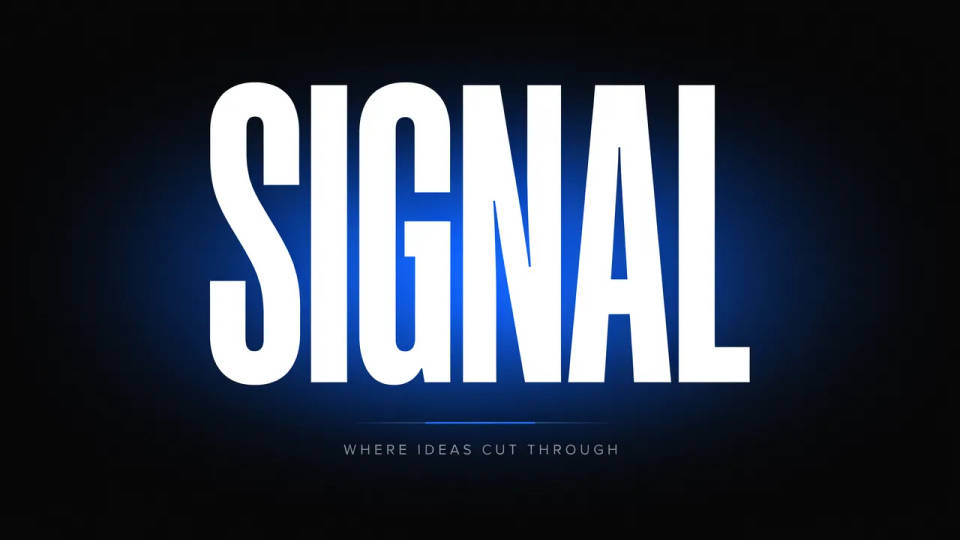
On-brand for your channel
Name your colours or drop in your avatar and logo with image-to-image, and the banner keeps your look. It sits cleanly next to your thumbnails and profile picture so the channel page feels designed, not assembled.
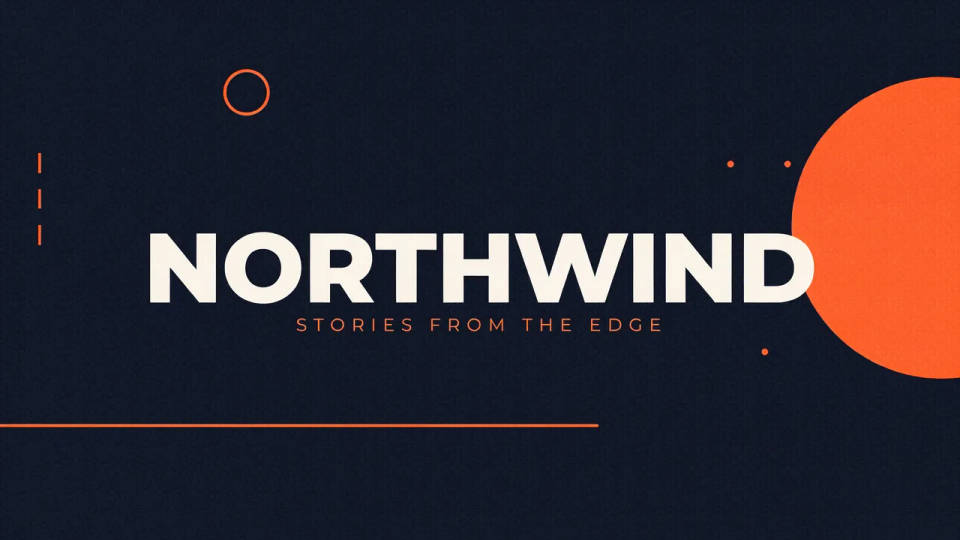
Matching banner and thumbnails
Generate the header and a set of thumbnails in the same style, so your channel art and video grid read as one brand. Lock a look once and reuse it across every upload.
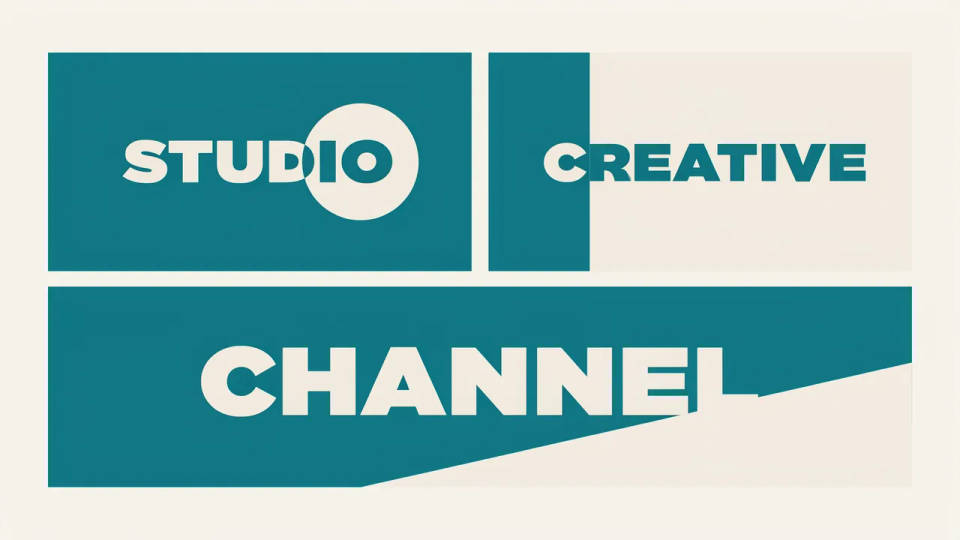
Prompt examples
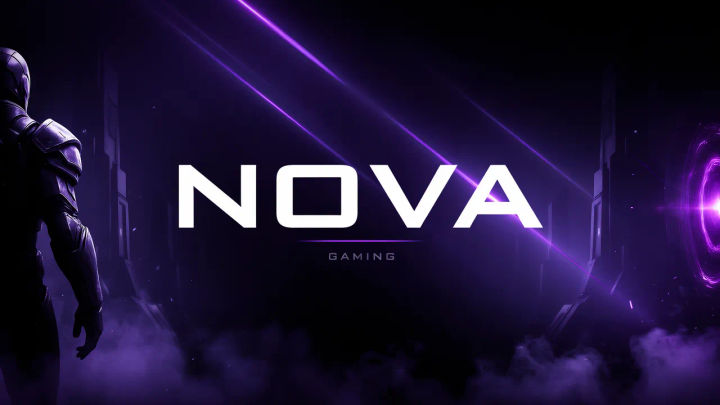
Gaming channel
YouTube banner 2560x1440, neon purple gaming scene, channel name 'NOVA' centred in safe area, bold display type
Edit prompt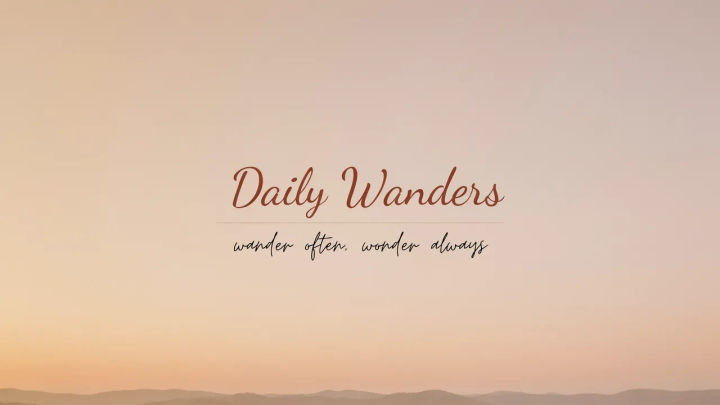
Vlog channel
YouTube channel art, warm sunset gradient, channel name 'Daily Wanders', soft handwritten tagline, airy and clean
Edit prompt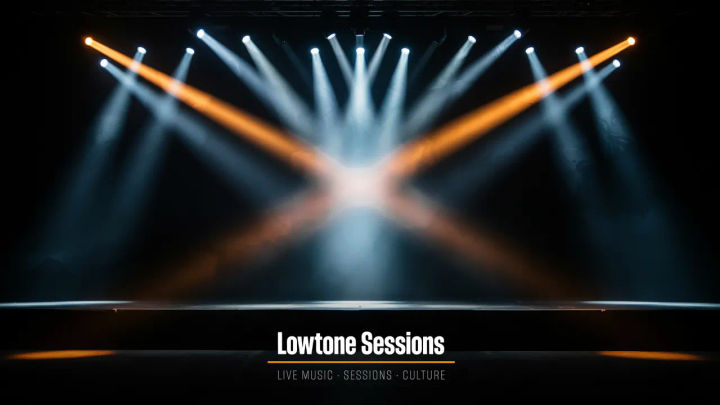
Music channel
YouTube banner, dark stage with stage lights, channel name 'Lowtone Sessions', neon accent, energetic
Edit prompt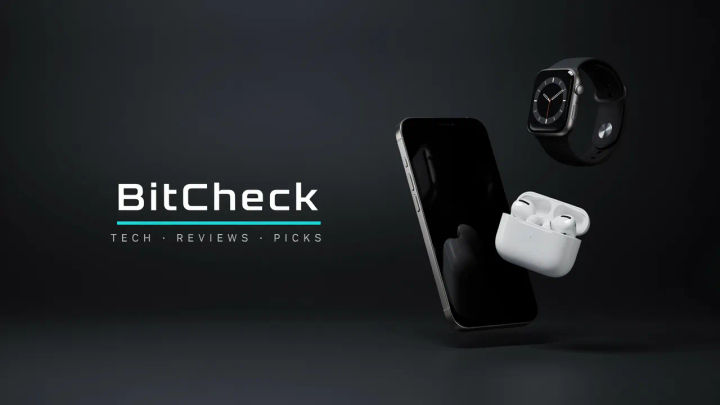
Tech review
YouTube channel art, clean dark grey studio, channel name 'BitCheck', floating gadgets, crisp modern type
Edit prompt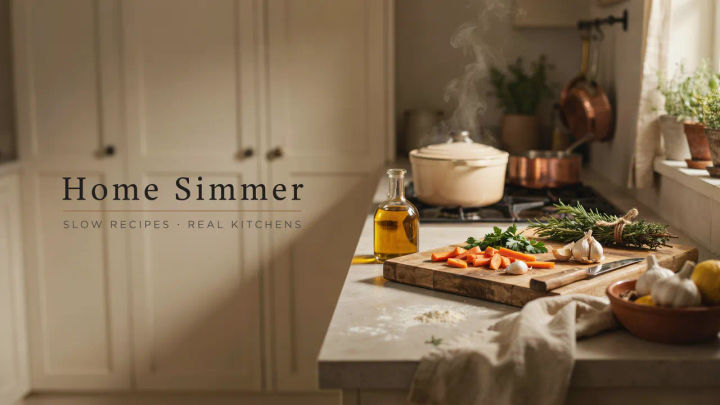
Cooking channel
YouTube banner, warm kitchen scene, channel name 'Home Simmer', fresh ingredients, cosy and inviting
Edit prompt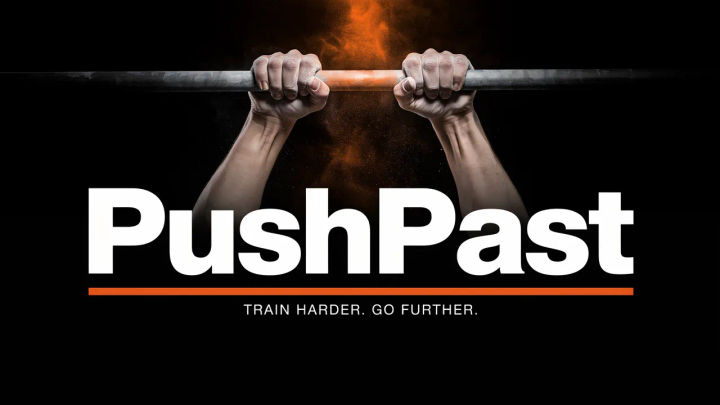
Fitness channel
YouTube channel art, bold orange gym scene, channel name 'PushPast', high energy, strong display type
Edit prompt
Cinematic storyboard
Share a scene description with character references. Get a full storyboard with shot angles and mood.

3x3 storyboard
Feed in a single image. Get 9 cinematic beats laid out as a 3x3 storyboard grid.
Movie poster
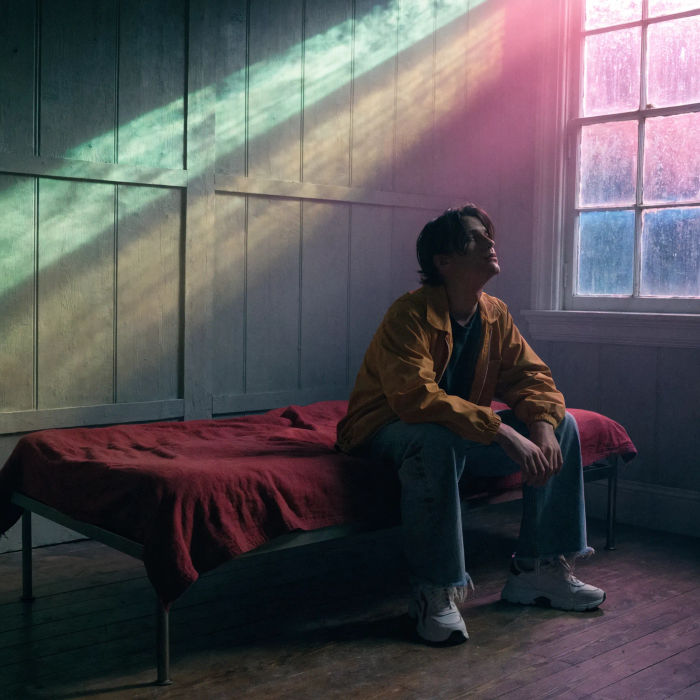
Cinematic poster compositions from your key art, in any genre tone.
Music video
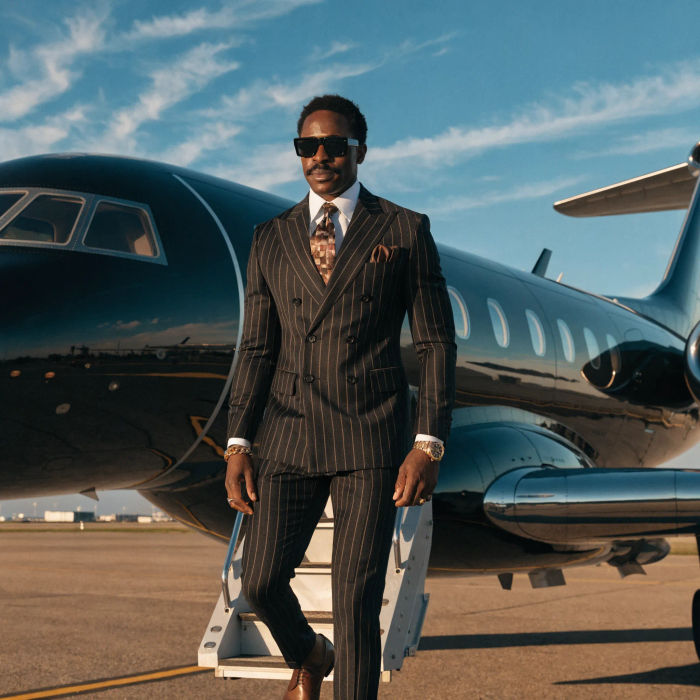
Pick a visual style, drop in your lyrics. Each verse gets its own scene visual, laid out as a full screenplay.

Title sequence
Generate a professional film title card from scratch, with optional cinematic animation.

Messages to cinematic scene
Dramatize any text conversation into a cinematic multi-shot video.
All on Morphic
Models
Nano Banana 2, Flux 2 Pro, ChatGPT Images, Grok Imagine, Recraft, Seedream, and more. Pick the model that renders your channel name cleanest and swap any time.
Thumbnail generator
Fill your video grid with click-worthy thumbnails in the same style as your banner.
Banner generator
Need headers for LinkedIn, X, or the web too? Generate every social banner size from one concept.
On-brand style
Drop in your avatar or logo and carry your channel colours across the art with image-to-image.
