Every image model
Channel marks you can make
Make a Twitch logo in three steps
- 01
Open Morphic
Sign up and start creating on a free-flowing, infinite visual canvas.
- 02
Describe the mark
Name your stream, the mood, and one bold symbol. Note the palette you want to reuse.
- 03
Generate the set
Lock the mark, then generate emotes and panels in the same style, and export them together.
Use cases
One mark across the whole channel
A Twitch channel is not just a logo, it is the profile picture, the panels, the sub badges, and the emotes. Build the mark first, then generate the rest in the same palette and shape language so the layout reads as one brand. This consistency is what separates a channel that looks planned from one that looks patched together.
A profile picture that reads small
Your avatar shows tiny and round beside your chat and across directories, so a detailed logo is wasted. Morphic keeps one clear symbol with thick strokes and high contrast so the mark stays legible at that size. Preview it small on the Canvas and choose the version that holds up, not the one that only works large.
Match a stream personality
A high-energy esports channel and a cozy variety stream want opposite looks. Describe your personality and the model shapes the mark to match, from a sharp aggressive crest to a soft rounded mascot. Generate a few directions before you settle, so the mark actually fits how you stream.
Refresh a channel rebrand
Changing your stream's name or direction? Drop your old mark in as a reference and ask for an updated version that keeps what worked. It is a fast way to roll out a rebrand across the profile picture, panels, and offline screen without redrawing every asset from scratch.
Prompt examples
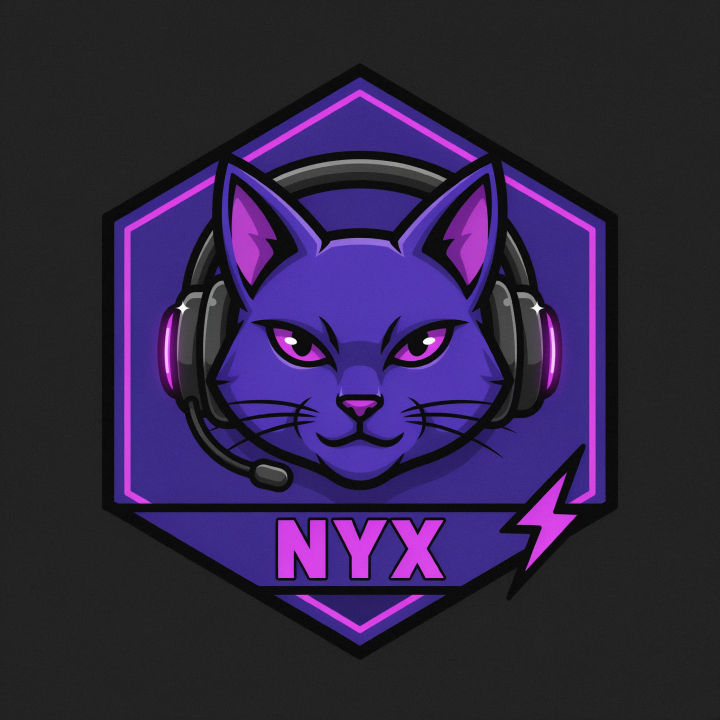
Streamer mascot
A bold Twitch channel mark, a cheeky cat mascot with a headset, purple palette, thick outlines, emote-ready style
Edit prompt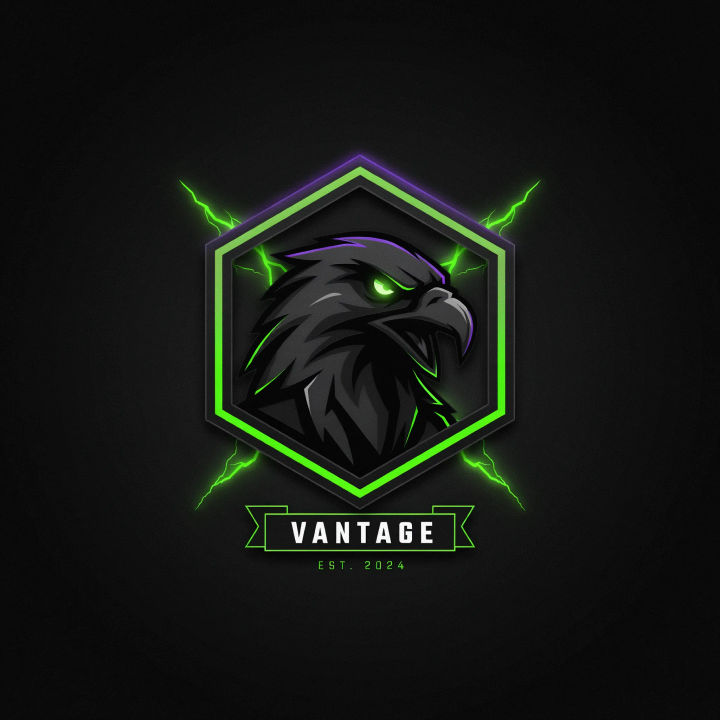
Esports crest
An esports channel logo, a sharp eagle head inside an angular crest, black and neon green, high contrast
Edit prompt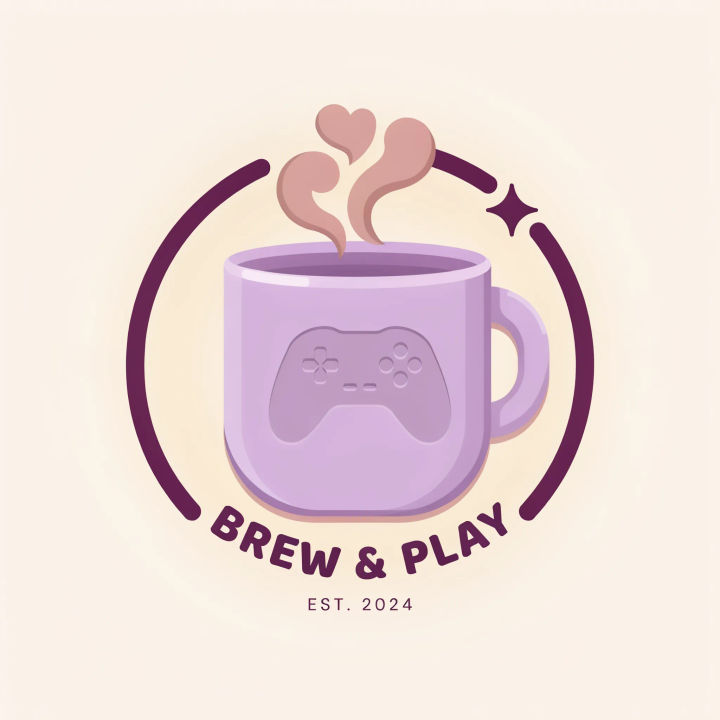
Cozy variety mark
A cozy variety stream mark, a warm coffee cup and controller symbol, soft rounded shapes, muted pastel palette
Edit prompt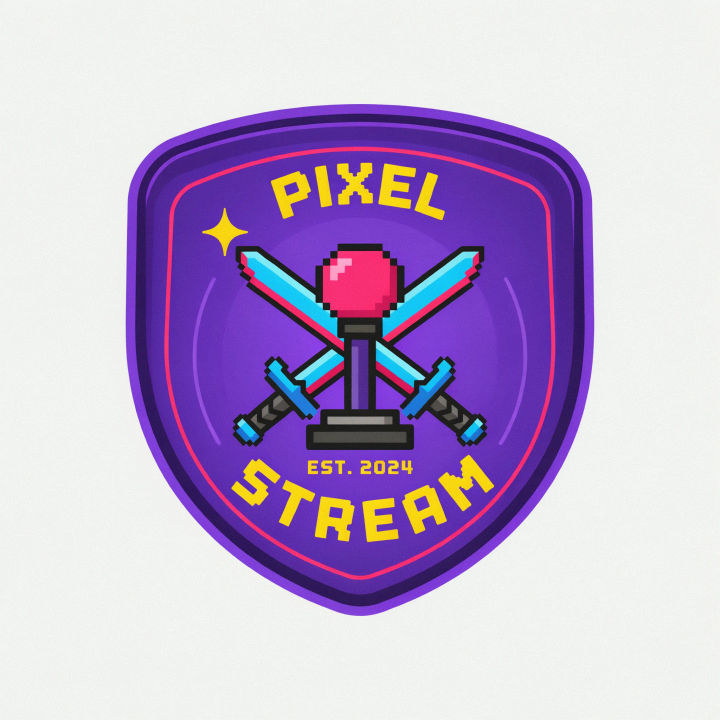
Retro arcade badge
A retro arcade streamer badge, a pixel joystick inside a rounded emblem, bright limited palette, bold and centered
Edit prompt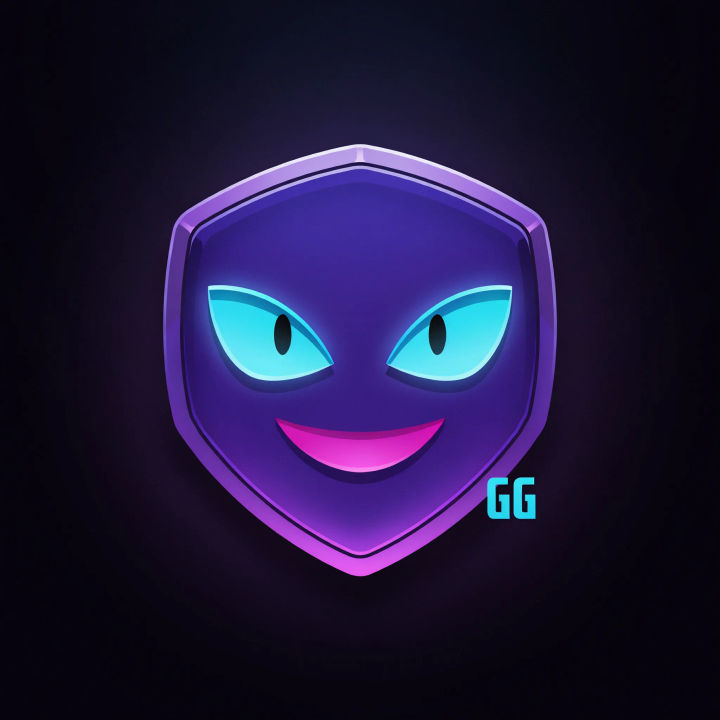
Matching emote
A happy face emote in the same style as my channel mark, simple bold shapes, bright color, readable at chat size
Edit prompt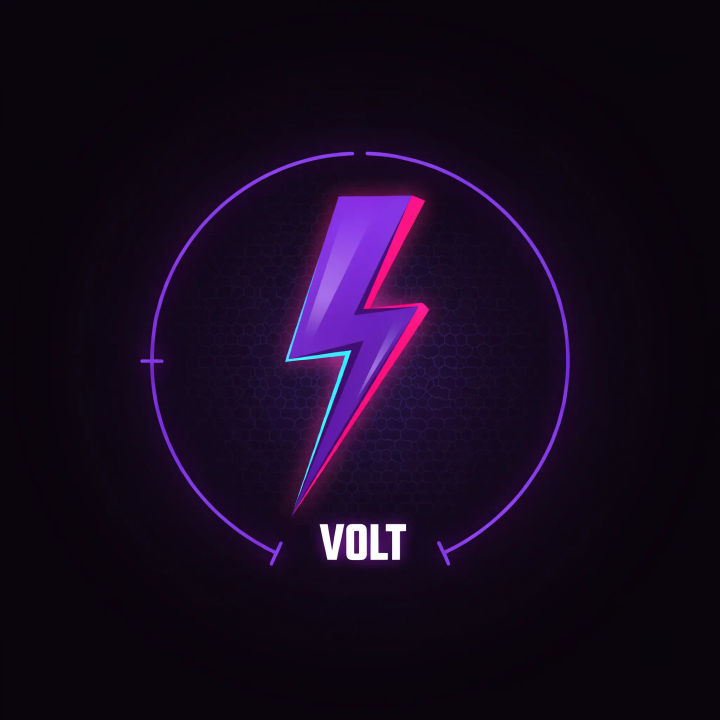
Neon minimalist
A minimalist Twitch mark, a single glowing lightning symbol, neon on near-black, flat and high contrast
Edit prompt
Sketch to render
Turn any sketch or drawing into a finished render.
Brand launch kit
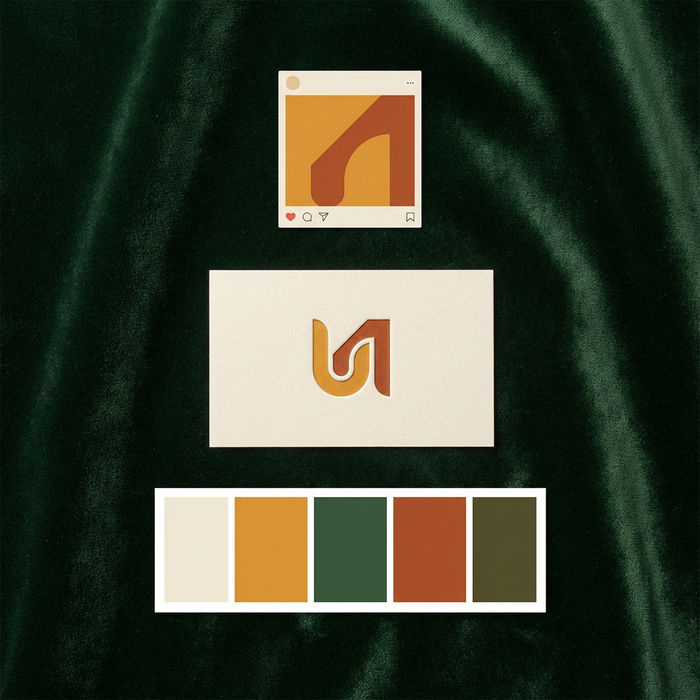
Get logo concepts, social media templates, color palettes, and marketing collateral in one go.

Expressions
Take any character image and generate 6 distinct facial expressions on a single reference sheet.

Anime style transfer
Pick any anime illustration as your style guide. Apply its look to any image.

Image reverse engineer
Get a detailed prompt extracted from a reference image, and then a fresh recreation.

Cinematic storyboard
Share a scene description with character references. Get a full storyboard with shot angles and mood.
All on Morphic
Models
Nano Banana 2, Flux 2 Pro, ChatGPT Images, Grok Imagine, Recraft, Seedream, and more. Swap models when a mark needs cleaner shapes or a bolder look.
Logo generator
Design a logo for any brand or project, using the same bold-mark approach that reads at small sizes.
Sticker generator
Turn your channel mark into a matching set of emote-style stickers with clean bold outlines.
Text to image
Generate any mark, emote, or panel graphic from a written description and compare directions side by side.
