Every image model
Overlay pieces you can design
Design a stream overlay in three steps
- 01
Open Morphic
Sign up and start creating on a free-flowing, infinite visual canvas.
- 02
Describe the set
Give the stream colours, the mood, and the pieces. Ask for one matching style.
- 03
Generate and export
Get the frames and alerts in step. Rerun until it matches, then drop them into OBS.
Use cases
A produced-looking stream
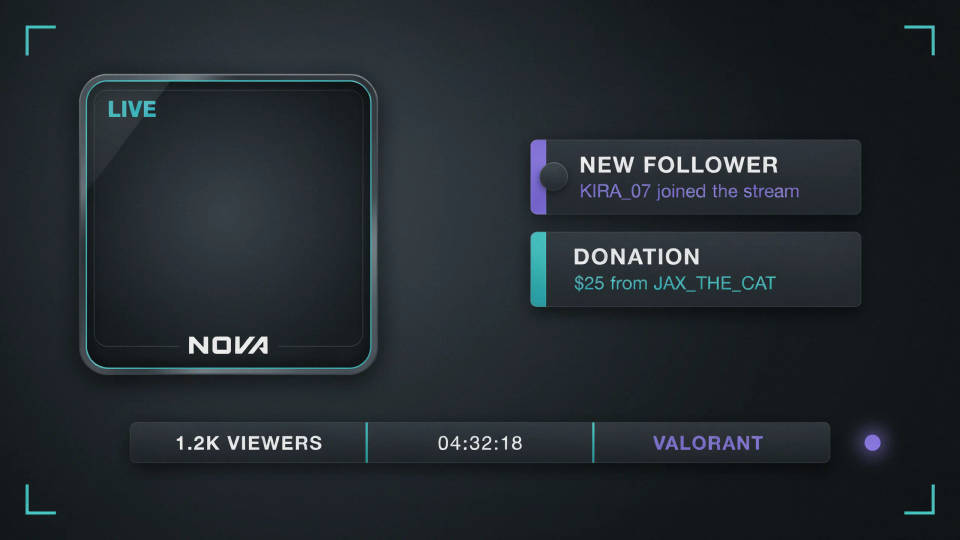
A matching frame, alerts, and bars make a stream look like a real production. Describe your theme once and generate the whole layout in one style, so nothing clashes on screen. A coherent overlay holds viewers longer and reads as a channel that takes itself seriously.
New streamer starter kit
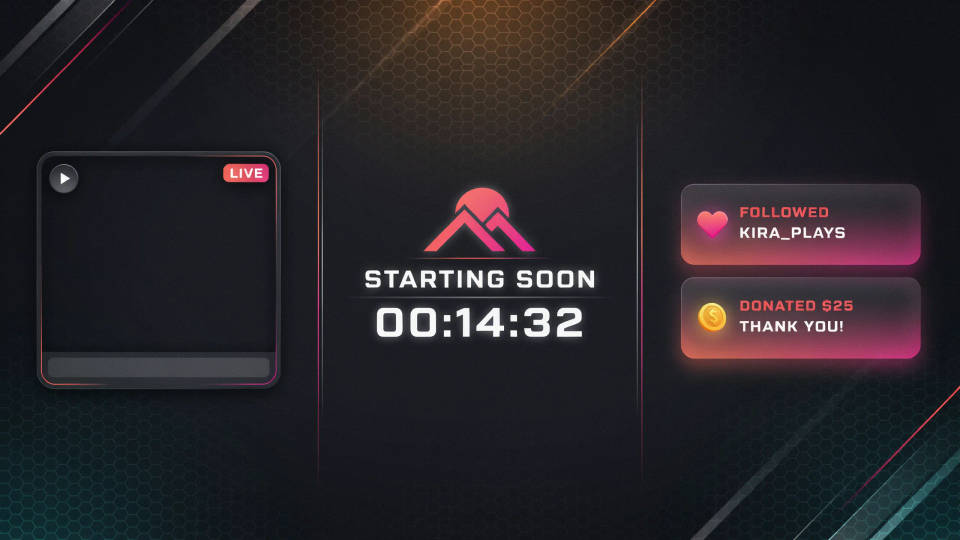
Launching a channel? Generate a webcam frame, a starting-soon screen, and alert graphics in a look you like, and you have a full overlay in minutes without a design pack purchase. Pick a theme, name the pieces, export, and load them into your streaming software.
Game-specific and seasonal looks
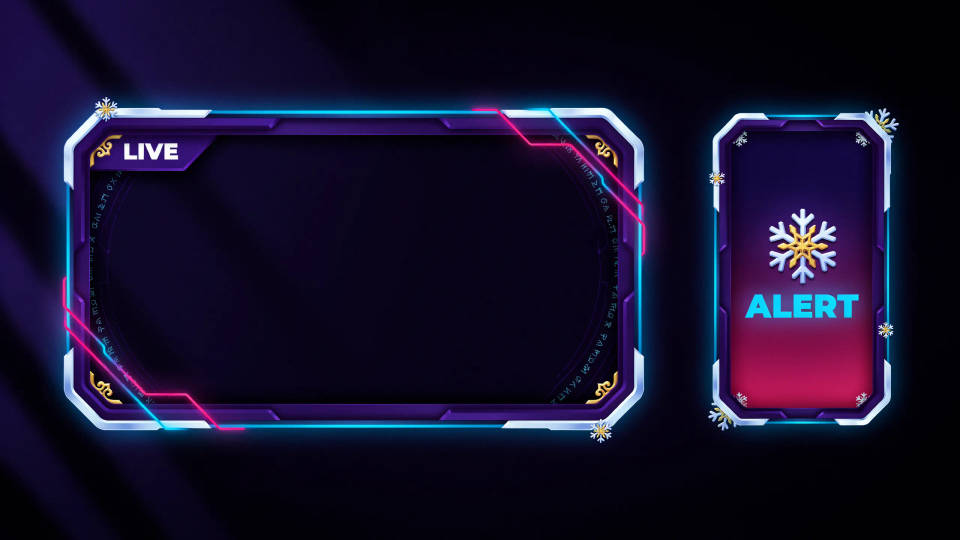
Match the overlay to the game you are playing or a seasonal event, a fantasy theme, a neon shooter look, a holiday set. Regenerate the pieces in the new style at once so everything stays consistent, and switch scenes without a patchwork of mismatched graphics.
Alerts that match the frame
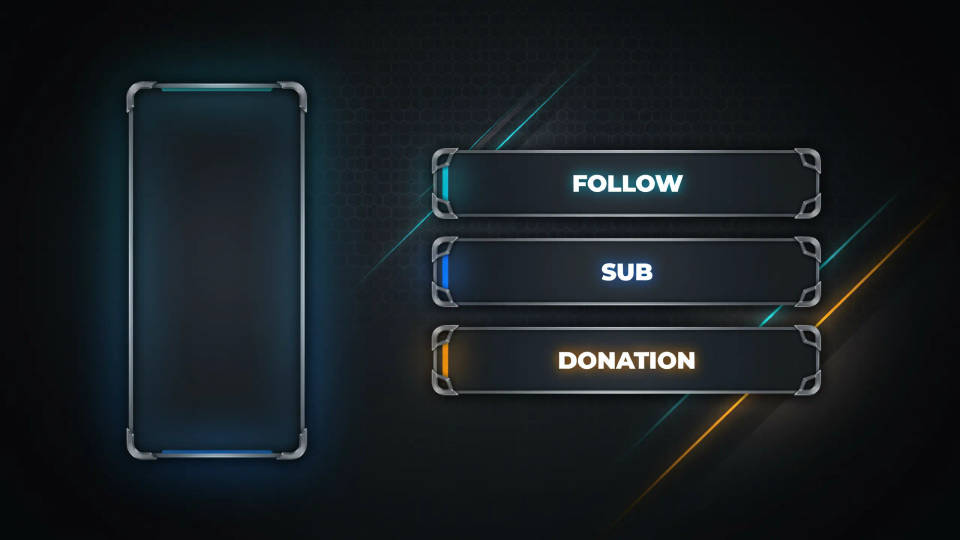
Follow, sub, and donation alerts often arrive from a different pack than the rest of the layout. Generate them in your channel style so they belong on screen. Name the events you cover and the model keeps the alert designs in step with the webcam frame and bars.
Prompt examples
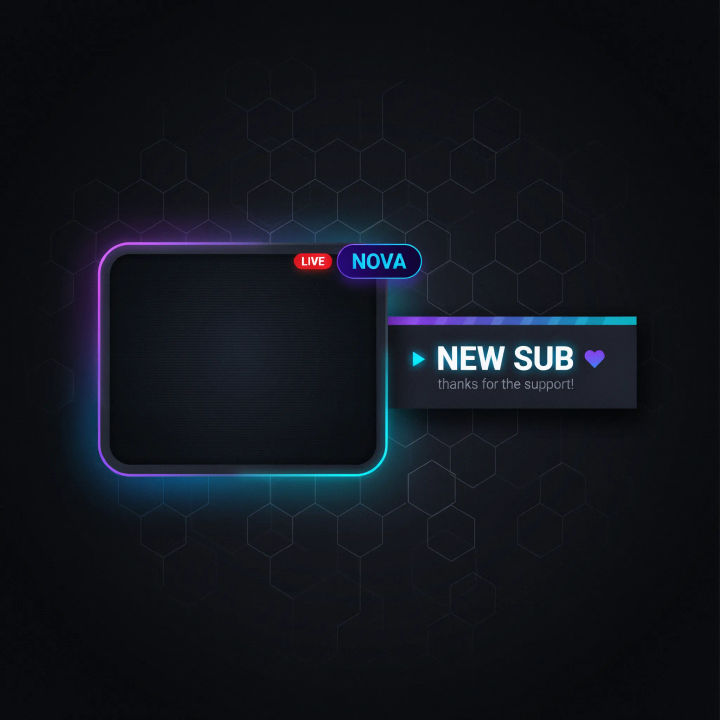
Neon webcam frame
A Twitch webcam frame, dark background, purple and cyan neon border with a subtle glow, a small bold handle tag in the corner, clean and modern
Edit prompt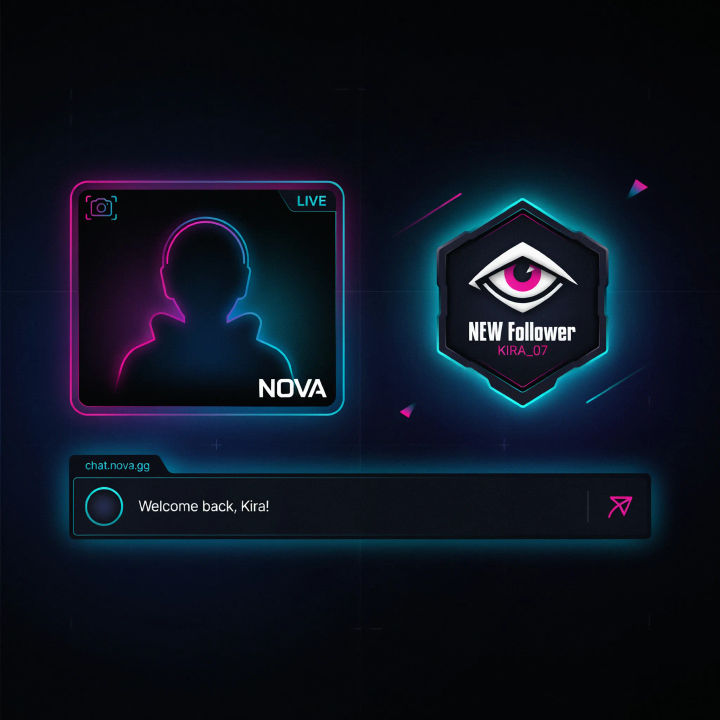
Matching set
A matching stream overlay set, cyberpunk neon on dark, a webcam frame, a follow alert graphic, and a lower chat bar, one consistent style
Edit prompt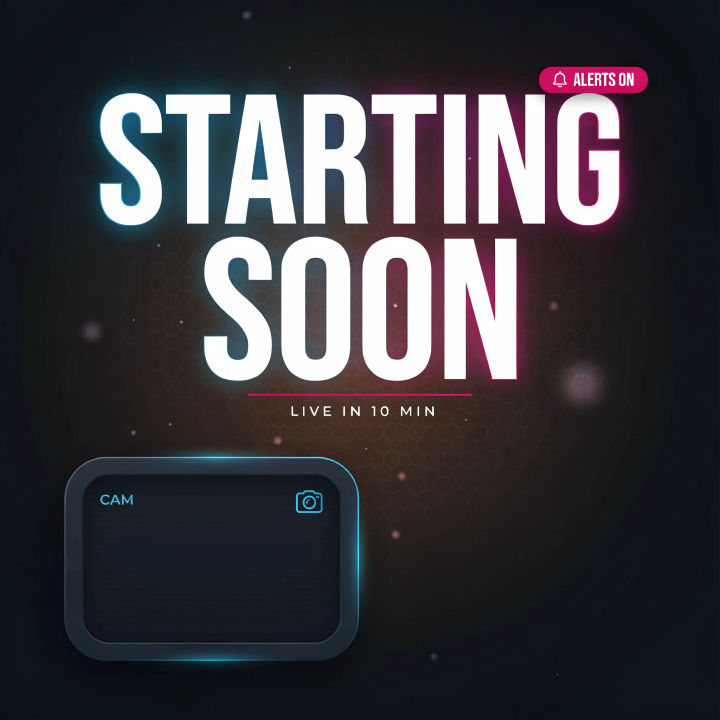
Starting soon screen
A starting soon stream screen, dark gradient, a big bold word STARTING SOON, subtle animated-look particles, space for a webcam, neon accents
Edit prompt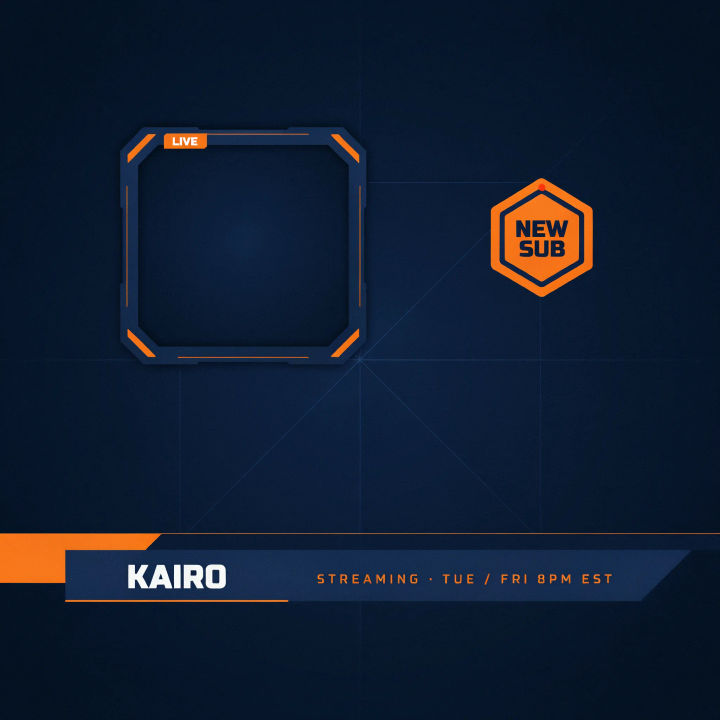
Clean esports
A clean esports overlay, navy and bright orange, sharp angular webcam frame, a bold lower third bar, minimal and high contrast
Edit prompt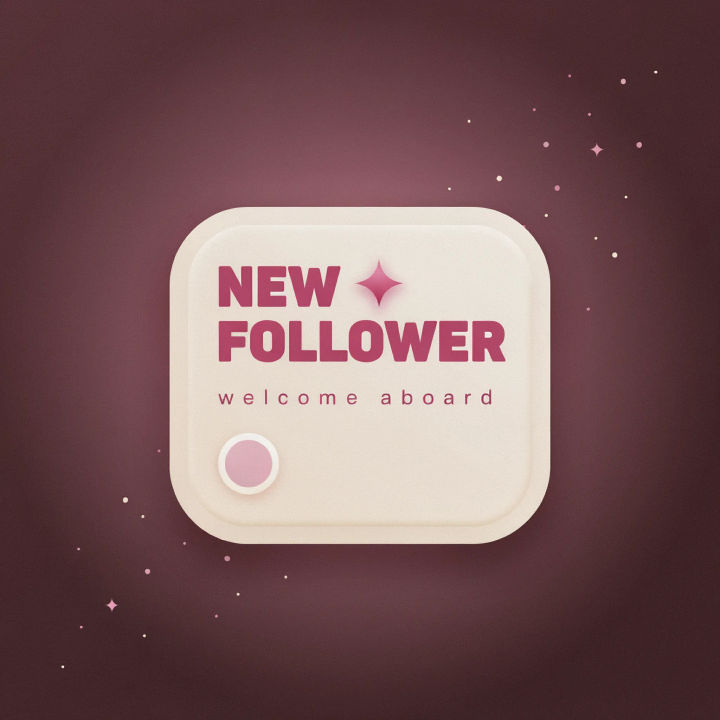
Follow alert
A Twitch follow alert graphic, cosy pastel pink and cream, a bold label NEW FOLLOWER, a small star burst, rounded friendly shapes
Edit prompt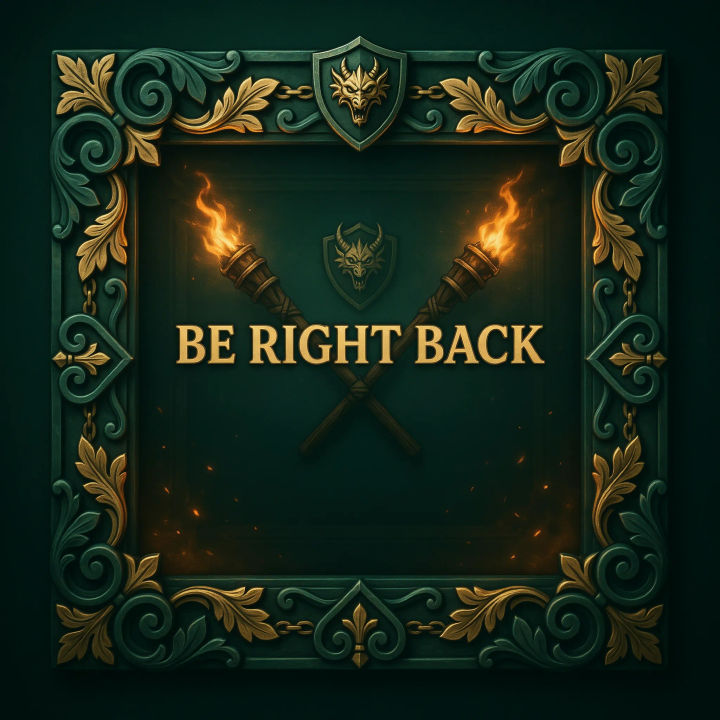
Fantasy theme
A fantasy stream overlay, deep emerald and gold, ornate carved frame corners, a bold label BE RIGHT BACK, warm torchlight glow
Edit prompt
Cinematic storyboard
Share a scene description with character references. Get a full storyboard with shot angles and mood.

Messages to cinematic scene
Dramatize any text conversation into a cinematic multi-shot video.

Title sequence
Generate a professional film title card from scratch, with optional cinematic animation.

Expressions
Take any character image and generate 6 distinct facial expressions on a single reference sheet.

3x3 storyboard
Feed in a single image. Get 9 cinematic beats laid out as a 3x3 storyboard grid.

Chibi sprite animation
Turn any photo or description into an animated chibi sprite. Dance, jump, wave, attack, and more.
All on Morphic
Models
Nano Banana 2, Flux 2 Pro, ChatGPT Images, Grok Imagine, Recraft, Seedream, and more. Swap models when an overlay needs sharper edges or a cleaner theme.
Twitch panel maker
Design the channel panels that sit under your stream in the same overlay style.
YouTube banner maker
Carry the same look onto your YouTube header for a channel that matches everywhere.
Text to image
Generate any overlay, frame, or alert graphic straight from a written description.
