Every image model
Panels you can design
Design a panel set in three steps
- 01
Open Morphic
Sign up and start creating on a free-flowing, infinite visual canvas.
- 02
Describe the set
Give the channel colours, the mood, and the labels. Ask for one matching style.
- 03
Generate and export
Get the whole panel set in step. Rerun until it matches, then export each one.
Use cases
A finished channel look
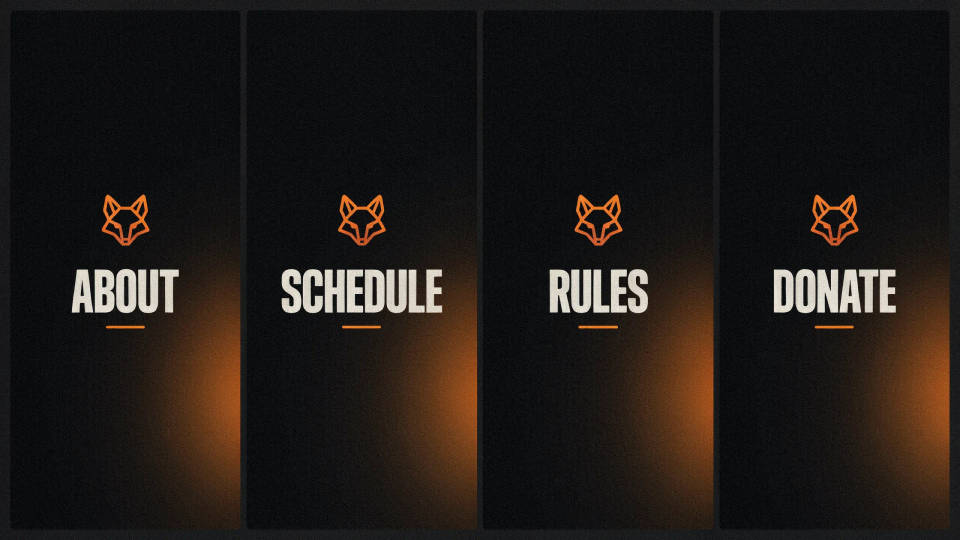
A stream page reads as more established when the panels match. Describe your colours once and generate About, Schedule, Rules, and the rest in one style. Viewers scan a coherent sidebar faster, and a tidy channel invites a follow more than a random mix does.
New streamer starter kit
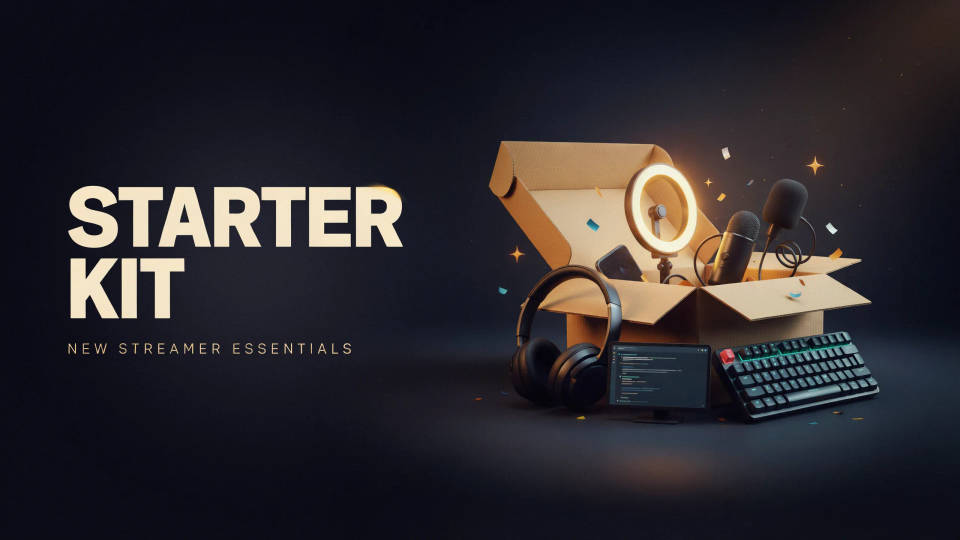
Setting up a channel from scratch? Generate the common panels in a look you like and you have a full set in minutes, no design skills needed. Pick a theme, name the labels, and export. It is the quickest way to launch with a channel that already looks intentional.
Rebrand or seasonal refresh
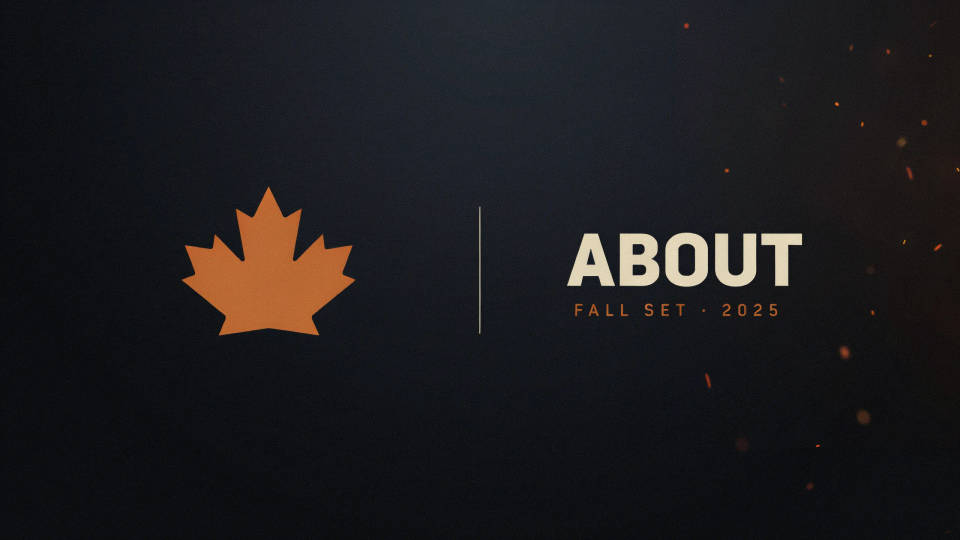
Changing your channel colours or running a seasonal theme? Regenerate the whole set in the new look at once, so nothing is left on the old style. Describe the update and the model keeps every panel consistent, so a rebrand takes an afternoon, not a week.
Sponsor and community panels
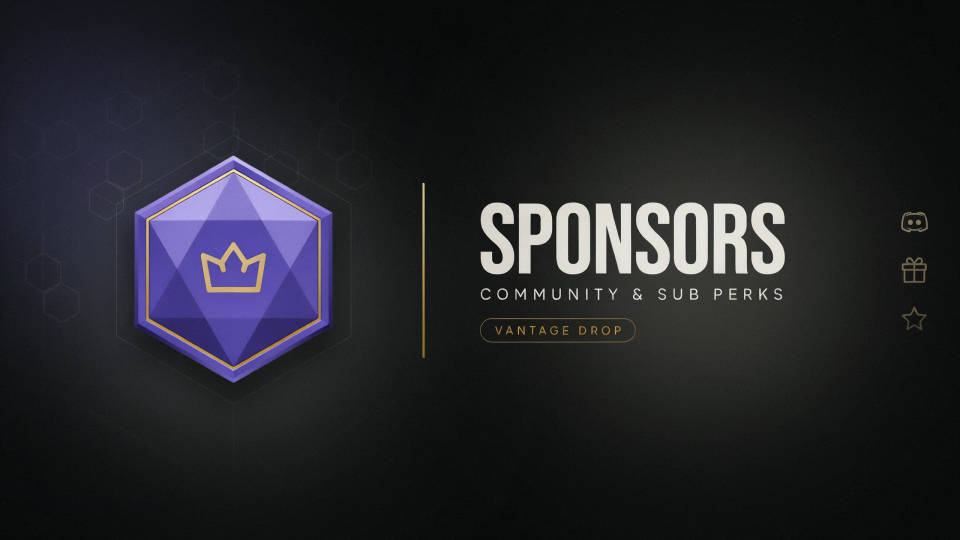
Add a Sponsors, Discord, or Sub perks panel that matches the rest of the sidebar rather than standing out awkwardly. Name the label and the model drops it into the existing style. A consistent look makes partner and community links feel part of the channel.
Prompt examples
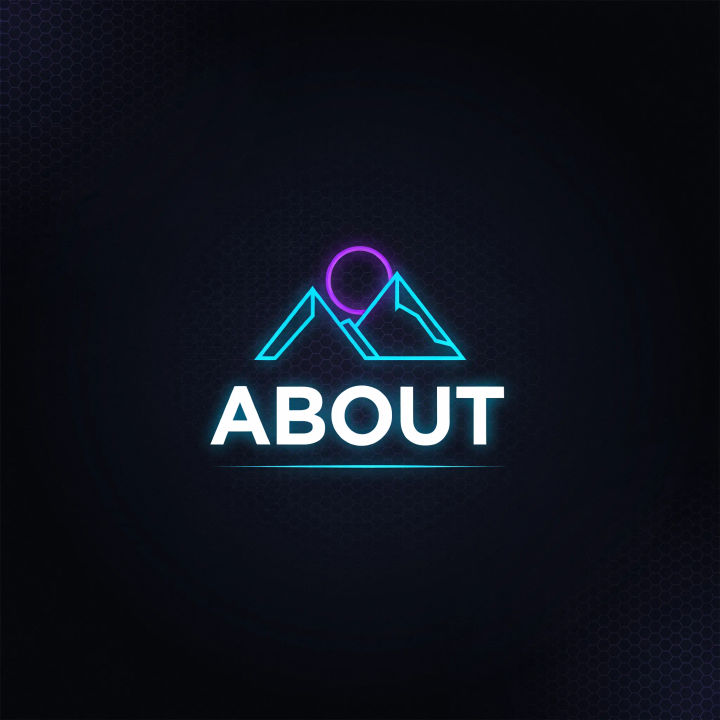
Neon About panel
A Twitch About panel, dark background, purple and cyan neon glow, a bold label ABOUT, a thin underline, wide banner shape, clean and modern
Edit prompt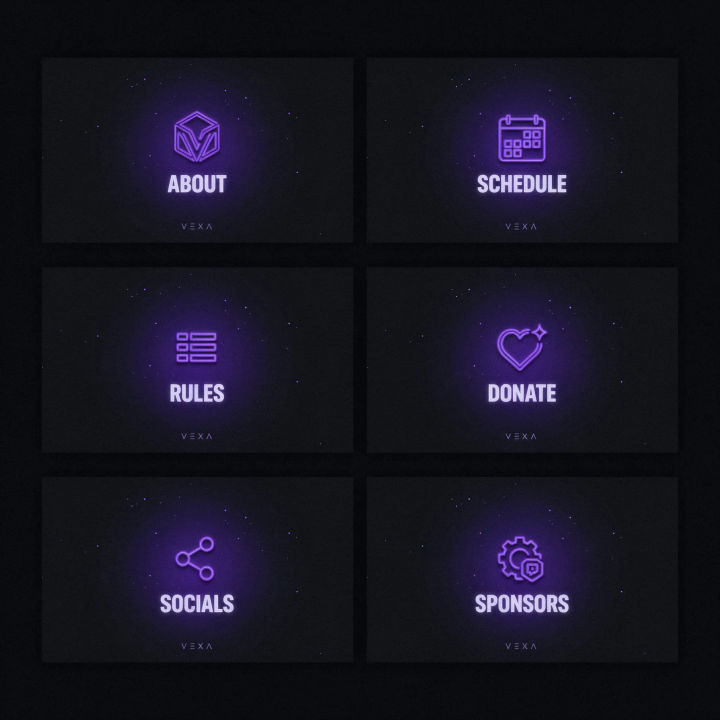
Matching set
A matching set of six Twitch panels, purple neon on dark, bold labels ABOUT, SCHEDULE, RULES, DONATE, SOCIALS, SPONSORS, one consistent style
Edit prompt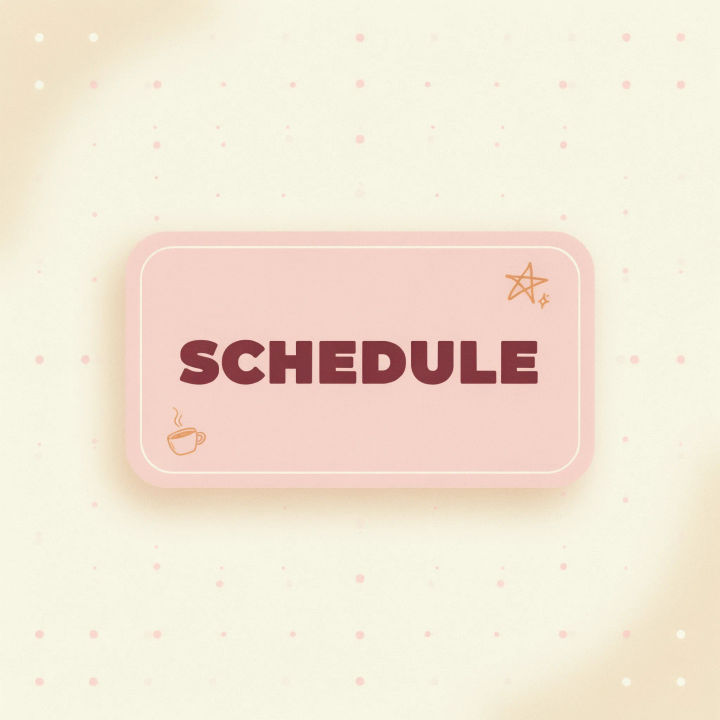
Cosy pastel
A cosy Twitch panel, soft pink and cream, rounded corners, a small star doodle, a bold friendly label SCHEDULE, warm minimalist look
Edit prompt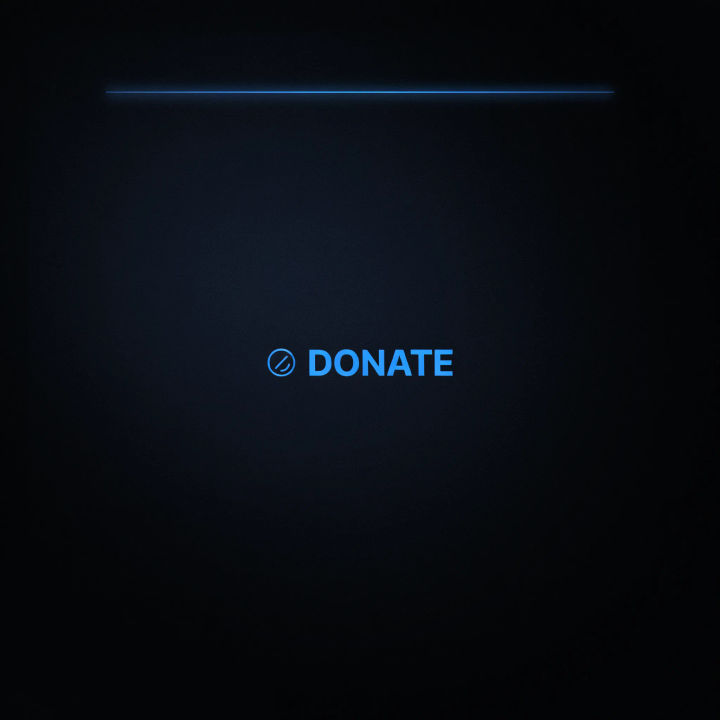
Dark minimalist
A dark minimalist Twitch panel, near-black background, a single thin accent line in electric blue, a clean bold label DONATE, lots of space
Edit prompt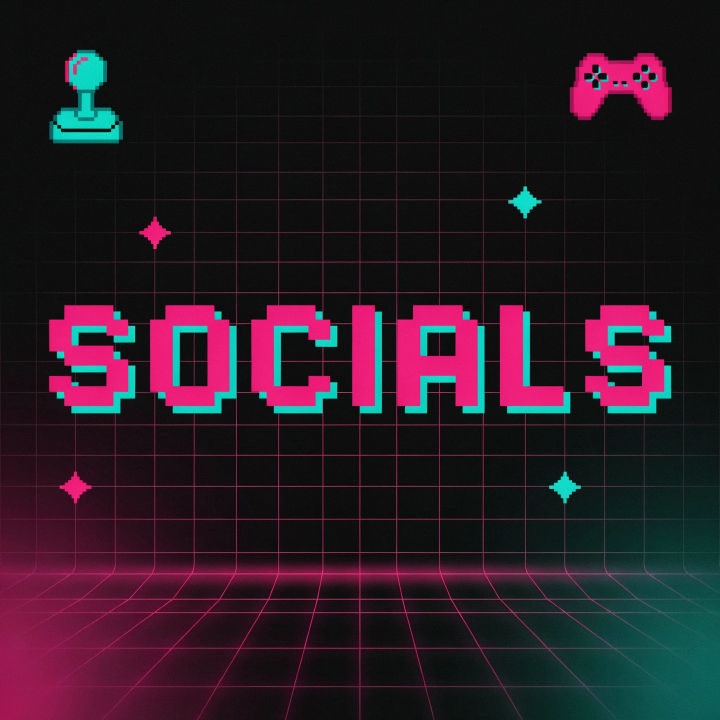
Retro arcade
A retro arcade Twitch panel, dark grid background, bold pixel-style label SOCIALS, magenta and teal, subtle scanlines, wide banner shape
Edit prompt
Sponsors panel
A clean Twitch Sponsors panel, charcoal and gold, a bold label SPONSORS, a thin divider, room for logos below, understated premium look
Edit prompt
3x3 storyboard
Feed in a single image. Get 9 cinematic beats laid out as a 3x3 storyboard grid.

Cinematic storyboard
Share a scene description with character references. Get a full storyboard with shot angles and mood.

Messages to cinematic scene
Dramatize any text conversation into a cinematic multi-shot video.

Title sequence
Generate a professional film title card from scratch, with optional cinematic animation.

Chibi sprite animation
Turn any photo or description into an animated chibi sprite. Dance, jump, wave, attack, and more.

Expressions
Take any character image and generate 6 distinct facial expressions on a single reference sheet.
All on Morphic
Models
Nano Banana 2, Flux 2 Pro, ChatGPT Images, Grok Imagine, Recraft, Seedream, and more. Swap models when a panel set needs sharper type or a cleaner theme.
Twitch overlay maker
Design the stream frames and alerts that match your panel set in the same style.
YouTube banner maker
Carry the same channel look onto your YouTube header for a consistent presence.
Text to image
Generate any panel, overlay, or channel graphic straight from a written description.
