Every image model
One workspaceCover looks you can create
Make a cover in three steps
- 01
Open Morphic
Sign up and start creating on a free-flowing, infinite visual canvas.
- 02
Upload a photo
Drop in your portrait and describe the cover style, the masthead word, and a couple of short cover lines.
- 03
Generate and export
Morphic styles the shot into a cover image with the type built in. Rerun until it reads right, then export.
Use cases
Put yourself on a cover
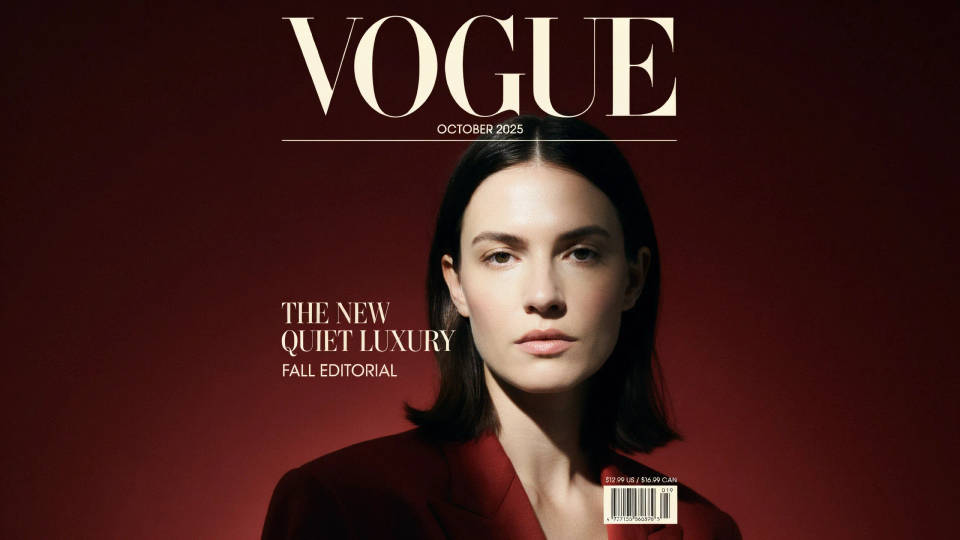
Upload a portrait and see it styled as a glossy fashion cover, keeping your face and pose while the lighting and backdrop turn editorial. The masthead and a short cover line are built into the image for the full newsstand feel. It is a playful, shareable way to star on your own cover.
Portfolio and model covers
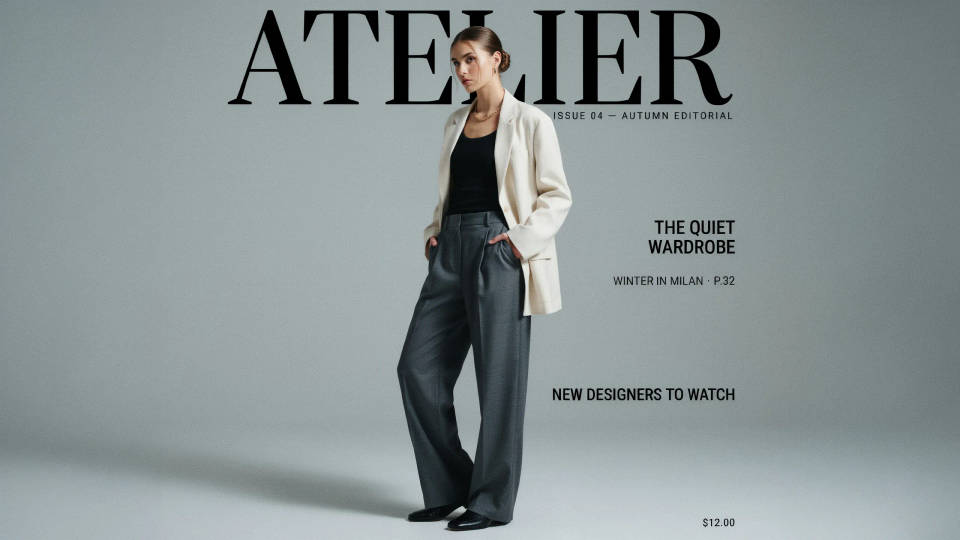
Turn a shoot into mock covers for a model book or a photographer's portfolio. Try several mastheads and crops to show range without a magazine commission. Each cover keeps the subject true while the styling and type shift to fit the concept.
Brand and campaign concepts
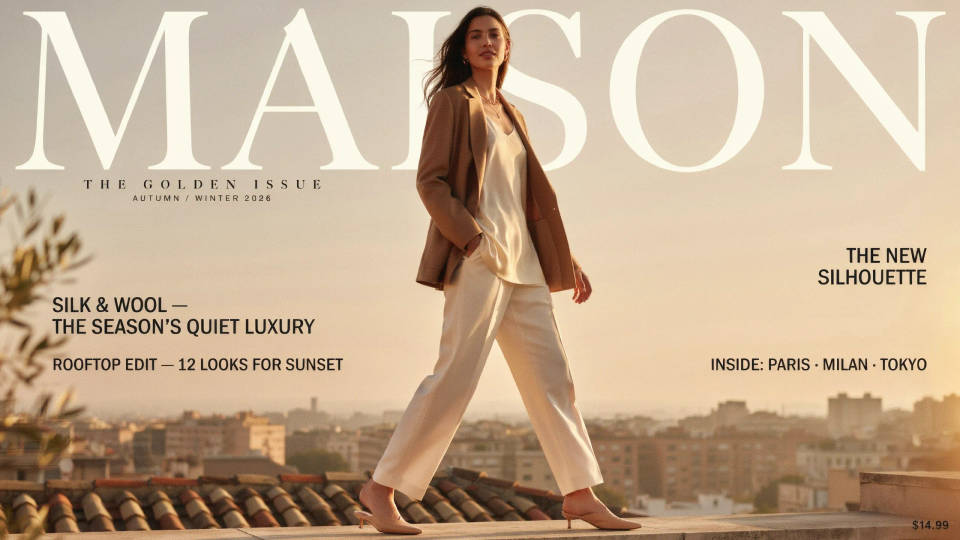
Pitch a campaign in cover form to show how a face or product would sit on an editorial front. Explore palettes, mastheads, and cover lines fast, then present the strongest look. A cover mockup lands an idea in a way a plain moodboard cannot.
Social and announcement graphics
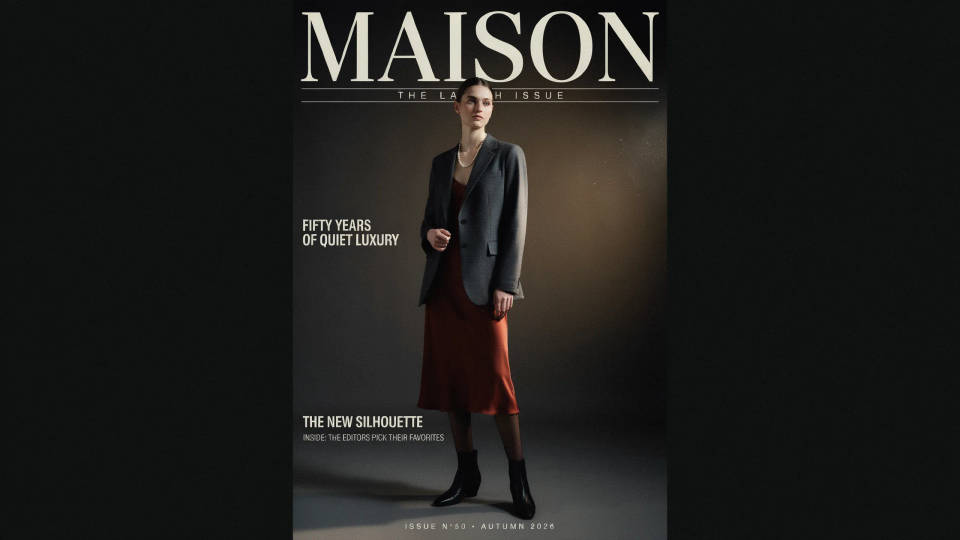
Style a photo into a cover to mark a launch, a birthday, or a milestone with a headline feel. The bold masthead and short cover line make the post read like a real front page. It is a fast way to make an announcement look editorial and considered.
Prompt examples
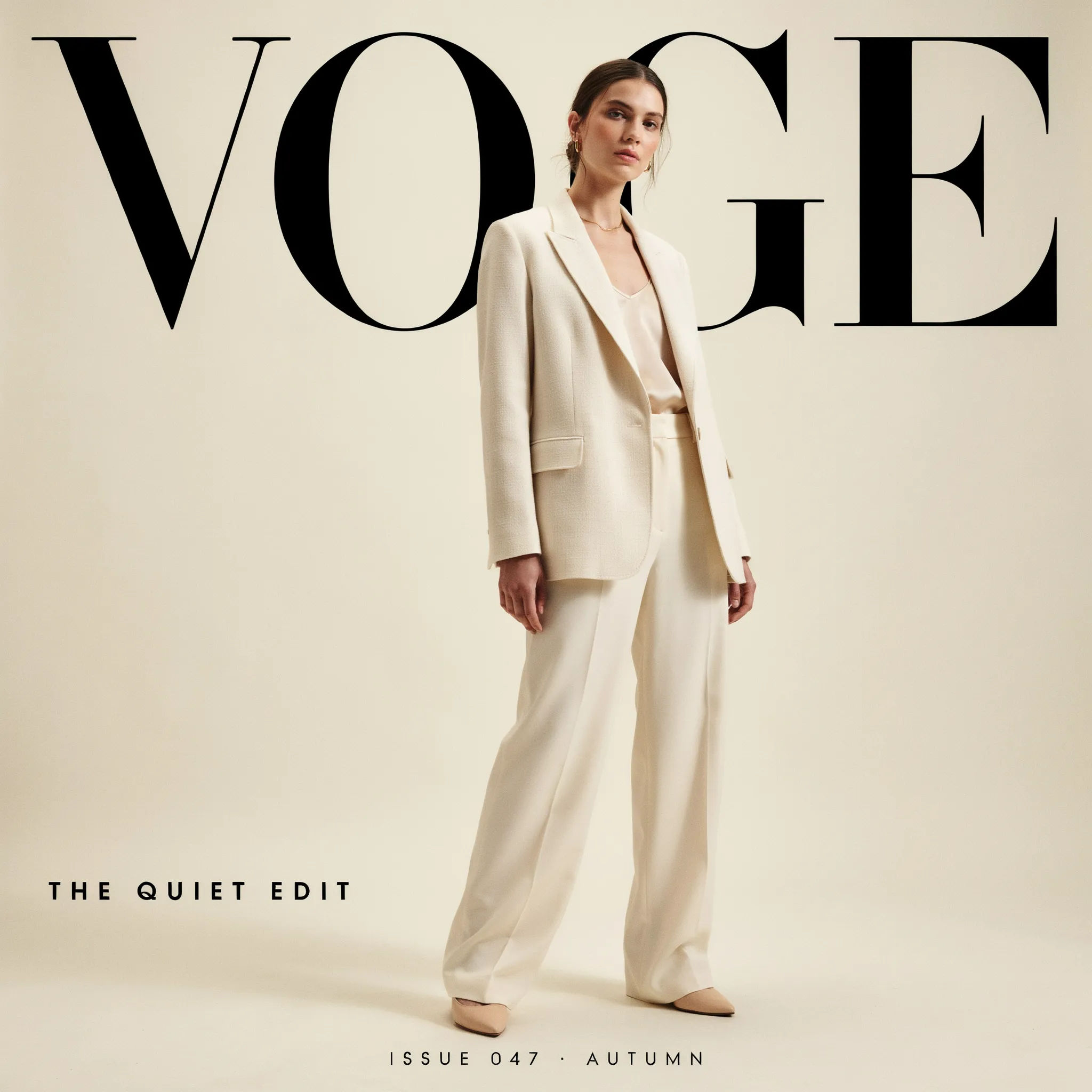
High-fashion cover
Style this portrait into a high-fashion magazine cover, bold masthead reading VOGE, one short cover line, soft studio light, cream backdrop
Edit prompt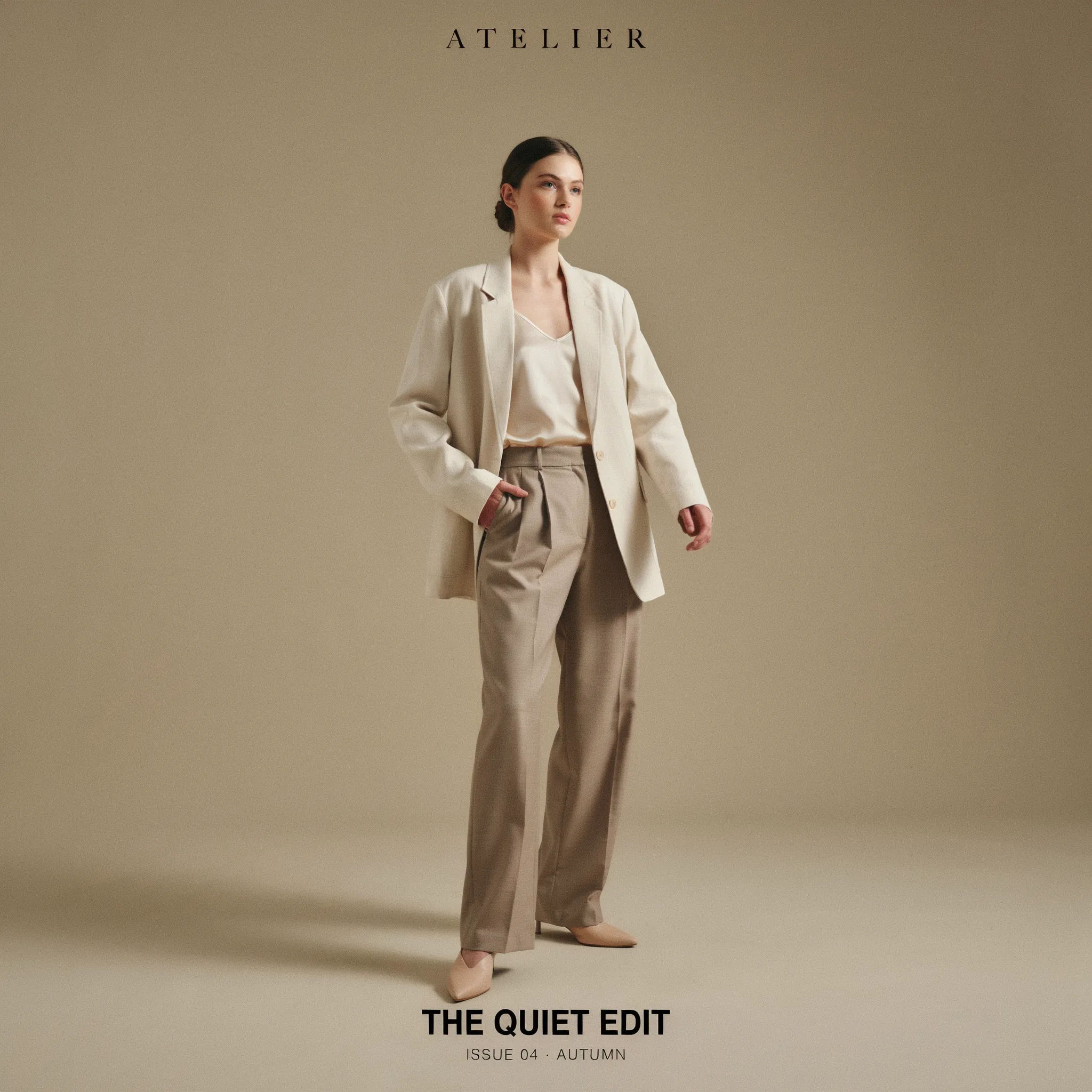
Minimal typographic
Turn this photo into a minimalist cover, thin masthead at the top, single centered cover line, muted palette, lots of negative space
Edit prompt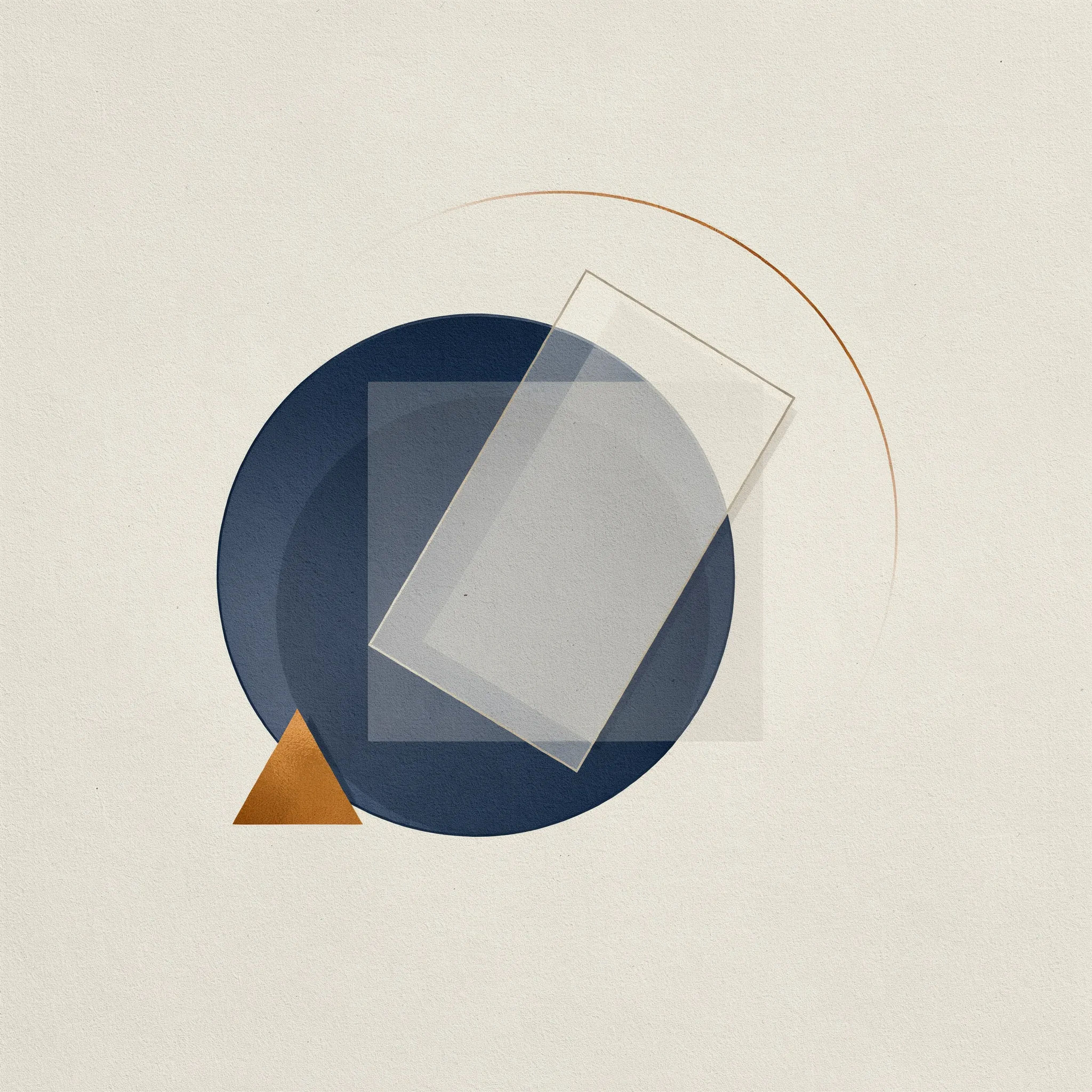
Bold color block
Make a fashion cover with a saturated color-block background, large masthead, two short cover lines, confident direct pose
Edit prompt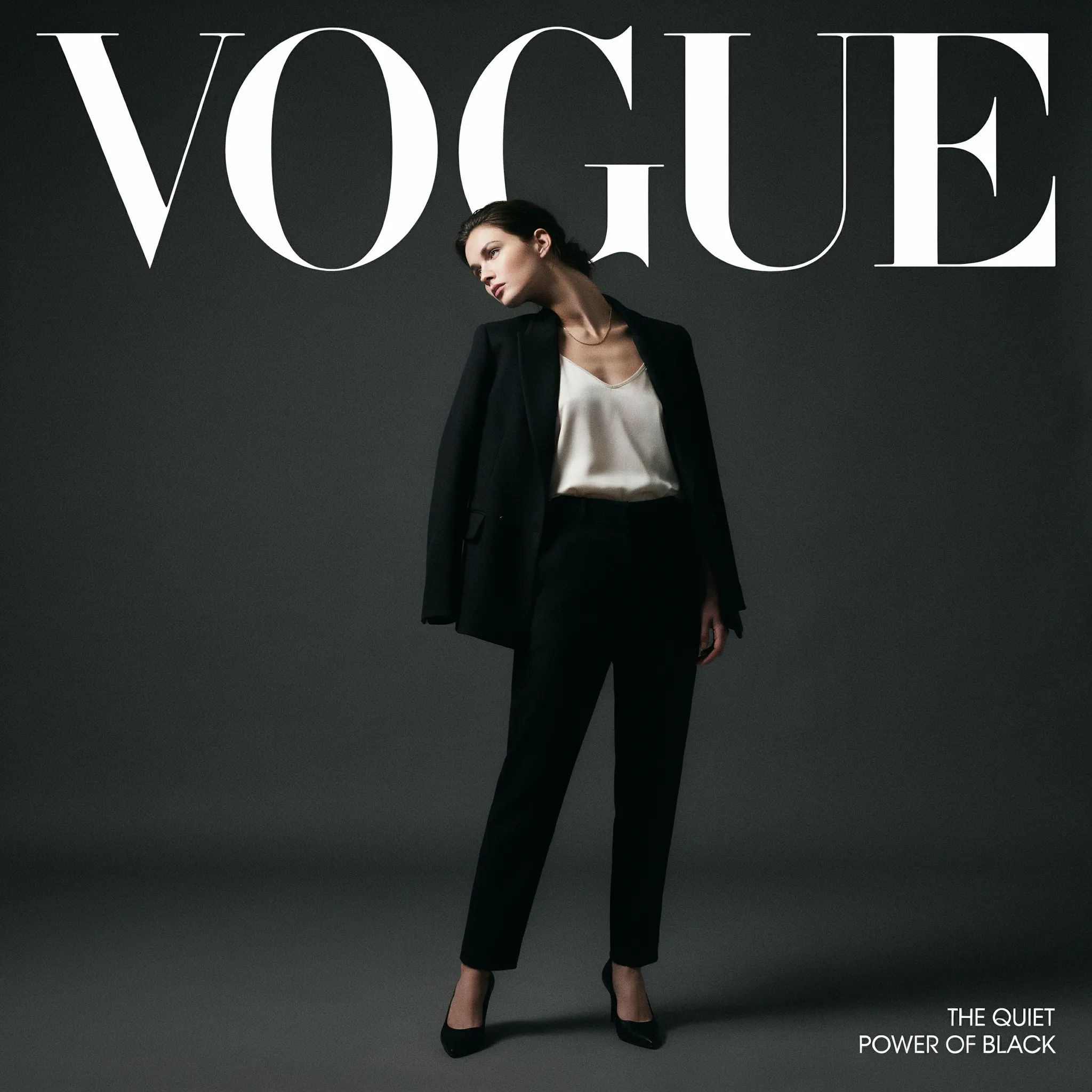
Moody cinematic
Style this portrait into a moody cinematic cover, dramatic side light, dark backdrop, elegant masthead, one short cover line
Edit prompt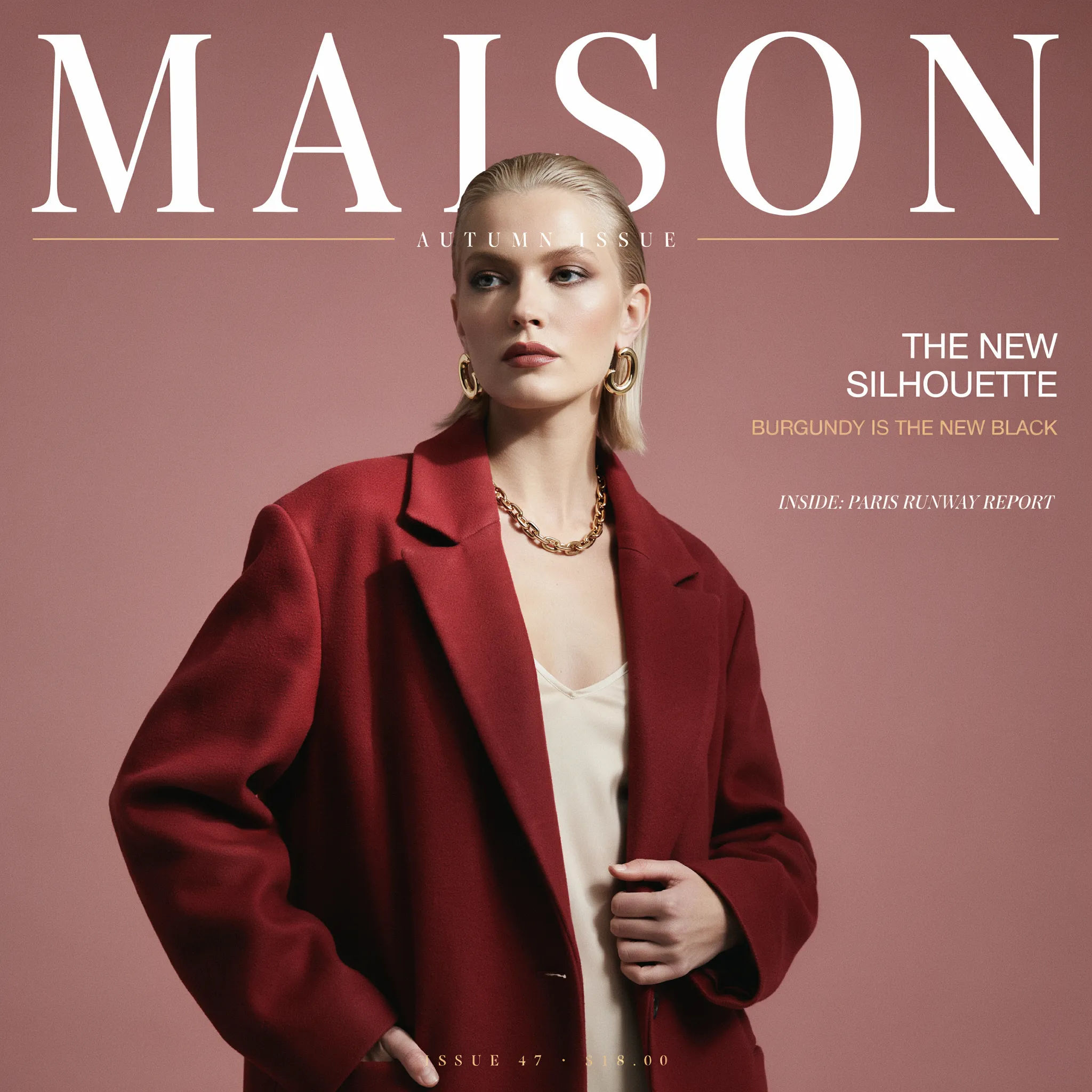
Classic newsstand
Turn this photo into a classic newsstand cover, bright even light, bold masthead, several short cover lines around the subject
Edit prompt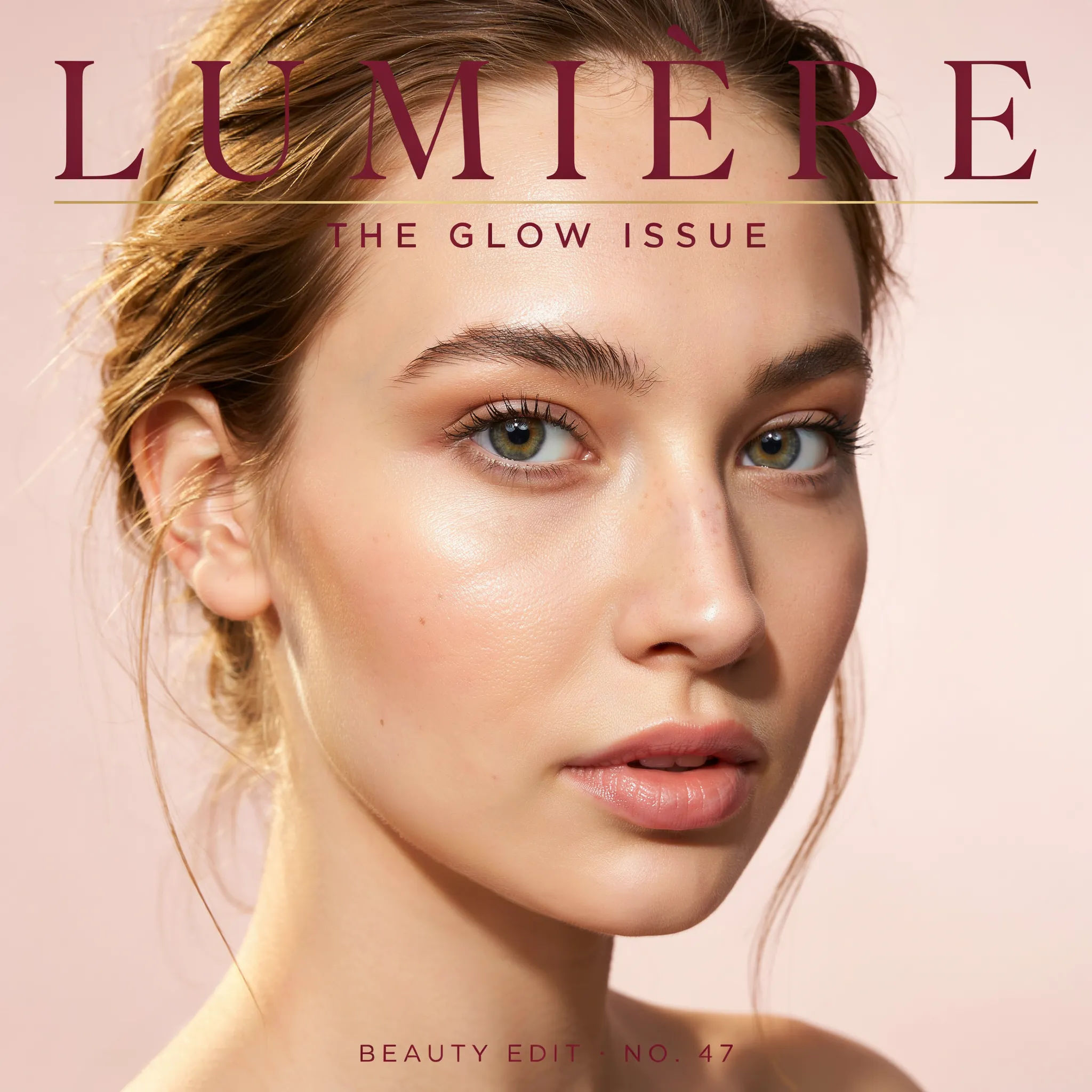
Beauty close-up
Make a beauty cover from this close-up portrait, glowing skin, soft pastel backdrop, elegant masthead, one short cover line
Edit prompt
Cinematic storyboard
Share a scene description with character references. Get a full storyboard with shot angles and mood.

Messages to cinematic scene
Dramatize any text conversation into a cinematic multi-shot video.

Title sequence
Generate a professional film title card from scratch, with optional cinematic animation.
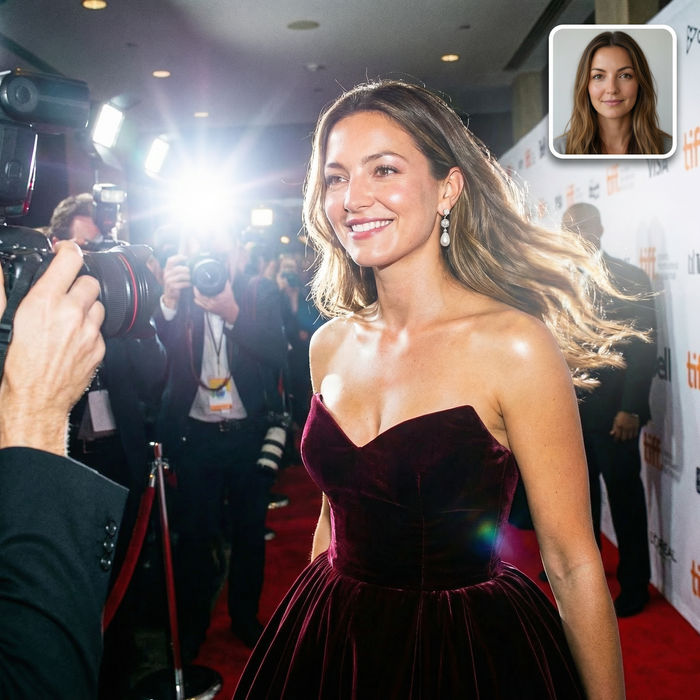
Paparazzi scene
Put anyone on a red carpet with paparazzi flashes, animated into a celebrity entrance video.

Female AI influencer
Generate a female AI influencer. Vertical output, ready for socials.

3x3 storyboard
Feed in a single image. Get 9 cinematic beats laid out as a 3x3 storyboard grid.
All on Morphic
Your complete cover-design stackModels
Nano Banana 2, Flux 2 Pro, ChatGPT Images, Grok Imagine, Recraft, Seedream, and more. Swap models when a cover needs cleaner type or lighting.
AI magazine cover generator
Build a cover from a brief rather than an uploaded photo, when you want the subject and scene generated from scratch.
AI photo enhancer
Sharpen and clean up your source portrait first, so the cover starts from the crispest possible shot.
Image to image
Restyle and rebuild any portrait into a cover look by editing from the photo you upload, the same method behind this maker.
