Every image model
One workspaceCovers you can design
Design a story cover in three steps
- 01
Open Morphic
Sign up and start creating on a free-flowing, infinite visual canvas.
- 02
Describe the story
Give the genre, the mood, the title, and your name. Ask for a bold, thumbnail-ready look.
- 03
Generate and export
Get the art and title set together. Rerun until it reads small, then export.
Use cases
Launch a new story
Give a fresh story a cover that pulls readers in from the browse list. Describe the genre and the mood and the model builds a bold focal image with the title set in. A cover that reads as a thumbnail is the first thing that earns a click, long before anyone reads the blurb.
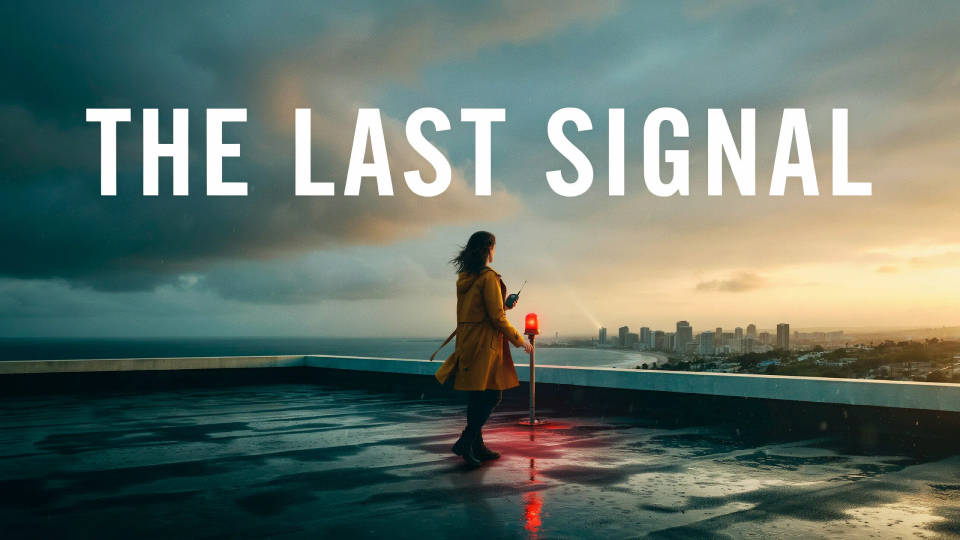
Match your genre
Readers scan for genre cues before they read a word, the palette, the type, the imagery. Ask for the look your shelf expects, dark romance reds, YA fantasy blues, thriller high contrast, and the model builds to it. The right cues bring in the readers most likely to stay.
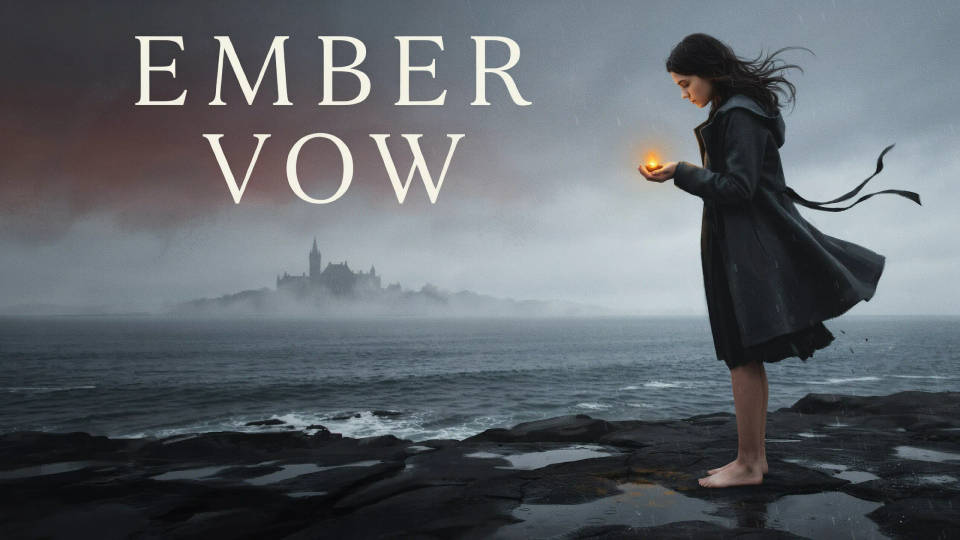
A consistent series look
Writing a series? Keep the covers in one family so a reader spots book two at a glance. Describe the shared style and change one element per cover, a colour, a figure, a symbol. Generate them together on the canvas and the set reads as a run rather than one-offs.
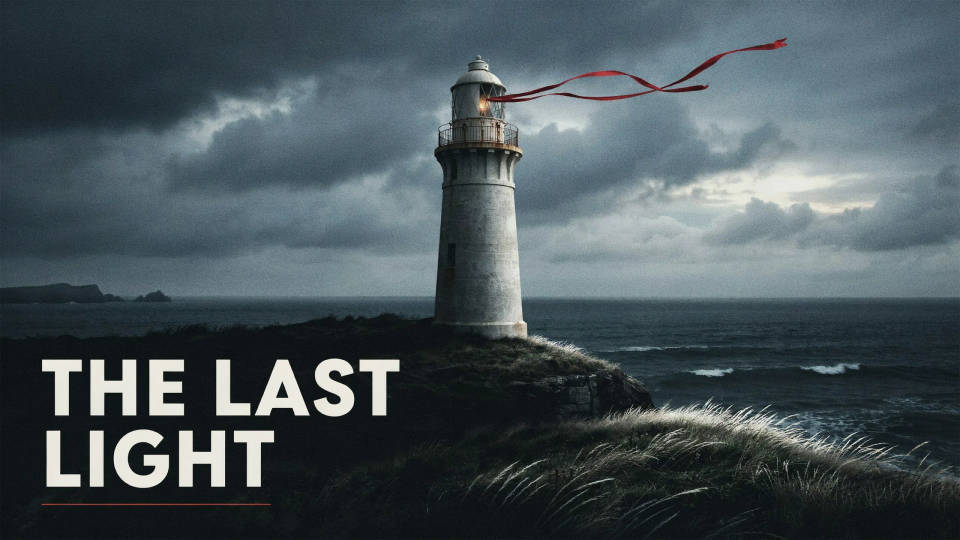
Refresh an older cover
An early cover can hold a good story back. Regenerate it with a stronger focal image and bolder title type, keeping the genre cues your readers know. A cleaner cover that reads small can lift clicks on a story that was already there, without touching a word of the writing.
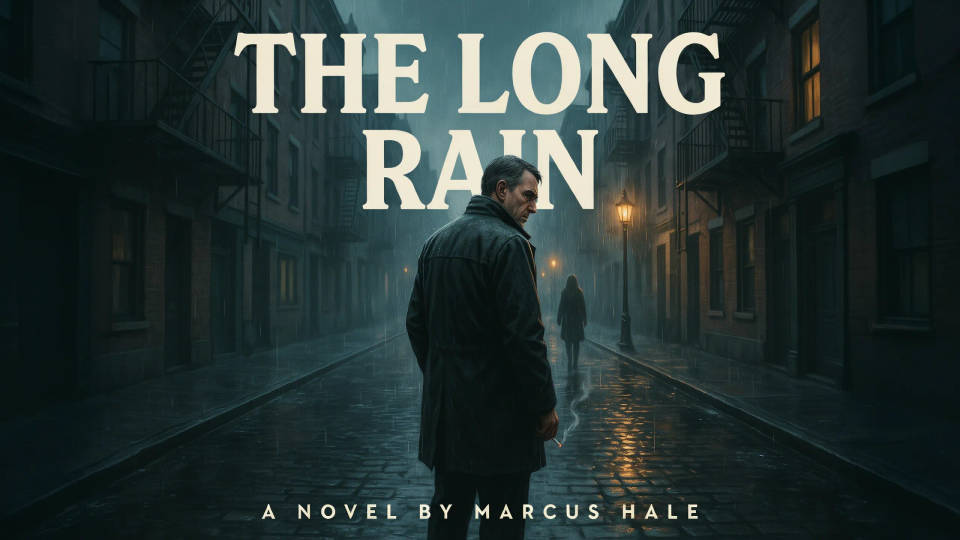
Prompt examples
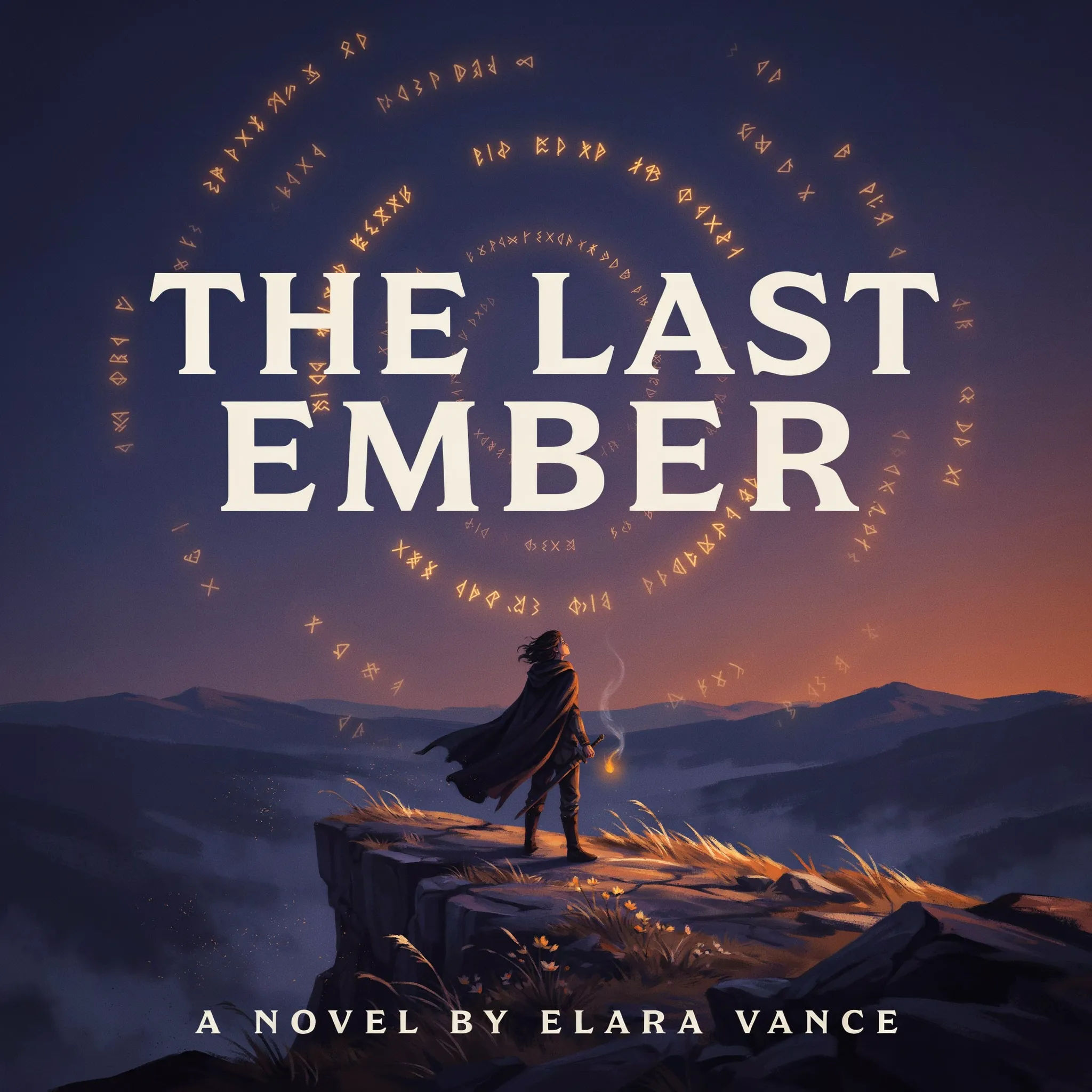
YA fantasy
A YA fantasy Wattpad cover, a lone figure on a cliff at dusk, glowing runes in the sky, a bold title THE LAST EMBER across the top, tall portrait
Edit prompt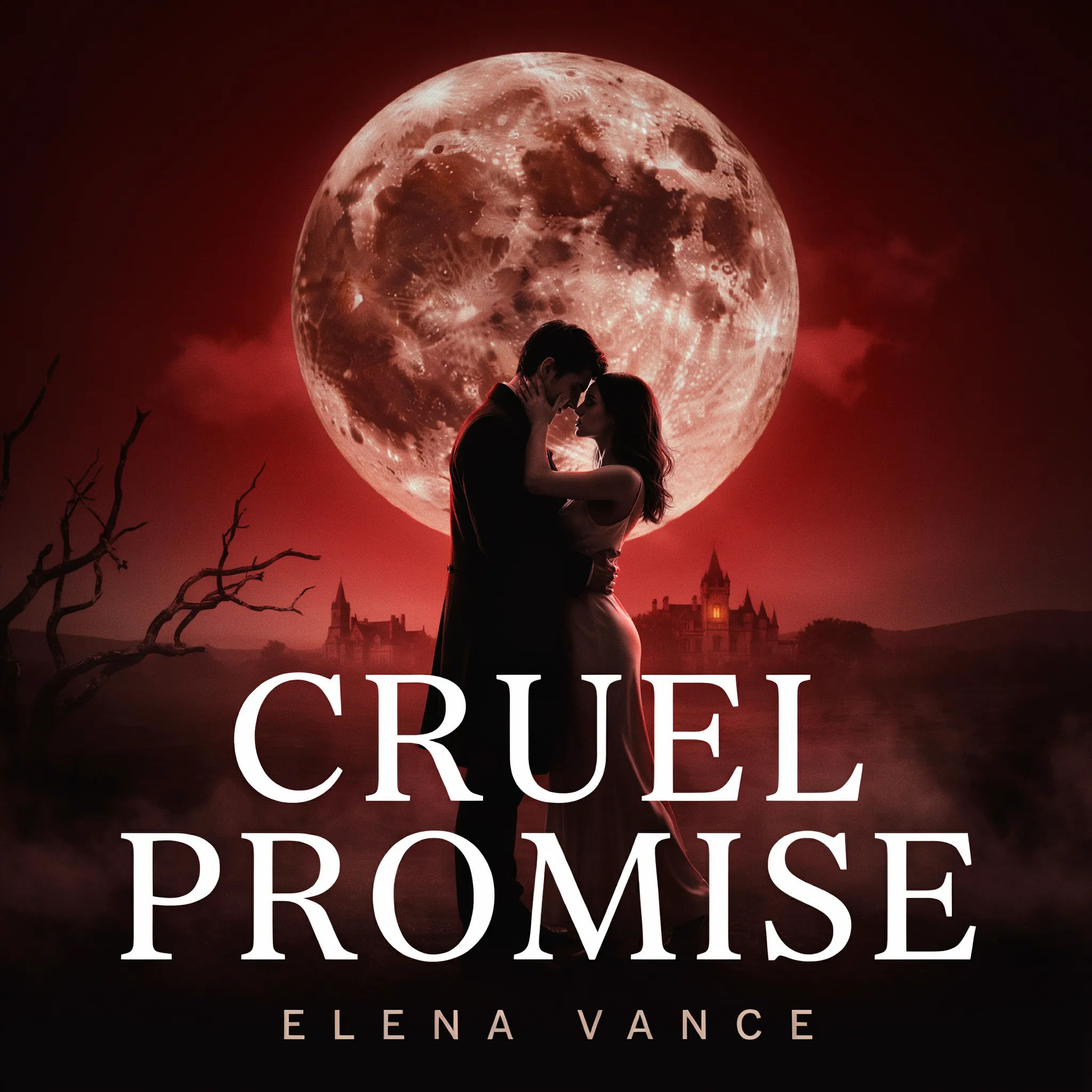
Dark romance
A dark romance cover, two silhouettes close under a red moon, moody shadows, a bold serif title CRUEL PROMISE, small author name below, tall portrait
Edit prompt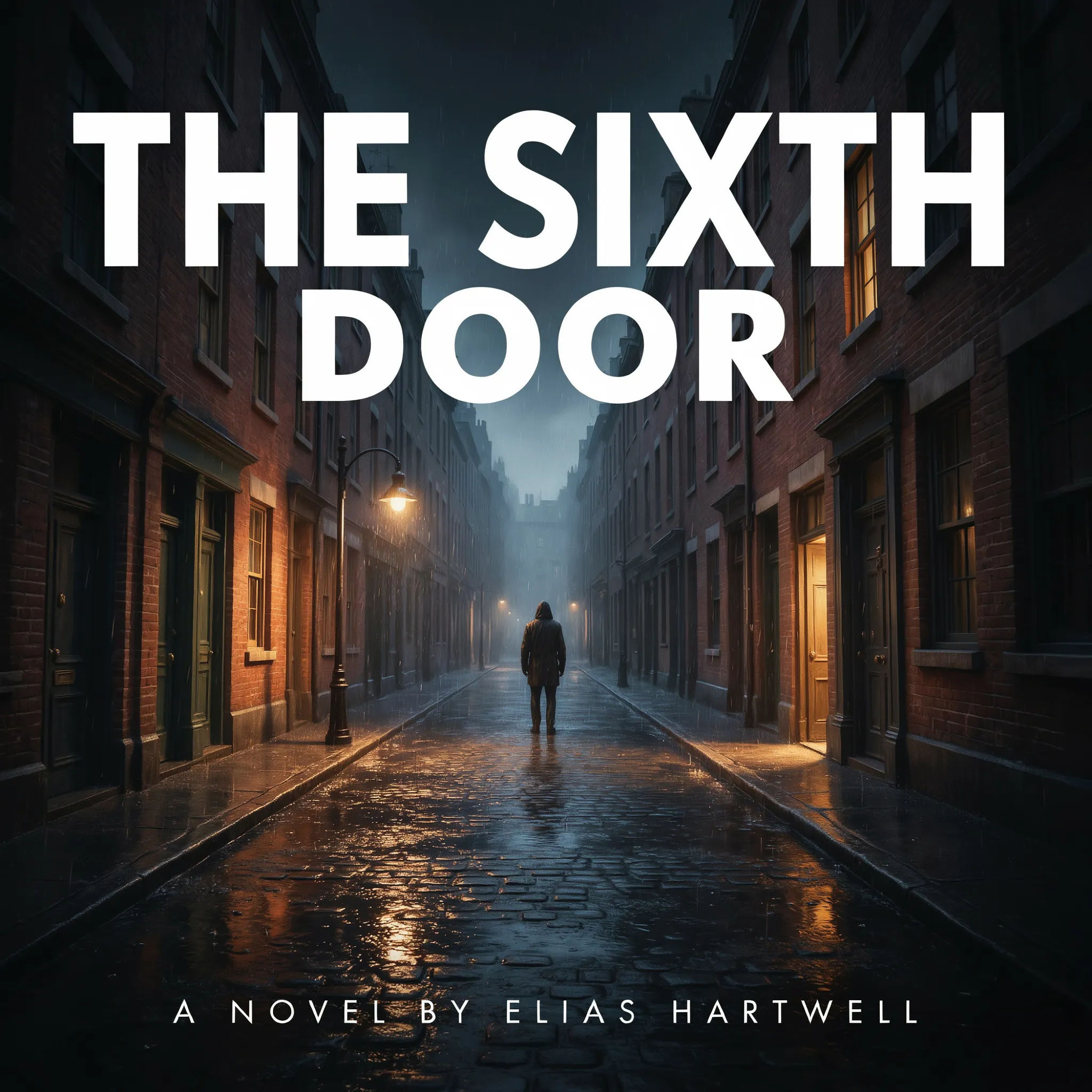
Thriller
A thriller cover, a rain-soaked empty street at night, high contrast, a bold title THE SIXTH DOOR in stark white, tense mood, tall portrait
Edit prompt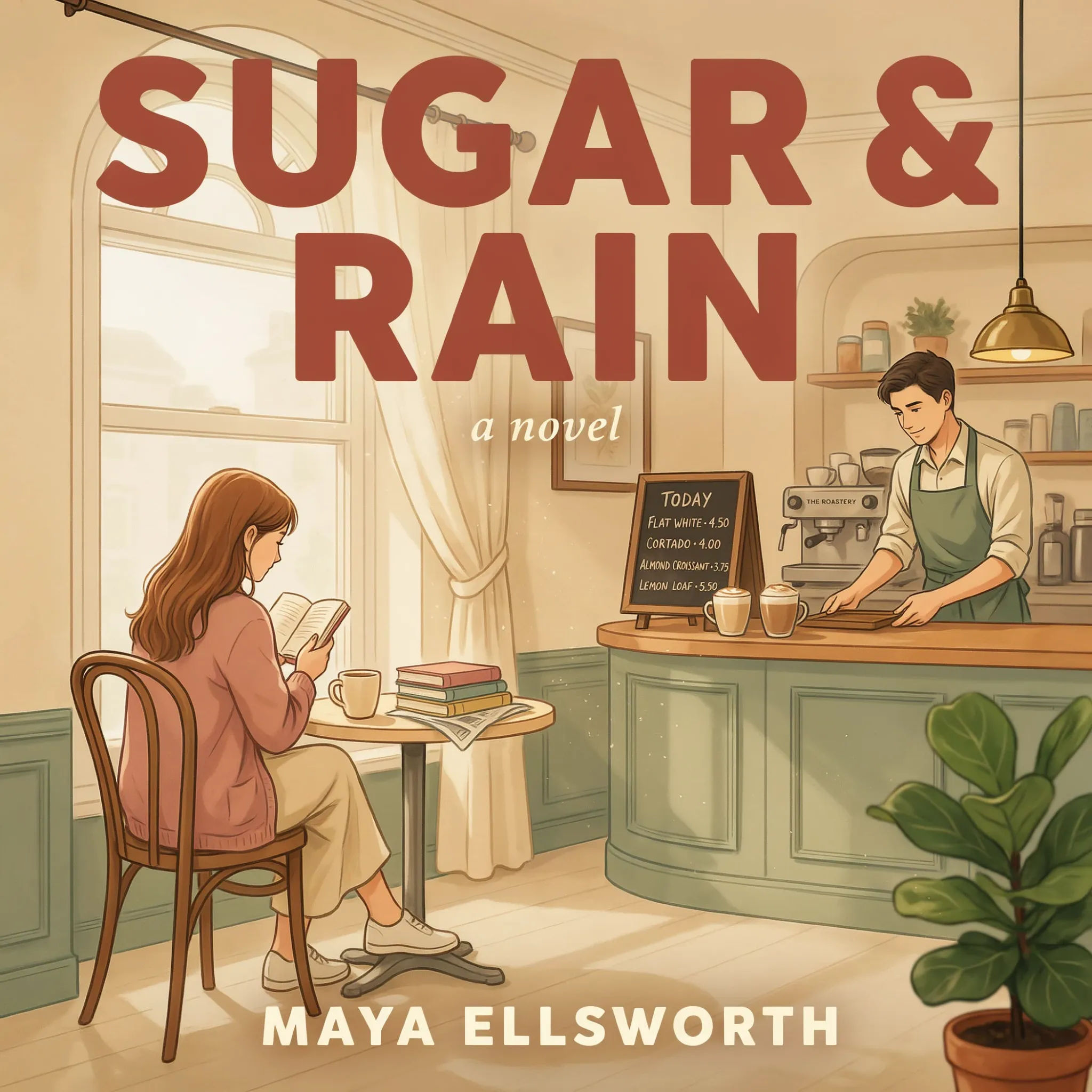
Cosy contemporary
A cosy contemporary romance cover, a sunlit cafe illustration, warm pastel palette, a soft rounded title SUGAR & RAIN, cheerful mood, tall portrait
Edit prompt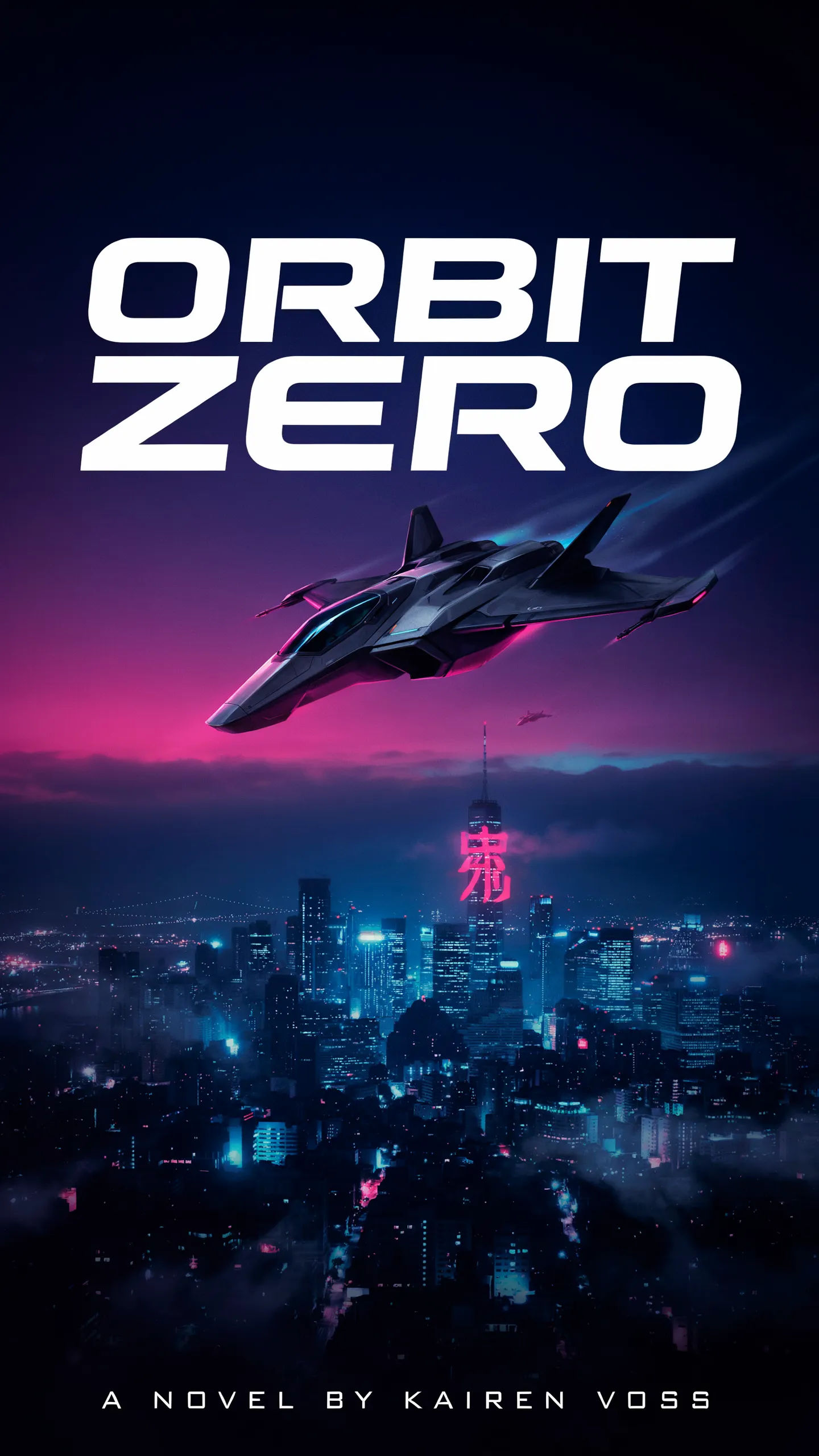
Sci-fi
A sci-fi cover, a lone spacecraft over a neon city, deep blue and magenta, a bold clean title ORBIT ZERO, futuristic type, tall portrait
Edit prompt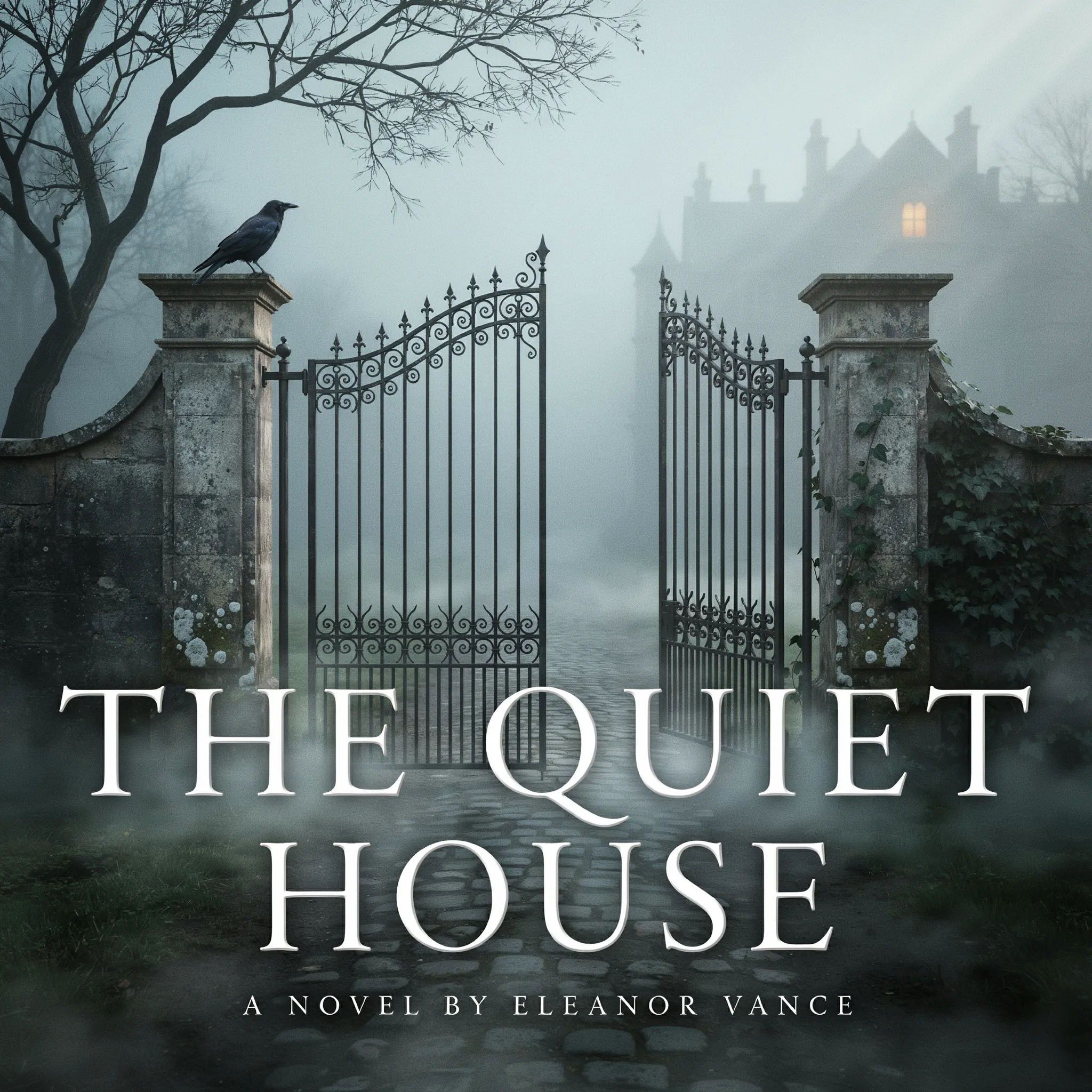
Mystery
A mystery cover, a foggy manor gate at dawn, muted greens and greys, a bold elegant title THE QUIET HOUSE, understated mood, tall portrait
Edit prompt
Cinematic storyboard
Share a scene description with character references. Get a full storyboard with shot angles and mood.

Messages to cinematic scene
Dramatize any text conversation into a cinematic multi-shot video.

Title sequence
Generate a professional film title card from scratch, with optional cinematic animation.

3x3 storyboard
Feed in a single image. Get 9 cinematic beats laid out as a 3x3 storyboard grid.
Movie poster
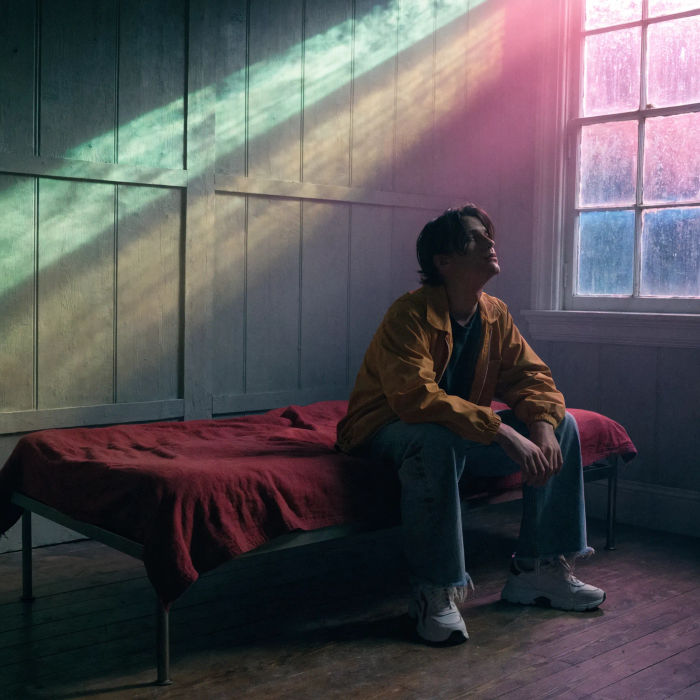
Cinematic poster compositions from your key art, in any genre tone.

Chibi sprite animation
Turn any photo or description into an animated chibi sprite. Dance, jump, wave, attack, and more.
All on Morphic
Your complete story branding kitModels
Nano Banana 2, Flux 2 Pro, ChatGPT Images, Grok Imagine, Recraft, Seedream, and more. Swap models when a cover needs sharper title type or a stronger focal image.
Poster generator
Turn a cover into a promo poster or an announcement graphic in the same look.
Social media post generator
Spin the cover art into posts and stories to promote a new chapter or release.
Text to image
Generate any cover, poster, or story graphic straight from a written description.
