Every image model
Clean white shot
Get the white shot in three steps
- 01
Open Morphic
Sign up and start creating on a free-flowing, infinite visual canvas.
- 02
Upload the product
Drop in a photo of the item, shot on any background or surface.
- 03
Generate and export
The model cuts it out, drops it on white, and adds a shadow. Export the listing shot.
Use cases
Turn a home photo into a listing shot
Shoot a product on your kitchen table or shelf, then let the tool lift it off the clutter and set it on clean white. The generated shadow grounds it so it looks studio-shot rather than cut out. It is the fastest way to meet a marketplace's white-background rule without a lightbox or a booking.
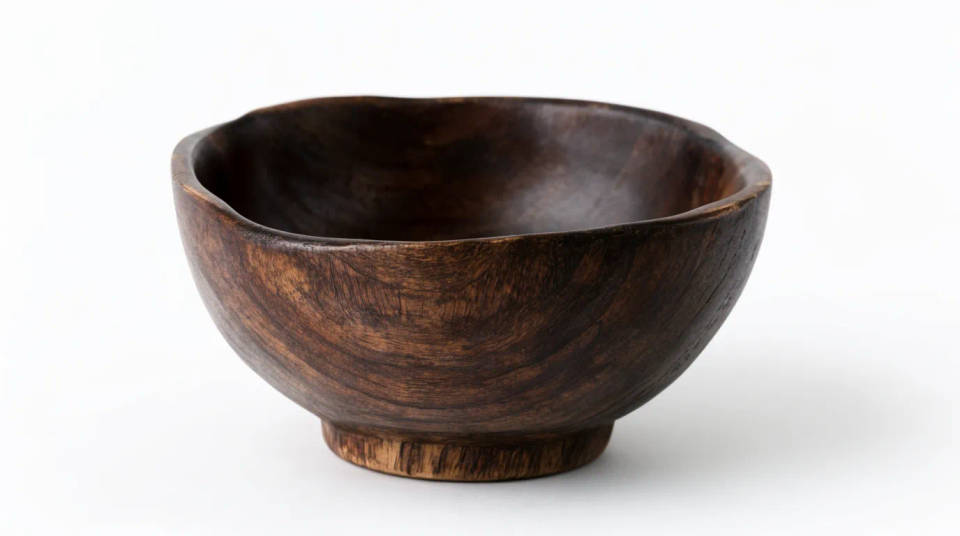
Give a whole range one consistent look
Run every item in a catalogue through the same white treatment and the storefront reads as a set instead of a mix of lighting and backdrops. Each product lands centred on the same even white with a matching shadow, so the grid looks deliberate and clean across the page.
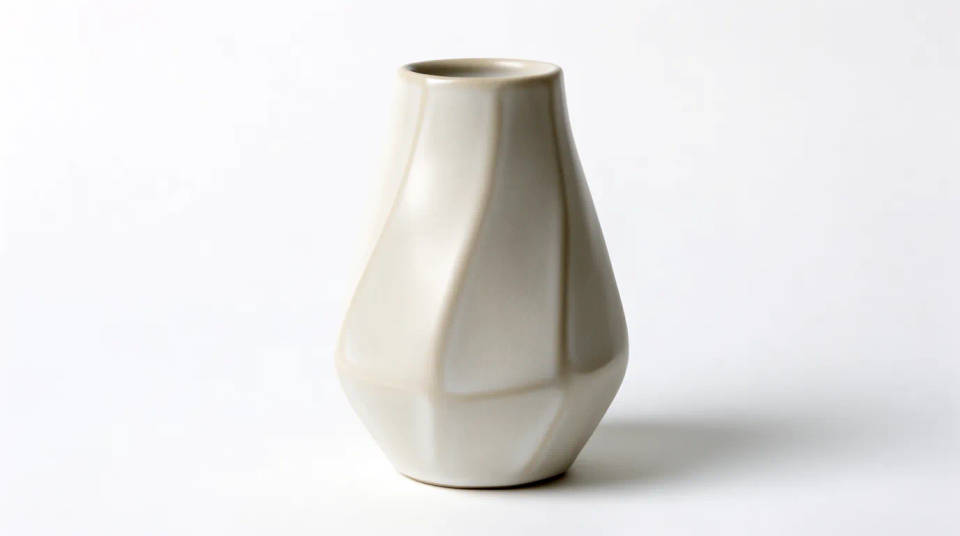
Rescue a shot with a busy background
When the only photo you have of a product is cluttered or badly lit behind it, the cutout plus white field saves it. The item comes forward on a clean surface, so a rushed phone snap becomes usable for a listing, an ad, or a supplier sheet without a reshoot.
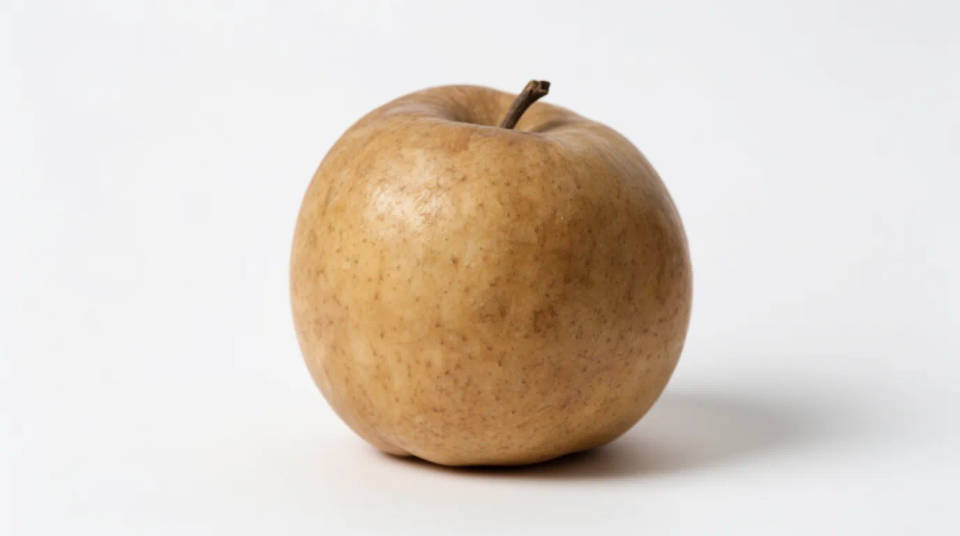
Prep clean assets for a deck or catalogue
A product on plain white drops cleanly into a pitch deck, a printed catalogue, or a spec sheet without a background fighting the layout. The even field and soft shadow keep the focus on the item, and the same file works over a white or light page without an edge showing.
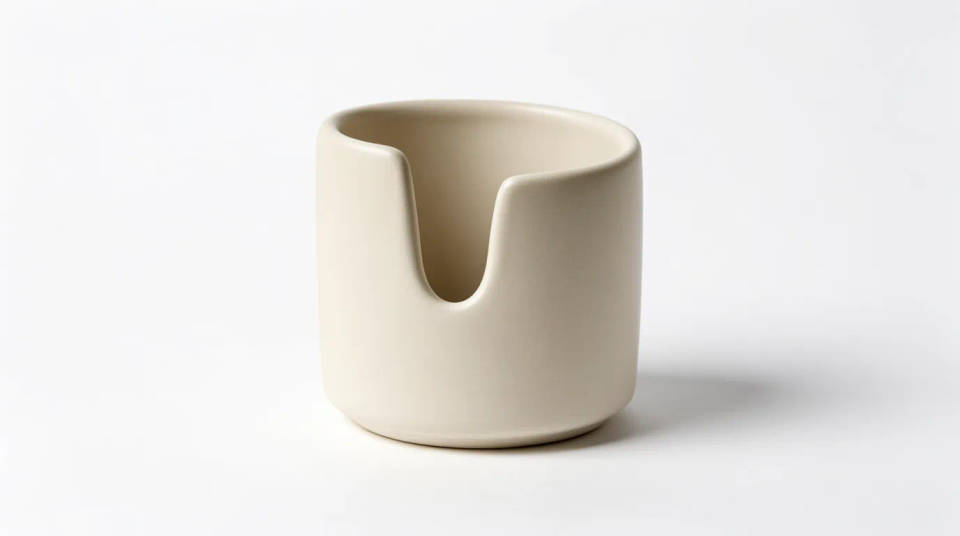
Prompt examples
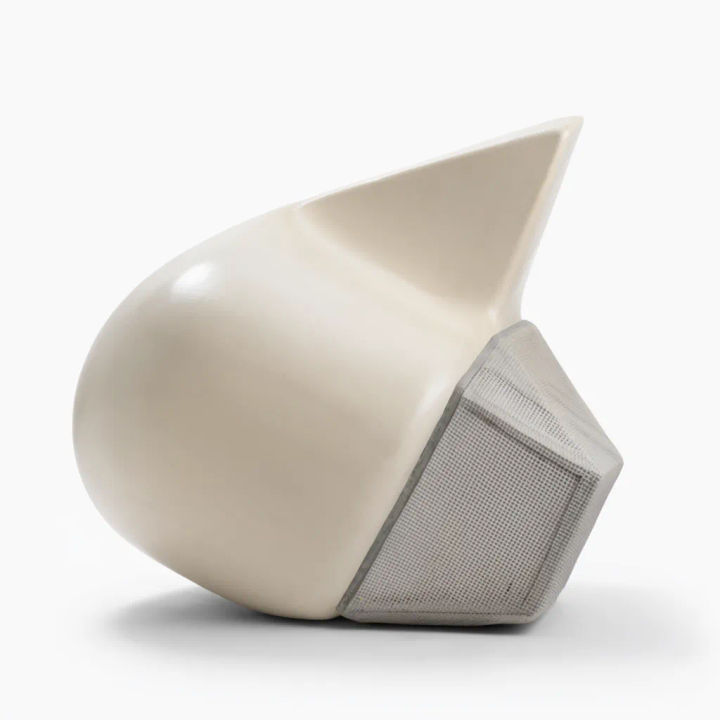
Clean listing shot
Cut this product out and place it centred on a clean white background with a soft shadow
Edit prompt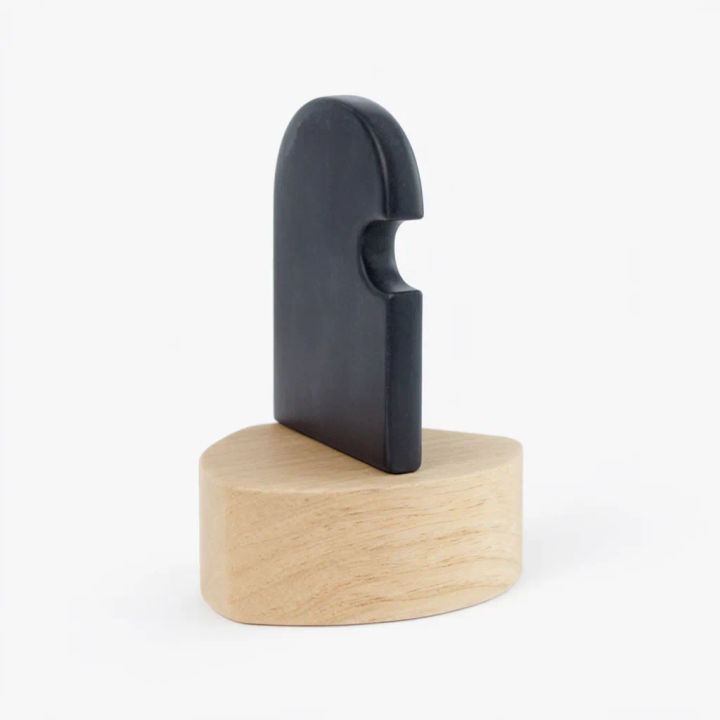
Off a messy desk
Remove the cluttered desk behind this item and set it on an even white field
Edit prompt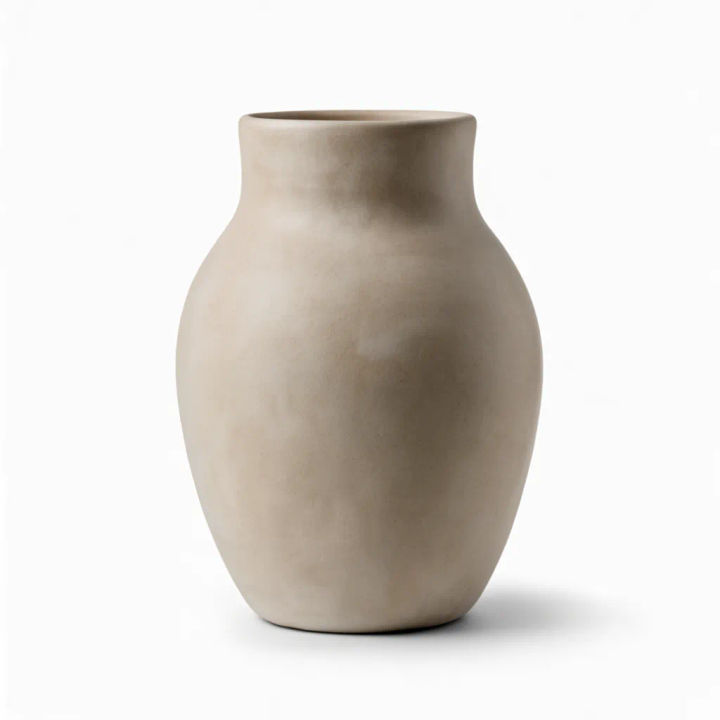
Add a natural shadow
Ground this product on white with a realistic contact shadow so it does not float
Edit prompt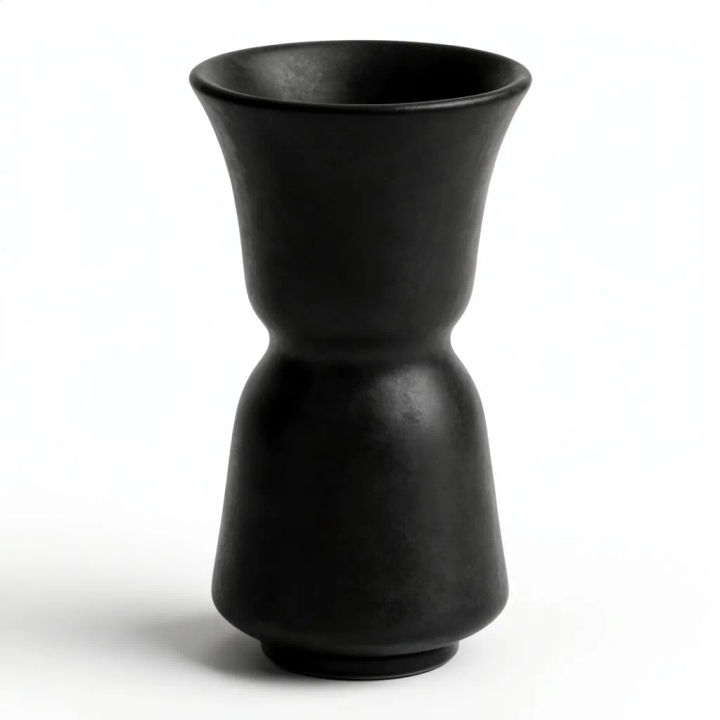
Flat shadowless white
Place this product on a pure white background with no shadow for a marketplace listing
Edit prompt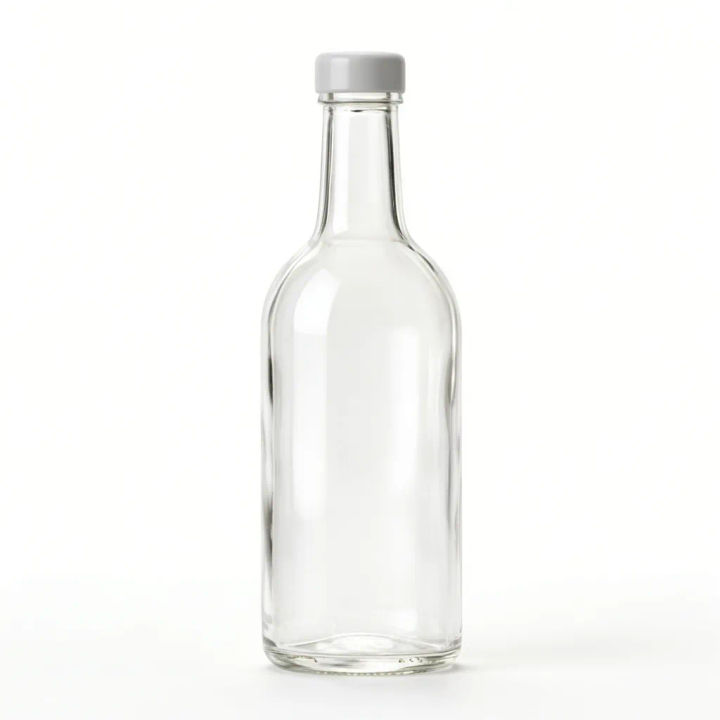
Reflective product
Cut out this glass bottle and set it on clean white while keeping the reflective edges
Edit prompt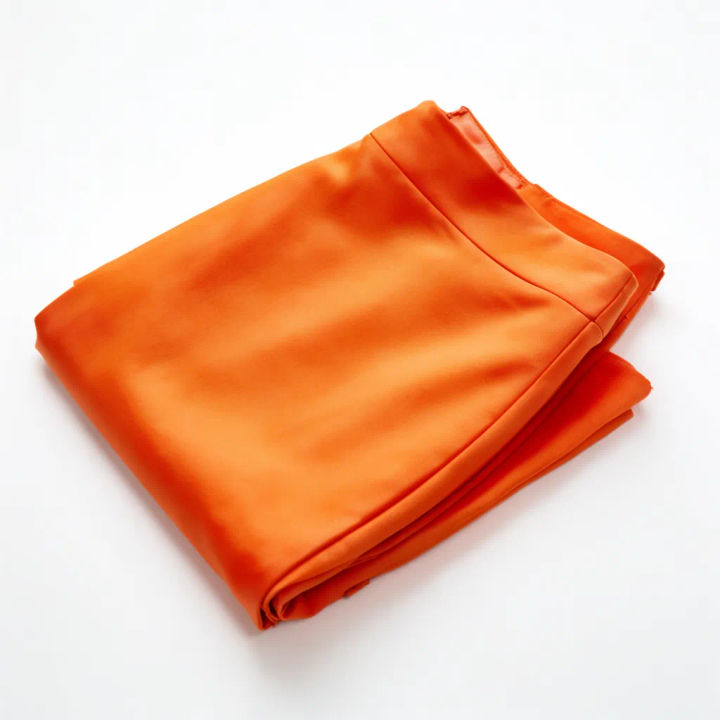
Apparel on white
Place this folded garment on a clean white surface as a tidy flat-lay listing shot
Edit prompt
Cinematic storyboard
Share a scene description with character references. Get a full storyboard with shot angles and mood.

Chibi sprite animation
Turn any photo or description into an animated chibi sprite. Dance, jump, wave, attack, and more.

Messages to cinematic scene
Dramatize any text conversation into a cinematic multi-shot video.

Title sequence
Generate a professional film title card from scratch, with optional cinematic animation.

3x3 storyboard
Feed in a single image. Get 9 cinematic beats laid out as a 3x3 storyboard grid.

Character look book
Character photo plus costume descriptions. Multiple styled looks across angles and lighting.
All on Morphic
Models
Nano Banana 2, Flux 2 Pro, ChatGPT Images, Grok Imagine, Recraft, Seedream, and more. Switch models when a cutout needs a cleaner edge.
Product photo generator
Go beyond white and stage the same product in a full scene, on a set, or in a lifestyle shot.
Product image variations
Turn one product photo into a set of angles and shots, all keeping the item identical.
Image to image
Relight, recolour, or restage the product through the same canvas that powers the white shot.
