A candlelit face turning
A subject sits at a bare table in a candlelit room as the eyes flood black and dark veins rise across the temples. Warm flickering key against deep shadow, a slow push-in that holds on the eyes.
Edit prompt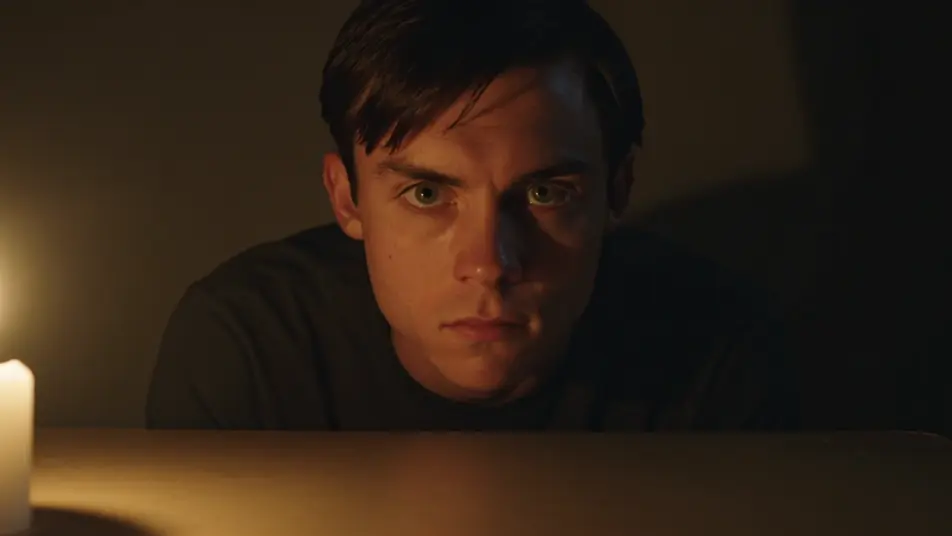
This page covers mature themes for adult audiences making film, games and other creative work.
Direct chilling possession effects in your browser with Morphic's demonic possession AI video generator. Generate a calm face darkening as the eyes turn black, or a body wrenching into an impossible contortion. Swell dread with Music, then stitch the manifestations into one sequence on the Canvas.
A subject sits at a bare table in a candlelit room as the eyes flood black and dark veins rise across the temples. Warm flickering key against deep shadow, a slow push-in that holds on the eyes.
Edit promptA figure on a dusty attic floor arches backward into an impossible spine-bending posture beneath a single hanging bulb. Hard top light swinging faintly, a locked wide shot that keeps the whole body in frame.
Edit prompt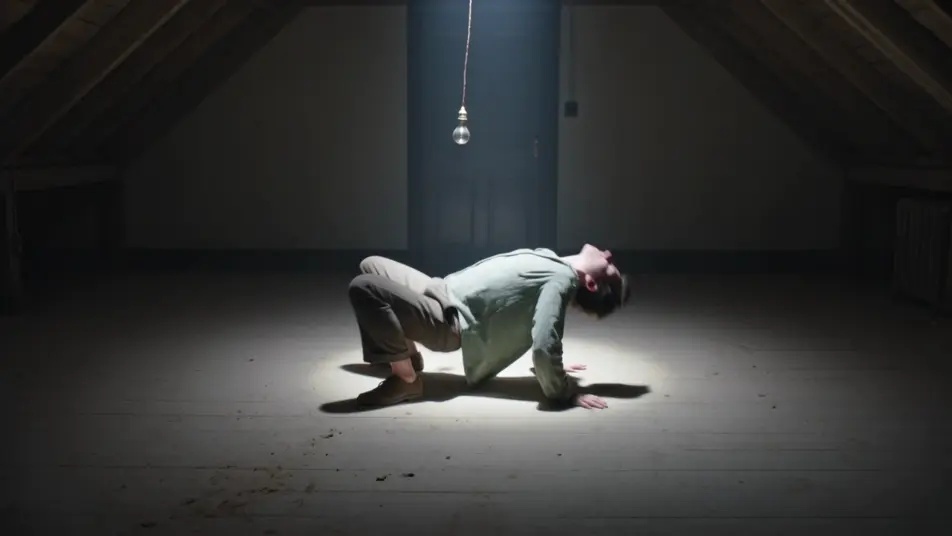
A possessed subject rises rigid off a bed in a dark bedroom, head lolling back as the sheets fall away. Cold moonlight from a curtained window, a slow rising crane that follows the lift.
Edit prompt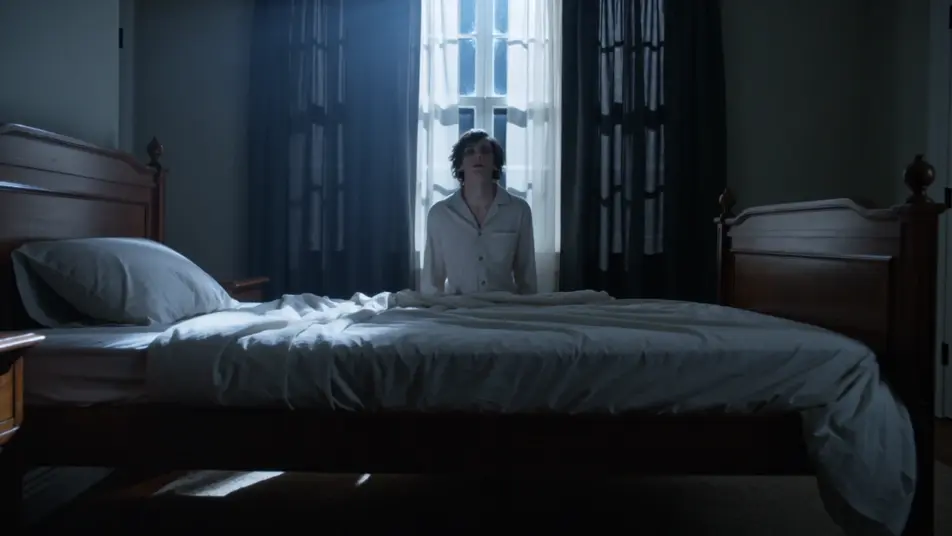
A blank-faced possessed figure stands at the top of a shadowed stairwell with hollow eyes and a faint wrong smile, unmoving. Cold underlight from below, a slow push-in up the stairs.
Edit prompt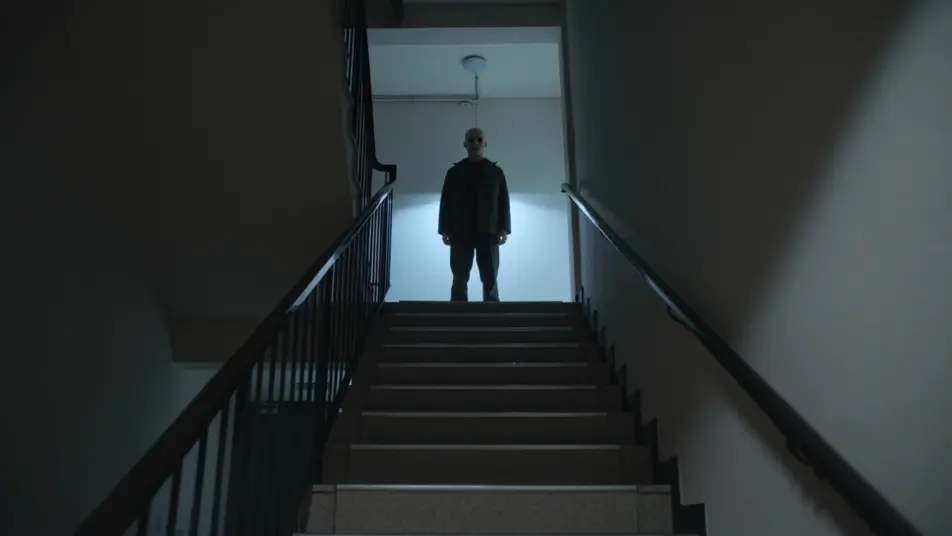
Write the demonic possession effect scene you want, in plain words.
Morphic generates a cinematic, frame-ready clip on your canvas in seconds.
Tweak the prompt, regenerate variations, then download or share the shot.
Cinematic time-freeze short film for any scene

Dramatize any text conversation into a cinematic multi-shot video.

Generate a professional film title card from scratch, with optional cinematic animation.
Photo of any real-estate becomes a cinematic renovation timelapse video with construction SFX and music.
One image to a 9-scene cinematic video.
Drop in a photo of yourself. Get a 12-second cinematic movie with animation and a matched soundtrack.
AI Werewolf Transformation videos
Generate AI werewolf transformation videos with Morphic. Fur surges, bone shifts, snout pushes, and clawed hands from paste-ready change prompts that just run.
AI Ghost Overlay videos
Generate AI ghost overlay videos with Morphic. Drift translucent apparitions through a scene with paste-ready spectral overlay prompts that just run.
AI VFX videos
Generate AI VFX videos with Morphic. Explosions, energy effects, sci-fi destruction, particles, and creature shots from a prompt. No green screen, no compositing.
AI Morph videos
Generate AI morph videos with Morphic. Smooth morph transitions, shape-shifting reveals, face-aging morphs, and beat-synced morph-cut prompts that just run.
Get started for free today, with the option to upgrade or cancel anytime.
Basic
2400 monthly credits
1 user only
All models
Workflows
Standard
3625 monthly credits
1 user only
All models
Workflows
Pro
6350 shared monthly credits
1 user
All models
Workflows
Max
24650 shared monthly credits
1 user
All models
Workflows
Enterprise
For higher limits
Custom
pricing and billing terms

Free
For playing around
$0
forever free
Everything on this page is fictional depiction for film, games and creative work. It does not depict real events, and does not place real, identifiable people in them.
Results vary by model. Some models apply stricter content policies than others, so a shot one model declines may generate on another.